
Patriot Viper Steel 16GB Kit (2x8GB) DDR4-3200 CL16 Desktop Memory DIMM, 1.35V, Intel XMP, Grey
Brand:
Patriot

Patriot Viper Steel 16GB Kit (2x8GB) DDR4-3200 CL16 Desktop Memory DIMM, 1.35V, Intel XMP, Grey
€161.94 inc. VAT


PVS416G320C6K
Delivery
Order Today...
Ships...
Delivery...
ℹ️ Large or fragile items (e.g. monitors) may require extra handling time. We'll keep you informed.
Payment options
Trusted Tech Choice
Buying Benefits
Verified
Competitive EU pricing
Delivered to Cyprus from EU stock
Local warranty support
Please sign in so that we can notify you about a reply
Patriot Viper Steel 16GB Kit (2x8GB) DDR4-3200 Desktop DIMM
16GB Kit (2x8GB)DDR4-3200 CL161.35VDIMM 288-pin
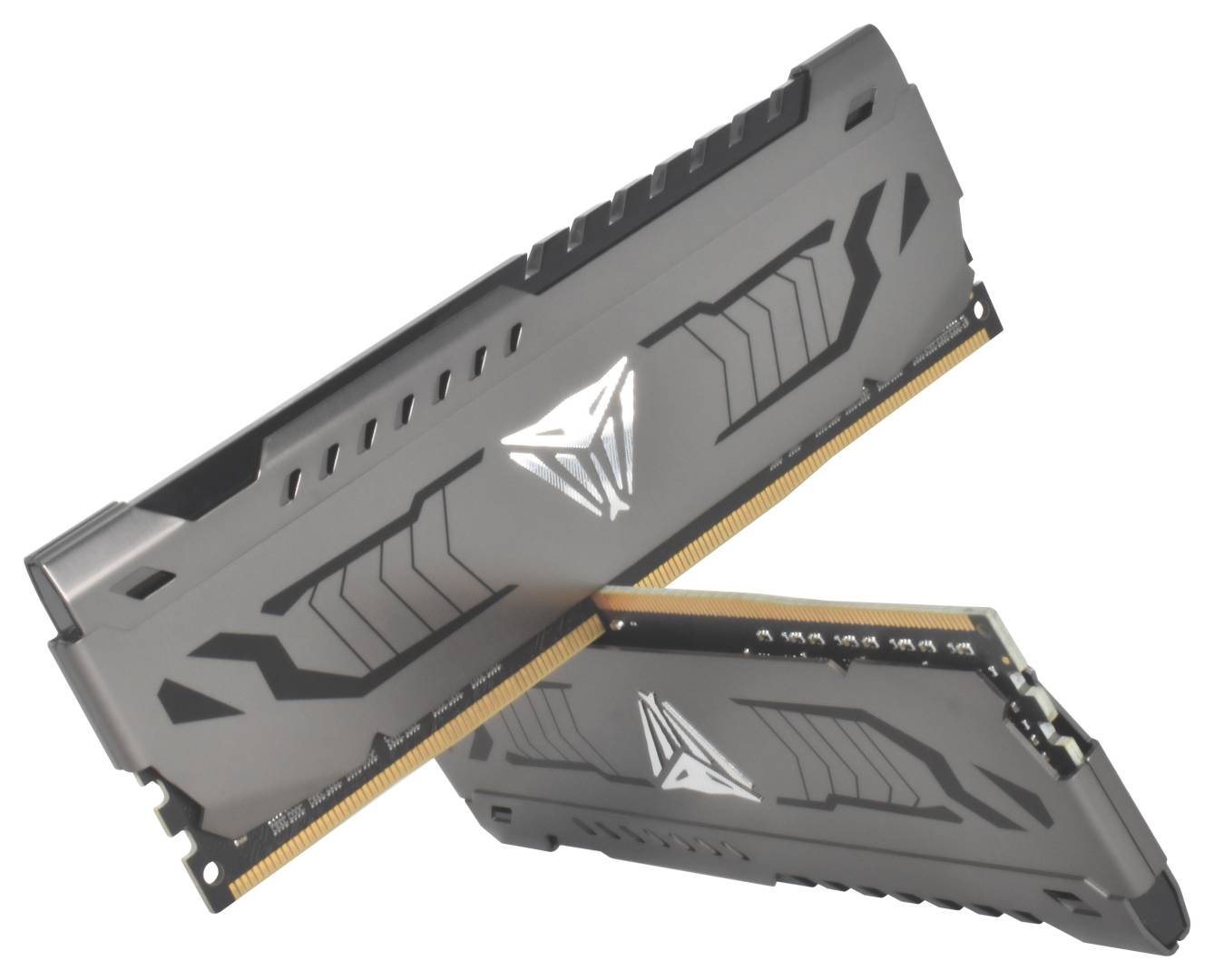
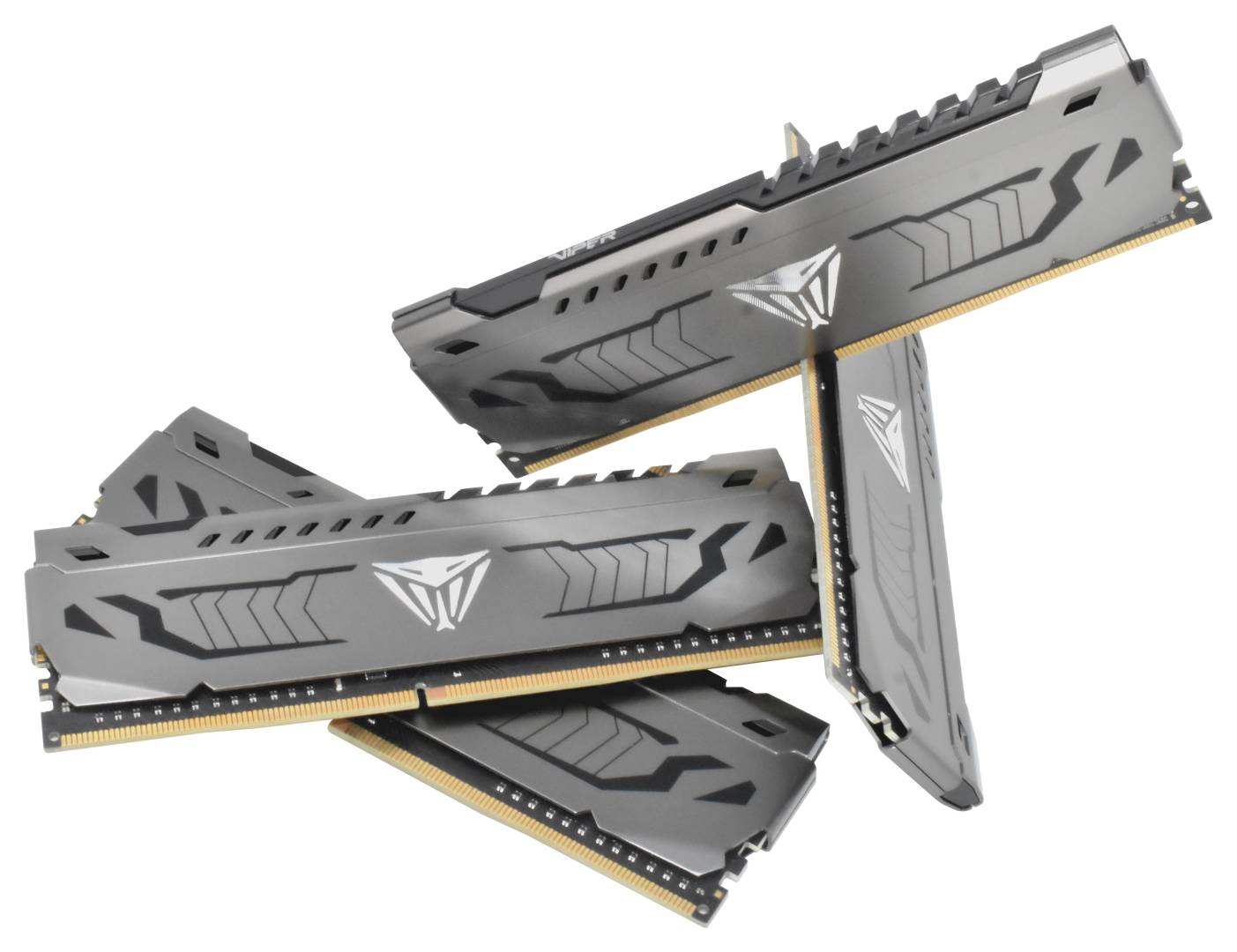
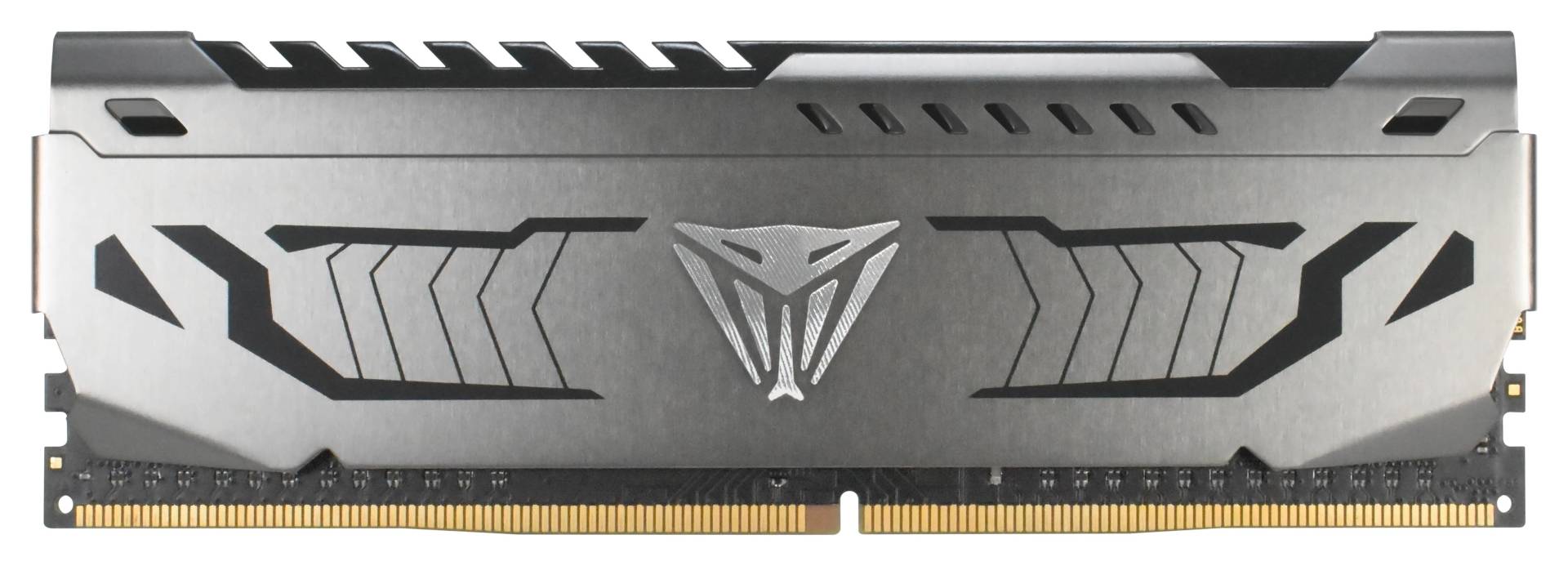
The Patriot Viper Steel PVS416G320C6K is a 16GB Kit (2x8GB) 288-pin unbuffered DDR4 desktop DIMM rated at 3200 MT/s with CL16 latency at 1.35V, for DDR4 desktop PCs that need more or faster memory.
It comes as 2 matched modules of 8GB, giving 16GB in total and up to 25.6 GB/s of peak bandwidth per module (PC4-25600). DDR4 is still the memory of a very large installed base of Intel 6th–14th Gen and AMD AM4 desktops, and adding capacity is the cheapest upgrade most of those PCs can get.
Typical uses: upgrading an office or home desktop that feels slow with today’s browsers and Office, adding capacity to a gaming PC, or replacing a failed module in an existing DDR4 system.
Before you order: DDR4 desktop only — it does not fit DDR5 or DDR3 motherboards. The rated 3200 MT/s needs XMP enabled in BIOS; otherwise it runs at a lower JEDEC default speed.
What's in the Box
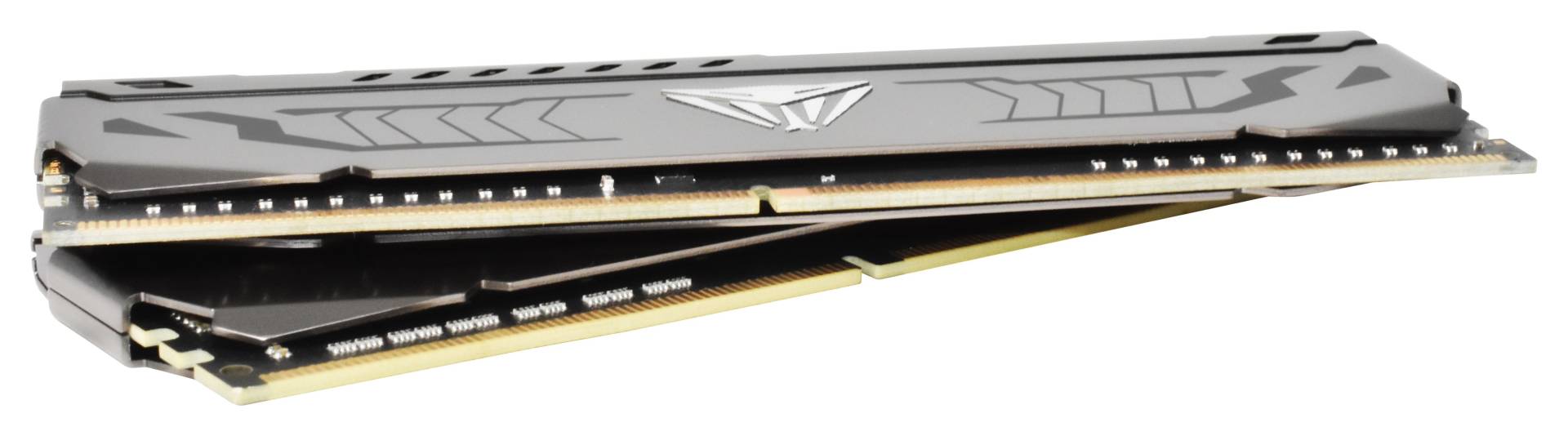
- 2 × 8GB DDR4 DIMM modules (16GB matched kit, tested together)
- Manufacturer packaging — memory installs tool-free into the slot, no cables or drivers needed
What It Means in Practice
- Out of the box it boots at a lower JEDEC default speed. Enabling XMP in BIOS is a one-click setting that loads the rated 3200 MT/s CL16 profile — the final speed depends on your CPU’s memory controller and motherboard.
- Two modules fill both channels of a dual-channel platform — install them in the slots your motherboard manual marks for two-DIMM operation (usually A2/B2).
- 16GB is the sweet spot for everyday work, Office and most games, with room for a browser full of tabs alongside.
- Installation takes a few minutes: power off and unplug the PC, open the side panel, release the slot latches and press each module straight down until the latches click shut on both ends.
- After installation, Windows Task Manager (Performance → Memory) shows the total capacity, the speed in MT/s and how many slots are used — a quick way to confirm everything is detected.
What Will Not Work
- DDR5 or DDR3 motherboards — the notch is in a different position
- Laptops and mini PCs that take SO-DIMM memory
- Servers that require registered (RDIMM) ECC memory — this is non-ECC unbuffered memory
- Combining two kits for more modules — memory makers test kits as a set and do not guarantee the rated speed with mixed kits
Key Features
3200 MT/s · CL16
Rated 3200 MT/s (PC4-25600) at 1.35V — profiles: Intel XMP 2.0 3200 MT/s CL16 1.35V.
16GB Kit (2x8GB) matched kit
2 identical modules tested together as one set.
Heat spreader
Grey aluminium heat spreader.
Low-voltage DDR4
1.35V operation — standard DDR4 voltage for the XMP profile; 1.2V JEDEC default.
Technical Specifications
Frequently Asked Questions
Singular Expert Insight · Buyer's Guide
DDR4 upgrades are about capacity first: going from 8GB to 16GB or from 16GB to 32GB is the change you will notice every day. Browse our full memory (RAM) range for other capacities and speeds.
✓ Buy it if you have a DDR4 desktop and need 16GB with fast XMP timings.
✕ Skip it if you are building new on DDR5, or your PC is a laptop.
→ Also consider a larger DDR4 kit if you run many applications or virtual machines.
Not sure it fits? Send us the model of your motherboard or PC and we will check memory compatibility before you order.
Features - Patriot - PVS416G320C6K
Colour
grey
More Details
Product Code
03:142262
EAN Code
0814914025376
Manufacturer
Patriot