
Philips 27B2U3601H 27" QHD IPS USB-C Monitor · 120Hz · 90W PD · RJ45 · 5MP Webcam · Daisy Chain · Height Adjust · Black
Brand:
Philips

Philips 27B2U3601H 27" QHD IPS USB-C Monitor · 120Hz · 90W PD · RJ45 · 5MP Webcam · Daisy Chain · Height Adjust · Black
€418.49 inc. VAT


27B2U3601H/00
Delivery
Order Today...
Ships...
Delivery...
ℹ️ Large or fragile items (e.g. monitors) may require extra handling time. We'll keep you informed.
Payment options
Trusted Tech Choice
Buying Benefits
Verified
Competitive EU pricing
Delivered to Cyprus from EU stock
Local warranty support
Please sign in so that we can notify you about a reply
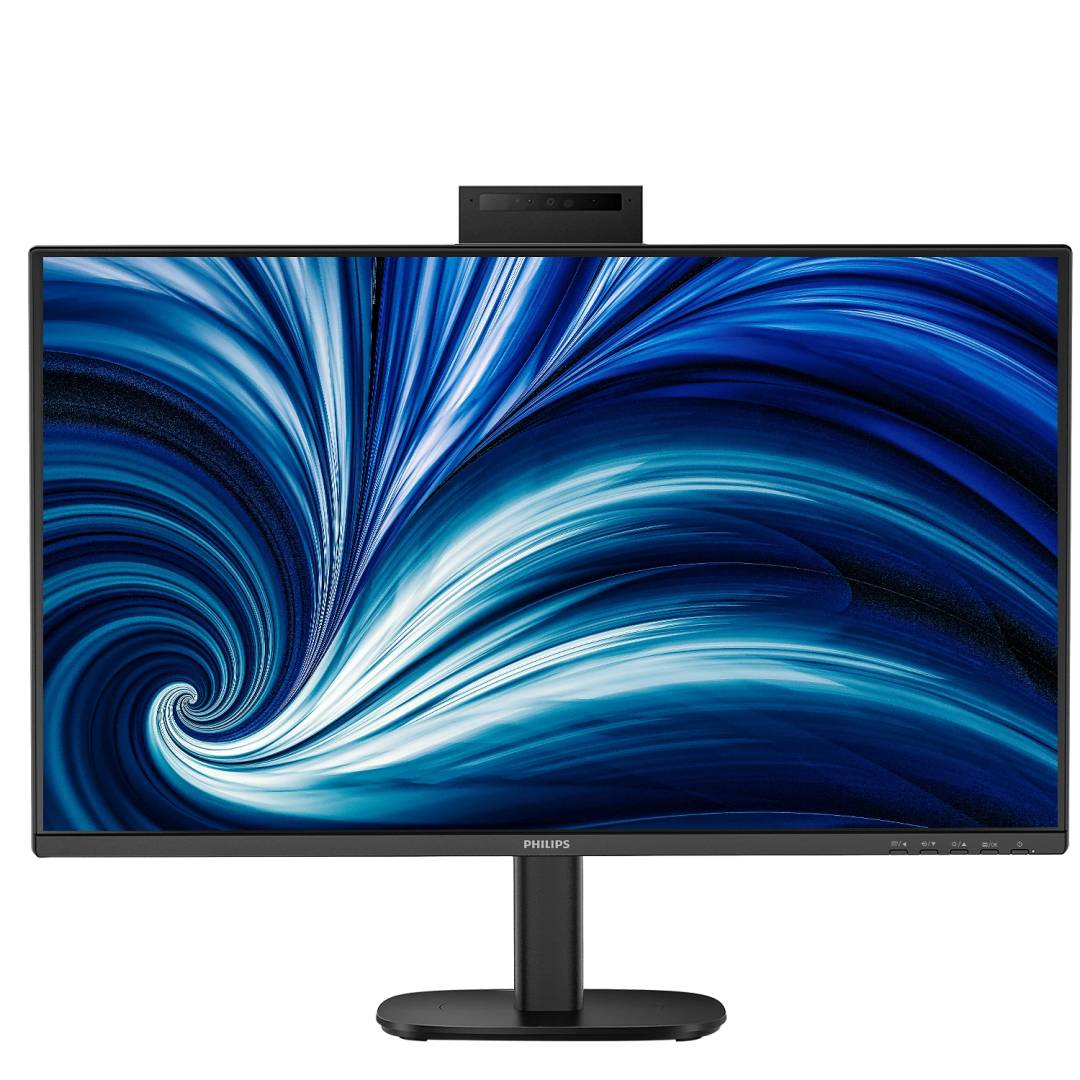
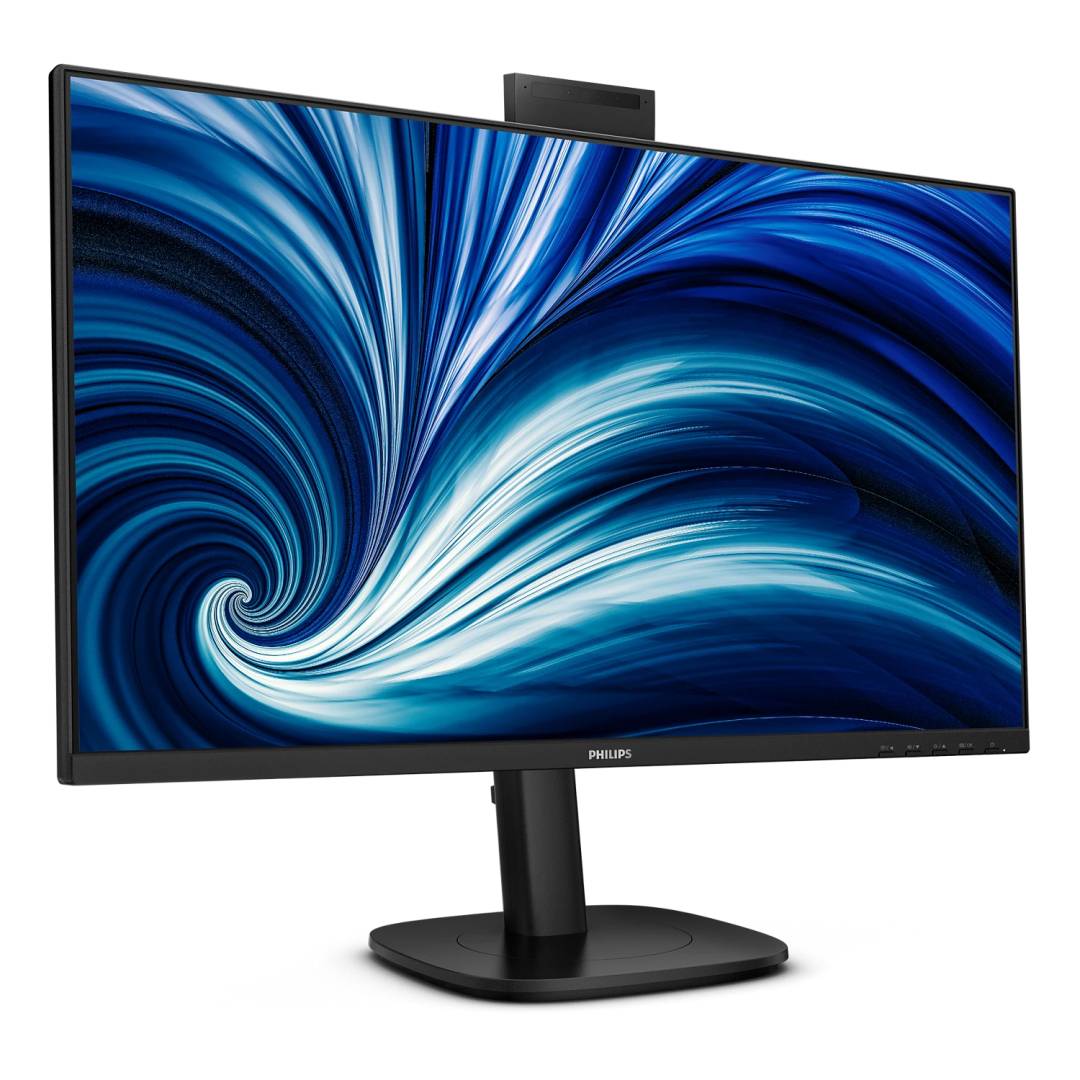
Philips 27B2U3601H — 27" QHD IPS USB-C Docking Monitor with 5MP Webcam, 120Hz
27" IPS · 2560x1440USB-C 90W · RJ455MP pop-up webcam120Hz · DP Out daisy chain
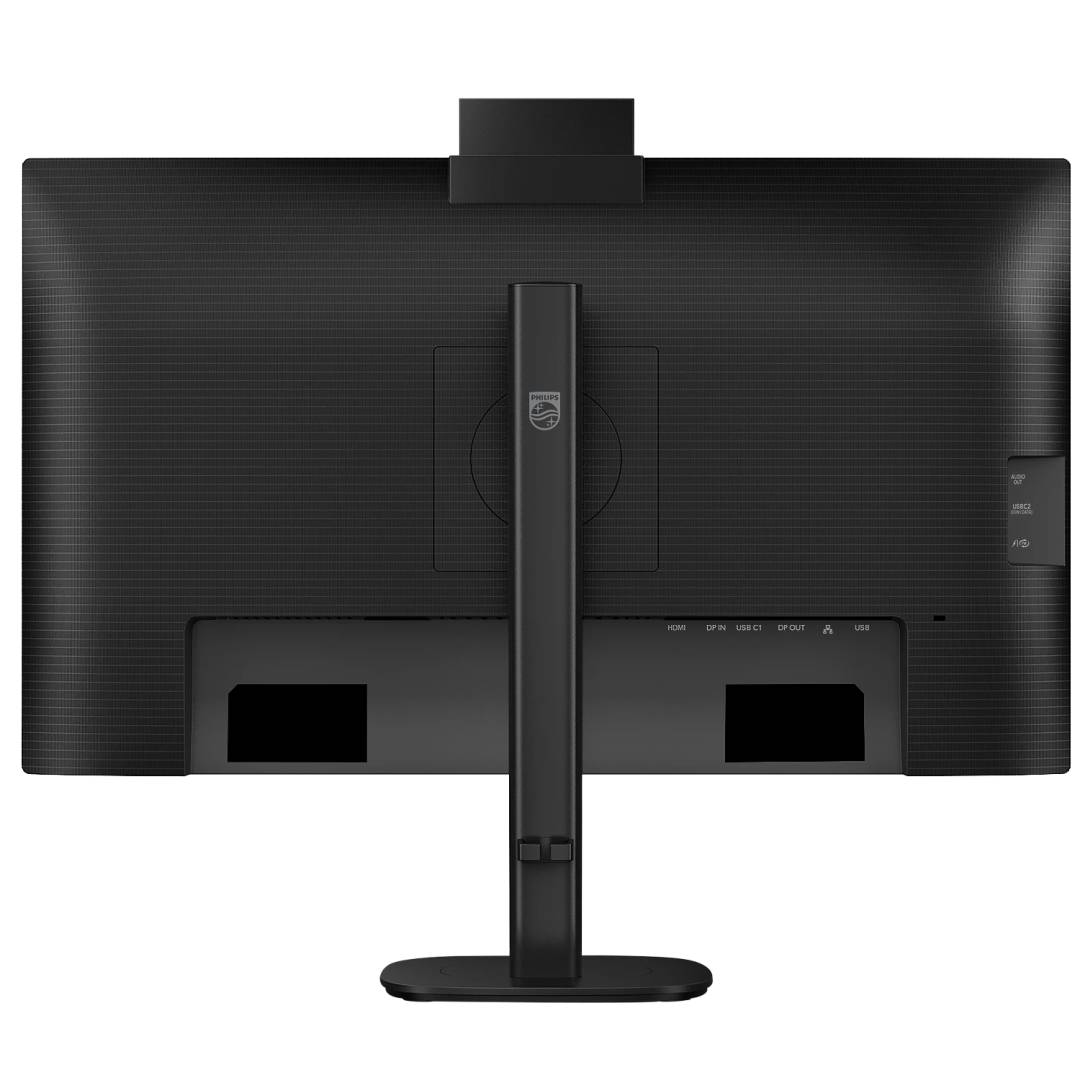
The Philips 27B2U3601H is a 27-inch QHD (2560x1440) IPS business monitor from the Philips 3000 series with a built-in USB-C dock — video, data, 90W laptop charging and Gigabit Ethernet over one cable — plus a 5MP pop-up webcam with microphone, for hybrid workers and hot desks.
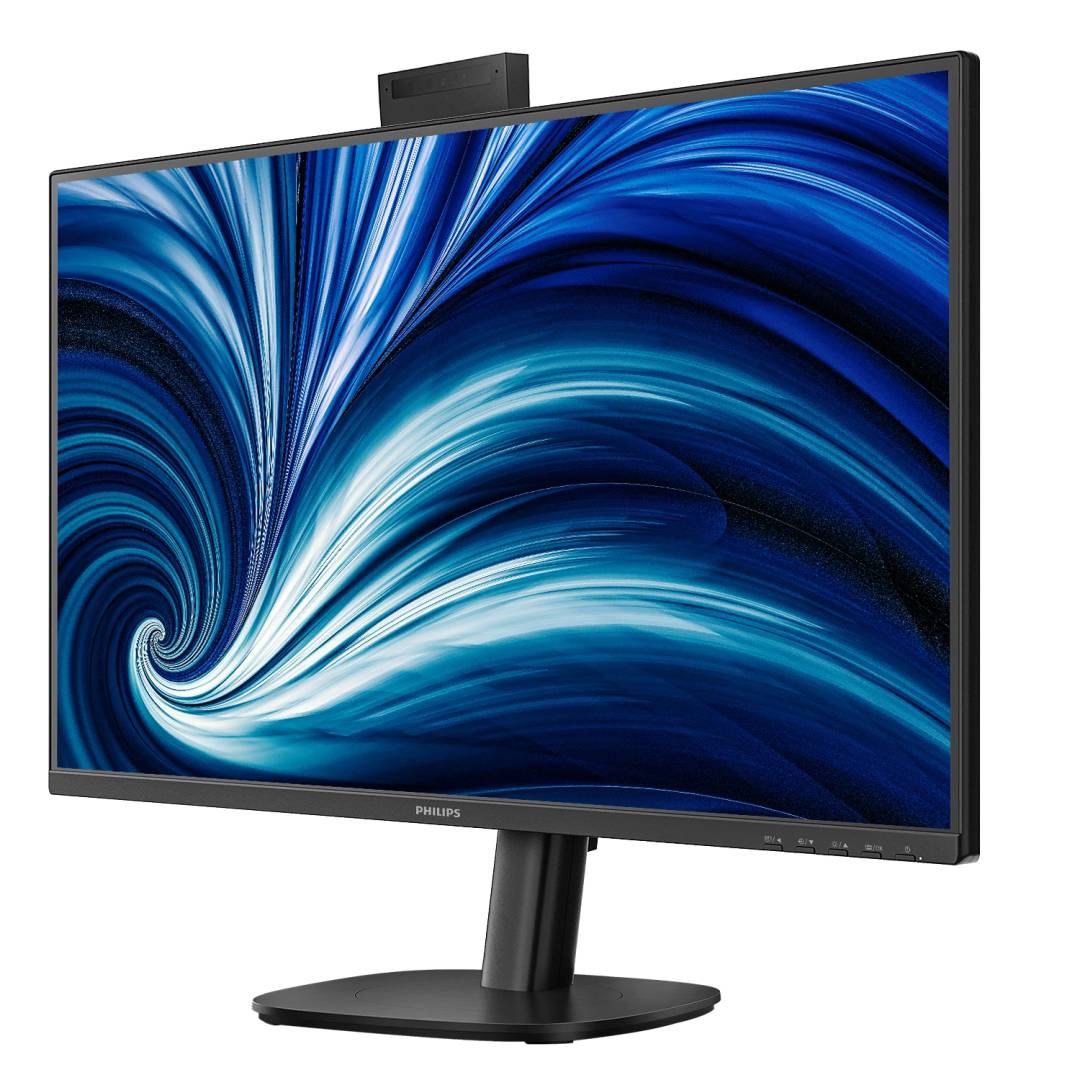
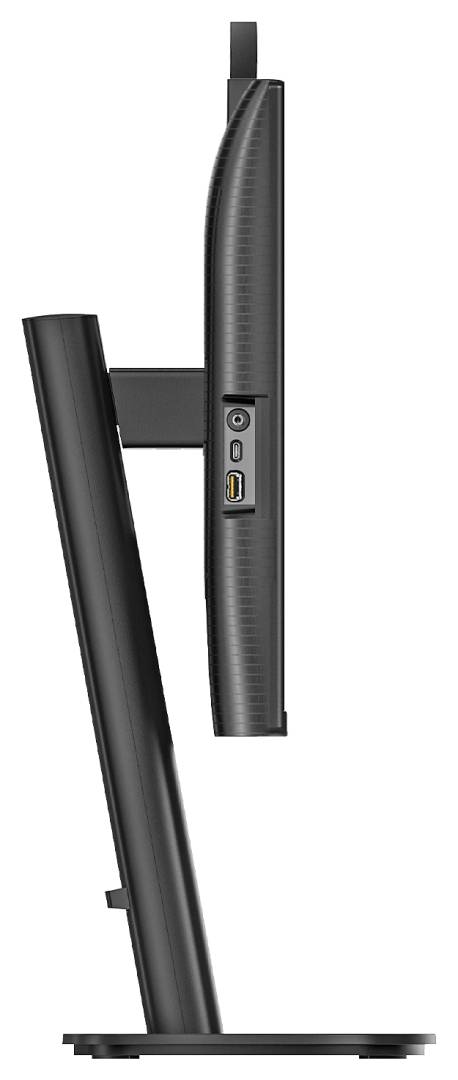
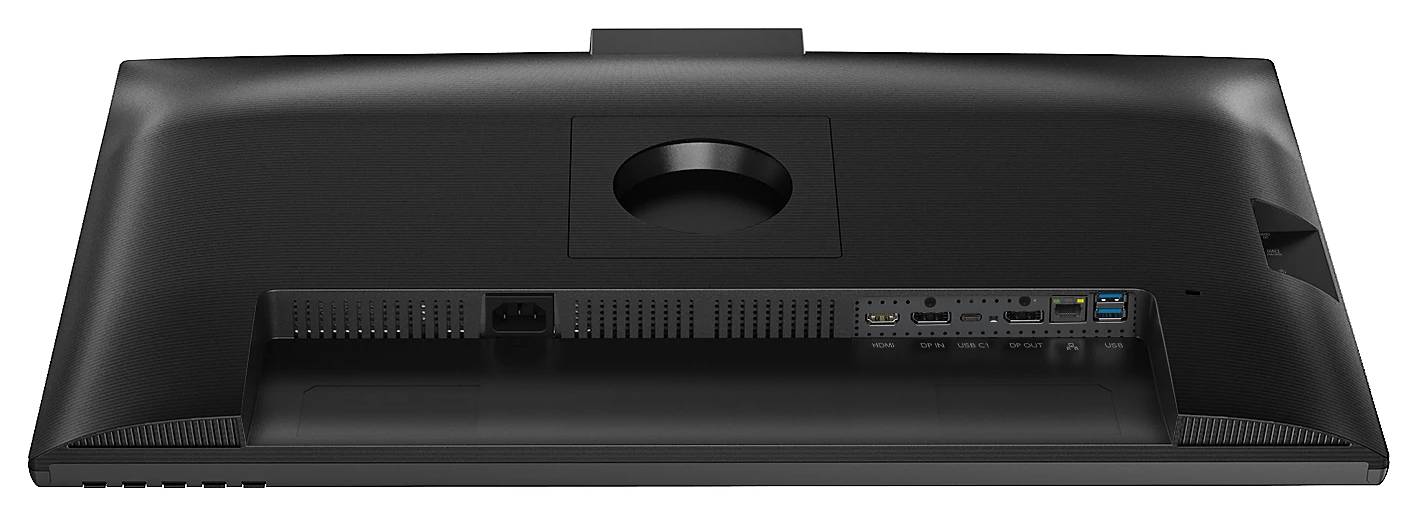
The refresh rate goes up to 120Hz, which makes scrolling and window movement smoother than a standard 60Hz office screen. A DisplayPort Out lets you daisy-chain a second monitor, and the USB hub adds three USB-A ports and one USB-C port. The fully adjustable stand gives 150 mm height, tilt, swivel and pivot, and the power supply is built in.
Before you order: 90W charging and video over USB-C need a laptop USB-C port with DisplayPort Alt Mode. At 120Hz over USB-C, Philips requires its "USB-C High Resolution" mode. Windows Hello face login works on Windows 10/11 only.
What's in the Box
- Philips 27B2U3601H monitor with height-adjustable stand
- Cables: HDMI, DisplayPort, USB-C to USB-C, power cable (contents may vary by region)
- Documentation
What It Means in Practice
- Plug in a single USB-C cable from the laptop and you get the screen, keyboard and mouse via the hub, wired network and up to 90W charging — no separate dock needed.
- The pop-up webcam hides away when not used; the LED shows when it is active.
- Daisy chain: from DP Out you can drive a second monitor (Philips states up to 2 at QHD 60Hz via DP, depending on the graphics).
- RJ45 supports PXE boot, MAC Address Pass-Through and Wake-on-LAN — useful for IT-managed fleets.
What Will Not Work
- A laptop whose USB-C port does not support DisplayPort Alt Mode will not show a picture over USB-C (use HDMI or DP instead).
- Laptops needing more than 90W (large gaming or workstation models) will charge slowly or need their own charger.
- Windows Hello face recognition does not work on macOS.
- No HDR certification is published — not a monitor for HDR content.
- Not a gaming monitor: 120Hz and 4 ms GtG suit office work, not competitive gaming.
Key Features
USB-C docking
DP Alt Mode, USB 3.2 hub, 90W Power Delivery and RJ45 over one cable.
5MP pop-up webcam
With microphone, LED indicator and Windows Hello.
QHD at 120Hz
2560x1440 IPS, sRGB 108%, 350 cd/m².
Daisy chain and ergonomics
DP Out with MST; 150 mm height, tilt, swivel and pivot.
Technical Specifications
Frequently Asked Questions
Singular Expert Insight · Buyer's Guide
Docking monitors like the 27B2U3601H remove a separate dock from the desk: one USB-C cable carries everything. Check two things — your laptop's USB-C supports DisplayPort Alt Mode, and its charger is 90W or less. If you only need HDMI/DP and no network, the 27B2N3500JH is the simpler model. See our PC monitors.
✓ Buy it if you dock a USB-C laptop at a desk and want screen, charging, network and webcam on one cable.
✕ Skip it if your laptop has no DP Alt Mode USB-C, needs more than 90W, or you want a gaming monitor.
→ Also consider Philips 27B2N3500JH if you do not need USB-C video, charging or Ethernet.
Send us your laptop model and we will confirm USB-C video and charging before you order.
Features - Philips - 27B2U3601H/00
Colour
black
More Details
Product Code
04:587356
EAN Code
8721038007299
Manufacturer
Philips