
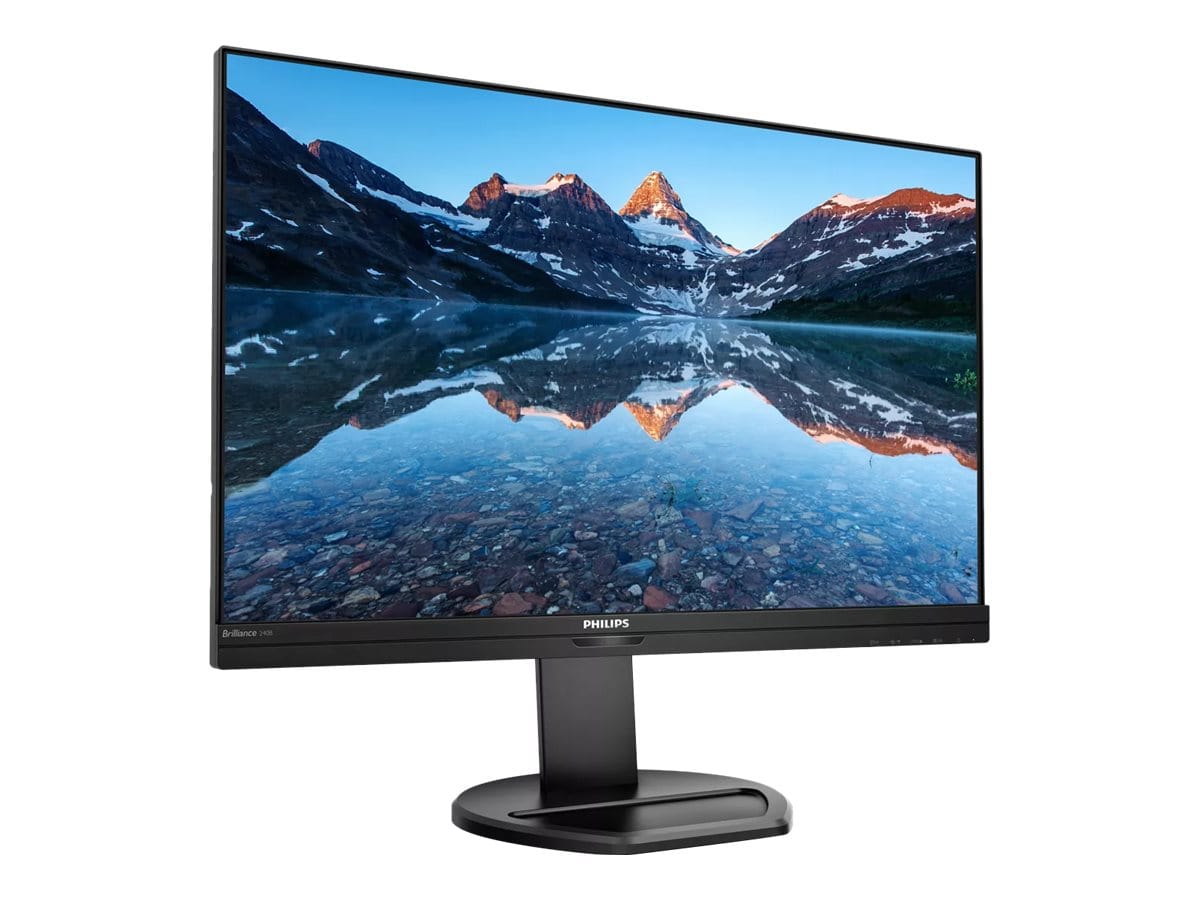
Philips 240B9 24.1" WUXGA 16:10 IPS Business Monitor with PowerSensor, 4-Port USB 3.2 Hub, Speakers, Ergonomic Stand
Brand:
Philips

Philips 240B9 24.1" WUXGA 16:10 IPS Business Monitor with PowerSensor, 4-Port USB 3.2 Hub, Speakers, Ergonomic Stand
€365.79 inc. VAT


240B9/00
Delivery
Order Today...
Ships...
Delivery...
ℹ️ Large or fragile items (e.g. monitors) may require extra handling time. We'll keep you informed.
Payment options
Trusted Tech Choice
Buying Benefits
Verified
Competitive EU pricing
Delivered to Cyprus from EU stock
Local warranty support
Please sign in so that we can notify you about a reply
Philips 240B9 — 24.1" WUXGA 16:10 IPS Business Monitor with PowerSensor and USB Hub
24.1" IPS · 16:101920 x 1200 WUXGAPowerSensorHeight · Swivel · Pivot
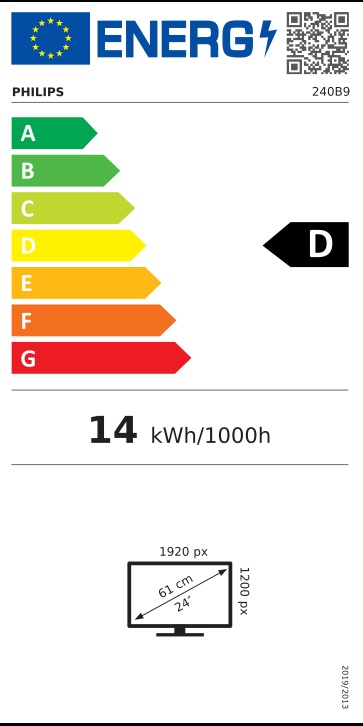
The Philips 240B9 is a 24.1-inch IPS business monitor with a 16:10 WUXGA (1920 x 1200) resolution, a 4-port USB 3.2 hub, speakers and Philips PowerSensor presence detection. The taller 16:10 format shows 120 more pixel rows than a Full HD screen, so more of a document, spreadsheet or web page fits without scrolling.
It keeps legacy VGA and DVI inputs alongside HDMI and DisplayPort, which makes it easy to deploy across offices with a mix of old and new PCs. The stand rotates ±175°, pivots to portrait and adjusts 150mm in height.
Before you order: There is no USB-C input. A USB upstream cable for the hub is not listed in the box — VGA, HDMI and DisplayPort cables are included. Maximum refresh rate is 75Hz.
What's in the Box
- Philips 240B9 monitor with stand
- VGA (D-Sub) cable
- HDMI cable
- DisplayPort cable
- Power cable — the power supply is built in
- User documentation
What It Means in Practice
- PowerSensor detects when you leave the desk and dims the screen automatically, cutting energy use.
- 16:10 gives a taller workspace — ideal for documents, email and ERP screens.
- Four USB 3.2 ports (with fast charging) become available once a USB-B upstream cable connects the monitor to the PC.
- The stand adjusts 150mm in height, tilts -5° to 30°, swivels ±175° and pivots ±90°.
- Two 2W speakers and audio in/out cover calls and alerts.
What Will Not Work
- USB-C laptops need a USB-C to HDMI or USB-C to DisplayPort cable; there is no USB-C docking or charging.
- The USB hub stays inactive without a USB-B upstream cable (not included).
- 75Hz and 4ms are for office use, not gaming.
- HDMI 1.4 only; no HDR.
Key Features
16:10 WUXGA
1920 x 1200 for extra vertical space on a compact 24.1" panel.
PowerSensor
Presence detection dims the screen when you step away.
Four inputs
VGA, DVI-D, HDMI 1.4 and DisplayPort 1.2 for any PC generation.
Full ergonomics
150mm height, ±175° swivel, ±90° pivot; VESA 100 x 100.
Technical Specifications
Frequently Asked Questions
Singular Expert Insight · Buyer's Guide
The 240B9 is a dependable office workhorse: the 16:10 format and legacy inputs make it easy to roll out across mixed PC fleets, and PowerSensor trims energy use automatically. Add a USB-B cable if you plan to use the hub. For laptop desks, pair it with one of our docking stations.
✓ Buy it if you want a 24" business screen with extra vertical space, legacy inputs and a full ergonomic stand.
✕ Skip it if you want USB-C docking, higher refresh rates or QHD resolution.
→ Also consider the Philips 243S1 (USB-C dock with LAN) or the iiyama XUB2492QSU-B1 for a compact QHD panel.
Not sure it fits your setup? Tell us your PC or laptop model and we will confirm which cable and input you need before you order.
Features - Philips - 240B9/00
Colour
black
More Details
Product Code
04:419816
EAN Code
8712581772376
Manufacturer
Philips