
Philips 243S1 23.8" Full HD IPS USB-C Docking Monitor, 65W Power Delivery, RJ45 LAN, USB Hub, Ergonomic Stand, Black
Brand:
Philips

Philips 243S1 23.8" Full HD IPS USB-C Docking Monitor, 65W Power Delivery, RJ45 LAN, USB Hub, Ergonomic Stand, Black
€287.6 inc. VAT
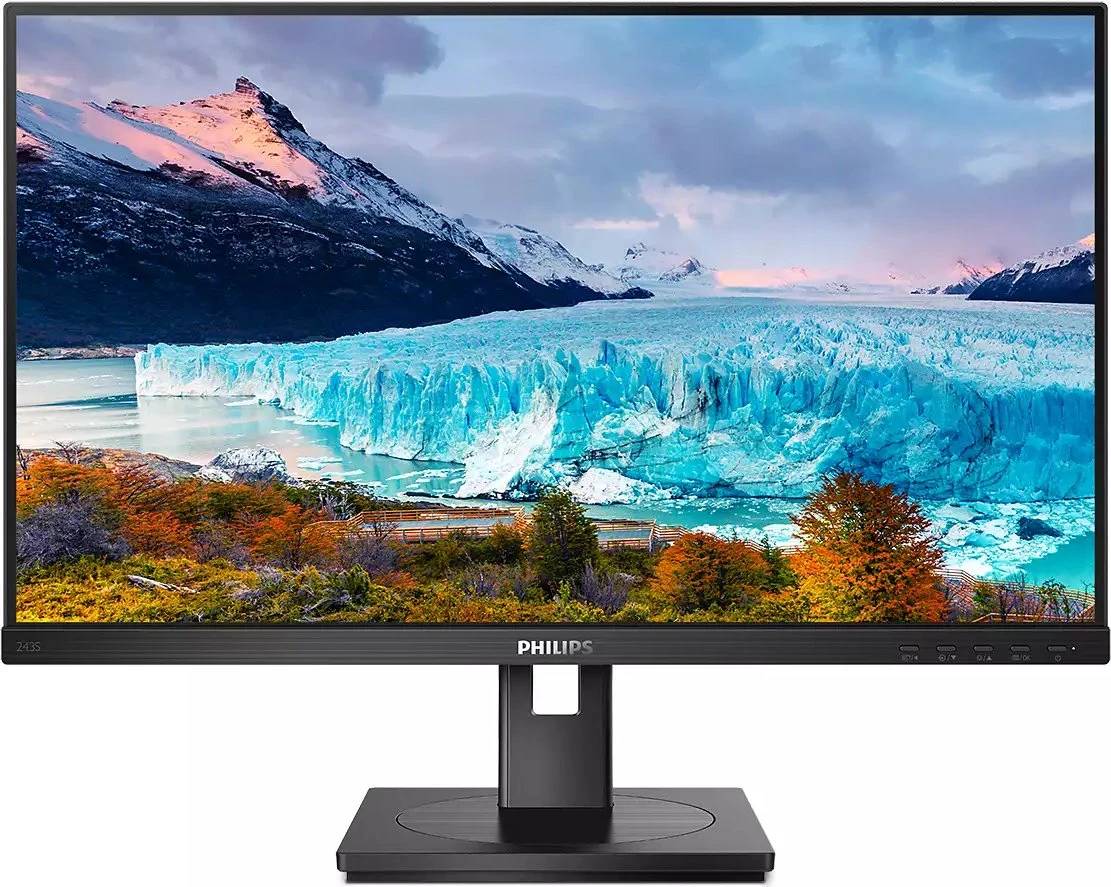
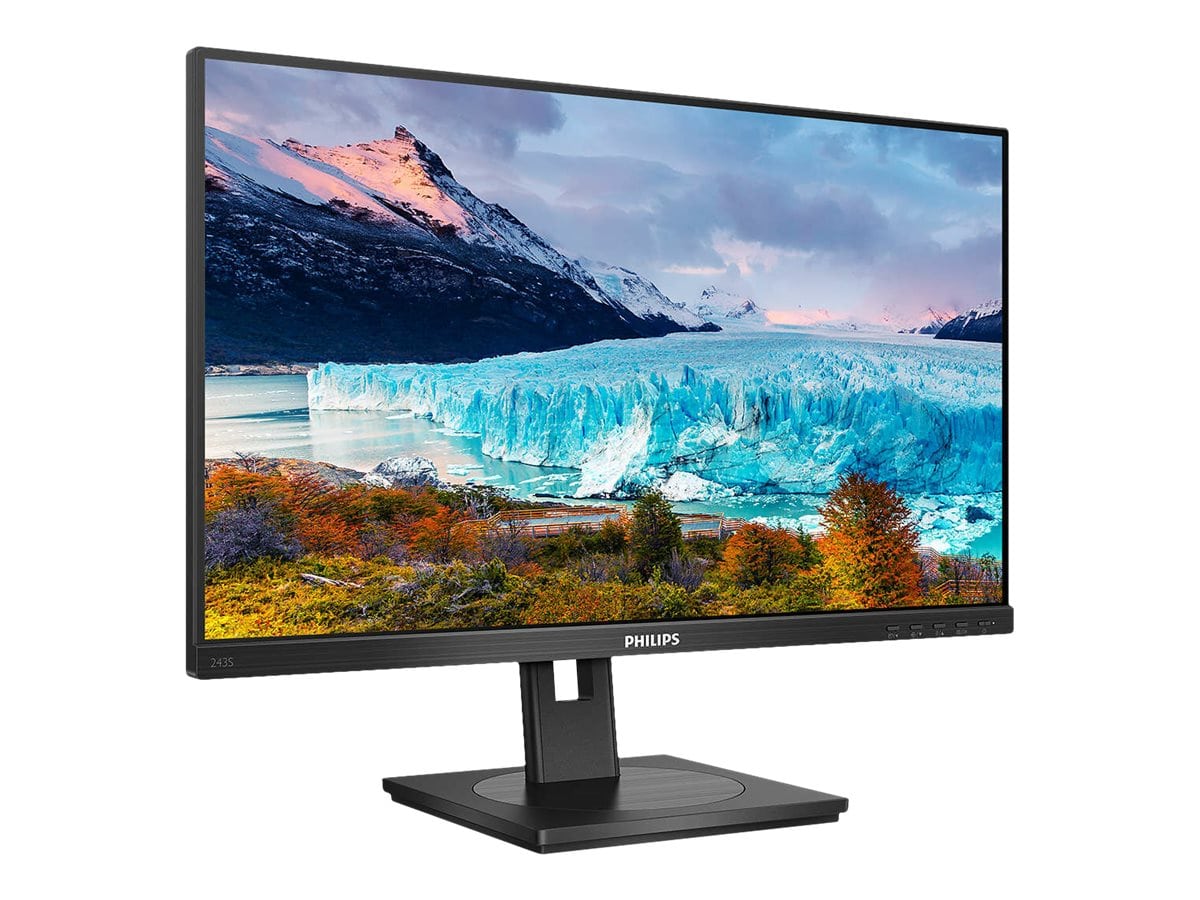
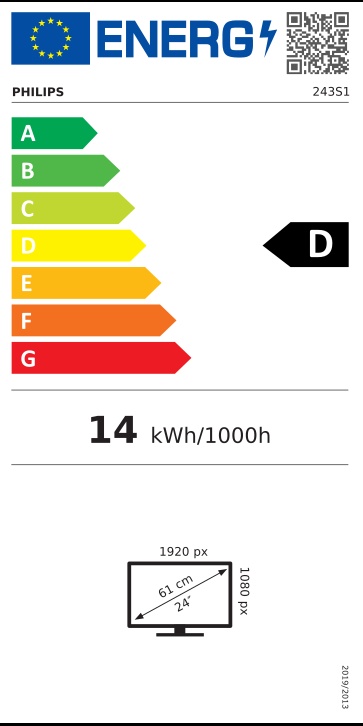
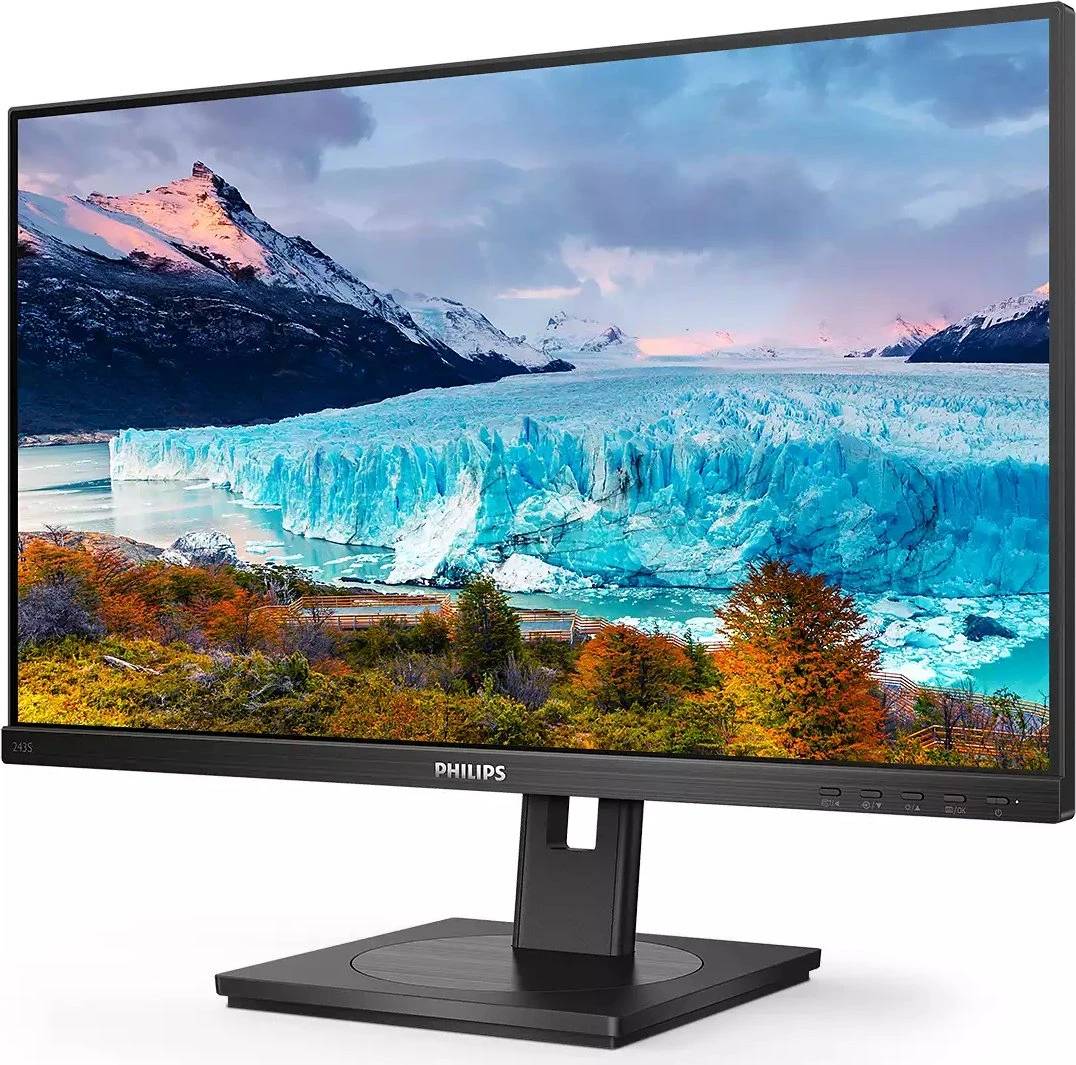
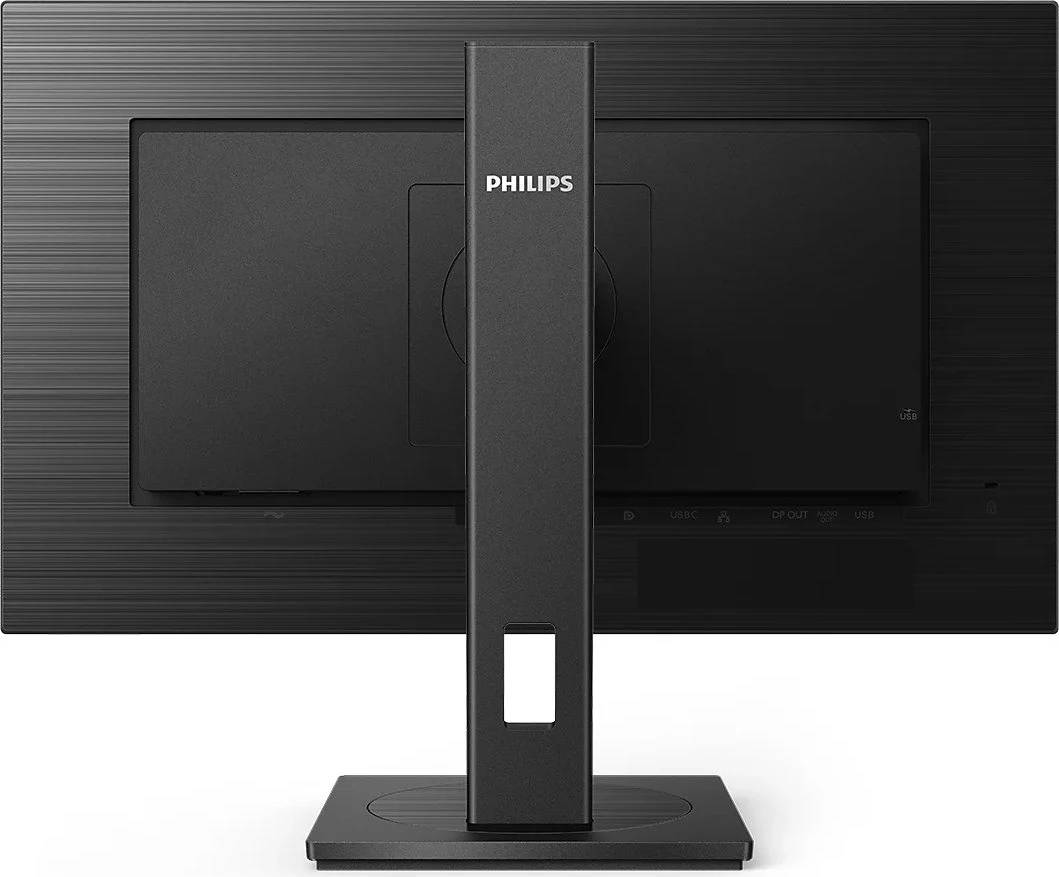
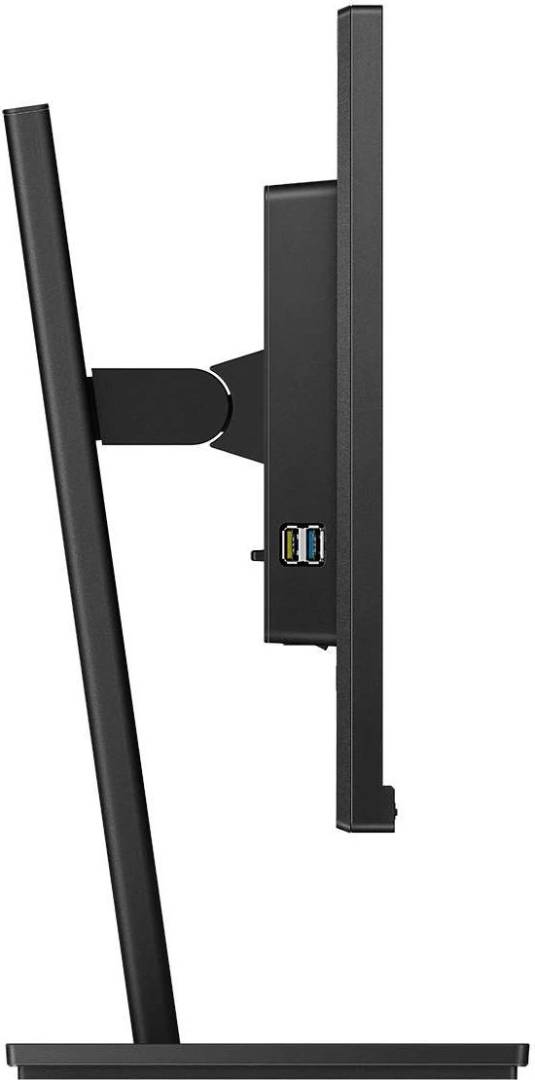
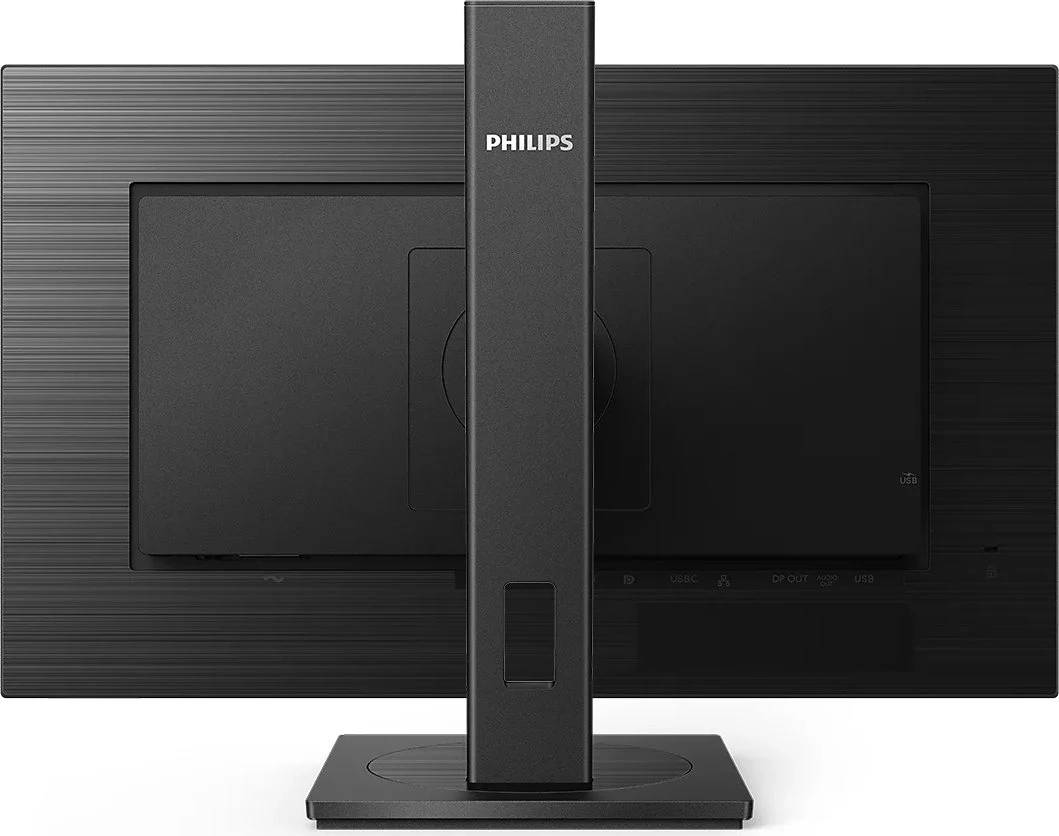


243S1/00
Delivery
Order Today...
Ships...
Delivery...
ℹ️ Large or fragile items (e.g. monitors) may require extra handling time. We'll keep you informed.
Payment options
Trusted Tech Choice
Buying Benefits
Verified
Competitive EU pricing
Delivered to Cyprus from EU stock
Local warranty support
Please sign in so that we can notify you about a reply
Philips 243S1 — 23.8" Full HD IPS Monitor with USB-C Docking, 65W Charging and LAN
USB-C dock · 65W PD23.8" IPS Full HDGigabit LAN + 4x USBSmartErgoBase stand
The Philips 243S1 is a 23.8-inch Full HD IPS business monitor with a built-in USB-C docking station: one USB-C cable from your laptop carries video, USB data, wired network and up to 65W of charging. It is designed for hot desks and home offices where laptops are plugged in and out every day.
Instead of a separate dock, the monitor provides four USB 3.2 ports for keyboard, mouse and webcam, a Gigabit RJ45 port for the office network, and a DisplayPort output to add a second screen. The SmartErgoBase stand adjusts in height, tilt, swivel and pivot.
Before you order: USB-C charging is up to 65W. That covers most business ultrabooks, but laptops with 90–100W+ chargers (mobile workstations, gaming laptops) will charge slowly or not at all under load — keep their own charger connected. The laptop's USB-C port must support DisplayPort Alt Mode for video. Philips' current specification lists up to 100Hz; earlier production of this model was specified at 75Hz.
What's in the Box
- Philips 243S1 monitor with SmartErgoBase stand
- USB-C cable
- HDMI cable
- DisplayPort cable
- Power cable — the power supply is built in
- User documentation
What It Means in Practice
- One cable to the laptop: screen, keyboard/mouse via the USB hub, LAN and charging all connect at once.
- The RJ45 port gives a wired Gigabit connection through the monitor — useful in offices where Wi-Fi is unreliable or not allowed.
- Use the DisplayPort output to daisy-chain a second compatible monitor for a dual-screen setup.
- The stand offers 130mm height adjustment, -5° to 25° tilt, ±180° swivel and ±90° pivot.
- HDMI and DisplayPort inputs let a desktop PC stay connected alongside the laptop.
What Will Not Work
- Laptops without DisplayPort Alt Mode on USB-C (some budget models) will charge or use USB but will not show a picture — use HDMI instead.
- 65W is not enough to fully power high-wattage laptops under load.
- macOS does not support DisplayPort MST, so on a Mac the DisplayPort-out cannot extend the desktop to a second daisy-chained monitor.
- It is not intended for gaming: Full HD, 4ms GtG and no published adaptive sync.
Key Features
USB-C docking
Video, data, LAN and 65W Power Delivery over one USB-C cable.
Built-in Gigabit LAN
RJ45 network port routed through the USB-C connection.
DisplayPort out
Daisy-chain a second monitor from the same laptop cable (MST-capable laptops).
SmartErgoBase
Height, tilt, swivel and pivot for proper posture; VESA 100 x 100.
Technical Specifications
Frequently Asked Questions
Singular Expert Insight · Buyer's Guide
The 243S1 replaces a separate docking station on a compact 24" desk, which is why it suits hot-desking and home offices so well — staff plug in one cable and everything works. Check your laptop's charger rating before ordering: at 65W or below, it is a true one-cable setup. For larger desks, see our docking stations and other USB-C monitors.
✓ Buy it if you want a compact 24" monitor that docks a business laptop with one USB-C cable, including LAN.
✕ Skip it if your laptop needs more than 65W, or you want higher resolution than Full HD.
→ Also consider the Dell Pro 27 Plus P2725HE (27", 90W USB-C, RJ45) or the Lenovo ThinkVision T32h-30 for a larger QHD USB-C screen.
Not sure it fits your setup? Tell us your laptop model and we will check USB-C video, charging and LAN compatibility before you order.
Features - Philips - 243S1/00
Colour
black
More Details
Product Code
04:419792
EAN Code
8712581784744
Manufacturer
Philips