
QNAP KoiBox-100W 4K Wireless Presentation & Video Conferencing Box, Celeron 6305, 4GB RAM, Wi-Fi 6, HDMI
Brand:
QNAP

QNAP KoiBox-100W 4K Wireless Presentation & Video Conferencing Box, Celeron 6305, 4GB RAM, Wi-Fi 6, HDMI
€949.49 inc. VAT
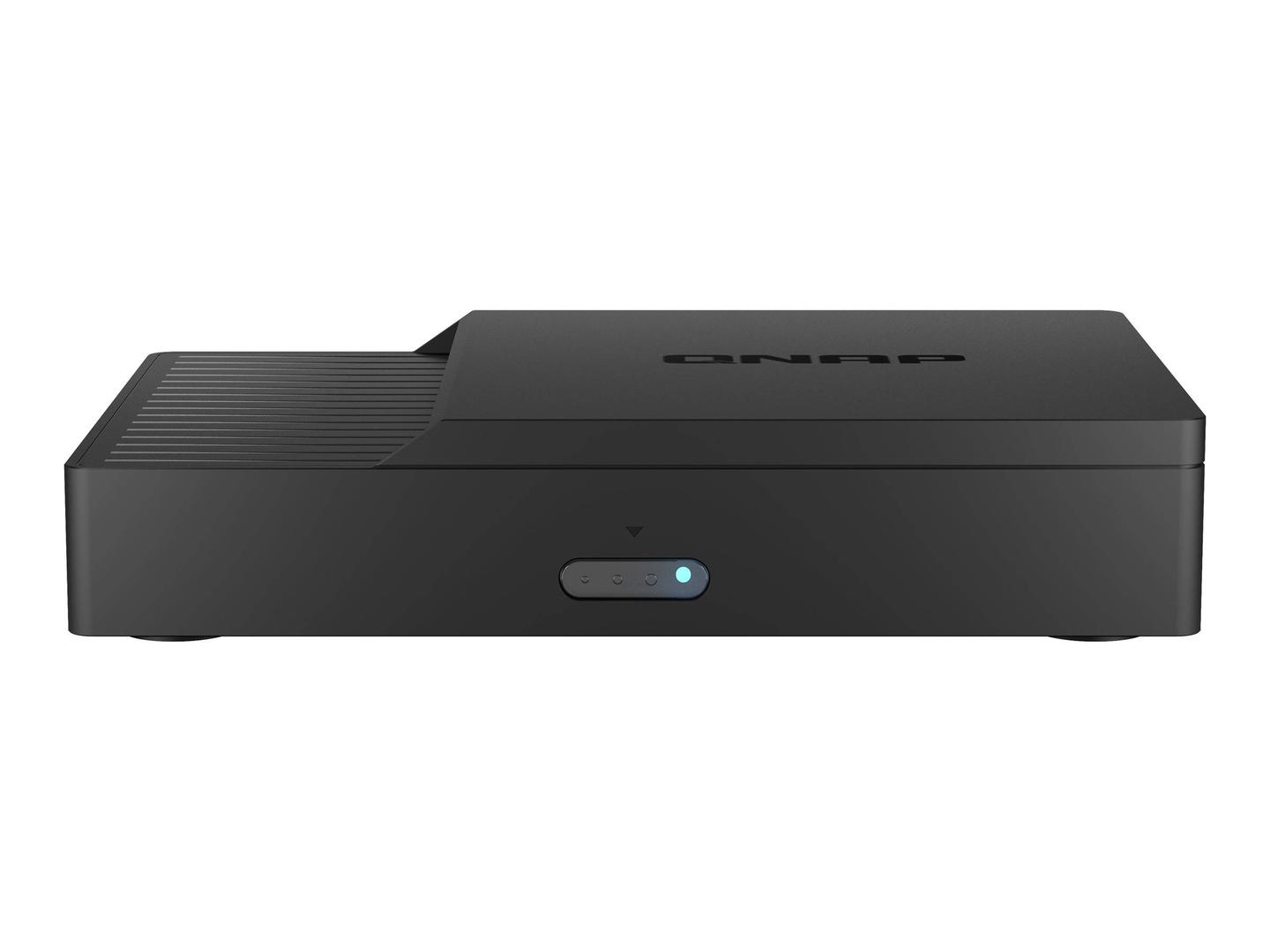
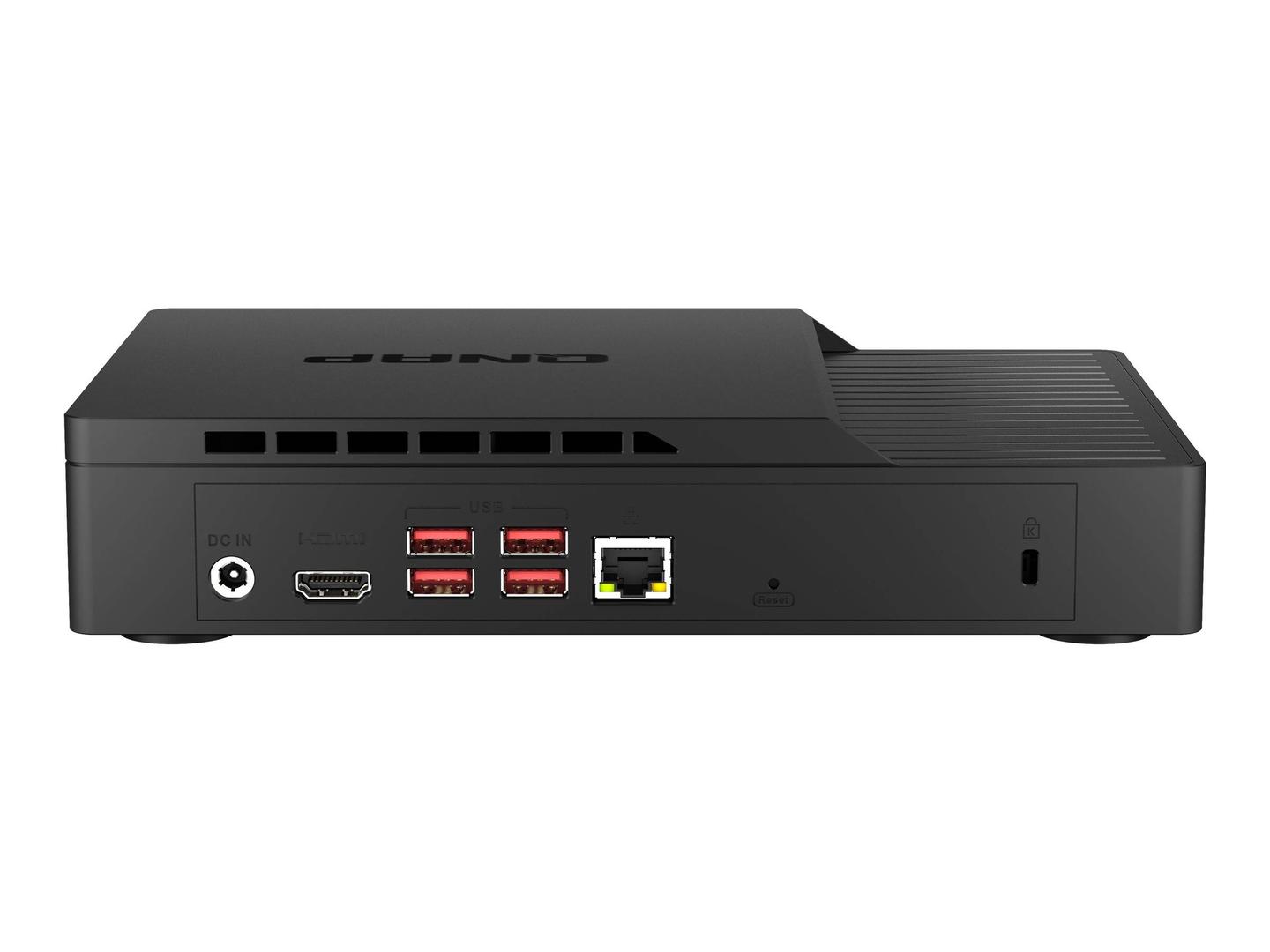


KoiBox-100W
Delivery
Order Today...
Ships...
Delivery...
ℹ️ Large or fragile items (e.g. monitors) may require extra handling time. We'll keep you informed.
Payment options
Trusted Tech Choice
Buying Benefits
Verified
Competitive EU pricing
Delivered to Cyprus from EU stock
Local warranty support
Please sign in so that we can notify you about a reply
QNAP KoiBox-100W — wireless screen sharing and video calls for the meeting room TV
KoiMeeter OS4K wireless presentationSIP + browser meetingsWi-Fi 6
The QNAP KoiBox-100W is a compact meeting-room box running QNAP KoiMeeter that connects to the room TV or projector by HDMI and lets laptops and phones share their screen wirelessly, while also making video calls through SIP or joining Teams, Zoom, Webex and Google Meet meetings in its browser — for SMB meeting rooms and classrooms on a budget.
Inside is an Intel Celeron 6305 with 4 GB DDR4 and a 30 GB M.2 SSD for the system, plus a free 2.5-inch SATA bay for storing meeting recordings. You add a USB camera, a microphone/speaker and a keyboard and mouse to complete the room.
Before you order: KoiBox-100W does not include a camera, microphone or speaker. QNAP lists tested models such as Logitech Rally, MeetUp, BRIO, C922, PTZ Pro 2 and Jabra Speak 410/510/710. Teams, Zoom, Webex and Google Meet run as browser guests, not as certified room systems.
What's in the Box
- QNAP KoiBox-100W
- AC power adapter and power cord
- Cat5e Ethernet cable (1.8 m)
- Remote control
- Quick Installation Guide
What It Means in Practice
- Guests share from Chrome or Firefox by entering the box IP, and phones join by scanning the QR code on screen — no dongle per laptop.
- Up to four sources can be shown split-screen on the room display.
- With a USB camera and speakerphone it makes SIP calls and up to 4-way KoiMeeter calls between rooms.
- A 2.5-inch drive added to the free bay stores recordings (about 13 MB per minute).
What Will Not Work
- It is not a certified Microsoft Teams Rooms or Zoom Rooms appliance — cloud meetings run in the browser.
- It has no camera, microphone or speaker of its own.
- QNAP does not list AirPlay, Miracast or Chromecast receivers; sharing is through the browser and QR code.
- The 2.5-inch drive for recordings is not included.
Key Features
Wireless presentation
Share screen, window or Chrome tab; up to 4 split screens.
SIP and KoiMeeter calls
SIP video calls and up to 4-way KoiMeeter conferences.
Wi-Fi 6 + Gigabit
Intel AX201 Wi-Fi 6 and 1GbE RJ45.
Recording storage
Free 2.5-inch SATA bay for meeting recordings.
Technical Specifications
Frequently Asked Questions
Singular Expert Insight · Buyer's Guide
KoiBox-100W is a cost-effective way to add wireless presentation and simple video calls to a TV in a small meeting room or classroom. Choose a camera from the QNAP tested list and a suitable display from our commercial displays.
✓ Buy it if you want wireless screen sharing plus SIP or browser-based calls on a meeting room TV without a full room system.
✕ Skip it if you need a certified Teams Rooms or Zoom Rooms appliance, or AirPlay/Miracast receivers.
→ Also consider a USB camera and speakerphone from the QNAP tested list.
Not sure which camera to pair it with? Send us your room size and meeting platform and we will suggest a tested combination before you order.
Features - QNAP - KoiBox-100W
More Details
Product Code
04:404366
EAN Code
4713213519943
Manufacturer
QNAP