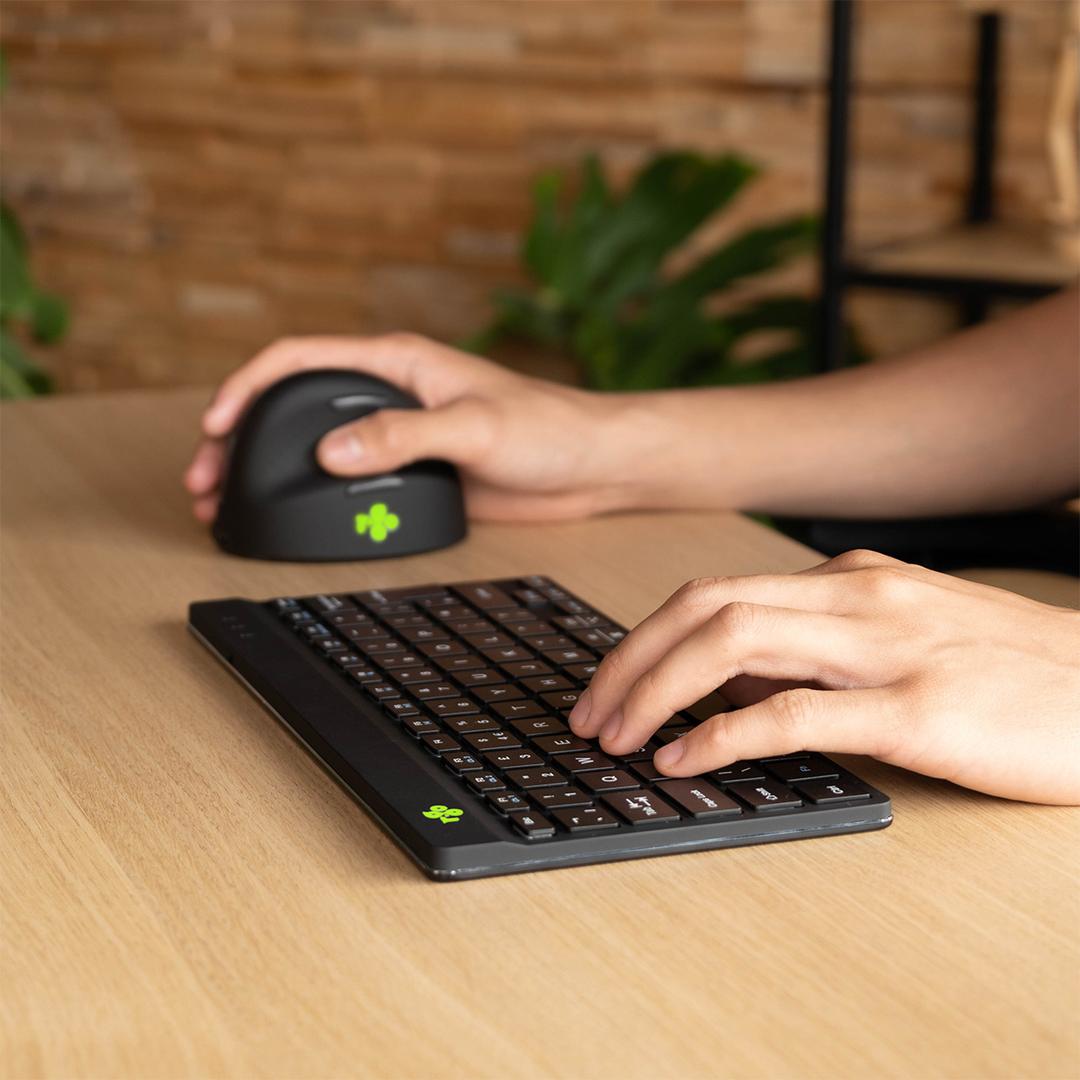
R-Go Compact Break — Wireless Ergonomic Keyboard with Break Indicator, US International, Black
LED break indicator285 mm compactBluetooth 5322 g
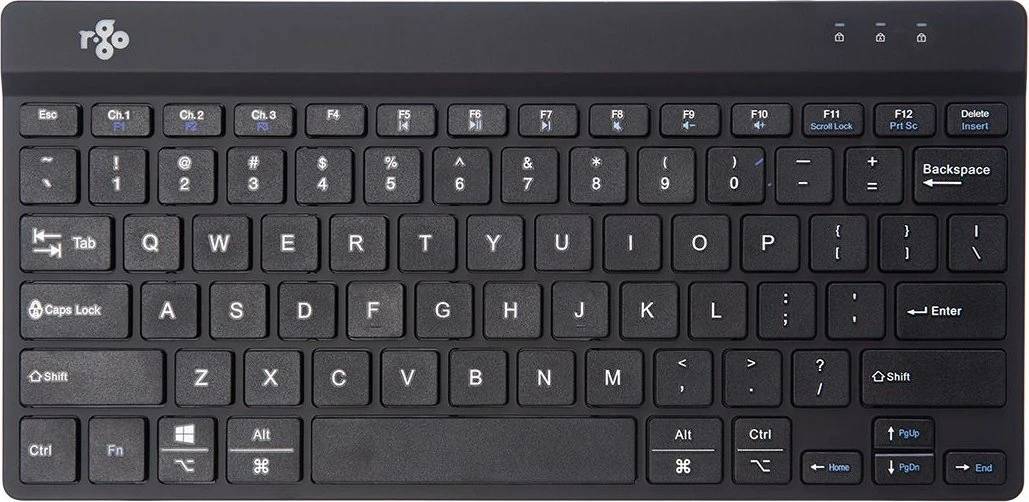
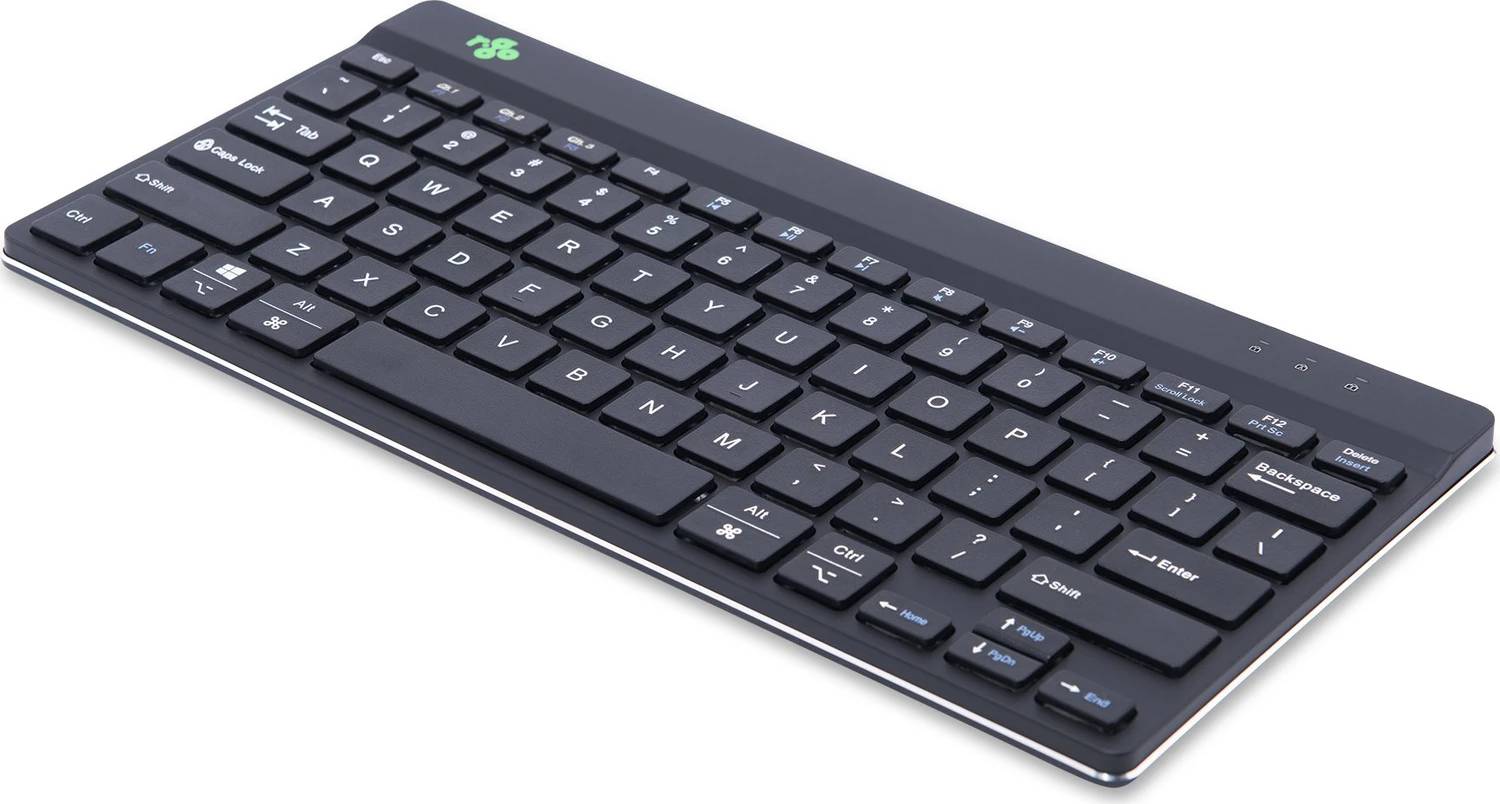
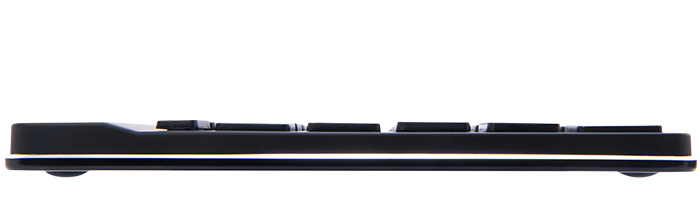
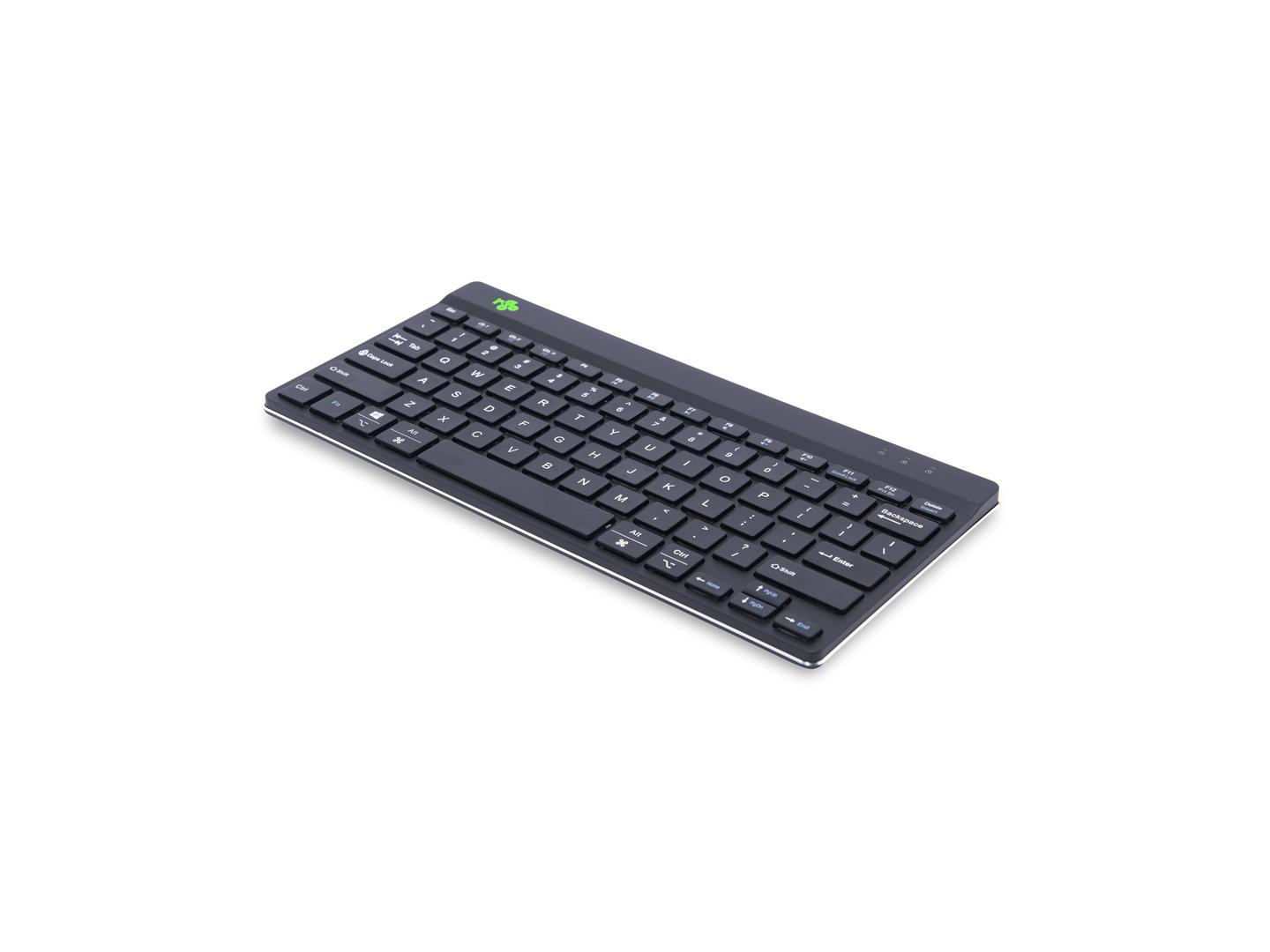
The R-Go Compact Break (RGOCOUSWLBL) does something no other keyboard on this page does: it watches how long you have been typing and tells you when to stop. A small LED in the corner runs from green through orange to red as your working time builds up, and goes back to green when you have taken a proper pause. It is a nudge rather than an alarm, and it is remarkably effective for people who lose four hours without moving. Around that sits a genuinely useful ergonomic keyboard: a compact 285 mm body so the mouse stays in front of the shoulder instead of out to the side, a flat 10 mm profile that keeps the wrists neutral, and a weight of just 322 g. It connects over Bluetooth 5 and runs from a rechargeable 500 mAh battery. In the box: keyboard, charging cable and documentation.
Compatibility — check before buying:
Layout: US International QWERTY is the layout most people in Cyprus type on: wide Enter key, @ above 2. If your current keyboard is UK layout, the Enter key changes shape and a few symbols move, but letters and numbers are identical. There is no numeric keypad — that is how the keyboard gets down to 285 mm and how the mouse comes back to your shoulder. If you do heavy data entry, add a separate numeric pad on the left. It connects over Bluetooth 5 only: no receiver is supplied, so a desktop PC without Bluetooth needs an adapter, and the keyboard will not work in the BIOS before the operating system loads. The battery is built in and recharged over the cable, not replaceable cells. There is no backlight and no palm rest included. The break indicator works on its own, on the keyboard, with no software to install — nothing is monitored, logged or sent anywhere.
Best For
✓ People who forget to take breaks and pay for it by the afternoon
✓ Shoulder and neck complaints caused by reaching around a wide keyboard
✓ Home offices where nobody else is there to interrupt the sitting
✓ Workplaces running an RSI-prevention programme
✓ Hot desks that need a small, light, cable-free board
✓ Anyone who wants ergonomics without installing monitoring software
Key Features
A break coach on the keyboard
The LED runs green to orange to red as your typing time builds, and resets when you pause — a visible reminder in your line of sight, not a notification you dismiss.
Compact for the shoulder
285 mm wide with no numeric pad, so the mouse sits in front of your shoulder rather than out at arm’s length.
Flat and light
10 mm high and 322 g keeps the wrists close to neutral and makes the keyboard easy to move between desks.
Bluetooth 5, rechargeable
No receiver to lose and no AA cells to replace — charge it over the cable and carry on.
Technical Specifications
| Identification |
| Brand |
R-Go Tools |
| Series |
Compact Break |
| Part Number |
RGOCOUSWLBL |
| EAN / GTIN |
8719274491552 |
| MPN |
RGOCOUSWLBL |
| Ergonomics |
| Break indicator |
LED, green to orange to red |
| Software required |
None — works standalone |
| Design |
Compact, no numeric keypad |
| Layout |
US International (QWERTY) |
| Connection and power |
| Interface |
Bluetooth 5 |
| USB receiver |
Not included and not required |
| Battery |
Rechargeable, 500 mAh |
| Charging |
Over cable |
| Build |
| Dimensions |
285 × 139 × 10 mm |
| Weight |
322 g |
| Backlighting |
None |
| Palm rest |
Not included |
| Colour |
Black |
| Warranty |
| Warranty |
1-Year Warranty (Singular) |
| Manufacturer Term |
R-Go Tools publishes a 2-year warranty for this model on its product page. Singular’s direct warranty is 1 year; beyond that we assist you with the manufacturer’s warranty process for its full duration. |
Frequently Asked Questions
Does the break indicator need software?
No. It runs on the keyboard itself, so nothing is installed, logged or sent anywhere — which is also why it passes IT review easily.
Is there a numeric keypad?
No. Removing it is what makes the keyboard 285 mm wide and brings the mouse closer. We can supply a separate left-hand numeric pad if you need one.
Can I use it before Windows loads?
No. It is Bluetooth, so it is available only once the operating system has started.
Which layout is this part number?
This one is US International. R-Go builds the Compact Break in other layouts and in a wired version under separate part numbers.
Singular Expert Insight
We suggest the Compact Break for the person who says they know they should take breaks and never does — the LED works because it is in front of you rather than behind a notification. Pair it with a compact mouse from our
wireless mice to keep the whole reach short, and see the rest of our
keyboards.
Buyer’s Guide
Buy it if
You want a compact, light, wireless ergonomic keyboard that reminds you to take breaks without any software, in US International layout.
Skip it if
You need a numeric keypad, a wired connection, BIOS access, or a backlight.
Also consider
R-Go Compact Break in a wired version or other layouts, or a split R-Go keyboard if you already have wrist symptoms.