R-Go Numpad Break — Numeric Keypad with Break Indicator
Break indicatorScissor keysUSB-CAGR certified
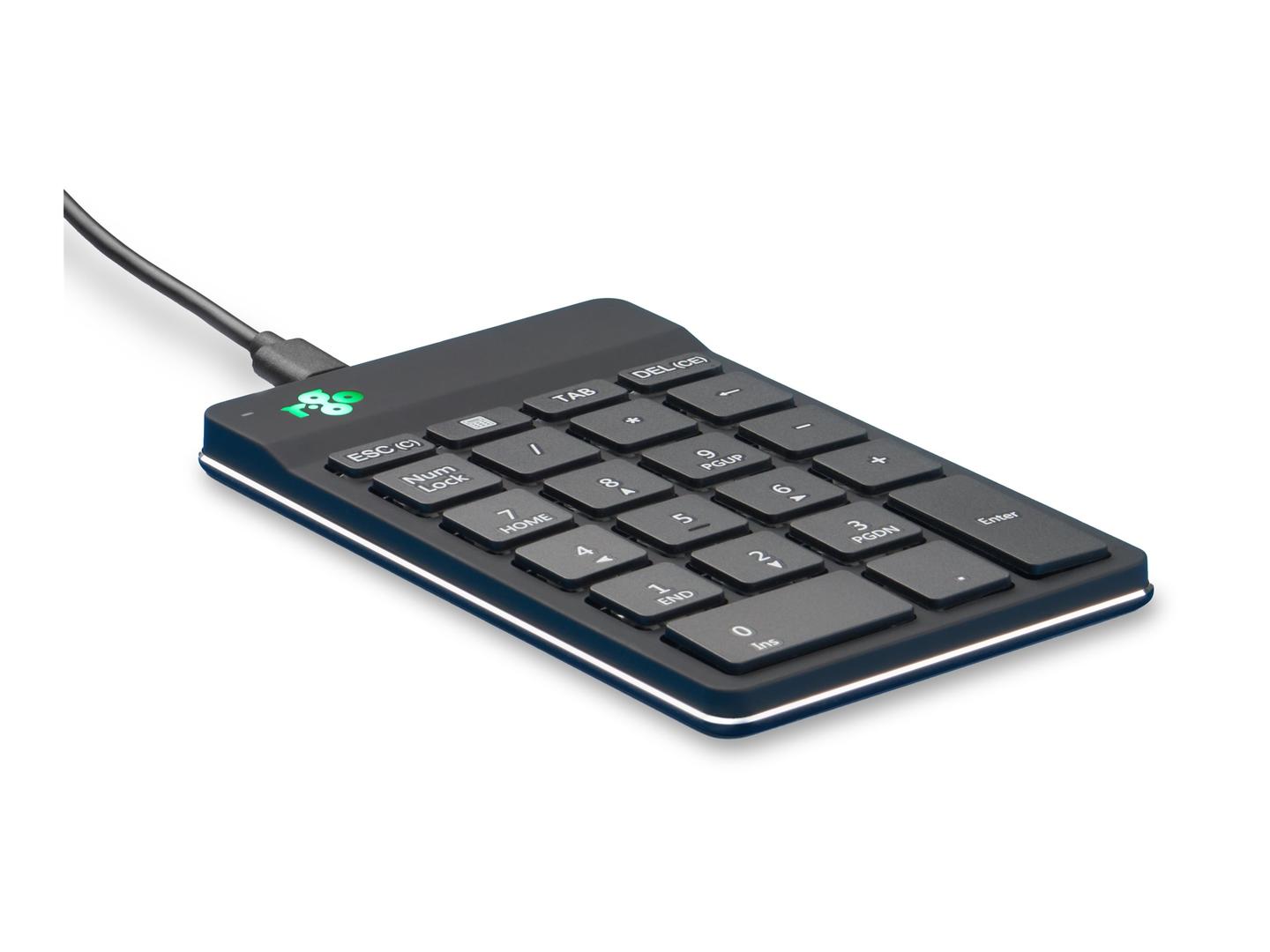
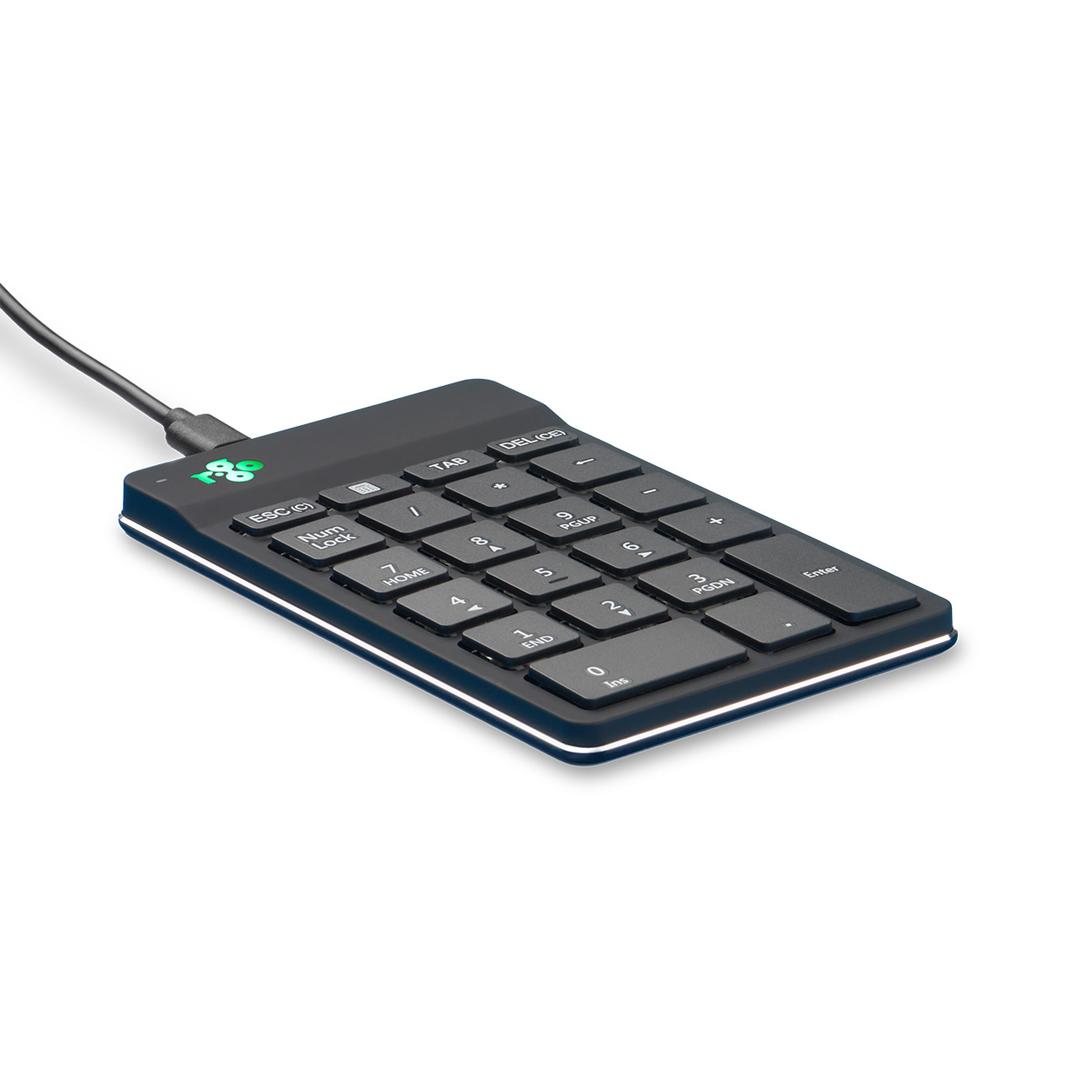
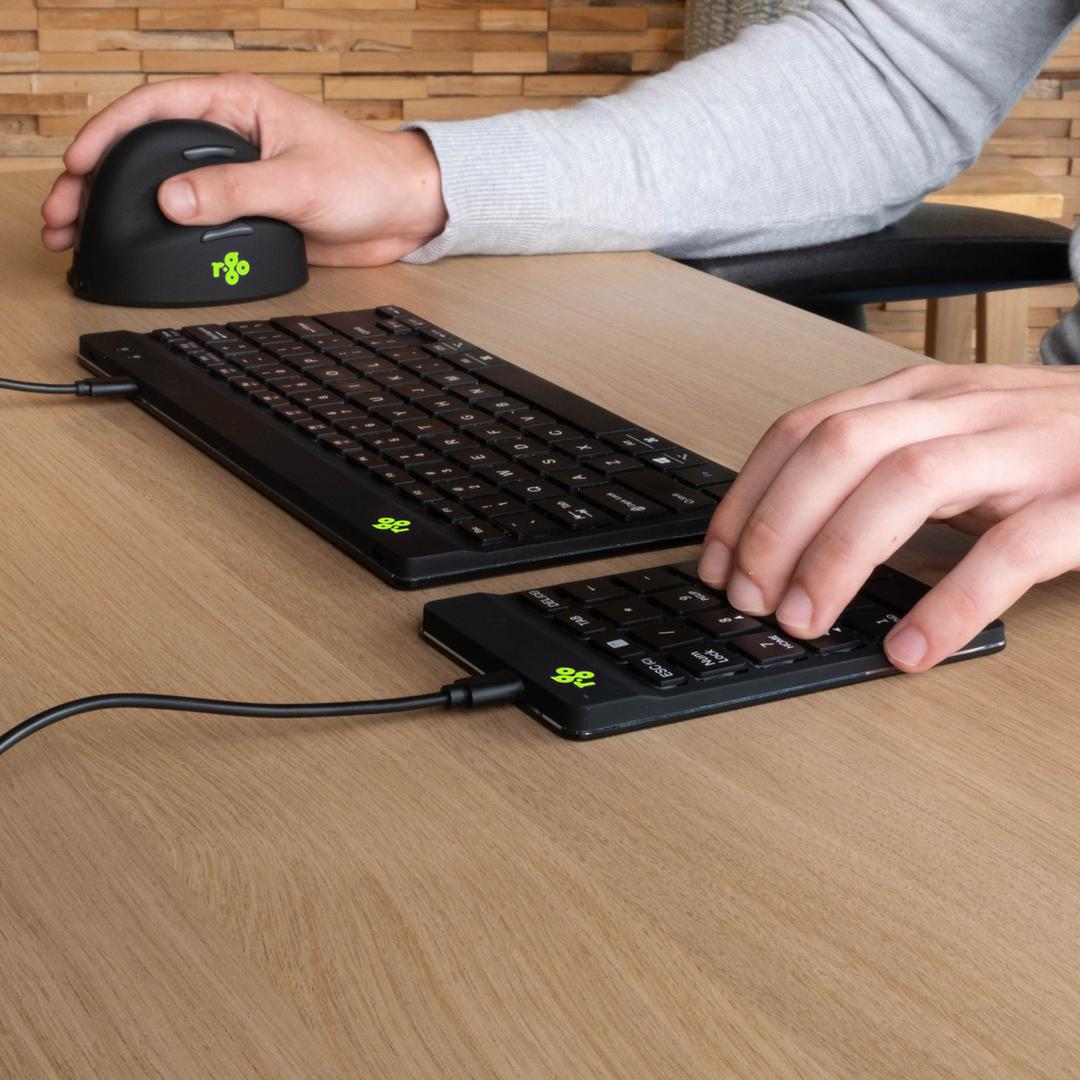
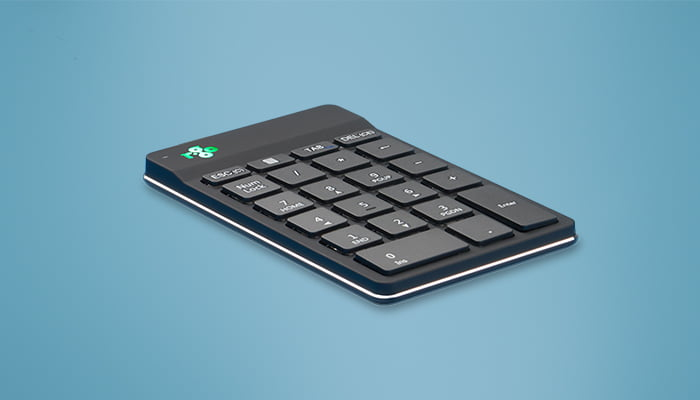
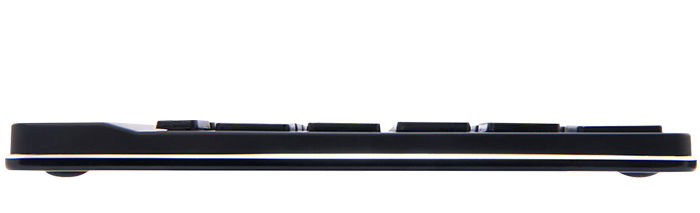
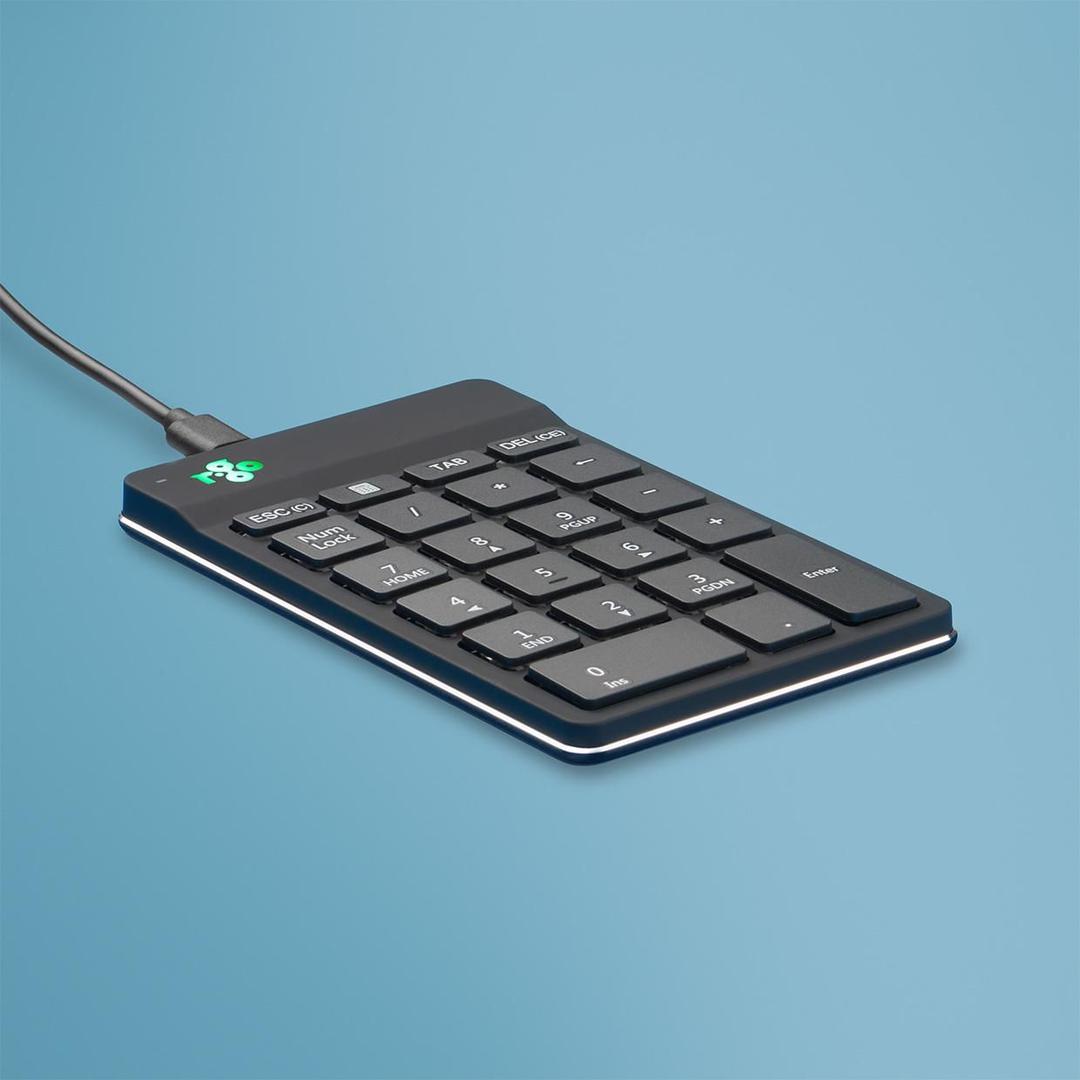
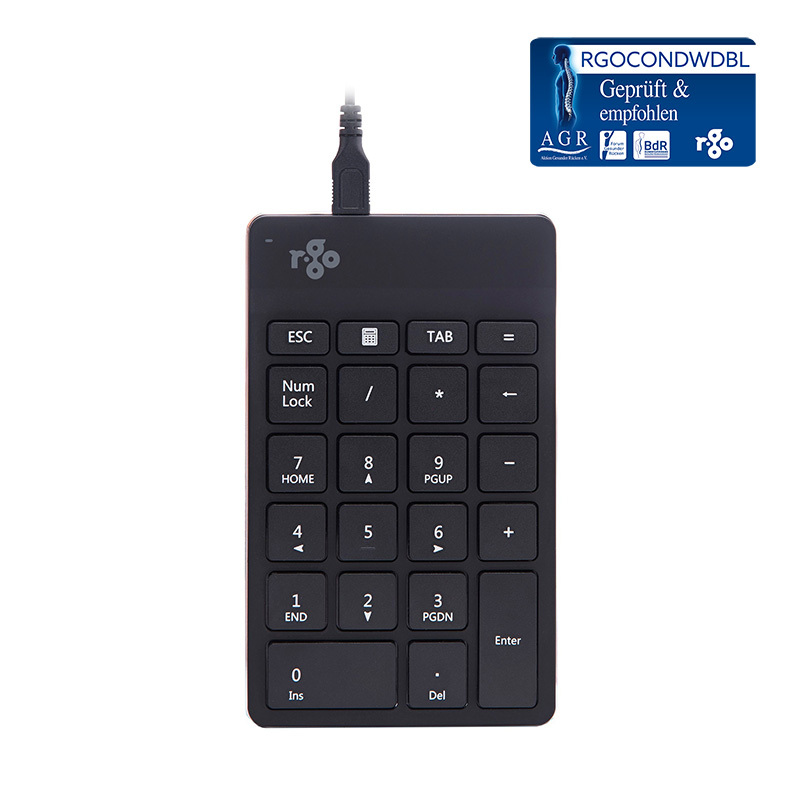
R-Go builds ergonomics into the hardware rather than into a manual, and this keypad carries the company’s signature feature: a break indicator built into the device. R-Go’s own explanation is plain — green means you are working healthy, orange means it is time to take a break and red means you have been working too long. It sits in your eyeline while you type, which is the only reason anyone actually takes the break. The keys use an ultra-thin design with a special scissor mechanism, so the travel is short and quiet like a laptop keyboard. It connects over USB-C — the cable runs USB-C into the computer and micro USB into the numpad — and a USB-C to USB-A converter is supplied for machines without a C port. It can be used on its own or together with an R-Go Split Break or R-Go Compact Break keyboard, and R-Go states the range is ergonomic and body-friendly with AGR certification.
Compatibility — check before buying:
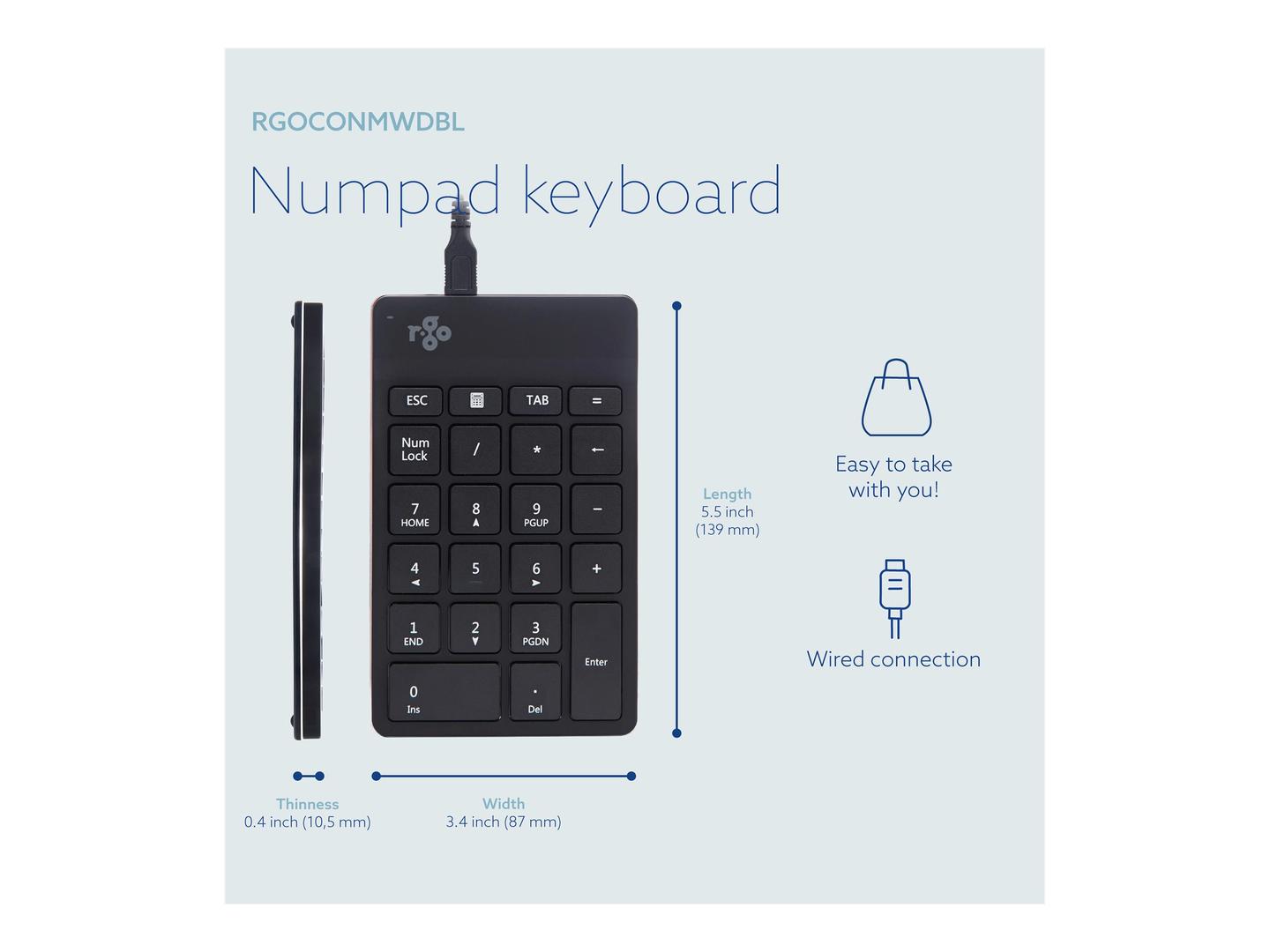
Three things to know. First, connection: the cable goes USB-C into the computer, and R-Go supplies a USB-C to USB-A converter, so it works either way — but the end at the numpad is micro USB, which is worth knowing if you ever need to replace the lead. Second, the operating systems R-Go publishes are Windows XP, Vista, 10 and 11: no macOS or Linux listing is given, so we quote none — tell us your machine and we will test one before shipping. Third, the break indicator is a light on the device, not software: it does not log anything, does not report to anyone and does not need an application, which is exactly why it survives on a locked-down work machine. There is a separate wireless Numpad Break in white and black; this part number is the wired black version. On what is not published: R-Go gives no dimensions, no weight, no key count and no cable length for this model, so we quote none.
Best For
✓ Anyone who works through breaks without noticing
✓ R-Go Split Break and Compact Break keyboard users
✓ Occupational-health and ergonomics-led procurement
✓ Laptops with no number pad
✓ Windows XP to 11 machines
✓ Desks where software-based break reminders get ignored
Key Features
The break indicator is hardware
Green, orange, red, on the device itself. No application, nothing to install, nothing for IT to approve — and nothing you can close and forget.
Scissor keys, ultra thin
A short, quiet, defined travel that matches a laptop keyboard rather than sitting proud of the desk beside one.
It joins the R-Go family
Usable alone or alongside an R-Go Split Break or Compact Break, so the whole desk works to the same break rhythm.
USB-C with a converter in the box
Connects to a modern laptop directly and to an older machine through the supplied USB-C to USB-A converter.
Technical Specifications
| Identification |
| Brand |
R-Go Tools |
| Series |
R-Go Numpad Break, wired |
| Part Number |
RGOCONMWDBL |
| EAN / GTIN |
8719274491439 |
| Colour |
Black |
| Break indicator |
| Colours |
Green, orange, red |
| Green |
You are working healthy |
| Orange |
It is time to take a break |
| Red |
You have been working too long |
| Software required |
None — the indicator is on the device |
| Keys and connection |
| Key mechanism |
Ultra-thin, special scissor mechanism |
| Connection |
USB-C into the computer, micro USB into the numpad |
| Supplied adapter |
USB-C to USB-A converter |
| Optional |
Connection to another keyboard via the supplied cable |
| Operating systems |
Windows XP, Vista, 10, 11 |
| Range and certification |
| Pairs with |
R-Go Split Break, R-Go Compact Break |
| Certification |
AGR, ergonomic and body friendly |
| Other version |
Wireless Numpad Break in white and black, separate part numbers |
| Dimensions and weight |
Not published by R-Go Tools |
| Warranty |
| Warranty |
1-Year Warranty (Singular) |
| Manufacturer Term |
R-Go Tools does not publish a warranty term for this product on its own pages, and coverage terms vary by region. Singular’s direct warranty is 1 year; for anything beyond that we handle the claim with R-Go Tools on your behalf — ask us before ordering if the term matters. |
Frequently Asked Questions
How does the break indicator work?
It is a light on the keypad itself. Green means you are working healthily, orange means it is time for a break and red means you have been working too long. There is no software and nothing to install.
Will it work on a Mac?
R-Go publishes Windows XP, Vista, 10 and 11 for this model and lists no macOS or Linux support, so we will not promise it. Tell us your machine and we will test a unit before shipping.
Is this the wired or the wireless one?
The wired version, in black. R-Go also makes a wireless Numpad Break in white and black under different part numbers — check the part number rather than the photograph.
Singular Expert Insight
A break reminder you cannot close is worth more than three you can, and putting it on the keypad instead of in software is why this one still works on a managed machine. Just note that R-Go lists Windows only. See our
keyboard accessories and our
keyboards.
Buyer’s Guide
Buy it if
You lose track of time at the keyboard and want a hardware break indicator built into the number pad you were buying anyway.
Skip it if
You need published macOS support, dimensions, or a wireless connection.
Also consider
The wireless R-Go Numpad Break, or an R-Go Split Break or Compact Break keyboard to match the same break rhythm.