
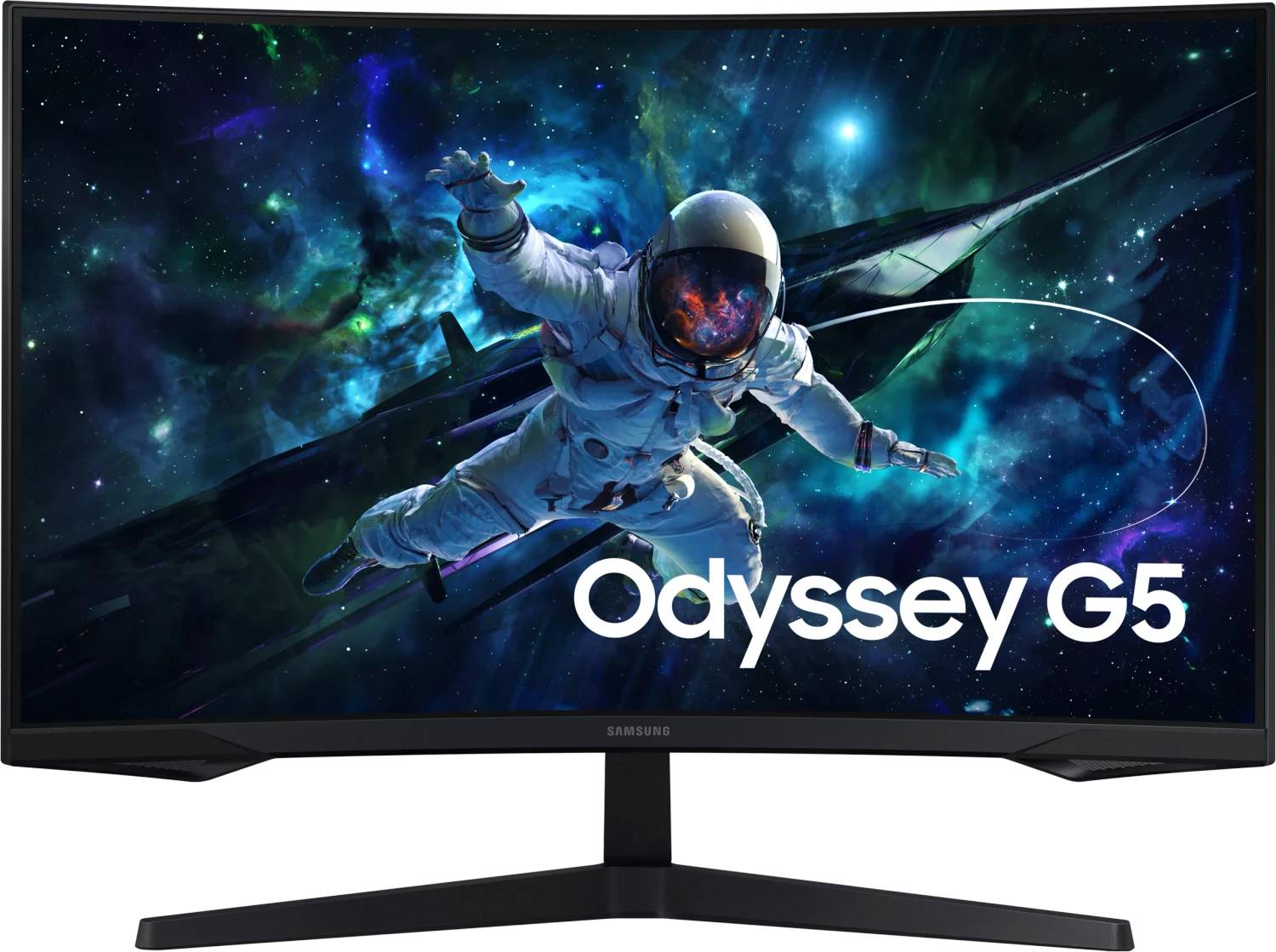
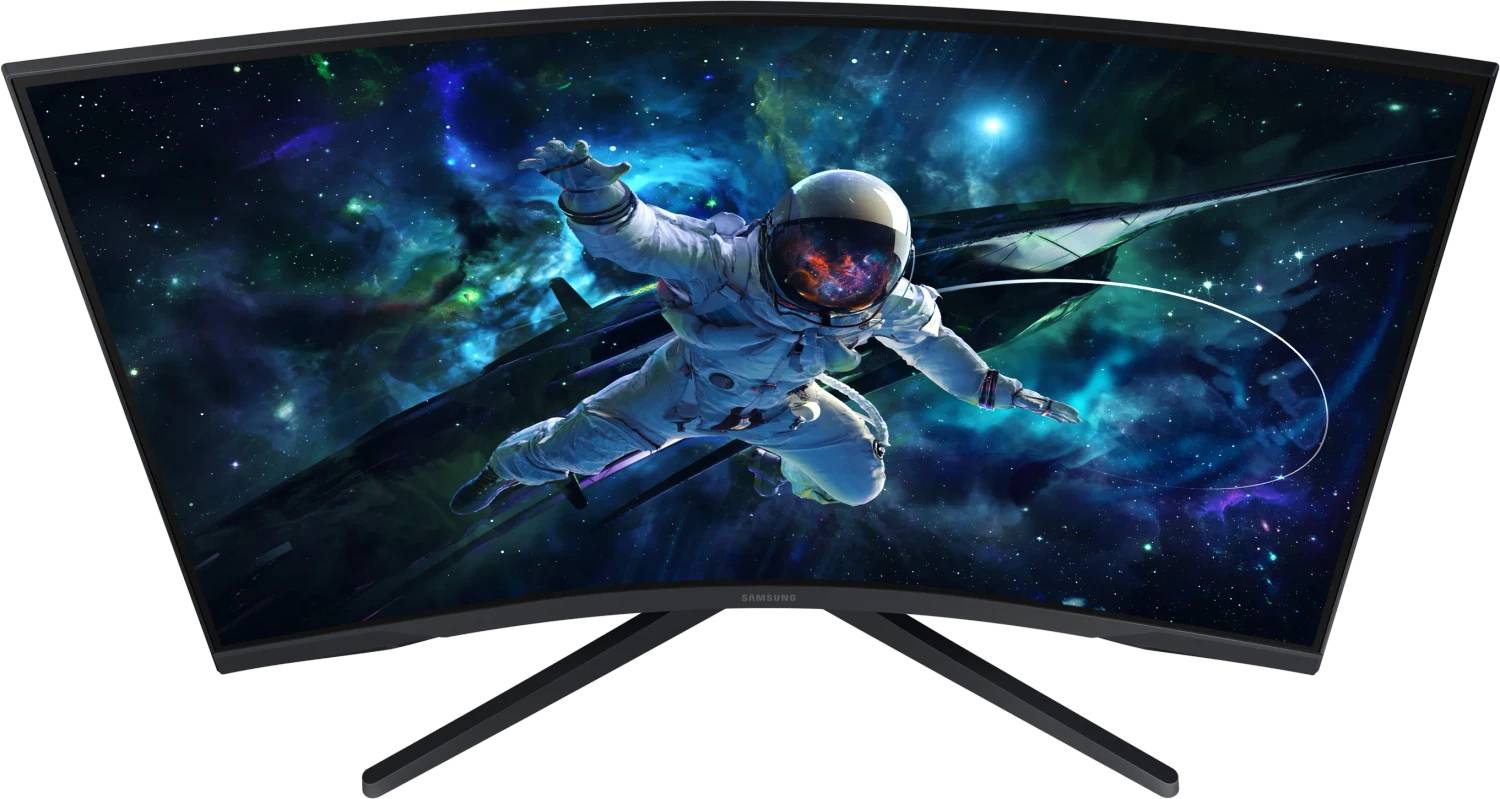
Samsung Odyssey G5 G55C 32" Curved QHD Gaming Monitor, 2560x1440 VA, 165Hz, 1ms MPRT, 1000R, FreeSync (LS32CG554EUXEN)
Brand:
Samsung

Samsung Odyssey G5 G55C 32" Curved QHD Gaming Monitor, 2560x1440 VA, 165Hz, 1ms MPRT, 1000R, FreeSync (LS32CG554EUXEN)
€276.2 inc. VAT


LS32CG554EUXEN
Delivery
Order Today...
Ships...
Delivery...
ℹ️ Large or fragile items (e.g. monitors) may require extra handling time. We'll keep you informed.
Payment options
Trusted Tech Choice
Buying Benefits
Verified
Competitive EU pricing
Delivered to Cyprus from EU stock
Local warranty support
Please sign in so that we can notify you about a reply
Samsung Odyssey G5 G55C 32″ — 1000R curve, 165 Hz, high contrast
1000R curve2560 × 1440 · 165 HzVA · 2500:132″
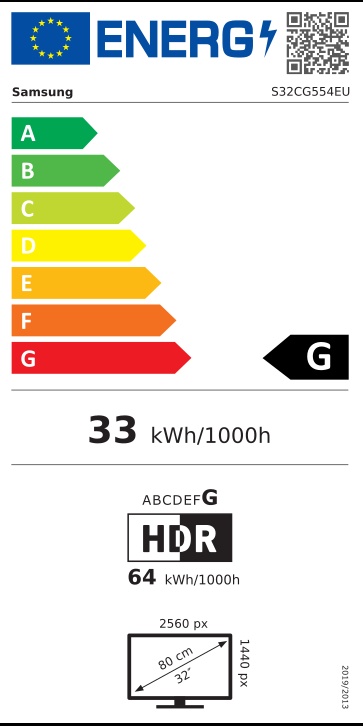
The LS32CG554EUXEN is Samsung’s Odyssey G5 (G55C) at 32″ — a curved QHD gaming monitor at 2560 × 1440 and 165 Hz, on a VA panel with a 1000R curve and a 2500:1 contrast ratio. Response is 1 ms MPRT, it supports HDR10 and AMD FreeSync, and it is a large, immersive screen for the money.
Compatibility — check before buying:
⭐ 1000R is the tightest curve Samsung makes, and on a 32″ screen it is the point of the product.
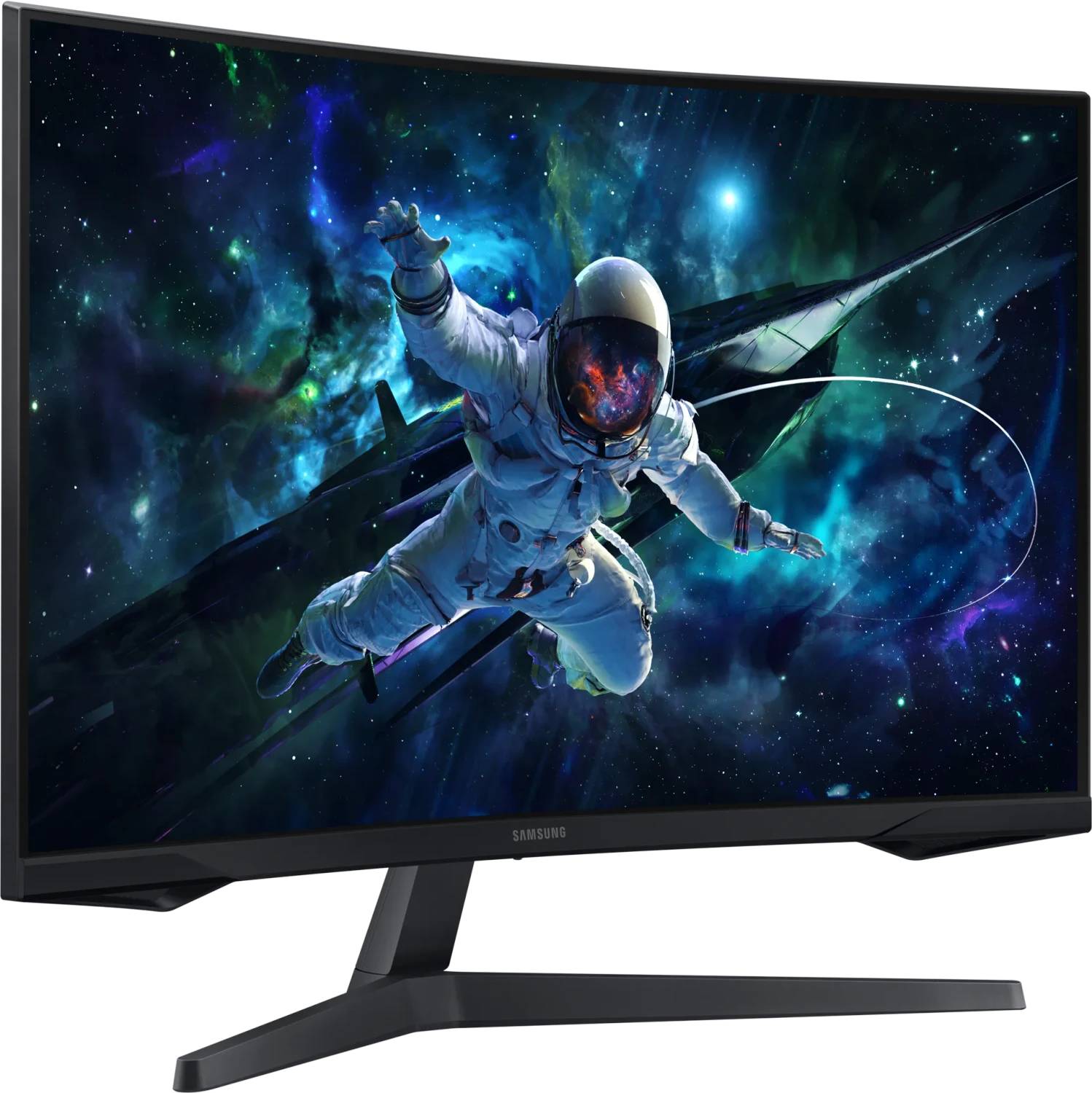
1000R means the curve matches a circle of one metre radius — roughly the curvature of human peripheral vision at normal desk distance. On a 32″ panel the screen edges are far enough away that a flat panel makes you turn your head; the curve brings them back. Sit about 70–90 cm away and it works well. Sit much further back, or off to one side, and a curve this tight starts to look distorted — this is not a screen for a shared view.
⭐ VA contrast: 2500:1, against 1000:1 on an IPS panel. That is the real advantage here. Blacks are far deeper, which shows in dark games and films. The trade is the usual VA one: viewing angles are weaker off-axis, and very dark transitions can smear slightly compared with IPS.
⚠️ Response is quoted as 1 ms MPRT, not GTG. These are different measurements and MPRT is the more flattering one — it describes perceived motion blur with backlight strobing, not the panel’s actual pixel transition. A VA panel is not as fast as its 1 ms MPRT figure suggests. For competitive play at the highest level, an IPS panel with a true GTG figure — such as the 27″ G50F — is the better tool.
⚠️ FreeSync only, and no tier is stated. Samsung publishes plain FreeSync for the G55C — not FreeSync Premium, and not G-SYNC Compatible. It generally works with NVIDIA cards in practice, but Samsung does not certify it, so we will not claim it.
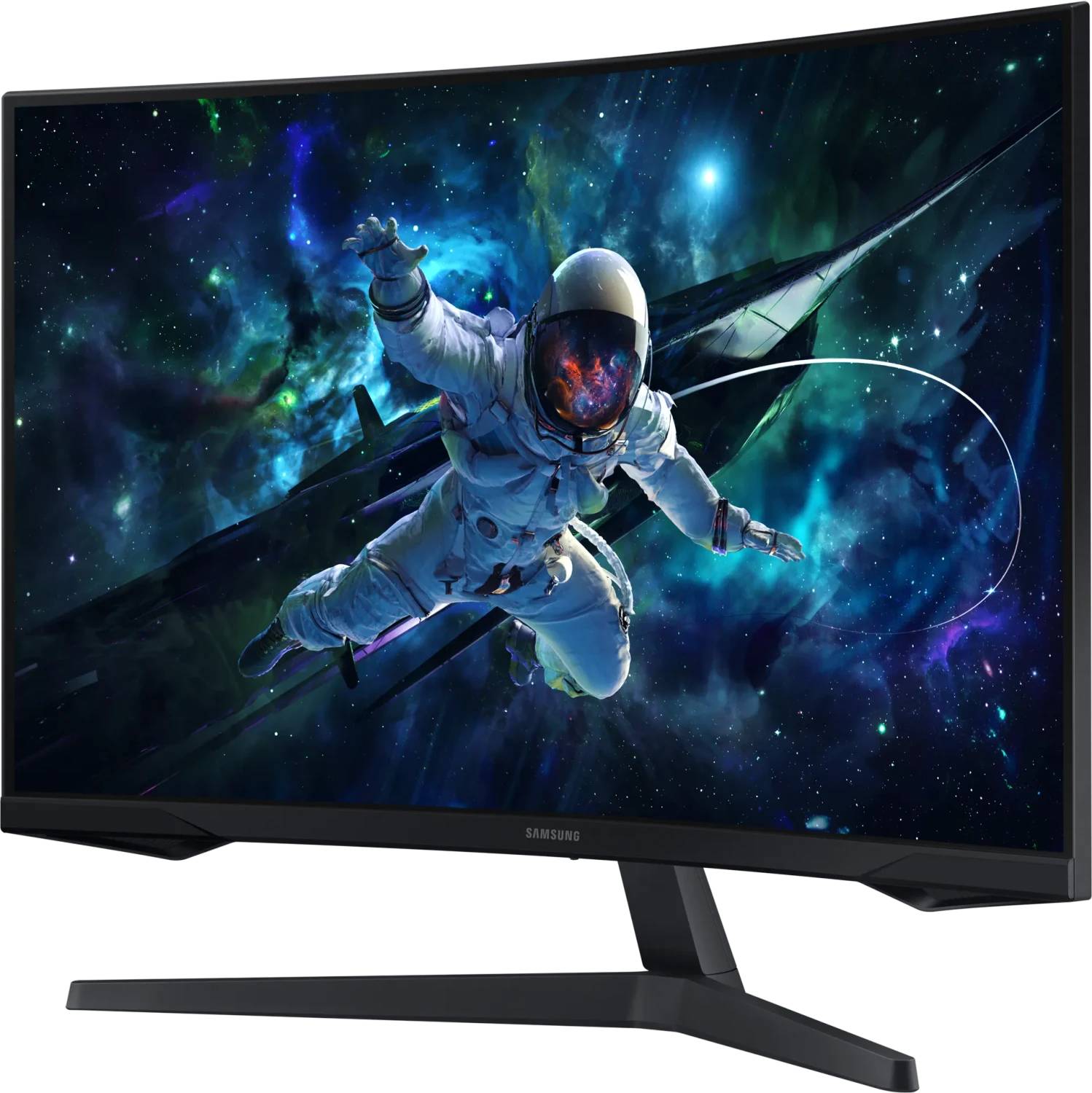
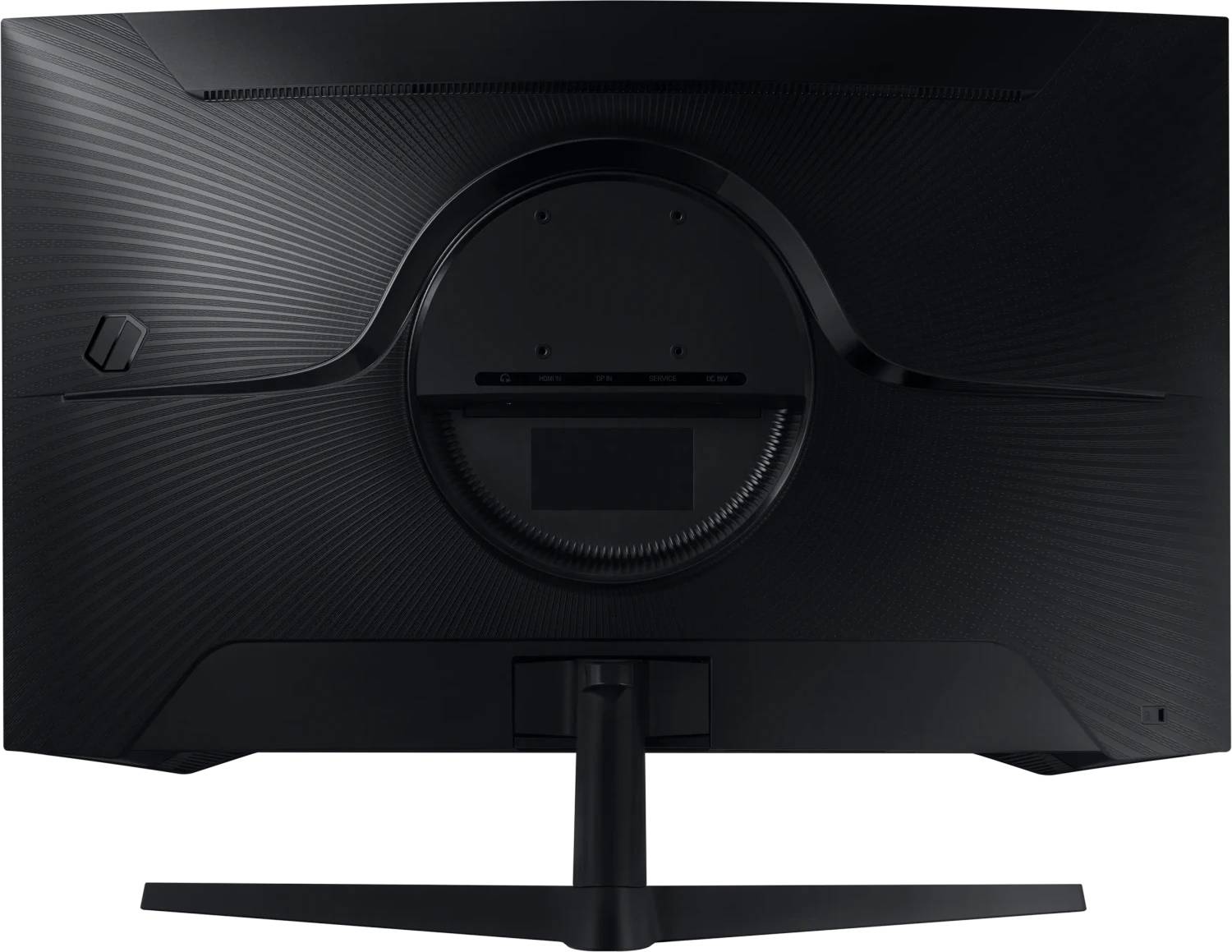
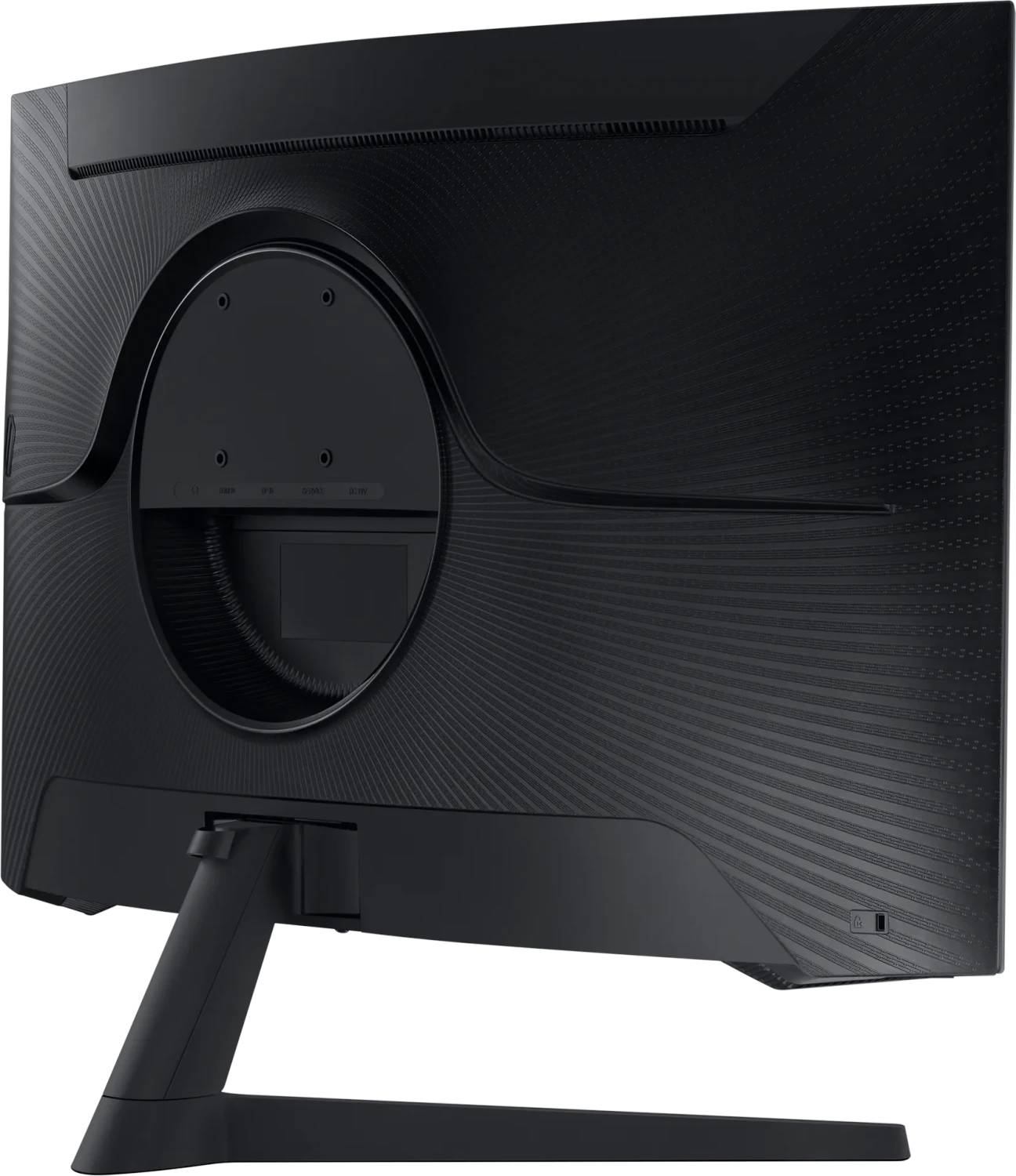
⚠️ The stand tilts only, and the VESA pattern is 75 × 75. Tilt −2° to +18°: no height, no swivel, no pivot. Note the 75 × 75 mm VESA pattern — smaller than the usual 100 × 100, so check that any arm or wall mount you buy supports it.
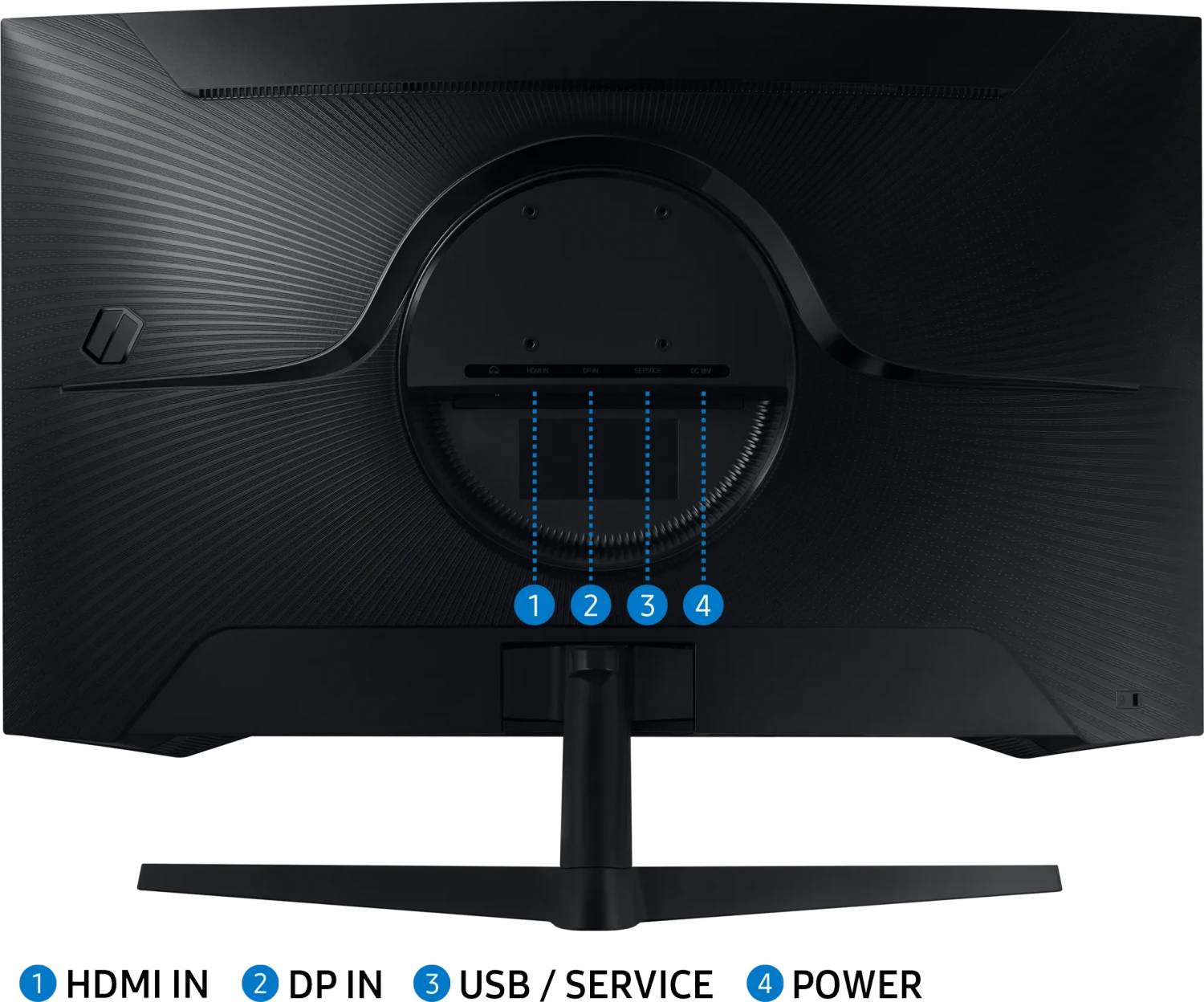
⚠️ Cables: this part number ships with the DisplayPort cable only. DisplayPort is the input you want for 165 Hz anyway, so for a PC this is all you need. If you also want to connect a console or a second machine over HDMI, buy the cable — or choose LS32CG552EUXEN, the identical monitor with both cables in the box.
1000R means the curve matches a circle of one metre radius — roughly the curvature of human peripheral vision at normal desk distance. On a 32″ panel the screen edges are far enough away that a flat panel makes you turn your head; the curve brings them back. Sit about 70–90 cm away and it works well. Sit much further back, or off to one side, and a curve this tight starts to look distorted — this is not a screen for a shared view.
⭐ VA contrast: 2500:1, against 1000:1 on an IPS panel. That is the real advantage here. Blacks are far deeper, which shows in dark games and films. The trade is the usual VA one: viewing angles are weaker off-axis, and very dark transitions can smear slightly compared with IPS.
⚠️ Response is quoted as 1 ms MPRT, not GTG. These are different measurements and MPRT is the more flattering one — it describes perceived motion blur with backlight strobing, not the panel’s actual pixel transition. A VA panel is not as fast as its 1 ms MPRT figure suggests. For competitive play at the highest level, an IPS panel with a true GTG figure — such as the 27″ G50F — is the better tool.
⚠️ FreeSync only, and no tier is stated. Samsung publishes plain FreeSync for the G55C — not FreeSync Premium, and not G-SYNC Compatible. It generally works with NVIDIA cards in practice, but Samsung does not certify it, so we will not claim it.
⚠️ The stand tilts only, and the VESA pattern is 75 × 75. Tilt −2° to +18°: no height, no swivel, no pivot. Note the 75 × 75 mm VESA pattern — smaller than the usual 100 × 100, so check that any arm or wall mount you buy supports it.
⚠️ Cables: this part number ships with the DisplayPort cable only. DisplayPort is the input you want for 165 Hz anyway, so for a PC this is all you need. If you also want to connect a console or a second machine over HDMI, buy the cable — or choose LS32CG552EUXEN, the identical monitor with both cables in the box.
Best For
✓ Immersive single-player gaming at a desk
✓ Dark-room gaming and film watching, where 2500:1 contrast tells
✓ A large screen on a budget — 32″ QHD at 165 Hz
✓ Anyone sitting 70–90 cm from the screen, alone
Key Features
1000R curve on a 32″ panel
Samsung’s tightest curve. At this size it genuinely reduces how much you move your head, and pulls the edges of the picture into your peripheral vision.
2500:1 VA contrast
Two and a half times an IPS panel’s typical contrast. Black is properly black rather than dark grey, which matters more in games and films than any other single specification.
165 Hz with 1 ms MPRT
Fast enough for the great majority of gaming. Note that MPRT is not the same measurement as GTG — see the compatibility notes above.
Samsung’s gaming toolkit
Black Equalizer, Low Input Lag Mode, Virtual Aim Point, Refresh Rate Optimizer and the Super Arena Gaming UX overlay, plus Eye Saver Mode and Flicker Free.
⚠️ Tilt-only stand, VESA 75 × 75
No height, swivel or pivot — and the mount pattern is the smaller 75 mm one. Check any arm before buying.
Technical Specifications
Frequently Asked Questions
Singular Expert Insight
The G55C is bought for size and contrast, and on both counts it delivers more than its price suggests: 32 inches of QHD at 165 Hz with a 2500:1 VA panel and Samsung’s tightest 1000R curve. In a dark room, playing something atmospheric, it looks considerably better than an IPS monitor costing the same, because black is actually black. Be clear-eyed about the compromises, though. The 1 ms figure is MPRT rather than grey-to-grey, so this panel is not as fast as the number implies; Samsung publishes no colour gamut figure at all for it, so do not buy it for colour work; the stand only tilts and uses the smaller 75 × 75 VESA pattern; and Samsung certifies FreeSync only, with no G-SYNC claim. For immersive single-player gaming and films at a desk you sit close to, it is excellent value. For competitive play or work, the 27″ IPS G50F is the better monitor. Browse our PC monitor range or our monitor arms and stands — remember to check for 75 × 75 support.
Buyer’s Guide
Buy it if
You want the largest, most immersive gaming screen your budget allows, you sit close to it, and deep blacks matter more to you than viewing angles.
Skip it if
You need colour accuracy (no gamut figure is published), you play competitively (choose an IPS panel with a real GTG figure), you want an adjustable stand, or you need certified G-SYNC.
Also consider
An HDMI cable if you will connect a console, or a VESA 75 × 75 monitor arm for height adjustment.
Features - Samsung - LS32CG554EUXEN
Colour
black
More Details
Product Code
03:247373
EAN Code
8806095337265
Manufacturer
Samsung