
Samsung Essential Monitor S4 S40GD 27 inch IPS Full HD 100Hz, Height Adjustable, DisplayPort and 2x HDMI (LS27D400GAUXEN)
Brand:
Samsung

Samsung Essential Monitor S4 S40GD 27 inch IPS Full HD 100Hz, Height Adjustable, DisplayPort and 2x HDMI (LS27D400GAUXEN)
€193.89 inc. VAT


LS27D400GAUXEN
Delivery
Order Today...
Ships...
Delivery...
ℹ️ Large or fragile items (e.g. monitors) may require extra handling time. We'll keep you informed.
Payment options
Trusted Tech Choice
Buying Benefits
Verified
Competitive EU pricing
Delivered to Cyprus from EU stock
Local warranty support
Please sign in so that we can notify you about a reply
Samsung Essential Monitor S4 — 27-inch IPS with a full ergonomic stand
27″ IPS, 100 HzHeight, swivel & pivotDP + 2× HDMI + USB hubEnergy class C
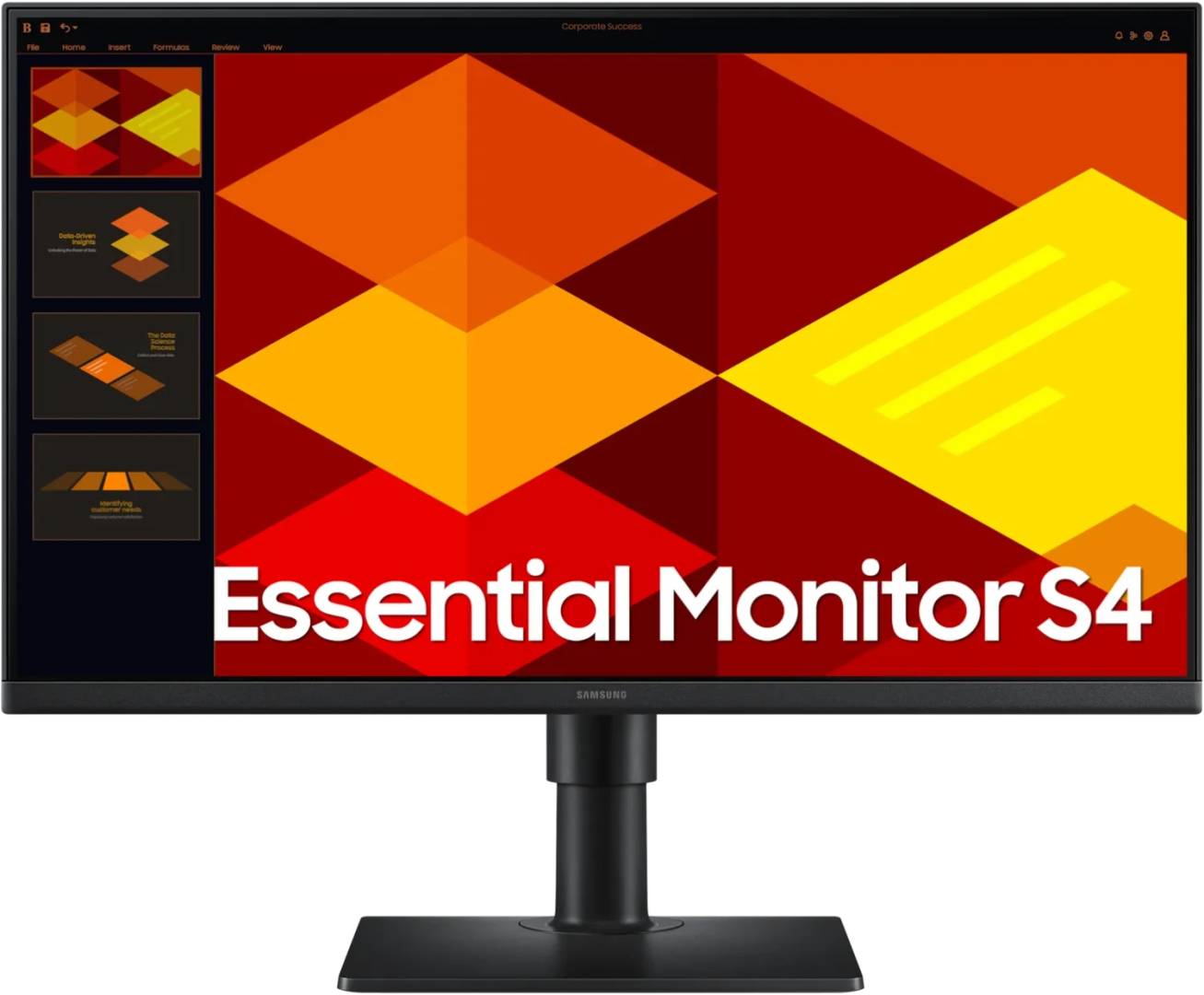
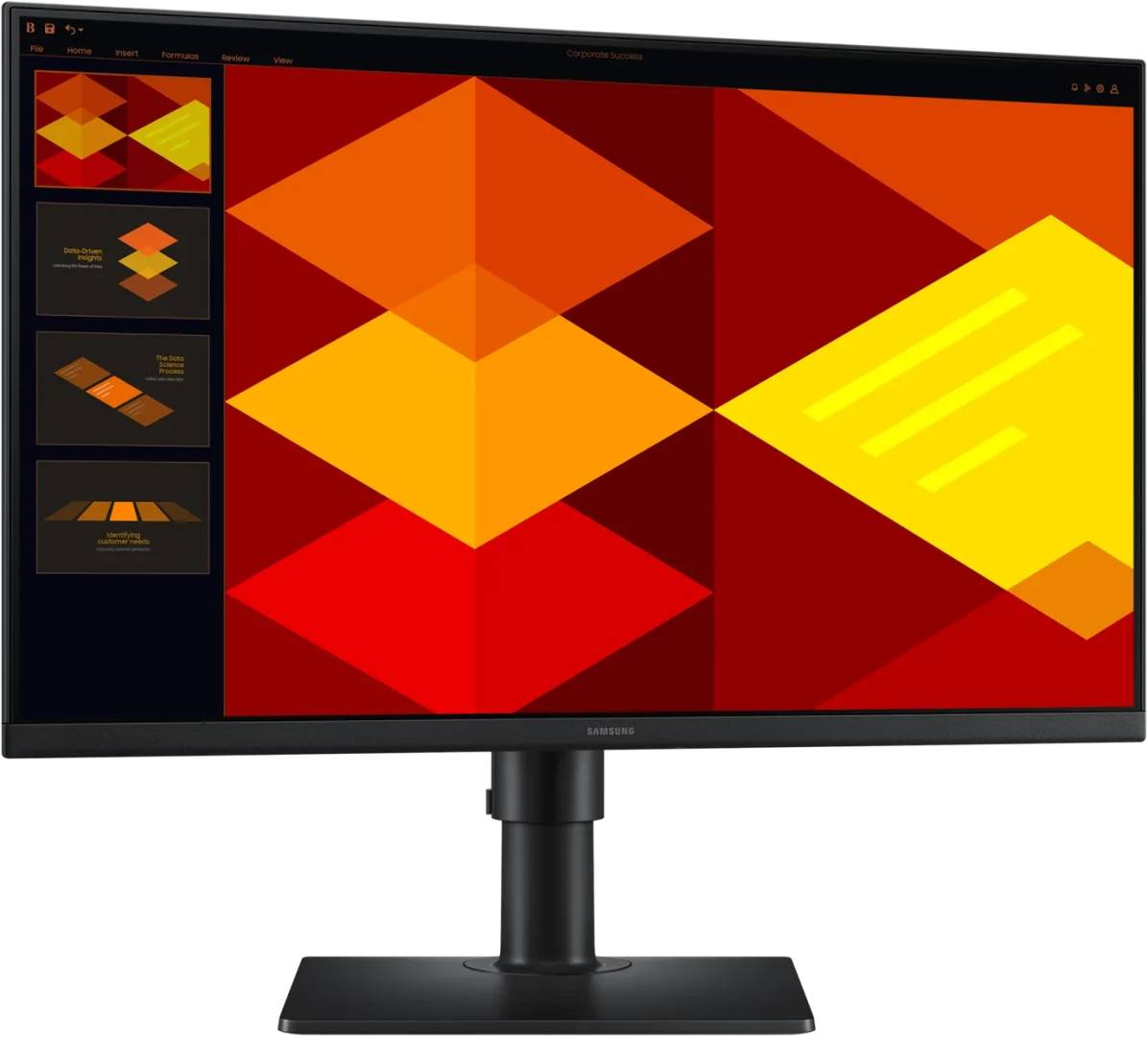
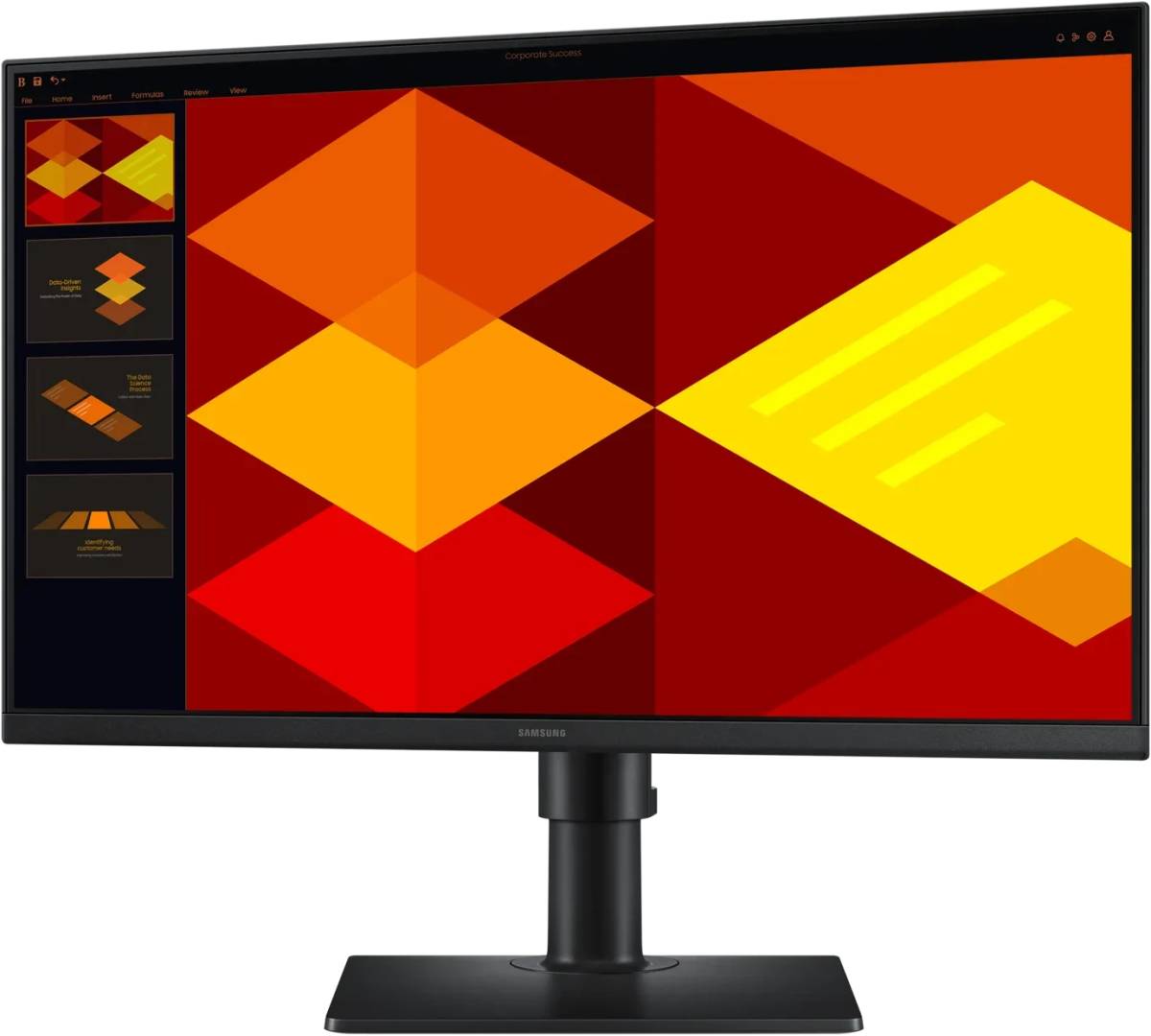
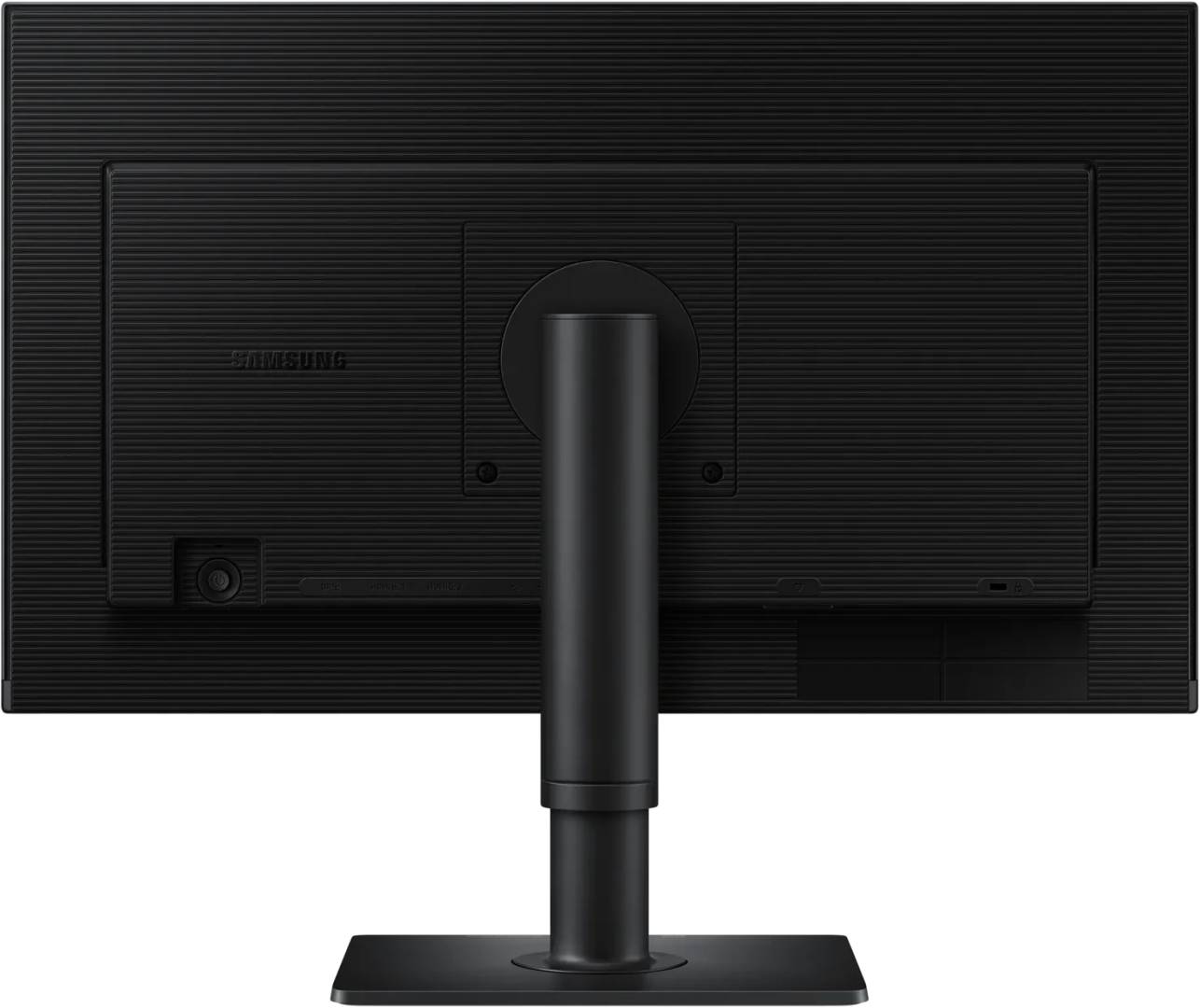
The LS27D400GAUXEN is Samsung’s 27-inch Essential Monitor S4 (S40GD) — a flat IPS panel at Full HD 1920 × 1080, running at 100 Hz with a 5 ms grey-to-grey response. Unlike every cheaper model in the Essential range it has a fully adjustable stand with height, swivel and pivot, a real port set including DisplayPort 1.2, two HDMI inputs and a two-port USB hub, and the best efficiency here at energy class C and 14 W. This version ships with an HDMI cable in the box.
Compatibility — check before buying:
This part number ships with an HDMI cable only. Samsung sells the identical monitor as LS27D402GAUXEN, which adds a DisplayPort cable to the box. Every other published specification matches exactly. The monitor still has a DisplayPort input; you simply supply your own cable. If you already own one, or you are connecting over HDMI, this is the version to buy.
What the S4 gives you over the cheaper S3 models, since they sit side by side on the shelf: a height, swivel and pivot stand instead of tilt only; DisplayPort 1.2 plus two HDMI and a USB hub instead of one HDMI and a VGA socket; VESA 100 × 100 (the curved S3 models use 75 × 75); energy class C at 14 W instead of D or E at 16–21 W; and TCO Certified with EPEAT Silver, which matters for corporate and tender purchasing. What you give up is contrast — 1000:1 here against 3000–4000:1 on the curved VA models — and there are no speakers; only the LS27D396GAUXEN has those.
One thing to set yourself: the monitor ships at 60 Hz. Switch it to 100 Hz in the on-screen menu and in your display settings.
What the S4 gives you over the cheaper S3 models, since they sit side by side on the shelf: a height, swivel and pivot stand instead of tilt only; DisplayPort 1.2 plus two HDMI and a USB hub instead of one HDMI and a VGA socket; VESA 100 × 100 (the curved S3 models use 75 × 75); energy class C at 14 W instead of D or E at 16–21 W; and TCO Certified with EPEAT Silver, which matters for corporate and tender purchasing. What you give up is contrast — 1000:1 here against 3000–4000:1 on the curved VA models — and there are no speakers; only the LS27D396GAUXEN has those.
One thing to set yourself: the monitor ships at 60 Hz. Switch it to 100 Hz in the on-screen menu and in your display settings.
Best For
✓ Eight hours a day of actual work
✓ A desk shared with a colleague, or a screen viewed off-axis
✓ Two machines connected at once, switched from the on-screen menu
✓ Rotating to portrait for long documents and code
Key Features
A stand that actually adjusts
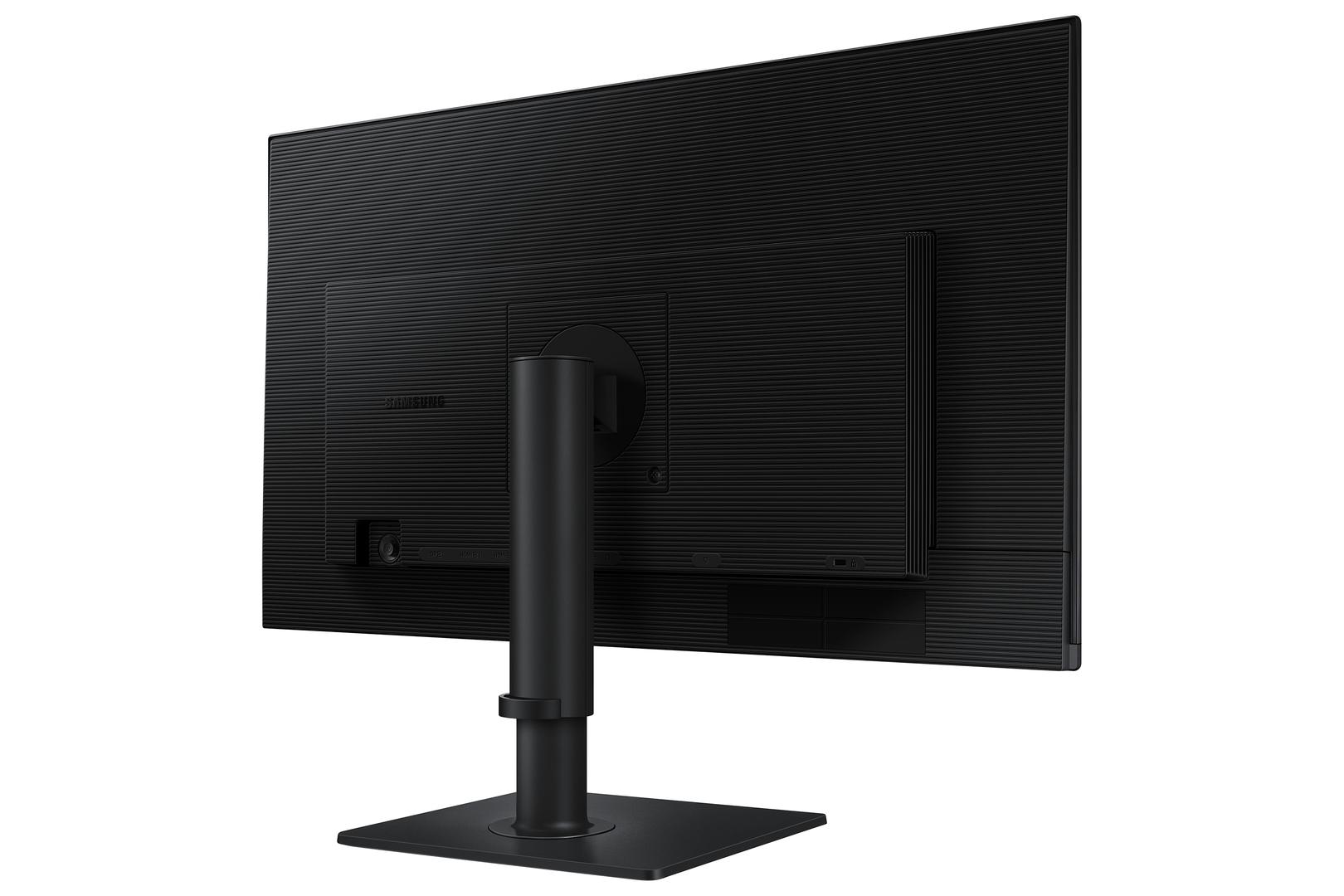
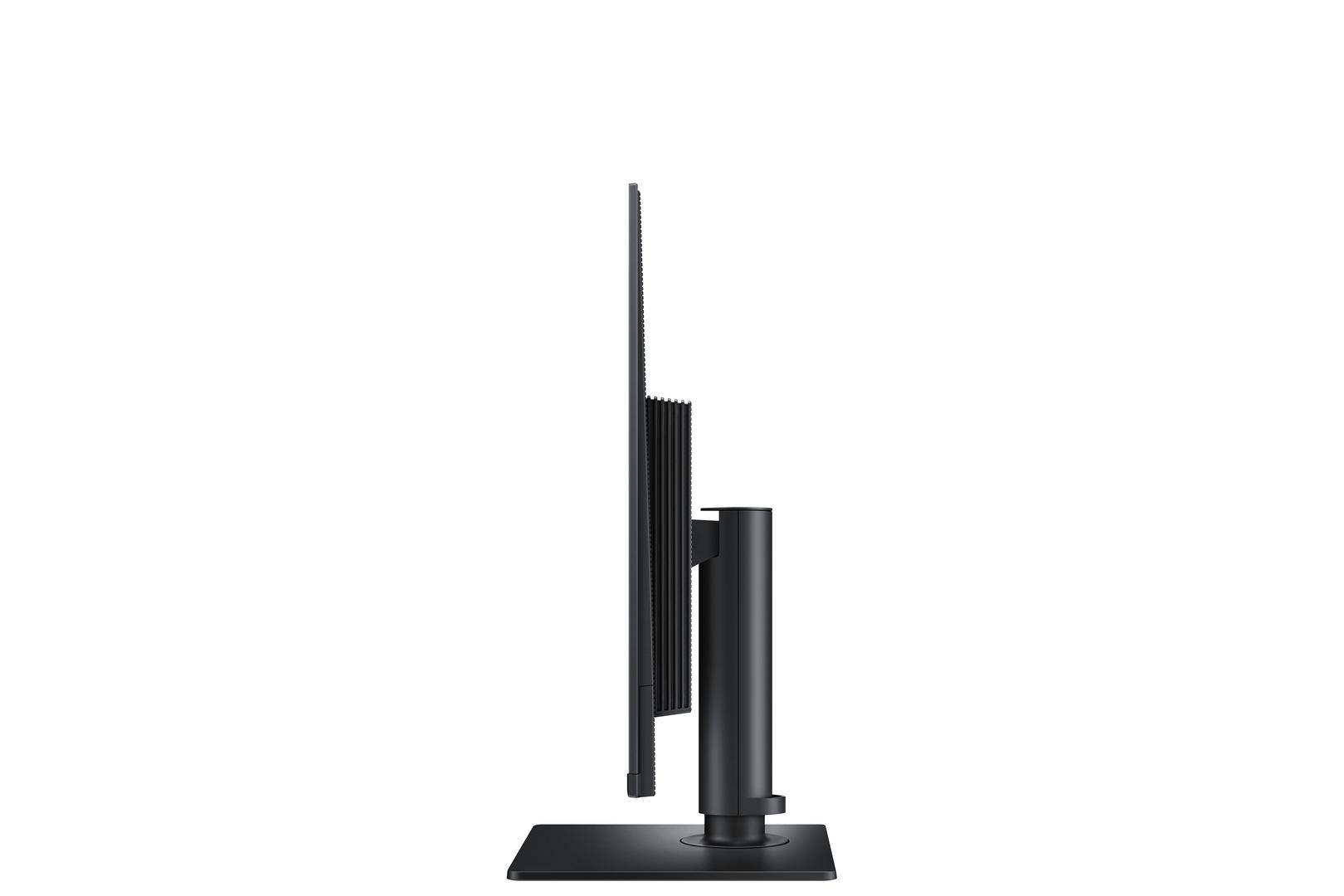
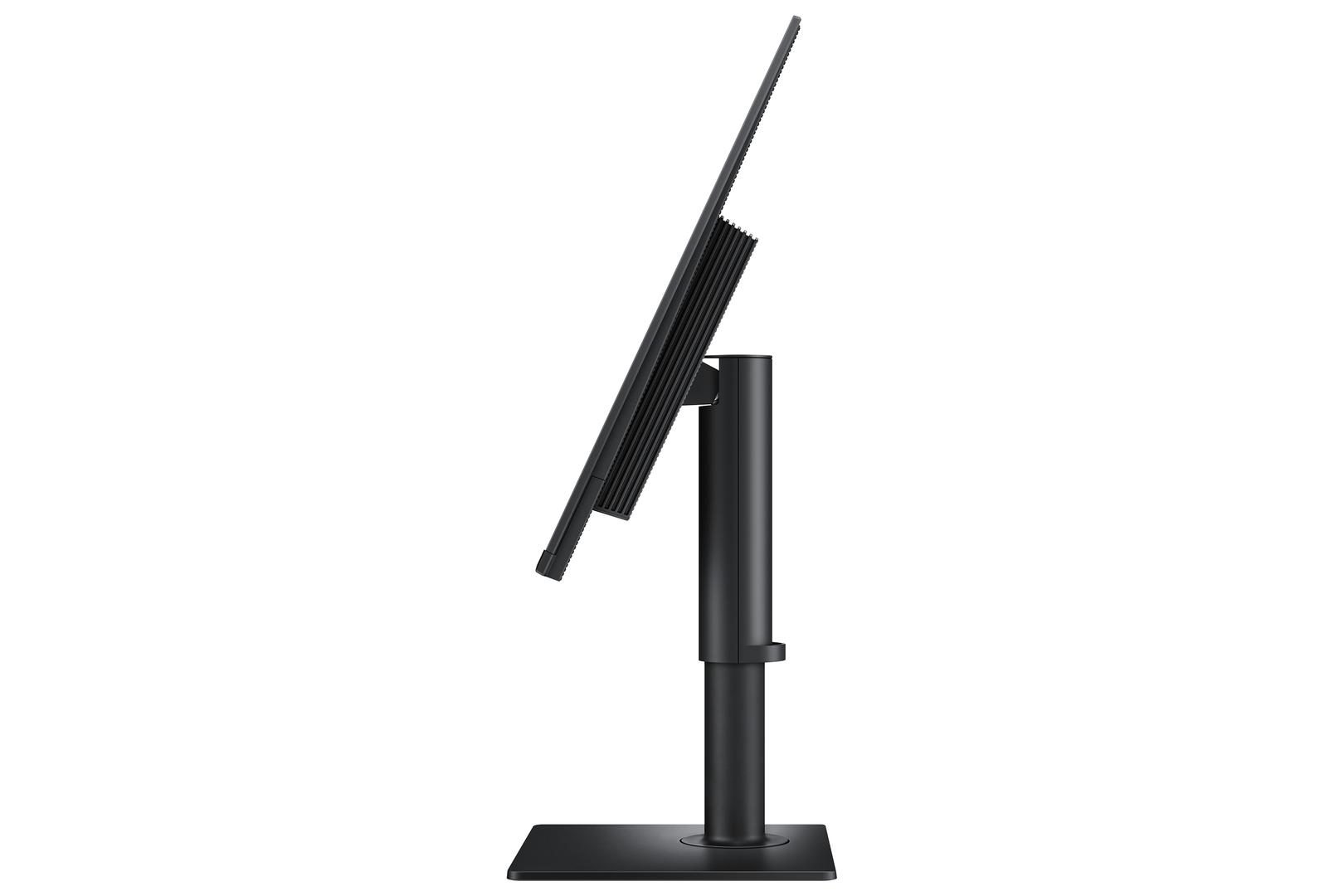
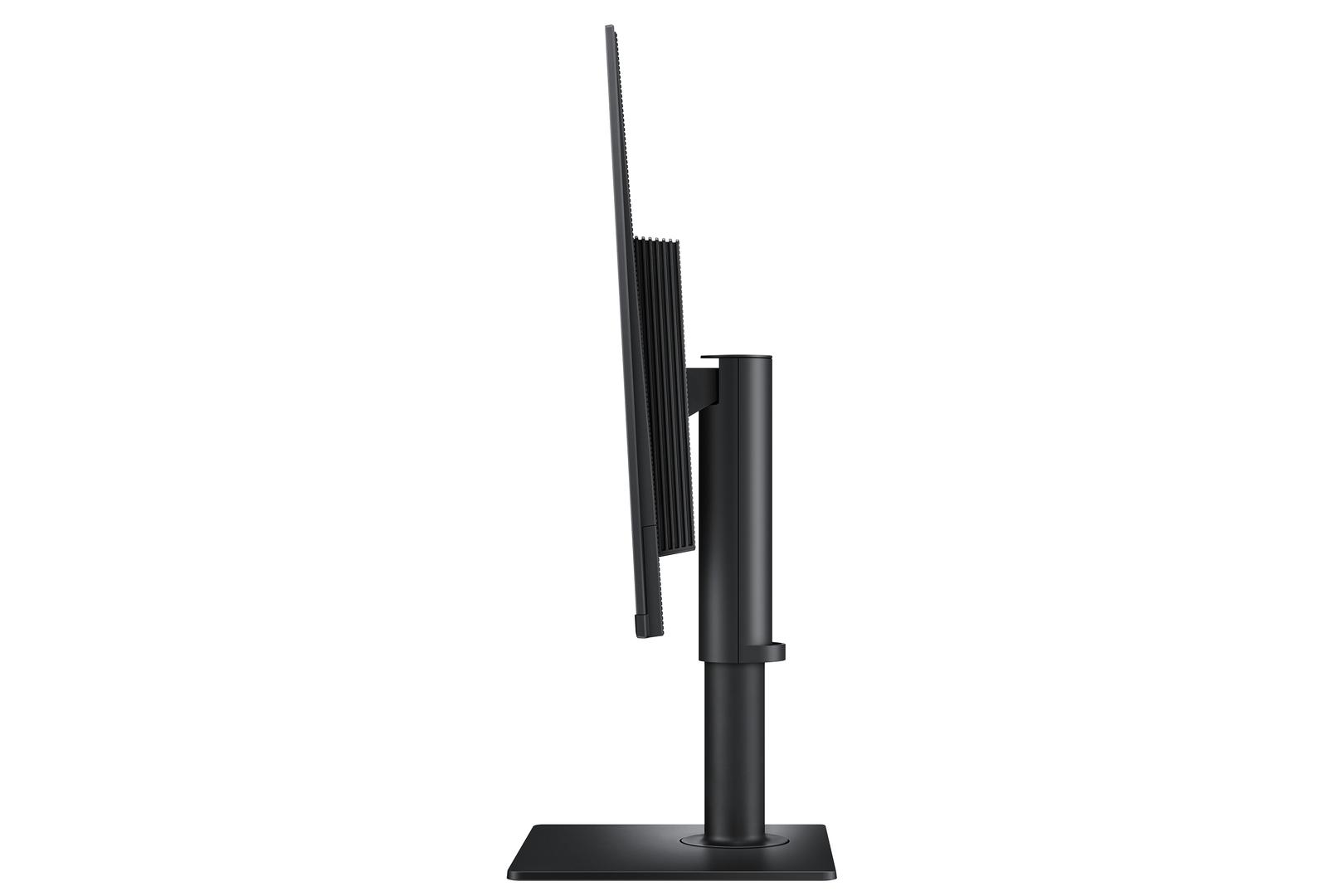
105 mm of height, ±45° swivel and ±92° pivot to portrait. This is the single biggest practical difference from every cheaper Essential model, which tilt and nothing else. Getting a screen to the right height is the difference between a comfortable working day and a sore neck, and it is not something you can fix later without buying an arm.
DisplayPort, two HDMI and a USB hub
Enough inputs to leave a desktop and a laptop connected at once and switch between them from the on-screen menu. The two-port USB 2.0 hub handles a keyboard and mouse without reaching behind the PC.
IPS — colour that holds up off-axis
Colour and brightness stay consistent when you are not sitting dead centre, which covers the everyday reality of an office: someone leaning over your shoulder, a screen not quite square to your chair, two people looking at the same spreadsheet.
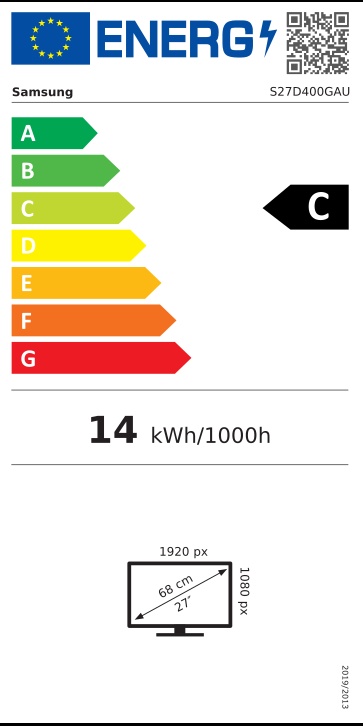
Energy class C at 14 W — the best at this size
Notably better than the rest of the 27-inch Essential range, which runs at class D or E and 16 to 21 W. On a screen that is on eight hours a day, five days a week, that is a real running-cost difference, and it comes with TCO Certified and EPEAT Silver.
Rotates to portrait
±92° of pivot turns the screen upright, which is genuinely useful for long documents, code and anything you scroll rather than scan across. Very few monitors at this price allow it.
Technical Specifications
Frequently Asked Questions
Singular Expert Insight
If you are buying a monitor to work at rather than to watch, this is the one in Samsung’s Essential range worth the money, and the gap is wider than the price suggests. The stand alone justifies it: height, swivel and pivot at this level is unusual, and a screen at the wrong height is a problem you notice in your shoulders by Thursday. Add DisplayPort and two HDMI inputs, a USB hub, VESA 100 × 100 and the best efficiency at this size, and it is a genuinely better tool than anything else in the range. What you trade away is contrast — 1000:1 against 3000:1 or 4000:1 on the curved models — and there are no speakers. That is the right trade for an office and the wrong one for a living room. Between the two S4 part numbers, this is the one to buy unless you specifically need a DisplayPort cable supplied — the monitors themselves are identical. Browse the rest of our PC monitors, or a monitor stand or arm if the supplied base is the sticking point.
Buyer’s Guide
Buy it if
You work at this screen every day and want a height-adjustable, pivoting stand, DisplayPort and two HDMI inputs, and the lowest running cost at this size.
Skip it if
You mainly watch films or play games at home — the curved VA models have three to four times the contrast — or you need built-in speakers.
Also consider
The LS27D402GAUXEN, the same monitor with a DisplayPort cable added, or the curved S39GD if contrast matters more than ergonomics.
Features - Samsung - LS27D400GAUXEN
Colour
black
More Details
Product Code
03:278921
EAN Code
8806095803050
Manufacturer
Samsung