
Silicon Power CreatePro BS10 SPU3CCSREDBS100K USB-C Card Reader CFexpress Type B and SD UHS-II Aluminium Black
Brand:
Silicon Power

Silicon Power CreatePro BS10 SPU3CCSREDBS100K USB-C Card Reader CFexpress Type B and SD UHS-II Aluminium Black
€54.19 inc. VAT


SPU3CCSREDBS100K
Delivery
Order Today...
Ships...
Delivery...
ℹ️ Large or fragile items (e.g. monitors) may require extra handling time. We'll keep you informed.
Payment options
Trusted Tech Choice
Buying Benefits
Verified
Competitive EU pricing
Delivered to Cyprus from EU stock
Local warranty support
Please sign in so that we can notify you about a reply
Silicon Power CreatePro BS10 — CFexpress Type B + SD UHS-II Reader, USB-C 10 Gbps
CFexpress Type B + SDUSB 3.2 Gen 2 · 10 GbpsBoth cables includedAluminium body
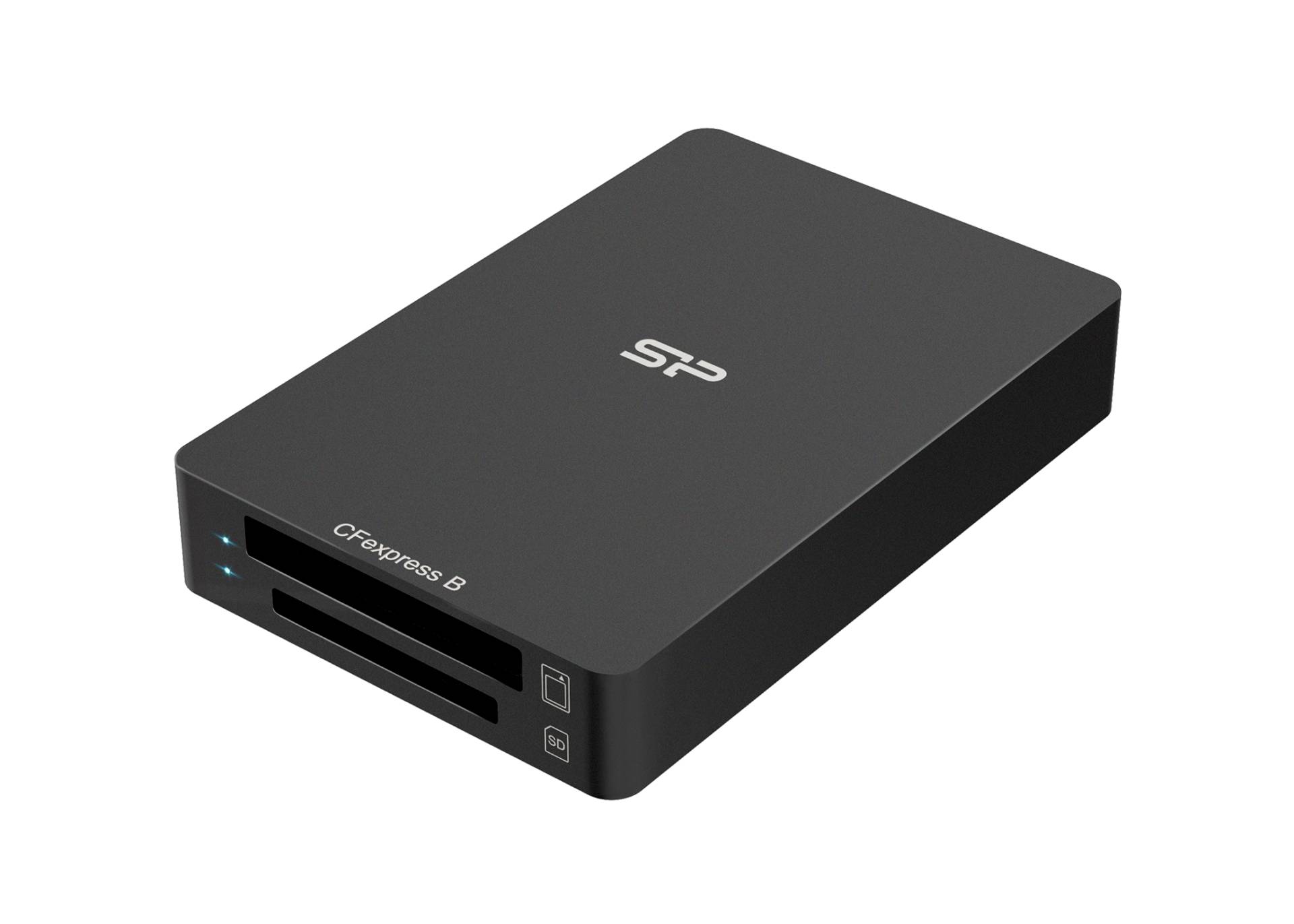
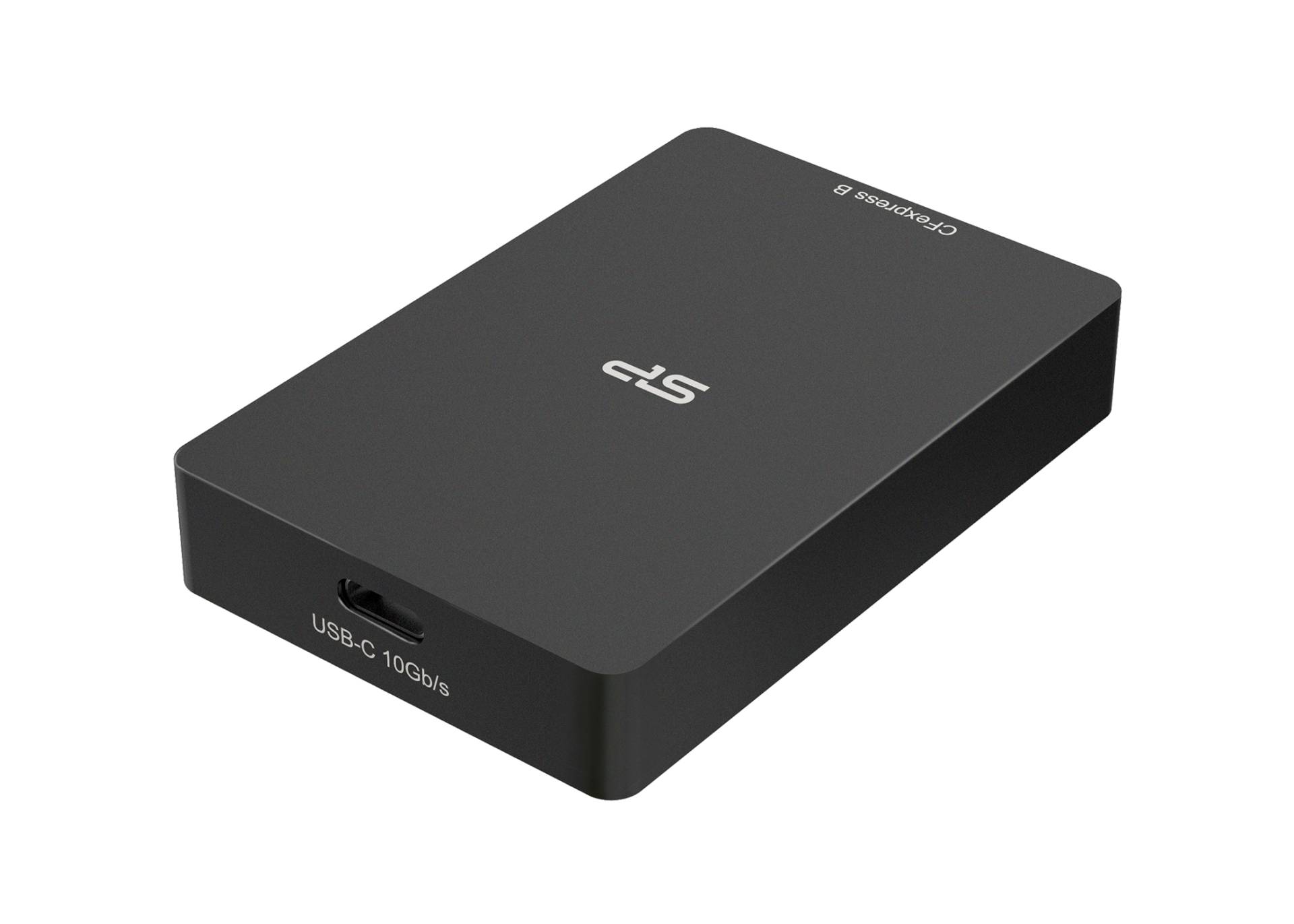
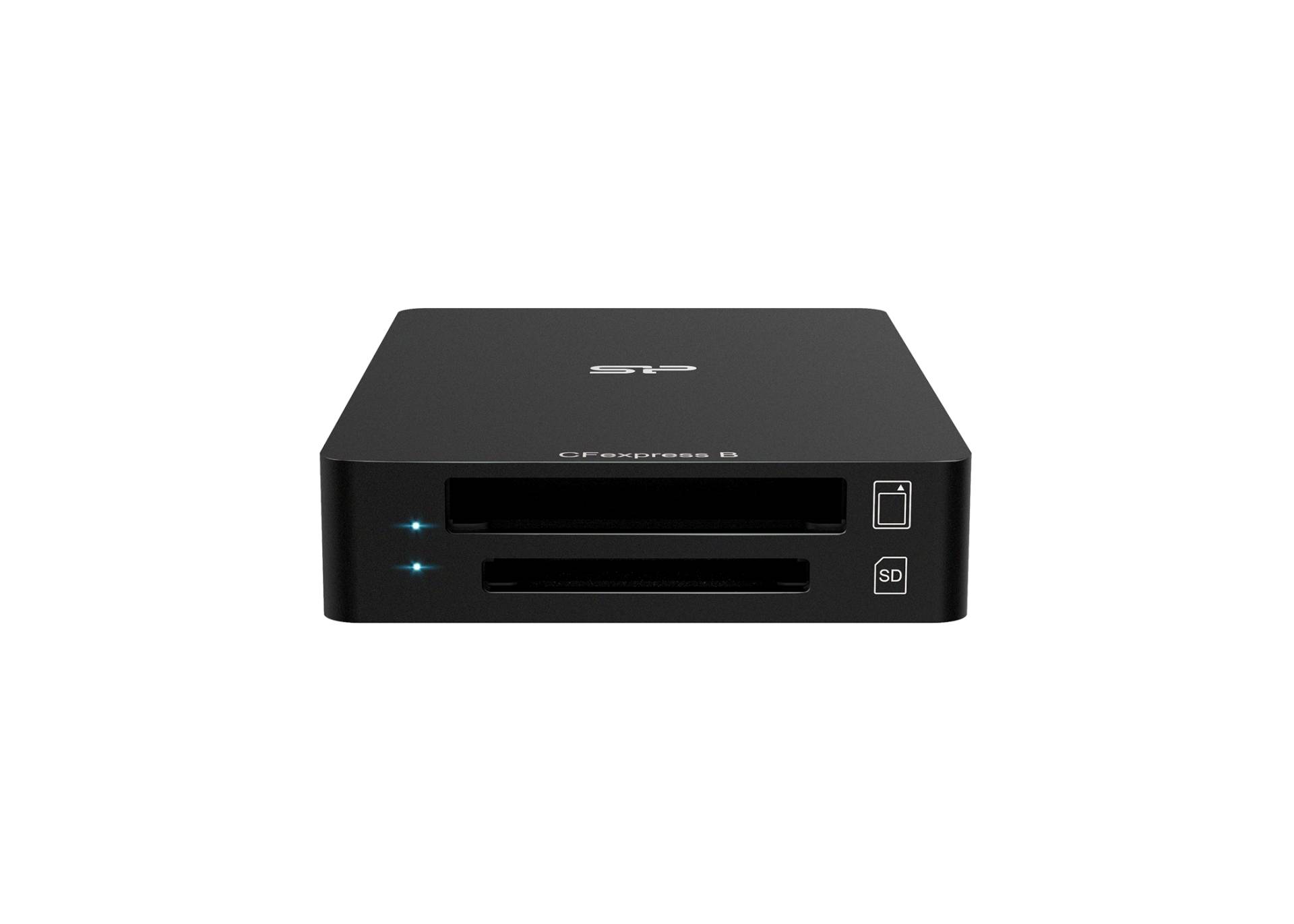
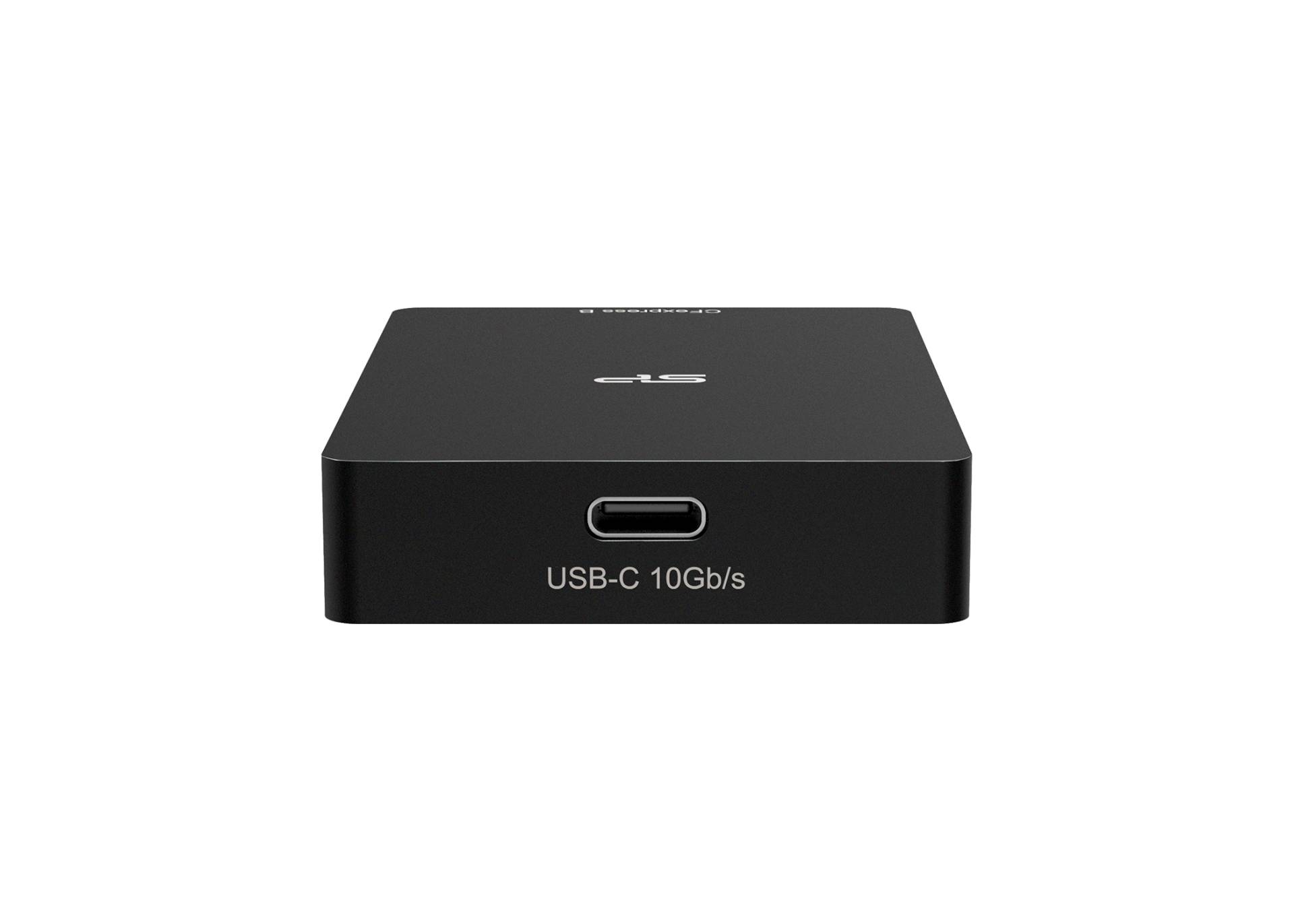
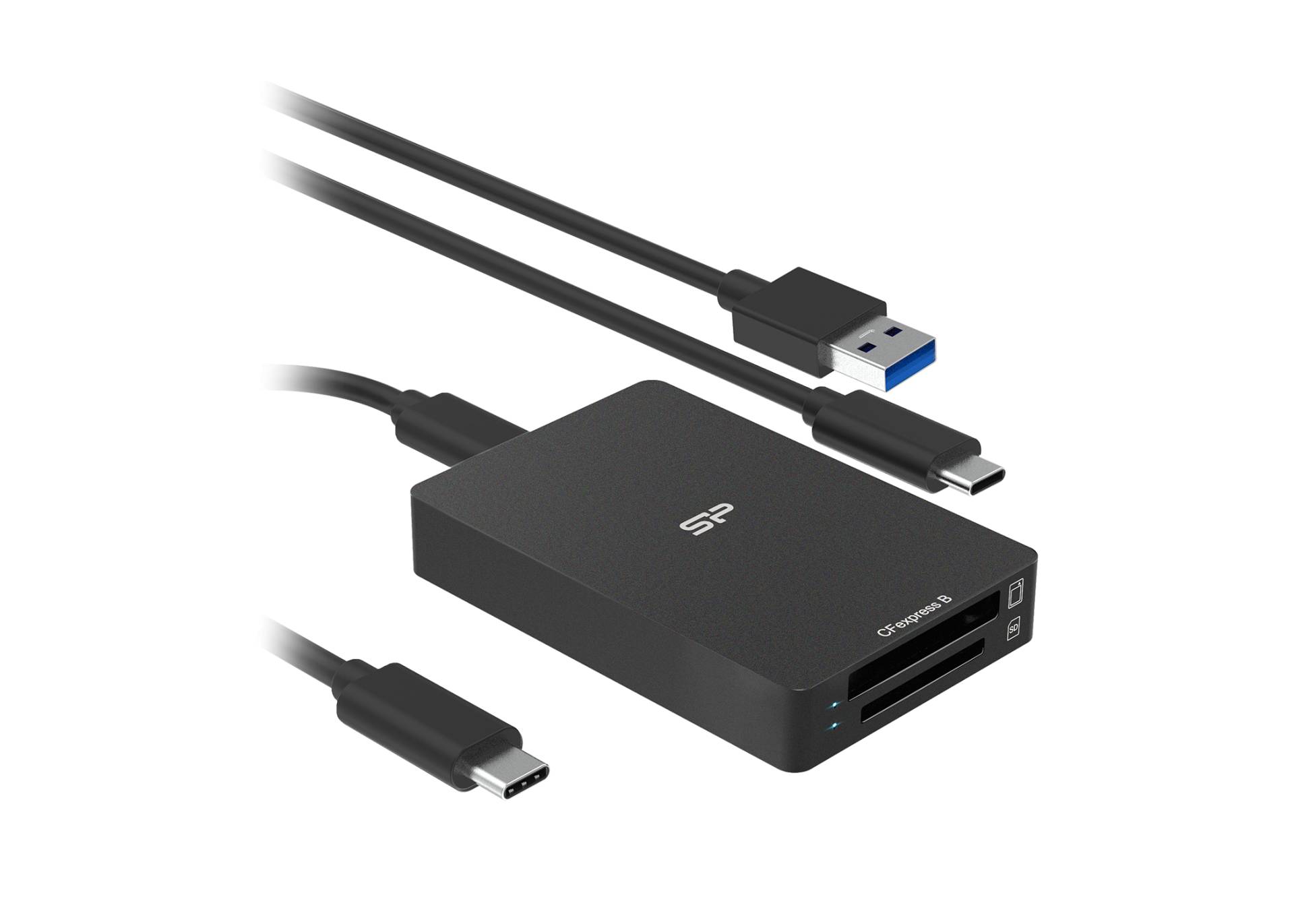
The Silicon Power CreatePro BS10 SPU3CCSREDBS100K is a dual-slot USB-C card reader that takes one CFexpress Type B card and one SD card, and connects over USB 3.2 Gen 2 at 10 Gbps. Both slots can be used at the same time, which is the point of it: a photographer or videographer coming back from a shoot can pull CFexpress video and SD stills in one pass instead of swapping cards. The SD slot supports UHS-II as well as UHS-I, so a fast card is not throttled at the reader, and cards up to 2TB are supported. The housing is aluminium, doubling as a heatsink, with a push-lock mechanism and one-touch ejection, and both a USB-C to USB-C and a USB-C to USB-A cable are supplied in the box.
Compatibility — check before buying:
This reader does not take CompactFlash. Some listings shorten CFexpress to “CF”, which is misleading: Silicon Power states the BS10 is compatible only with CFexpress Type B and SD UHS-II / UHS-I cards, and does not support XQD, CFast 2.0 or CompactFlash. Those are physically different cards. There is also no microSD slot — a microSD card needs its own full-size SD adapter to go into the SD side. To reach the full 10 Gbps you need a USB 3.2 Gen 2 host and cable; the reader is fully backward compatible with USB 3.0, 2.0 and 1.1, it simply runs slower. And when both slots are transferring at once, Silicon Power notes the 10 Gbps of total bandwidth is shared between them. The aluminium shell is designed to carry heat away, so it becoming warm in use is normal and not a fault. If you are unsure which card your camera writes to, tell us the model and we will check it.
Best For
✓ Photographers offloading CFexpress Type B and SD in one session
✓ Video work where CFexpress cards fill quickly and time matters
✓ Laptops and tablets with only USB-C ports
✓ Desktops with USB-A, using the second supplied cable
✓ Anyone with UHS-II SD cards whose built-in slot is UHS-I
✓ A travel reader that does not need a power adapter
Key Features
Two slots, used at once
One CFexpress Type B slot and one SD slot, both live at the same time. Cards up to 2TB are supported on either side, and the total 10 Gbps is shared between the slots when both are working.
USB 3.2 Gen 2 at 10 Gbps
The connection is the part that usually throttles a fast card. At 10 Gbps this reader is not the bottleneck for CFexpress Type B or for UHS-II SD, provided the computer and cable are also USB 3.2 Gen 2.
Aluminium body that sheds heat
Fast sustained transfers make cards and controllers hot. The aluminium enclosure acts as a heatsink, with a non-slip rubber base to keep it in place on a desk and a blue LED that shows connection and activity at a glance.
Both cables in the box
A USB-C to USB-C cable and a USB-C to USB-A cable are supplied, so it works with a modern laptop and with an older desktop without buying anything extra. An integrated push-lock holds the card and releases it with one touch.
Technical Specifications
Frequently Asked Questions
Singular Expert Insight
A card reader earns its place at the end of the shoot, not during it, and the two things that decide whether it is worth buying are the bus and the slots. The BS10 gets both right for current camera media: USB 3.2 Gen 2 at 10 Gbps means neither CFexpress Type B nor UHS-II SD is throttled by the connection, and having a slot for each means a body that records video to CFexpress and stills to SD is emptied in one pass. The thing to check before ordering is simply which card your camera actually writes to — the “CF” in CFexpress trips people up regularly, and this reader does not accept CompactFlash, CFast or XQD. Silicon Power’s other reader, the C200, is the mirror image: microSD only, over USB-C. If your SD cards are UHS-II, this is also the piece that unlocks them, since most built-in laptop slots are UHS-I and cap the card well below its rating. Pair it with one of our SD cards, or see the rest of our card readers.
Buyer’s Guide
Buy it if
You shoot on CFexpress Type B and SD and want to offload both at once. Your computer has USB 3.2 Gen 2 and you want the full 10 Gbps behind it. You own UHS-II SD cards and your laptop slot is only UHS-I. You want both USB-C and USB-A cables supplied rather than sold separately.
Skip it if
Your cards are CompactFlash, CFast 2.0 or XQD — none of them fit this reader. You only use microSD and would rather not carry an adapter; the C200 is the microSD reader. You need more than two slots, or a reader with its own storage. Your machine is USB 2.0 only, in which case the speed you are paying for is unreachable.
Also consider
The Silicon Power C200 if microSD is all you use. A UHS-II SD card, without which the reader has nothing fast to read. A CompactFlash or CFast reader if that is what your camera takes. A short USB-C extension if your ports are awkward to reach on a desktop.
Features - Silicon Power - SPU3CCSREDBS100K
Colour
black
More Details
Product Code
04:595390
EAN Code
4713436168744
Manufacturer
Silicon Power