
StarTech.com 128-HDMI-DISPLAYPORT HDMI to DisplayPort Active Adapter 4K60 USB Powered
Brand:
StarTech.com

StarTech.com 128-HDMI-DISPLAYPORT HDMI to DisplayPort Active Adapter 4K60 USB Powered
€82.4 inc. VAT


128-HDMI-DISPLAYPORT
Delivery
Order Today...
Ships...
Delivery...
ℹ️ Large or fragile items (e.g. monitors) may require extra handling time. We'll keep you informed.
Payment options
Trusted Tech Choice
Buying Benefits
Verified
Competitive EU pricing
Delivered to Cyprus from EU stock
Local warranty support
Please sign in so that we can notify you about a reply
StarTech.com HDMI to DisplayPort Active Adapter — 4K 60 Hz, USB Powered
HDMI → DP 1.24K60 · HDRUSB powered30 cm
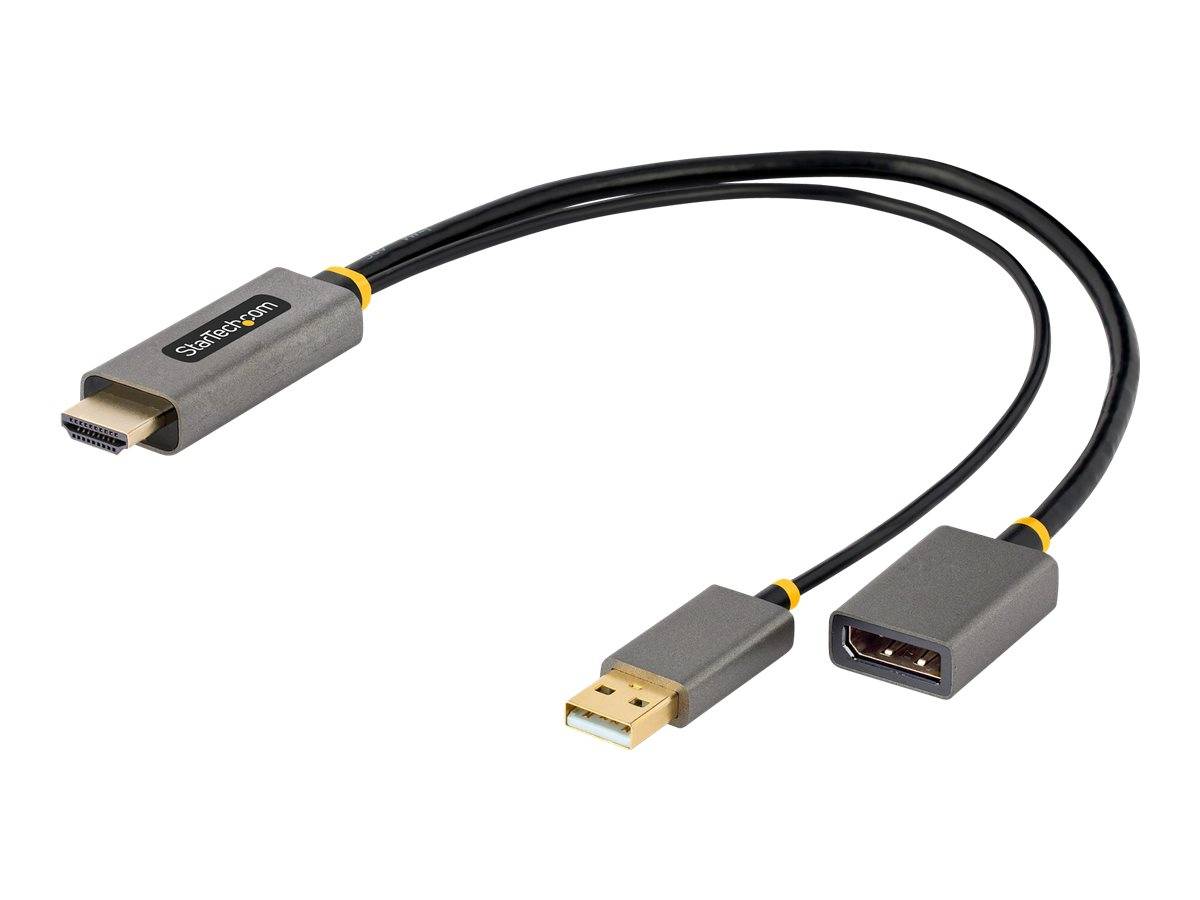
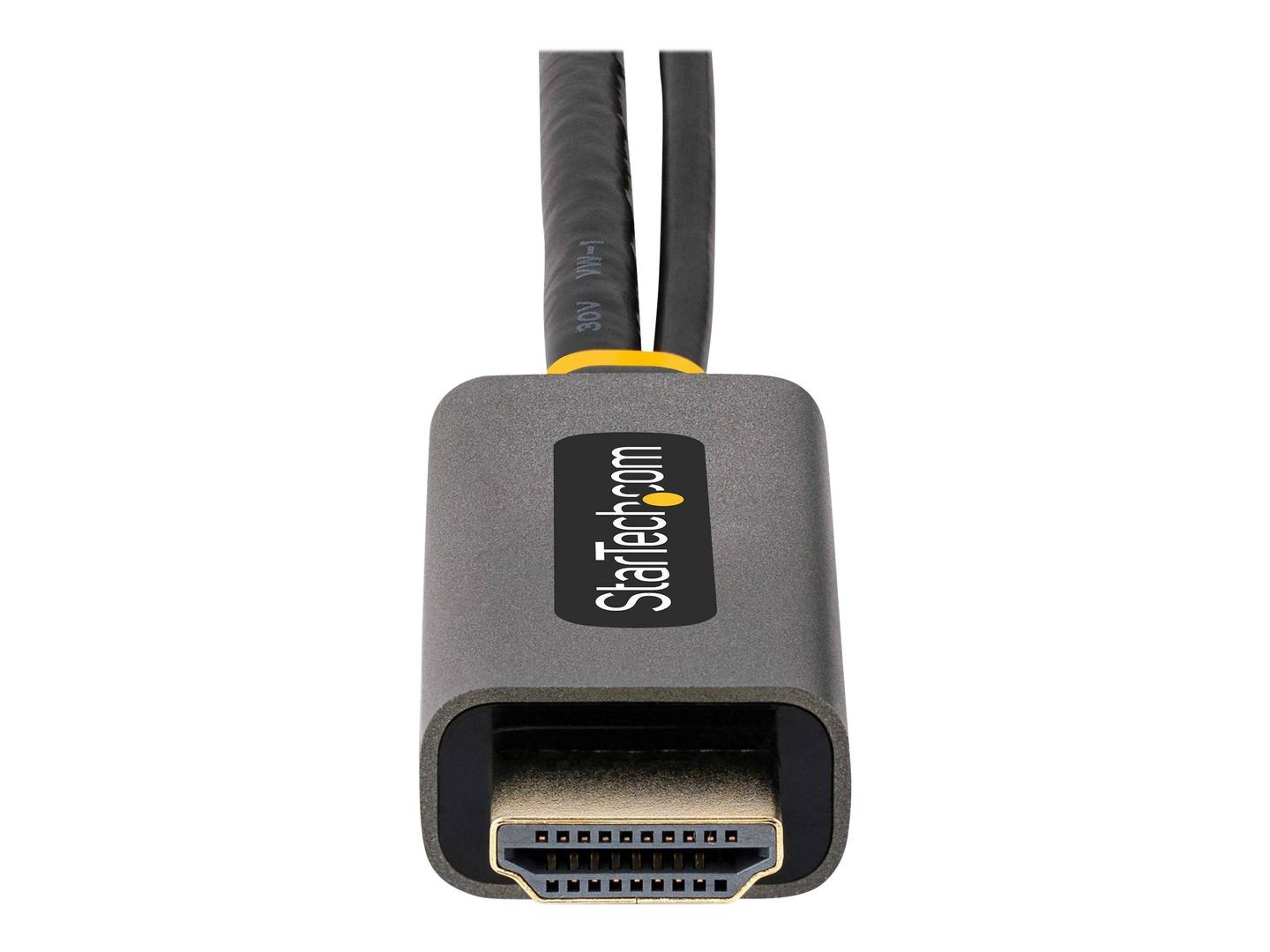
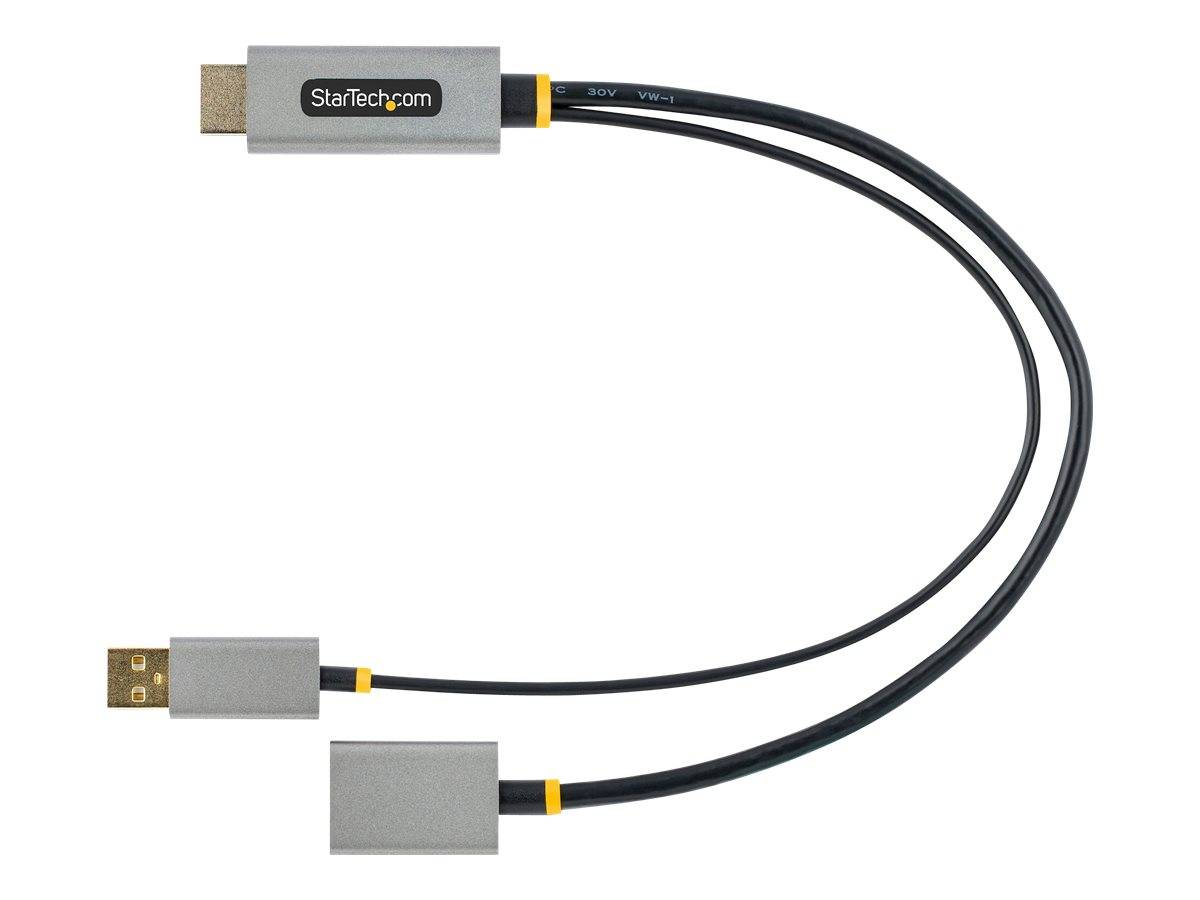
The StarTech.com 128-HDMI-DISPLAYPORT is an active adapter cable that connects an HDMI output — laptop, desktop, Ultrabook, MacBook or Chromebook — to a DisplayPort monitor or projector at up to 3840 × 2160 at 60 Hz with HDR. The part number 128-HDMI-DISPLAYPORT covers a 30 cm cable with a DisplayPort 1.2 female socket at the end, so your existing DP cable plugs straight in.
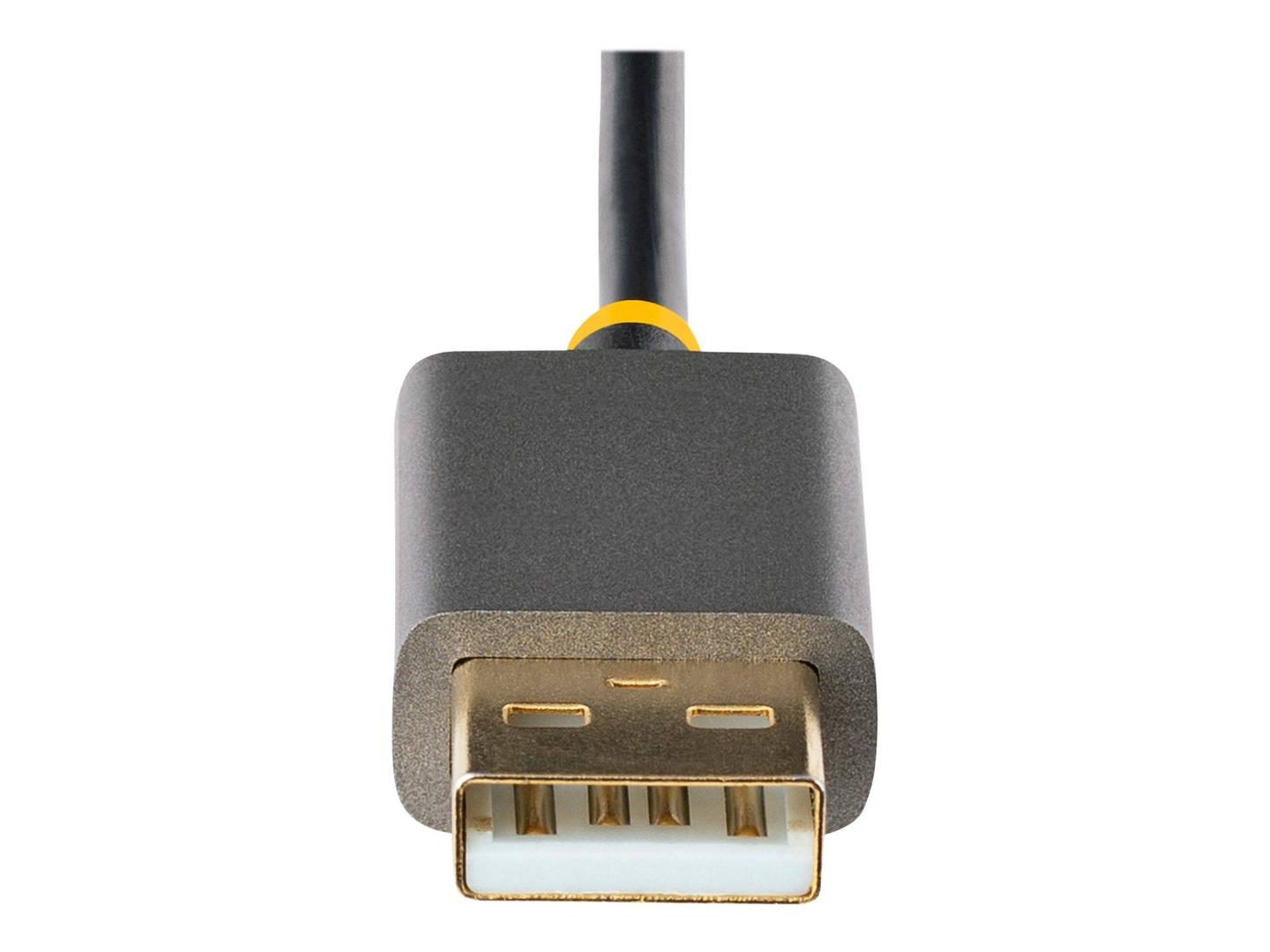
An LT6711A converter chip handles the signal conversion and takes its power from a USB-A port or USB charger via a 30 cm power lead. It supports HDCP 2.2, 2-channel audio and ultrawide 3440 × 1440 at 60 Hz, and works with Windows, macOS, Ubuntu and ChromeOS without drivers.
Compatibility note: Conversion is one way only — HDMI source to DisplayPort display. It will not connect a DisplayPort output to an HDMI screen. The USB power lead must be connected for the adapter to work.
Technical Specifications
Frequently Asked Questions
Singular Expert Insight
The 128-HDMI-DISPLAYPORT is the right tool when a DisplayPort monitor has to be driven from an HDMI-only laptop, console or PC — 4K60 with HDR covers modern displays, and the female DP socket lets you use any length of DP cable. For 8K or high-refresh DSC modes, StarTech.com's 148B-HDMI-DP-8K is the step up.
✓ Buy it if you need to drive a DisplayPort monitor or projector from an HDMI output at up to 4K60 with HDR.
✕ Skip it if you need to go the other way — DisplayPort output to an HDMI display needs a DP-to-HDMI adapter.
→ Also consider StarTech.com 148B-HDMI-DP-8K (HDMI 2.1 → DP 1.4, 8K60).
Features - StarTech.com - 128-HDMI-DISPLAYPORT
Colour
grey
Length
0.3m
More Details
Product Code
CF43822
EAN Code
0065030897143
Manufacturer
StarTech.com