
StarTech.com 3-in-1 Universal Keyed Laptop Cable Lock, K-Slot, Nano and Wedge Heads, 2 m Steel Cable, Black
Brand:
StarTech.com

StarTech.com 3-in-1 Universal Keyed Laptop Cable Lock, K-Slot, Nano and Wedge Heads, 2 m Steel Cable, Black
€63.12 inc. VAT


LTULOCKKEY
Delivery
Order Today...
Ships...
Delivery...
ℹ️ Large or fragile items (e.g. monitors) may require extra handling time. We'll keep you informed.
Payment options
Trusted Tech Choice
Buying Benefits
Verified
Competitive EU pricing
Delivered to Cyprus from EU stock
Local warranty support
Please sign in so that we can notify you about a reply
StarTech.com 3-in-1 Universal Keyed Laptop Cable Lock, 2 m
K-Slot · Nano · WedgeKeyed, 2 keys2 m steel cablePush-to-lock
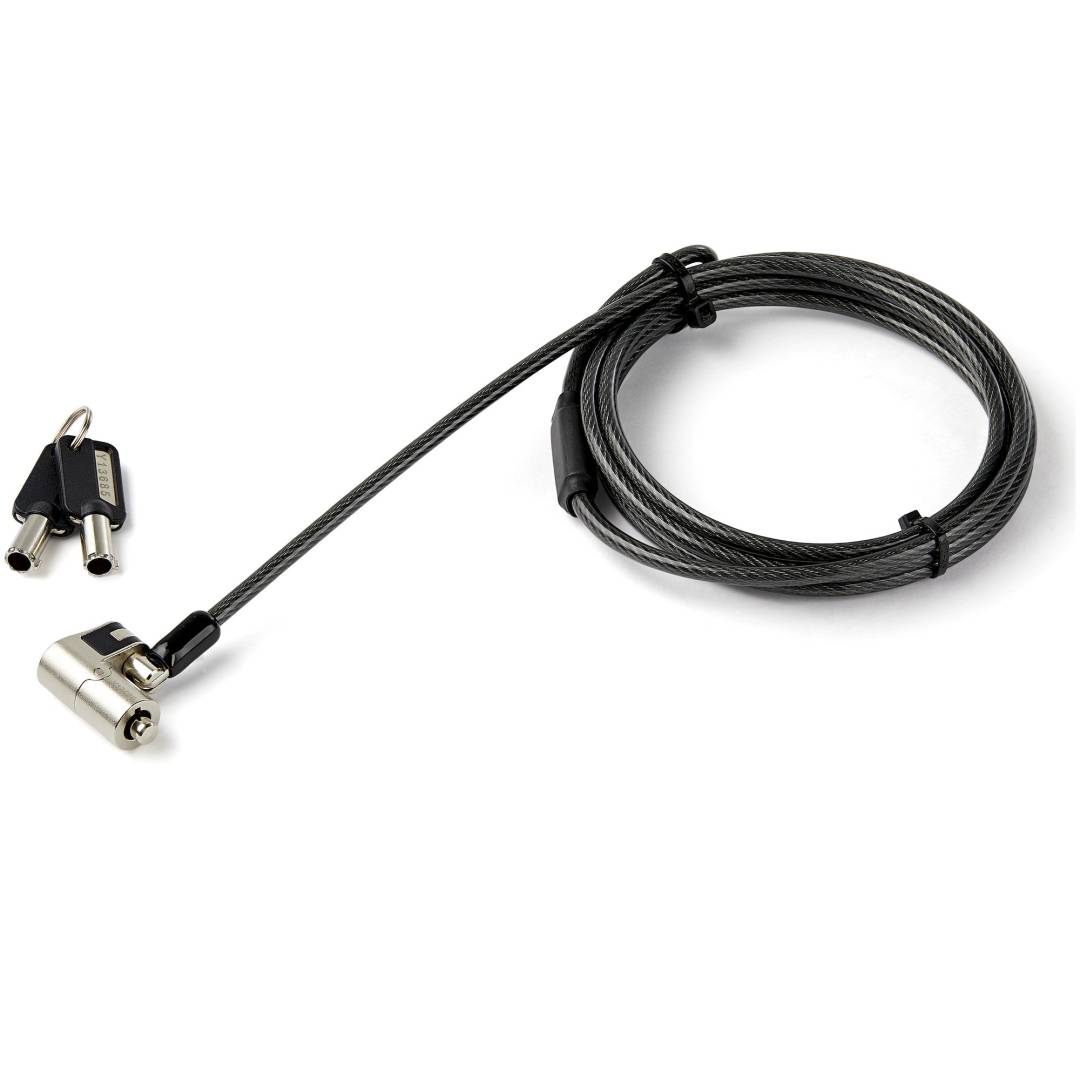
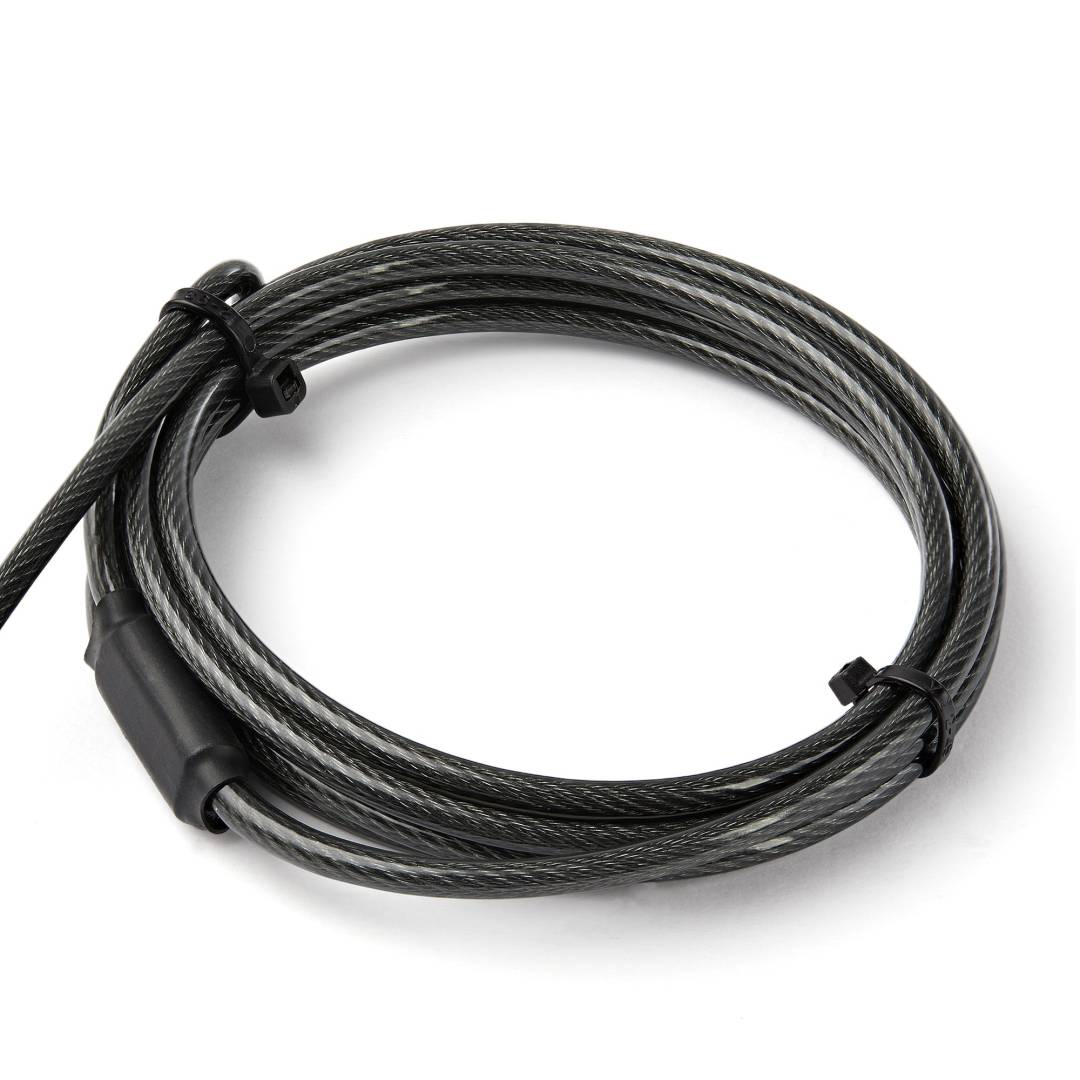
The StarTech.com LTULOCKKEY is a keyed laptop cable lock with three interchangeable lock heads, for the standard K-Slot, the Nano Slot and the Wedge slot, so one lock model covers almost any business laptop, desktop or monitor with a security slot. A 2 m cut-resistant steel cable tethers the device to a desk or fixed point in offices, schools, labs and reception areas.
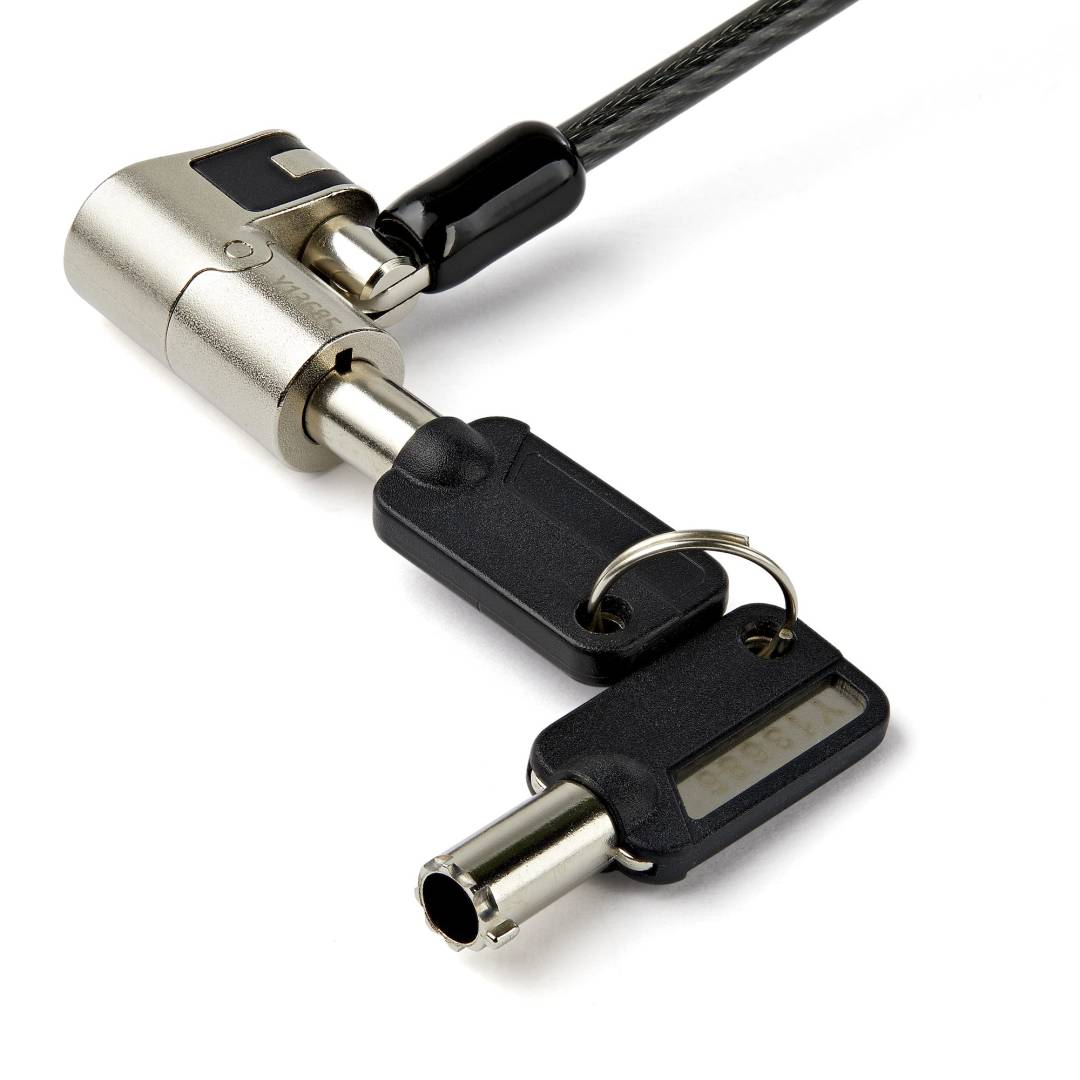
For IT teams managing mixed fleets this removes the need to stock different locks per laptop brand: you fit the head that matches the device, push the lock into the slot and it locks without turning the key. The two supplied keys open it again.
Before you order: Each lock ships with three heads, but only one head is fitted at a time. If a user later moves to a laptop with a different slot, you swap the head. Keep the spare heads with IT, not loose in the user bag.
What's in the Box
- 1 x lock body with 2 m steel cable
- 3 x interchangeable lock heads: K-Slot, Nano and Wedge
- 2 x keys
- 1 x hook-and-loop strap
- 1 x quick start guide
What It Means in Practice
- One SKU for the whole fleet: HP, Dell, Lenovo, Acer, Asus and Chromebook models with a K-Slot, Nano or Wedge slot can all use this lock.
- Push-to-lock means the user locks the laptop in one move; the key is only needed to release it.
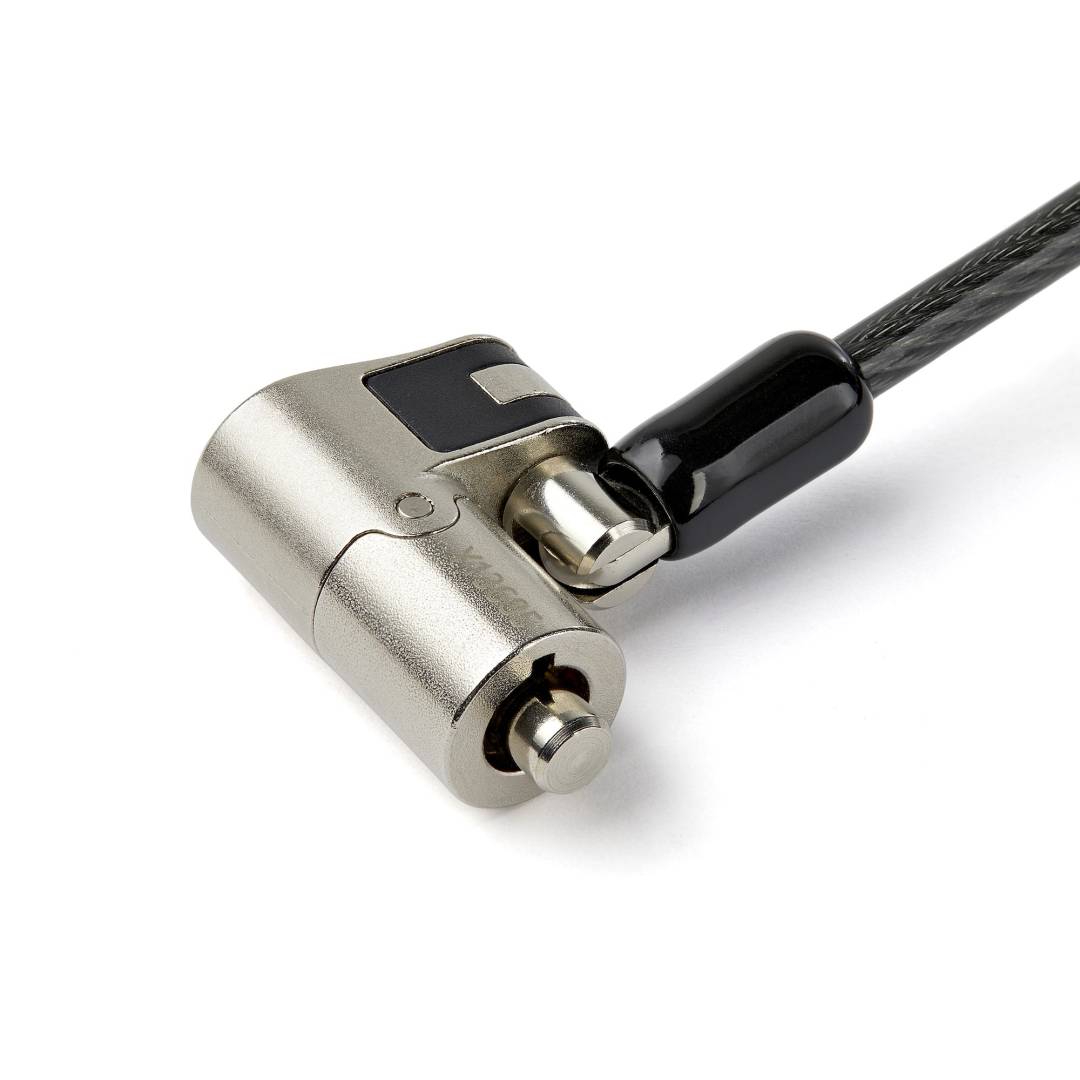
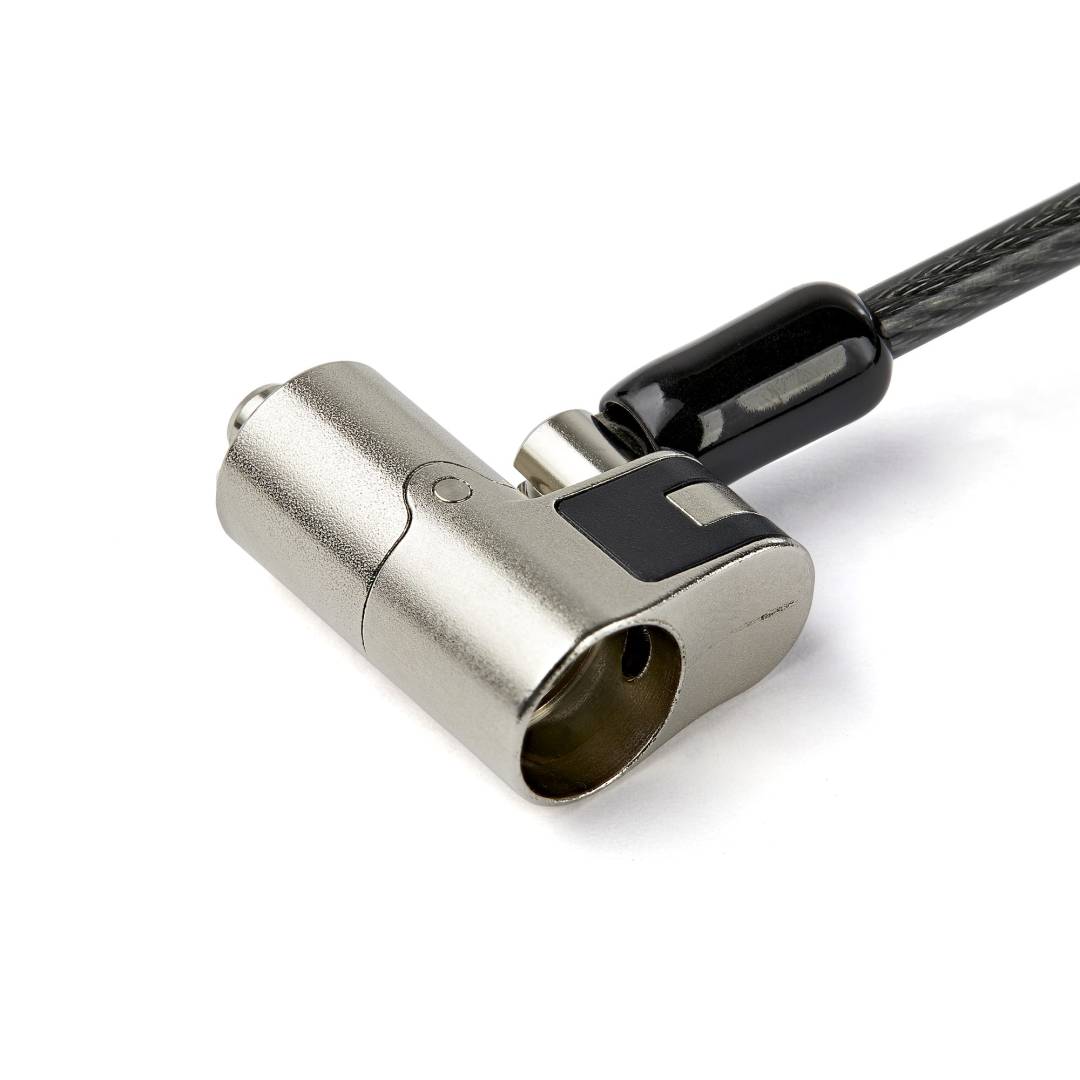
- The 12.5 mm head on a 360° ball joint stays aligned with the slot when a thin laptop lies flat, so the laptop does not rock on the desk.
- A cable lock is a deterrent against opportunistic theft. It is not built to resist bolt cutters or prolonged forced attack.
What Will Not Work
- Master key management. The two keys are specific to this lock; IT does not get one key that opens every lock in the fleet.
- Devices with no security slot (many MacBooks and most tablets). They need an adhesive anchor plate or bracket.
- Proprietary or non-standard slots. Pull resistance may be lower if a slot does not follow the slot manufacturer design standard.
- Combination (keyless) use. If losing keys is a concern, choose a combination model.
Key Features
Three lock heads
Swap between K-Slot, Nano and Wedge heads to fit almost any business device.
Push-to-lock
Locks without the key; two keys are supplied to release it.
Cut-resistant cable
2 m vinyl-coated steel cable, 4.4 mm thick, tested to 88 lb (approx. 40 kg).
Low-profile head
12.5 mm head on a 360° ball joint, aligned for ultrathin devices lying flat.
Technical Specifications
Frequently Asked Questions
Singular Expert Insight · Buyer's Guide
This is the safest choice when you are not sure which slot your laptops have, or when the fleet mixes brands. If laptops sit on a docking station at the desk, check whether the dock has its own security slot; locking the dock with this cable keeps both dock and laptop in place on many models.
✓ Buy it if you need one keyed lock that fits K-Slot, Nano and Wedge devices across a mixed fleet.
✕ Skip it if you need a master key for IT or prefer a keyless combination lock.
→ Also consider StarTech.com master keyed or combination 3-in-1 universal laptop locks.
Send us your laptop or monitor model and we will tell you which head it needs before you order.
Features - StarTech.com - LTULOCKKEY
Colour
black
More Details
Product Code
V935088
EAN Code
0065030882880
Manufacturer
StarTech.com