
TP-Link Deco E4 AC1200 Dual-Band Wi-Fi 5 Mesh System 2-Pack, 2× Fast Ethernet Ports per Unit, Up to 100 Devices, White
Brand:
TP-LINK

TP-Link Deco E4 AC1200 Dual-Band Wi-Fi 5 Mesh System 2-Pack, 2× Fast Ethernet Ports per Unit, Up to 100 Devices, White
€110.77 inc. VAT
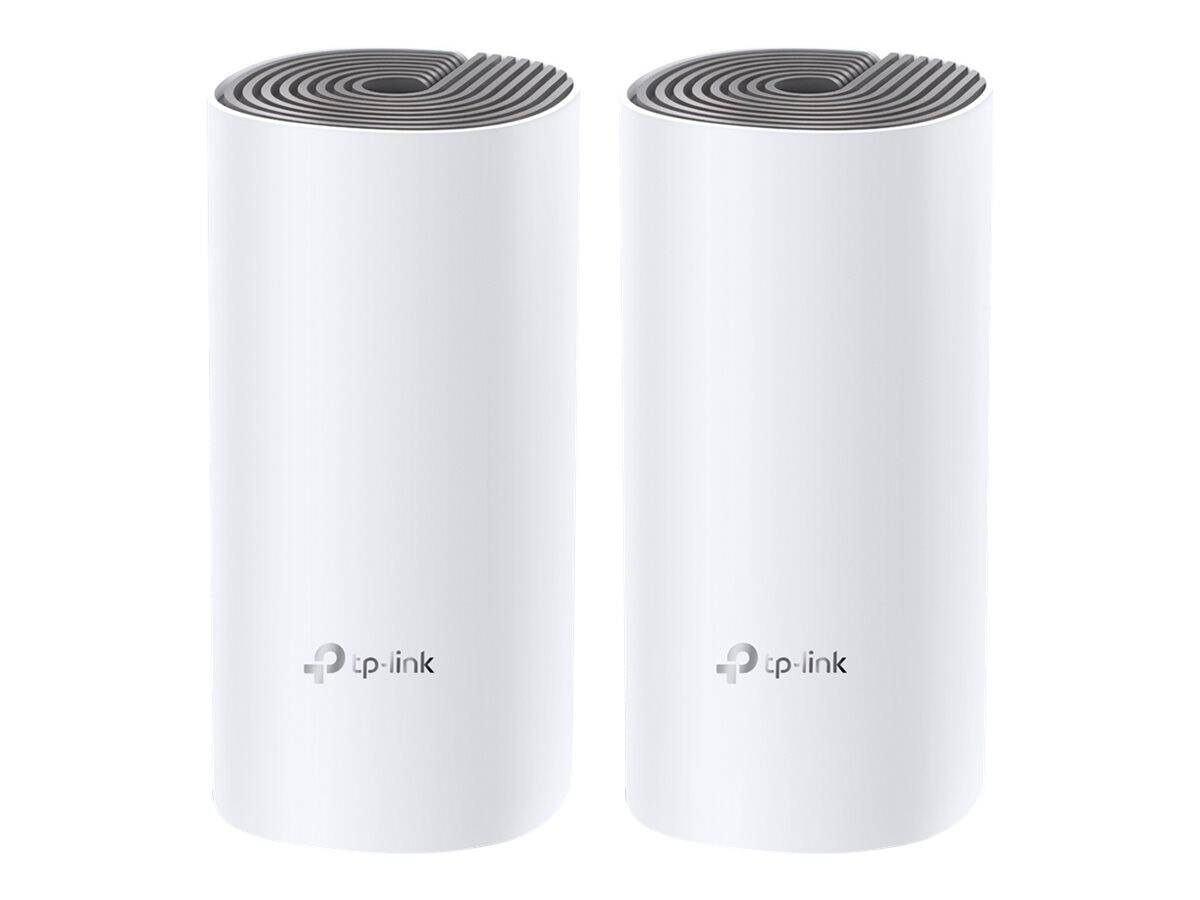
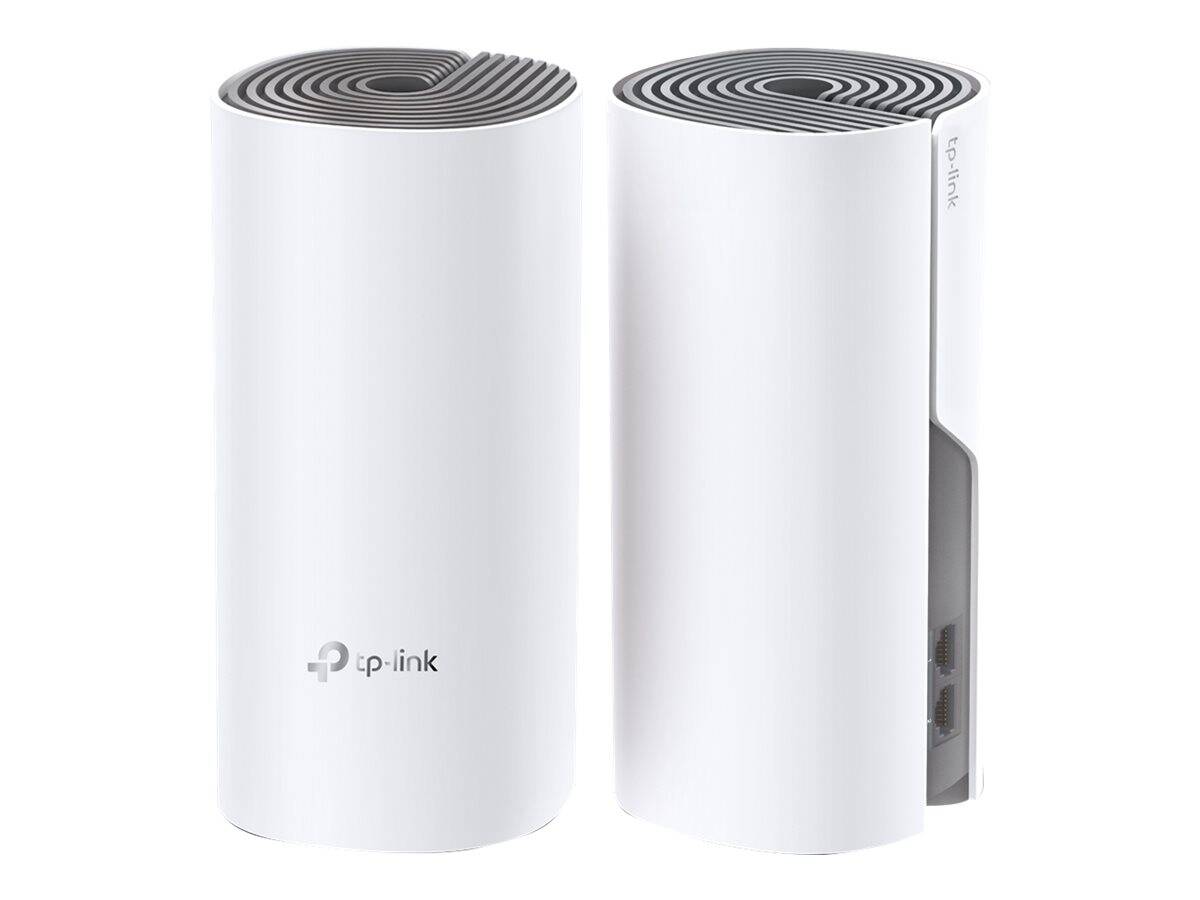


Deco E4(2-pack)(EU)
Delivery
Order Today...
Ships...
Delivery...
ℹ️ Large or fragile items (e.g. monitors) may require extra handling time. We'll keep you informed.
Payment options
Trusted Tech Choice
Buying Benefits
Verified
Competitive EU pricing
Delivered to Cyprus from EU stock
Local warranty support
Please sign in so that we can notify you about a reply
TP-Link Deco E4 (2-pack) · AC1200 Whole-Home Mesh Wi-Fi System
Wi-Fi 5 · AC12002 Deco unitsUp to 2,800 ft²Easy Deco app setup
The TP-Link Deco E4 2-pack is an AC1200 dual-band Wi-Fi 5 mesh system with two units that cover up to 2,800 ft² (about 260 m²), aimed at apartments and small homes that want one Wi-Fi name in every room on internet plans up to about 100 Mbps.
Each unit offers 867 Mbps on 5 GHz and 300 Mbps on 2.4 GHz with MU-MIMO and beamforming, and the two Decos hand your phone or laptop from one to the other as you move. Setup and management run through the Deco app. The important limit is wired: each unit has two 10/100 Mbps Fast Ethernet ports, so the system suits typical home broadband rather than fibre plans of several hundred megabits. TP-Link lists the Deco E4 as end-of-life, with newer Deco models replacing it.
Before you order: The WAN and LAN ports are 10/100 Mbps (Fast Ethernet). With an internet plan faster than about 100 Mbps the Deco E4 will cap your speed — choose a Gigabit Deco model instead. It is not a modem: your provider's modem or ONT stays in front.
What's in the Box
- 2 × Deco E4 units
- 1 × RJ45 Ethernet cable
- 2 × power adapters
- 1 × quick installation guide
What It Means in Practice
- One unit connects to the modem; the second goes half-way to the rooms with weak signal — no extra cabling needed.
- Two Ethernet ports per unit can feed a TV box or a desktop PC near each Deco at up to 100 Mbps.
- Parental controls, QoS and IPTV support (IGMP/VLAN) in the Deco app.
- Router or Access Point mode — keep the ISP router and use the Decos as mesh Wi-Fi only if you prefer.
What Will Not Work
- Internet plans above about 100 Mbps — the Fast Ethernet WAN port is the bottleneck.
- Gigabit wired links to PCs, NAS or consoles.
- WPA3 — only WPA/WPA2-Personal is listed; no HomeShield.
- Wi-Fi 6/6E speeds or a 6 GHz band.
Key Features
Whole-home mesh
Two units form one seamless network with automatic hand-off between Decos.
AC1200 dual-band
867 Mbps on 5 GHz and 300 Mbps on 2.4 GHz with MU-MIMO and beamforming.
Deco app
Setup in minutes, parental controls, QoS and device management from your phone.
Router or AP mode
Works as main router or as mesh access points behind an existing router.
Technical Specifications
Frequently Asked Questions
Singular Expert Insight · Buyer's Guide
Deco E4 is a budget fix for dead spots in a small home on a modest broadband plan. Check your plan first: above 100 Mbps the Fast Ethernet ports waste what you pay for. See our routers and mesh systems.
✓ Buy it if you have an internet plan up to about 100 Mbps and want simple whole-home Wi-Fi at low cost.
✕ Skip it if your plan is faster than 100 Mbps, you need Gigabit wired ports, or you want WPA3/Wi-Fi 6.
→ Also consider a Gigabit Wi-Fi 6 Deco system for fibre plans.
Not sure it fits your setup? Send us the model of your rack, switch or device and we will check compatibility before you order.
Features - TP-LINK - Deco E4(2-pack)(EU)
Colour
white
More Details
Product Code
04:593347
EAN Code
1210002617949
Manufacturer
TP-LINK