
Acer Vero B227Q DE 21.5" Full HD IPS Monitor, 100Hz, Built-in Webcam and Mic, Height Adjustable, HDMI DP VGA, Black
Brand:
Acer

Acer Vero B227Q DE 21.5" Full HD IPS Monitor, 100Hz, Built-in Webcam and Mic, Height Adjustable, HDMI DP VGA, Black
€156.52 inc. VAT


UM.WB7EE.E05
Delivery
Order Today...
Ships...
Delivery...
ℹ️ Large or fragile items (e.g. monitors) may require extra handling time. We'll keep you informed.
Payment options
Trusted Tech Choice
Buying Benefits
Verified
Competitive EU pricing
Delivered to Cyprus from EU stock
Local warranty support
Please sign in so that we can notify you about a reply
Acer Vero B227Q DE — 21.5" Full HD IPS business monitor with webcam
21.5" IPS · 1920 x 1080100Hz · FreeSyncWebcam + mic arrayHeight adjust 150 mm · pivot
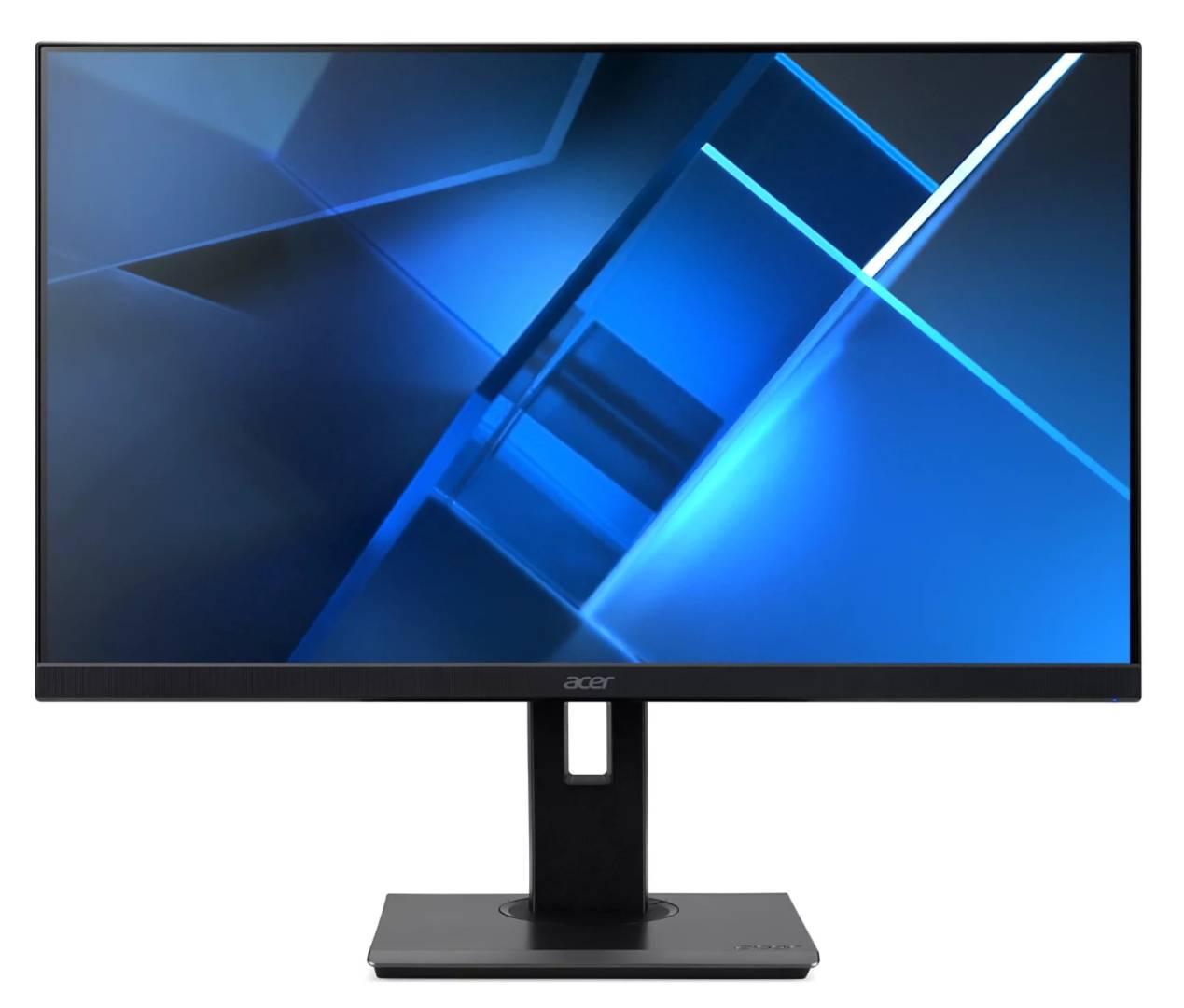
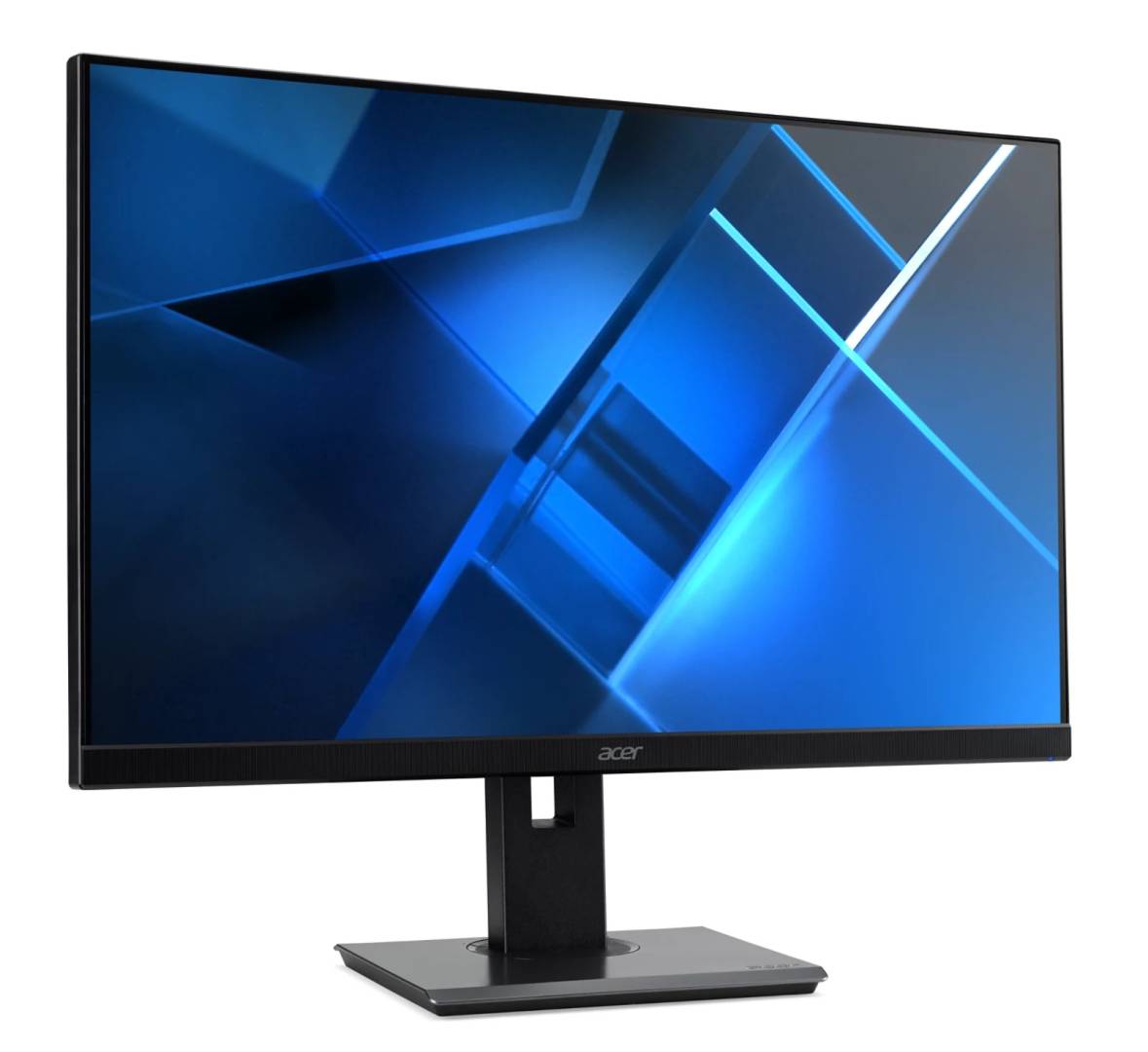
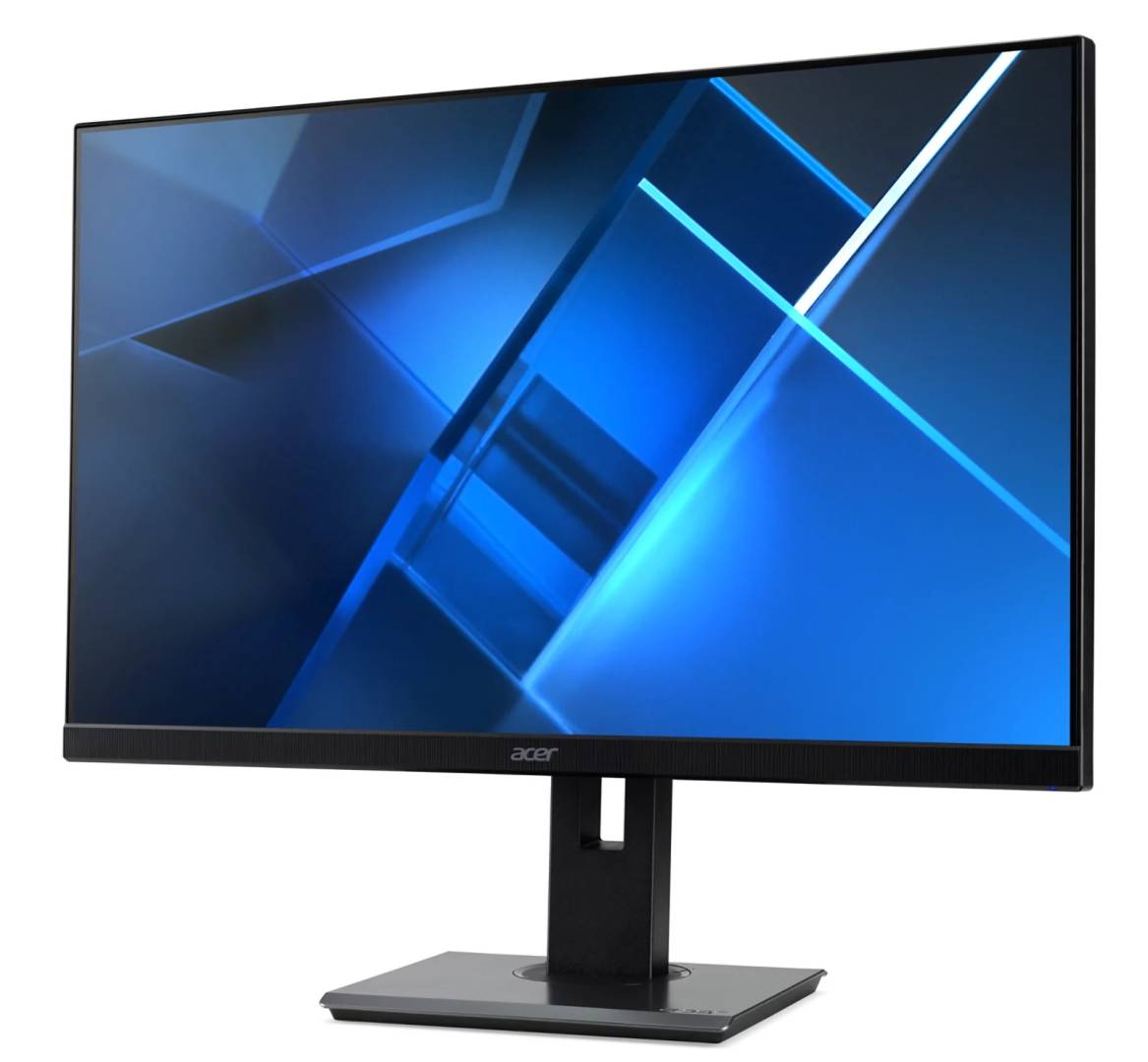
The Acer Vero B227Q DE (UM.WB7EE.E05) is a 21.5-inch Full HD IPS business monitor with 100Hz refresh, a built-in webcam and microphone array, 2 W speakers and a fully adjustable stand, for offices and hybrid workstations where video calls happen at the desk without extra peripherals.
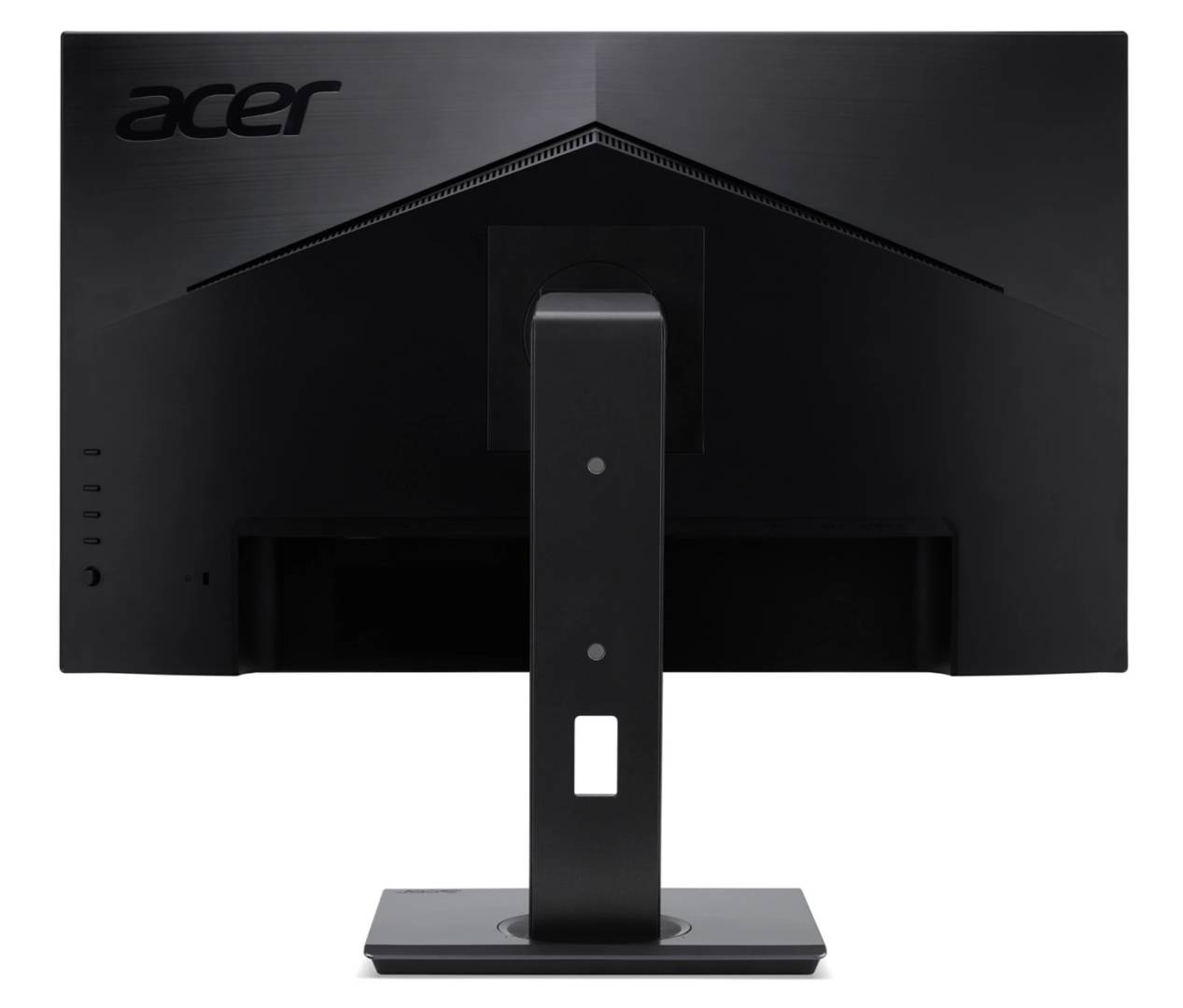
It belongs to Acer's Vero B7 business line: the stand adjusts 150 mm in height, swivels ±45°, tilts -5° to 35° and pivots to portrait, and inputs cover HDMI 1.4, DisplayPort 1.2 and VGA, so it fits both new PCs and older office desktops. The monitor is TCO Certified.
Before you order: The webcam and microphone array connect to the computer through the monitor's USB-B upstream port. Acer lists DisplayPort, HDMI and power cables in the box but no USB cable — ask us and we will add a USB-B cable to your order.
What's in the Box
- Acer Vero B227Q DE 21.5" monitor with stand
- DisplayPort cable
- HDMI cable
- Power cable (Euro plug)
What It Means in Practice
- Video calls with no separate webcam or headset: the built-in camera, microphone array and 2 W speakers cover Teams or Zoom at the desk.
- 100Hz makes scrolling and cursor movement smoother than a standard 60Hz office monitor; AMD FreeSync removes tearing on supported graphics.
- IPS with 178° viewing angles keeps colours consistent when a colleague looks over your shoulder.
- The stand adjusts height by 150 mm, swivels, tilts and rotates to portrait — useful for documents, spreadsheets and correct ergonomic height.
- VGA input means it still connects to older office PCs without an adapter; HDMI 1.4 and DisplayPort 1.2 run the full 1920 x 1080 at 100Hz (VGA is limited to 75Hz).
What Will Not Work
- The webcam and microphone will not work over HDMI or DisplayPort alone — they need the USB upstream connection to the computer.
- It has no USB-C input, so a USB-C laptop needs a USB-C to HDMI or DisplayPort adapter.
- It is not a high-resolution panel: 1920 x 1080 on 21.5" is sharp for office use, but not for detailed photo work that needs QHD or 4K.
- It is not a colour-critical display: 72% NTSC and a 6-bit+FRC panel are fine for office work, not for print or video grading.
- VGA will not reach 100Hz — use HDMI or DisplayPort for the full refresh rate.
Key Features
Webcam and mic built in
Integrated webcam and microphone array plus 2 W speakers for video meetings without extra devices.
Ergonomic stand
Height 150 mm, swivel ±45°, tilt -5° to 35° and pivot, plus VESA 100 x 100 mounting.
100Hz IPS
Full HD IPS panel with 100Hz refresh, 4 ms GTG and AMD FreeSync.
Office connectivity
HDMI 1.4, DisplayPort 1.2, VGA, audio line-in and headphone output.
Technical Specifications
Frequently Asked Questions
Singular Expert Insight · Buyer's Guide
For offices moving to hybrid work, a monitor with the webcam and microphone built in removes one more device from every desk — and the full ergonomic stand matters more than resolution at 21.5". If you want a larger screen at the same desk, compare 24" and 27" models in our PC monitors range.
✓ Buy it if you need a compact office monitor with webcam, microphone and speakers built in and an adjustable stand.
✕ Skip it if you need USB-C single-cable laptop docking, higher resolution or colour-accurate work.
→ Also consider a 24" or 27" Acer Vero B7 model for more screen space, or a USB-C monitor for single-cable laptop setups.
Not sure it fits your setup? Send us the model of your PC or laptop and we will check the connection and cables before you order.
Features - Acer - UM.WB7EE.E05
Colour
black
More Details
Product Code
CR55255
EAN Code
4711121737763
Manufacturer
Acer