
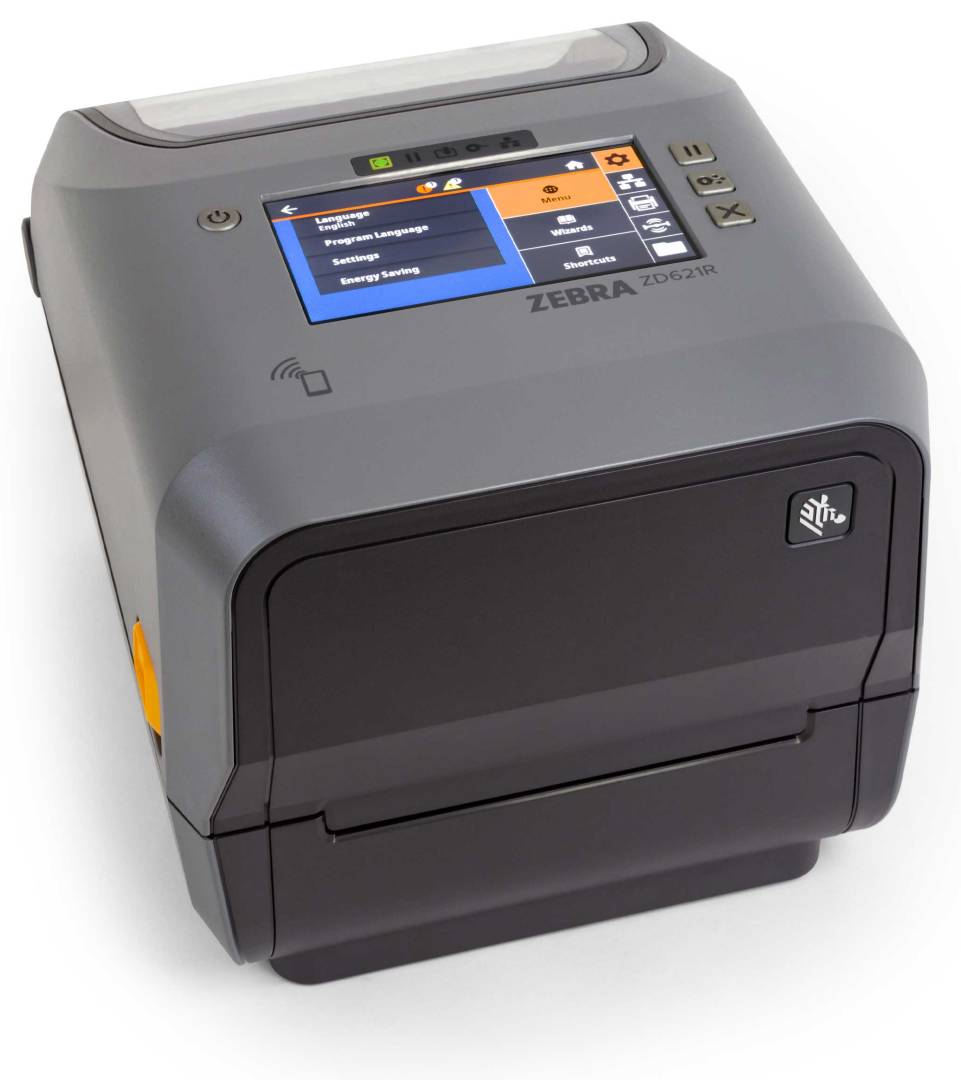
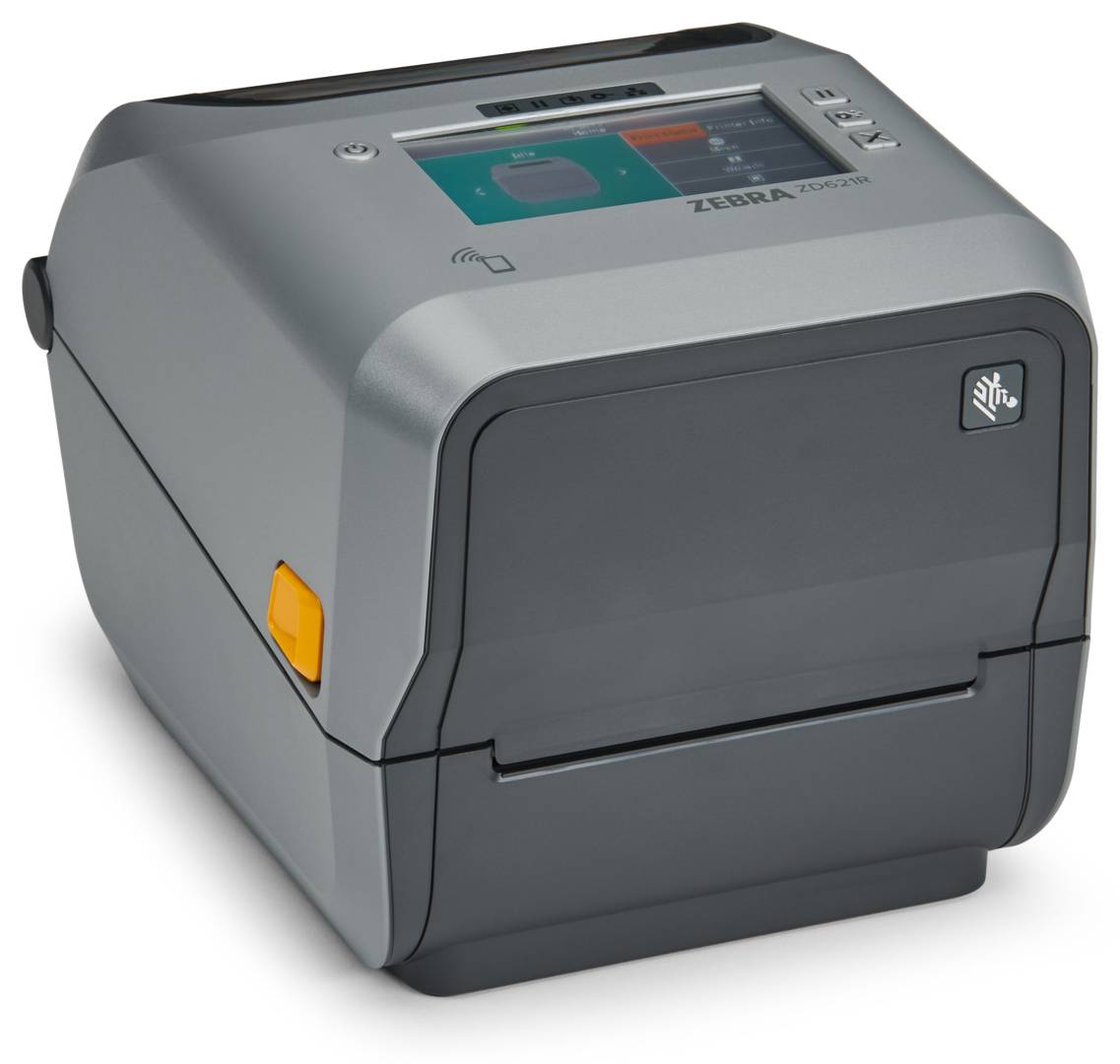
Zebra ZD621R 4-Inch RFID Desktop Label Printer with Peeler, 300 dpi, Thermal Transfer, UHF RFID, USB, Ethernet, BLE
Brand:
Zebra

Zebra ZD621R 4-Inch RFID Desktop Label Printer with Peeler, 300 dpi, Thermal Transfer, UHF RFID, USB, Ethernet, BLE
€1639.44 inc. VAT


ZD6A143-31EFR2EZ
Delivery
Order Today...
Ships...
Delivery...
ℹ️ Large or fragile items (e.g. monitors) may require extra handling time. We'll keep you informed.
Payment options
Trusted Tech Choice
Buying Benefits
Verified
Competitive EU pricing
Delivered to Cyprus from EU stock
Local warranty support
Please sign in so that we can notify you about a reply
Zebra ZD621R — 4-Inch RFID Desktop Printer with Peeler, 300 dpi
UHF RFID encoderPeeler (peel-and-present)300 dpi thermal transfer4.3" colour touch display
The Zebra ZD621R (ZD6A143-31EFR2EZ) is a 4-inch thermal transfer desktop printer with a built-in UHF RFID encoder and a factory-fitted peeler, for retail, healthcare, asset tracking and logistics teams that print, encode and apply RFID labels one at a time.
It prints at 300 dpi up to 108 mm wide and 152 mm per second, encodes RAIN RFID tags with Zebra’s RE40 reader/encoder, separates each label from its liner for immediate application, and connects over USB, Ethernet, serial and Bluetooth Low Energy. A 4.3-inch colour touch display shows status and RFID results at the printer.
Before you order: RFID encoding needs RFID labels with an inlay suited to your application and region. Send us your tag or label type and we will confirm it before you order.
What's in the Box
- Zebra ZD621R RFID printer (300 dpi, thermal transfer, peeler fitted)
- External AC power supply with power cords (EU and UK)
- USB cable
- Empty ribbon take-up cores and two 300 m ribbon core adapters
- Quick start guide and regulatory guide
What It Means in Practice
- Print and encode in one pass: the printer writes the RFID chip and prints the label face in the same job, and RFID job monitoring with a timestamped log shows what was encoded and when.
- Peel-and-present: the peeler strips the backing from each label and presents it ready to apply — ideal when one person prints and tags items at a bench or counter.
- Fine print: 300 dpi keeps small text, small 2D barcodes and logos sharp on jewellery, pharmacy, electronics and asset labels.
- Ribbons: it takes both 74 m Zebra ribbons and 300 m ribbons (with the included adapters for non-Zebra cores), so high-volume users can cut ribbon changes.
- Media: labels 15–118 mm wide on rolls up to 127 mm diameter, 12.7 or 25.4 mm core (larger cores with an adapter kit). Minimum RFID tag pitch is 16 mm.
- Integration: ZPL II and EPL2 are built in, and ZPL RFID commands match earlier Zebra RFID printers, so existing RFID label formats carry over.
- Setup: the BLE link lets you configure the printer from a phone app; Ethernet and USB handle daily printing. A dual-radio Wi-Fi 6 / Bluetooth 5.3 card can be added later.
What Will Not Work
- Wi-Fi: this configuration has no Wi-Fi (Bluetooth Low Energy is for setup). Wireless printing needs the optional Wi-Fi 6 / Bluetooth 5.3 module.
- Cutting: the peeler dispenses labels one by one; it does not cut continuous media. A cutter is a different option.
- HF / NFC tags: the encoder is UHF only; it does not write HF (13.56 MHz) or NFC tags.
- Wide labels: maximum print width is 108 mm; for 6-inch labels choose an industrial printer such as the ZT421.
Key Features
Built-in UHF RFID
RE40 reader/encoder with Adaptive Encoding for quick setup on new tag types.
300 dpi thermal transfer
Sharp small text and barcodes, with 74 m or 300 m ribbon capacity.
Colour touch display
4.3-inch display with guided setup and RFID status at a glance.
Peeler fitted
Peel-and-present dispensing for print-and-apply work at the point of use.
Technical Specifications
Frequently Asked Questions
Singular Expert Insight · Buyer's Guide
The ZD621R with peeler suits print-and-apply RFID work at a bench, counter or receiving desk: 300 dpi labels and RAIN encoding from a desktop, each label handed over ready to stick. The inlay decides success, so order tested RFID labels with it and run a sample before rolling out.
✓ Buy it if you print, encode and apply UHF RFID labels one at a time at a bench or counter, with sharp 300 dpi print.
✕ Skip it if you print RFID labels in batches for later use (the tear-off version costs less), need Wi-Fi out of the box, or print labels wider than 108 mm.
→ Also consider tested UHF RFID labels and a 300 m ribbon — ask us for a matched starter pack.
Send us your label size, RFID inlay or tag type and current printer model, and we will check encoding and media compatibility before you order.
Features - Zebra - ZD6A143-31EFR2EZ
Colour
grey
Interface
- USB2.0,
- Ethernet,
- Bluetooth
More Details
Product Code
CA98380
EAN Code
5715063166765
Manufacturer
Zebra