
equip 128437 2-in-1 USB-C to USB-C and HDMI Cable 3m 100W Power Delivery 4K 60Hz 20Gbps Aluminium Black
Brand:
Equip

equip 128437 2-in-1 USB-C to USB-C and HDMI Cable 3m 100W Power Delivery 4K 60Hz 20Gbps Aluminium Black
€26.45 inc. VAT


128437
Delivery
Order Today...
Ships...
Delivery...
ℹ️ Large or fragile items (e.g. monitors) may require extra handling time. We'll keep you informed.
Payment options
Trusted Tech Choice
Buying Benefits
Verified
Competitive EU pricing
Delivered to Cyprus from EU stock
Local warranty support
Please sign in so that we can notify you about a reply
equip 128437 — 2-in-1 USB-C to USB-C + HDMI Cable, 3 m, 100 W PD
USB-C and HDMI from one port100 W Power Delivery (20 V / 5 A)4K at 60 Hz · HDMI 2.020 Gbps · USB 3.2 Gen 2x2
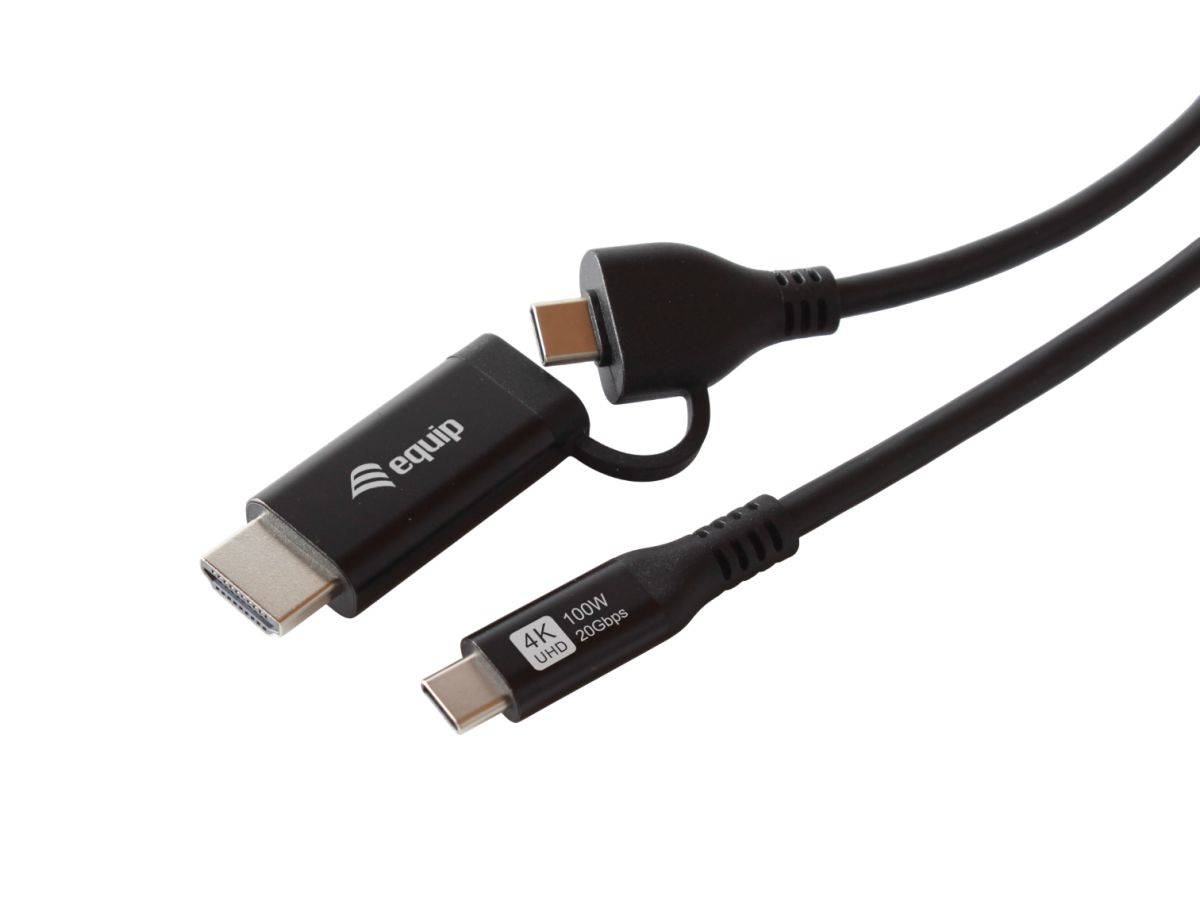
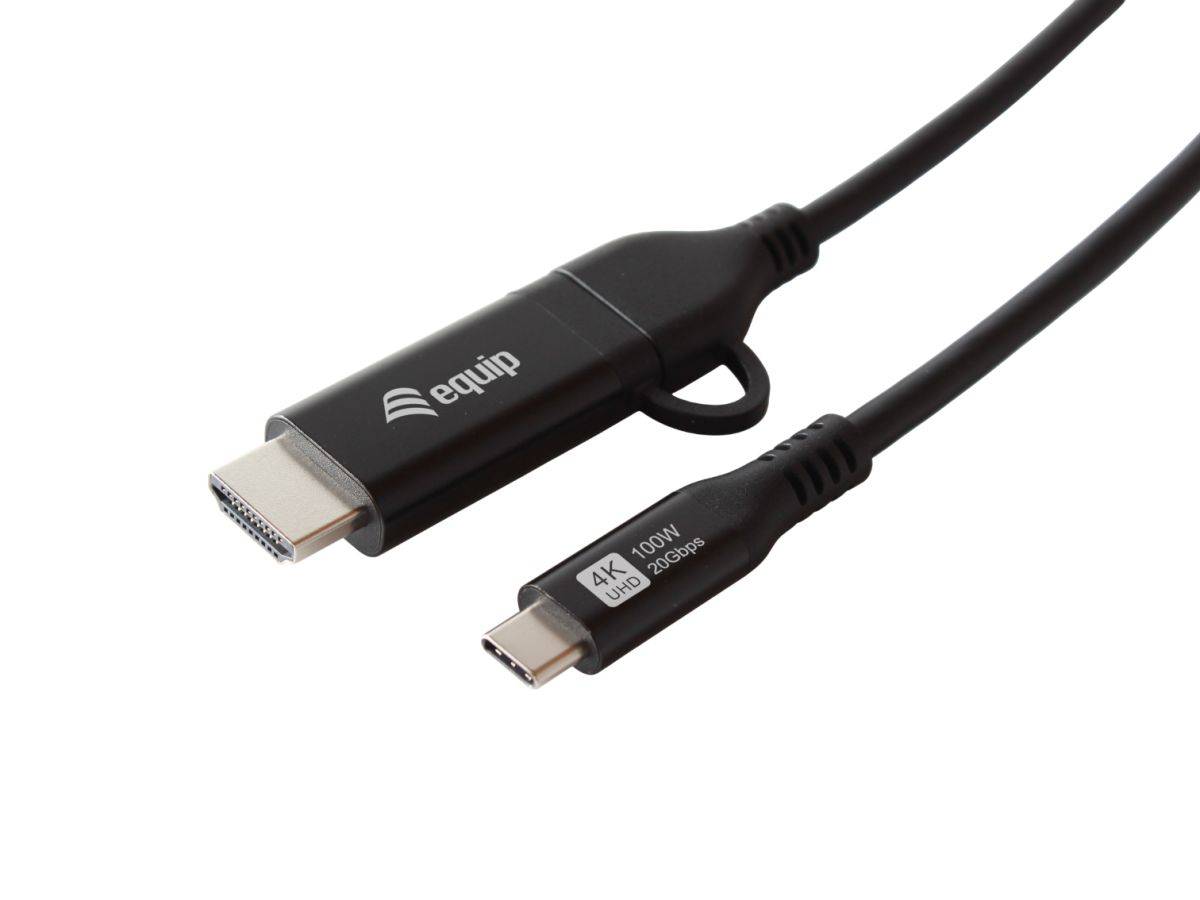
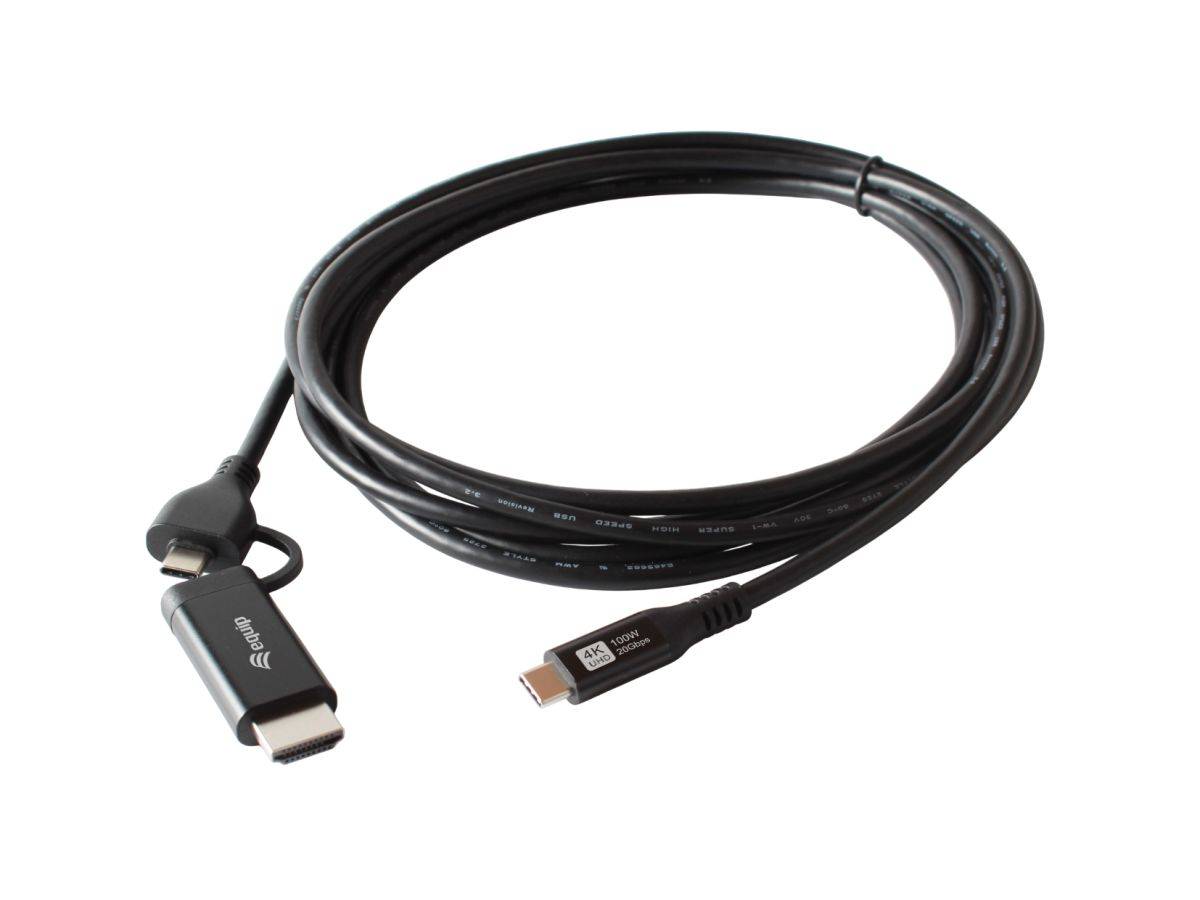
The equip 128437 is a 3-metre 2-in-1 cable that connects a USB-C laptop or tablet to a USB-C device and an HDMI display at the same time, from a single port. One USB-C plug goes into the host; the far end splits into a USB-C connector and an HDMI-A connector. It carries up to 100 W Power Delivery (20 V / 5 A) so the laptop keeps charging while connected, outputs 4K at 60 Hz over HDMI using DisplayPort Alt Mode, and moves data at up to 20 Gbps under USB 3.2 Gen 2x2. The conductors are copper, the connector housings are aluminium and the 3-metre length is the point — most USB-C video cables stop at 1 or 2 m, which is not enough for a meeting-room table or a deep desk. Typically in stock with fast delivery across Cyprus.
Compatibility — check before buying:
The host USB-C port must support DisplayPort Alt Mode, otherwise no picture will appear on the HDMI display — a data-only or charge-only USB-C port cannot output video, whatever cable you use. Check your laptop’s specification before ordering. Three further points. First, 4K at 60 Hz needs a display and an HDMI input that support it; on an HDMI 1.4 input the same cable will fall back to 4K at 30 Hz. Second, 3 metres is long for a passive 4K60 link — it is within HDMI 2.0’s design range, but if you are driving a 4K60 signal at the very limit, a shorter run is always more reliable. Third, equip does not publish which DisplayPort version or lane configuration the cable uses, so we cannot tell you whether full 20 Gbps data and 4K60 video are available simultaneously or whether the port negotiates down; assume the total bandwidth is shared. Note also a discrepancy in equip’s own data: its feature summary states double shielding, while its specification table records “Shielded: No”. We report both rather than pick one.
Best For
✓ Meeting rooms and deep desks where 1–2 m cables fall short
✓ Laptops with a single USB-C port that must charge and display
✓ Connecting to a 4K monitor or TV at 60 Hz over HDMI
✓ Docking a tablet to a screen without a full dock
✓ Replacing a dongle plus two cables with one lead
✓ Fast external storage — 20 Gbps USB 3.2 Gen 2x2
Key Features
USB-C and HDMI from a single host port
One USB-C plug at the laptop end, a USB-C connector and an HDMI-A connector at the other. You get a display and a USB-C device from one port, instead of a dongle plus two separate cables.
100 W Power Delivery
USB PD 3.0 at up to 100 W (20 V / 5 A) means the laptop charges at full speed while it is driving the display — enough for almost any USB-C laptop, not just tablets and ultrabooks.
4K at 60 Hz over HDMI 2.0
Video is carried by DisplayPort Alt Mode and output as HDMI 2.0, supporting 4K at a full 60 Hz rather than the 30 Hz that older or cheaper cables fall back to.
3 metres, copper conductors, aluminium housings
Most USB-C video cables are 1 or 2 m. At 3 m this reaches across a meeting-room table or from a laptop to a wall-mounted screen, with copper conductors and aluminium connector housings.
Technical Specifications
Frequently Asked Questions
Singular Expert Insight
The case for this cable is simple: it removes a dongle. A single-port laptop normally needs a USB-C hub, an HDMI lead and a charging cable to sit at a desk; this replaces all three with one 3 m lead, and 3 m is genuinely useful — most USB-C video cables stop at 1 or 2 m, which is fine on a desk and useless in a meeting room. What to be careful about is the same thing that catches people out with every USB-C video product: DisplayPort Alt Mode on the host. If the laptop does not have it, nothing here works, and that is a property of your machine rather than of the cable. equip also leaves a couple of things unclear — no DisplayPort version, a contradictory shielding entry and an obviously wrong published weight — so this is a well-specified cable with a poorly proofread datasheet. If you need more than one display or extra USB-A ports, a proper dock is the better answer; browse our docking stations for that. For a plain video run with no USB-C device or charging involved, an ordinary lead from our HDMI cables and adapters range costs a lot less.
Buyer’s Guide
Buy it if
You have a USB-C laptop with DisplayPort Alt Mode, need to charge at up to 100 W and drive a 4K 60 Hz display at the same time, and 1 or 2 metres is not enough reach.
Skip it if
Your USB-C port does not support DisplayPort Alt Mode, your display only has an HDMI 1.4 input, or you need several displays and extra ports — a docking station is the right tool then.
Also consider
A USB-C docking station if you need multiple displays, Ethernet and USB-A ports from one connector, or a standard HDMI cable if you do not need charging or USB-C data in the same lead.
Features - Equip - 128437
Colour
black
More Details
Product Code
04:581757
EAN Code
4015867244227
Manufacturer
Equip