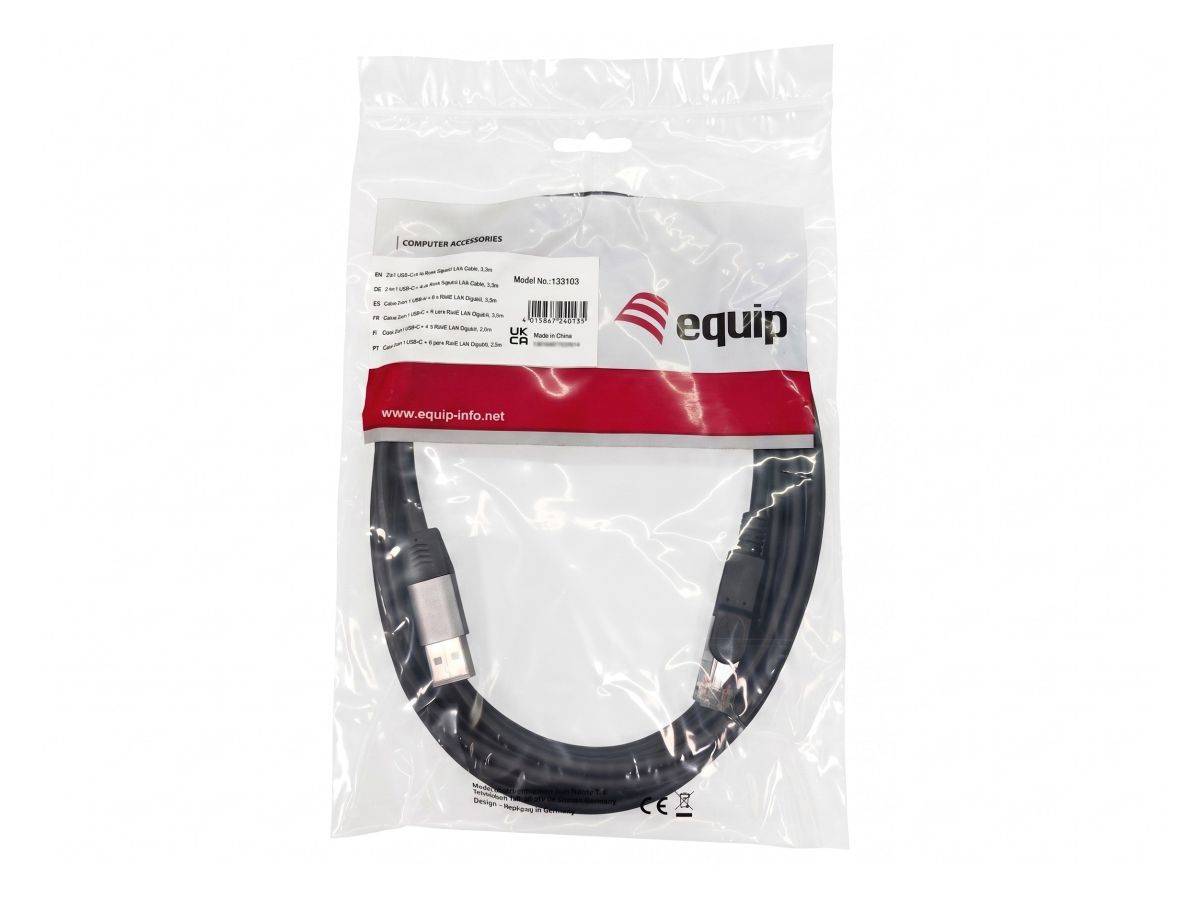
equip 133103 — 2-in-1 USB-C + USB-A to RJ45 Gigabit Ethernet Cable, 3 m
USB-C and USB-A in one cableGigabit 1000 Mbps · RTL81533 m reach · 88 gDriver-free, aluminium housing
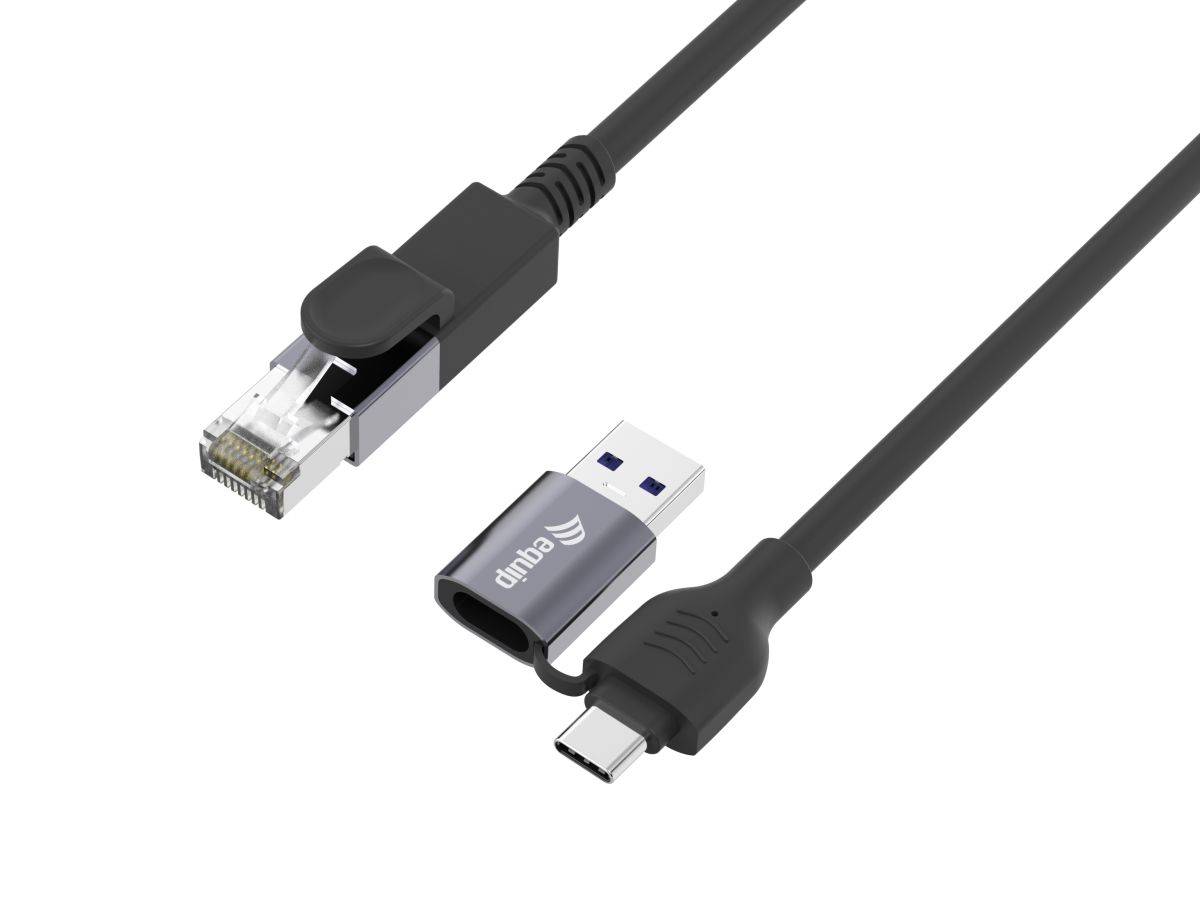
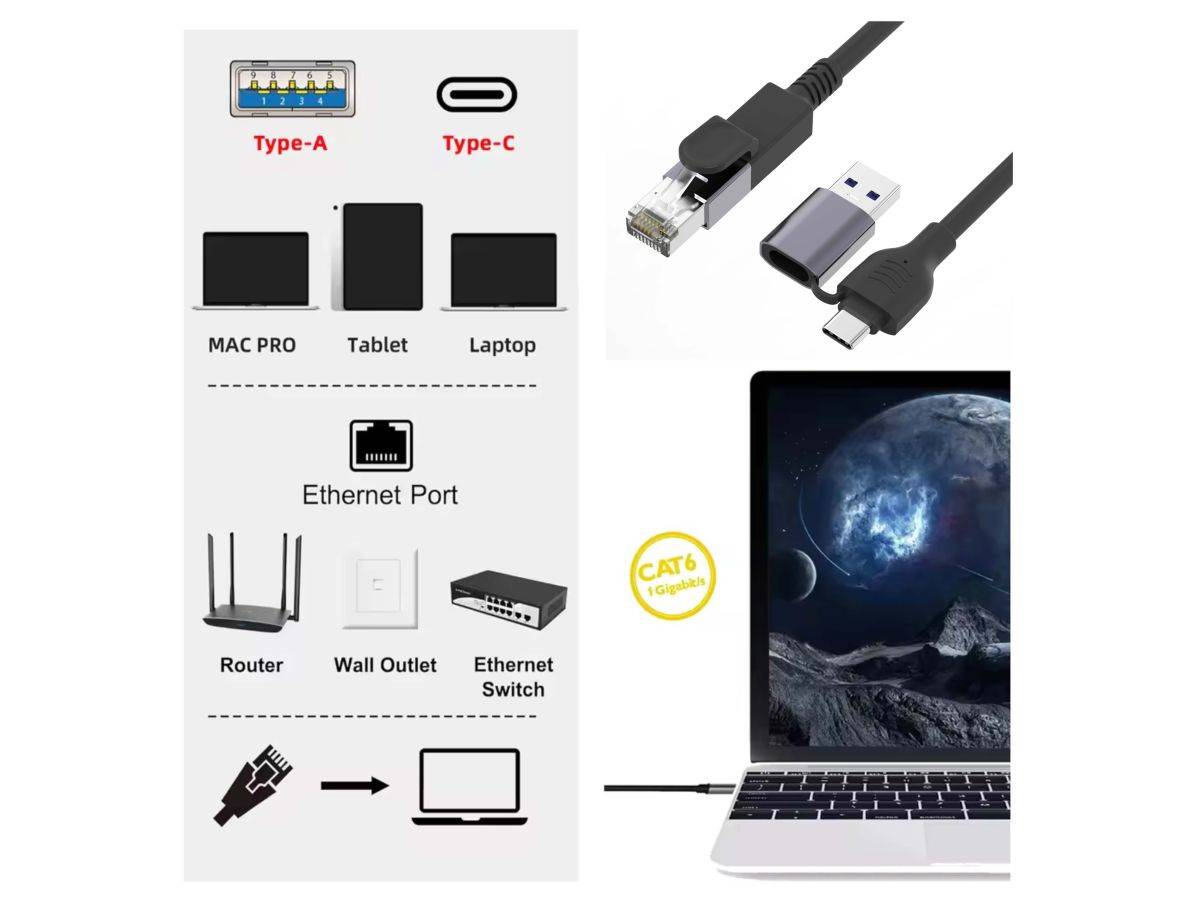
The equip 133103 is a 3-metre 2-in-1 Ethernet cable that gives a laptop, tablet or desktop a wired gigabit connection through either a USB-C or a USB-A port — both connectors are on the same cable, so one product covers a modern ultrabook and an older desktop without buying a second adapter. It runs on Realtek’s RTL8153 controller at up to 1000 Mbps, is shielded against interference, has an aluminium housing on the connector end, and is plug-and-play with no drivers to install on Windows, macOS, Chrome OS, Android or Linux. The 3-metre length is the real point: most USB-to-Ethernet adapters are 15–20 cm dongles that still need a separate patch lead to reach the switch. This one goes straight from the device to the wall port. Typically in stock with fast delivery across Cyprus.
Compatibility — check before buying:
This cable needs a data-capable USB port at the host end — either USB-C or USB-A works, and you use whichever one your device has. It does not require DisplayPort Alt Mode, because it carries data only and no video. Two practical points. First, some USB-C ports on phones, tablets and monitors are charge-only or power-only; those will not work. Second, equip does not publish a USB generation for this cable, but the RTL8153 is Realtek’s USB 3.0 gigabit controller — plug it into a USB 2.0 port and the link will negotiate but real throughput will be capped well below gigabit, so use a USB 3.x (blue or SuperSpeed-marked) port for full speed. Supported operating systems per equip: Windows 7/8/10/11, macOS 10.6 or above, Chrome OS, Android 10 or above and Linux, all without drivers. Operating temperature is 0 °C to 50 °C.
Best For
✓ Laptops and ultrabooks with no built-in Ethernet port
✓ Mixed fleets — one cable serves USB-C and USB-A machines
✓ Desks 2–3 m from the wall socket or switch
✓ Classrooms and meeting rooms needing reliable wired links
✓ Video calls and file transfers where Wi-Fi is unstable
✓ Android tablets and Chromebooks that need a wired network
Key Features
Two host connectors on one cable
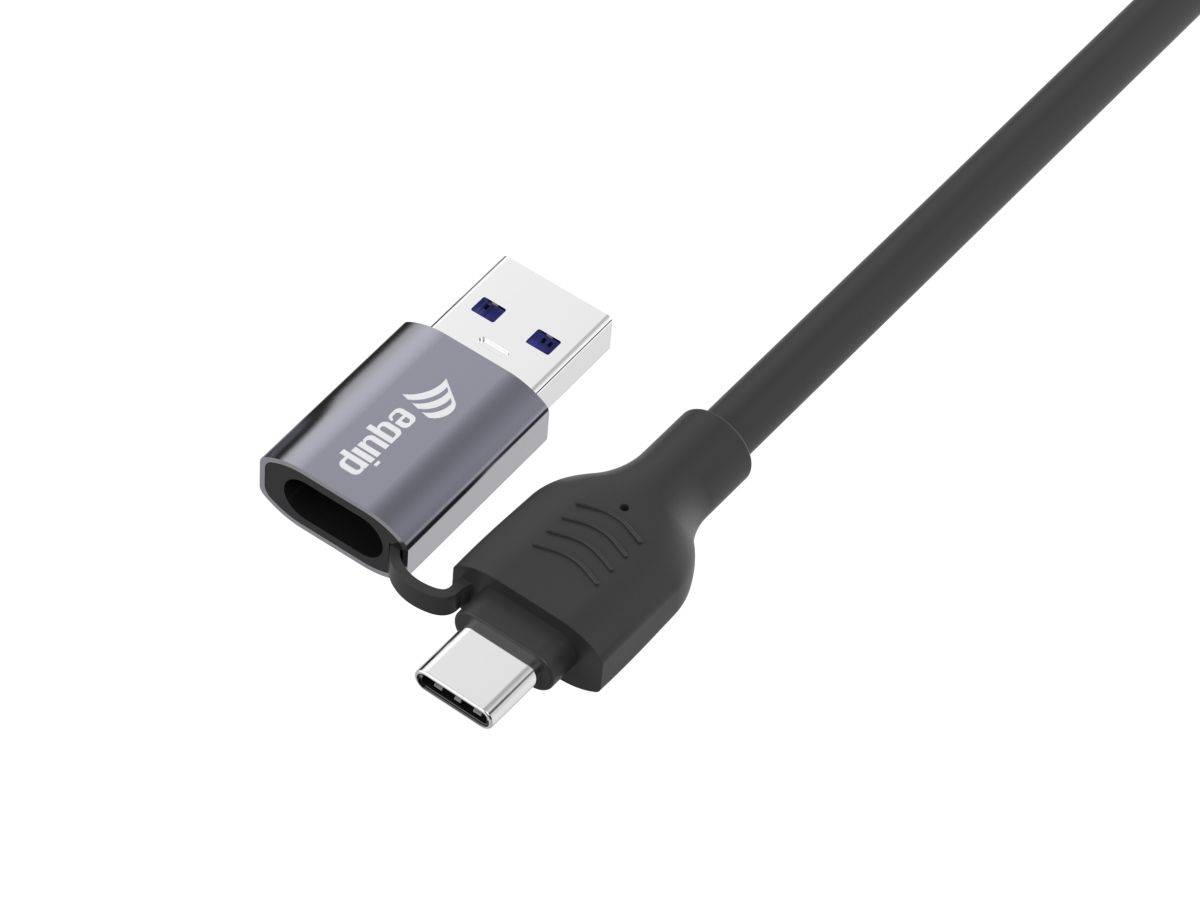
USB-C and USB-A are both fitted, so the same cable works with a modern laptop and an older desktop. There is no adapter to lose and nothing extra to buy when the hardware changes.
Realtek RTL8153 gigabit controller
A well-supported gigabit controller rated at up to 1000 Mbps, with IEEE 802.3ab Gigabit Ethernet, 802.3x full-duplex flow control, 802.3az Energy Efficient Ethernet, 802.1p priority and 802.1Q VLAN tagging.
3 metres of reach, not a 20 cm dongle
Most USB-to-Ethernet adapters are short dongles that still need a patch lead to reach the wall. At 3 m this cable goes device-to-socket on its own, which is one less connector and one less thing to fail.
Shielded cable, aluminium housing, no drivers
Shielding keeps data clean against interference, the aluminium housing resists everyday wear better than moulded plastic, and setup is plug-and-play across Windows, macOS, Chrome OS, Android and Linux.
Technical Specifications
| Identification |
| Brand |
equip |
| Model |
2-in-1 USB-C + USB-A to RJ45 Gigabit Ethernet Cable, 3.0 m |
| Model Number |
133103 |
| EAN / GTIN |
4015867244135 |
| MPN |
133103 |
| Manufacturer SKU |
13310307101 |
| Colour |
Black |
| Connectivity |
| Host connectors |
USB-C male and USB-A male |
| Network connector |
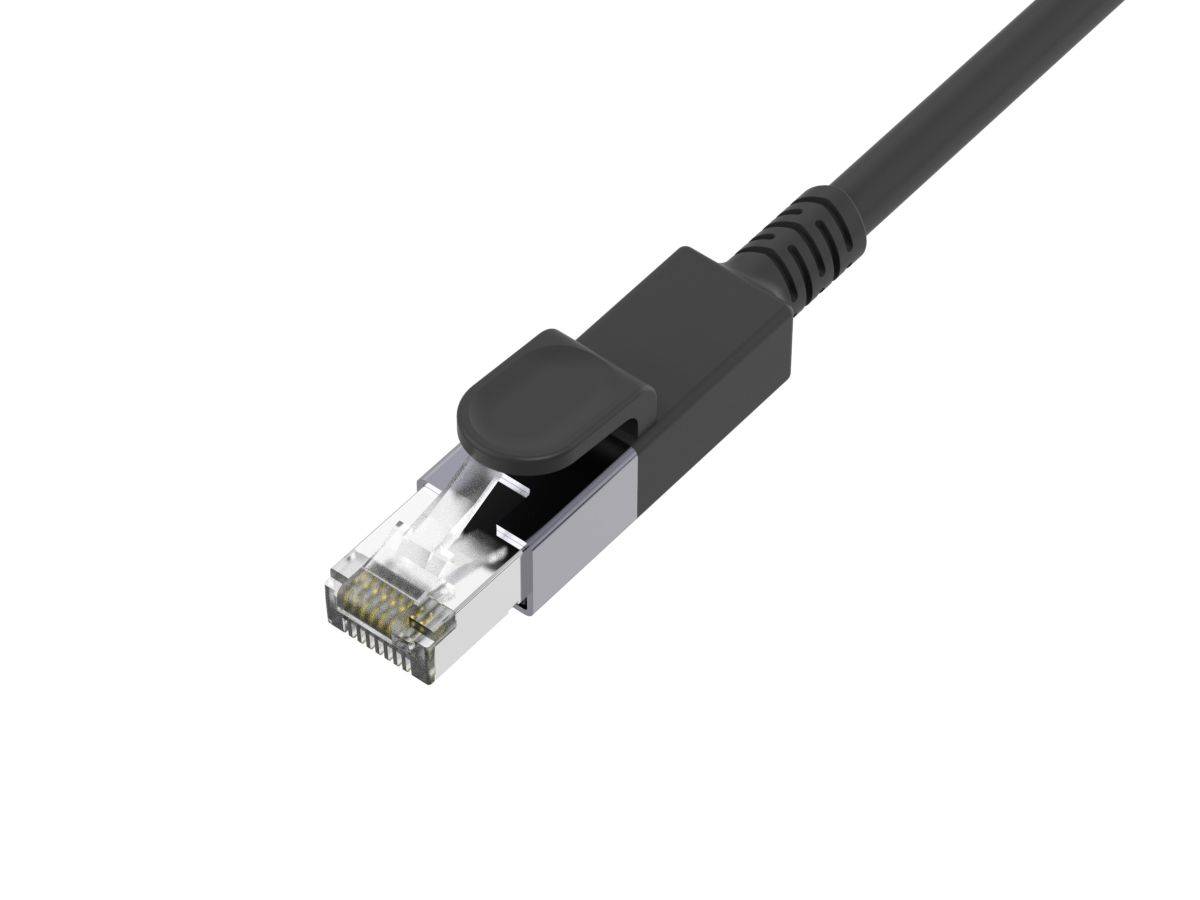
RJ45 male |
| Angled plug |
No |
| Chipset |
RTL8153 — Realtek’s USB 3.0 gigabit Ethernet controller |
| Data rate |
1 Gbps (up to 1000 Mbps) |
| Host requirement |
A data-capable USB port. USB 3.x is needed for full gigabit throughput; equip does not publish a USB generation for this cable |
| Standards Supported |
| Ethernet |
IEEE 802.3 10Base-T, IEEE 802.3u 100Base-TX, IEEE 802.3ab 1000Base-T |
| Flow control |
IEEE 802.3x full-duplex flow control |
| Power saving |
IEEE 802.3az Energy Efficient Ethernet |
| QoS |
IEEE 802.1p layer 2 priority encoding and decoding |
| VLAN |
IEEE 802.1Q VLAN tagging with 2 VLAN ID filtering; the received VLAN tag (4 bytes) can be stripped or preserved |
| Physical |
| Cable length |
3 m |
| Dimensions |
67 x 10 x 3000 mm (W x D x H) |
| Weight |
88 g (0.088 kg) |
| Cable jacket |
PVC |
| Housing material |
Aluminium |
| Shielding |
Shielded cable |
| Operating temperature |
0 °C to 50 °C |
| Compatibility |
| Operating systems |
Windows 7 / 8 / 10 / 11, macOS 10.6 or above, Chrome OS, Android 10 or above, Linux |
| Drivers |
None required — plug and play |
| DisplayPort Alt Mode |
Not required; this cable carries data only, no video |
| In the box |
2-in-1 USB-C + USB-A to RJ45 Gigabit Ethernet Cable, 3.0 m |
| Warranty |
| Warranty |
1-Year Warranty (Singular) |
| Manufacturer Term |
equip does not publish a manufacturer warranty term on its product page or datasheet for this article. Singular’s direct warranty is 1 year; beyond that we assist you with the manufacturer’s warranty process. |
Frequently Asked Questions
What does “2-in-1” mean on the equip 133103?
It means the cable carries both a USB-C plug and a USB-A plug at the host end, alongside the single RJ45 plug at the network end. You use whichever USB connector your device has — USB-C on a modern laptop or tablet, USB-A on an older laptop or a desktop. One cable covers both, instead of buying two adapters or carrying a USB-C-to-A converter.
Will I get full gigabit speed from this cable?
Only from a USB 3.x host port. The RTL8153 is a USB 3.0 gigabit controller and the cable is rated at up to 1000 Mbps, but a USB 2.0 port physically cannot carry gigabit throughput — the link will come up and work, just far below 1000 Mbps. Look for a blue USB-A port or a SuperSpeed marking, or use the USB-C connector on a modern machine.
Do I need to install drivers?
No. equip specifies plug-and-play operation with no drivers on Windows 7, 8, 10 and 11, macOS 10.6 or above, Chrome OS, Android 10 or above, and Linux. Plug it in and the wired connection appears as a normal network adapter.
Why buy a 3 metre cable instead of a short adapter?
Because a 15–20 cm dongle still needs a separate patch lead to reach the wall socket, which means two connectors, two things to lose and two points of failure. At 3 m this runs from the laptop straight to the switch or wall port. If your desk is right next to the socket a short adapter is fine; if it is across the room, this saves you a second cable.
Singular Expert Insight
This is a niche product that solves a real problem cleanly: laptops keep dropping the Ethernet port, offices keep the wall sockets, and the usual answer — a short dongle plus a patch lead — is two items where one will do. Having both USB-C and USB-A on the same cable also means one part number covers a mixed fleet, which matters if you are buying for an office or a classroom rather than for yourself. The RTL8153 is a sensible, widely supported controller with proper VLAN and flow-control support, so it behaves in a managed network rather than just on a home router. Two caveats worth stating plainly: equip publishes no USB generation, so plug it into a USB 3.x port if gigabit speed is the point, and there is no published manufacturer warranty term. If you want video and power delivery alongside the network port, a multi-port dock is the better answer — browse our
docking stations for that. For plain patch leads between a switch and a wall socket, see our
network cables range instead.
Buyer’s Guide
Buy it if
You need to give a laptop, Chromebook or tablet a wired gigabit connection over a real 3 m run, and you want one cable that works on both USB-C and USB-A machines with no drivers.
Skip it if
Your desk is right beside the socket and a short dongle would do, or you also need video output and power delivery — this cable is network only, with no DP Alt Mode and no charging.
Also consider
A USB-C docking station if you need Ethernet plus video output and power delivery from one connector, or a plain Cat 6 patch lead if your device already has a built-in RJ45 port.