
iiyama ProLite T1721MSC-B3 17-inch PCAP Touch Monitor
Brand:
Iiyama

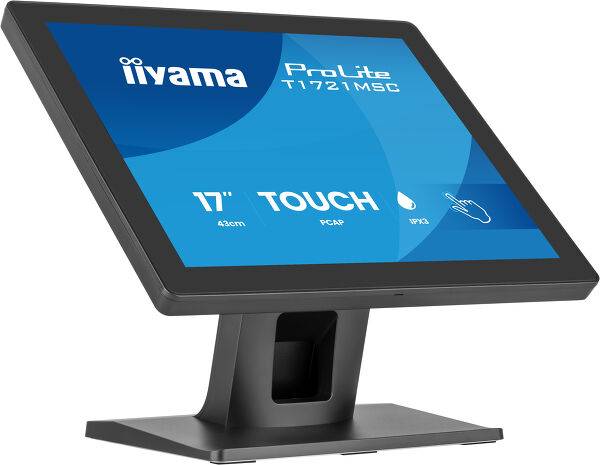
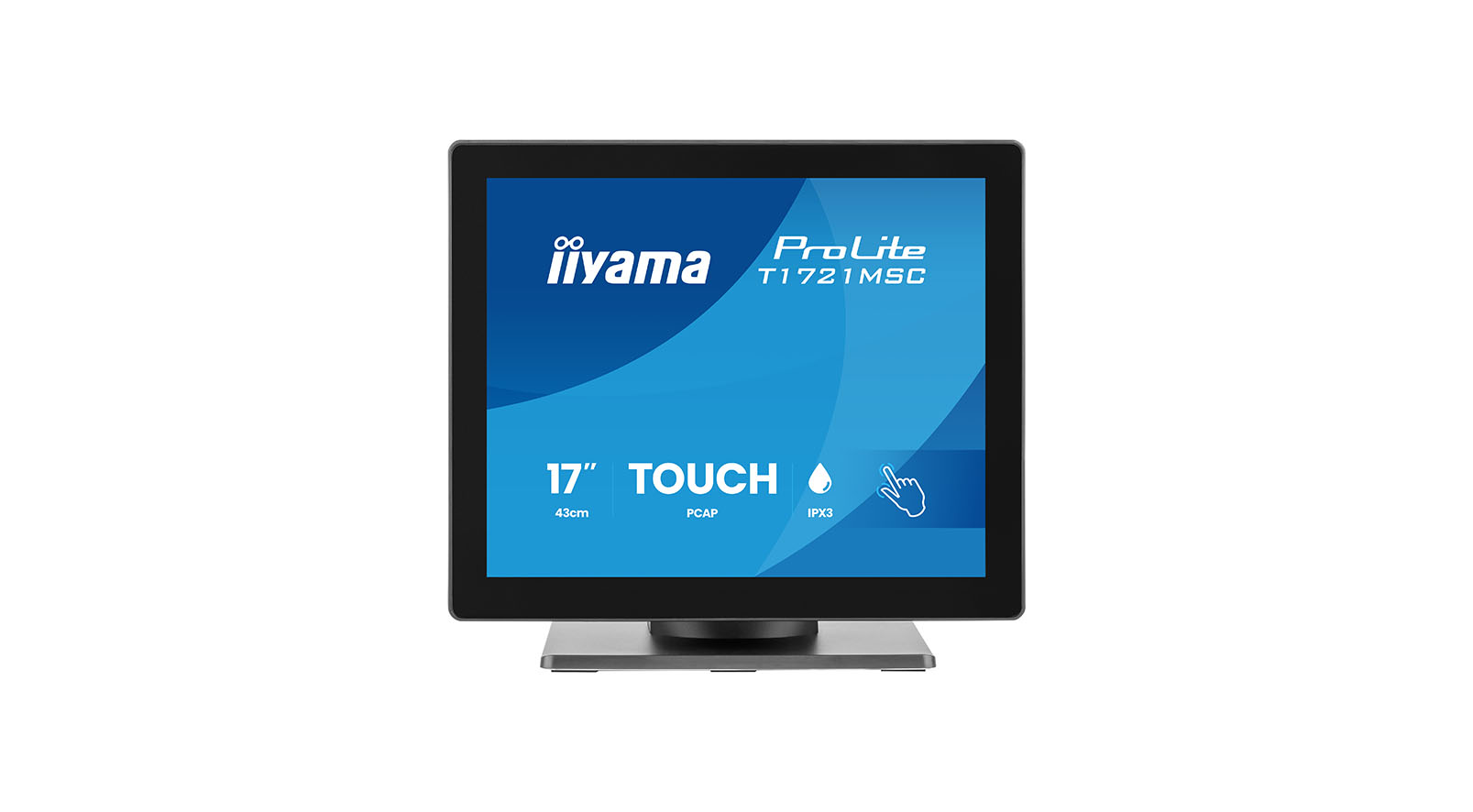
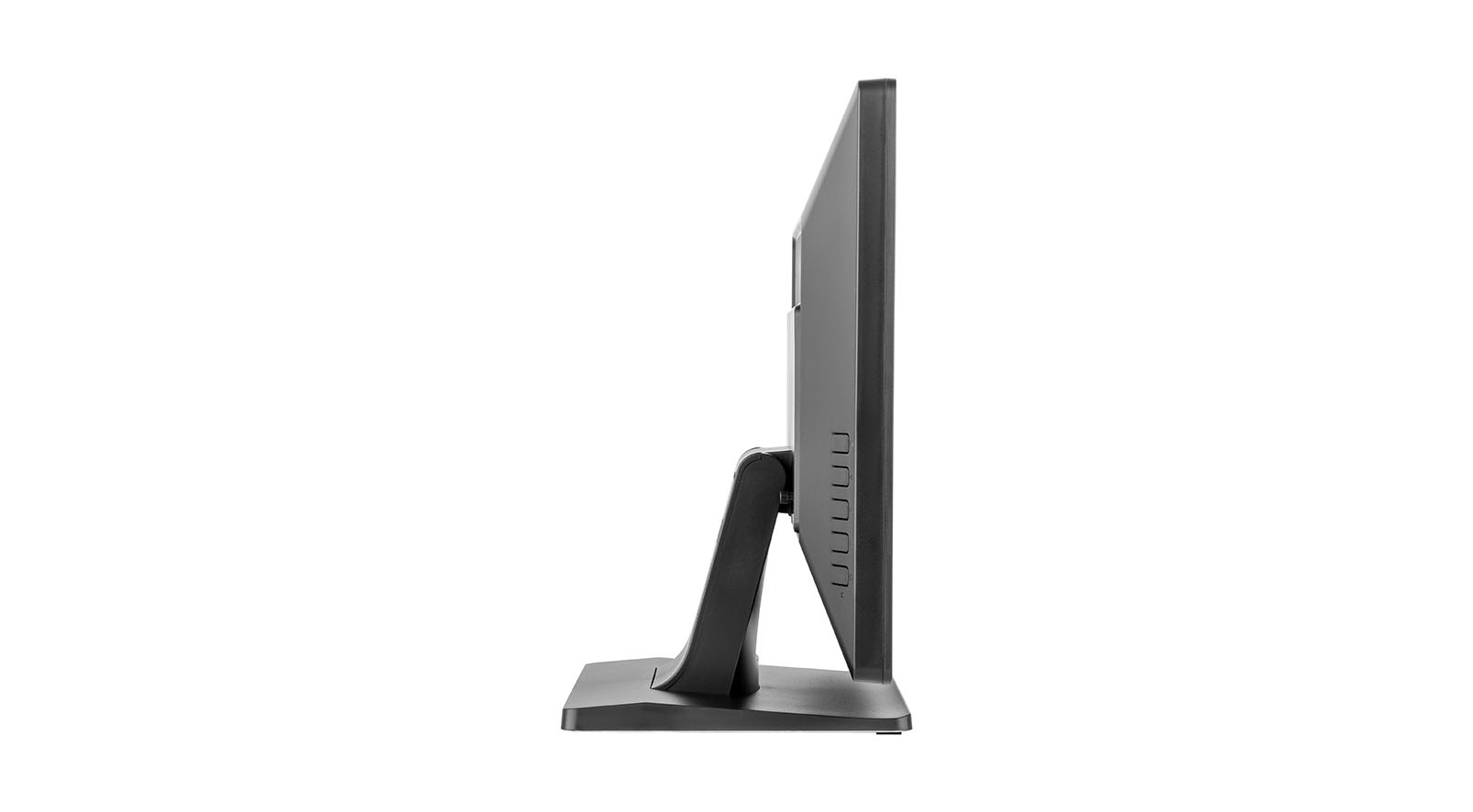


T1721MSC-B3
Delivery
Order Today...
Ships...
Delivery...
ℹ️ Large or fragile items (e.g. monitors) may require extra handling time. We'll keep you informed.
Payment options
Trusted Tech Choice
Buying Benefits
Verified
Competitive EU pricing
Delivered to Cyprus from EU stock
Local warranty support
Please sign in so that we can notify you about a reply
Compact 17-inch PCAP touch control for a connected workstation
17-inch 5:4 TN1280×1024 / 75Hz10-point PCAPIPX3 front
The iiyama ProLite T1721MSC-B3 combines a 17-inch 5:4 TN display with 10-point projected capacitive touch. Its edge-to-edge protective glass supports finger, latex-glove or compatible-stylus input. HDMI and VGA provide video connections, while a separate USB link carries touch data to your computer. An adjustable stand, front IPX3 protection and built-in speakers suit practical counter and workstation installations.
Best For: Retail and hospitality counters, reception desks, education and compatible workstation interfaces that need a compact touch display connected to a separate computer.
Before you order: Connect both a video cable and USB for touch, and confirm the exact host OS and touch-driver support. IPX3 covers the front surface only: it does not make the whole monitor waterproof or dust-rated. The manual does not promise 24/7 operation in every environment.
What's in the Box
- T1721MSC-B3 monitor, stand/base and fixing screws.
- AC adapter, power cable, HDMI cable and USB cable; the product page lists 1.8m cables.
- Cable cover, mylar sheet for VESA mounting, quick-start guide and safety guide.
- VGA cable, audio cable, external computer and optional stylus are not included in the listed package.
What It Means in Practice
- Use USB touch alongside HDMI video for a compatible POS or workstation application.
- Set the 5:4 application layout to the native 1280×1024 resolution and verify text/button sizes.
- Adjust the stand within 70° upward and 10° downward tilt; follow the manual for any 100×100mm VESA installation.
- Use a finger, latex glove or suitable plastic stylus. Avoid sharp metal tools and follow the manufacturer’s cleaning guidance.
What Will Not Work
- Requires an external computer; this monitor does not include a POS PC.
- Ten-point operation depends on the supported OS and drivers; legacy systems can provide fewer touch points.
- IPX3 is front-only spray protection, without a dust-protection rating for the whole enclosure.
- VGA and analogue audio cables are not supplied. No DisplayPort input is listed.
Key Features
Responsive PCAP interaction
Ten supported touch points enable compatible multi-touch applications.
Protective glass front
1.5mm glass with 7H hardness and front IPX3 protection supports frequent counter use.
Flexible host connections
Choose HDMI or VGA for video and connect USB separately for touch.
Adjustable desktop fit
The stand, cable management and 100×100mm VESA pattern support a planned workstation installation.
Technical Specifications
Frequently Asked Questions
Singular Expert Insight
For a POS installation, USB touch compatibility and the 5:4 software layout matter as much as screen size. This model offers PCAP multi-touch and a compact desktop footprint, but it still needs a matched computer, cables and a suitable indoor location.
Buyer’s Guide
✓ Buy it if You need a 17-inch 5:4 display with PCAP multi-touch for compatible counter or workstation software.
✕ Skip it if You need an integrated computer, a widescreen display, DisplayPort or whole-enclosure water protection.
→ Also consider Exact OS/driver support, required cables, touch calibration and any VESA mounting hardware.
Features - Iiyama - T1721MSC-B3
More Details
Product Code
CS69616
EAN Code
4948570127092
Manufacturer
Iiyama