3Dconnexion Numpad Pro — Wireless Keypad for CAD and 3D
App-aware keysEncrypted 2.4 GHz6-month battery16 mm thin
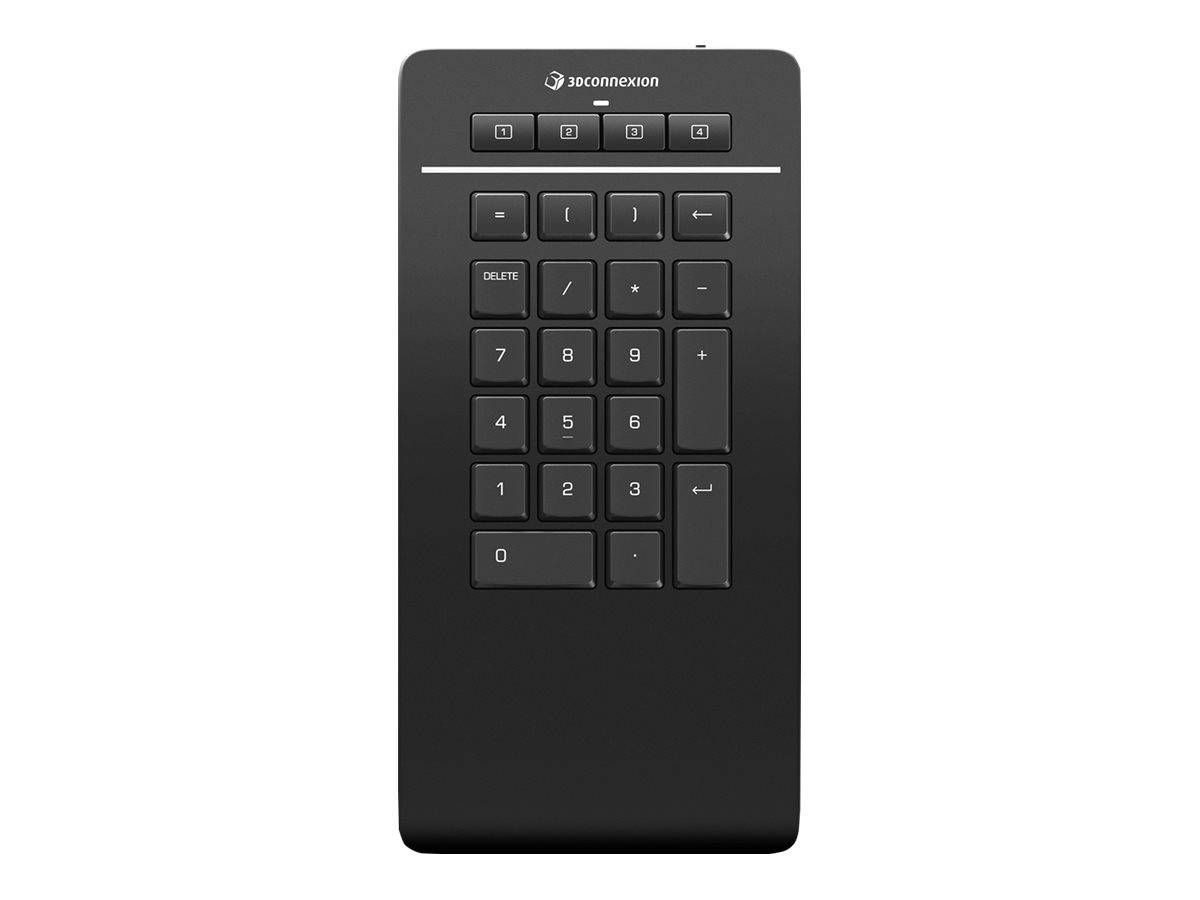
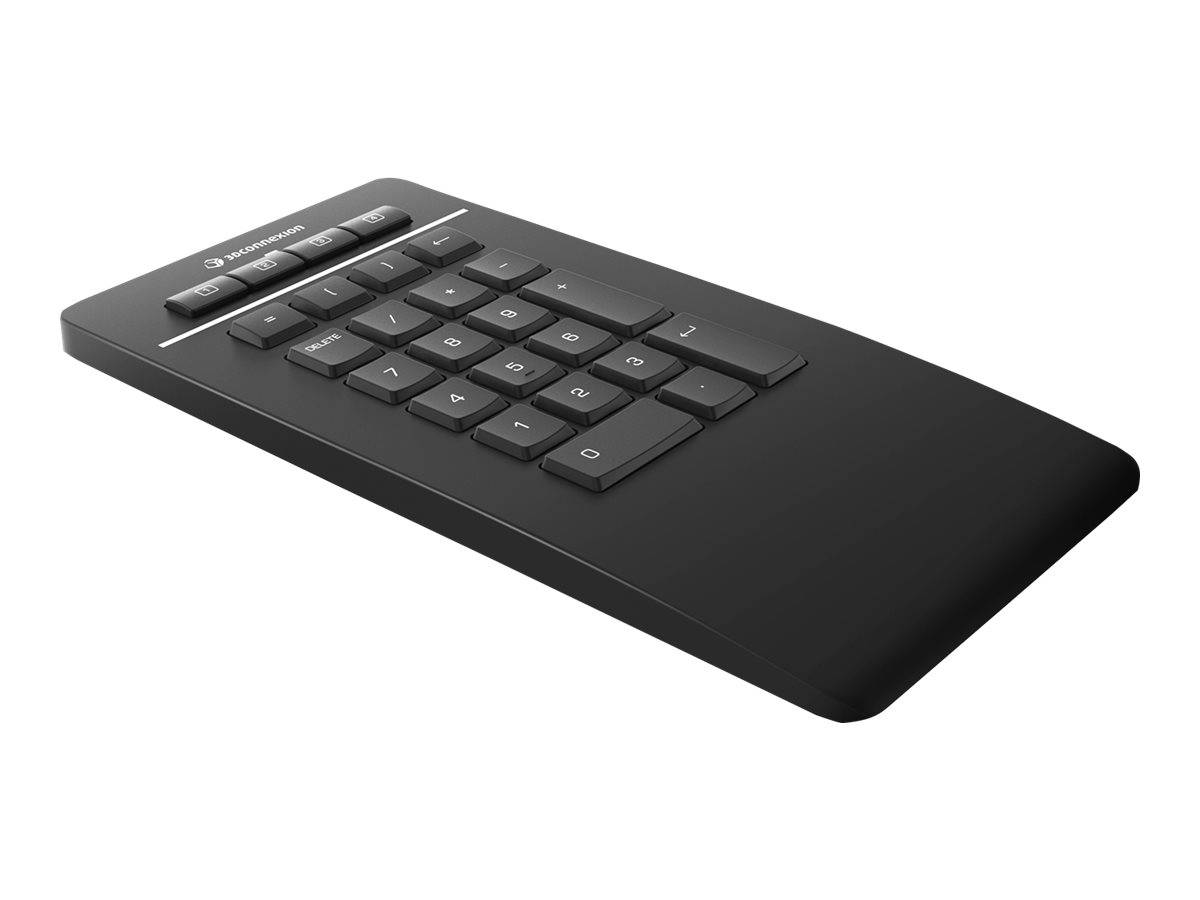
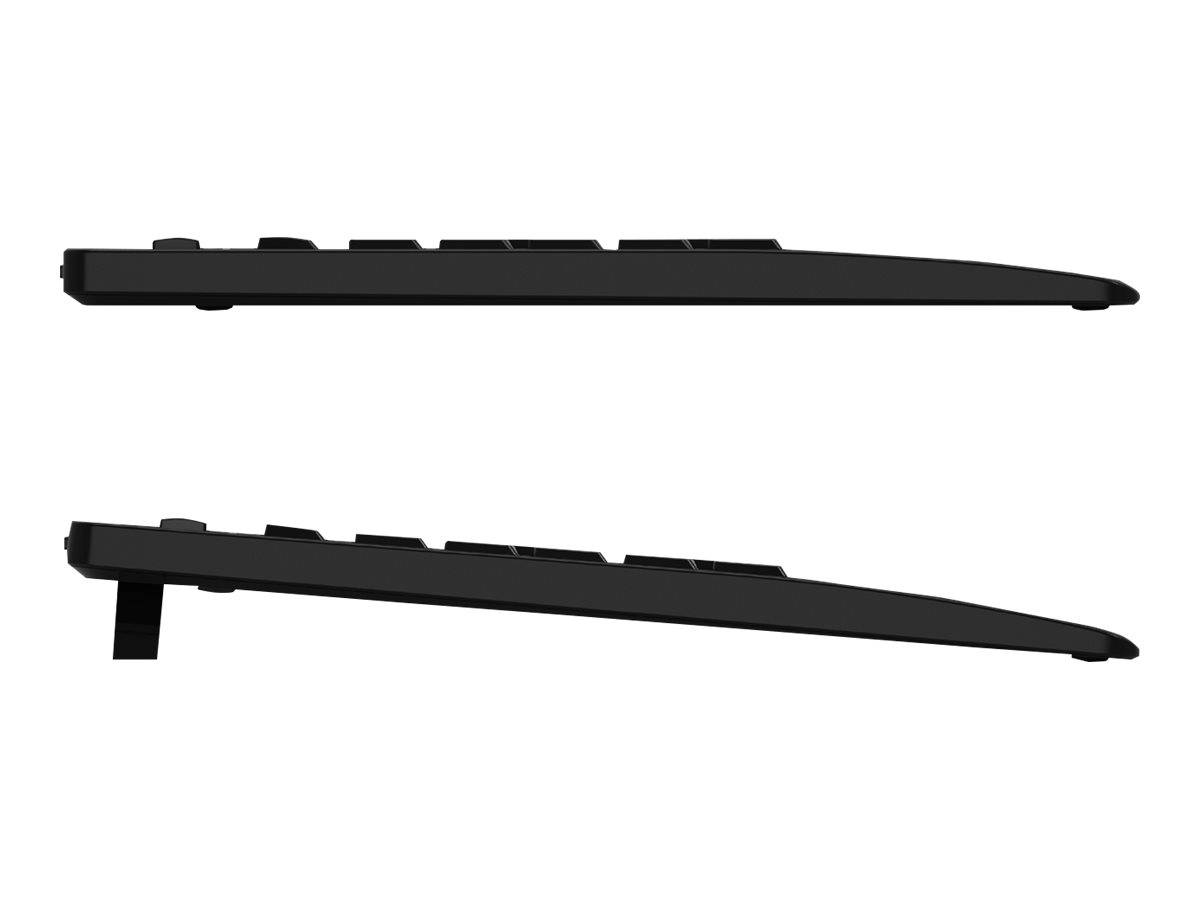
3Dconnexion builds input devices for people who live inside CAD, and the Numpad Pro is a number pad written from that brief rather than borrowed from an office keyboard. It has four programmable 3Dconnexion keys that adapt to the application you are in — the same idea as the buttons on a SpaceMouse, so the pad shows one set of commands in your CAD package and another somewhere else — plus five customisable arithmetic operator keys. The detail that gives away who designed it is the application-specific decimal separator: the pad types the separator your software actually expects, which is the small daily annoyance that no general-purpose keypad has ever solved. Keys are scissor-switch with concave keycaps. It is 229 x 114 x 16 mm and 250 g, and it runs from a 350 mAh rechargeable lithium-polymer battery rated at about six months on eight hours a day, five days a week. Connection is your choice of 3Dconnexion encrypted 2.4 GHz wireless, encrypted Bluetooth Low Energy, or the USB-C cable, which also charges it.
Compatibility — check before buying:
The software is the condition. The Numpad Pro needs 3DxWare 10 — the same driver that runs every 3Dconnexion device — for the programmable keys and the application-aware behaviour, and 3Dconnexion publishes Windows support for it. Without the driver you have a competent number pad; with it you have the product you are actually paying for, so plan on installing it. It is designed for all industry-leading CAD and 3D applications, and if you already run a SpaceMouse the pad joins the same driver and the same key-assignment interface rather than adding a second utility. Three connection choices mean it will fit almost any machine: the encrypted 2.4 GHz link and the encrypted Bluetooth LE link are both first-class, and the USB-C cable is there as a fallback and as the charger. Two notes on the box: you get the numpad and a 1.5 m USB-C cable with a USB-A adapter. And this is a full-depth pad at 229 mm — deeper than an office keypad because of the extra key rows, so check the space beside your keyboard. 3Dconnexion publishes a 3-year limited hardware warranty and CE, FCC and RoHS compliance.
Best For
✓ CAD, CAM and 3D modelling work
✓ Existing SpaceMouse and CadMouse users
✓ Engineers entering coordinates and dimensions all day
✓ Desks that need an encrypted wireless link
✓ Anyone tired of the wrong decimal separator
✓ Laptop CAD setups with no number pad
Key Features
Keys that follow the application
Four 3Dconnexion keys that change with the software you are in, assigned in the same 3DxWare interface as every other 3Dconnexion device.
The decimal separator problem, solved
An application-specific decimal separator, so the pad types what your CAD package expects instead of what your keyboard layout insists on.
Three ways to connect, two of them encrypted
Encrypted 2.4 GHz, encrypted Bluetooth Low Energy, or the USB-C cable — and the cable doubles as the charger.
Six months per charge
A 350 mAh lithium-polymer cell rated for roughly six months at eight hours a day, five days a week.
Technical Specifications
| Identification |
| Brand |
3Dconnexion |
| Series |
Numpad Pro |
| Part Number |
3DX-700105 |
| EAN / GTIN |
4260016341344 |
| Colour |
Black |
| Keys |
| Programmable 3Dconnexion keys |
4, application aware |
| Customisable operator keys |
5 arithmetic |
| Decimal separator |
Application specific |
| Mechanism |
Scissor switch |
| Keycaps |
Concave, ergonomic |
| Connection and power |
| Wireless |
3Dconnexion encrypted 2.4 GHz technology |
| Bluetooth |
Bluetooth Low Energy, encrypted |
| Wired |
USB-C cable, also charges |
| Battery |
Rechargeable lithium polymer, 350 mAh |
| Battery life |
About six months at 8 hours a day, 5 days a week |
| Software and physical |
| Driver |
3DxWare 10, shared with all 3Dconnexion devices |
| Operating system |
Windows |
| Applications |
All industry-leading CAD and 3D applications |
| Dimensions |
229 mm deep x 114 mm wide x 16 mm tall |
| Weight |
250 g (0.55 lb) |
| Certifications |
CE, FCC, RoHS |
| In the box |
| Contents |
Numpad Pro and a 1.5 m USB-C cable with USB-A adapter |
| Warranty |
| Warranty |
1-Year Warranty (Singular) |
| Manufacturer Term |
3Dconnexion publishes a 3-year limited hardware warranty for this model on its product page. Singular’s direct warranty is 1 year; beyond that we assist you with the manufacturer’s warranty process for its full duration. |
Frequently Asked Questions
Do I need the driver?
For the programmable and application-aware keys, yes — 3DxWare 10 on Windows. Without it you still have a working number pad, but the four adaptive keys are the reason to buy this one.
Will it work with my SpaceMouse?
Yes. It runs on the same 3DxWare 10 driver and is assigned in the same interface, so the pad and the SpaceMouse share one setup rather than two utilities.
How much desk does it need?
229 mm deep by 114 mm wide by 16 mm tall, 250 g. That is deeper than an office keypad because of the extra key rows — measure the space beside your keyboard before ordering.
Singular Expert Insight
The application-specific decimal separator is a giveaway that engineers designed this: it is a tiny thing that costs a CAD user a hundred corrections a week. Buy it for the adaptive keys and the encrypted link, and budget for installing 3DxWare. See our
keyboard accessories and our
wireless mice.
Buyer’s Guide
Buy it if
You work in CAD or 3D on Windows, want programmable keys that follow the application, and value an encrypted wireless link.
Skip it if
You need macOS or Linux support, or you only want plain digits and would rather not install a driver.
Also consider
A 3Dconnexion SpaceMouse to pair it with, or the HP 435 if you want programmable keys without a CAD driver.