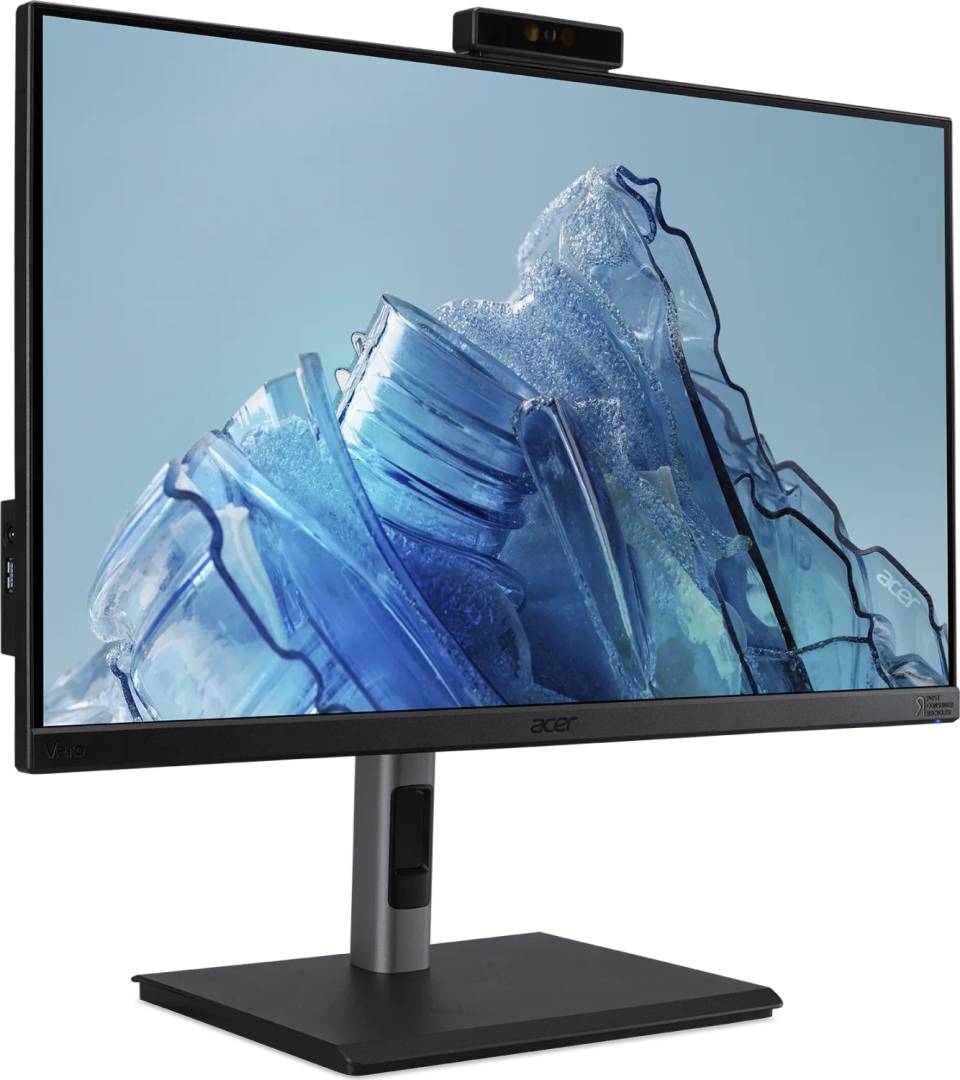
Acer Vero B247Y D3 — 23.8" Full HD IPS business monitor with built-in webcam, microphone array and KVM switch
23.8" IPS · 1920x1080100 Hz · 4 ms GTGWebcam + mic arrayKVM · USB-C · 150 mm height
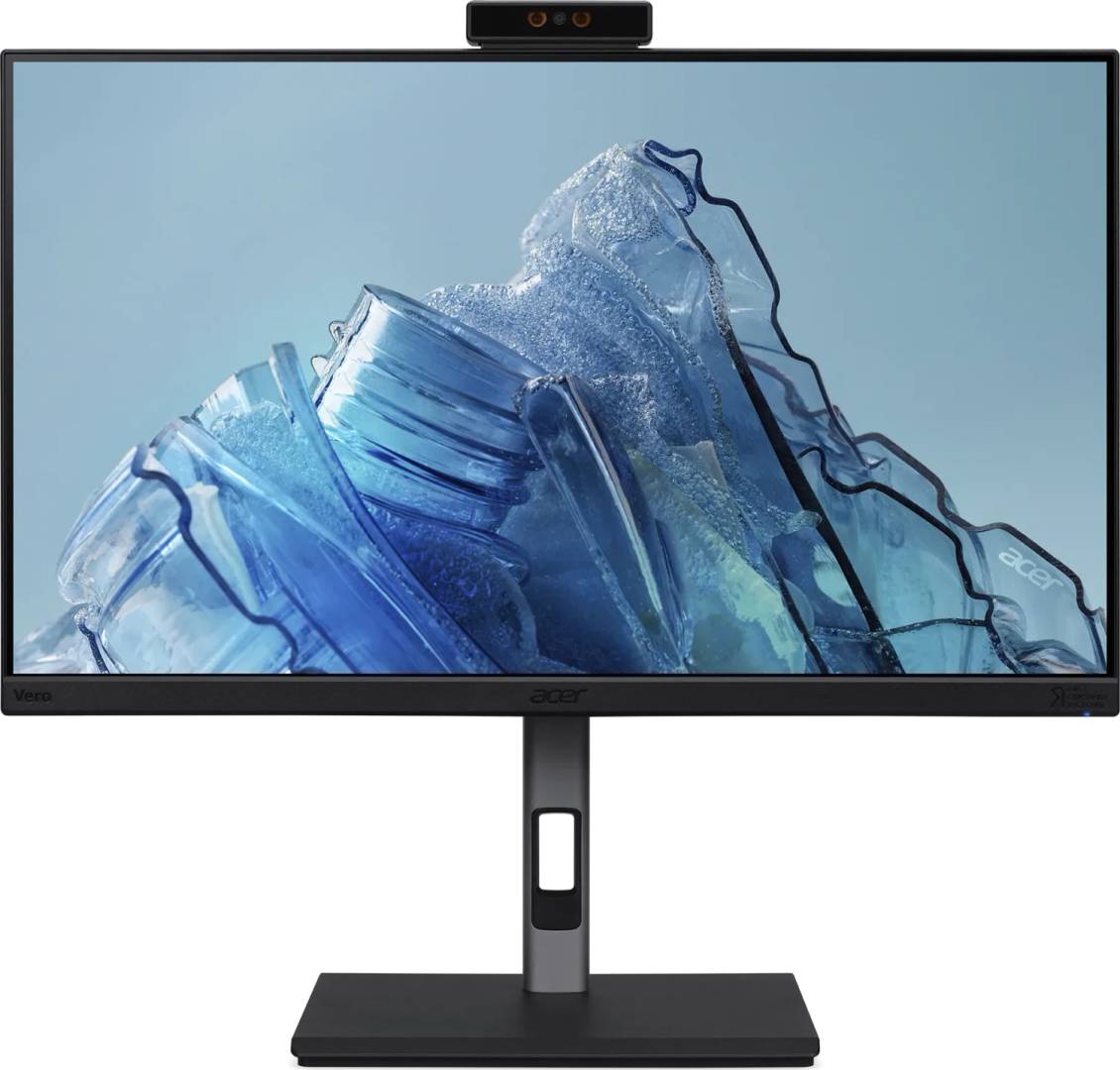
The Acer Vero B247Y D3 (part number UM.QB7EE.307) is a 23.8-inch Full HD IPS monitor from Acer's Vero B7 business line that puts a webcam, a microphone array, speakers and a KVM switch into the screen itself, so an office desk needs one device instead of four.
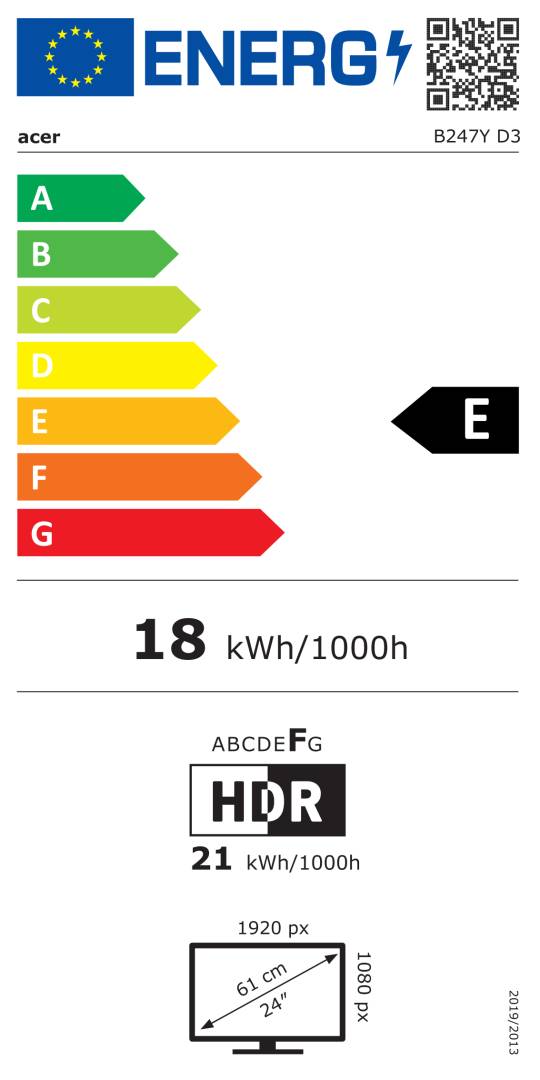
It suits hot desks, home offices and meeting-heavy roles where people join video calls all day: the camera and microphones sit in the monitor, the stand adjusts 150 mm in height with tilt and swivel, and two computers can share one keyboard and mouse through the built-in KVM switch. The panel runs at 100 Hz with a 4 ms GTG response time and covers 99% of sRGB, which keeps office work, spreadsheets and video calls smooth and clean. It carries TCO Certified and is listed in the EU energy database (EPREL 1361408) with energy class E for SDR and F for HDR.
Before you order: Acer does not publish the power delivery wattage or the video support of the USB-C port for this model. If you plan to run a laptop on a single USB-C cable (picture plus charging), send us the laptop model and we will confirm before you order — otherwise plan on HDMI or DisplayPort for the picture and the laptop's own charger.
What's in the Box
- 1 x Acer Vero B247Y D3 widescreen LED monitor (stand included)
- 1 x DisplayPort cable
- 1 x HDMI cable
- 1 x EU power cable (Schuko)
- No USB-C or USB-B cable is listed in the box contents — order one separately if you need USB-C, the USB hub or the KVM function
What It Means in Practice
- One monitor replaces a separate webcam, desk microphone and speakers: the camera is already mounted on the top edge — select the monitor as camera and microphone in Teams or Zoom and the desk stays clear.
- The KVM switch lets you run a work laptop and a desktop PC (or two laptops) on the same keyboard and mouse — useful for people who keep a company machine and a personal or lab machine on one desk. Each computer needs its own video cable plus its USB upstream connection.
- 100 Hz instead of 60 Hz makes scrolling long documents, web pages and spreadsheets visibly smoother. It is not a gaming monitor, but casual games run fine with AMD FreeSync.
- 23.8" at 1920 x 1080 gives about 92 pixels per inch — standard Windows scaling at 100% is readable for most people, so you get the full desktop area without enlarging text.
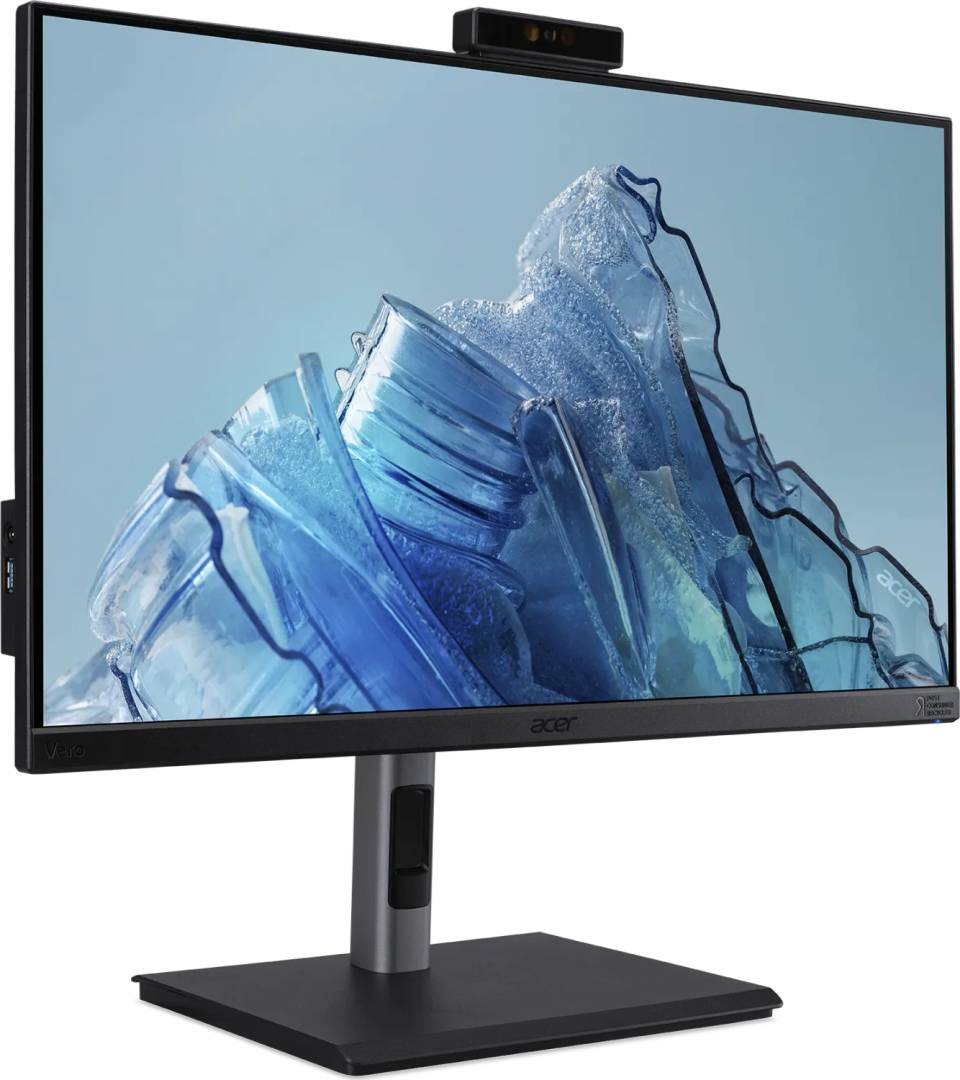
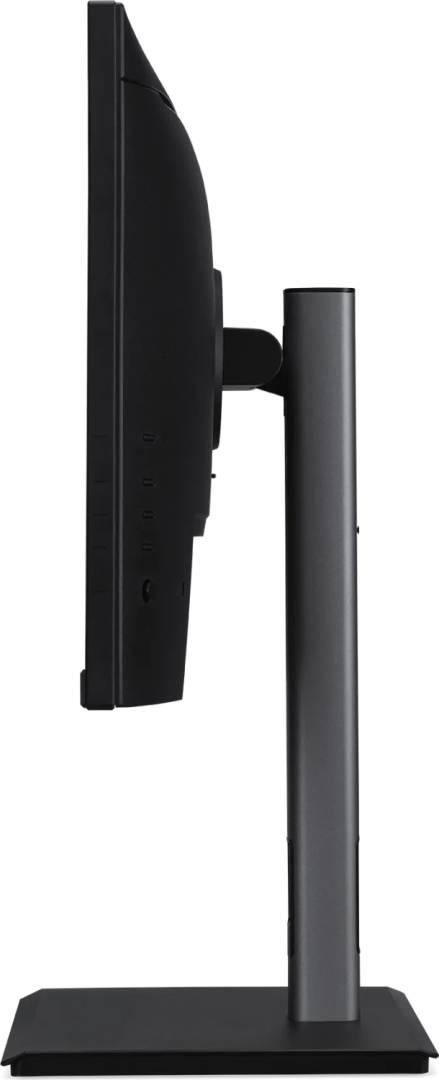
- Height (150 mm), tilt (-5° to 35°) and swivel (±45°) let you set the camera at eye level, which matters more for video calls than the camera's resolution.
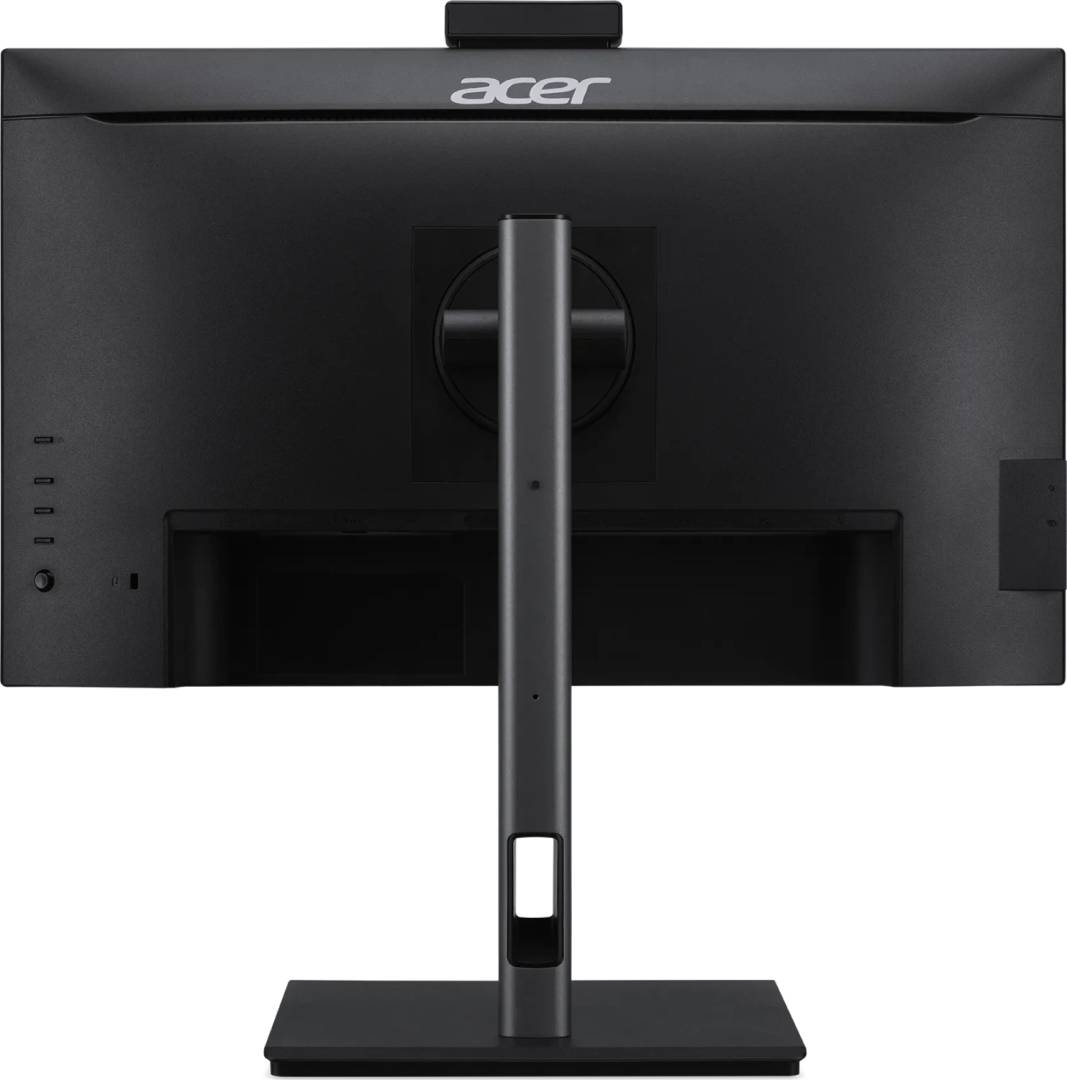
- VESA 100 x 100 mounting lets you move the screen onto a monitor arm later and free the desk area under the stand.
What Will Not Work
- No 4K or QHD: the native resolution is 1920 x 1080. If you need more screen space for side-by-side windows, look at a 27" QHD model instead.
- Not over 100 Hz: HDMI 1.4 and DisplayPort 1.2 both run the panel at 1920 x 1080 @ 100 Hz — there is no 144 Hz or 165 Hz mode for competitive gaming.
- HDR10 is accepted as a signal, but with 250 cd/m² brightness and a 6-bit + FRC panel this is not a true HDR display — do not buy it for HDR video grading or photo work that needs a wide colour gamut beyond sRGB.
- No Ethernet (RJ45) port is listed, so the monitor does not act as a wired network dock for a laptop.
- Single-cable USB-C charging of a laptop is not confirmed by Acer for this model (see the note above) — do not rely on it without checking with us.
Key Features
Camera and microphones on board
A webcam sits on the top edge of the screen and a microphone array is built in, so video calls work without extra devices on the desk or cables to lose on hot desks.
KVM switch for two computers
Two USB Type-B upstream ports and a built-in KVM switch let two computers share the same keyboard, mouse and USB devices connected to the monitor.
Smooth 100 Hz IPS panel
23.8" IPS with 178° viewing angles, 4 ms GTG, 99% sRGB and AMD FreeSync for tear-free, smooth motion in everyday work.
Full ergonomic stand
150 mm height adjustment, tilt -5° to 35° and swivel ±45°, plus VESA 100 x 100 for arms and wall mounts.
Technical Specifications
| Identification |
| Part Number |
UM.QB7EE.307 |
| EAN / GTIN |
4711121787751 |
| Model |
Vero B7 B247Y D3 (B247Y D3bmiqprcuzxv) |
| Brand |
Acer |
| Display |
| Screen size |
23.8" (60.5 cm), 16:9 |
| Panel |
IPS, LED backlight, anti-glare surface |
| Resolution |
1920 x 1080 (Full HD) |
| Refresh rate |
100 Hz |
| Response time |
4 ms GTG |
| Brightness |
250 cd/m² |
| Contrast |
1,000:1 native · 100,000,000:1 dynamic |
| Colour |
16.7 million colours, 6-bit + FRC, 99% sRGB |
| HDR |
HDR10 |
| Adaptive sync |
AMD FreeSync |
| Viewing angles |
178° horizontal / 178° vertical |
| Pixel pitch |
0.275 x 0.274 mm |
| Active area |
527 x 296 mm |
| Connectivity |
| HDMI |
1x HDMI 1.4 (1920 x 1080 @ 100 Hz) |
| DisplayPort |
2x DisplayPort 1.2 (1920 x 1080 @ 100 Hz) |
| USB-C |
1x USB Type-C (power delivery wattage and video support not published) |
| USB upstream |
2x USB Type-B upstream |
| Audio |
Headphone out, audio line-in |
| Built-in Devices |
| Webcam |
Yes (resolution not published) |
| Microphone |
Microphone array |
| Speakers |
Yes, 5 W output (as published by Acer) |
| KVM switch |
Yes |
| Ergonomics & Mounting |
| Height adjustment |
150 mm |
| Tilt |
-5° to 35° |
| Swivel |
-45° to 45° |
| VESA |
100 x 100 mm |
| Physical |
| Colour |
Black |
| Dimensions (W x H x D) |
540 x 346 x 66 mm (as published by Acer) |
| Weight |
4.59 kg |
| Energy & Environment |
| EU energy class |
E (SDR) · F (HDR) |
| EPREL registration |
1361408 |
| Standby / off power |
0.3 W / 0.3 W |
| Certification |
TCO Certified |
| Warranty |
| Warranty |
1-Year Warranty (Singular) |
| Manufacturer Term |
Acer limited manufacturer warranty per Acer's European warranty terms — claims handled through Singular |
Frequently Asked Questions
Can I connect a laptop and a desktop at the same time?
Yes. Connect each computer with its own video cable (HDMI, DisplayPort or USB-C) and its own USB upstream link; the built-in KVM switch then moves the keyboard and mouse plugged into the monitor between the two computers.
Do I still need a separate webcam for Teams or Zoom?
No. The monitor has its own webcam and microphone array. Once its USB upstream connection to the computer is in place, it appears as a camera and microphone you can select in the meeting app.
Is the second DisplayPort for daisy-chaining a second monitor?
Acer lists two DisplayPort 1.2 ports but does not specify a DisplayPort output or MST daisy-chain function for this model. If you want to chain two monitors from one cable, tell us your setup and we will check it before you order.
Will it fit a monitor arm?
Yes. It has a VESA 100 x 100 mm pattern and weighs 4.59 kg, which fits most single monitor arms rated for 24" screens.
Singular Expert Insight · Buyer's Guide
The B247Y D3 is a practical choice when the goal is fewer devices per desk: camera, microphones, speakers and a KVM switch are already in the screen, and the stand puts the camera at eye level. For new desks or hot-desk rollouts it removes a webcam and a desk microphone from every order. If you plan to wall-mount or clamp it, pair it with one of our
monitor arms and stands. The main thing to confirm before ordering is how your laptops connect — USB-C power delivery is not published for this model.
✓ Buy it if you want a 24" office monitor with a webcam and microphones built in, smooth 100 Hz scrolling and a KVM switch to share one keyboard and mouse between two computers.
✕ Skip it if you need more than Full HD, more than 100 Hz for gaming, real HDR or wide-gamut colour work, or a confirmed single-cable USB-C dock that charges your laptop.
→ Also consider a 27" QHD business monitor if you need more screen space, or a USB-C docking station if single-cable laptop charging and Ethernet are a must.
Not sure it fits your setup? Send us the model of your laptop or PC and we will check the connection (USB-C, HDMI or DisplayPort) and KVM setup before you order.