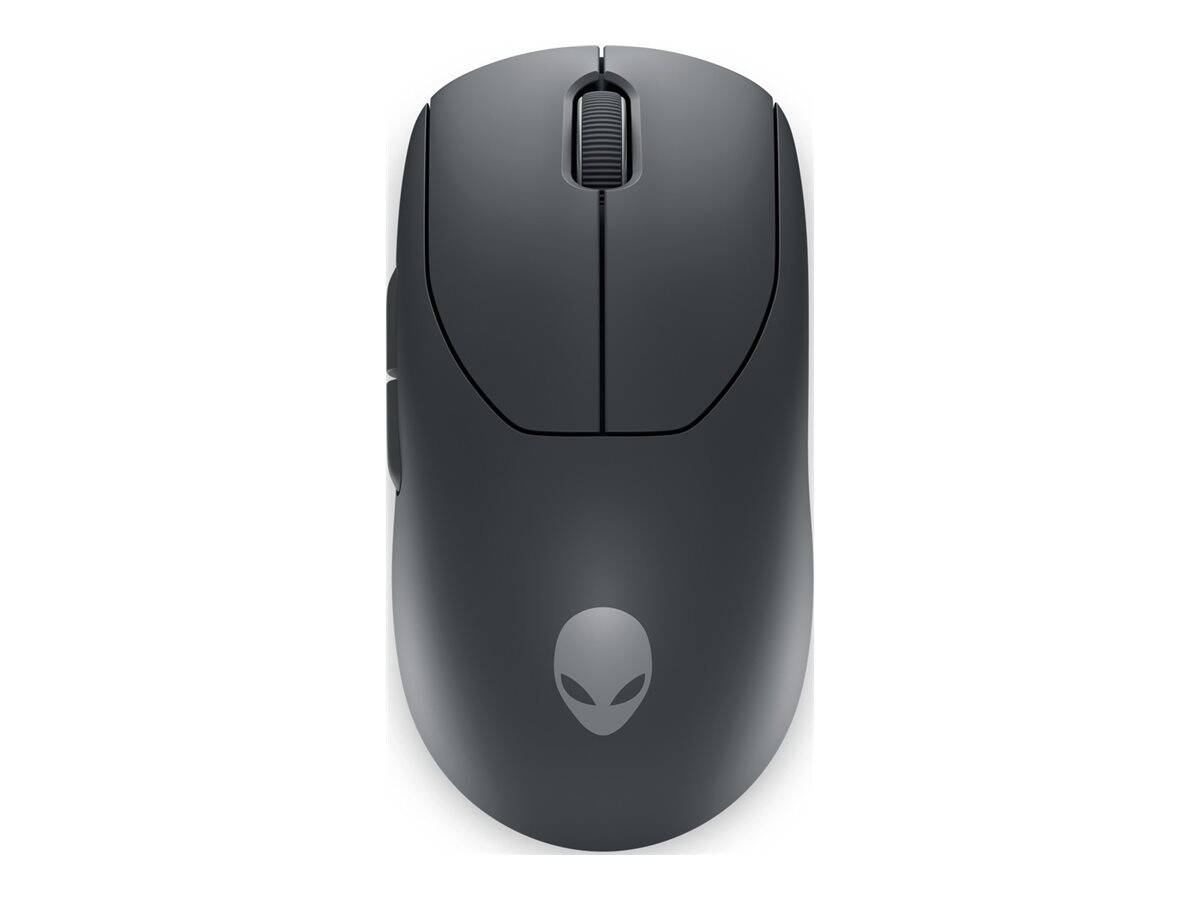
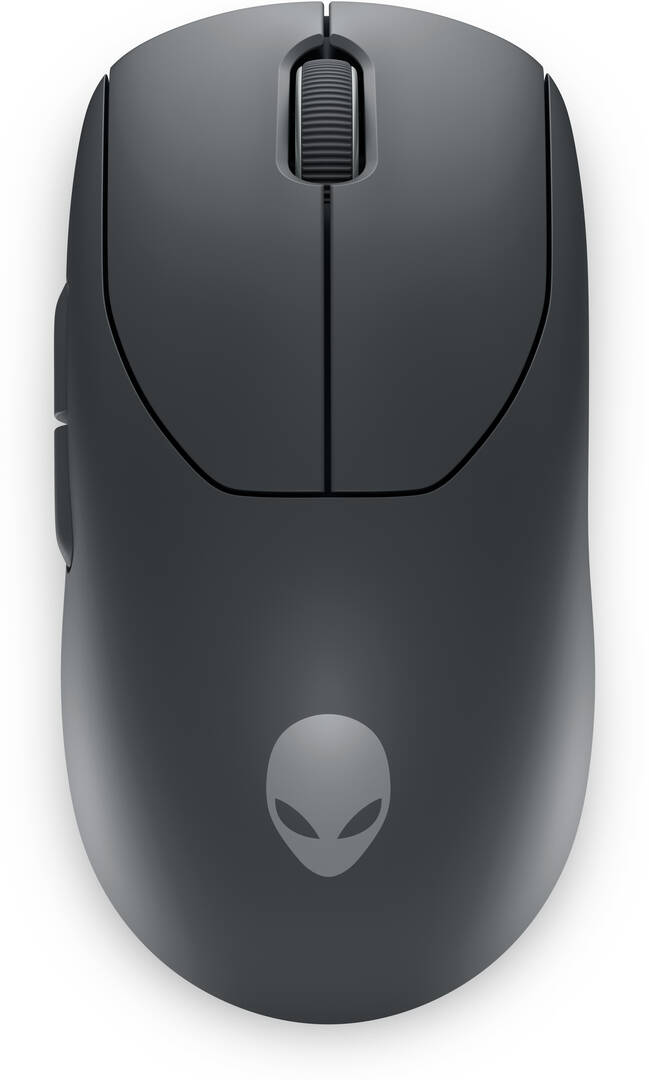
Alienware Pro Wireless Gaming Mouse — Dark Side of the Moon
Under 60 g symmetrical26,000 DPI, 650 IPS, 50 G4 kHz wireless / 8 kHz wired nativeUp to 120 h at 1 kHz
The Alienware Pro Wireless Gaming Mouse is Dell’s esports mouse, developed with pro players: a sub-60 g symmetrical shell, a 26,000 DPI optical sensor at 650 IPS and 50 G, and Alienware’s magnetic-force keyplates over optical switches rated for 70 million clicks. It reports at up to 4,000 Hz natively over 2.4 GHz and 8,000 Hz wired — no add-on booster — and Dell publishes up to 120 hours of battery at 1,000 Hz (32 hours at 4,000 Hz), with six hours from a five-minute charge. Six programmable buttons, a 2 m braided USB-A to USB-C cable, a USB-C dongle with extender, and Alienware Command Center on Windows 11. This is the Dark Side of the Moon (black) version, part number PRO-MS-G-DEAM, EAN 5397184877548. Tell us your grip and hand size and we will confirm the fit.
Compatibility — check before buying:
2.4 GHz wireless and USB-C wired only — no Bluetooth. The dongle is USB-C; a dongle extender and a USB-A to USB-C cable are included, so a USB-A-only PC uses the cable or the extender. Symmetrical body with the side buttons on the left, so it suits right-handed use. Settings need Alienware Command Center on Windows 11; the mouse runs at 1,000 Hz by default and 4 kHz wireless is enabled in the software (with the battery falling to 32 hours). Dell does not publish onboard profile count, feet material or hot-swap capability. Dell’s own listings use part numbers 545-BBFN / 545-BBFP; PRO-MS-W / PRO-MS-G are the same mouse under the model code.
Best For
✓ Competitive FPS at 4 kHz wireless without a booster
✓ Claw and fingertip grips on a light symmetrical shape
✓ Players who want a magnetic keyplate click feel
✓ Alienware and Dell gaming setups with Command Center
✓ Long sessions — 120 h at 1 kHz
✓ Anyone who wants black to match a build
Key Features
Magnetic-force keyplates
Alienware’s keyplates use magnets to return the main buttons over optical switches rated for 70 million clicks, giving a consistent, crisp click without mechanical debounce.
4 kHz wireless, 8 kHz wired, native
No booster dongle: 4,000 Hz over the included 2.4 GHz USB-C dongle and 8,000 Hz over the braided cable, with a 26,000 DPI sensor at 650 IPS and 50 G.
Under 60 g, 120 hours
125 x 64 x 41 mm at under 60 g. Dell publishes up to 120 hours at 1 kHz, 32 hours at 4 kHz, and six hours of play from a five-minute charge over USB-C.
Technical Specifications
| Identification |
| Brand |
Alienware (Dell) |
| Series |
Pro Wireless Gaming Mouse |
| Part Number |
PRO-MS-G-DEAM |
| EAN / GTIN |
5397184877548 |
| Model code |
PRO-MS |
| Performance |
| Sensor |
Optical, up to 26,000 DPI, 650 IPS, 50 G |
| Polling rate |
Up to 4,000 Hz native 2.4 GHz; 8,000 Hz wired; 1,000 Hz default |
| Switches |
Alienware magnetic-force keyplates with optical switches, up to 70 million clicks |
| Buttons |
6 programmable |
| Software |
Alienware Command Center (Windows 11) |
| Design |
| Shape |
Symmetrical, side buttons on the left |
| Dimensions |
125 x 64 x 41 mm |
| Weight |
Under 60 g |
| Colour |
Dark Side of the Moon (black) |
| Wireless & Battery |
| Connection |
2.4 GHz USB-C dongle and USB-C wired; no Bluetooth |
| Battery |
Li-ion polymer; up to 120 h at 1 kHz, 32 h at 4 kHz; 5 min charge gives 6 h at 1 kHz |
| Cable |
2 m braided USB-A to USB-C |
| In the Box |
| Contents |
Mouse, 2 m USB-A to USB-C braided cable, USB-C dongle, dongle extender, quick start guide, regulatory document, Alienware sticker |
| Warranty |
| Warranty |
1-Year Warranty (Singular) |
| Manufacturer Term |
Dell publishes a limited 2-year warranty for the Alienware Pro Wireless Gaming Mouse on its product pages. Singular’s direct warranty is 1 year; beyond that we assist you with the manufacturer’s warranty process for its full duration. |
Frequently Asked Questions
Does the Alienware Pro need a booster for 4 kHz?
No. 4,000 Hz wireless and 8,000 Hz wired are native; enable the rate in Alienware Command Center.
Does it have Bluetooth?
No — 2.4 GHz dongle or USB-C cable only.
What is the difference between the two colours?
Dark Side of the Moon is black, Lunar Light is white. Same mouse otherwise.
Is it ambidextrous?
Symmetrical shape, but the side buttons are on the left, so it is for right-handed use.
Singular Expert Insight
Dell’s first true esports mouse is competitive with the Logitech PRO X SUPERLIGHT 2 on weight and sensor and beats it on native polling without extras. Its limits are the Windows-only software and no Bluetooth. Compare it with the other wireless mice we stock and tell us your grip.
Buyer’s Guide
Buy it if
You want a sub-60 g symmetrical esports mouse with native 4 kHz wireless, magnetic optical clicks and 120 hours of battery, in black.
Skip it if
You need Bluetooth, use a Mac for settings, or prefer an ergonomic thumb rest.
Also consider
The Alienware Pro in Lunar Light (white), or the Logitech G PRO X SUPERLIGHT 2 for 8 kHz wireless.