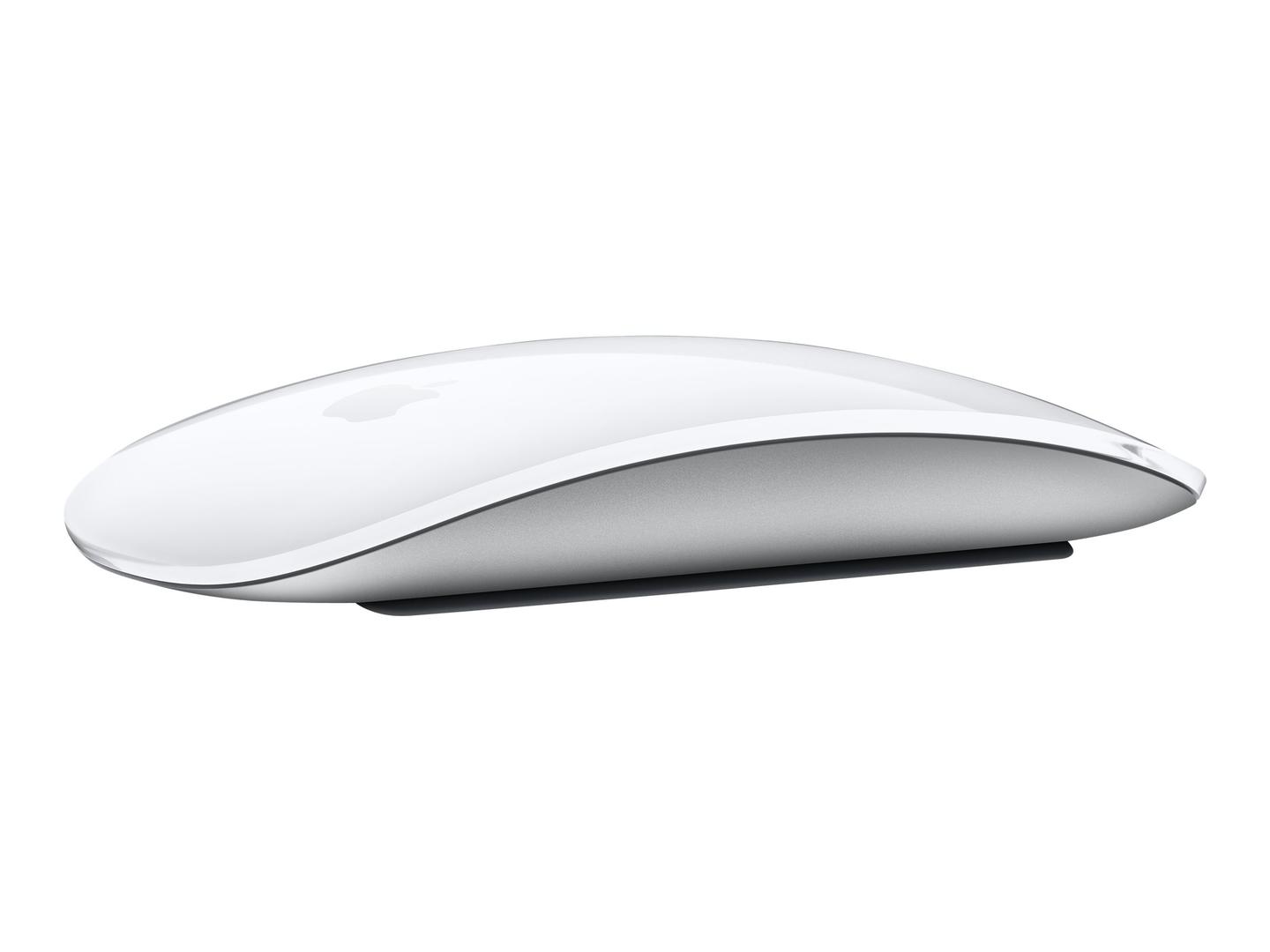
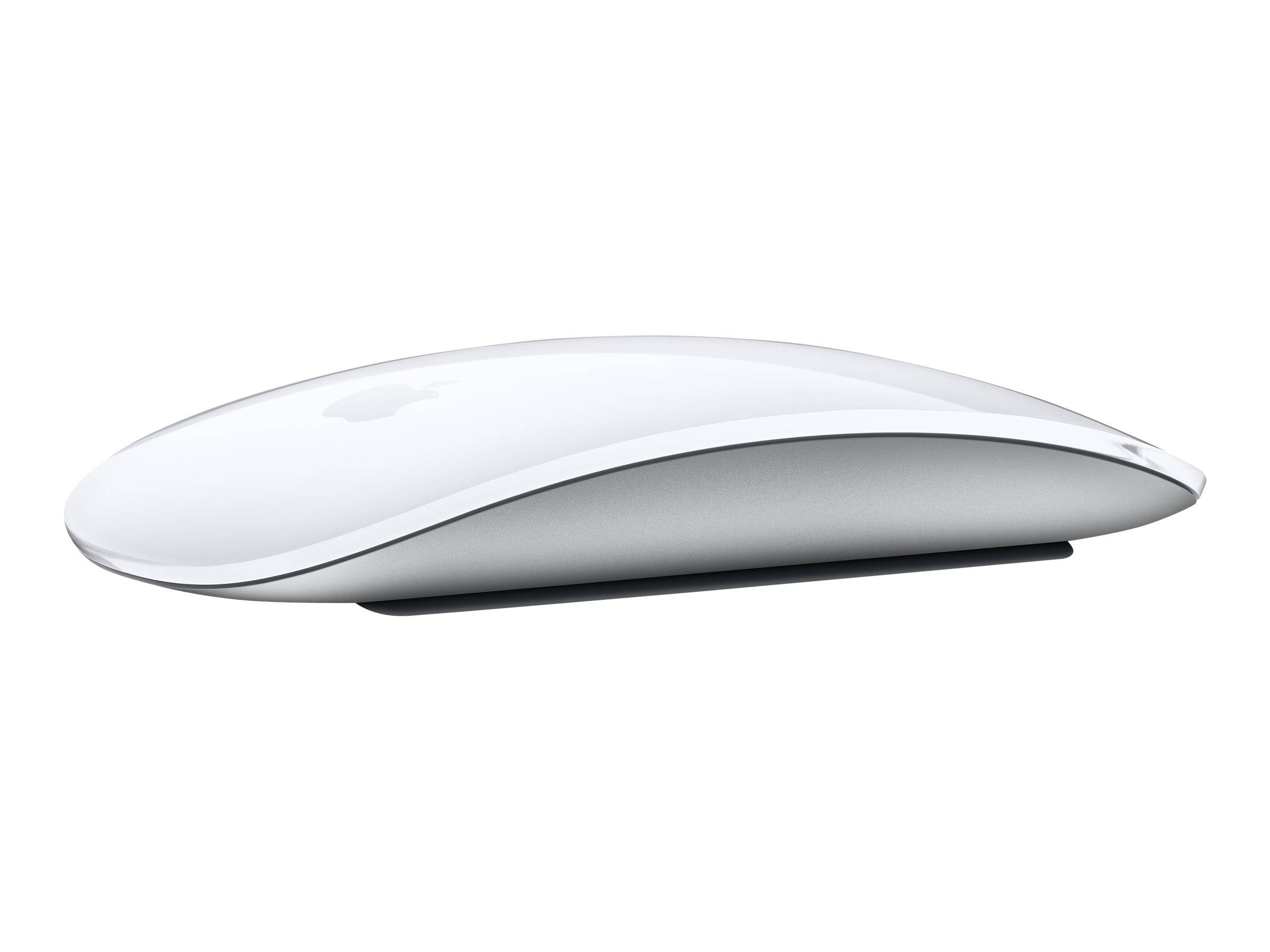
Apple Magic Mouse (USB-C) — White Multi-Touch Surface
Multi-Touch surface, gesturesBluetooth, pairs to Mac or iPadRechargeable, about a month per chargeUSB-C port, braided cable included
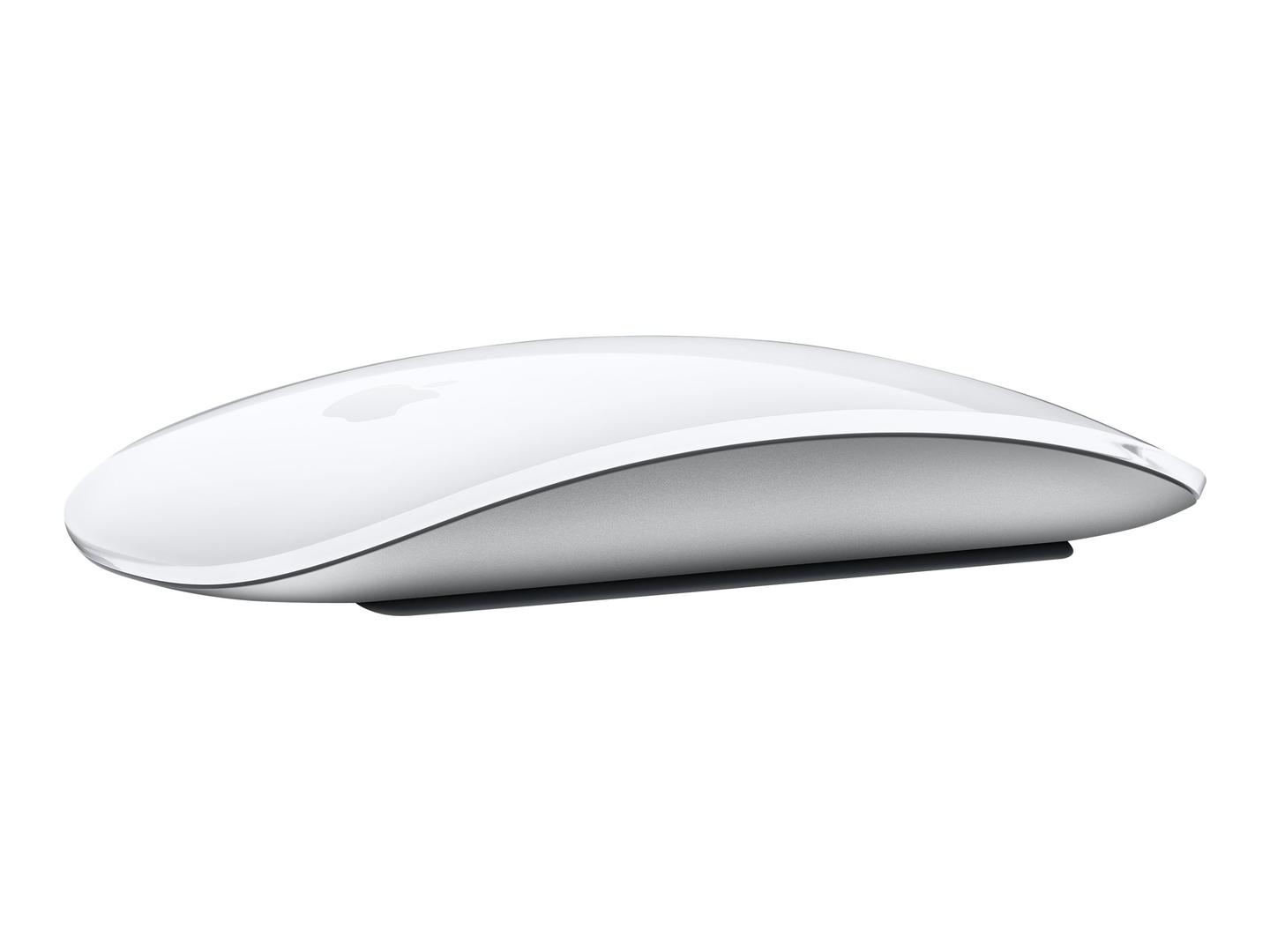
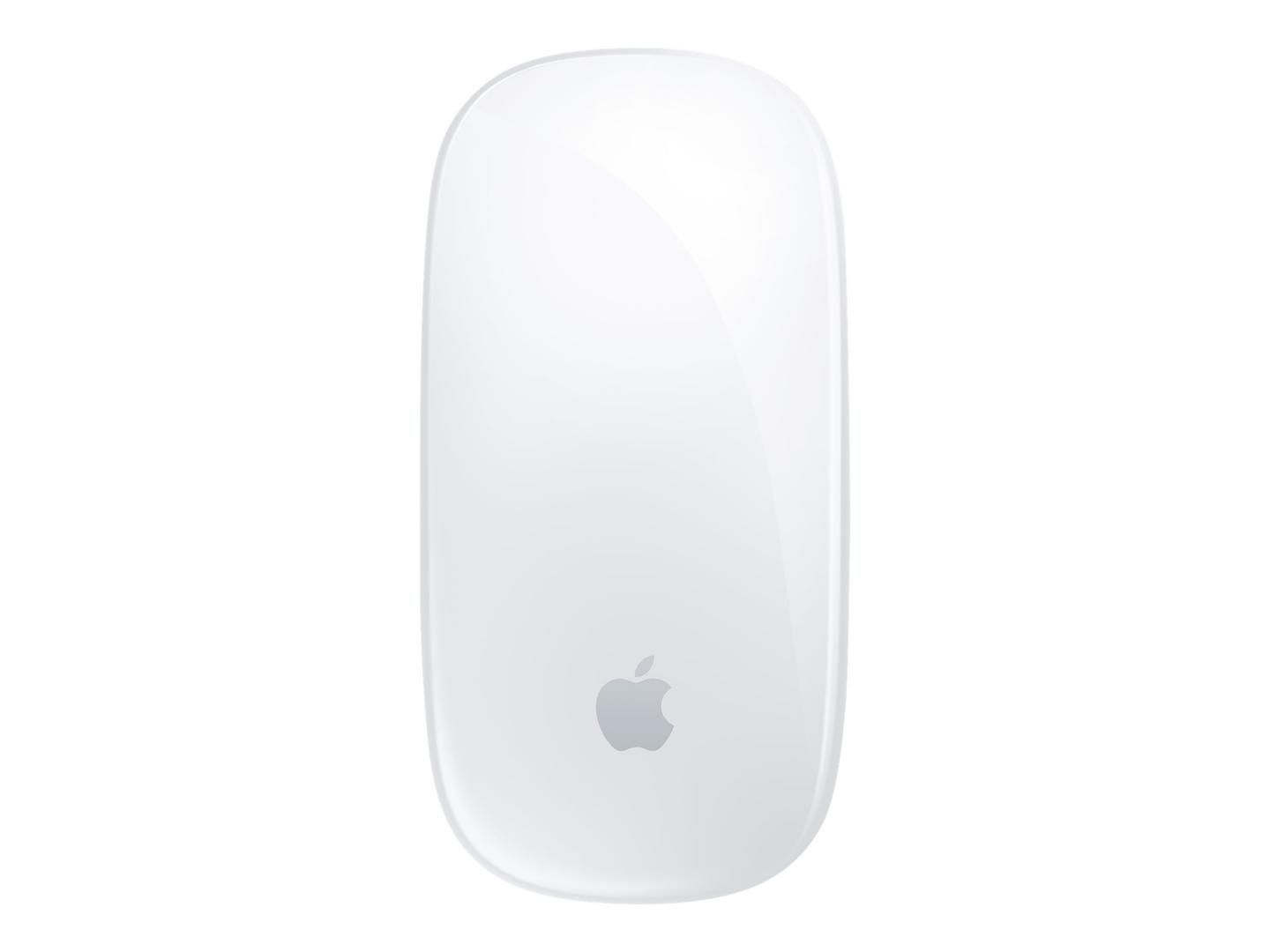
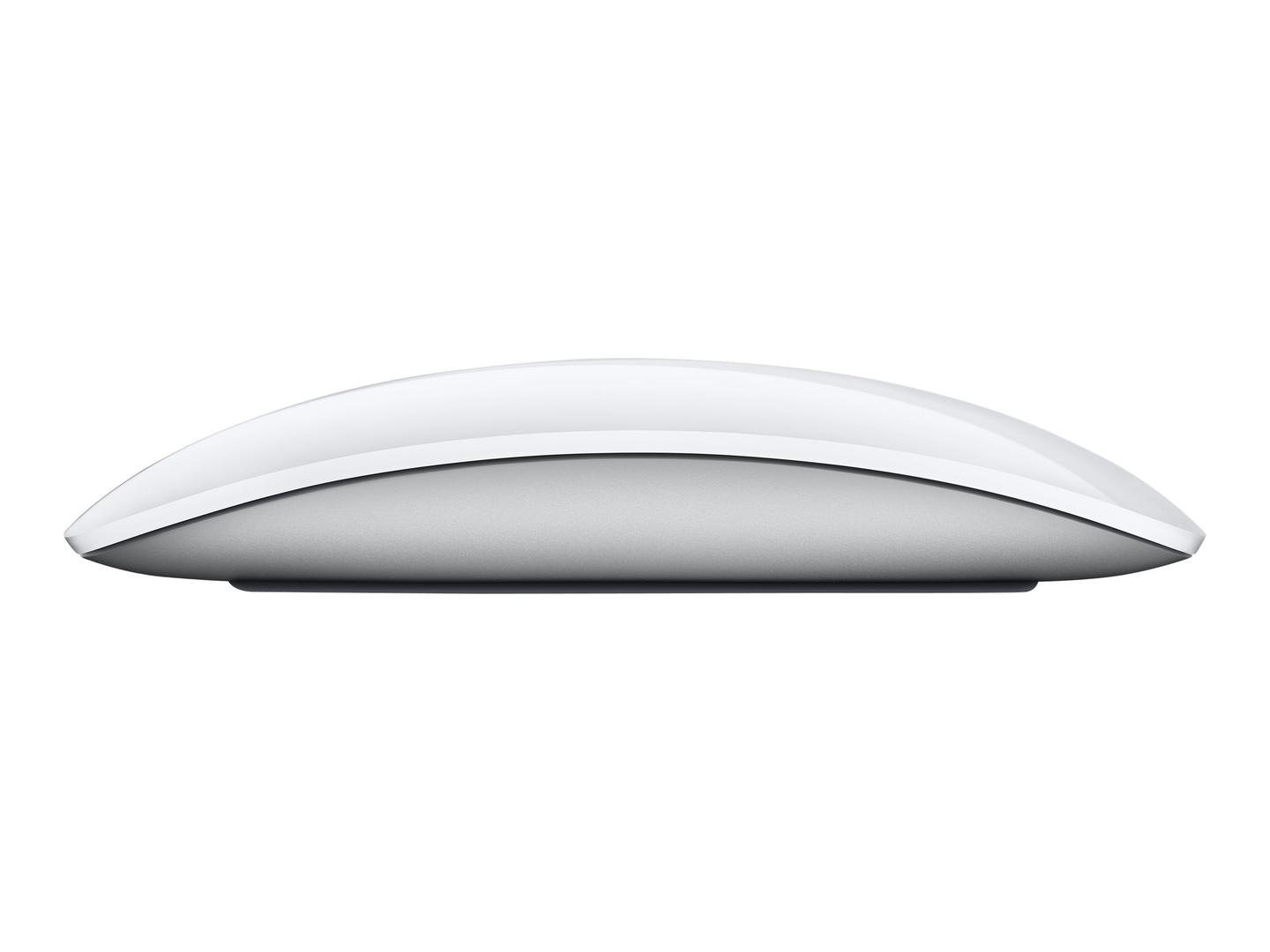
The Apple Magic Mouse is the mouse Apple designs for the Mac: a low, seamless top that is one Multi-Touch surface, so scrolling, swiping between pages and Mission Control are gestures rather than buttons and wheels. This is the current USB-C version in White, part number MXK53Z/A, which replaces the Lightning port with USB-C and ships with a woven USB-C to USB-C charge cable. It pairs over Bluetooth, its built-in rechargeable battery runs for about a month or more between charges by Apple’s figure, and it weighs 99 g. It needs a Mac running macOS 15.1 or later or an iPad on iPadOS 18.1 or later. Apple publishes no DPI, button count or Bluetooth version. Tell us your Mac or iPad model and we will confirm it pairs.
Compatibility — check before buying:
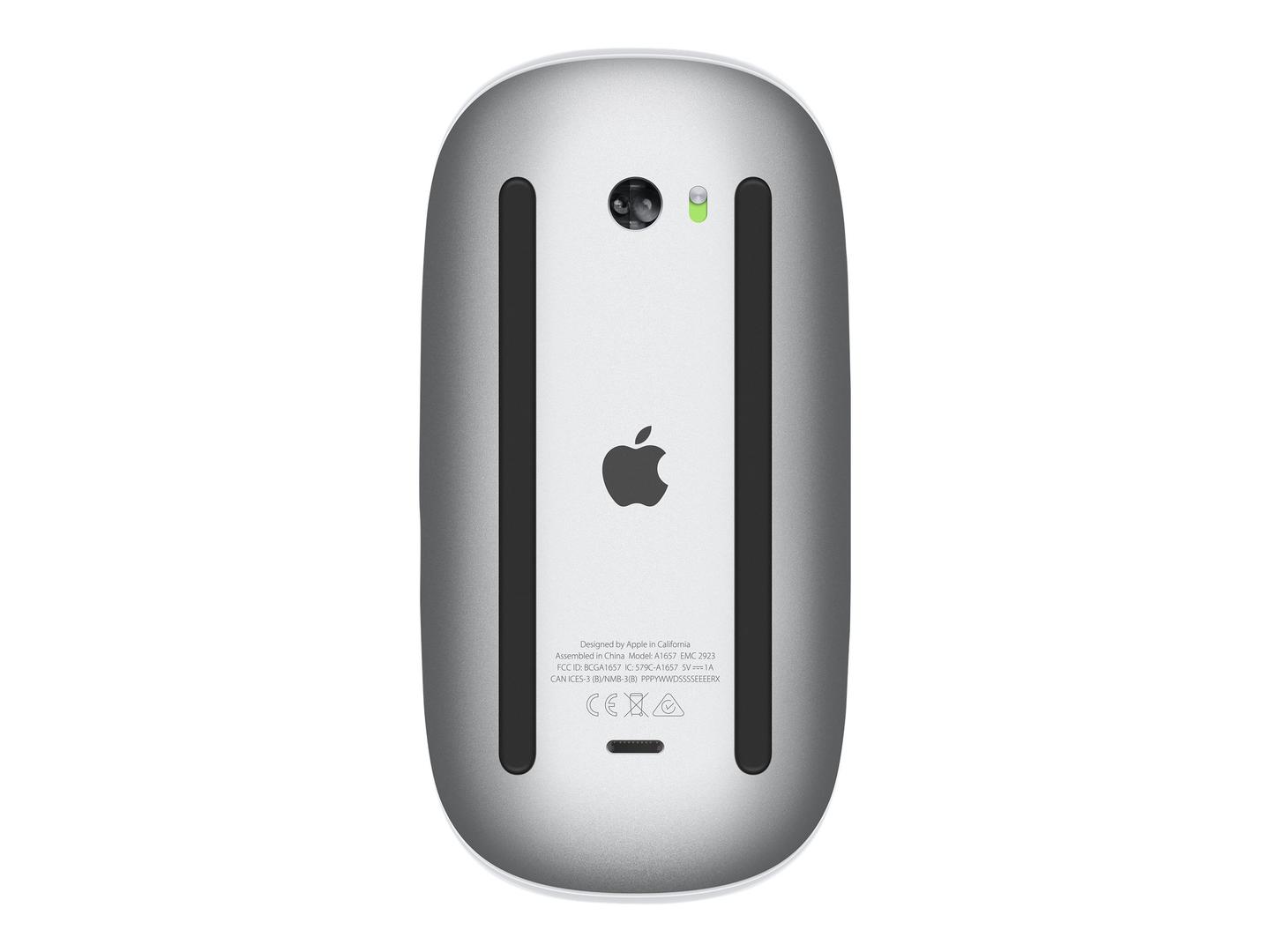
Requires macOS 15.1 or later or iPadOS 18.1 or later — there is no Windows support published by Apple. Pairs over Bluetooth; the USB-C port is for charging (and initial pairing when connected to a Mac). The charging port is on the underside, so the mouse cannot be used while charging — a few minutes on the cable gives hours of use. Do not confuse it with MXK63Z/A (Black Multi-Touch Surface) or the older MK2E3Z/A with a Lightning port. Apple does not publish DPI, sensor type, button count or Bluetooth version, and no EAN on its product page — the code here is from the distributor feed.
Best For
✓ Mac users who want gestures on the mouse itself
✓ iPad users on iPadOS 18.1 or later
✓ Clean white desks and Apple setups
✓ Anyone replacing a Lightning Magic Mouse with USB-C
✓ Light, low-profile mouse fans
✓ Users who already own USB-C chargers
Key Features
Multi-Touch surface
The whole top senses touch: scroll in any direction, swipe between pages and open Mission Control with gestures set in System Settings.
USB-C and a braided cable
The 2024 version charges over USB-C and includes a woven USB-C to USB-C cable; about a month or more per charge.
Made for Mac and iPad
Pairs over Bluetooth with automatic set-up on a Mac; works with iPad on iPadOS 18.1 or later.
Technical Specifications
| Identification |
| Brand |
Apple |
| Series |
Magic Mouse (USB-C) |
| Part Number |
MXK53Z/A |
| EAN / GTIN |
0195949655968 |
| Performance |
| Surface |
Multi-Touch, gesture support |
| Sensor / DPI |
Not published by Apple |
| Buttons |
Not published by Apple |
| Software |
macOS / iPadOS system settings |
| Design |
| Dimensions |
21.6 x 57.1 x 113.5 mm |
| Weight |
99 g |
| Colour |
White |
| Wireless & Battery |
| Connection |
Bluetooth (version not published) |
| Battery |
Built-in rechargeable lithium-ion, about a month or more per charge (Apple) |
| Charging |
USB-C |
| Requirements |
macOS 15.1 or later; iPadOS 18.1 or later |
| In the Box |
| Contents |
Magic Mouse and USB-C Charge Cable (woven), per Apple |
| Warranty |
| Warranty |
1-Year Warranty (Singular) |
| Manufacturer Term |
Apple states a One-Year Limited Warranty for this product on apple.com; statutory consumer rights apply in addition. Singular’s direct warranty is 1 year; beyond that we assist you with the manufacturer’s warranty process for its full duration. |
Frequently Asked Questions
Does it work with Windows?
Apple publishes no Windows support. It is designed for Mac and iPad.
Can I use it while charging?
No — the port is underneath. A short charge gives hours of use.
Which cable is included?
A woven USB-C to USB-C charge cable.
What is the difference from the older Magic Mouse?
The port: this version is USB-C; MK2E3Z/A is Lightning. Same white Multi-Touch design.
Singular Expert Insight
The Magic Mouse suits people who want Mac gestures on the desk and a very low profile. If you want a sculpted, high-DPI mouse for long sessions on a Mac, the Logitech MX Master 3S or MX Anywhere 3S for Mac in our wireless mice range are the alternatives — tell us your Mac.
Buyer’s Guide
Buy it if
You use a Mac or iPad on a current OS and want Apple’s gesture mouse with USB-C charging in white.
Skip it if
You use Windows, want published DPI and buttons, or prefer a sculpted ergonomic shape.
Also consider
The Magic Mouse USB-C in Black (MXK63Z/A), or the Logitech MX Anywhere 3S for Mac.