
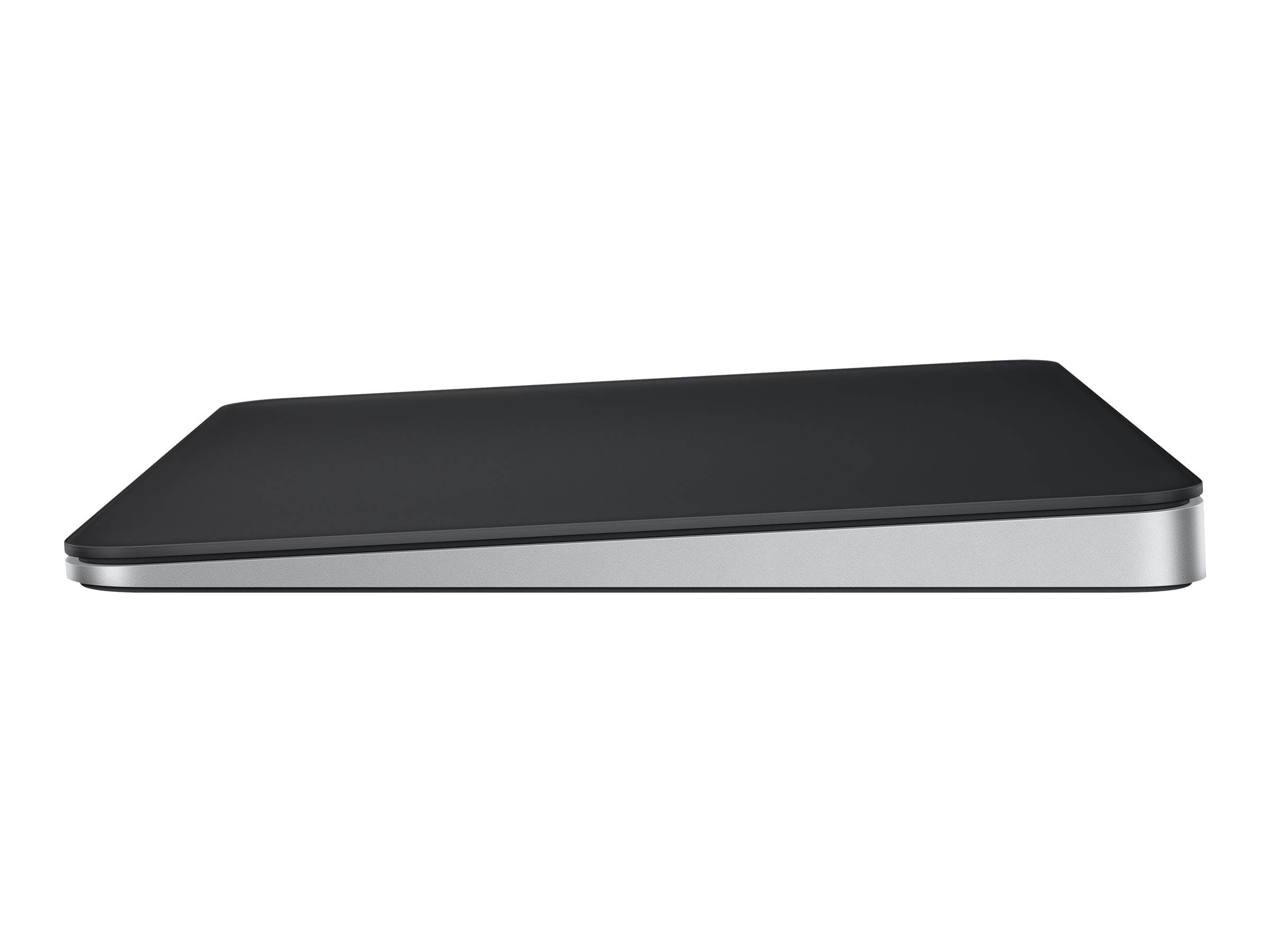
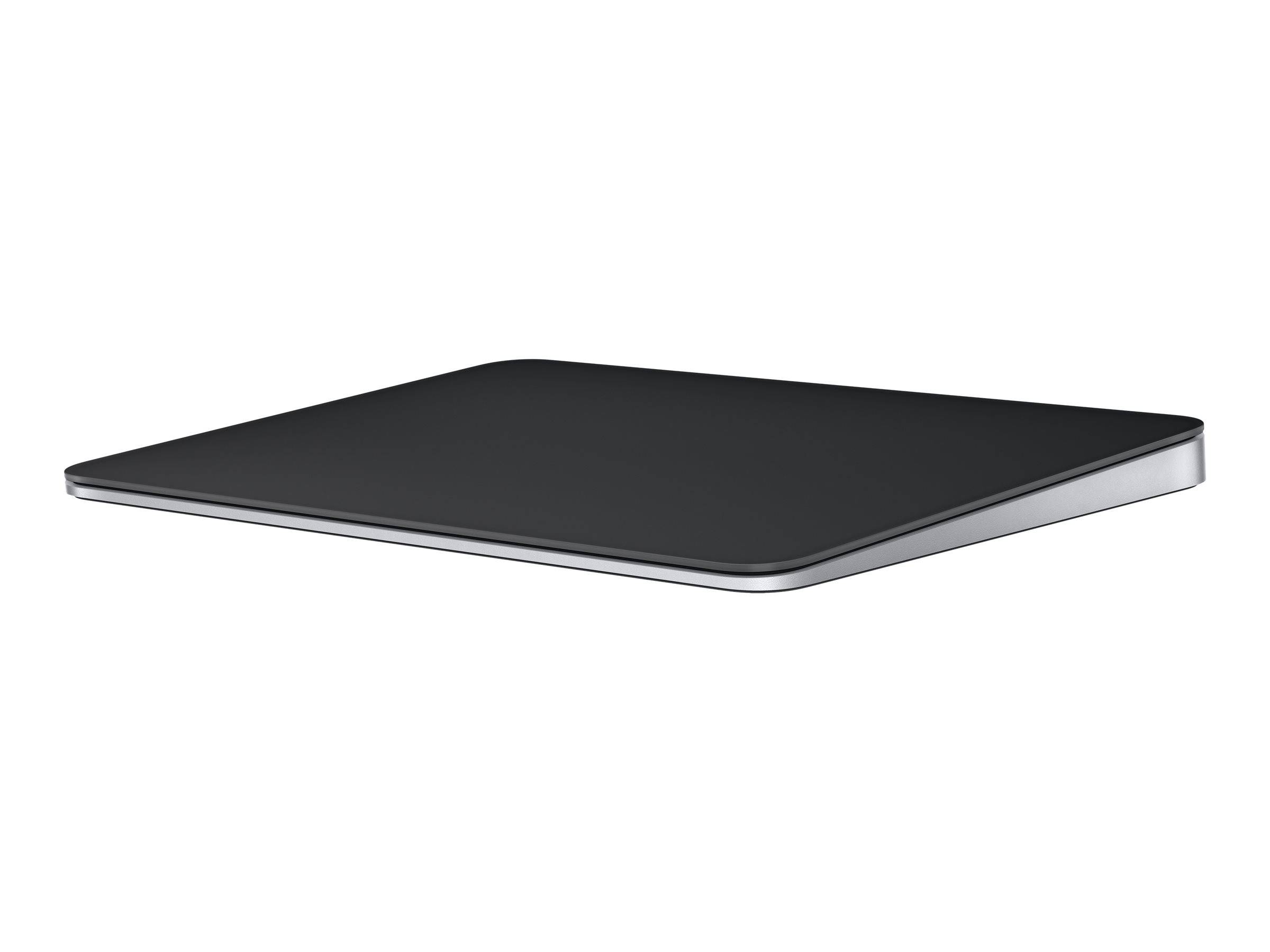
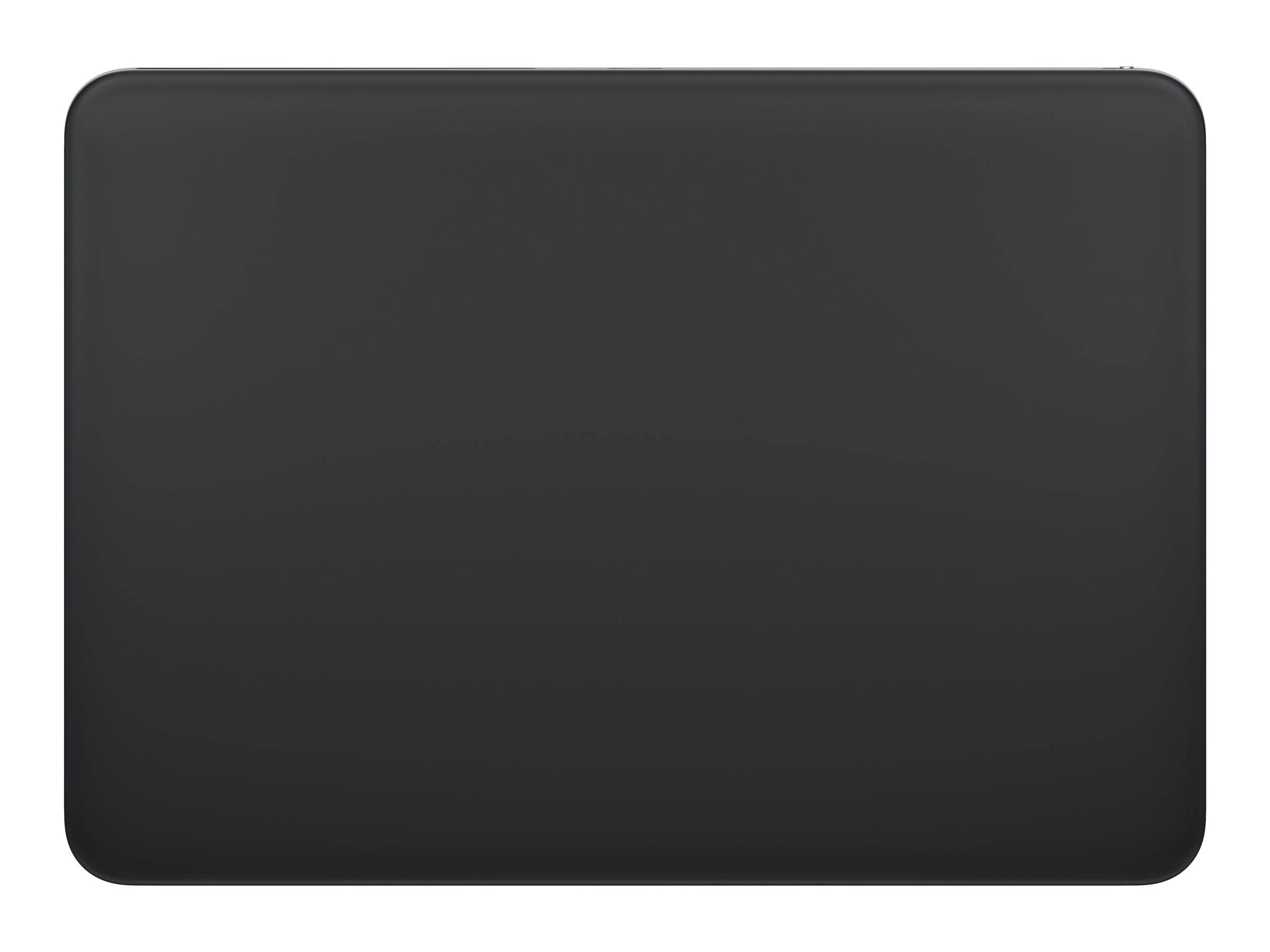
Apple Magic Trackpad MXKA3Z/A USB-C Black Multi-Touch Surface Force Touch Rechargeable Bluetooth 160 x 115 mm 230 g
Μάρκα:
Apple

Apple Magic Trackpad MXKA3Z/A USB-C Black Multi-Touch Surface Force Touch Rechargeable Bluetooth 160 x 115 mm 230 g
€198.99 inc. VAT


MXKA3Z/A
Delivery
Order Today...
Ships...
Delivery...
ℹ️ Large or fragile items (e.g. monitors) may require extra handling time. We'll keep you informed.
Payment options
Trusted Tech Choice
Buying Benefits
Verified
Competitive EU pricing
Delivered to Cyprus from EU stock
Local warranty support
Συνδεθείτε για να μπορέσουμε να σας ειδοποιήσουμε σχετικά με μια απάντηση
Apple Magic Trackpad (USB-C) — Black Multi-Touch Surface
Force TouchMulti-TouchMonth-long battery230 g
Apple’s trackpad is the one input device most Mac users would rather have than a mouse, and this is the desk-sized version of it. The whole top is an edge-to-edge glass Multi-Touch surface, which is what makes scrolling and swiping feel continuous rather than clipped at the edges, and underneath it sits Force Touch: the pad is pressure sensitive, so it can tell how hard you are pressing and give you a second layer of interaction on the same click. It is wireless over Bluetooth and rechargeable, running about a month or more between charges, and it charges over the woven USB-C cable supplied in the box — the same cable also pairs it. This is the black finish: 160 mm wide, 115 mm deep, 4.9 to 10.9 mm tall, 230 g.
Compatibility — check before buying:
Check the platform before anything else. Apple publishes system requirements of macOS 15.1 or later, iPadOS 18.1 or later, or Apple Vision Pro on the latest visionOS — so this is a Mac, iPad and Vision Pro device. It is not sold as a Windows accessory and we will not pretend it is one: if you are on a PC, the Contour Touch is the equivalent product and we stock it. On the Mac side the pairing is done over the supplied USB-C cable the first time, after which it is Bluetooth. Two practical notes. The battery is built in and not user-replaceable — you charge it, you do not swap cells — but at roughly a month per charge that is a once-a-month cable, not a routine. And the gestures come from macOS or iPadOS, not from a driver you install: what the pad does is set in System Settings, which is why there is nothing to configure out of the box. Apple publishes no separate driver or utility for it.
Best For
✓ Mac desktops and docked MacBooks
✓ iPad setups with a keyboard and pointer
✓ Apple Vision Pro users
✓ Anyone who prefers gestures to a mouse button
✓ Designers and editors who use pressure-sensitive input
✓ Desks that want one uncluttered surface
Key Features
The whole surface works
Edge-to-edge glass, so a swipe or a scroll runs the full width without hitting a bezel or a dead margin at the edge.
Force Touch, not just click
The pad senses how hard you press, which turns one gesture into two — a click and a firmer press with its own behaviour.
A month between charges
Rechargeable and wireless, with Apple quoting about a month or more of typical use per charge over the supplied woven USB-C cable.
Nothing to install
Gestures are handled by macOS and iPadOS themselves, configured in System Settings rather than through a separate utility.
Technical Specifications
Frequently Asked Questions
Singular Expert Insight
Force Touch and the edge-to-edge glass are the two things a cheaper trackpad cannot copy, and together they are why this stays on Mac desks that already own a good mouse. Just be clear it is an Apple-platform device. See our keyboard accessories and our wireless mice.
Buyer’s Guide
Buy it if
You work on a Mac, iPad or Vision Pro and want a full-size pressure-sensitive trackpad in black.
Skip it if
You are on Windows or Linux, or you need a user-replaceable battery.
Also consider
The Contour Touch if you are on Windows, or an Apple Magic Keyboard to match.
Colour
black
Χαρακτηριστικά
Product Code
CM01563
EAN Code
0195949654480
Manufacturer
Apple