
Inter-Tech Argus PDU SW-0816 Switched IP Rack PDU 1U 19-inch, 8 × IEC C13, C20 16 A Input, Web Interface, Metering
Brand:
Inter-Tech

Inter-Tech Argus PDU SW-0816 Switched IP Rack PDU 1U 19-inch, 8 × IEC C13, C20 16 A Input, Web Interface, Metering
€192.6 inc. VAT


88887284
Delivery
Order Today...
Ships...
Delivery...
ℹ️ Large or fragile items (e.g. monitors) may require extra handling time. We'll keep you informed.
Payment options
Trusted Tech Choice
Buying Benefits
Verified
Competitive EU pricing
Delivered to Cyprus from EU stock
Local warranty support
Please sign in so that we can notify you about a reply
Inter-Tech Argus SW-0816 — Switched IP PDU with 8 × C13
8 × C13 switchedWeb interfaceMetering + sensors1U · 19"
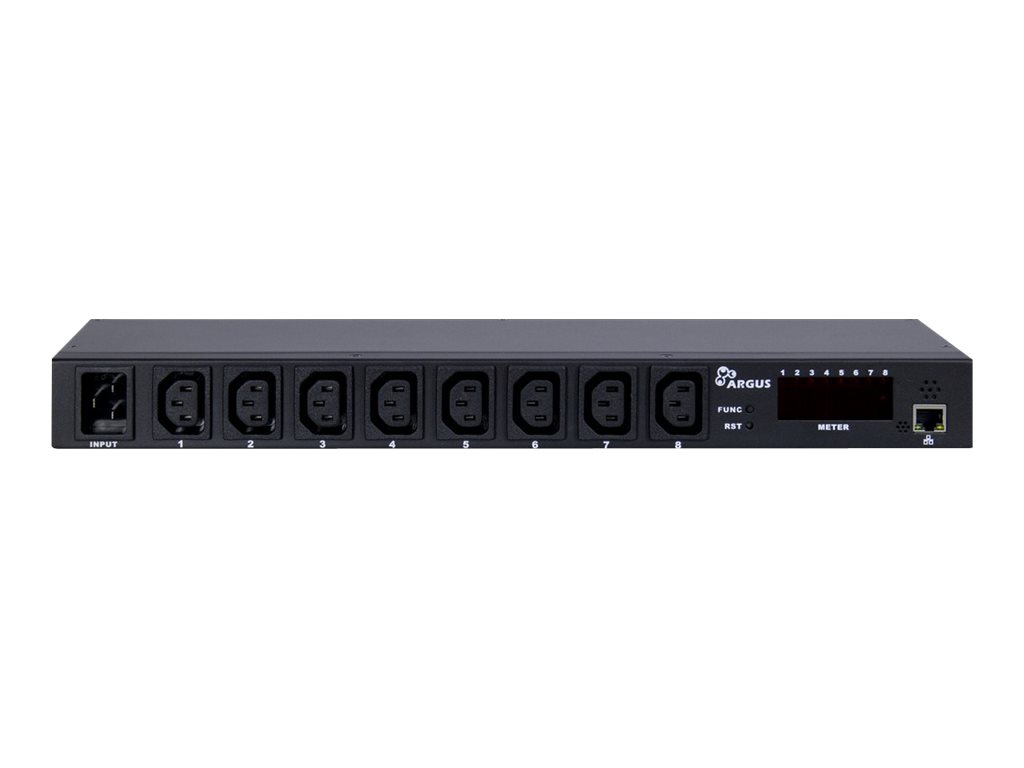
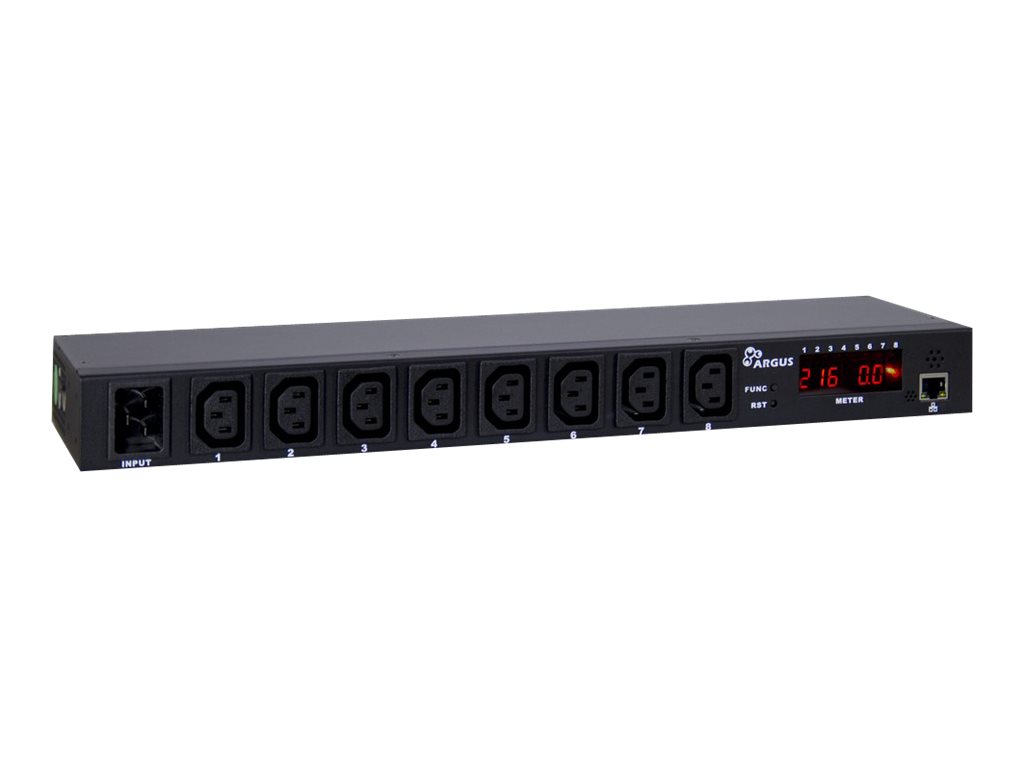
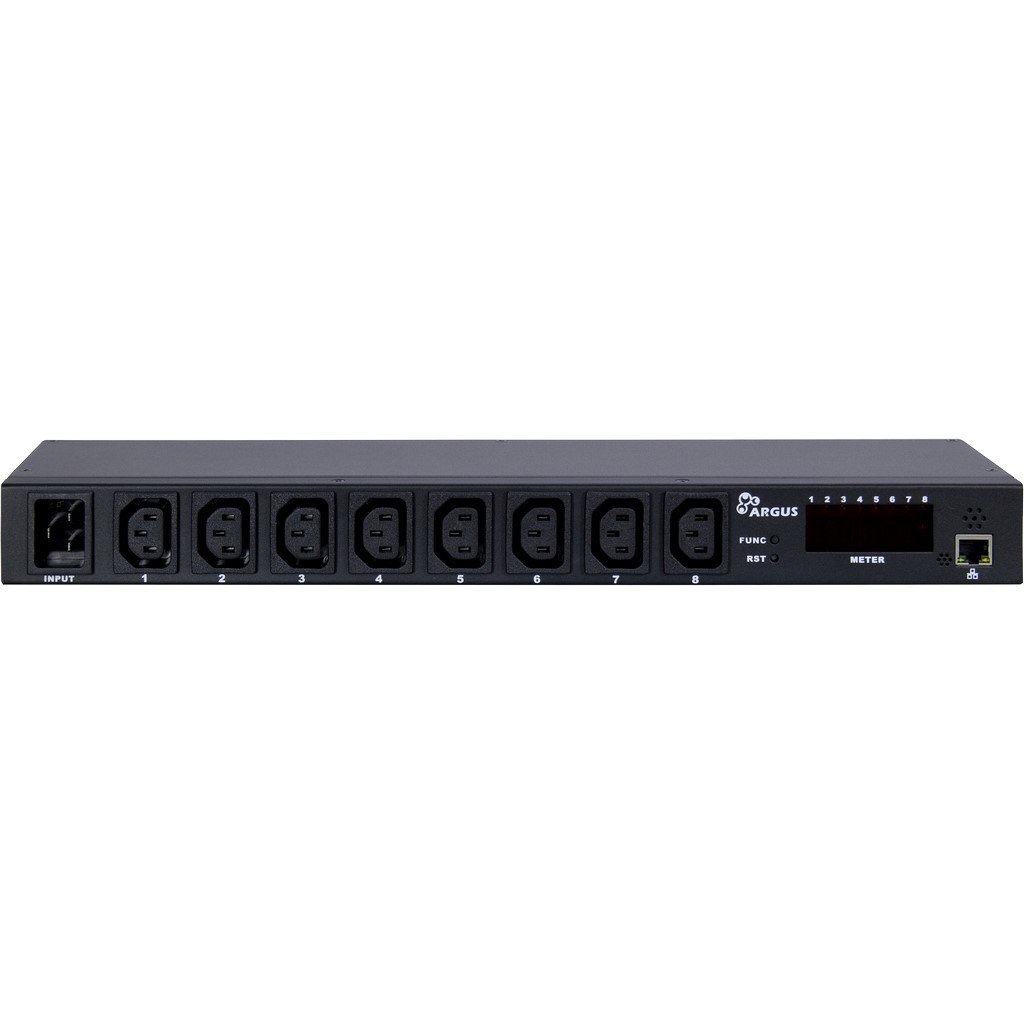
The Inter-Tech Argus SW-0816 is a 1U, 19-inch switched IP power distribution unit with eight IEC C13 outlets that can each be turned on, off or rebooted from a web browser, for administrators who need to power-cycle a frozen router, server or modem without travelling to the rack.
A C20 inlet takes up to 16 A at 230 V AC, and the unit measures total current, voltage and power. Built-in temperature and humidity sensors, a front display, an audible alarm with adjustable thresholds and power-up sequencing (outlets switch on with a delay to avoid inrush) make it a compact remote-management tool for small server rooms and remote cabinets.
Before you order: The supplied cable is C19 to C20 — it plugs into a UPS or PDU with a C19 outlet, not into a Schuko wall socket. Management is HTTP over 10 Mbit Ethernet; there is no SNMP.
What's in the Box
- 1 × PDU SW-0816
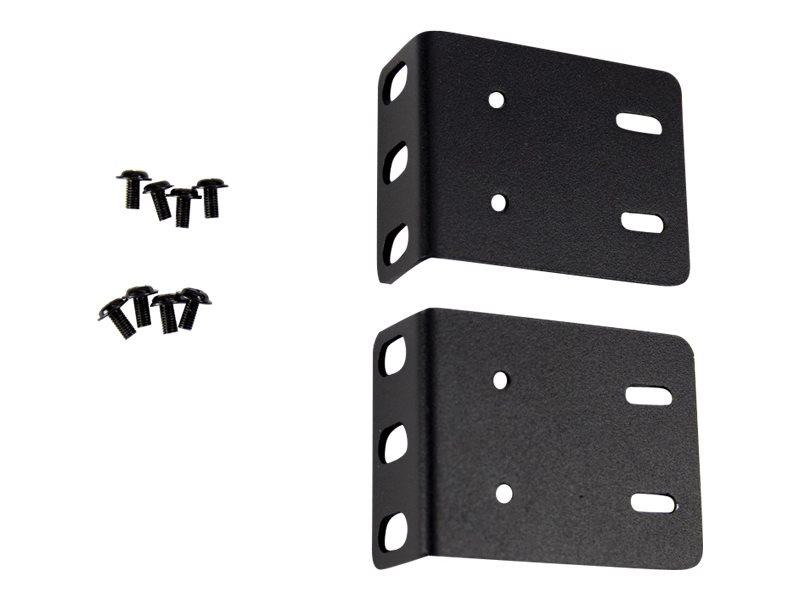
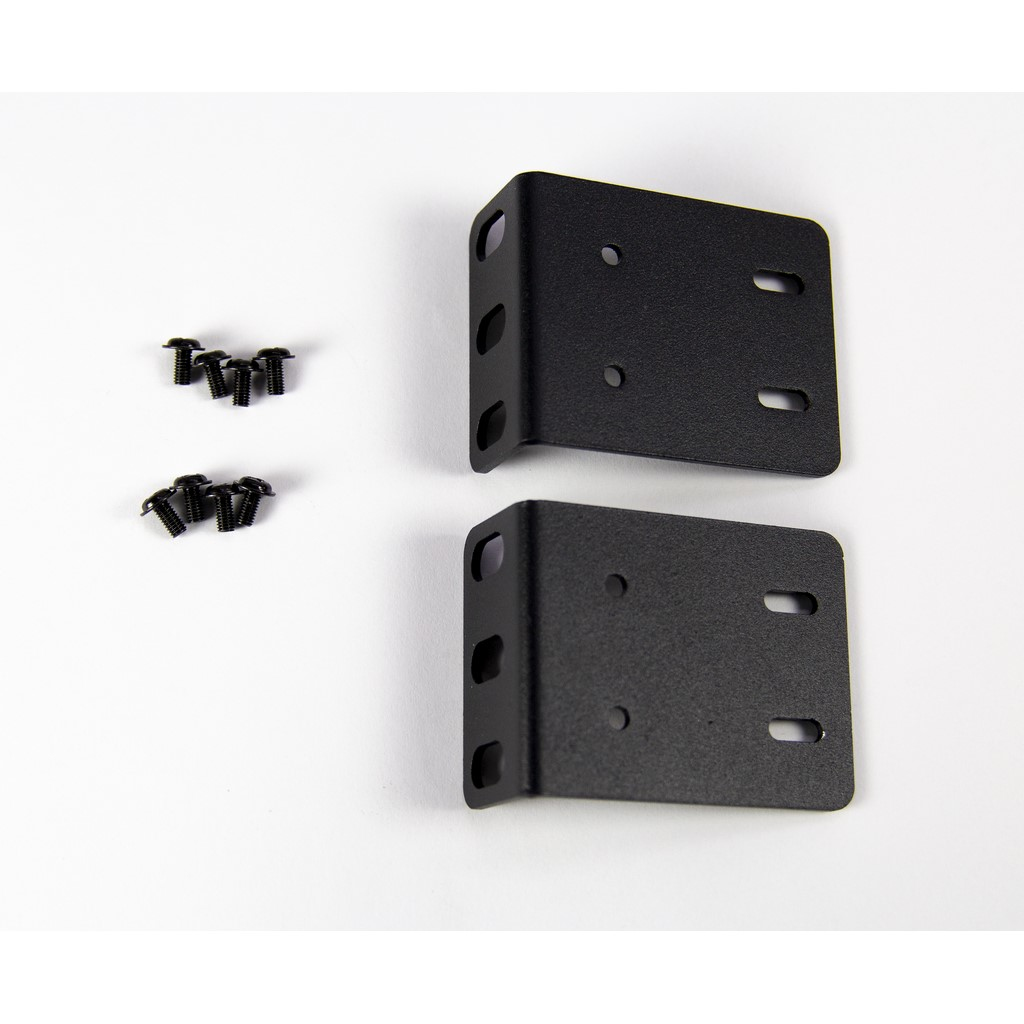
- Mounting kit
- 2 m C20/C19 connection cable
- CD with PDU Utility software and manual
What It Means in Practice
- Remote reboot of any of the 8 outlets from a browser.
- See total load (current, voltage, power) to avoid overloading the 16 A feed.
- Temperature and humidity readings of the rack without extra sensors.
- Default address 192.168.0.100 — change the admin password at first login.
- E-mail alerts need the Windows PDU Utility running on a PC.
What Will Not Work
- No SNMP, HTTPS, SSH, Telnet or Modbus — not suitable for NMS tools that poll via SNMP.
- No per-outlet metering, only totals.
- Does not plug into a wall socket with the supplied cable.
- 10 A maximum per outlet; 16 A for the whole unit.
Key Features
Switched outlets
Each C13 outlet ON, OFF or reboot remotely.
Metering
Total current (0–20 A range, ±2 %), voltage and power.
Environment
Built-in temperature (0–50 °C) and humidity (0–95 %) sensors.
Sequencing
Staggered power-up and per-outlet delays up to 255 s.
Technical Specifications
Frequently Asked Questions
Singular Expert Insight · Buyer's Guide
A switched PDU pays for itself the first time it saves a trip to a remote site to reboot a hung device. The SW-0816 is a simple HTTP-managed unit — great for small sites, but choose an SNMP-capable PDU if your monitoring relies on SNMP. Other cabinet power parts are under rack accessories.
✓ Buy it if you need remote per-outlet power cycling and basic metering in a 19-inch rack.
✕ Skip it if you require SNMP, HTTPS or per-outlet metering.
→ Also consider basic unswitched rack PDUs where remote control is not needed.
Send us your UPS outlet type and the devices to connect and we will check cabling and load.
Features - Inter-Tech - 88887284
Interface
- Ethernet
More Details
Product Code
04:304979
EAN Code
4260455644532
Manufacturer
Inter-Tech