
ASUS Master Thunderbolt 5 Dock DC510 · 80Gbps Docking Station · 140W Laptop Charging · 2.5GbE · M.2 SSD Slot
Brand:
ASUS

ASUS Master Thunderbolt 5 Dock DC510 · 80Gbps Docking Station · 140W Laptop Charging · 2.5GbE · M.2 SSD Slot
€446.64 inc. VAT


90XB09NN-BDS010
Delivery
Order Today...
Ships...
Delivery...
ℹ️ Large or fragile items (e.g. monitors) may require extra handling time. We'll keep you informed.
Payment options
Trusted Tech Choice
Buying Benefits
Verified
Competitive EU pricing
Delivered to Cyprus from EU stock
Local warranty support
Please sign in so that we can notify you about a reply
ASUS Master Thunderbolt 5 Dock DC510 — 80Gbps dock with 140W charging and built-in M.2 slot
Thunderbolt 5 80Gbps140W charging3x 4K@144Hz2.5GbE
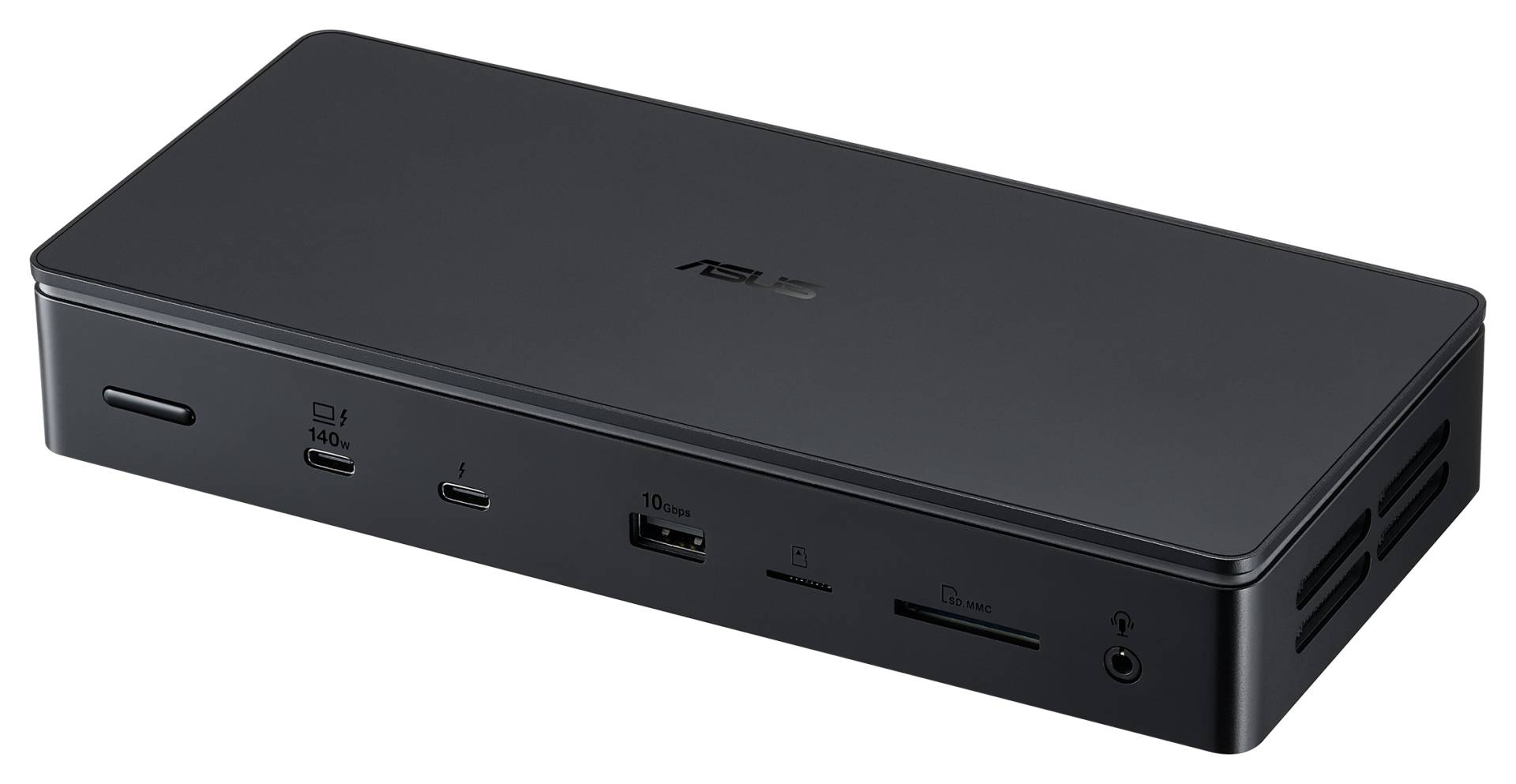
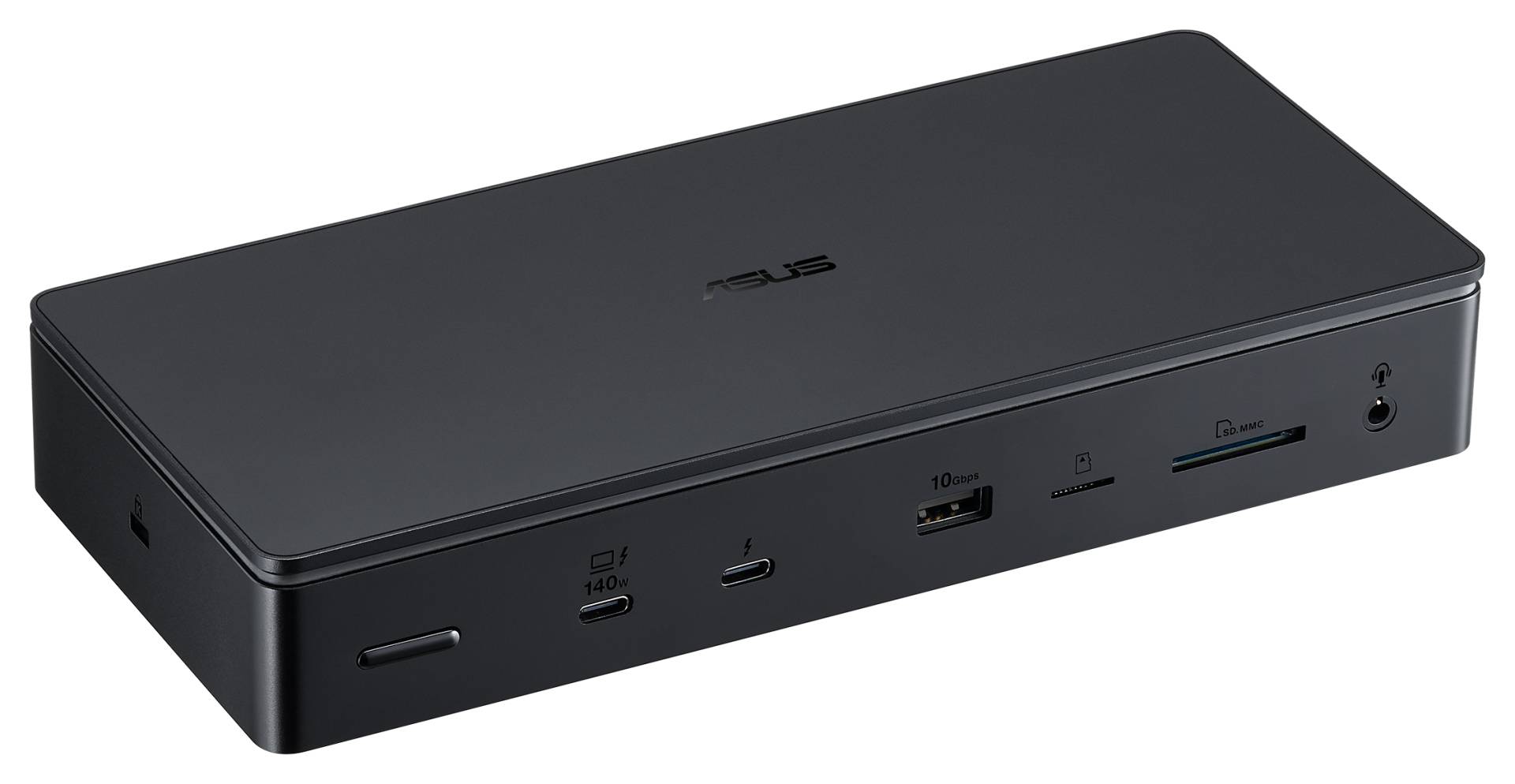
The ASUS Master Thunderbolt 5 Dock DC510 is an 80Gbps Thunderbolt 5 docking station that charges a laptop at up to 140W over one cable, built for professionals who connect a notebook to several high-refresh monitors, fast storage and wired networking at the desk.
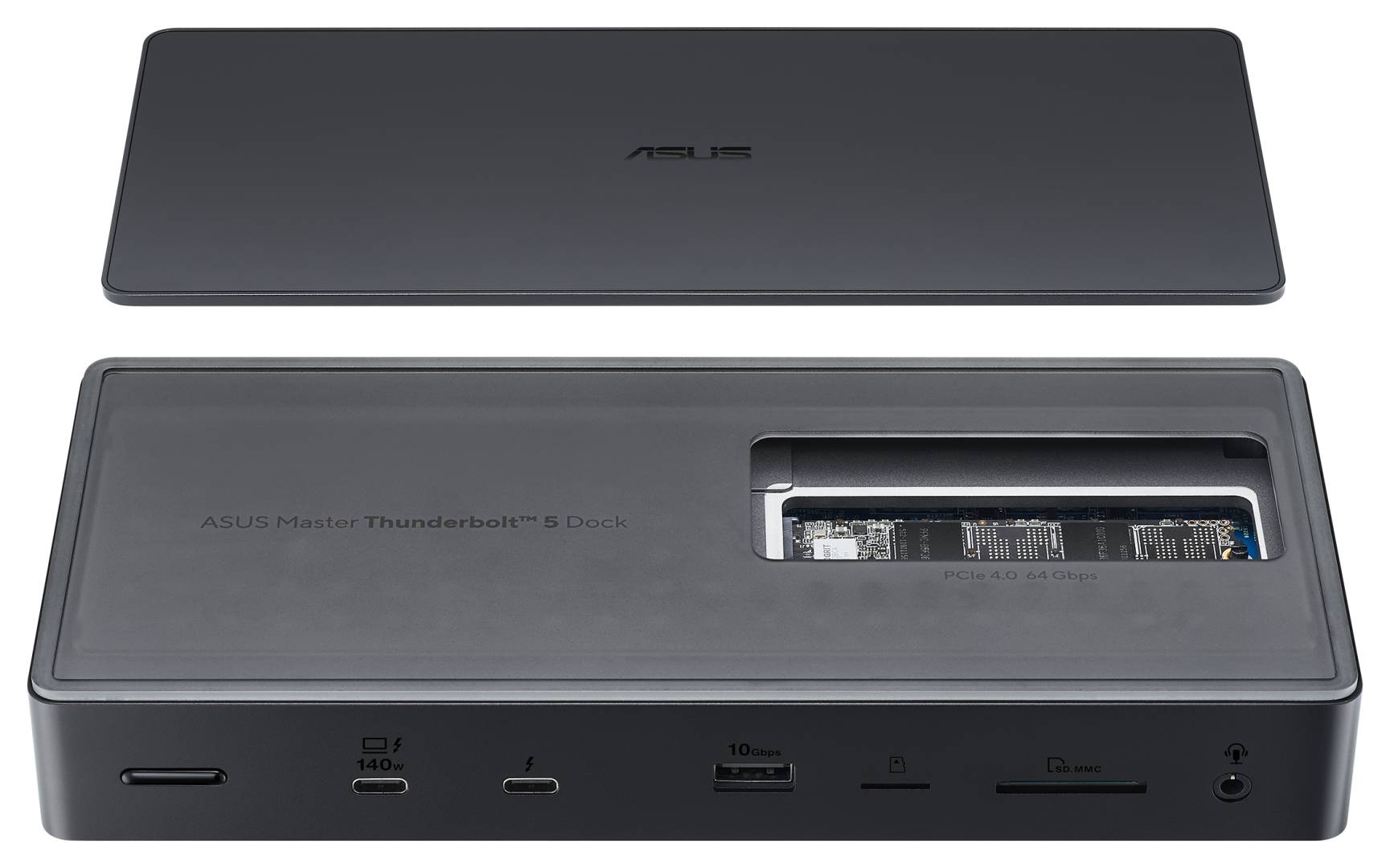
Besides the host port it offers two downstream Thunderbolt 5 ports, four USB-A ports, 2.5GbE Ethernet, SD 4.0 and microSD UHS-II readers, an audio combo jack and a tool-free M.2 2280 NVMe PCIe 4.0 slot, so you can keep a fast SSD permanently inside the dock. A 180W power adapter is included.
Before you order: Thunderbolt 5 speed (80Gbps) and the triple-display modes need a laptop with a Thunderbolt 5 port. On Thunderbolt 4 or USB4 laptops ASUS does not publish what the dock delivers, so expect lower bandwidth and fewer displays. Send us your laptop model and we will check before you order.
What's in the Box
- ASUS Master Thunderbolt 5 Dock DC510
- 180W power adapter (20V / 9A) and power cord
- User manual and warranty card
- ASUS does not list a Thunderbolt cable in the box contents
What It Means in Practice
- One cable to the laptop carries charging (up to 140W, USB PD 3.1), displays, USB and network.
- Up to three 4K monitors at 144Hz, or one 8K@60Hz (two 8K@60Hz with a DSC-capable laptop); the result depends on your laptop CPU and GPU.
- The internal M.2 slot turns the dock into fast storage for project files or backups, with no extra enclosure on the desk.
- 2.5GbE gives faster file transfers to a NAS than the usual Gigabit dock.
What Will Not Work
- A laptop with only USB-C 3.x (no Thunderbolt/USB4) will not get the video modes or bandwidth described here.
- Laptops drawing more than 140W (high-end gaming laptops) will charge slower or need their own charger.
- There are no HDMI or DisplayPort sockets on the dock; monitors connect through the Thunderbolt 5 ports, so you may need USB-C to HDMI/DP cables or adapters.
- No M.2 SSD is included; the slot is empty.
Key Features
Thunderbolt 5 at 80Gbps
Host link with headroom for multiple high-resolution displays and fast storage at the same time.
140W power delivery
USB PD 3.1 charging for most professional laptops, powered by the included 180W adapter.
Built-in M.2 NVMe slot
Tool-free magnetic cover for an M.2 2280 PCIe 4.0 SSD inside the dock.
Desk-ready I/O
2.5GbE, SD 4.0 and microSD UHS-II readers, audio jack, power button and Kensington lock.
Technical Specifications
Frequently Asked Questions
Singular Expert Insight · Buyer's Guide
The DC510 makes sense for a Thunderbolt 5 laptop driving two or three high-refresh monitors, or for anyone who wants fast storage permanently on the desk. Fit an M.2 NVMe SSD in the internal slot for a quick scratch or backup drive. On older laptops a Thunderbolt 4 dock will cost less and do the same job.
✓ Buy it if you have a Thunderbolt 5 laptop and want one-cable charging, multi-monitor and 2.5GbE.
✕ Skip it if your laptop has only USB-C without Thunderbolt/USB4, or needs more than 140W.
→ Also consider an M.2 NVMe SSD for the internal slot and USB-C to DisplayPort cables for your monitors.
Not sure it fits your laptop? Send us the laptop model and your monitors and we will check compatibility before you order.
Features - ASUS - 90XB09NN-BDS010
Interface
- Thunderbolt
More Details
Product Code
04:537626
EAN Code
4711387852484
Manufacturer
ASUS