
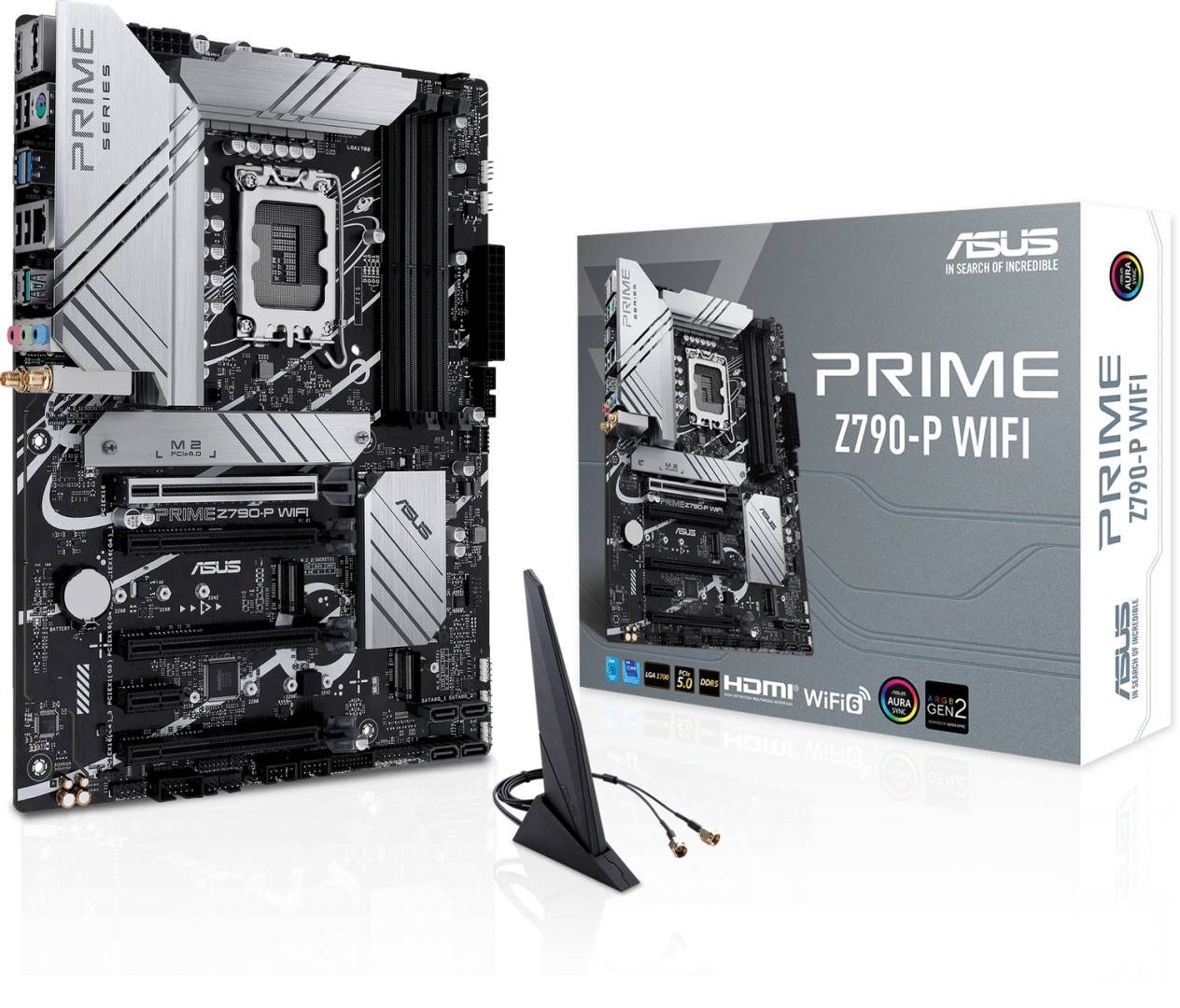
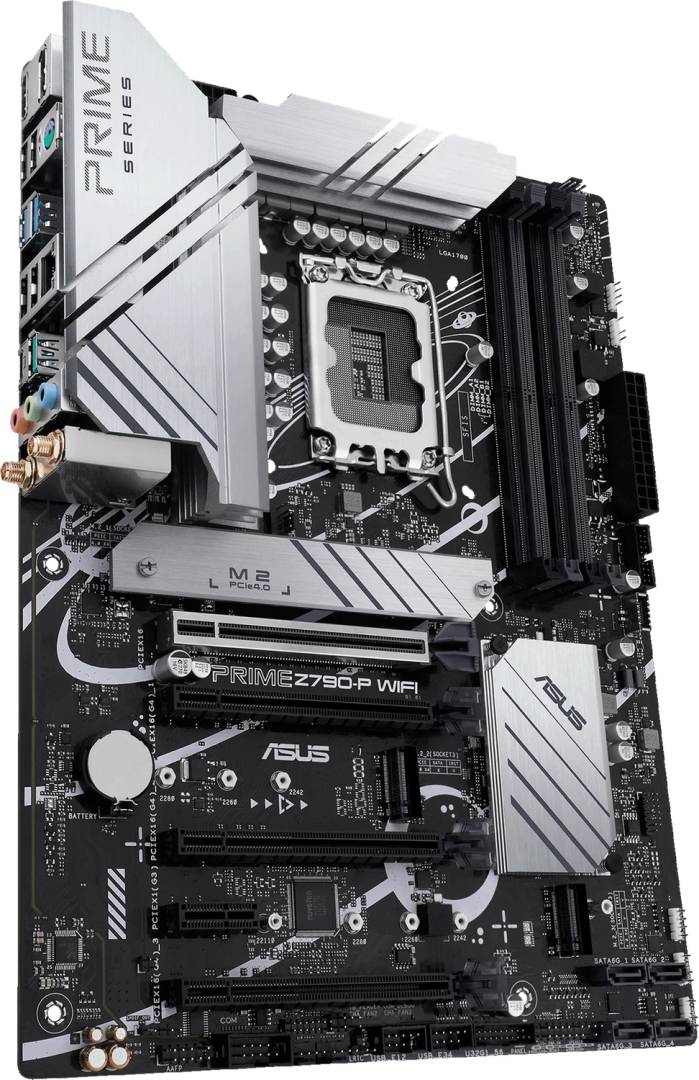
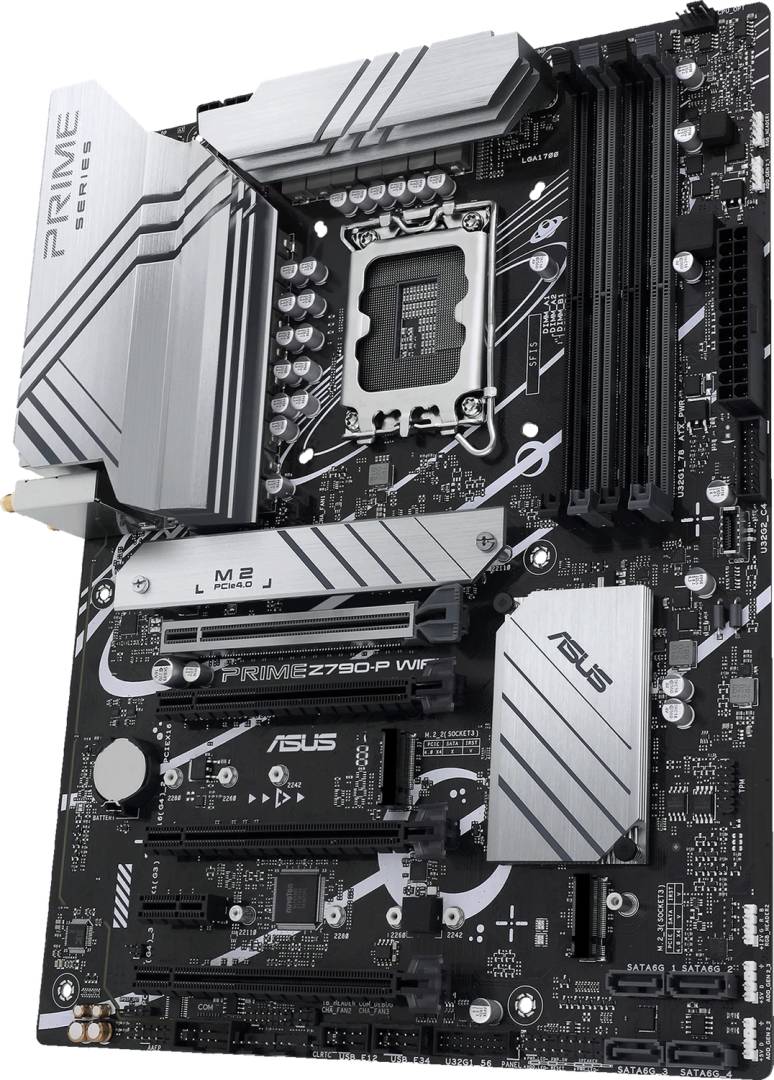
ASUS PRIME Z790-P WIFI Intel Z790 LGA1700 ATX DDR5 PCIe 5.0 WiFi 6 Motherboard
Μάρκα:
Asus

ASUS PRIME Z790-P WIFI Intel Z790 LGA1700 ATX DDR5 PCIe 5.0 WiFi 6 Motherboard
€270.32 inc. VAT


90MB1CJ0-M1EAY0
Delivery
Order Today...
Ships...
Delivery...
ℹ️ Large or fragile items (e.g. monitors) may require extra handling time. We'll keep you informed.
Payment options
Trusted Tech Choice
Buying Benefits
Verified
Competitive EU pricing
Delivered to Cyprus from EU stock
Local warranty support
Συνδεθείτε για να μπορέσουμε να σας ειδοποιήσουμε σχετικά με μια απάντηση
Singular Selected
ASUS PRIME Z790-P WIFI
A future-proof Intel Z790 ATX foundation for 12th, 13th and 14th Gen Core builds — with PCIe 5.0 graphics, DDR5, and WiFi 6 out of the box.
PCIe 5.0 x16 DDR5 up to 192GB 14+1 DrMOS 3x M.2 · WiFi 6
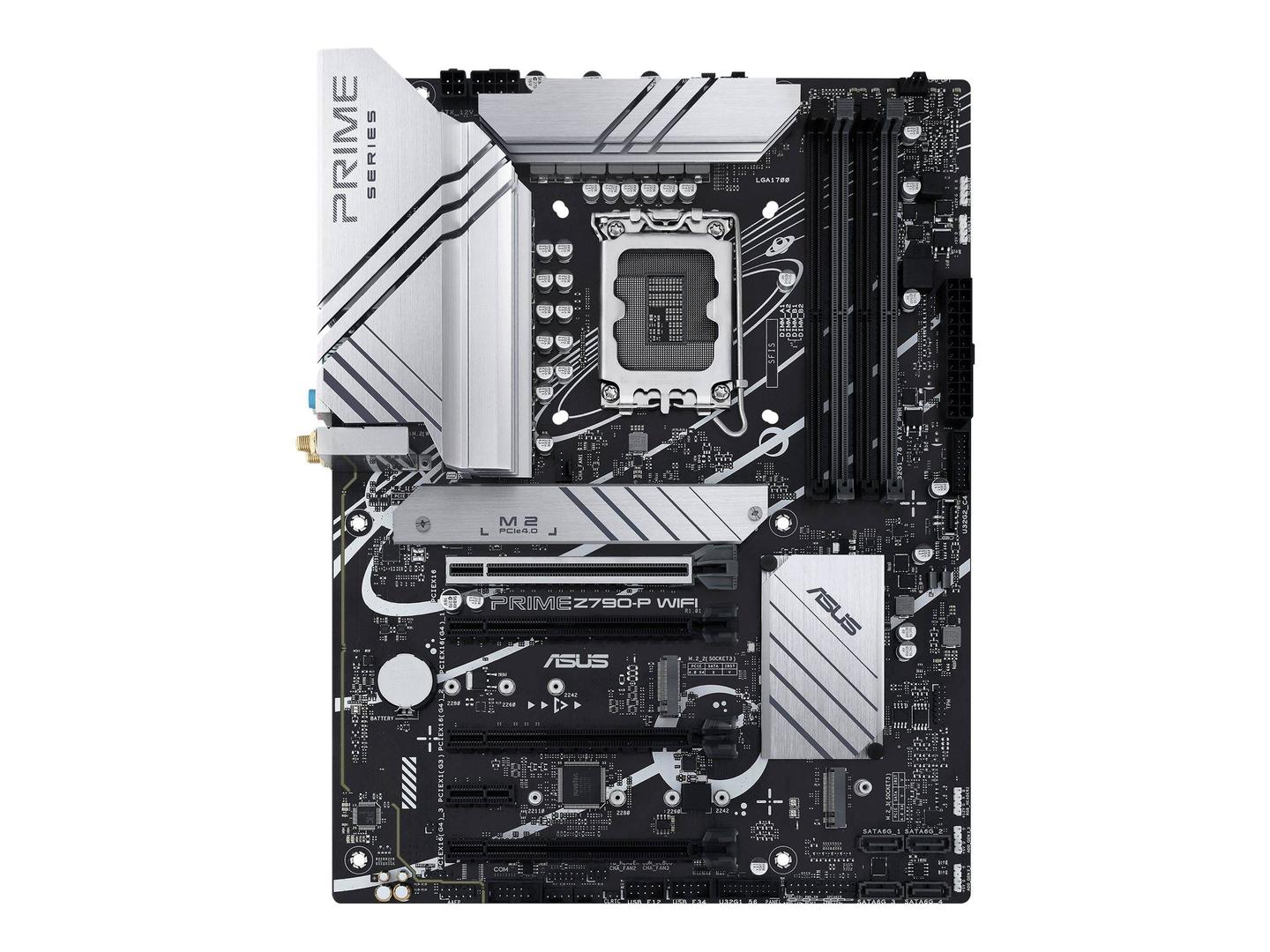
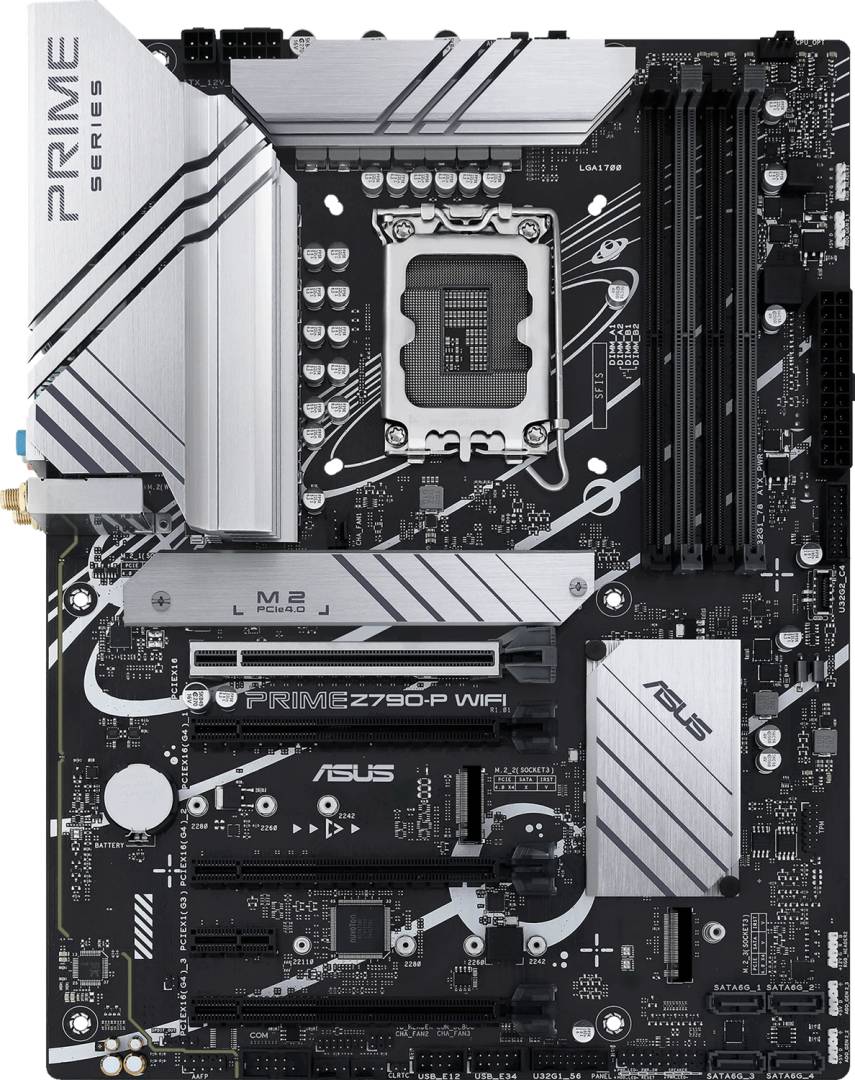
The ASUS PRIME Z790-P WIFI is built around the Intel Z790 chipset and supports the full LGA1700 lineup — Intel Core 12th, 13th and 14th Gen, plus Pentium Gold and Celeron. It pairs a 14+1 DrMOS teamed power stage VRM with proprietary 8+4-pin CPU power, dedicated VRM heatsinks and three M.2 heatsinks, giving you stable headroom for high-core-count CPUs and sustained workloads. With PCIe 5.0 for the GPU, DDR5 memory up to 192GB, three M.2 slots, four SATA 6Gb/s ports, WiFi 6, 2.5Gb LAN and a Thunderbolt (USB4) header, it's a clean, no-nonsense base for a productivity, content-creation or mainstream gaming build.
Compatibility Note: LGA1700 socket only (Intel 12th / 13th / 14th Gen Core, Pentium Gold, Celeron). DDR5 only — DDR4 modules are not supported. Please confirm CPU, RAM kit and case (ATX, 30.5 x 23.4 cm) compatibility before purchase.
Best For
✓ Intel 13th / 14th Gen productivity builds
✓ Mainstream gaming PCs with PCIe 5.0 GPUs
✓ Content creators wanting 3x NVMe storage
✓ Future-proof DDR5 platform upgrades
Key Features
14+1 DrMOS Power Stages
Teamed 50A power stages with enlarged heatsinks and proprietary 8+4-pin CPU power deliver clean, stable voltage to high-core-count Intel CPUs.
PCIe 5.0 Graphics Slot
A reinforced SafeSlot Core+ x16 slot wired directly to the CPU gives you full PCIe 5.0 bandwidth for next-generation GPUs.
DDR5 up to 192GB
Four DDR5 DIMM slots support up to 192GB and overclocked speeds beyond 7200 MT/s with XMP and ASUS OptiMem II routing.
Triple M.2 + WiFi 6
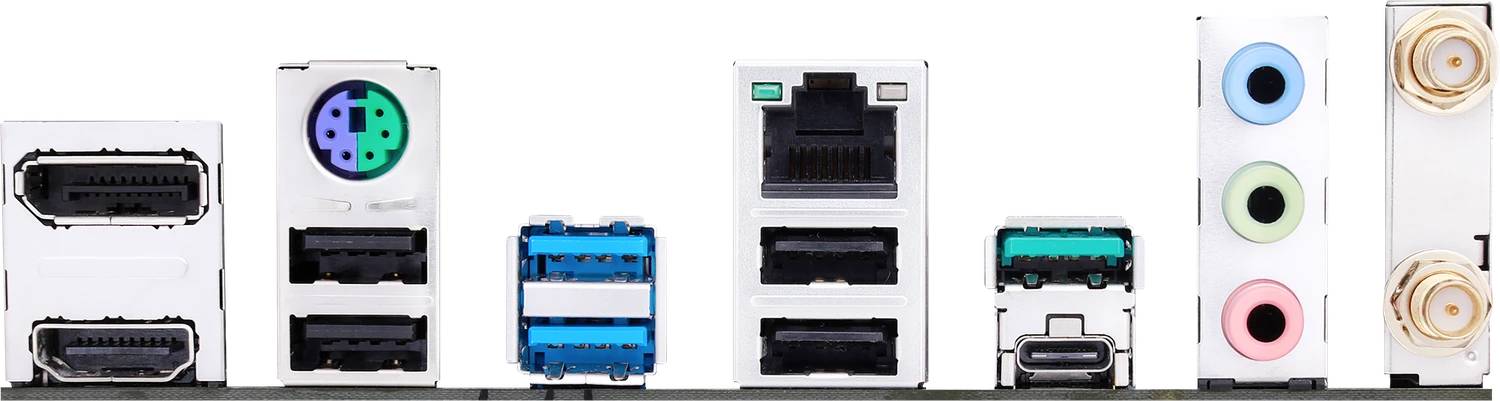
Three PCIe 4.0 x4 M.2 slots, a flexible M.2 heatsink, plus 2x2 WiFi 6, Bluetooth 5.2 and Realtek 2.5Gb Ethernet for fast wired and wireless connectivity.
Technical Specifications
Frequently Asked Questions
Singular Expert Insight
Choose the PRIME Z790-P WIFI if you want a clean, well-cooled Z790 base for an Intel 13th / 14th Gen build with DDR5 and PCIe 5.0 headroom — without paying for ROG-tier features you won't use. If you'd rather reuse existing DDR4 RAM, pick the PRIME Z790-P WIFI D4. If your CPU is non-K and you don't plan PCIe 5.0 GPUs, a B760 board will save you money with very little real-world loss.
Buyer's Guide
Buy it if
You're building a 13th or 14th Gen Intel system with DDR5 and want PCIe 5.0, three M.2 slots and WiFi 6 on a balanced Z790 board.
Skip it if
You want to keep your existing DDR4 RAM, you need native Thunderbolt 4 ports, or you're targeting a non-K CPU where B760 is a better value.
Also consider
PRIME Z790-P WIFI D4 if you need DDR4, or a B760 board if you won't overclock and don't need Z790's extra I/O.
CPU Socket
- Socket 1700
Χαρακτηριστικά
Product Code
04:415208
EAN Code
4711081937227
Manufacturer
Asus