
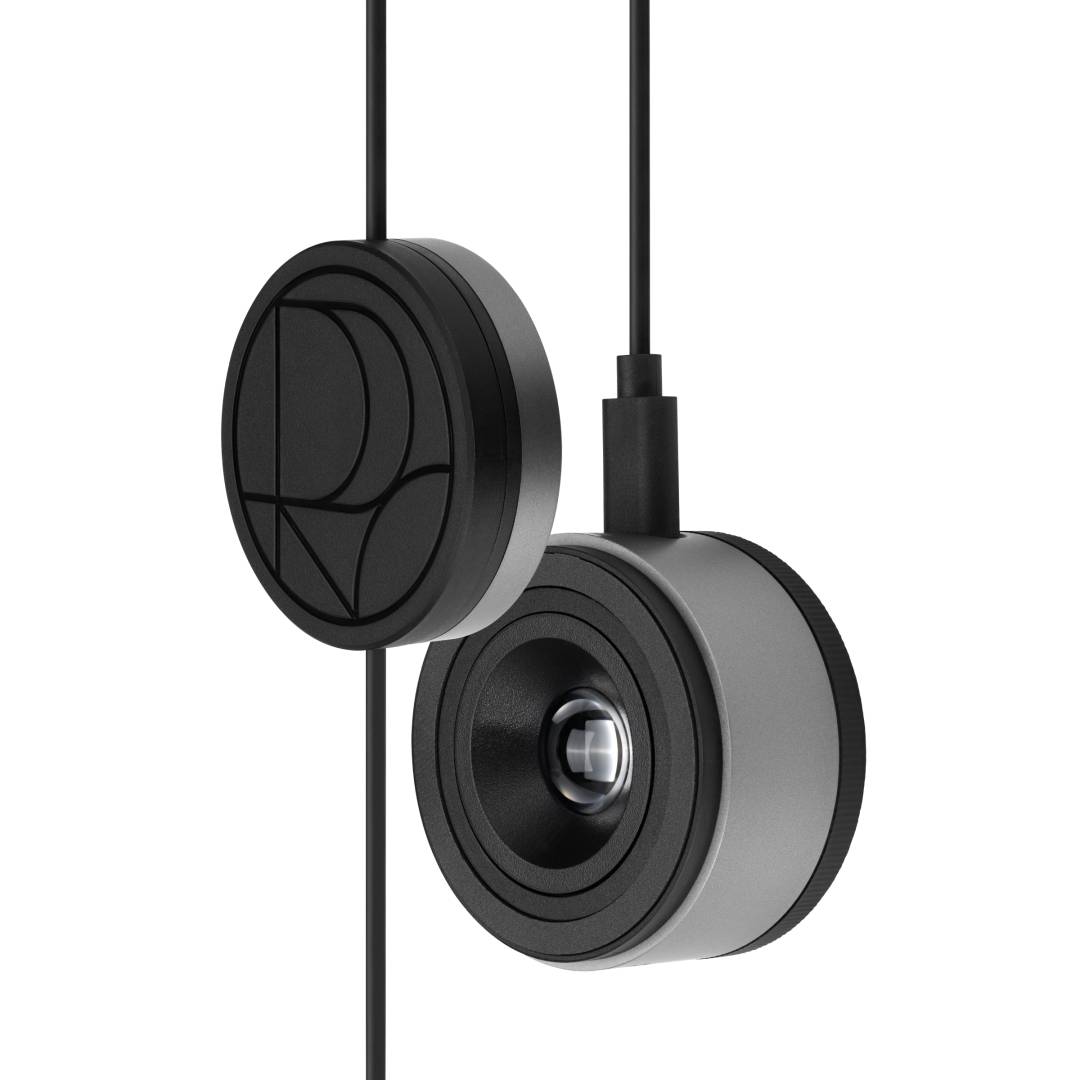
ASUS ProArt CaliContrO MCA02 Monitor Colorimeter · 3-in-1 Calibrator, OSD Controller and ASUS Dial · USB-C · Black
Brand:
ASUS

ASUS ProArt CaliContrO MCA02 Monitor Colorimeter · 3-in-1 Calibrator, OSD Controller and ASUS Dial · USB-C · Black
€298.36 inc. VAT


90LA00T0-B01C70
Delivery
Order Today...
Ships...
Delivery...
ℹ️ Large or fragile items (e.g. monitors) may require extra handling time. We'll keep you informed.
Payment options
Trusted Tech Choice
Buying Benefits
Verified
Competitive EU pricing
Delivered to Cyprus from EU stock
Local warranty support
Please sign in so that we can notify you about a reply
ASUS ProArt CaliContrO MCA02 — 3-in-1 colorimeter, monitor controller and ASUS Dial
ColorimeterOSD controllerVirtual ASUS DialUSB-C · Win / macOS
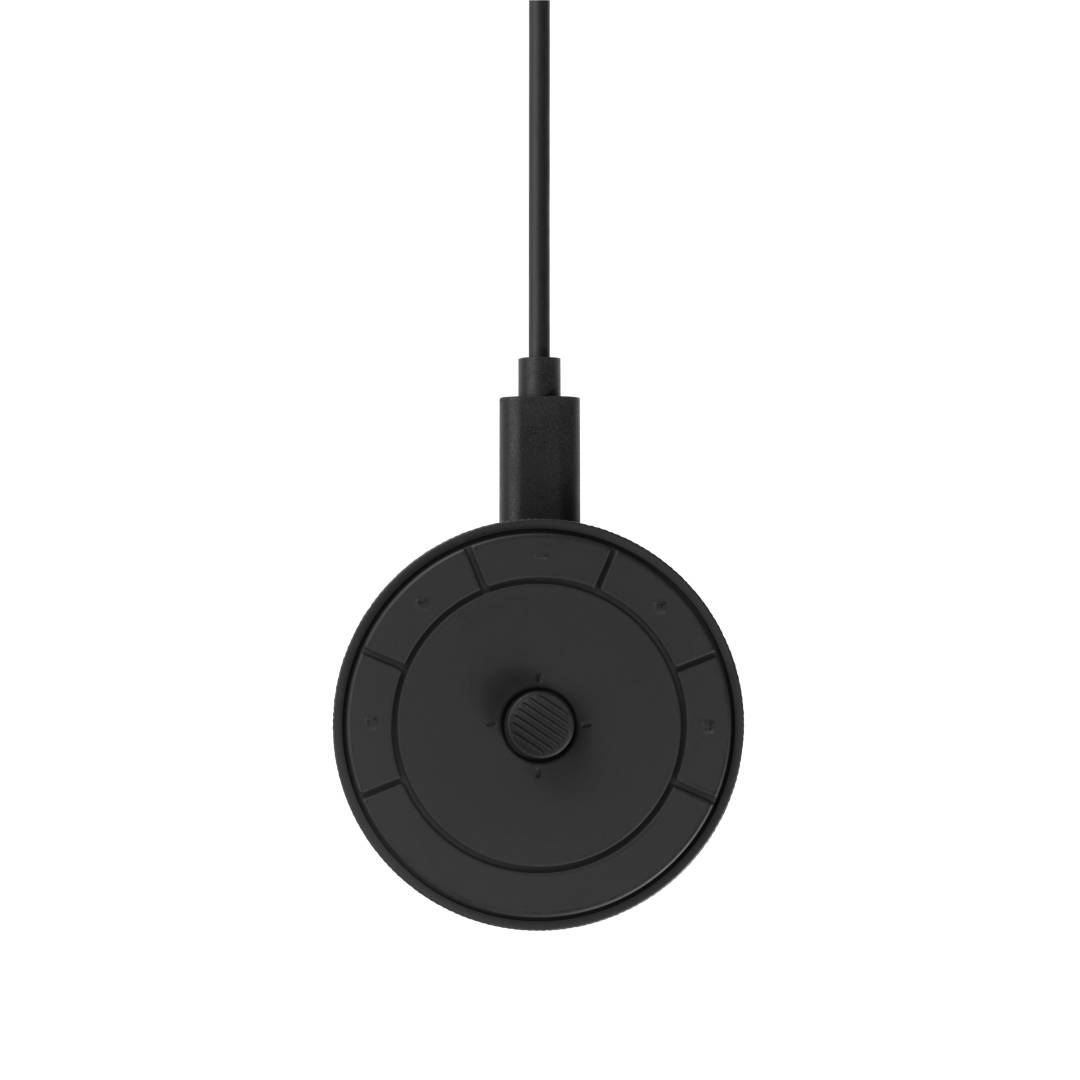
The ASUS ProArt CaliContrO MCA02 is a 3-in-1 device that combines a colorimeter for display calibration, a 5-way controller for monitor menus and a virtual ASUS Dial for creative apps, made for photographers, video editors and designers who need accurate, consistent colour.
It measures LED, Mini-LED and OLED monitors and laptops with ProArt Calibration software on Windows and macOS, is Calman Ready and works with Light Illusion ColourSpace CMS. On selected ASUS ProArt monitors it can write the calibration directly into the monitor (hardware calibration).
Before you order: Hardware calibration (saved inside the monitor) works only on selected ASUS ProArt displays, such as the PA32UCDM, PA32QCV, PA27JCV and PA279CRV. On other monitors and laptops it creates a software (ICC) profile instead. Send us your monitor model and we will confirm.
What's in the Box
- ASUS ProArt CaliContrO MCA02
- USB-C cable with counterweight
- Quick start guide and warranty card
What It Means in Practice
- Calibrate monthly so that what you see on screen matches print and client screens.
- Set the white point you work to: D50 for print, D65 for video and web, or a custom value.
- Ambient light measurement helps you choose the right brightness for your room.
- Between calibrations, use it as a desk controller for ProArt monitor menus and as a dial in supported creative apps.
What Will Not Work
- Hardware calibration is not available on non-ProArt monitors or ProArt models not on ASUS’s supported list.
- Windows 10 and macOS 11 or older are not supported (requires Windows 11 or later, macOS 12 or later).
- It needs a USB-C port on the computer; a USB-A-only PC needs an adapter.
- It is not a spectrophotometer — it does not measure printed paper.
Key Features
Calibration accuracy
Chromaticity accuracy ±0.005 x,y and luminance accuracy ±5%, measuring up to about 10,000 cd/m².
Software choice
ProArt Calibration, Calman Ready and Light Illusion ColourSpace CMS.
Control in one device
5-way navigator and shortcut key for monitor OSD, plus a virtual ASUS Dial.
Technical Specifications
Frequently Asked Questions
Singular Expert Insight · Buyer's Guide
The MCA02 is most valuable to ProArt monitor owners, who get hardware calibration plus a handy controller, but it is also a capable colorimeter for any modern display. If colour accuracy matters to your clients, calibrate regularly and keep the same white point across all screens. See PC monitors including ProArt models.
✓ Buy it if you edit photos or video and want calibrated, consistent colour, especially on an ASUS ProArt monitor.
✕ Skip it if you need to measure printed output, or you use Windows 10 or an older macOS.
→ Also consider a ProArt monitor with factory calibration if you are choosing a new screen.
Not sure your monitor supports hardware calibration? Send us the model and we will check it before you order.
Features - ASUS - 90LA00T0-B01C70
Colour
black
More Details
Product Code
04:593120
EAN Code
4711636112406
Manufacturer
ASUS