
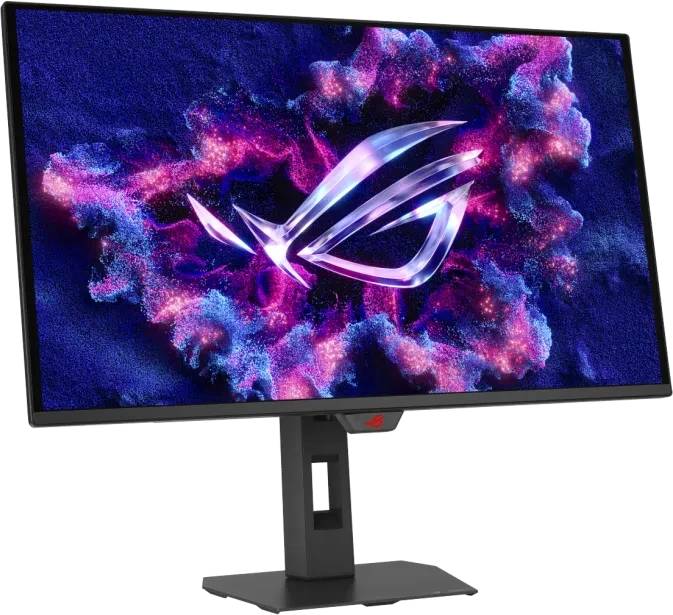
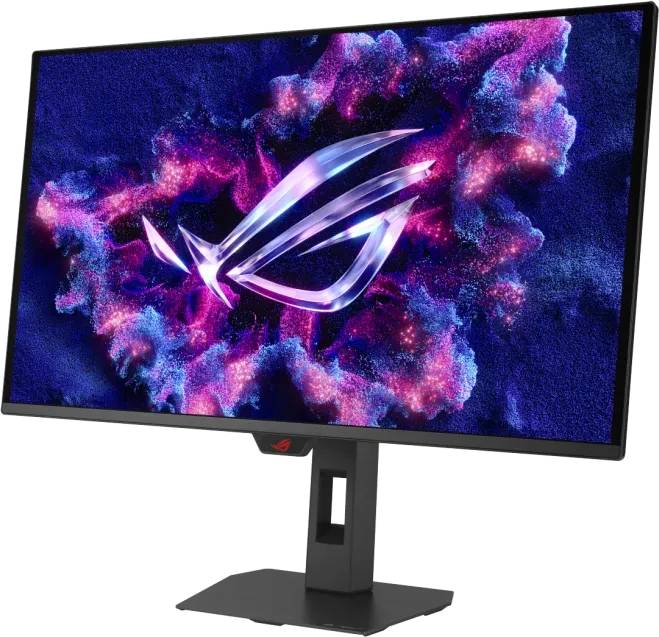
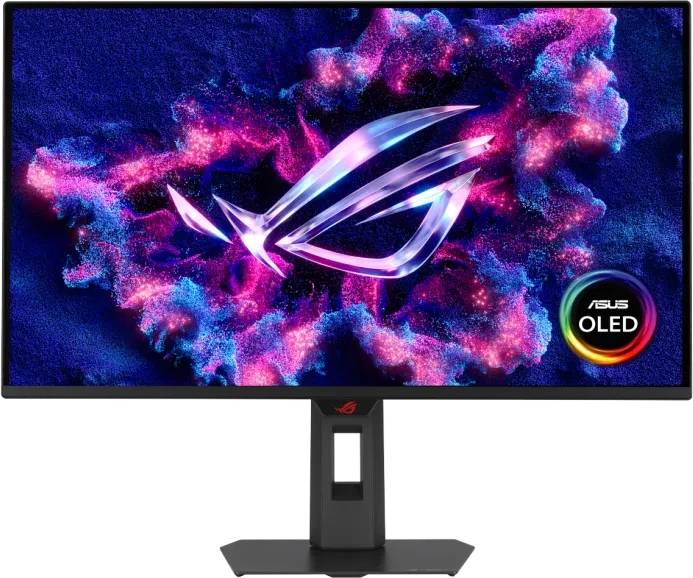
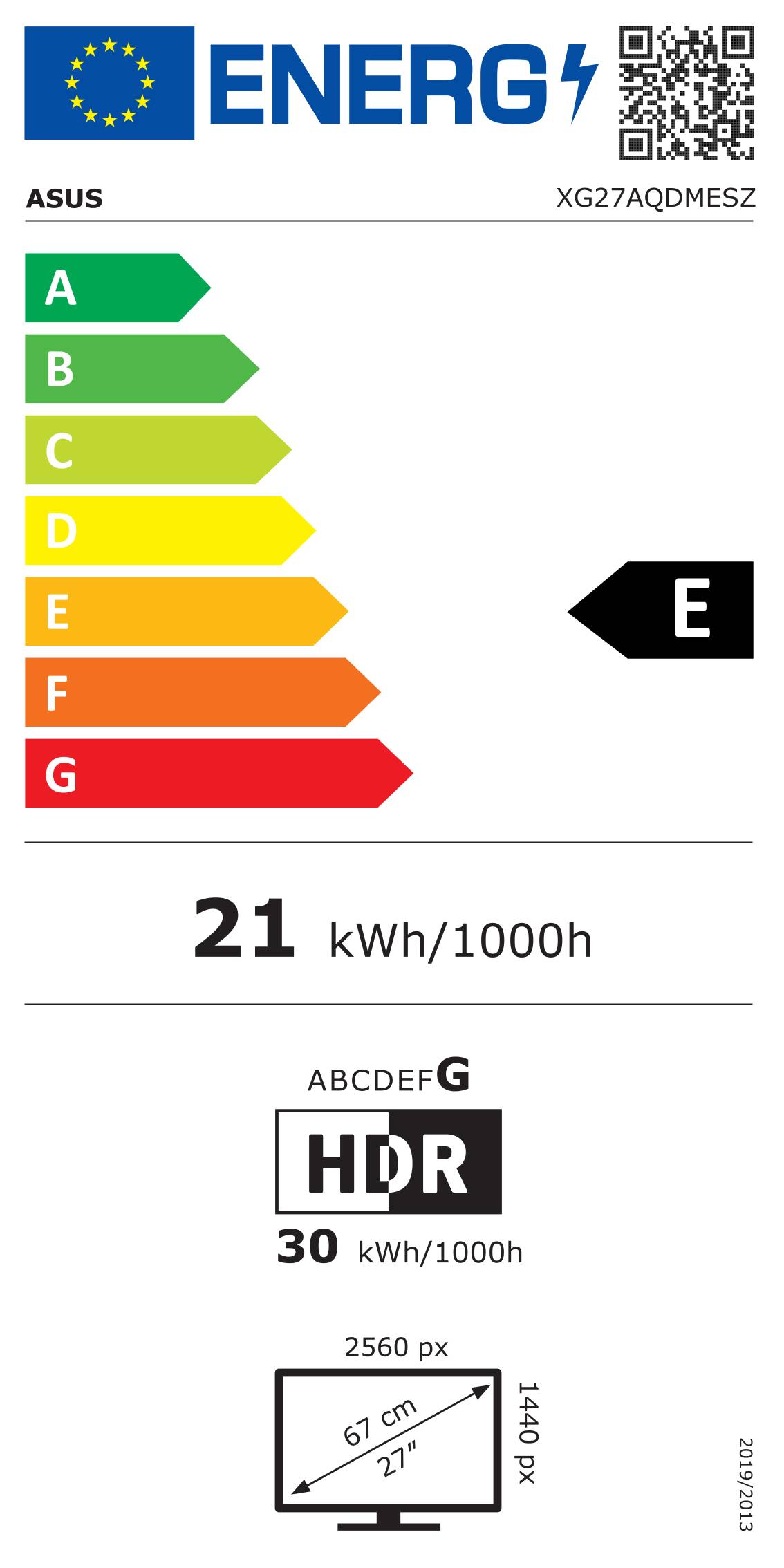
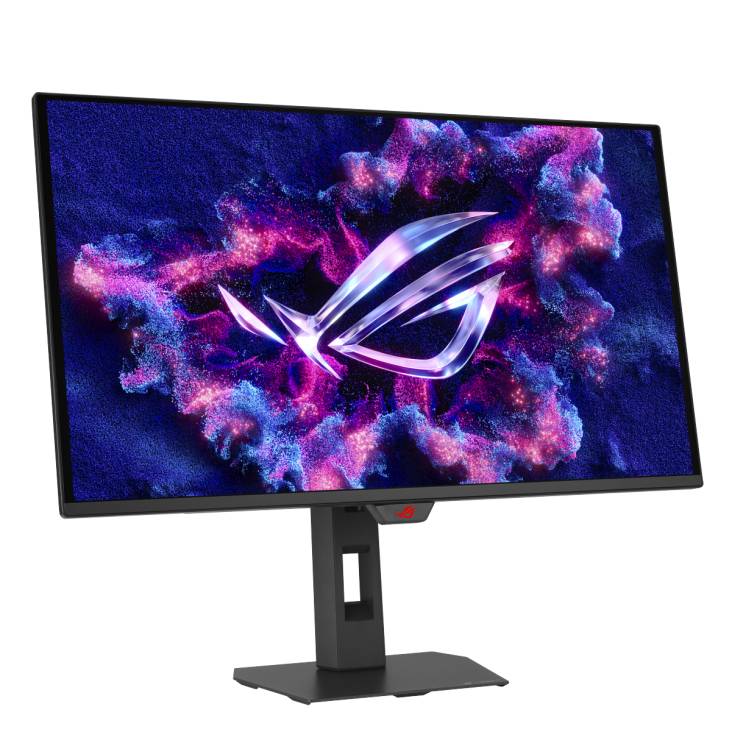
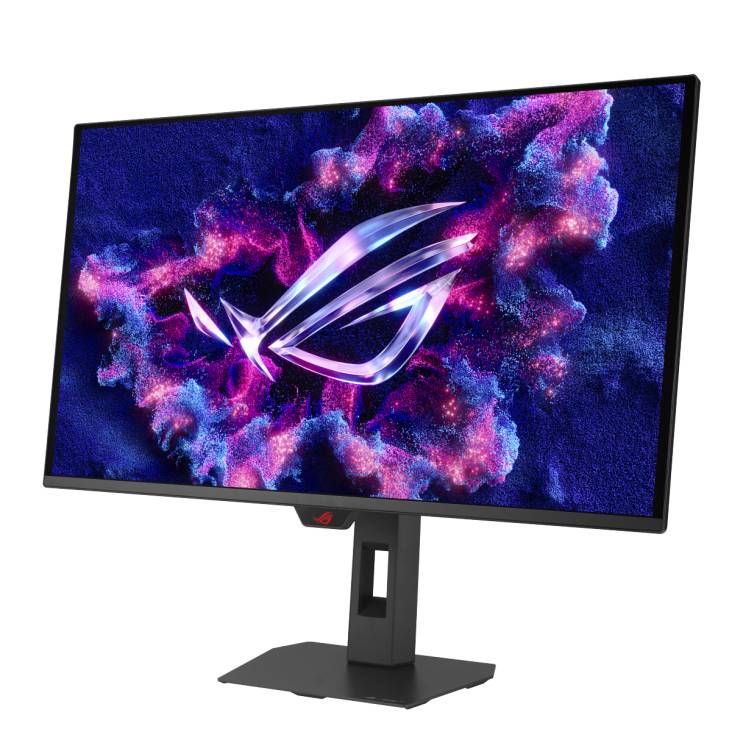
ASUS ROG Strix OLED XG27AQDMESZ 26.5" QD-OLED Gaming Monitor · WQHD 2560x1440 · 240Hz · 0.03ms · 2x HDMI 2.1 · Black
Brand:
ASUS

ASUS ROG Strix OLED XG27AQDMESZ 26.5" QD-OLED Gaming Monitor · WQHD 2560x1440 · 240Hz · 0.03ms · 2x HDMI 2.1 · Black
€663.33 inc. VAT


90LM0C80-B03171
Delivery
Order Today...
Ships...
Delivery...
ℹ️ Large or fragile items (e.g. monitors) may require extra handling time. We'll keep you informed.
Payment options
Trusted Tech Choice
Buying Benefits
Verified
Competitive EU pricing
Delivered to Cyprus from EU stock
Local warranty support
Please sign in so that we can notify you about a reply
ASUS ROG Strix OLED XG27AQDMESZ — 26.5" QD-OLED at 240Hz
QD-OLED · 0.03ms240Hz on HDMI and DP99% DCI-P3 · 1,500,000:1Height · swivel · pivot stand
The ASUS ROG Strix OLED XG27AQDMESZ is a 26.5-inch WQHD QD-OLED gaming monitor running at 240Hz with a 0.03ms response time, for players who want OLED contrast and near-instant pixel response at 1440p.
Each pixel emits its own light, so blacks are truly black and motion is far clearer than on any LCD at the same refresh rate. Both HDMI 2.1 inputs and DisplayPort reach 240Hz, so a PC and a current console can share the screen without compromise.
Before you order: The panel is 26.5 inches, slightly smaller than a 27-inch LCD. OLED panels need care against burn-in: ASUS OLED Care Pro and the Neo Proximity Sensor help, but static desktop elements for many hours a day still wear the panel.
What's in the Box
- ASUS ROG Strix OLED XG27AQDMESZ monitor with ergonomic stand
- DisplayPort cable
- Power cord
- Quick start guide and warranty card
- Further accessories (pouch, cleaning cloth, sticker) are listed by ASUS but vary by region
What It Means in Practice
- Connect a PC by DisplayPort 1.4 DSC or HDMI 2.1 — both give 240Hz
- PS5 and Xbox Series X can use the HDMI 2.1 (FRL) inputs
- Neo Proximity Sensor dims the screen when you step away, reducing burn-in risk
- Typical full-screen brightness is 200 nits — best in a normally lit or dim room, not facing a bright window
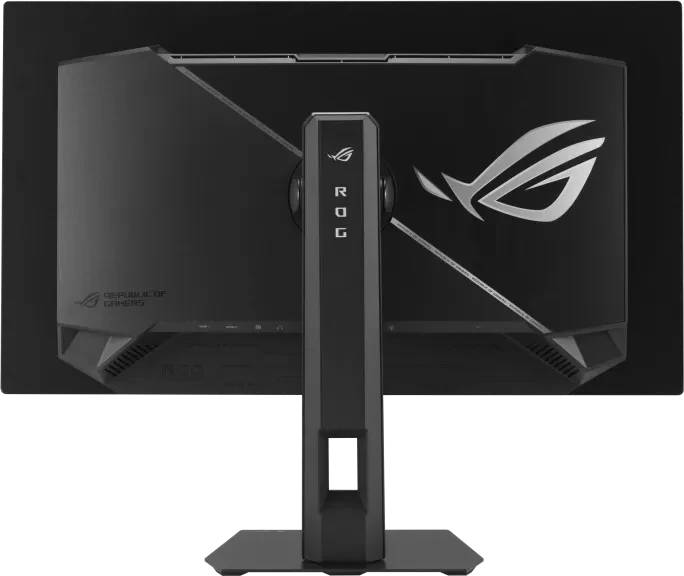
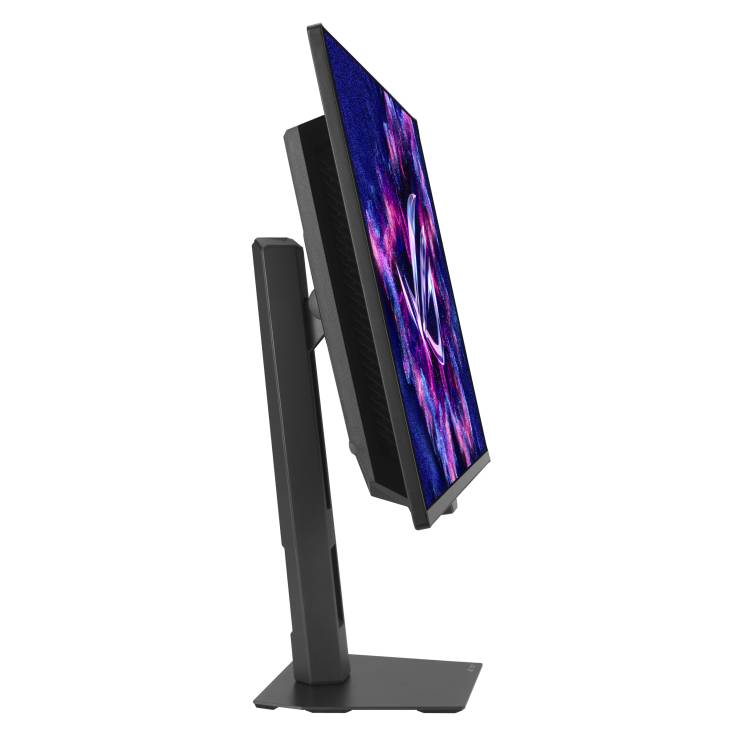
- Stand adjusts height 0–110mm, swivel ±45° and pivot ±90°
What Will Not Work
- No USB-C input and no USB ports on the spec sheet
- No built-in speakers — use the headphone jack or external speakers
- Not ideal for static office work all day (taskbars, spreadsheets) because of OLED burn-in risk
- Full-screen brightness is lower than bright IPS panels in sunlit rooms
Key Features
QD-OLED, 0.03ms
Per-pixel lighting, 1,500,000:1 contrast and near-instant response for clear motion.
240Hz on Every Input
Both HDMI 2.1 (FRL) ports and DisplayPort 1.4 DSC reach 240Hz.
OLED Care Pro
Neo Proximity Sensor and ASUS care features help protect the panel.
Ergonomic Stand
Height, tilt, swivel and pivot plus VESA 100 x 100 mounting.
Technical Specifications
Frequently Asked Questions
Singular Expert Insight · Buyer's Guide
The XG27AQDMESZ is the step up from IPS for anyone who mainly games and watches content: OLED contrast and 0.03ms response are visible immediately. Treat it as a gaming and media screen rather than an all-day spreadsheet monitor. See our PC monitor range for IPS options for heavy office use.
✓ Buy it if you want OLED picture quality and clear motion at 1440p for PC and console gaming.
✕ Skip it if your monitor will show static office content all day, or sits in a very bright room.
→ Also consider the ROG Strix XG27ACS Gen2 (Fast IPS, USB-C) for mixed work and gaming.
Not sure which input your PC, laptop or console needs? Tell us the model of your graphics card or device and we will confirm the right cable and refresh rate before you order.
Features - ASUS - 90LM0C80-B03171
Colour
black
More Details
Product Code
04:595277
EAN Code
4711636529754
Manufacturer
ASUS