
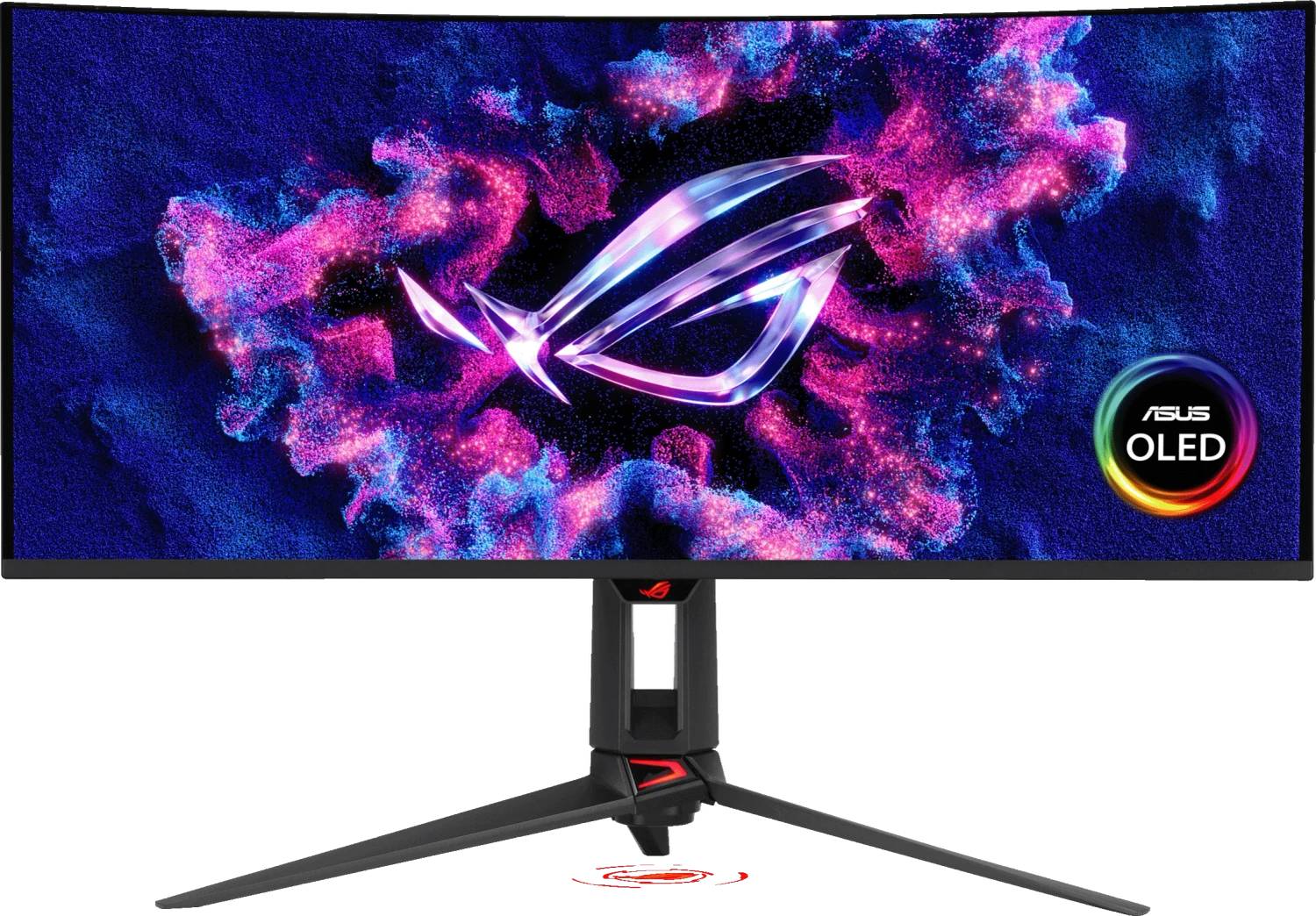
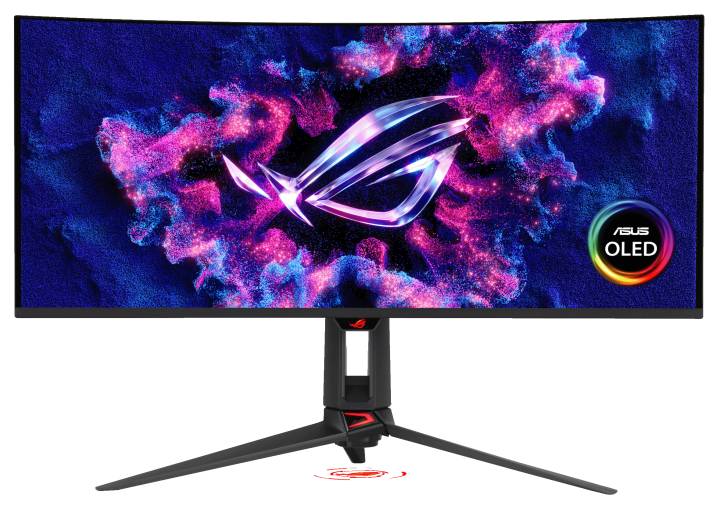
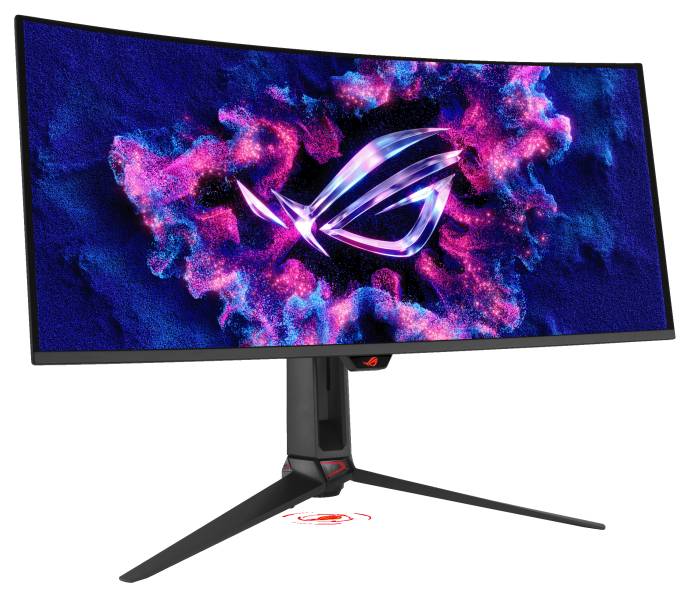
ASUS ROG Swift OLED PG34WCDN 34" Curved QD-OLED Gaming Monitor 3440x1440 360Hz DP 2.1 USB-C 90W
Brand:
ASUS

ASUS ROG Swift OLED PG34WCDN 34" Curved QD-OLED Gaming Monitor 3440x1440 360Hz DP 2.1 USB-C 90W
€1781.83 inc. VAT


90LM0CU0-B01971
Delivery
Order Today...
Ships...
Delivery...
ℹ️ Large or fragile items (e.g. monitors) may require extra handling time. We'll keep you informed.
Payment options
Trusted Tech Choice
Buying Benefits
Verified
Competitive EU pricing
Delivered to Cyprus from EU stock
Local warranty support
Please sign in so that we can notify you about a reply
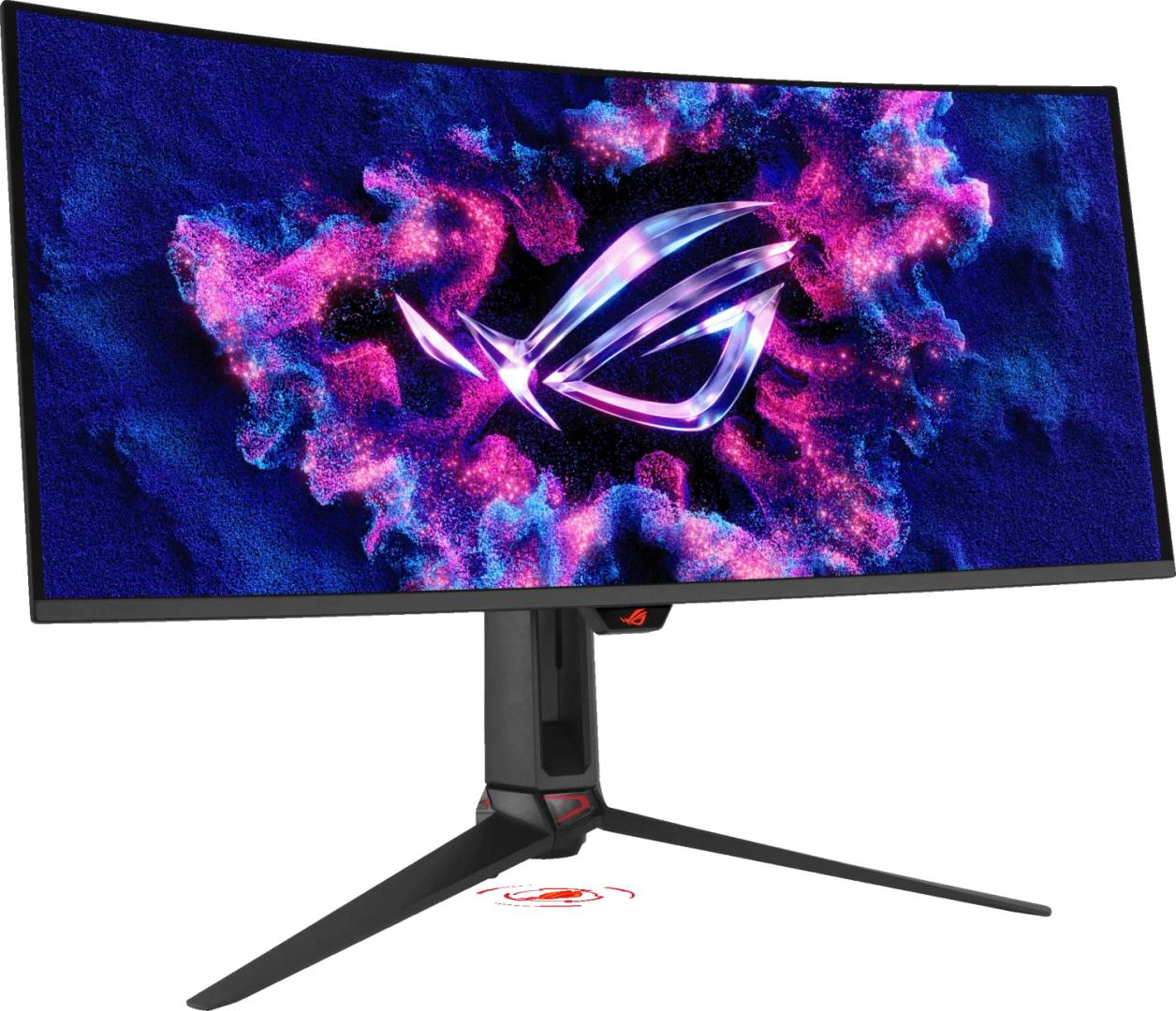
ASUS ROG Swift OLED PG34WCDN — 34-inch 360Hz Curved QD-OLED Ultrawide
34" QD-OLED 1800R3440×1440 · 360HzDisplayPort 2.1 UHBR20USB-C 90W + KVM
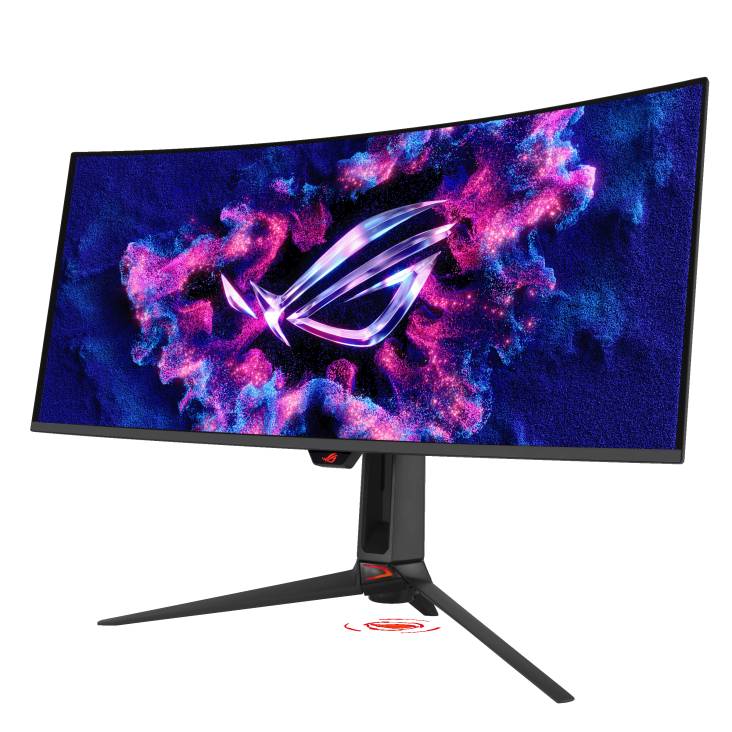
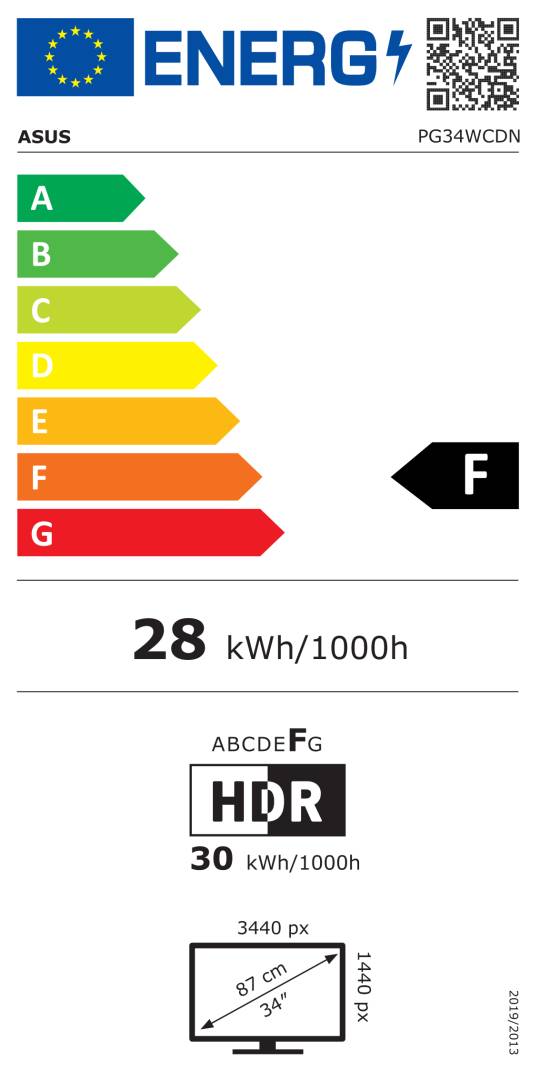
The ASUS ROG Swift OLED PG34WCDN is a 34-inch 21:9 curved QD-OLED gaming monitor that runs 3440 × 1440 at up to 360Hz with a 0.03ms grey-to-grey response, built for competitive and immersive PC gamers who want ultrawide width without giving up esports-level motion clarity.
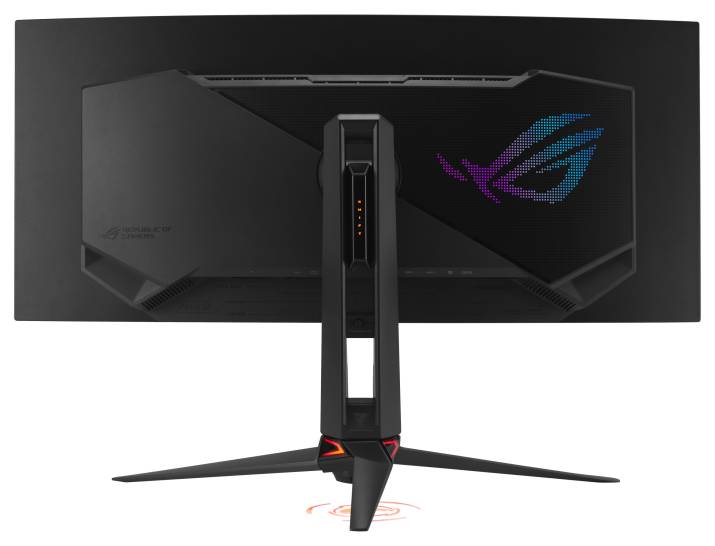
ASUS uses a tandem RGB-stripe QD-OLED panel with an 1800R curve, VESA DisplayHDR 500 True Black, 99% DCI-P3 coverage and a factory-calibrated ΔE ≤ 2. Connectivity is current-generation: one DisplayPort 2.1 UHBR20 input (80Gbps), two HDMI 2.1 FRL ports, and a USB-C port with DisplayPort Alt Mode and 90W Power Delivery, plus a built-in KVM so one keyboard and mouse can follow either computer.
Before you order: Full 3440 × 1440 at 360Hz without compression needs a graphics card with DisplayPort 2.1 UHBR20 output and the included DP80 cable. On older DP 1.4 cards the monitor still reaches high refresh rates, but via Display Stream Compression (DSC).
What's in the Box
- ROG Swift OLED PG34WCDN monitor with stand
- DisplayPort 2.1 cable (DP80)
- HDMI Ultra High Speed cable
- USB 3.2 cable and USB-C cable
- Power cord
- VESA mount kit
- Microfibre cloth, ROG pouch and ROG sticker
- Quick start guide and warranty card
What It Means in Practice
- For gaming: 360Hz on a QD-OLED panel means near-instant pixel transitions, so fast flicks and strafes stay sharp without the smearing seen on VA panels.
- For dual-PC desks: plug a work laptop into USB-C (it charges at up to 90W) and a gaming PC into DisplayPort, and the built-in KVM moves your keyboard and mouse with the active input.
- For console use: the two HDMI 2.1 ports give PS5 or Xbox Series X a full-bandwidth connection.
- For content work: 99% DCI-P3 and a calibration report make it suitable for colour-aware photo and video editing at home.
What Will Not Work
- There are no built-in speakers — use headphones on the 3.5mm jack or external speakers.
- A GPU limited to DP 1.4 cannot drive 360Hz at full resolution without DSC; very old cards without DSC support will be capped lower.
- The 90W USB-C port will not fully power laptops that need more than 90W under heavy load (many gaming laptops).
- Pivot (portrait rotation) is not published for the stand, so do not plan on vertical use.
Key Features
Tandem RGB QD-OLED
RGB-stripe subpixel layout improves text clarity compared with earlier QD-OLED triangle layouts, which matters on a desktop ultrawide used for work as well as games.
DisplayPort 2.1 UHBR20
80Gbps bandwidth carries 3440 × 1440 at 360Hz uncompressed with a compatible graphics card.
OLED Care Pro
Pixel-cleaning and proximity-sensor features help reduce burn-in risk; ASUS lists panel burn-in within its warranty.
USB-C 90W + KVM
One-cable laptop connection with charging, plus a three-port USB hub shared through the KVM.
Technical Specifications
Frequently Asked Questions
Singular Expert Insight · Buyer's Guide
This is one of the fastest ultrawides ASUS makes, and the DisplayPort 2.1 UHBR20 port is what sets it apart: it is ready for current high-end graphics cards without relying on compression. If your desk is not wide enough for 34 inches, a 27-inch or 32-inch model may suit you better — compare in our PC monitors range.
✓ Buy it if you play fast games on a high-end PC and want an ultrawide OLED that also handles a work laptop over one USB-C cable.
✕ Skip it if you need built-in speakers, portrait rotation, or mostly do static office work for many hours a day.
→ Also consider a 32-inch 4K OLED if you prefer more vertical resolution over ultrawide width.
Not sure your graphics card or laptop will drive 360Hz? Send us the model and we will check before you order.
Features - ASUS - 90LM0CU0-B01971
Colour
black
More Details
Product Code
04:581881
EAN Code
4711636289535
Manufacturer
ASUS