
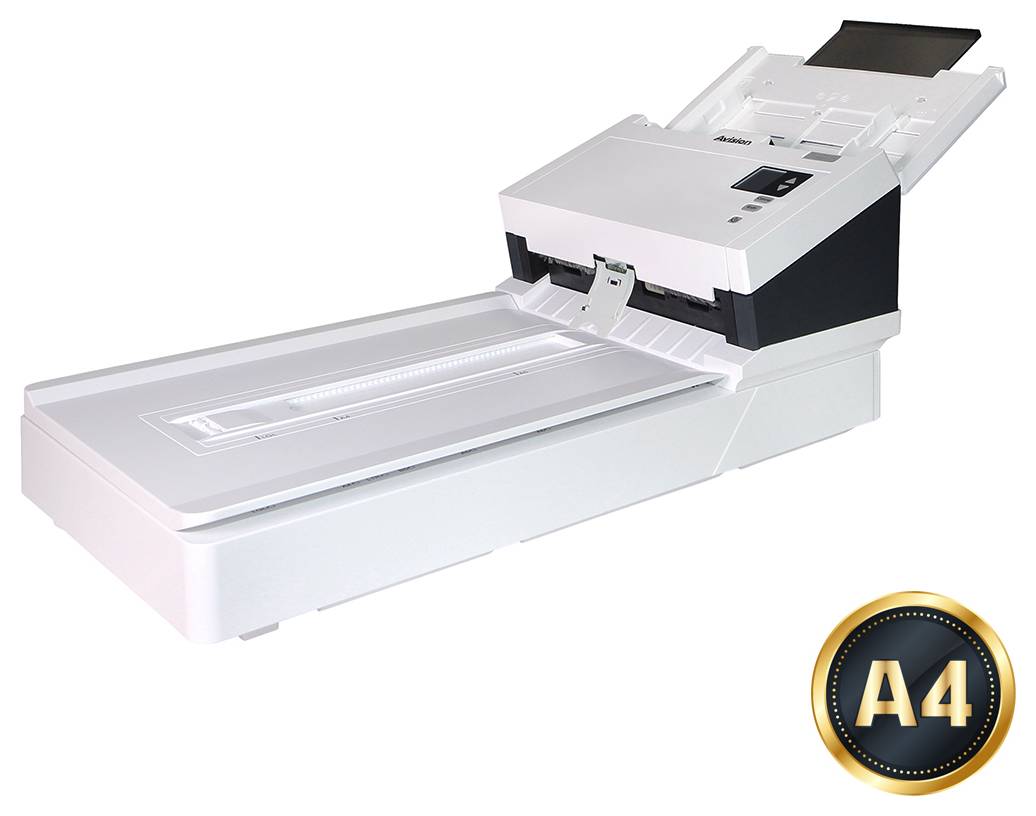
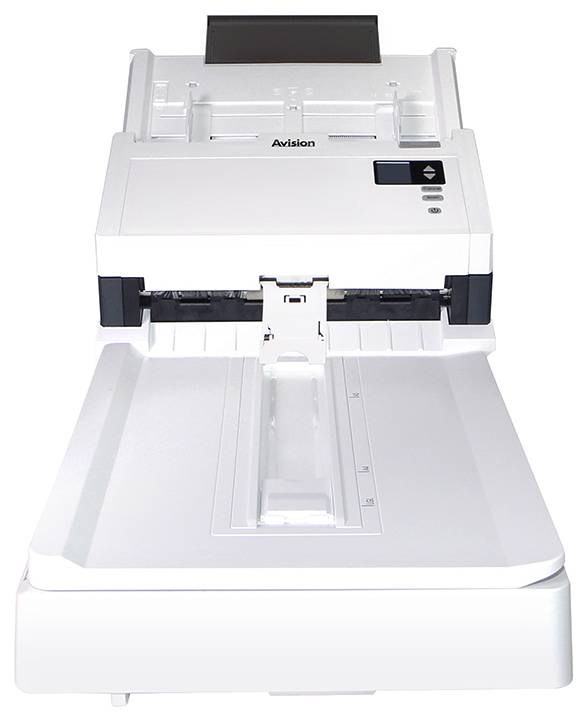
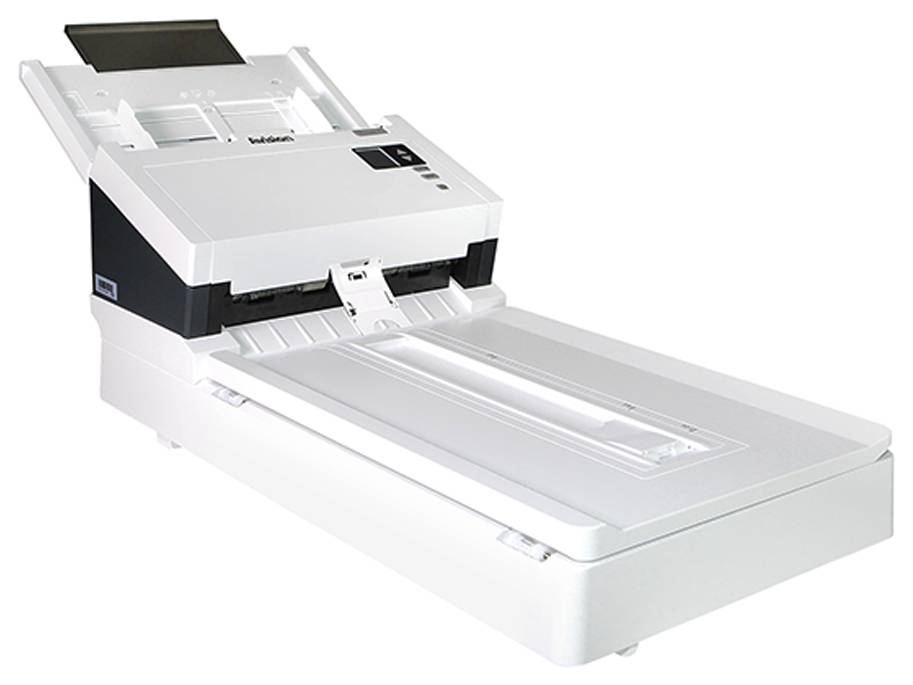
Avision AD345GFWN A4 Legal Flatbed Duplex Scanner with Wi-Fi
Brand:
Avision



000-1014-02G
Delivery
Order Today...
Ships...
Delivery...
ℹ️ Large or fragile items (e.g. monitors) may require extra handling time. We'll keep you informed.
Payment options
Trusted Tech Choice
Buying Benefits
Verified
Competitive EU pricing
Delivered to Cyprus from EU stock
Local warranty support
Please sign in so that we can notify you about a reply
Wireless and wired sharing with duplex ADF and Legal flatbed
60ppm / 120ipm at 200dpi100-sheet duplex ADFLegal flatbedWi-Fi + Gigabit Ethernet
The Avision AD345GFWN combines automatic duplex feeding and Legal flatbed capture with Wi-Fi, Gigabit Ethernet and USB 3.2 Gen 1. Its 100-sheet ADF reaches up to 60ppm/120ipm for colour A4 at 200dpi, or 45ppm/90ipm for colour A4 at 300dpi. Optical resolution is 600dpi through the ADF and 1200dpi on the flatbed. Supported network and mobile software workflows provide flexible ways to capture documents.
Best For: Teams needing wired or wireless shared document capture, flatbed glass and an option to save directly to compatible USB storage.
Before you order: Configure network access, supported drivers and Virtual Scanner Link before shared computer capture. Mobile scanning depends on a compatible current Avision MB App and supported device. Host email/cloud routes need accounts and configuration; Wi-Fi does not imply independent cloud upload. Direct scan to compatible USB flash storage is documented separately. Release the flatbed transport lock and allow space for extended trays.
What's in the Box
- Avision AD345GFWN scanner.
- USB cable, external power adapter and power cord.
- Quick guide and manufacturer driver/software resources.
- The linked family manual also lists an Ethernet cable and calibration sheet; check regional carton contents.
- Computer, network equipment and sample originals are separate.
What It Means in Practice
- Configure Wi-Fi or Gigabit Ethernet for supported computer sharing, or the compatible manufacturer mobile workflow.
- Use the 100-sheet ADF at its 80g/m² capacity condition for prepared suitable batches.
- Use flatbed glass for originals unsuitable for the feeder and choose the resolution for the task.
- Select the correct curved or straight paper path and media settings for supported originals.
- For supported direct USB storage scanning, insert a compatible flash drive and choose the available file format and resolution.
What Will Not Work
- No particular Wi-Fi band, Wi-Fi 6 or 802.11ac capability is promised from shared-manual module alternatives.
- A small LCD and buttons are provided; this is not a large touchscreen scan station. USB-storage capture is supported, while computer/mobile destinations have separate setup requirements.
- Colour speed at 300dpi is 45ppm/90ipm, not the 200dpi rating.
- Physical paper support up to 242mm does not enlarge the 216mm optical capture width.
- Current software, cloud destinations and operating-system support must be checked separately.
Key Features
Wireless and wired sharing
Wi-Fi, Gigabit Ethernet and supported software provide compatible office and mobile capture routes.
Duplex batch capture
A 100-sheet feeder reaches 60ppm/120ipm for colour A4 at 200dpi.
Integrated flatbed
Legal glass supports suitable delicate or irregular originals with 1200dpi optical capture.
Flexible paper handling
Reverse roller, straight/curved paths, ultrasonic multifeed detection and skew protection support document preparation.
Technical Specifications
Frequently Asked Questions
Singular Expert Insight
Choose the destination workflow before deployment. Test network permissions, computer drivers or the current mobile app and a representative original. Direct USB storage provides a separate capture route. Match colour resolution to the needed detail and throughput, and use the flatbed when automatic feeding is unsuitable.
Buyer’s Guide
✓ Buy it if You need wired or wireless shared duplex capture, Legal flatbed and supported USB-storage scanning.
✕ Skip it if You need a portable battery scanner, a large touchscreen station or guaranteed standalone cloud upload.
→ Also consider Network/app compatibility, USB storage support, permissions and the extended desk footprint.
Features - Avision - 000-1014-02G
Colour
white
Interface
- USB3.2,
- Ethernet,
- WIFI
More Details
Product Code
04:415830
EAN Code
4713494651936
Manufacturer
Avision