
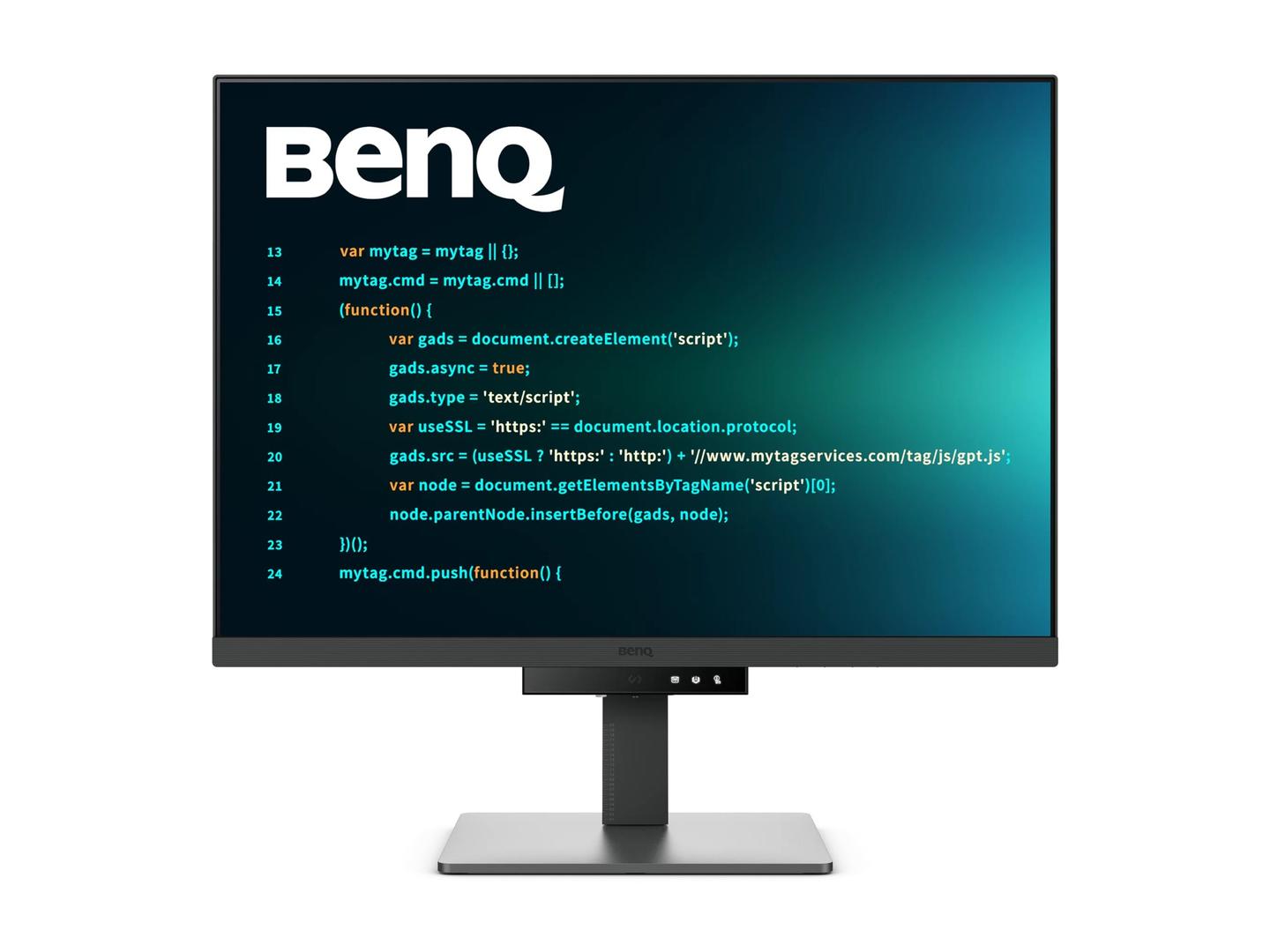
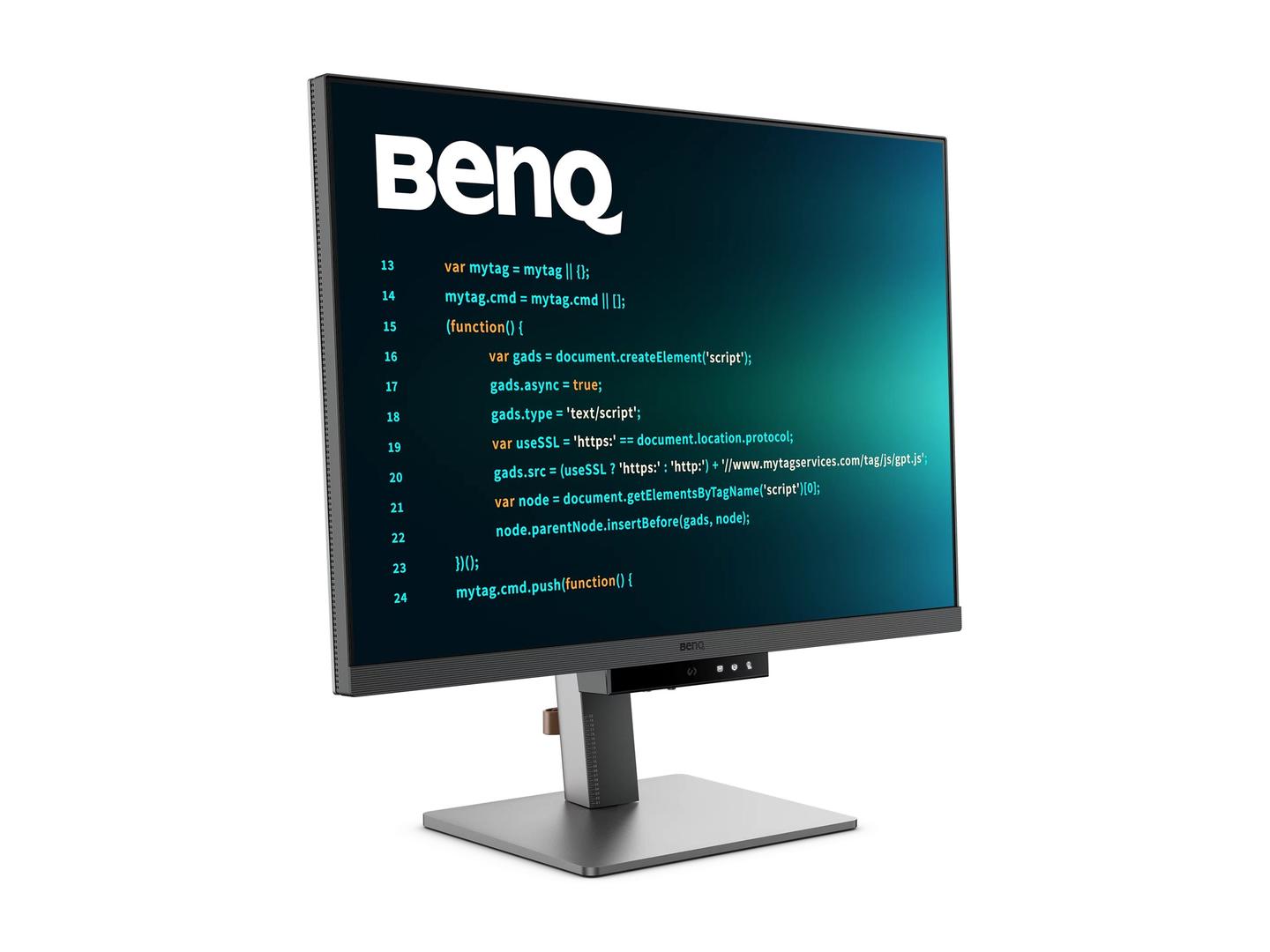
BenQ RD320U 31.5" 4K UHD IPS Programming Monitor, USB-C 90W, MoonHalo, Coding Modes, KVM, Metallic Grey
Μάρκα:
Benq

BenQ RD320U 31.5" 4K UHD IPS Programming Monitor, USB-C 90W, MoonHalo, Coding Modes, KVM, Metallic Grey
€991.98 inc. VAT






9H.LMSLA.TBE
Delivery
Order Today...
Ships...
Delivery...
ℹ️ Large or fragile items (e.g. monitors) may require extra handling time. We'll keep you informed.
Payment options
Trusted Tech Choice
Buying Benefits
Verified
Competitive EU pricing
Delivered to Cyprus from EU stock
Local warranty support
Συνδεθείτε για να μπορέσουμε να σας ειδοποιήσουμε σχετικά με μια απάντηση
BenQ RD320U — Monitor Built for Programmers
31.5" 4K IPSCoding modesUSB-C 90WMoonHalo
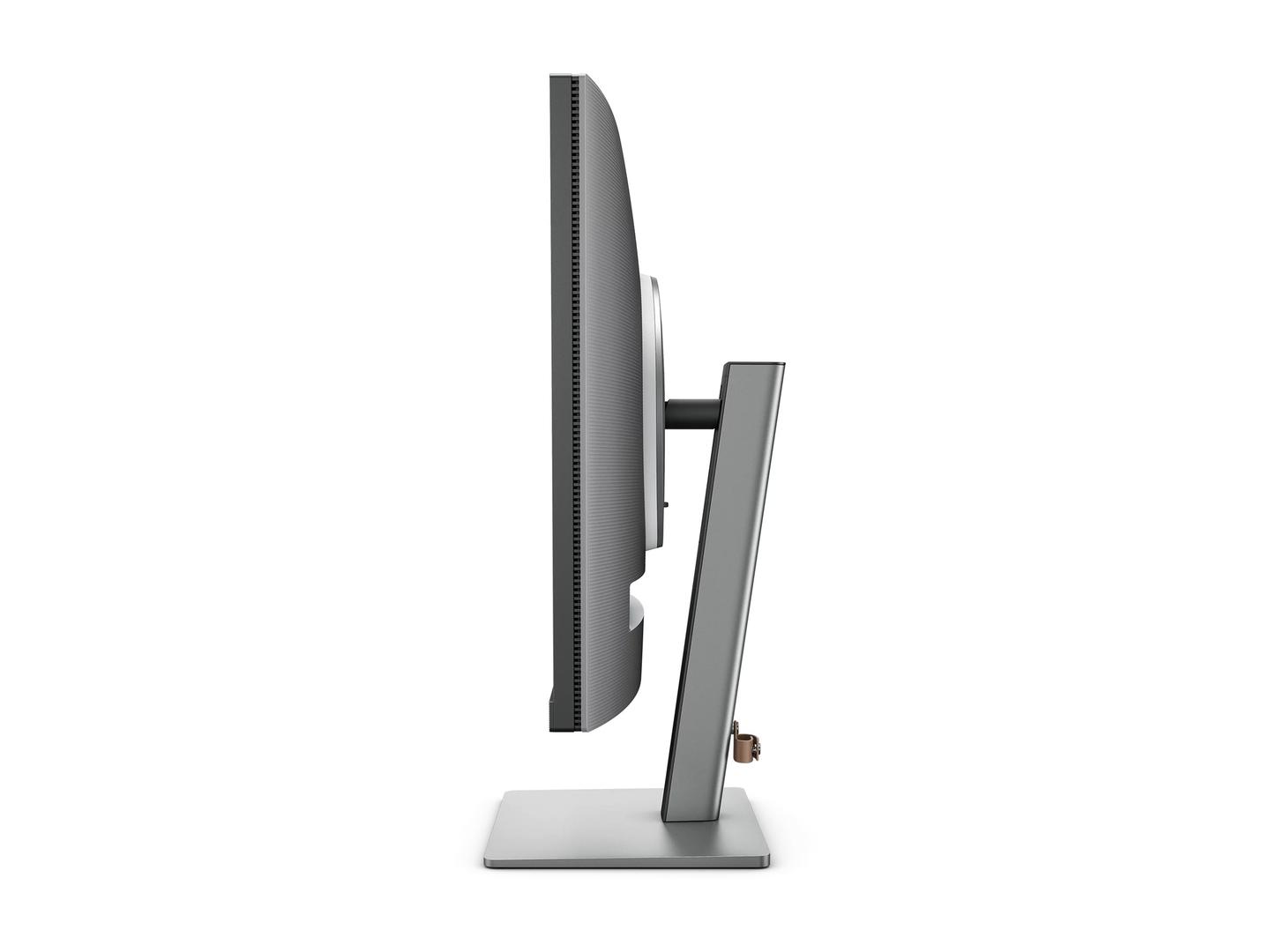
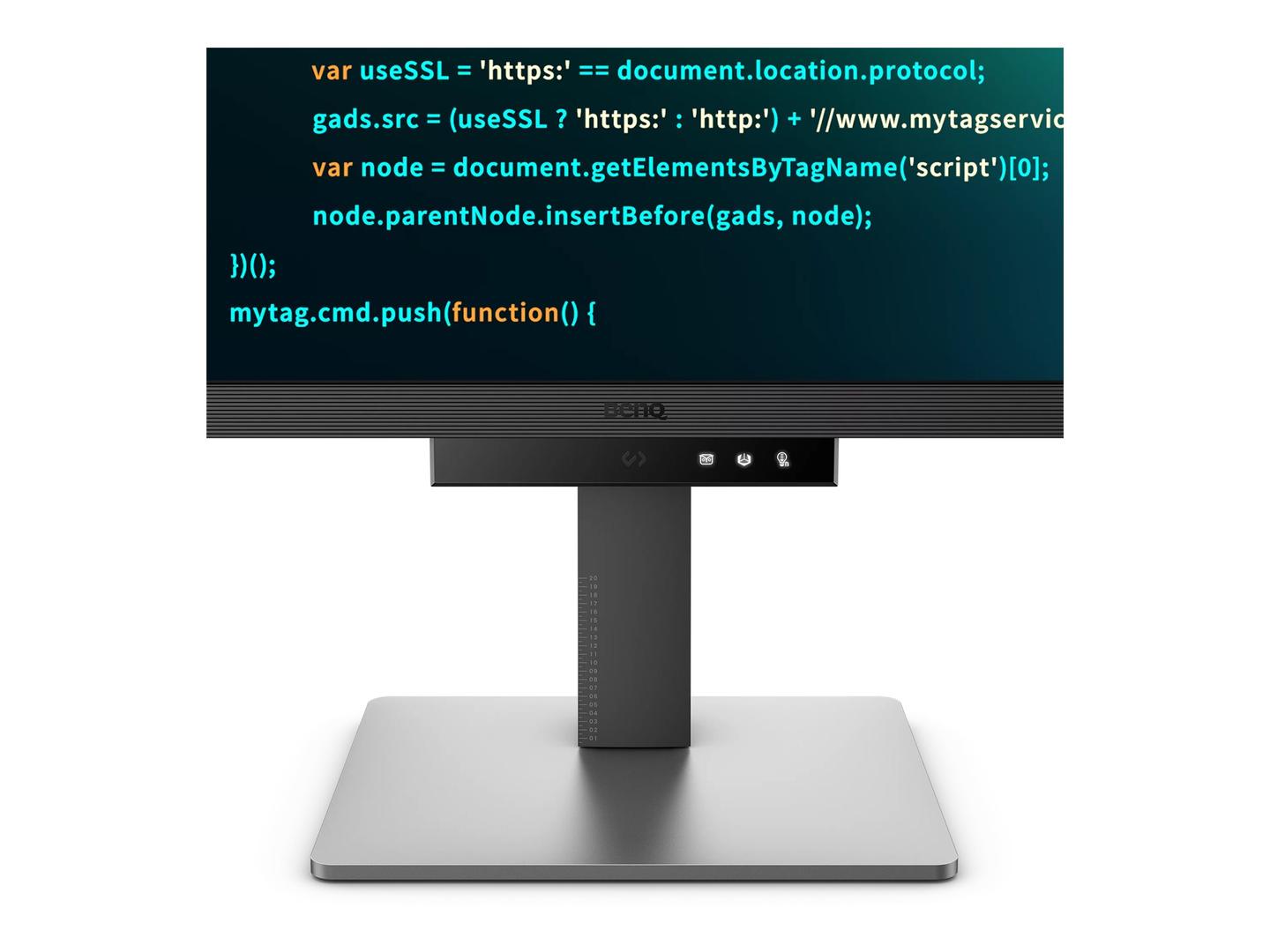
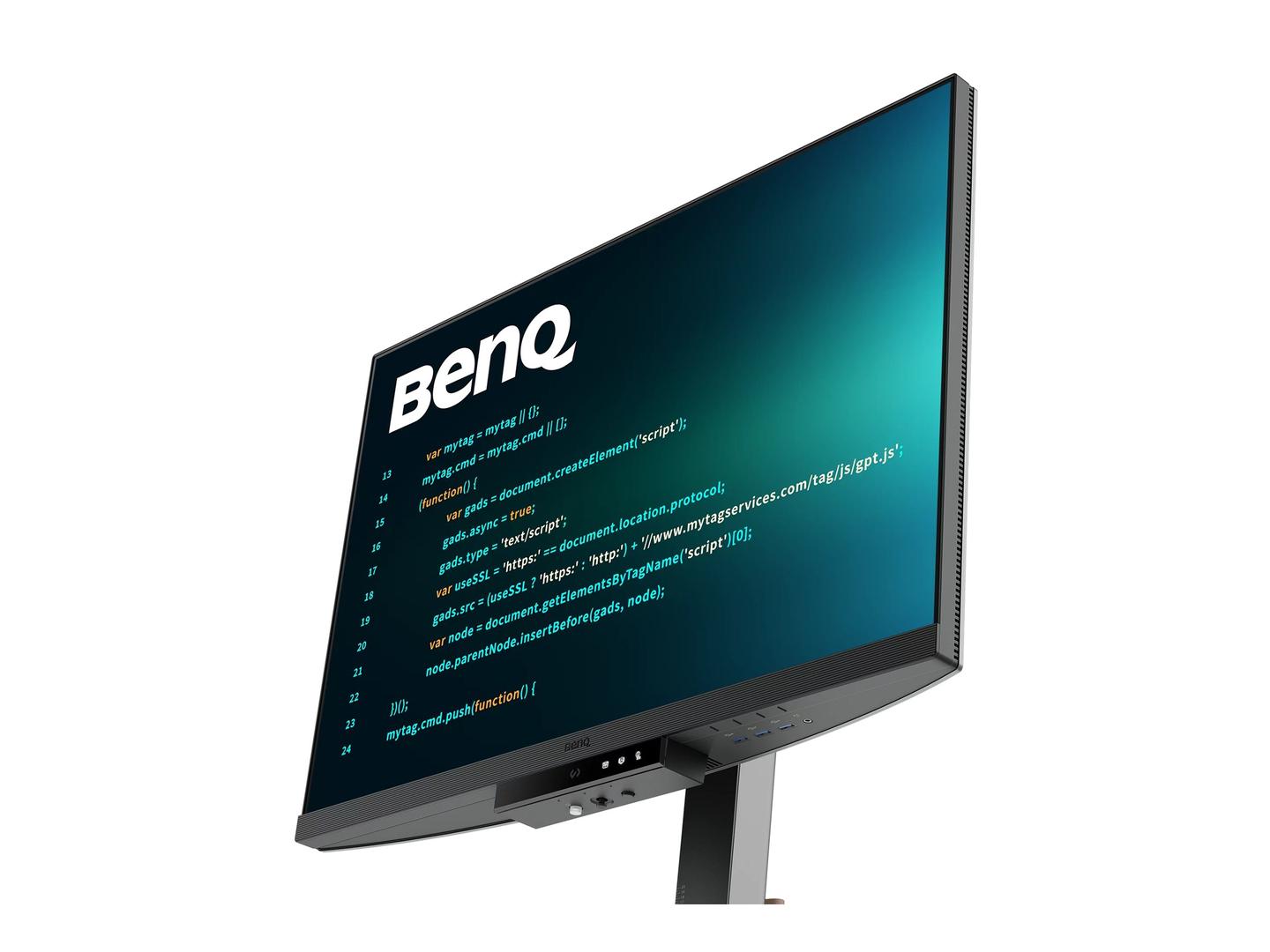
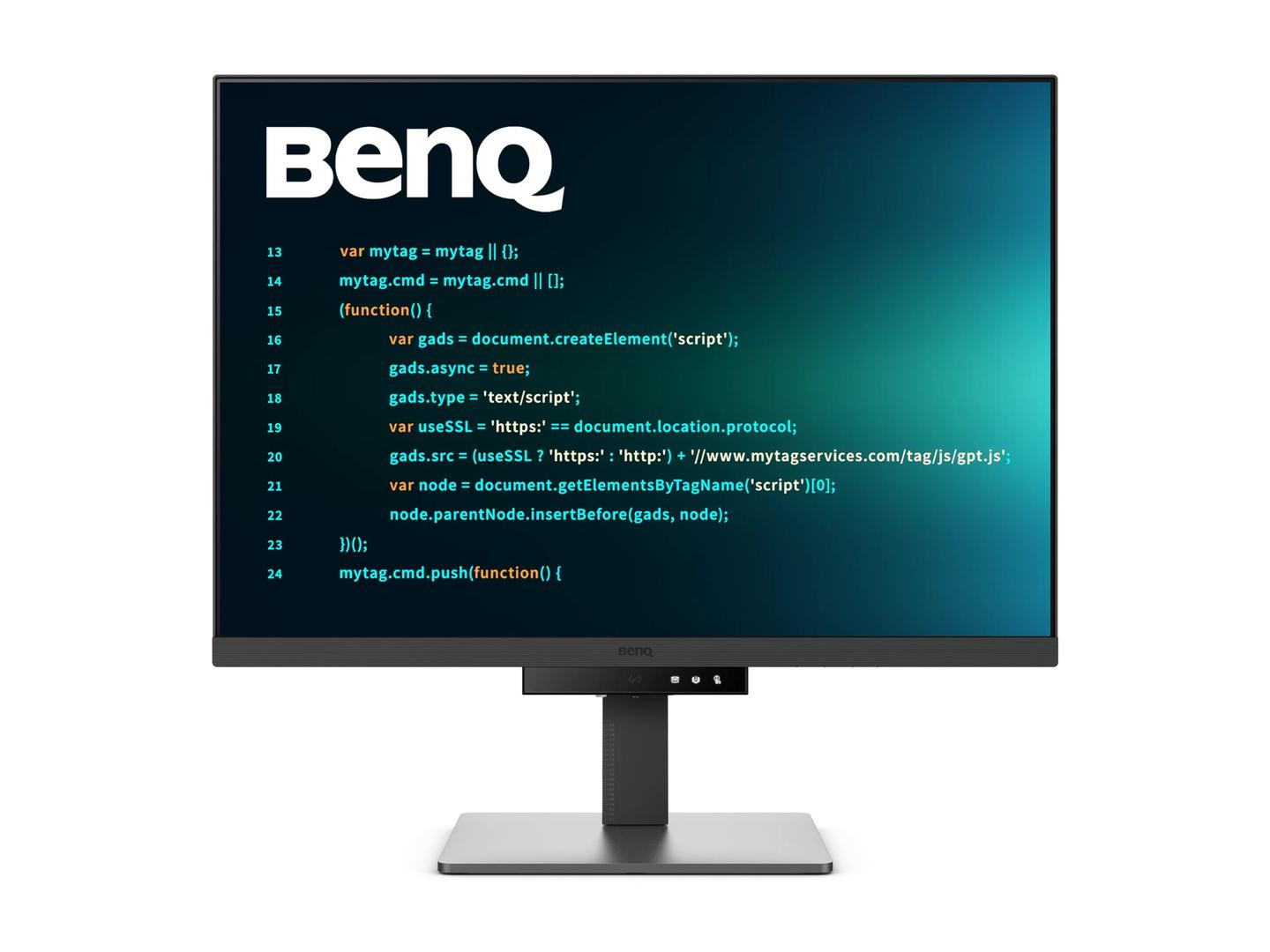
The BenQ RD320U is a 31.5-inch 4K UHD (3840 x 2160) IPS monitor designed for programmers, with dedicated Coding Dark and Light Theme modes, a Nano Matte anti-glare panel, USB-C 90W charging and BenQ's MoonHalo rear ambient light.
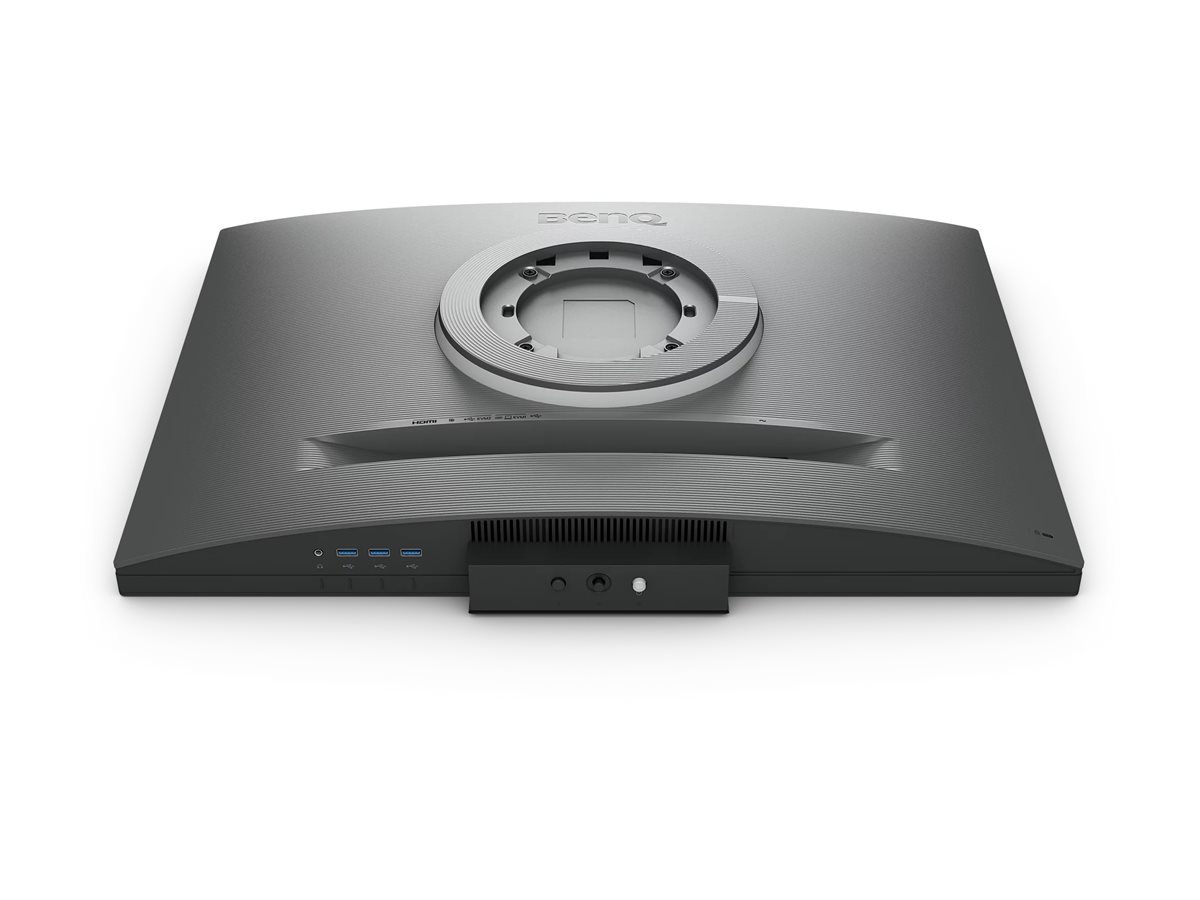
The coding modes tune contrast so syntax colours stay readable in dark or light IDE themes, while MoonHalo lights the wall behind the screen to reduce eye strain at night. A KVM switch lets a work laptop and a personal PC share one keyboard and mouse, and USB-C daisy chaining (MST) runs a second monitor from the same cable. The RD320U adds Auto Pivot, DualView Plus and PiP/PbP.
Before you order: Daisy chaining over USB-C needs a computer with DisplayPort MST support — Apple Macs do not support MST, so a second chained screen will mirror rather than extend.
What's in the Box
- BenQ RD320U monitor with stand
- HDMI cable
- USB 3.2 cable
- USB-C cable
- Quick start guide, warranty card and safety instructions
What It Means in Practice
- 31.5" 4K (about 140 ppi) gives a large, sharp canvas: two editor panes plus a terminal at 125–150% scaling.
- Coding Dark/Light modes improve readability of syntax highlighting without manual tuning.
- USB-C 90W powers most laptops, including many 16" models, while carrying picture and USB.
- The KVM lets two computers share the keyboard and mouse plugged into the monitor.
What Will Not Work
- 60 Hz only — not for fast gaming.
- No RJ45 network port.
- No DisplayPort cable in the box (HDMI, USB-C and USB cables are included).
- HDR10/DisplayHDR 400 support is entry-level, not for HDR grading.
Key Features
Built for code
Coding Dark & Light modes, Nano Matte anti-glare panel.
MoonHalo
Rear ambient light that reduces contrast strain in dark rooms.
USB-C 90W + KVM
One-cable laptop docking, KVM and MST daisy chain.
Large 4K canvas
31.5" 3840 x 2160 with Auto Pivot and DualView Plus.
Technical Specifications
Frequently Asked Questions
Singular Expert Insight · Buyer's Guide
The RD320U is one of the few monitors designed specifically around coding: readable themes, anti-glare, MoonHalo and one-cable USB-C 90W. Pick the RD320U for a big 4K canvas. See our monitor accessories for arms and cables.
✓ Buy it if you write code for long hours and want a sharp, comfortable USB-C monitor.
✕ Skip it if you game or need wide colour for photo/video work.
→ Also consider BenQ RD280U (28.2" 3:2), or Lenovo ThinkVision T32UD-40 (32" 4K with RJ45).
Using a Mac or a specific laptop? Send us the model and we will confirm USB-C and daisy chain support.
Colour
grey
Technical specifications
Resolution
3840 x XXXX
Resolution Group
4K UHD
Χαρακτηριστικά
Product Code
CL83447
EAN Code
4718755094392
Manufacturer
Benq