
Cisco Room Bar Pro Video Conferencing Bar with Room Navigator Table, Dual 48MP Cameras, 16-Mic Array, 3 Screens, Carbon Black
Brand:
Cisco

Cisco Room Bar Pro Video Conferencing Bar with Room Navigator Table, Dual 48MP Cameras, 16-Mic Array, 3 Screens, Carbon Black
€11314.22 inc. VAT


CS-BARPRO-C-K9
Delivery
Order Today...
Ships...
Delivery...
ℹ️ Large or fragile items (e.g. monitors) may require extra handling time. We'll keep you informed.
Payment options
Trusted Tech Choice
Buying Benefits
Verified
Competitive EU pricing
Delivered to Cyprus from EU stock
Local warranty support
Please sign in so that we can notify you about a reply
Cisco Room Bar Pro — dual-camera video bar for medium meeting rooms, with Room Navigator touch controller (Carbon Black)
Webex & Teams RoomsDual 48 MP cameras16-mic arrayUp to 3 screens
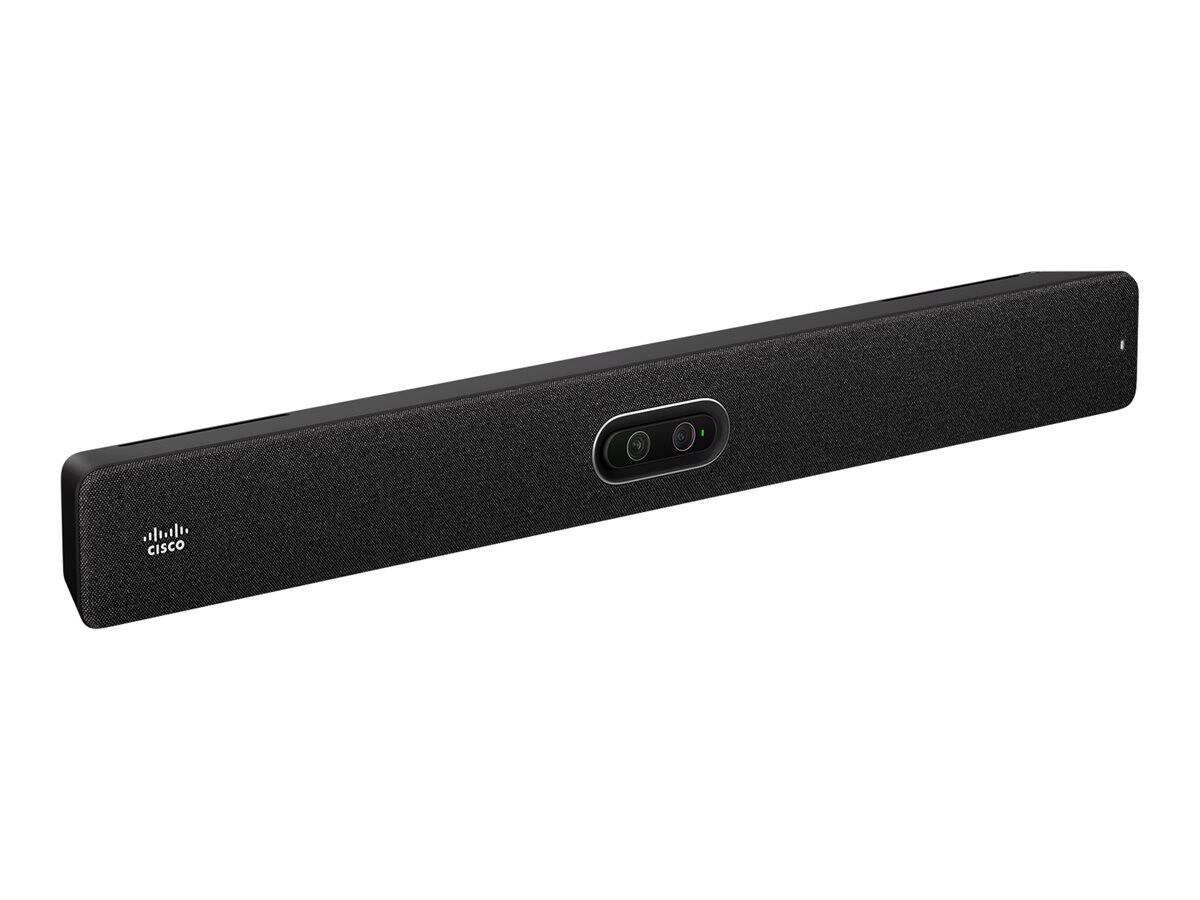
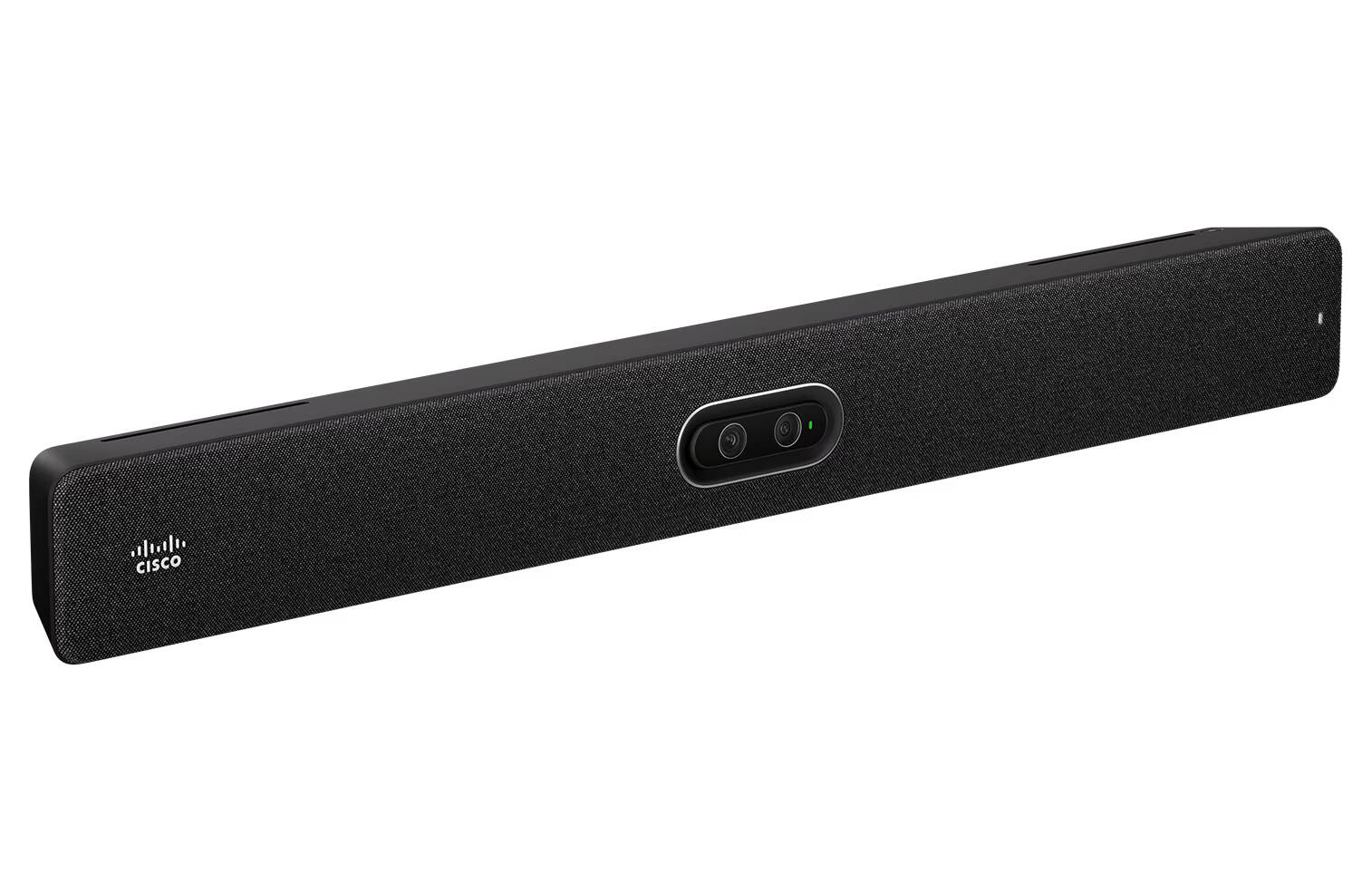
The Cisco Room Bar Pro (CS-BARPRO-C-K9) is an all-in-one video conferencing bar in Carbon Black colour with two 48 MP cameras (wide and tele), a 16-element beamforming microphone array and a 3-channel speaker system, supplied with a table-stand Cisco Room Navigator — built for small to medium meeting rooms that want sharp framing of people seated further from the screen.
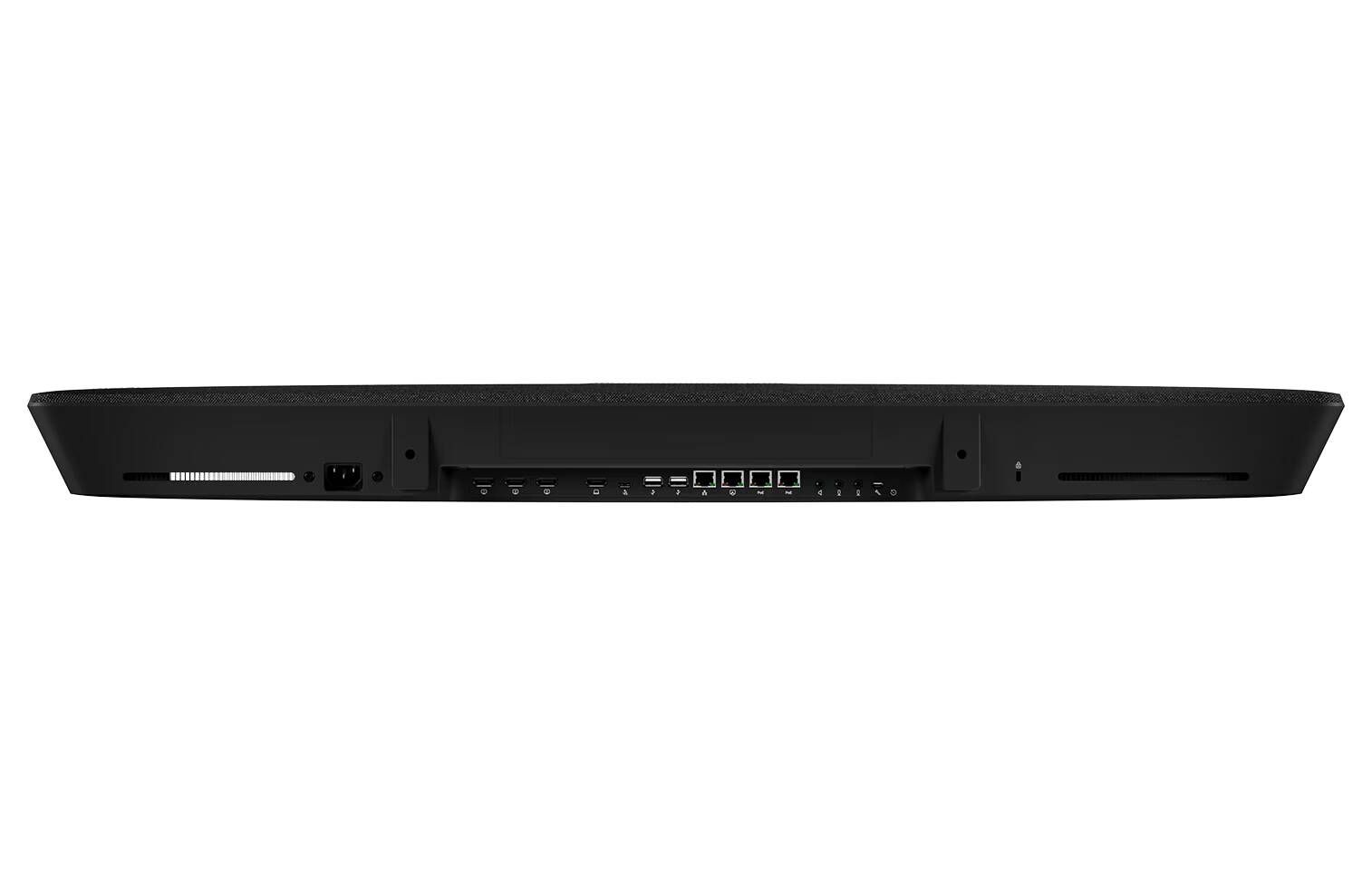
The wide lens covers the whole table while the autofocus tele lens picks out the person speaking at the far end, so speaker tracking still looks close-up in a longer room. It runs Cisco RoomOS with native Webex or Microsoft Teams Rooms on Android, drives up to three screens and has three PoE ports for the Navigator and AV-over-IP accessories. The power supply is built in.
Before you order: This is a room system, not a USB webcam. It needs one to three displays, a wired network connection and either a Cisco device registration (Webex Control Hub or on-premises CUCM/Expressway) or a Microsoft Teams Rooms licence. Licences and displays are not included.
What's in the Box
- Cisco Room Bar Pro video bar (Carbon Black), internal power supply
- Cisco Room Navigator touch controller with table stand
- Country power cord
- 5 m Ethernet network cable
- 8 m Ethernet cable for the Room Navigator
- 1.5 m HDMI cable
- Mounting kit for wall and screen mounting
What It Means in Practice
- Seats up to about 4 m from the bar are picked up by the built-in microphones; the tele camera keeps one-person frames sharp up to 4 m and two-person frames up to 7 m.
- Three HDMI outputs let you put people, content and a third view on separate screens in RoomOS (Teams Rooms mode supports fewer screens).
- The Room Navigator and two AV-over-IP peripherals take power from the bar's own PoE ports — no extra switch ports or injectors.
- A laptop on USB-C uses the bar's cameras, microphones and speakers for any Zoom, Teams or Meet call (BYOD), and Miracast, AirPlay and the Webex app share content wirelessly.
What Will Not Work
- It will not work as a desk webcam — it is a room device that needs its own registration or the USB-C BYOD mode.
- Native Zoom Rooms and Windows-based Teams Rooms are not supported; Zoom is joined through SIP or WebRTC.
- Three-screen layouts are a RoomOS feature and are not available in Teams Rooms mode.
- Seats further than about 4 m from the bar need external Cisco IP or AES67 microphones (AES67 requires the AV Integrator licence).
Key Features
Wide + tele camera pair
Two 48 MP Quad Bayer sensors: wide 112° fixed focus and tele 70° autofocus, 5x digital zoom, motorised tilt.
16-mic beamforming
AI noise removal, echo cancellation and de-reverberation with a 3-channel speaker system down to 70 Hz.
Three screens
3× HDMI out up to 4K60, HDMI and USB-C inputs, H.265 and AV1 support.
PoE for the room
One PoE port for the Room Navigator and two for AV-over-IP accessories, 15.4 W each.
Technical Specifications
Frequently Asked Questions
Singular Expert Insight · Buyer's Guide
The Room Bar Pro is the bar to choose when the room is long enough that a single wide camera makes far-end participants look small: the tele lens fixes that, and the 16-mic array reaches the back of the table. Plan one to three commercial displays and a wired network point; everything else, including the touch controller, comes in the box.
✓ Buy it if you equip a medium Webex or Teams Rooms meeting room and want close-up framing of people at the far end of the table.
✕ Skip it if the room is a small huddle space — the Cisco Room Bar costs less and does the job — or you need native Zoom Rooms.
→ Also consider Cisco Room Bar for huddle rooms; Cisco Room Kit EQ for large rooms with separate cameras.
Not sure which bar fits your room? Send us the room size, the number of seats and the platform you use (Webex, Teams, Zoom) and we will check it before you order.
Features - Cisco - CS-BARPRO-C-K9
Colour
black
More Details
Product Code
CI15213
EAN Code
0889728537858
Manufacturer
Cisco