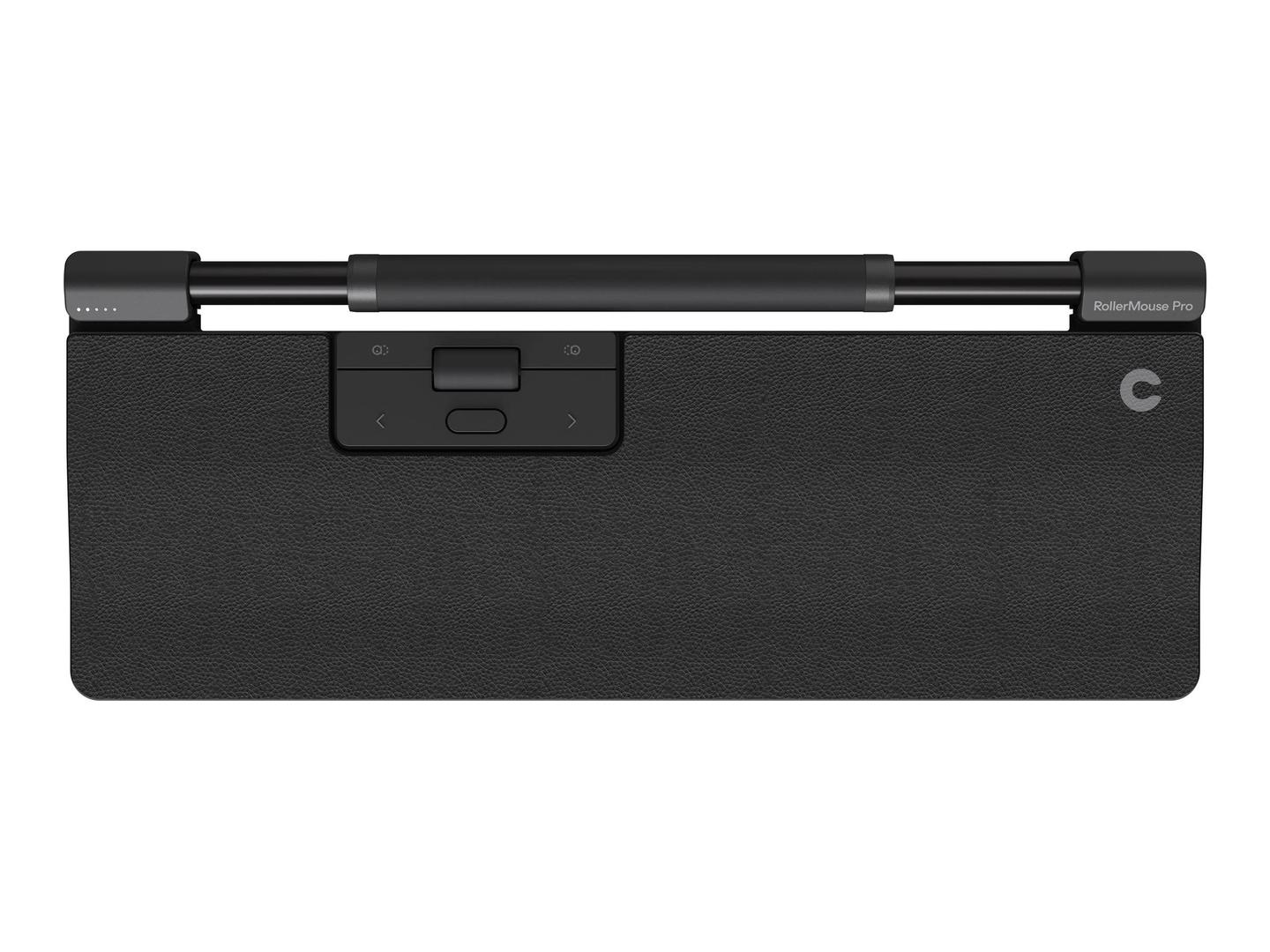
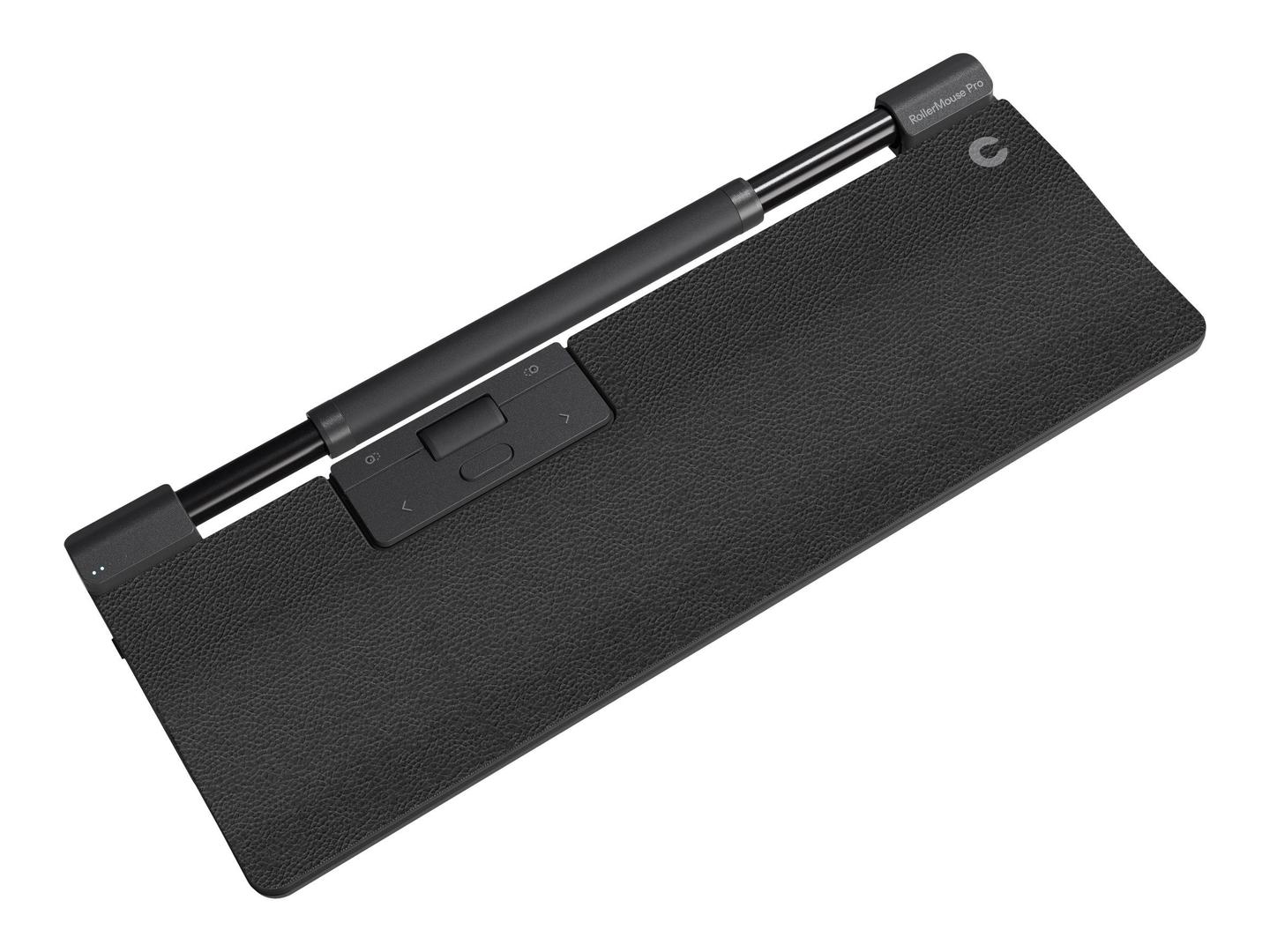
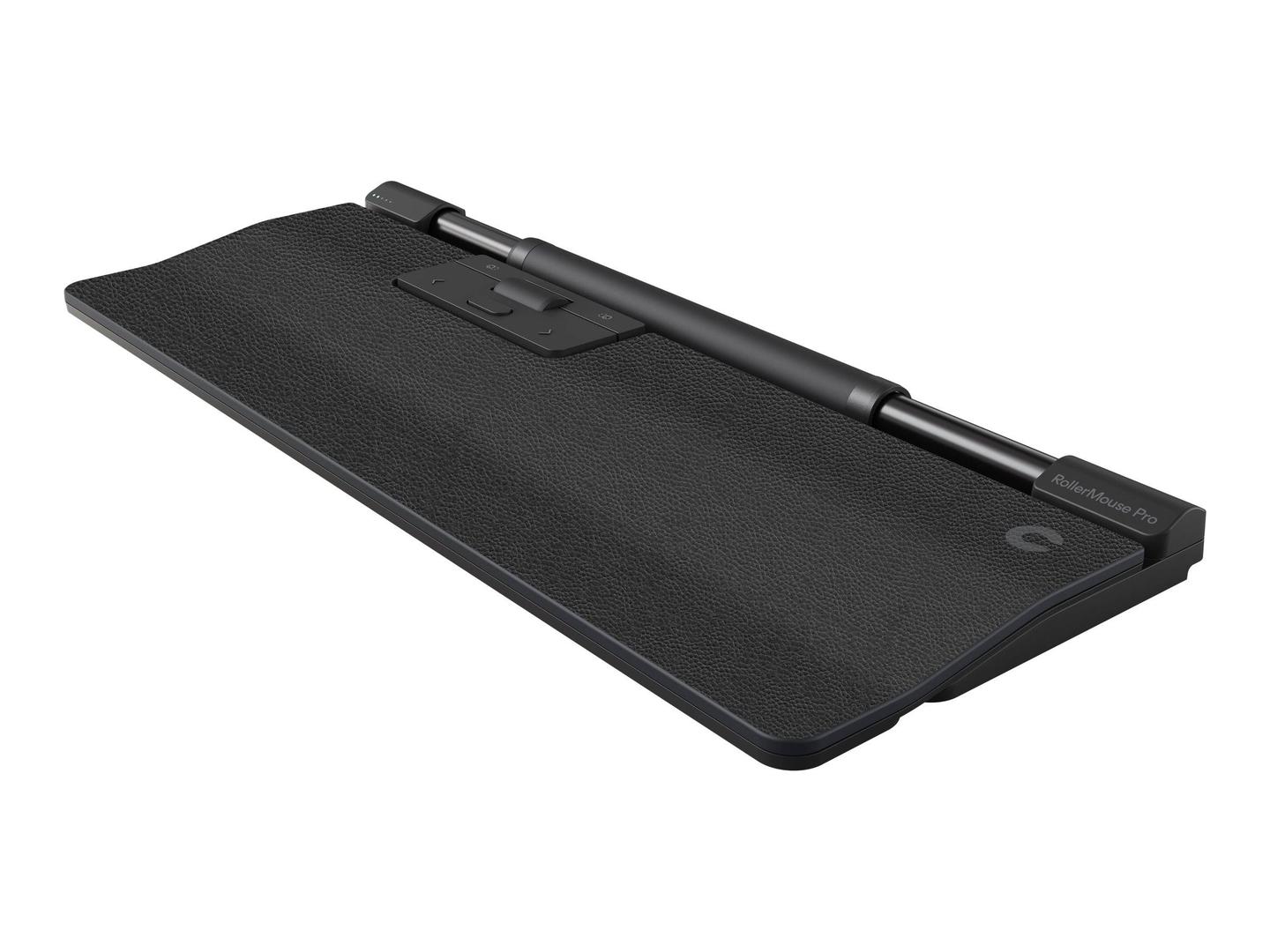
Contour RollerMouse Pro — Regular Wrist Rest, Wireless
Regular rest2800 DPI6 buttonsBluetooth 5.1
A normal mouse sits to one side, and your shoulder pays for it — every reach out and back, hundreds of times a day, for years. A centred pointing device removes the reach entirely: the rollerbar sits directly in front of the keyboard, within the width of your own shoulders, and either hand drives it, so the load is shared instead of landing on one arm. Contour has built this category for three decades and the RollerMouse Pro is the current generation. It runs an optical sensor at up to 2800 DPI in 10 steps from 600, carries 6 buttons with 7 programmable shortcuts assigned in the Contour Personalization App, and connects by Bluetooth 5.1 or a 2.4 GHz USB-A receiver. This part number is the Regular version, with a vegan leather wrist rest: 382 x 151 x 23 mm (15.04 x 5.96 x 0.91 in), 585 g (1.29 lb). Windows and macOS, 2-year warranty.
Compatibility — check before buying:
Two decisions, and the part number encodes both. First the wrist rest size: Contour builds this in Slim, Regular and Extended, and they change the depth of the unit, not the rollerbar — Slim keeps the footprint tight on a shallow desk, Regular is the default, Extended gives the most forearm support and adds length as well as depth. This one is Regular, and the rests are swappable across vegan leather, fabric and minimalist versions if you change your mind later. Second the connection: this is the wireless version, on Bluetooth 5.1 or the supplied 2.4 GHz USB-A receiver, so it needs charging and a free port only if you use the receiver. Two practical warnings. The device is 382 x 151 x 23 mm (15.04 x 5.96 x 0.91 in) wide across the desk, so it wants the space a full-size keyboard occupies plus the rest; measure before ordering, and expect to move your keyboard back. And the programmable shortcuts need the Contour Personalization App — without it you get a working mouse with default buttons, which is fine, but the 7 shortcuts are half the reason to buy one. Contour publishes no battery-life figure for this model, so we quote none.
Best For
✓ Shoulder, neck and forearm pain from mouse use
✓ Anyone advised to stop reaching sideways for a mouse
✓ Left-handed users, and anyone who alternates hands
✓ All-day desk work with heavy pointer use
✓ Occupational-health and ergonomics-led procurement
✓ Desks with room for a full-width centred device
Key Features
The reach disappears
The rollerbar sits in front of the keyboard rather than beside it, so the arm never leaves the body line. That single change is what takes the load off the shoulder.
Both hands, equally
Ambidextrous by design — either hand drives it, and most people end up alternating without thinking about it, which halves the repetition on each side.
Seven shortcuts on the bar
Six buttons carrying seven programmable shortcuts, assigned per application in the Contour Personalization App, so copy, paste and your own commands never leave the centre line.
A rest you can change
Slim, Regular and Extended rests in vegan leather, fabric or minimalist, swappable on the same device — the fit is adjustable after you buy.
Technical Specifications
| Identification |
| Brand |
Contour Design |
| Series |
RollerMouse Pro |
| Wrist rest |
Regular, vegan leather |
| Part Number |
CDRMPRO10210 |
| EAN / GTIN |
0743870052037 |
| Pointing |
| Type |
Centred rollerbar, ambidextrous |
| Sensor |
Optical sensor |
| Resolution |
2800 DPI, 10 levels from 600 to 2800 DPI |
| Buttons |
6 |
| Programmable shortcuts |
7 |
| Software |
Contour Personalization App |
| Connection and system |
| Connection type |
Wireless |
| Connectivity |
Bluetooth 5.1 or 2.4 GHz USB-A receiver |
| Operating systems |
Windows and macOS |
| Battery life |
Not published by Contour Design for this model |
| Physical |
| Dimensions |
382 x 151 x 23 mm (15.04 x 5.96 x 0.91 in) |
| Weight |
585 g (1.29 lb) |
| Rest options |
Slim, Regular, Extended; vegan leather, fabric or minimalist |
| Materials |
Contour states 100% of the materials used are post-consumer and eco-friendly |
| Warranty |
| Warranty |
1-Year Warranty (Singular) |
| Manufacturer Term |
Contour Design publishes a 2-year warranty for this model on its product specification table. Singular’s direct warranty is 1 year; beyond that we assist you with the manufacturer’s warranty process for its full duration. |
Frequently Asked Questions
Slim, Regular or Extended?
They change how deep the unit is, not how it works. Slim suits a shallow desk, Regular is the default, Extended gives the most forearm support and is longer as well as deeper. This one is Regular, and the rests are swappable later.
Do I have to give up my mouse?
Most people keep one for a week or two while the habit changes. The device is ambidextrous, so you can also keep a normal mouse on one side and use this for everything else — that is a common way to start.
Do I need the software?
Not to use it. The Contour Personalization App is what assigns the 7 programmable shortcuts per application; without it you get the default button behaviour, which works out of the box on Windows and macOS.
Singular Expert Insight
This is the product ergonomists reach for when a vertical mouse has not been enough: it does not improve the reach, it deletes it. Budget a fortnight for the habit to change, and put the keyboard further back than feels right on day one. See our
keyboard accessories and our
wireless mice.
Buyer’s Guide
Buy it if
Mouse use is costing you shoulder or forearm pain and you want the pointer in front of the keyboard, with a regular rest and a wireless connection.
Skip it if
Your desk cannot take a full-width centred device, or you need a published battery figure before ordering.
Also consider
The other rest sizes and the wired version, or the Contour Balance keyboard designed to sit with it.