
Contour Touch CDTP20500 Full Size Centred Ergonomic Trackpad Glass Surface 4 Buttons Multi Finger Gestures Wired USB-C Windows
Μάρκα:
Contour INC.

Contour Touch CDTP20500 Full Size Centred Ergonomic Trackpad Glass Surface 4 Buttons Multi Finger Gestures Wired USB-C Windows
€168.3 inc. VAT


CDTP20500
Delivery
Order Today...
Ships...
Delivery...
ℹ️ Large or fragile items (e.g. monitors) may require extra handling time. We'll keep you informed.
Payment options
Trusted Tech Choice
Buying Benefits
Verified
Competitive EU pricing
Delivered to Cyprus from EU stock
Local warranty support
Συνδεθείτε για να μπορέσουμε να σας ειδοποιήσουμε σχετικά με μια απάντηση
Contour Touch — Full-Size Centred Trackpad, Wired
Glass surfaceClick anywhereFull wrist restWindows only
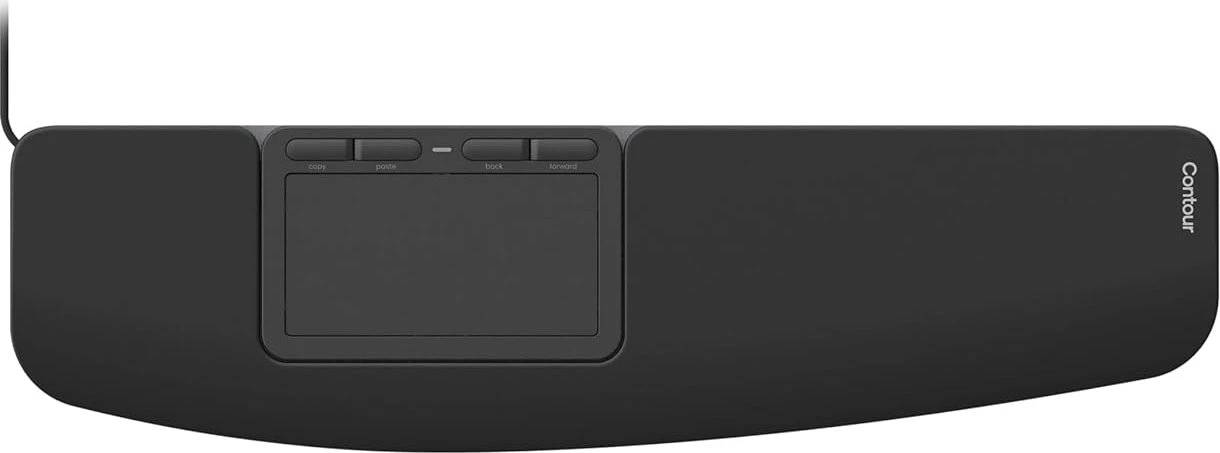
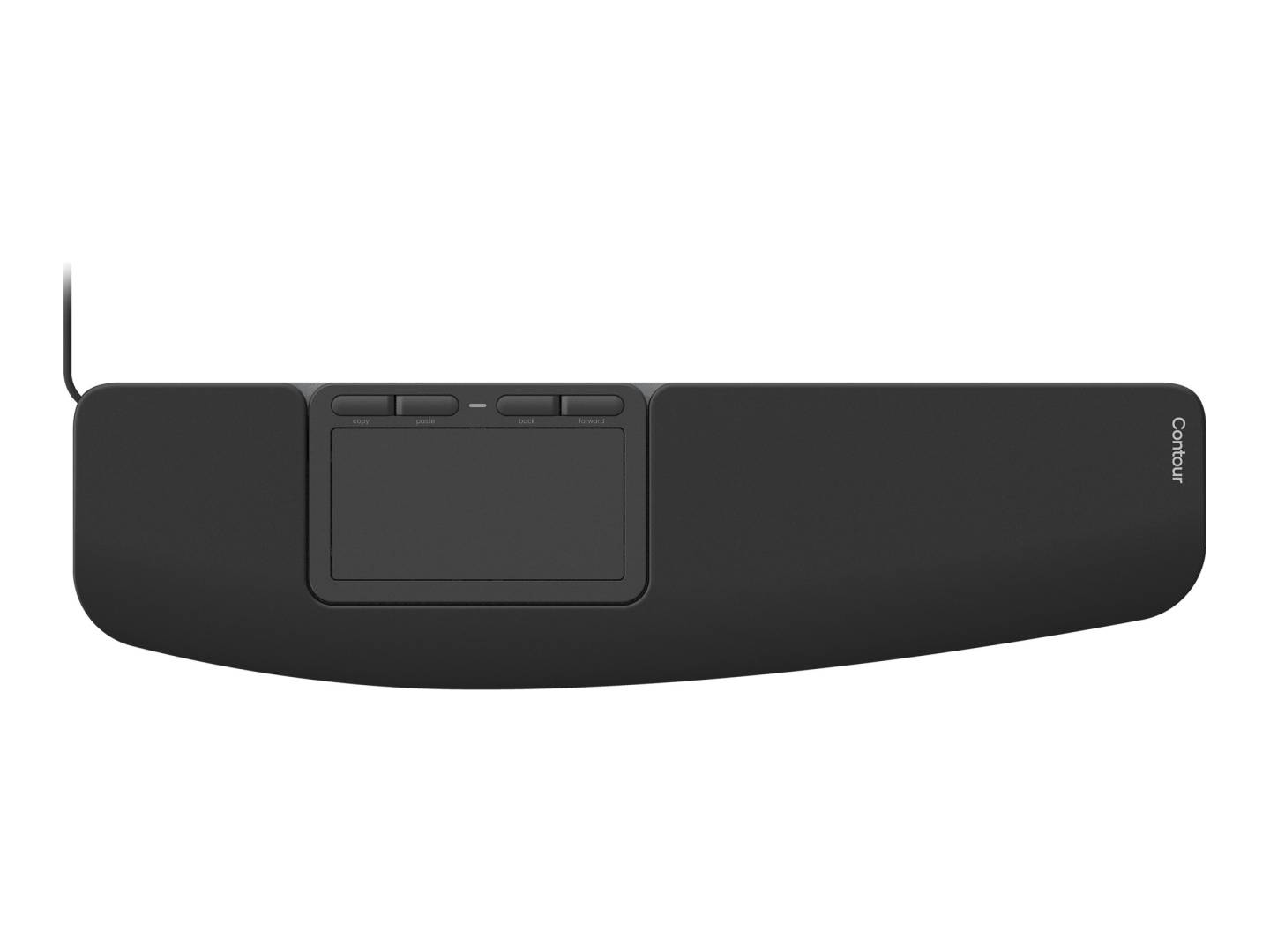
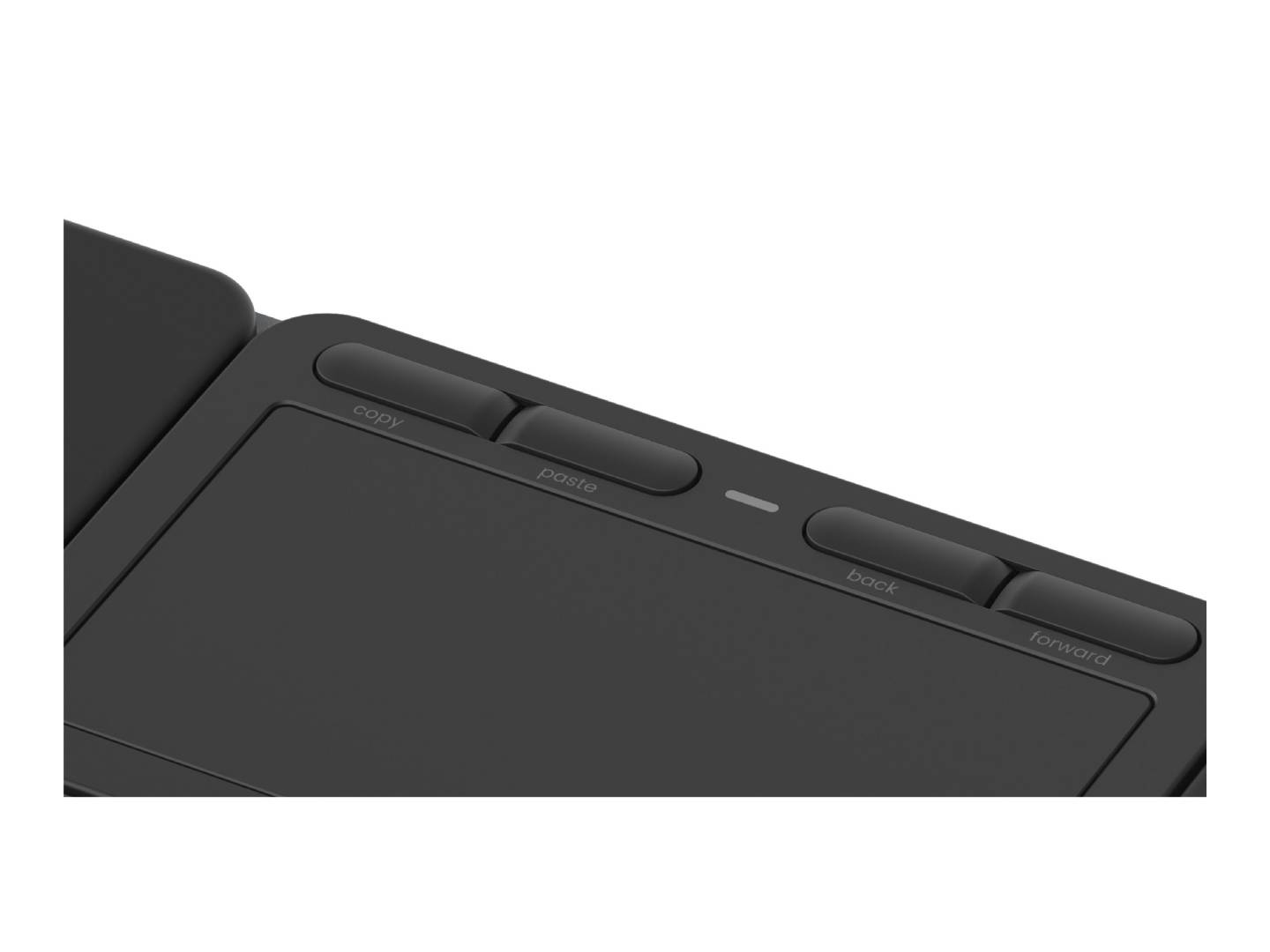
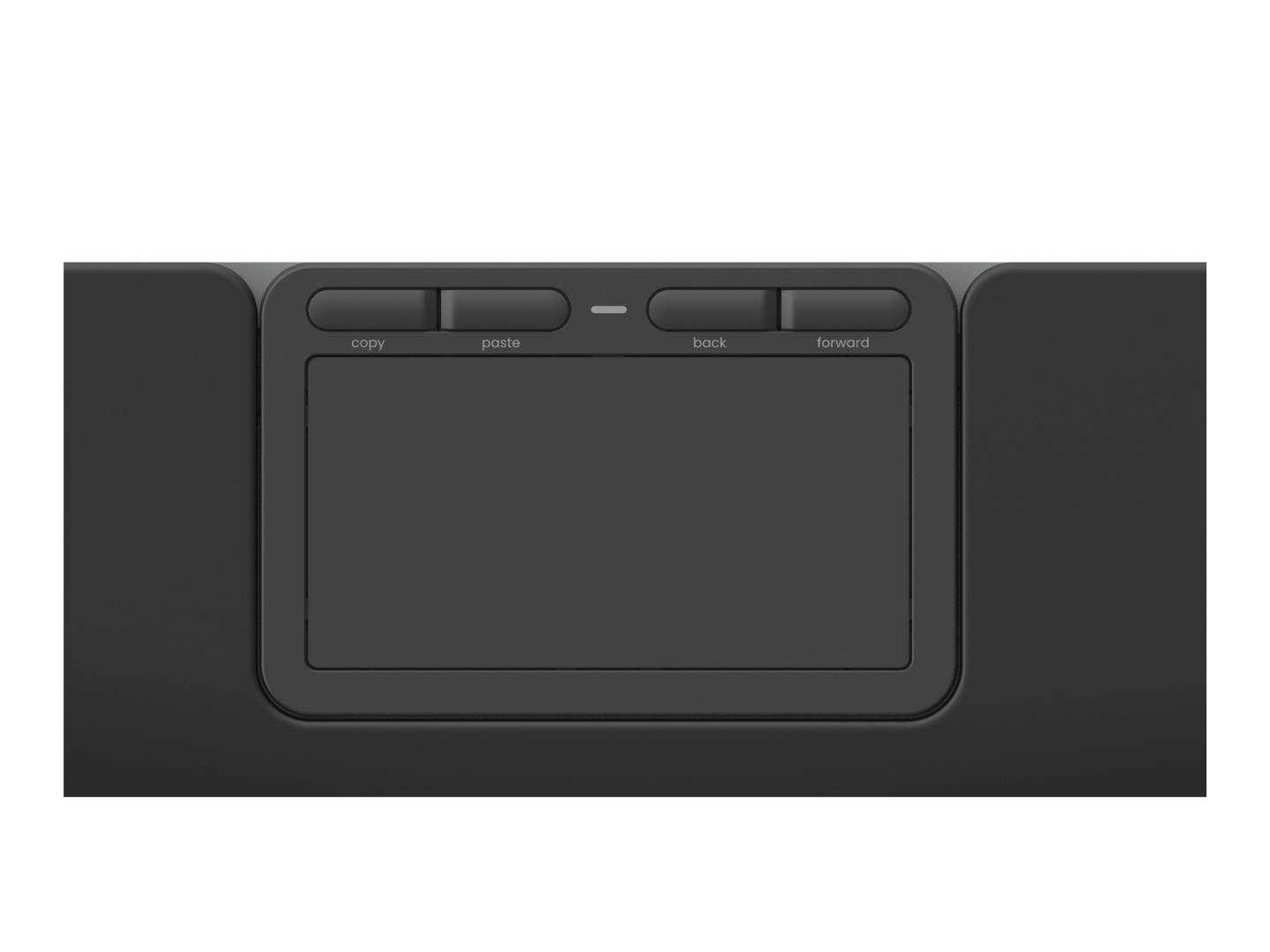
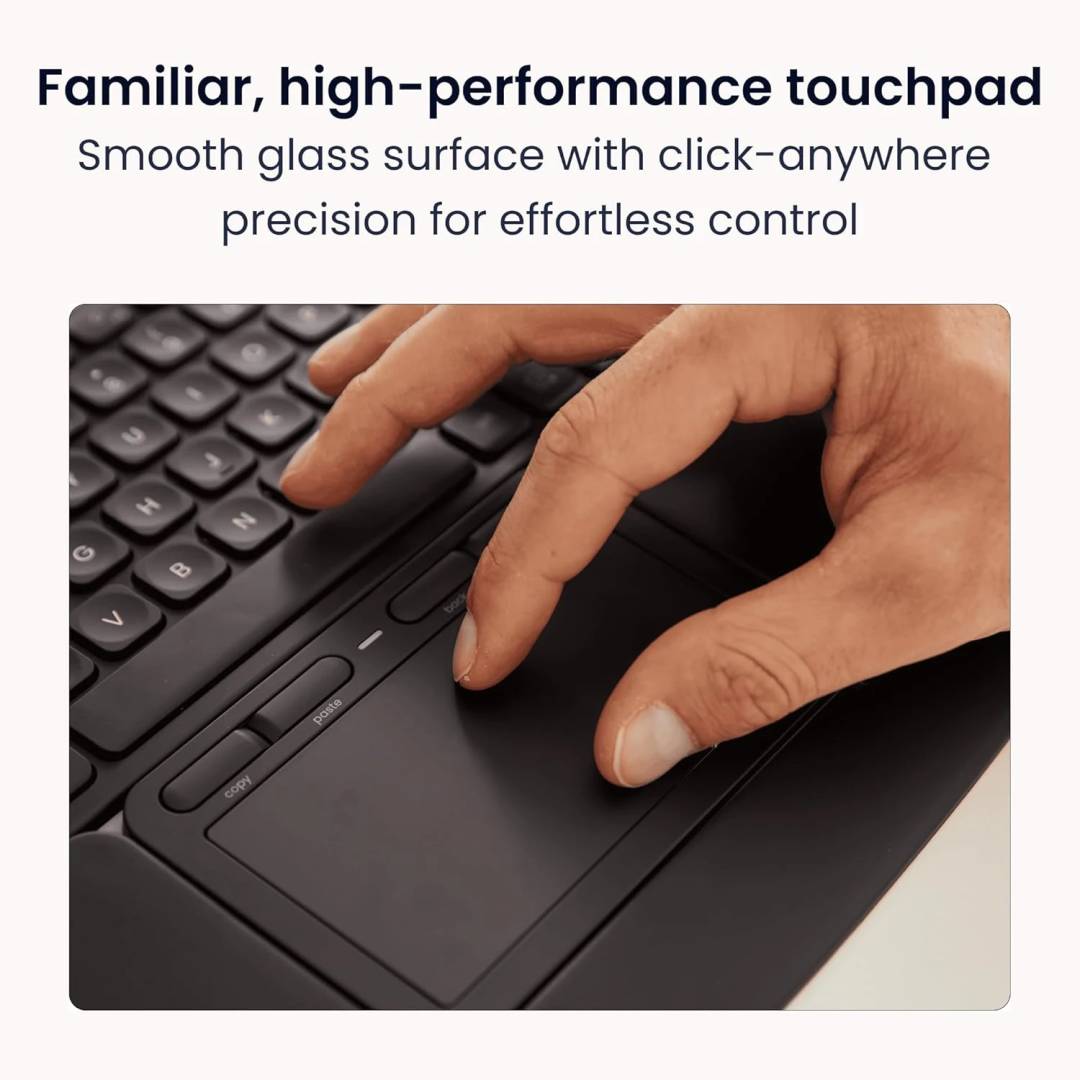
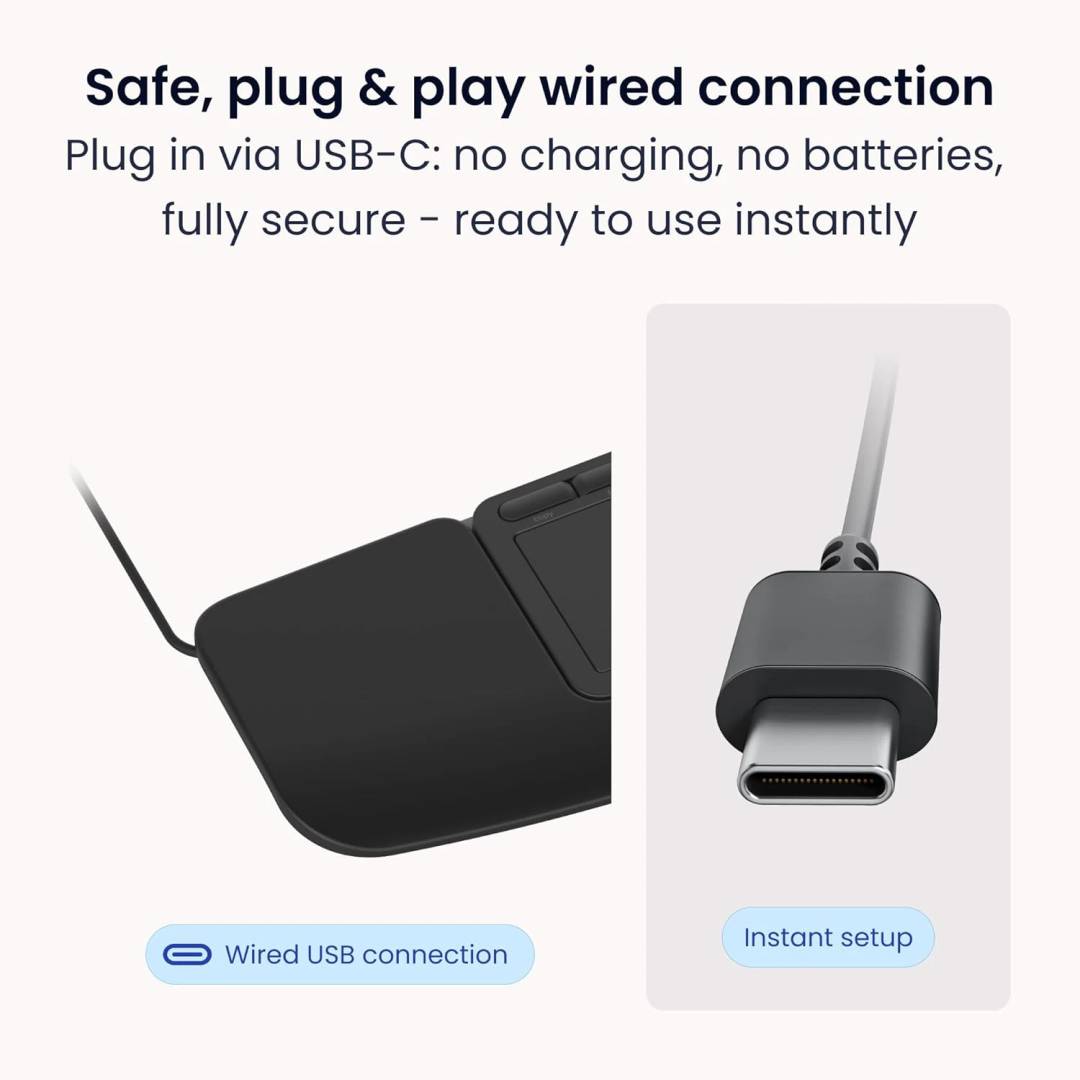
A laptop trackpad is a good idea trapped in a bad position — too small, and set at the wrong distance from the keys. Contour Touch takes the same input and makes it a proper desk device: a full-size glass trackpad centred in front of the keyboard, with a full-length wrist rest along its front edge, so your hands stay in the centre line and your wrists stay supported. The surface is capacitive with multi-finger gestures and you can click anywhere on it rather than hunting for a button zone. There are 4 buttons and 4 programmable shortcuts, set in the Contour Personalization App. It measures 434 x 118 x 13 mm and weighs 431 g (0.95 lb), and connects by USB-C, with a USB-A adapter included. 2-year warranty.
Compatibility — check before buying:
One thing decides this purchase, so we will put it first: Contour publishes Windows as the operating system for the Touch, and lists no macOS support. On a Mac, buy Apple’s own trackpad instead — we stock it and will point you there rather than sell you this. On Windows it does what a laptop trackpad does, at desk scale and in the right place. Second, the shape: at 434 mm wide this is a full keyboard’s width of device sitting in front of your keyboard, so you will be moving the keyboard back and you need the desk depth for both. It is only 13 mm tall, which is what makes that workable. Third, this part number is the wired one — a USB-C cable with a USB-A adapter supplied, so nothing charges and nothing pairs. The two versions look identical; check the code. The 4 programmable shortcuts need the Contour Personalization App. Contour publishes no battery figure and no cable length, so we quote neither.
Best For
✓ Windows desks that want trackpad input at full size
✓ Anyone who prefers gestures to a mouse
✓ Shoulder pain from reaching sideways for a mouse
✓ Left-handed users and anyone who alternates hands
✓ Shared desks that want a flat, wipeable surface
✓ Setups with desk depth for a full-width device
Key Features
Trackpad input, correctly placed
A full-width glass pad centred in front of the keyboard rather than a small one offset to one side — the hands never leave the body line.
Click anywhere
The whole surface clicks, so there is no button zone to find and no dead area at the edges of a gesture.
A wrist rest that runs the full width
The rest is part of the device rather than a separate accessory, so the support is always where the pad is.
Multi-finger gestures on glass
A capacitive sensor under a glass surface with multi-finger gesture support, plus 4 programmable shortcuts in the Contour Personalization App.
Technical Specifications
Frequently Asked Questions
Singular Expert Insight
If you already prefer your laptop trackpad to a mouse, this is that input at the size and position it should always have had. The one hard limit is Windows — Contour publishes no macOS support, and we will not pretend otherwise. See our keyboard accessories and our wireless mice.
Buyer’s Guide
Buy it if
You work on Windows, you like gestures, and you want trackpad input centred in front of the keyboard with a full wrist rest.
Skip it if
You are on macOS, your desk cannot take a 434 mm device, or you want the other connection type.
Also consider
The Apple Magic Trackpad if you are on a Mac, or a Contour RollerMouse if you would rather push a bar than swipe.
Χαρακτηριστικά
Product Code
04:568129
EAN Code
0743870052761
Manufacturer
Contour INC.