
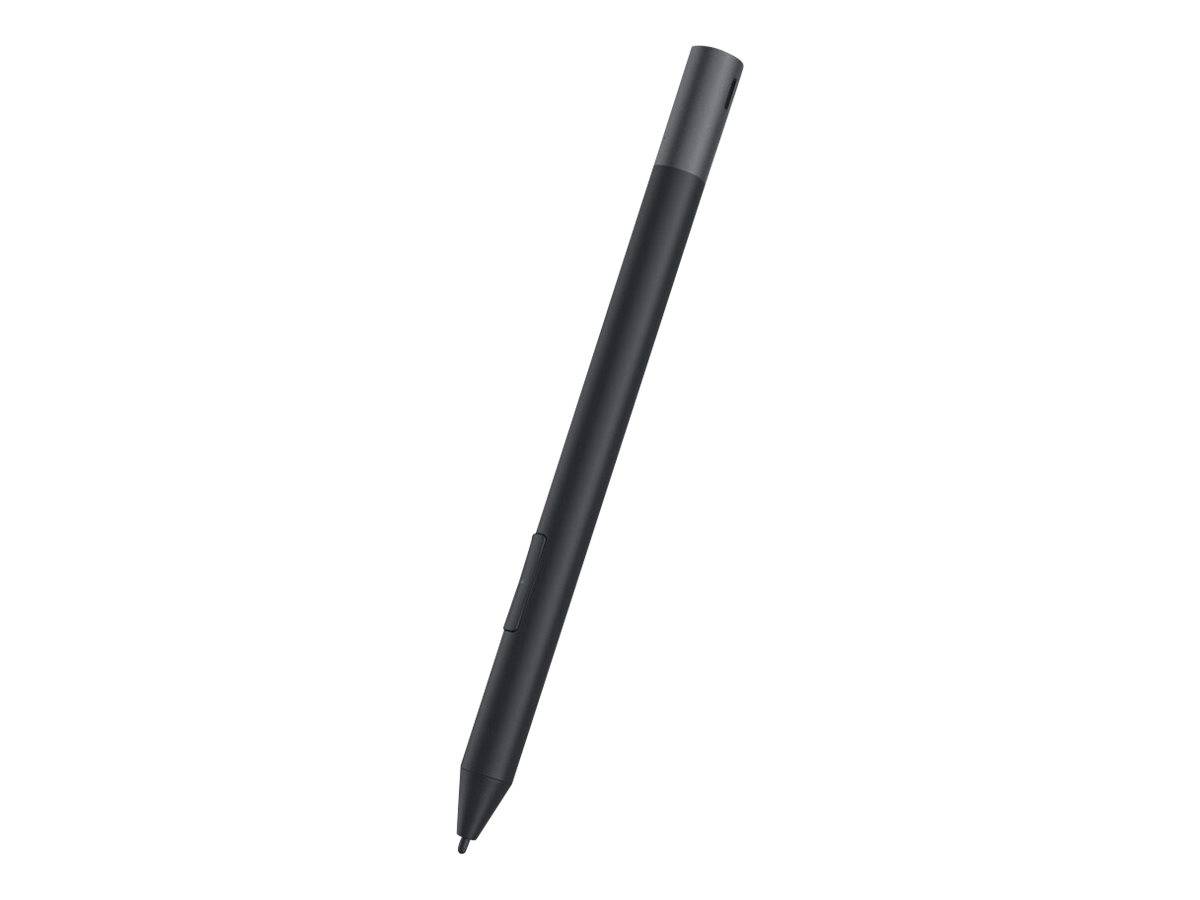
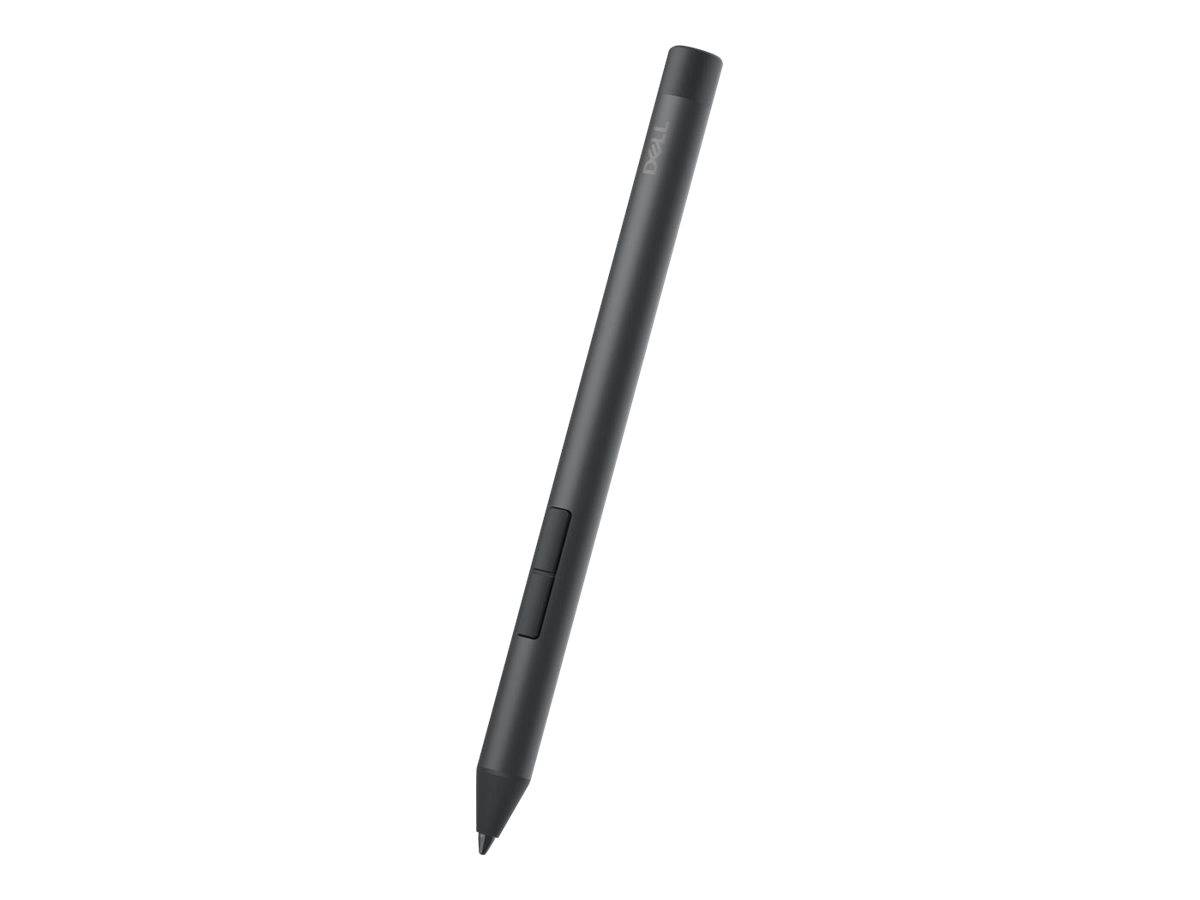
Dell Active Pen PN5122W, AES 2.0 Stylus, 4096 Pressure Levels, Tilt, 2 Programmable Buttons, for Dell 2-in-1 Laptops, Black
Μάρκα:
Dell

Dell Active Pen PN5122W, AES 2.0 Stylus, 4096 Pressure Levels, Tilt, 2 Programmable Buttons, for Dell 2-in-1 Laptops, Black
€67.06 inc. VAT


DELL-PN5122W
Delivery
Order Today...
Ships...
Delivery...
ℹ️ Large or fragile items (e.g. monitors) may require extra handling time. We'll keep you informed.
Payment options
Trusted Tech Choice
Buying Benefits
Verified
Competitive EU pricing
Delivered to Cyprus from EU stock
Local warranty support
Συνδεθείτε για να μπορέσουμε να σας ειδοποιήσουμε σχετικά με μια απάντηση
Dell Active Pen PN5122W, AES Stylus for Dell 2-in-1s
AES 2.04,096 pressure levels2 buttonsDell 2-in-1s
The Dell Active Pen PN5122W (now sold by Dell as the Dell Pro Plus Active Pen) is an AES 2.0 stylus with 4,096 pressure levels, tilt support and two programmable barrel buttons, for writing, sketching and annotating on compatible Dell 2-in-1 laptops running Windows 10 or 11. It suits Latitude, Inspiron and Dell Pro users who take handwritten notes, sign documents or mark up PDFs.
The pen needs no pairing: it works directly on the touchscreen of a supported device. The top button acts as right-click, the bottom button erases when held, and both can be reassigned in Dell Display and Peripheral Manager. It runs on a single AAAA battery.
Before you order: The pen works only on Dell devices that support AES, and in most cases only on the 2-in-1 versions. Check that your exact model is in the compatibility list below, or send us the model and service tag and we will confirm. This unit is supplied in white-box (non-retail) packaging.
What's in the Box
- 1 x Dell Active Pen PN5122W
- Per Dell retail specification: AAAA battery, nib remover, 2 replacement nibs and documents (white-box contents may differ; ask us before ordering if you need spares)
What It Means in Practice
- Pressure sensitivity and tilt give natural line weight for handwriting, signatures and sketches in pen-enabled Windows apps.
- Two buttons replace mouse clicks: right-click and eraser by default, programmable to other functions.
- Hover is detected 5-10 mm above the screen, so the cursor follows the pen before it touches.
- No Bluetooth pairing is needed for writing.
What Will Not Work
- Dell laptops that are not on the compatibility list, including non-2-in-1 versions of the listed models.
- Devices using Microsoft Pen Protocol (MPP) only, such as Microsoft Surface.
- Apple iPad, Mac and Android tablets.
- Precision 5470/5480/5490 without the QHD+ touch display.
Key Features
AES 2.0 / WGP
Active electrostatic technology supported by Dell AES 2-in-1s.
4,096 pressure levels
With tilt support for natural shading and handwriting.
2 programmable buttons
Right-click and erase by default; reassignable in Dell software.
Replaceable nib
Spare nibs and a nib remover in the Dell retail kit.
Technical Specifications
Frequently Asked Questions
Singular Expert Insight · Buyer's Guide
The most common mistake with pens is a protocol mismatch: this pen is AES, so check the model list before ordering. If the 2-in-1 is also used at a desk with external screens, a docking station completes the setup.
✓ Buy it if your Dell 2-in-1 is on the compatibility list and you want pen input.
✕ Skip it if your device is a Surface, an MPP-only laptop, an iPad or a non-touch Dell.
→ Also consider Ask us for the right pen if your Dell model is not listed.
Send us your Dell model or service tag and we will confirm compatibility before you order.
Colour
black
Χαρακτηριστικά
Product Code
CE04333
EAN Code
5397184635384
Manufacturer
Dell