
Conceptronic DONN34G 10-in-1 USB-C Docking Station MST Dual Display HDMI 4K60 DisplayPort 8K30 GbE 100W PD
Μάρκα:
Conceptronic

Conceptronic DONN34G 10-in-1 USB-C Docking Station MST Dual Display HDMI 4K60 DisplayPort 8K30 GbE 100W PD
€104.14 inc. VAT


DONN34G
Delivery
Order Today...
Ships...
Delivery...
ℹ️ Large or fragile items (e.g. monitors) may require extra handling time. We'll keep you informed.
Payment options
Trusted Tech Choice
Buying Benefits
Verified
Competitive EU pricing
Delivered to Cyprus from EU stock
Local warranty support
Συνδεθείτε για να μπορέσουμε να σας ειδοποιήσουμε σχετικά με μια απάντηση
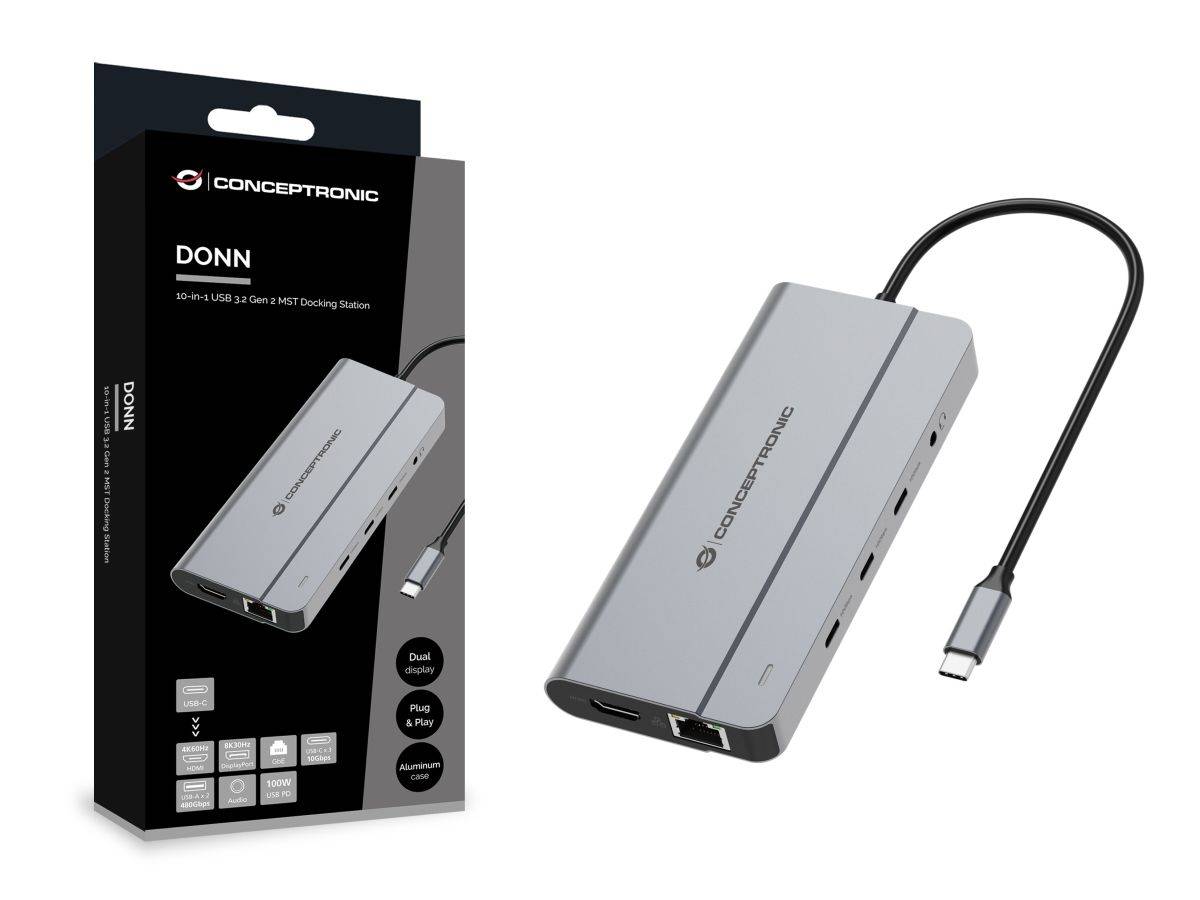
Conceptronic DONN34G — 10-in-1 USB 3.2 Gen 2 MST Docking Station
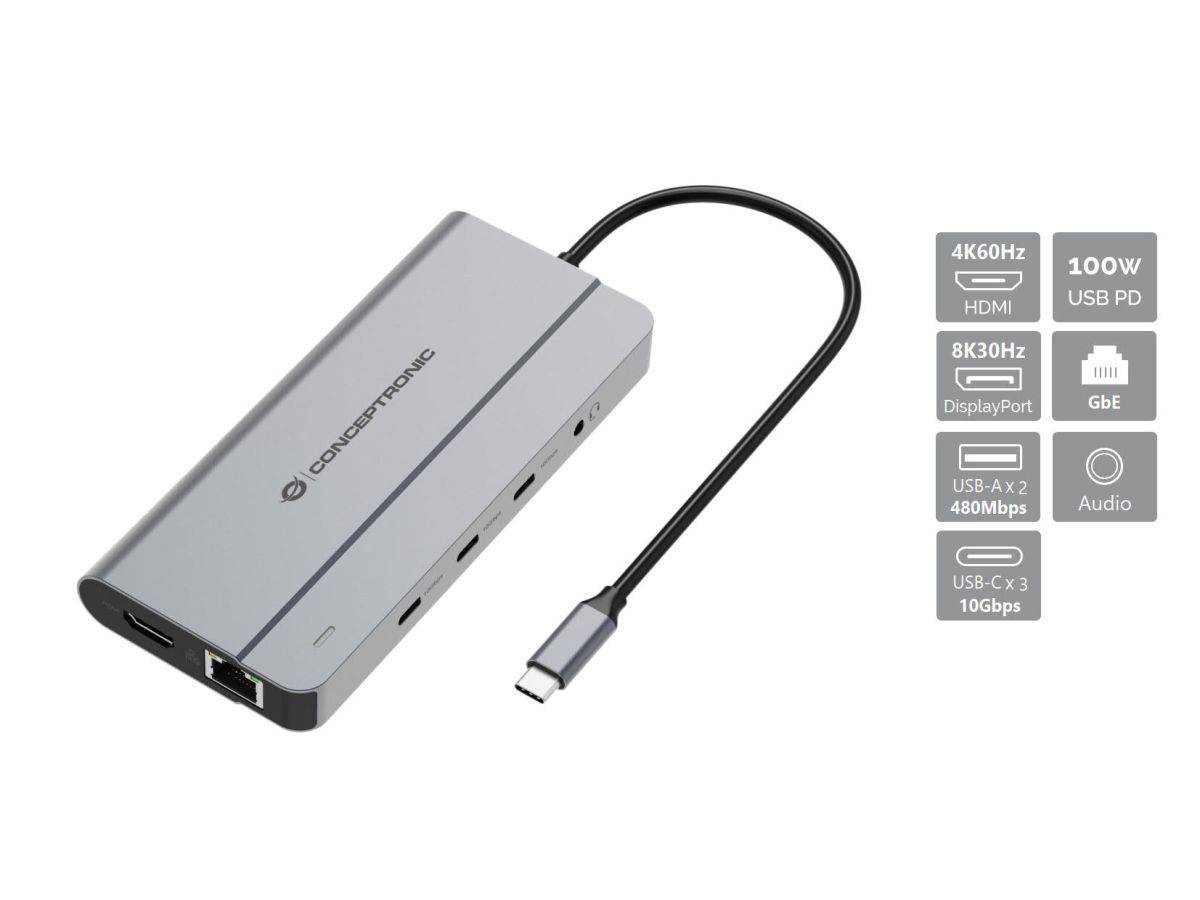
HDMI 4K60 + DisplayPort 8K30MST dual extended (Windows)Gigabit Ethernet with Wake-on-LAN85 W to the laptop · 157 g
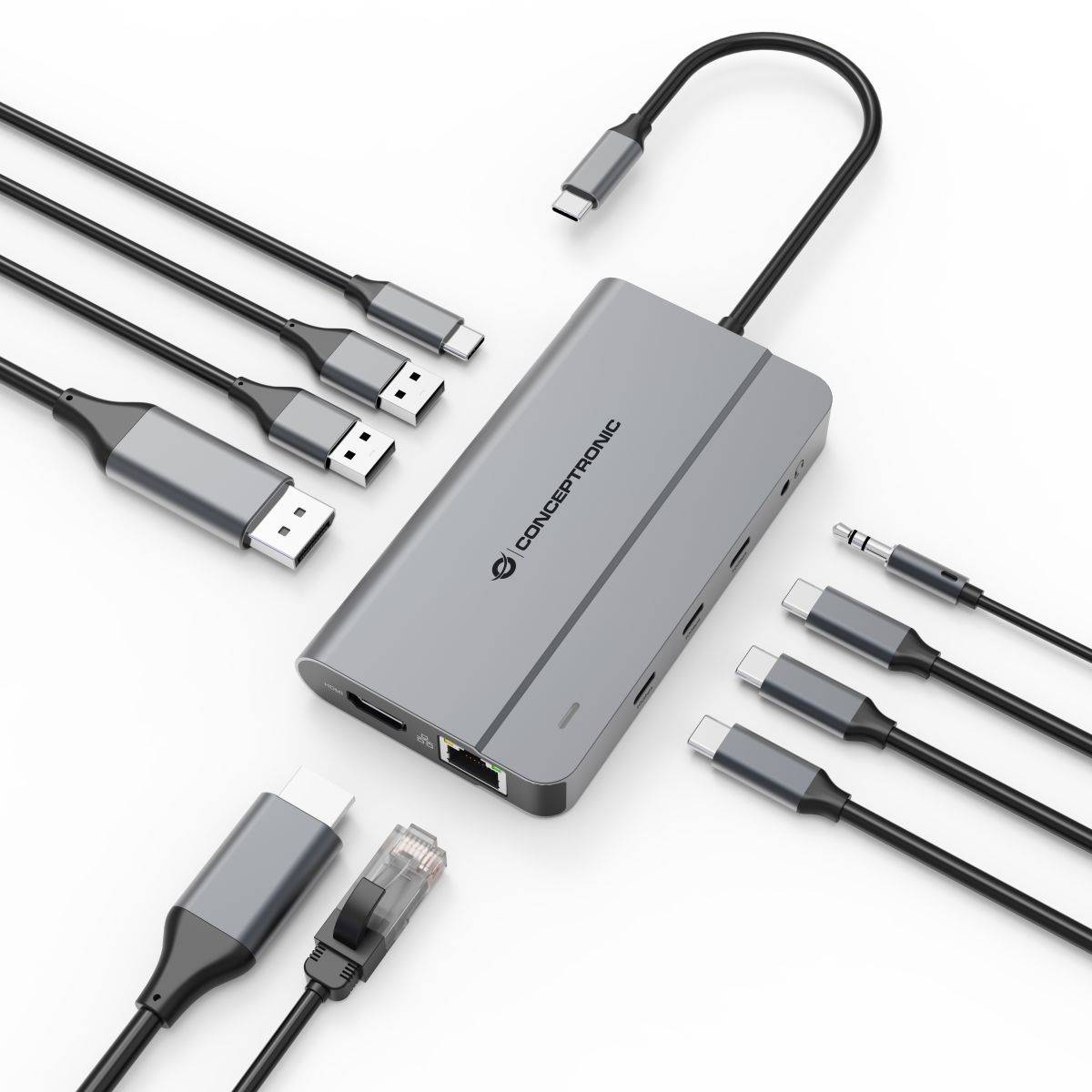
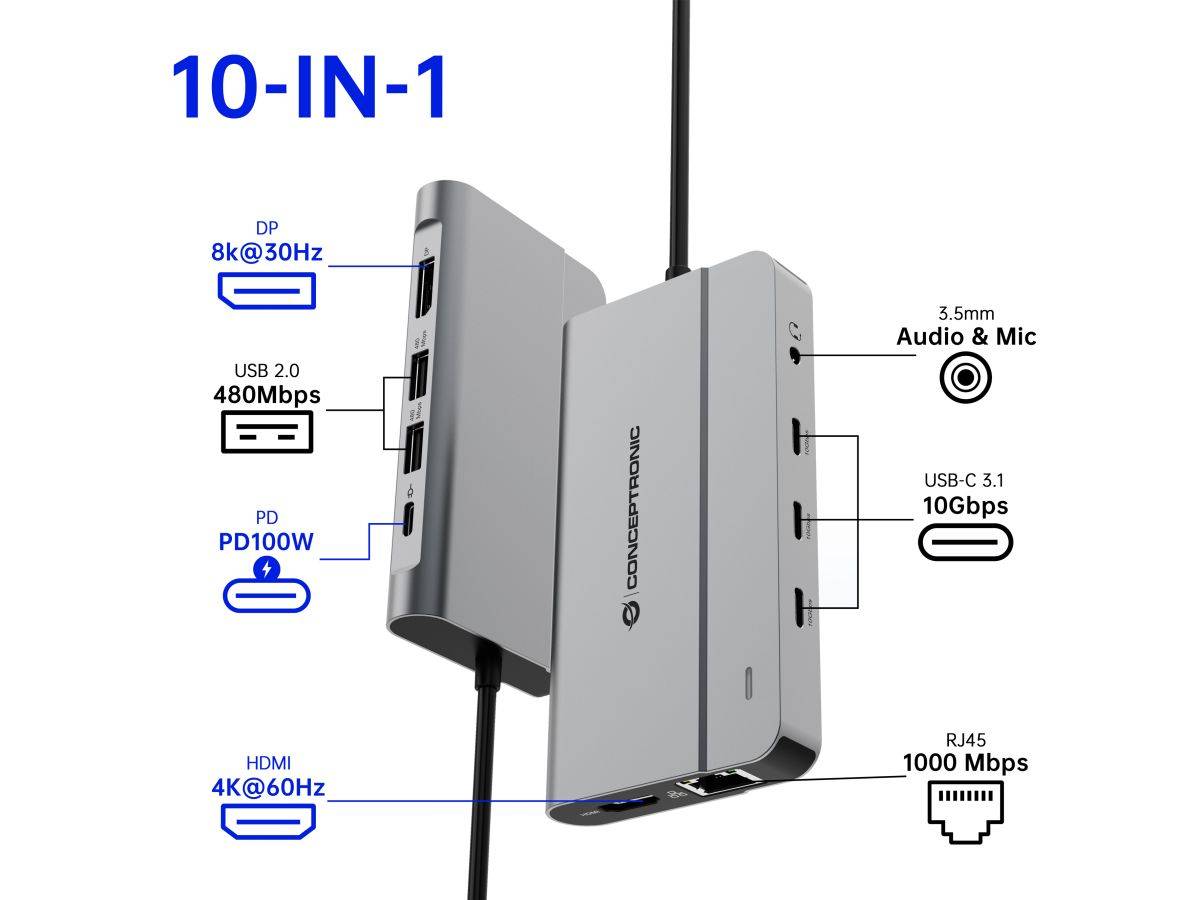
The Conceptronic DONN34G (part number DONN34G) is a 10-in-1 USB-C docking station that turns one port on a laptop into a full desk setup: HDMI at 4K 60 Hz, DisplayPort at up to 8K 30 Hz, Gigabit Ethernet with Wake-on-LAN, three USB-C ports at 10 Gbps, two USB-A ports, a 3.5 mm headset jack and USB-C Power Delivery pass-through. It supports MST, so on Windows the two video outputs can drive two separate extended displays rather than a mirrored pair. The casing is aluminium for heat dissipation, it weighs 157 g with a short 0.2 m captive USB-C lead, and it is plug-and-play with no drivers to install. Typically in stock with fast delivery across Cyprus.
Compatibility — check before buying:
Four things to check before ordering. 1. DisplayPort Alt Mode. The host USB-C port must support it, or no video will appear on either output — a data-only or charge-only USB-C port cannot drive a display. 2. Dual extended displays are Windows-only. Conceptronic states MST dual-extended for Windows specifically. macOS does not implement MST for extended desktops, so on a Mac the two outputs will mirror the same image rather than give you two independent screens. This is a macOS limitation, not a fault of the dock. 3. No power supply is included and the pass-through is 85 W, not 100 W — the dock accepts up to 100 W of USB-C Power Delivery in and passes 85 W to the laptop, the difference running the dock itself. Use a 100 W charger if you want the full 85 W at the laptop. 4. The two USB-A ports run at 480 Mbps (USB 2.0), not 10 Gbps — only the three USB-C ports are 10 Gbps. Keep external drives on the USB-C side. Conceptronic lists Windows, macOS, ChromeOS and Android support, the last depending on the device.
Best For
✓ Windows laptops driving two extended displays from one cable
✓ Single-port ultrabooks that need Ethernet, USB and video
✓ Hot-desking — one cable connects and charges
✓ Home offices with a wired network requirement
✓ Video calls — 3.5 mm headset jack built in
✓ Fast external SSDs on the 10 Gbps USB-C ports
Key Features
HDMI 4K60 and DisplayPort 8K30 with MST
Two independent video outputs: HDMI 2.0 at 4K 60 Hz and DisplayPort 1.4 at up to 8K 30 Hz. MST support means Windows can extend across both as separate desktops instead of mirroring them.
Three USB-C ports at 10 Gbps
Three of the downstream ports are USB-C running USB 3.2 Gen 2 at 10 Gbps — fast enough for external NVMe SSDs. Two further USB-A ports handle keyboards, mice and dongles at 480 Mbps.
Gigabit Ethernet with Wake-on-LAN
A full 1000BASE-T port to IEEE 802.3ab, with Wake-on-LAN so a docked machine can be woken remotely — useful for managed office fleets and for remote access to a desk PC.
85 W pass-through in an aluminium 157 g body
Feed the dock up to 100 W of USB-C Power Delivery and it passes 85 W through to the laptop while running everything else. The aluminium casing spreads the heat that job generates, and the whole thing weighs 157 g.
Technical Specifications
Frequently Asked Questions
Singular Expert Insight
Ports-per-euro, the DONN34G is a lot of dock for 157 g, and the two features that earn it a place are the MST dual-extended output and the Gigabit Ethernet with Wake-on-LAN — the latter is the detail that makes it work in a managed office fleet rather than just on a home desk. Two honest caveats decide whether it suits you. The MST dual-display trick is Windows-only, so Mac users buying this specifically for two screens will be disappointed and should look at a DisplayLink dock instead; and the two USB-A ports are USB 2.0, so this is a dock for peripherals plus USB-C storage, not for a pile of USB-A drives. The 8K 30 Hz DisplayPort figure is real but niche — in practice most people will run 4K 60 on HDMI and a second 4K on DisplayPort. If you want a larger dock with a mains power supply and more USB-A bandwidth, browse the rest of our docking stations. Since the whole point is a two-screen desk, it is worth checking our PC monitors at the same time, and remember to budget for a 100 W USB-C charger — none is included.
Buyer’s Guide
Buy it if
You run Windows, want two extended displays plus Gigabit Ethernet, USB-C storage and a headset jack from a single cable, and you already own a 100 W USB-C charger.
Skip it if
You use a Mac and need two independent extended screens (macOS cannot do MST), you need fast USB-A ports, or you want a dock with its own mains power supply included.
Also consider
A DisplayLink docking station if you need dual extended displays on macOS, or a larger powered dock if you need several 10 Gbps USB-A ports and a bundled power supply.
Colour
grey
Χαρακτηριστικά
Product Code
04:581876
EAN Code
4015867243992
Manufacturer
Conceptronic