
Lenovo ThinkVision E27-40 27" Full HD IPS Monitor, 100Hz, Height-Adjustable Stand, HDMI + DP + VGA, Black
Brand:
Lenovo

Lenovo ThinkVision E27-40 27" Full HD IPS Monitor, 100Hz, Height-Adjustable Stand, HDMI + DP + VGA, Black
€236.46 inc. VAT
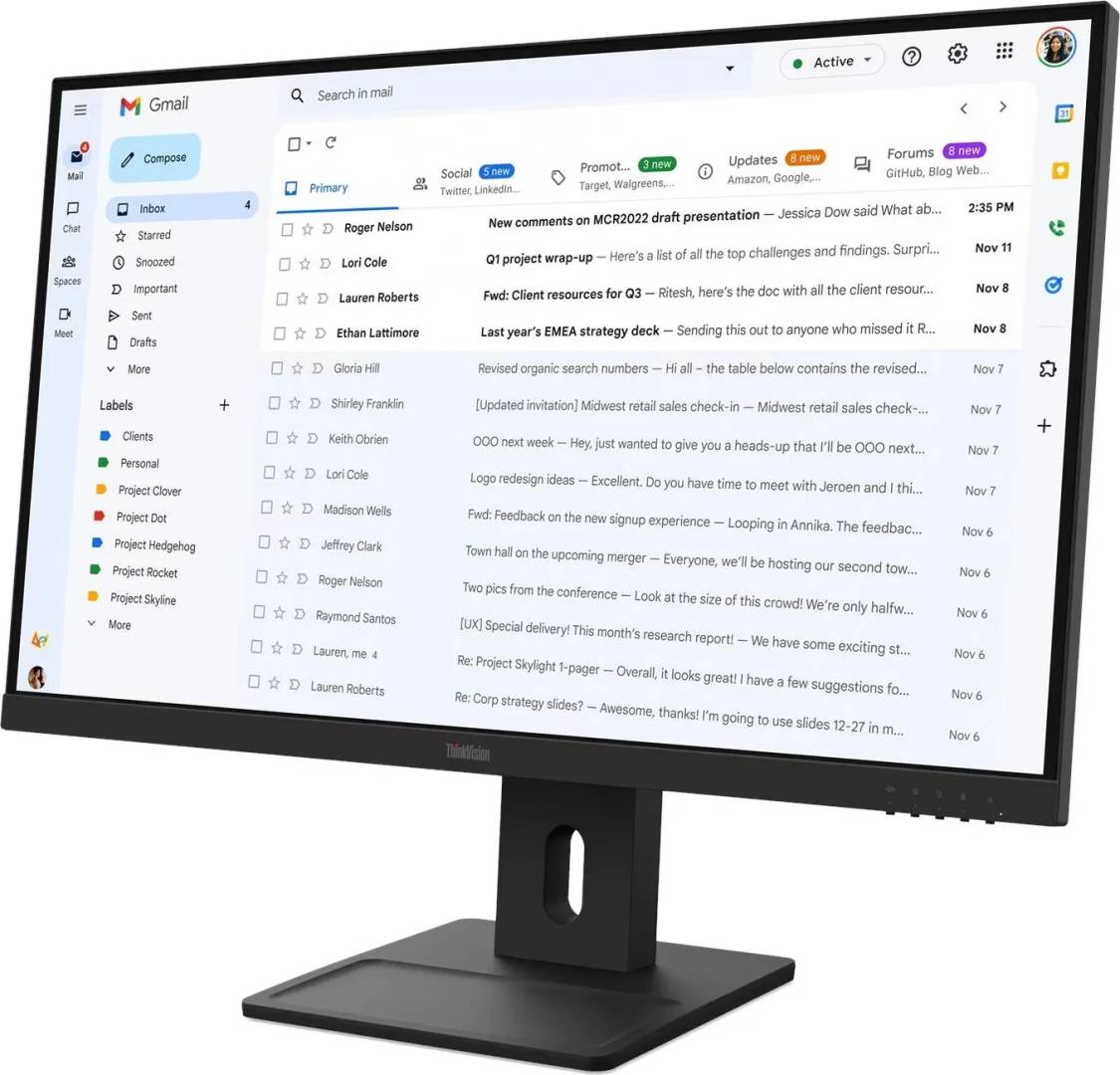
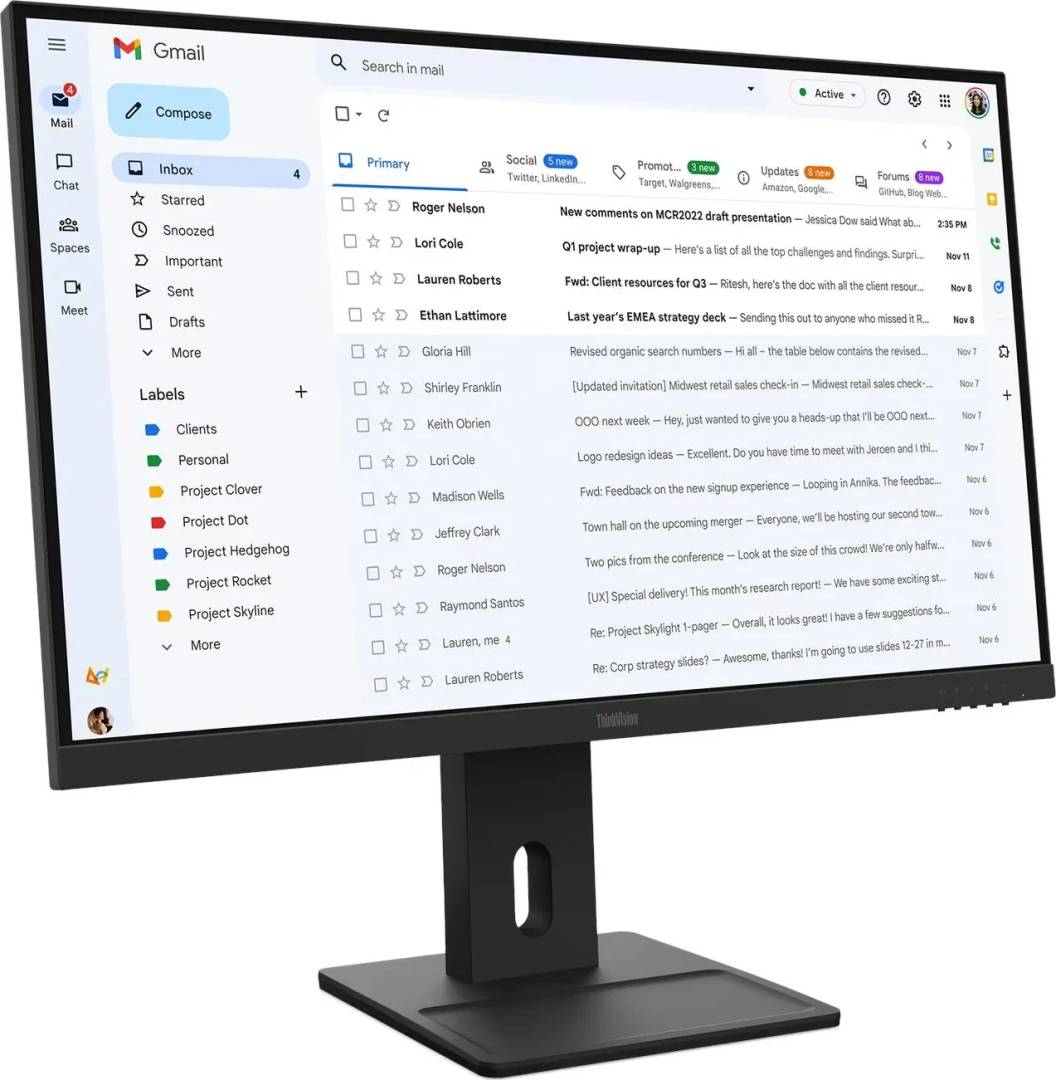
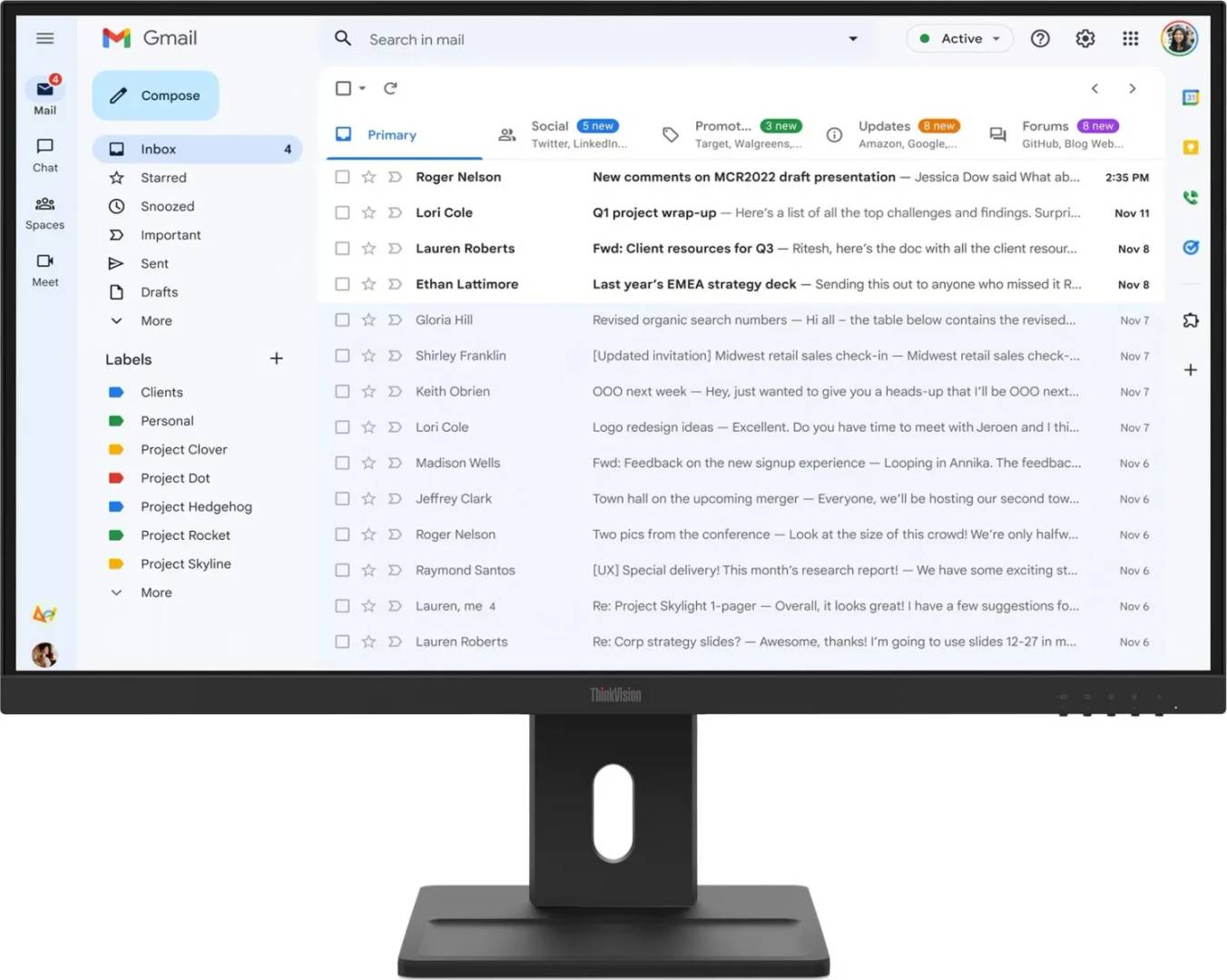
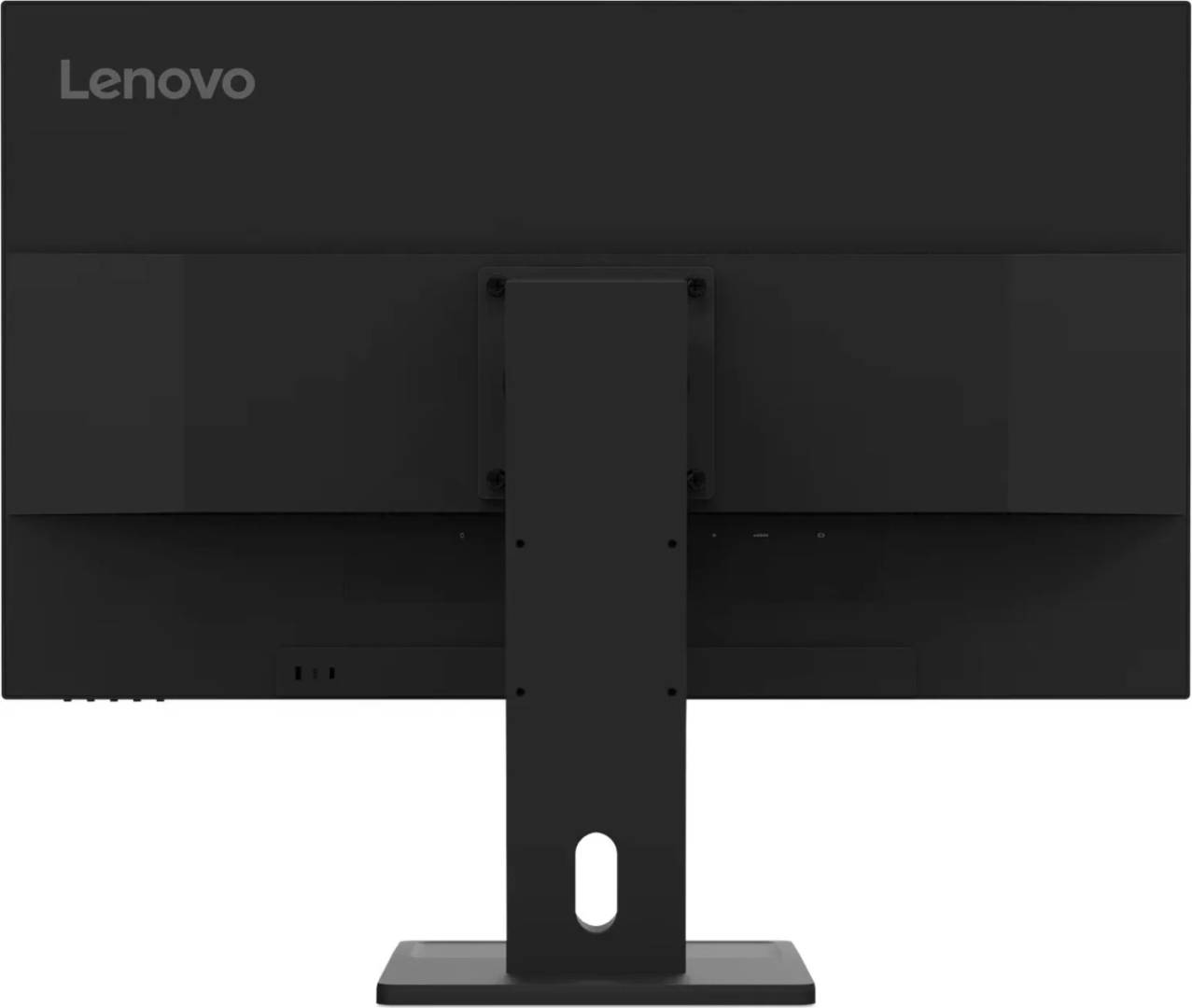
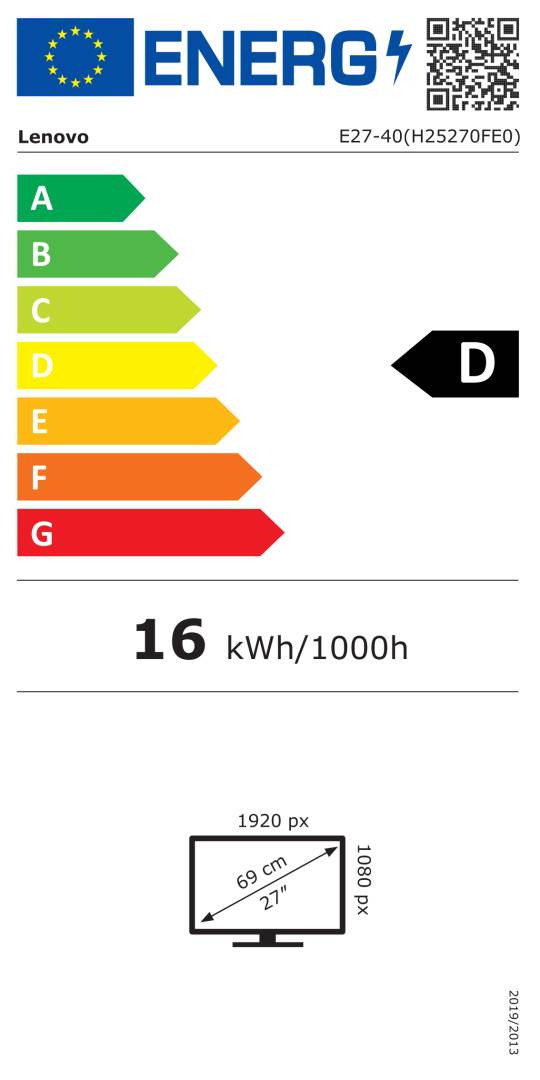


64BCMAT4EU
Delivery
Order Today...
Ships...
Delivery...
ℹ️ Large or fragile items (e.g. monitors) may require extra handling time. We'll keep you informed.
Payment options
Trusted Tech Choice
Buying Benefits
Verified
Competitive EU pricing
Delivered to Cyprus from EU stock
Local warranty support
Please sign in so that we can notify you about a reply
Lenovo ThinkVision E27-40 — 27" Full HD IPS with a fully adjustable stand
27" Full HD IPS100HzHeight · swivel · pivotHDMI + DP + VGA
The Lenovo ThinkVision E27-40 is a 27-inch Full HD (1920 x 1080) IPS business monitor with a 100Hz refresh rate and a fully adjustable stand, designed for corporate desks where ergonomics and easy fleet deployment matter more than resolution.
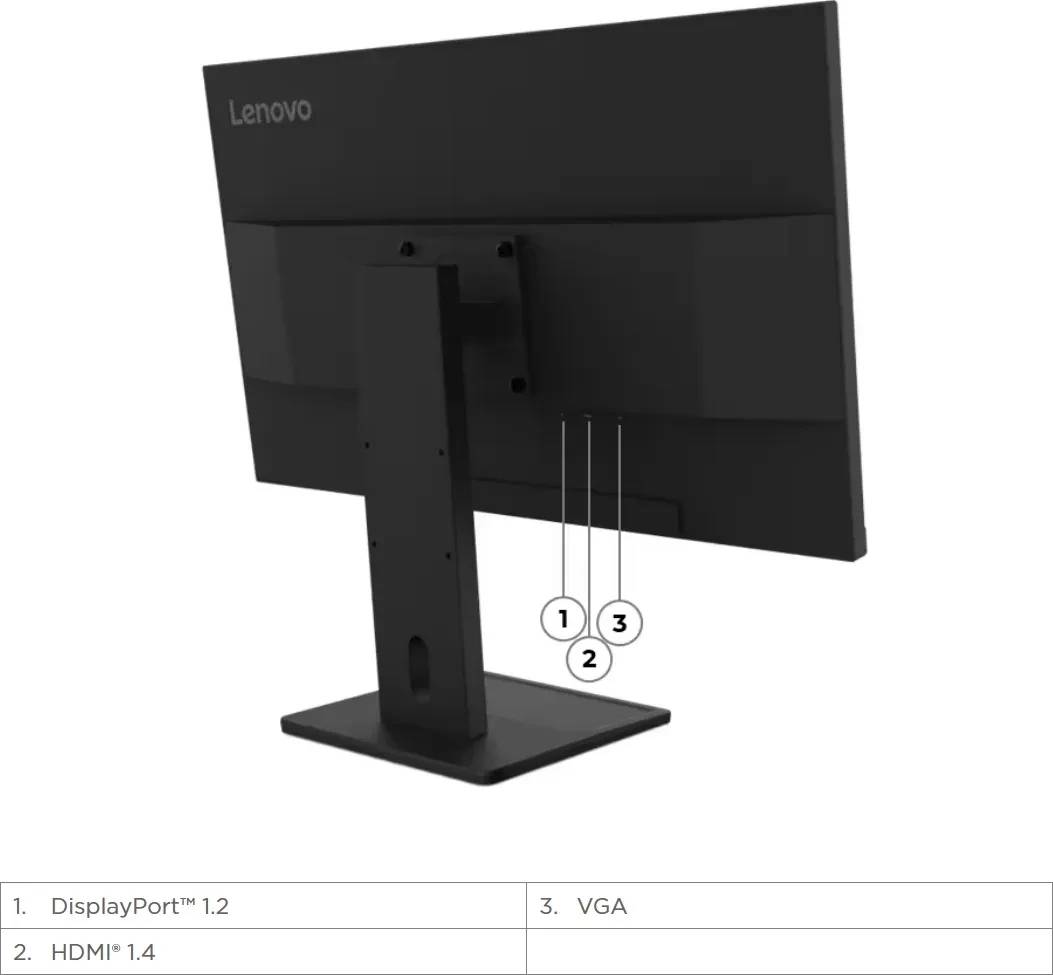
Unlike most entry 27-inch office screens, the E27-40 stand offers 155mm of height travel, 360° swivel, ±90° pivot into portrait and tilt, so it can be set up correctly for each user without buying an arm. Inputs cover HDMI, DisplayPort and VGA, so it connects to current ThinkCentre and ThinkPad systems as well as older PCs. It carries TÜV Rheinland Flicker Free and hardware Low Blue Light certification, TCO Certified Gen 10 and EPEAT Gold.
Before you order: There is no audio output, no USB hub and no USB-C on this model — a USB-C-only laptop needs an adapter or a dock. The 2x 2W speakers are the only audio path.
What's in the Box
- ThinkVision E27-40 monitor with stand
- HDMI 1.4 cable (1.8 m)
- Power cable (1.8 m, internal power supply)
- 4 screws
- Quick setup guide
What It Means in Practice
- The stand alone covers proper eye-level setup: raise it up to 155mm, swivel to share the screen or rotate to portrait for long documents and code.
- 100Hz is a small but noticeable step up from 60Hz for scrolling; it works over HDMI 1.4 and DisplayPort 1.2 at Full HD.
- The hardware Low Blue Light panel reduces blue emission without the yellow tint of software filters.
- A ThinkCentre Tiny can be mounted behind the monitor with the Lenovo Tiny VESA Mount II (sold separately).
What Will Not Work
- No USB-C, no USB hub and no headphone jack.
- No DisplayPort or VGA cable in the box — only HDMI.
- Full HD on 27" is not sharp enough for detailed photo, CAD or dense spreadsheet work; consider WQHD for that.
- No adaptive sync (FreeSync/G-Sync) is published by Lenovo for this model.
Key Features
Fully adjustable stand
155mm height, 360° swivel, ±90° pivot and -5°/+22° tilt with cable management.
Eye comfort
TÜV Rheinland Flicker Free and hardware Low Blue Light certification.
Three inputs
HDMI 1.4, DisplayPort 1.2 and VGA for new and legacy PCs.
Sustainability
TCO Certified Gen 10, TCO Edge 2.1, ENERGY STAR and EPEAT Gold.
Technical Specifications
Frequently Asked Questions
Singular Expert Insight · Buyer's Guide
The E27-40 is an ergonomics-first office monitor: the full stand saves the cost of an arm and makes it easy to set every desk up correctly. Resolution and connectivity are deliberately basic, so pair it with a dock if your laptops are USB-C only. Add an arm from our monitor stands range only if you need to clear desk space.
✓ Buy it if you want a 27" office screen with real height, swivel and pivot adjustment and low-blue-light certification.
✕ Skip it if you need USB-C, a USB hub, a headphone jack or WQHD sharpness.
→ Also consider a 27" WQHD business monitor if users work with large spreadsheets.
Equipping several desks? Send us your PC and laptop models and we will confirm the right cables and mounting before you order.
Features - Lenovo - 64BCMAT4EU
Colour
black
More Details
Product Code
CP31440
EAN Code
0198157546882
Manufacturer
Lenovo