
Gigabyte B840M GAMING PLUS WIFI6E AM5 Micro-ATX Motherboard DDR5 Wi-Fi 6E 2x M.2 White (B840M GAMING P WF6E)
Μάρκα:
GigaByte

Gigabyte B840M GAMING PLUS WIFI6E AM5 Micro-ATX Motherboard DDR5 Wi-Fi 6E 2x M.2 White (B840M GAMING P WF6E)
€176.64 inc. VAT


B840M GAMING P WF6E
Delivery
Order Today...
Ships...
Delivery...
ℹ️ Large or fragile items (e.g. monitors) may require extra handling time. We'll keep you informed.
Payment options
Trusted Tech Choice
Buying Benefits
Verified
Competitive EU pricing
Delivered to Cyprus from EU stock
Local warranty support
Συνδεθείτε για να μπορέσουμε να σας ειδοποιήσουμε σχετικά με μια απάντηση
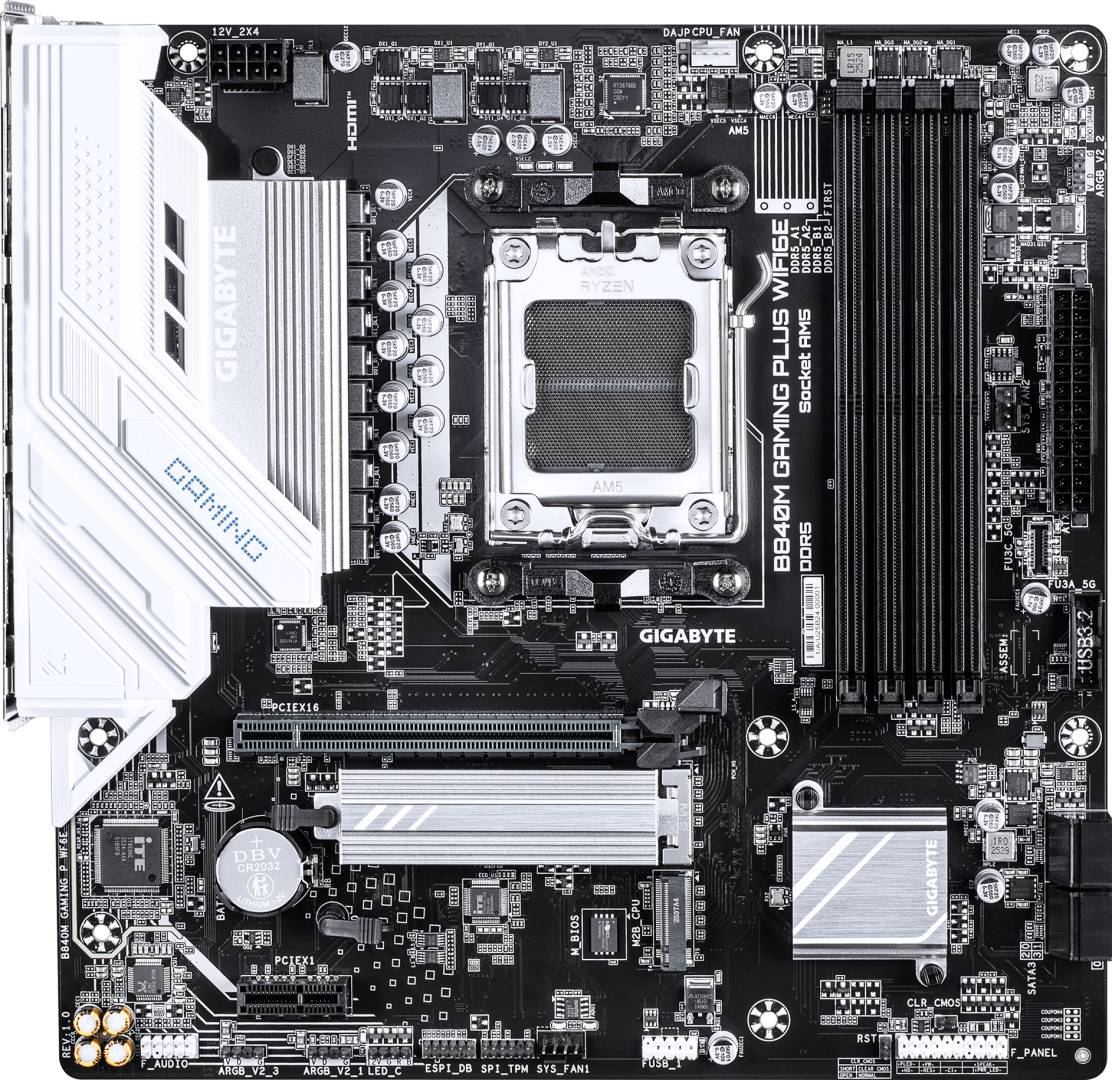
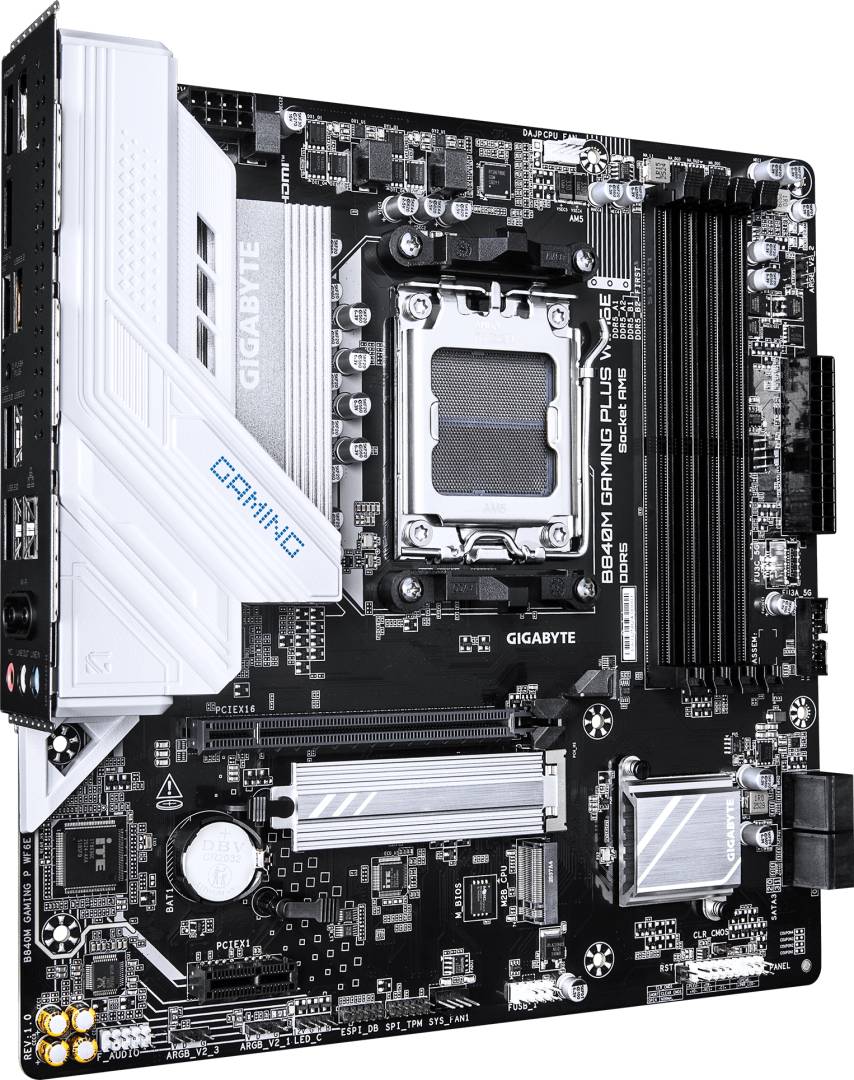
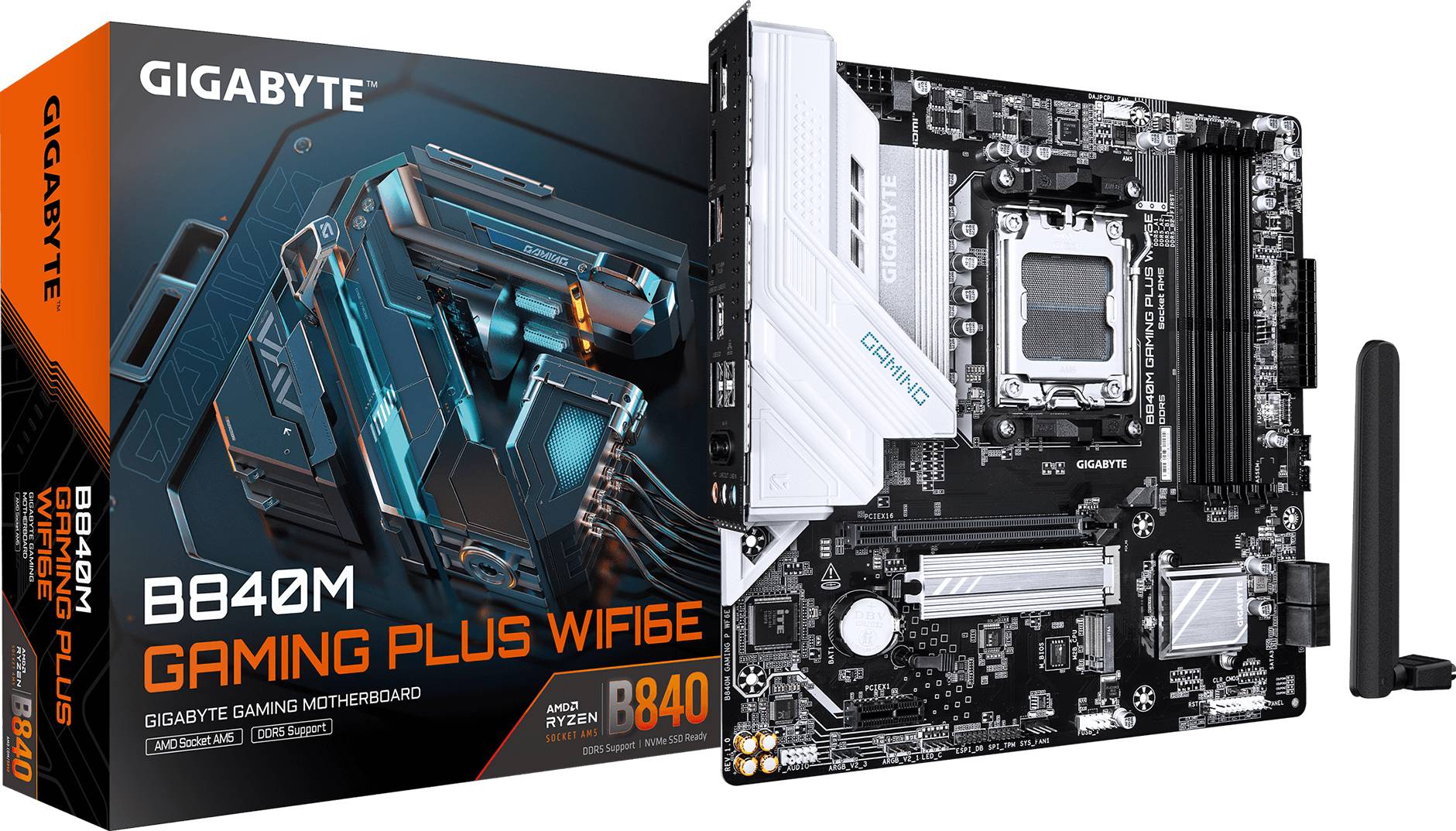
Gigabyte B840M GAMING PLUS WIFI6E — white AM5 Micro-ATX with Wi-Fi 6E
AMD B840 · Socket AM5DDR5 up to 8200 MT/s (OC)Wi-Fi 6E · GbEWhite heatsinks
The Gigabyte B840M GAMING PLUS WIFI6E (part number B840M GAMING P WF6E) is a Micro-ATX motherboard for AMD Socket AM5 with white heatsinks, built on the B840 chipset for Ryzen 9000, 8000 and 7000 processors — aimed at clean white-themed gaming and home PCs.
It uses an 8+2+2 digital VRM on a 6-layer PCB, four DDR5 slots for up to 256GB (EXPO/XMP up to 8200 MT/s OC) and two CPU-attached PCIe 4.0 x4 M.2 slots.
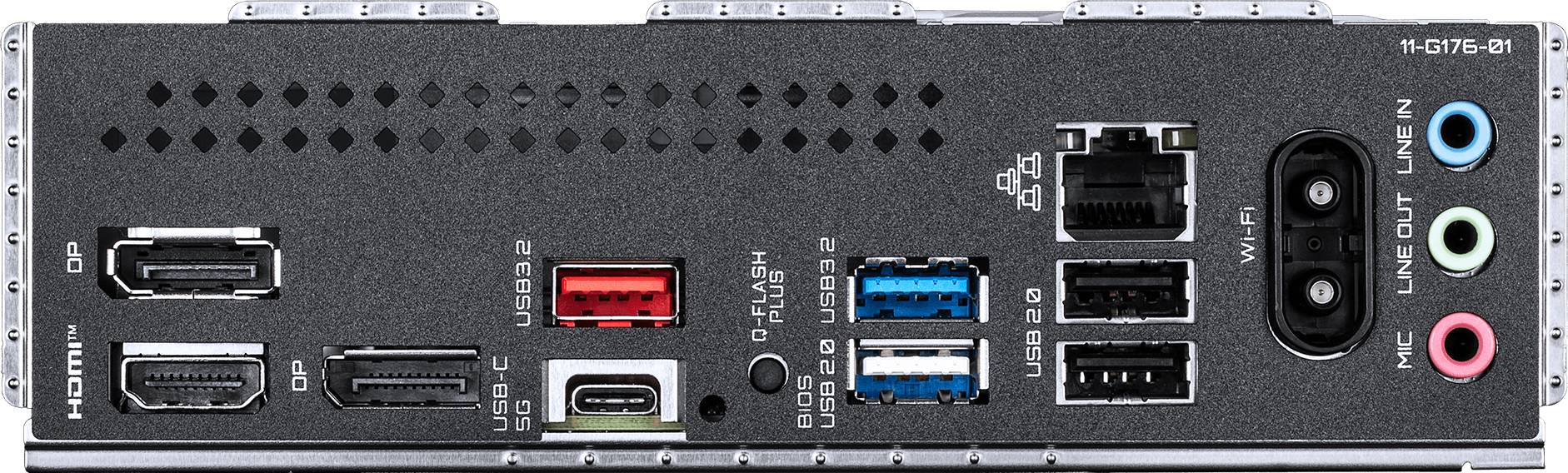
Networking is Realtek Gigabit LAN plus MediaTek Wi-Fi 6E and Bluetooth 5.3. The rear panel adds a 10 Gbps USB-A, USB-C, HDMI 2.1 and two DisplayPort 1.4 outputs, and three ARGB headers help coordinate case lighting.
Compatibility note: LAN is 1 Gbps (not 2.5GbE) and the second slot is a PCIe 3.0 x1. The B840 chipset does not support CPU overclocking, and the graphics slot and M.2 slots run at PCIe 4.0, not 5.0. Display outputs require a Ryzen CPU with integrated graphics. There is no PS/2 port.
Best For
✓ White-themed Micro-ATX gaming builds
✓ Budget Ryzen 5 / Ryzen 7 PCs
✓ Home and student desktops on Wi-Fi
✓ Triple-monitor setups on Ryzen iGPU
✓ ARGB showcase builds (3 ARGB headers)
✓ First AM5 upgrades from AM4
Key Features
White aesthetic
White VRM and M.2 heatsinks on a dark PCB match white cases, coolers and graphics cards without extra covers.
8+2+2 digital VRM
Digital power stages with premium chokes and capacitors on a 6-layer PCB — ample for Ryzen 5/7 and X3D gaming chips at stock.
Two Gen4 M.2 from the CPU
M2A (2580/2280) and M2B (2280) both run PCIe 4.0 x4 directly from the processor, plus four SATA ports and NVMe RAID.
Wi-Fi 6E + 10 Gbps USB
MediaTek MT7902 Wi-Fi 6E (160 MHz, 6 GHz band) with Bluetooth 5.3, and a red 10 Gbps USB 3.2 Gen 2 port on the rear for fast external SSDs.
Technical Specifications
Frequently Asked Questions
Singular Expert Insight
The GAMING PLUS is the one to pick for a white build on a budget — Wi-Fi 6E, a fast rear USB port and three ARGB headers cover most home users. If you have a wired network faster than 1 Gbps or need more fan headers, the GAMING X WIFI6E is the better buy. Pair it with DDR5 from our DDR5 memory range.
✓ Buy it if you want a white-themed AM5 Micro-ATX board with Wi-Fi 6E at an entry price.
✕ Skip it if you need 2.5GbE, CPU overclocking or more than three fan headers.
→ Also consider the B840M GAMING X WIFI6E for 2.5GbE, or the white B850 A ELITE WIFI7 ICE for overclocking and PCIe 5.0.
CPU Socket
- Socket AM5
Χαρακτηριστικά
Product Code
04:579479
EAN Code
4719331879815
Manufacturer
GigaByte