HERMA SPECIAL File Labels 192 x 59 mm — 400 white A4 labels for laser, inkjet and copiers
Art. 4291192 x 59 mm · 4/sheet400 labels · 100 sheetsPermanent · White
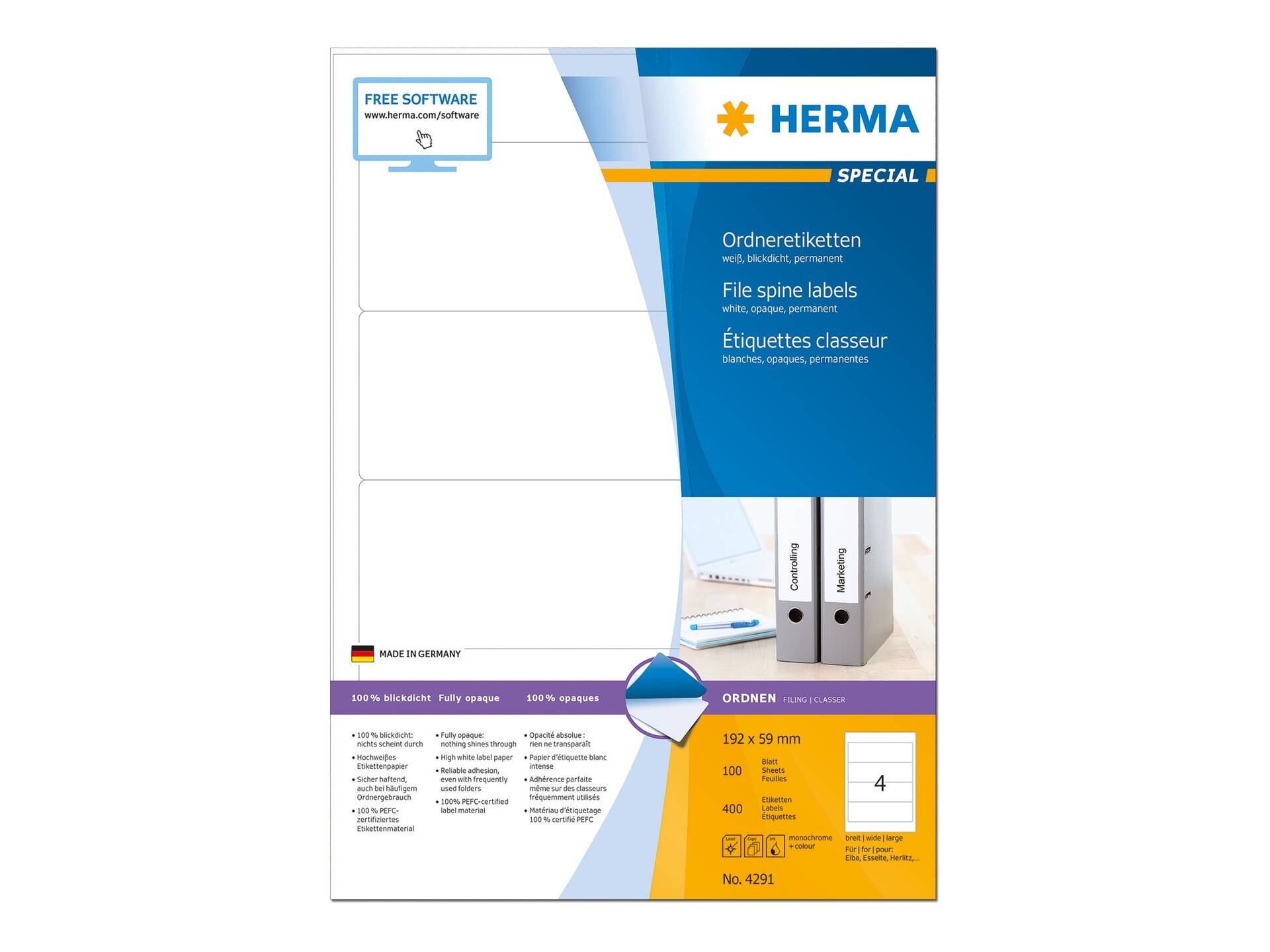
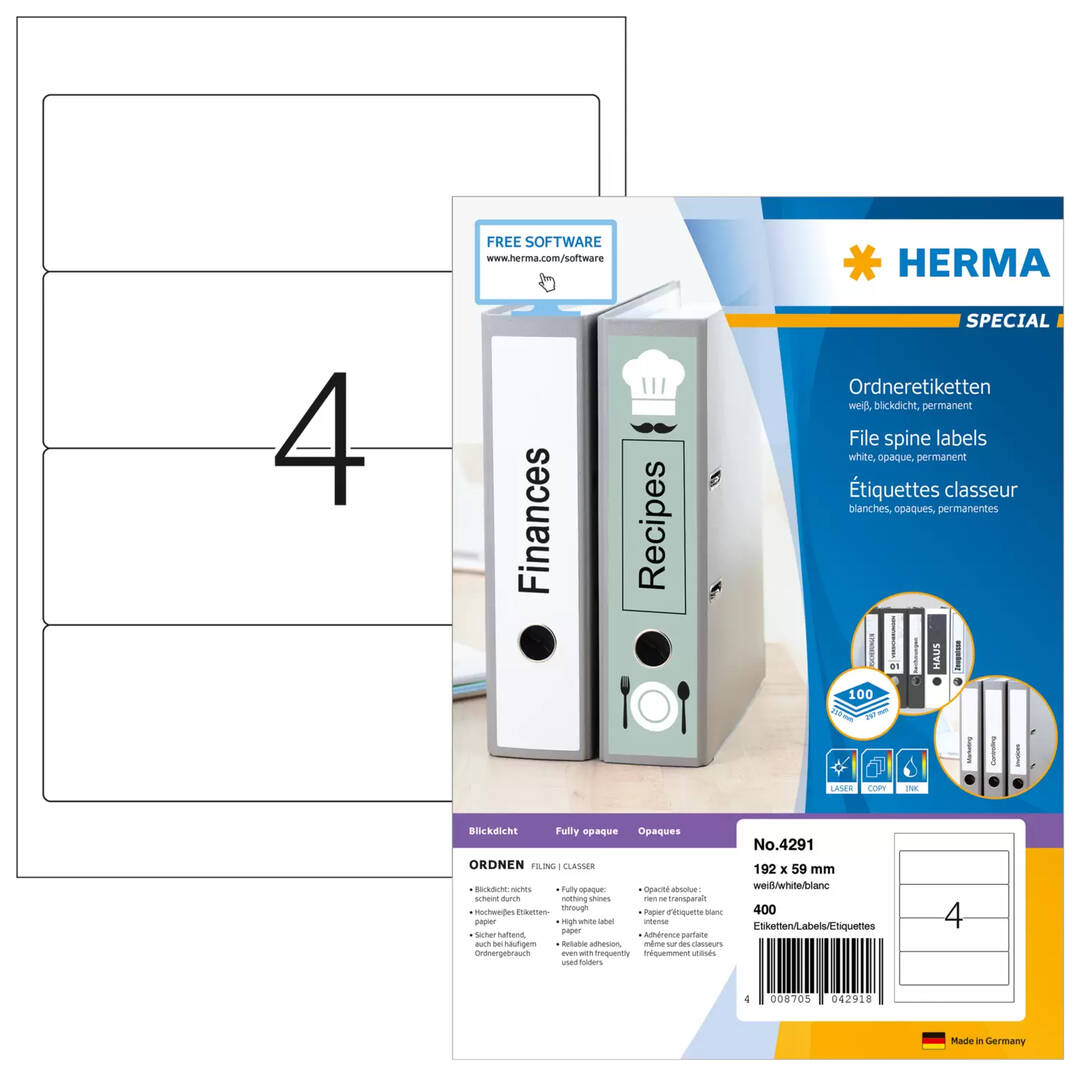
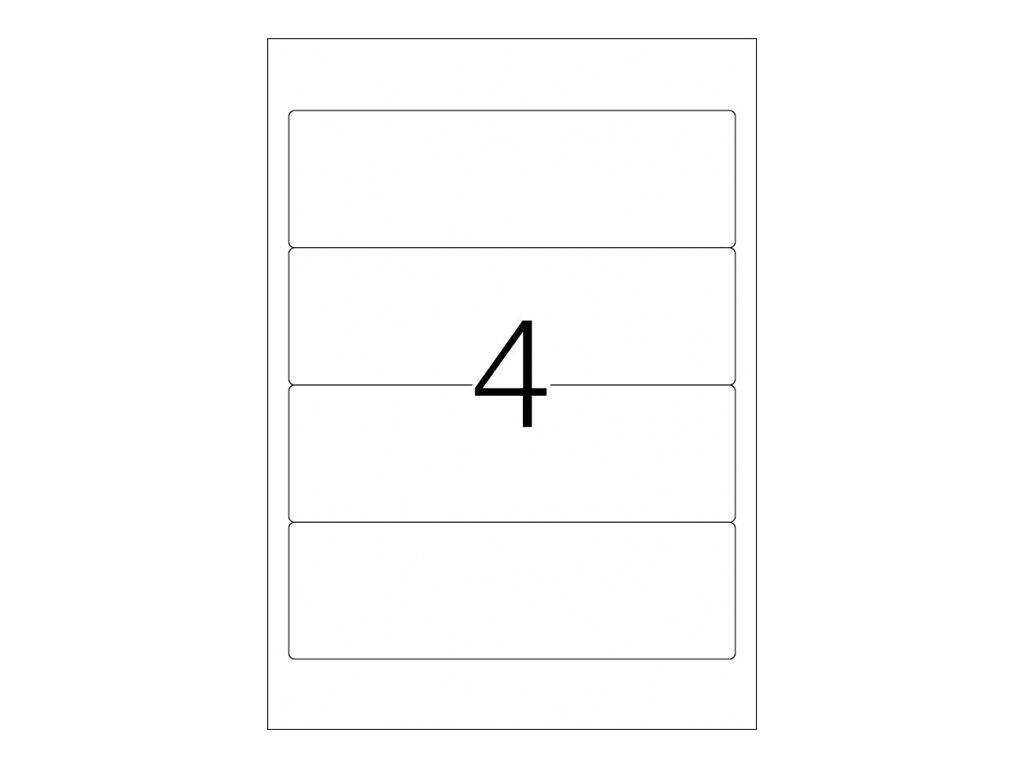
The HERMA 4291 is a box of SPECIAL file labels in 192 x 59 mm format, supplied as 100 A4 sheets with 4 labels each (400 labels in total), for offices that print spine labels for wide lever-arch files and binders on an ordinary laser printer, inkjet printer or copier.
The labels are white matt paper with permanent adhesive and an opaque face that covers old writing underneath, and rounded corners. HERMA publishes free layout templates for this exact format, so you only need to pick article 4291 in the HERMA Label Assistant or in the Word template list and type or merge your text.
HERMA designates this label for wide files in the short version: each 192 x 59 mm label covers the spine area of a wide lever-arch file, and the opaque white paper hides old handwriting or previous labels underneath.
Before you order: Choose the template by the article number 4291 or by the exact format 192 x 59 mm with 4 labels per sheet. A template for a similar size with a different number of labels per sheet will print across the gaps.
What's in the Box
- 100 A4 sheets (210 x 297 mm), each carrying 4 white labels of 192 x 59 mm
- 400 labels in total
- No software or printer included — templates are a free download from HERMA
What It Means in Practice
- 4 labels per sheet means one A4 print run gives you 4 file spine labels; the full box covers 400 items.
- Permanent adhesive means the label is meant to stay — trying to peel it off later will usually tear the paper or leave residue.
- Print a test page on plain paper first and hold it against a label sheet to the light; if the text lines up with the label positions, load the label sheets.
- Use the printer setting for labels or heavy paper and, where your printer has one, the rear or bypass tray for a straighter paper path.
- The opaque face means you can relabel an archive file over an old label without the previous text showing through.
What Will Not Work
- Thermal label printers (Zebra, Brother QL, DYMO and similar) — these are A4 sheets for office laser, inkjet and copier devices, not rolls.
- Re-feeding a partly used sheet through a laser printer is not recommended: exposed backing can lift in the heat of the fuser. Plan your print so you use whole sheets.
- Printing with a template for another format — positions are set for 192 x 59 mm with 4 per sheet only.
- Narrow files and binders — at 59 mm wide the label is sized for wide file spines; narrow spines need a narrower file label.
- Long spine version — this is the short 192 mm label; it will not cover the full height of a tall spine.
Key Features
Fully Opaque
The opaque paper masks old writing and previous labels, so relabelled archive files look clean.
Firm Adhesion
HERMA states the permanent adhesive holds firmly even on files in frequent use.
Sized for Wide Files
192 x 59 mm is HERMA's short spine format for wide files, printed four to an A4 sheet.
Office Printers
Suitable for laser printers, inkjet printers and copiers, with free HERMA templates for the exact format.
Technical Specifications
| Identification |
| Part Number |
4291 |
| EAN / GTIN |
4008705042918 |
| Brand |
HERMA |
| Product Line |
HERMA SPECIAL — file labels |
| Label |
| Label Format |
192 x 59 mm |
| Labels per Sheet |
4 |
| Sheets per Pack |
100 |
| Labels per Pack |
400 |
| Sheet Size |
A4 (210 x 297 mm) |
| Corners |
Rounded |
| Colour |
White, opaque |
| Material |
Paper, matt |
| Adhesive |
Permanent |
| Printing |
| Printer Types |
Laser printers, inkjet printers, copiers |
| Templates |
HERMA Label Assistant online, Word templates (by article number 4291) |
| Environment |
| Paper |
FSC Mix Credit, chlorine-free bleached |
| Adhesive |
Solvent-free |
| Warranty |
| Warranty |
1-Year Warranty (Singular) |
| Manufacturer Term |
No separate manufacturer warranty term is published for this consumable — any quality issue is handled through Singular |
Frequently Asked Questions
Will these work in my inkjet printer?
Yes. HERMA lists this article for laser printers, inkjet printers and copiers. Use the label or heavy-paper setting and let inkjet prints dry for a moment before stacking the sheets.
Where do I get the template?
From HERMA directly: the online Label Assistant or the Word templates. Search for article 4291 or the format 192 x 59 mm with 4 labels per sheet.
Can I print just a few labels from a sheet?
You can start printing on any label position with the HERMA templates, but keep part-used sheets for inkjet printers or handwriting rather than feeding them back through a laser printer.
Can I stick this over an existing spine label?
Yes. The label is opaque, so the old text should not show through, provided the old label is flat and firmly attached.
Singular Expert Insight · Buyer's Guide
Spine labels only look right when the width matches the file: measure your spine width and the label height you need before ordering. Browse the rest of our
A4 labels if you need a different format or adhesive.
✓ Buy it if you relabel wide lever-arch files and want a clean, opaque, printed spine.
✕ Skip it if your binders are narrow or you need a full-height long label.
→ Also consider HERMA PREMIUM 4250 (99.1 x 139 mm) if you need general-purpose large labels rather than spine labels.
Not sure which format you need? Tell us what you are labelling and your printer model, and we will suggest the matching HERMA article before you order.