
HP 727 Photo Black Original DesignJet Ink Cartridge · 130 ml · Dye Ink · for DesignJet T920/T930/T1500/T1530/T2500/T2530

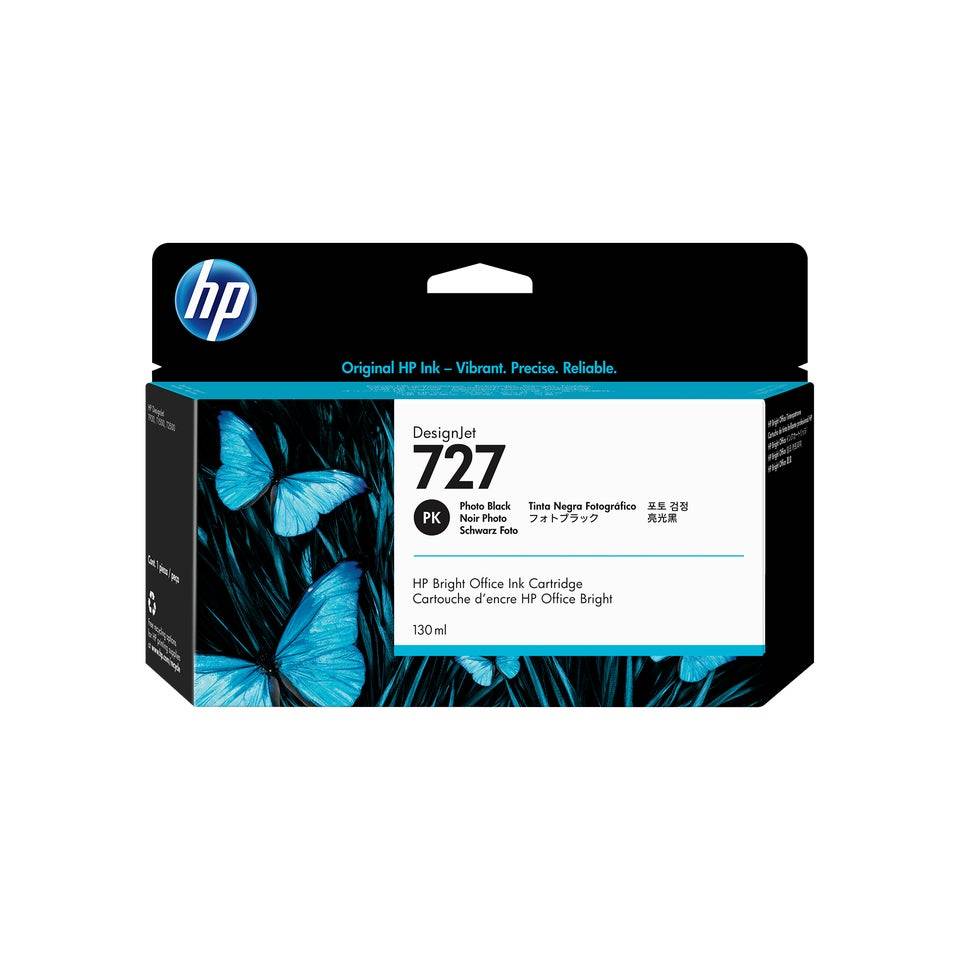
HP 727 130-ml Photo Black DesignJet Ink Cartridge
HP 727 130-ml Photo Black DesignJet Ink Cartridge (B3P23A) is the genuine HP ink cartridge holding 130 ml of dye-based photo black ink for the HP DesignJet T920/T930/T1500/T1530/T2500/T2530 large-format printers used for CAD, GIS and technical drawings.
DesignJet printers keep the ink in separate cartridges and the printheads in their own slots, so you replace each colour as it runs low. HP does not publish a page yield for plotter ink — consumption depends on how much area you cover, from a few millilitres for a line drawing to far more for a full-colour poster. Photo Black is used on glossy and photo media; lines on bond paper use the separate Matte Black.
Ordering by the exact part number (B3P23A) is the safest route: HP uses similar names across printer families, and a supply that looks identical but carries a different number will not be recognised by the printer. If you are replacing a supply that is already installed, the part number is printed on its label and in the printer's supplies status page.
Original or compatible? A genuine HP supply is the one the printer and its colour profiles are calibrated for, it reports ink levels correctly, and it keeps the printer within HP's support terms. Compatible inks cost less up front but can shift colours, clog nozzles over time or be rejected after a firmware update — for business-critical printers, original is the lower-risk choice.
What's in the Box
- 1 x HP 727 130-ml Photo Black DesignJet Ink Cartridge (130 ml)
- Factory-sealed retail packaging with the manufacturer's installation guidance on the pack
- No printer, printhead or cables are included
What It Means in Practice
- Dye-based photo black gives bright colour for renders, maps and posters on coated and photo media.
- The printer warns before the cartridge is empty and you can swap it mid-job without losing the print, so one spare per colour is enough for most offices.
- Ink is measured in millilitres, not pages: a mostly-line CAD workload uses very little colour ink, while posters and GIS maps use much more.
- The cartridge is ink only — printheads are separate parts and are replaced far less often.
- Installation is tool-free: open the ink door, release the empty cartridge, insert the new one until it locks and close the door — the printer confirms the new supply on its panel.
- Used supplies can go to manufacturer recycling schemes rather than general waste; keep the empty in its bag to avoid ink stains in transport.
- Need several colours or a spare? Send us your printer model and current ink status and we will quote the full set in one order.
What Will Not Work
- HP 72 (T610–T2300), HP 728 (T730/T830) or HP 730 (T1600/T1700/T2600) printers — different cartridge format and chip.
- HP 727 is not a printhead; the HP 727 printhead is a separate part (B3P06A).
- Older DesignJet T-series such as the T790/T1300 use HP 72 and will not accept this cartridge.
- Do not order Photo Black when your Matte Black is low — they are separate slots.