
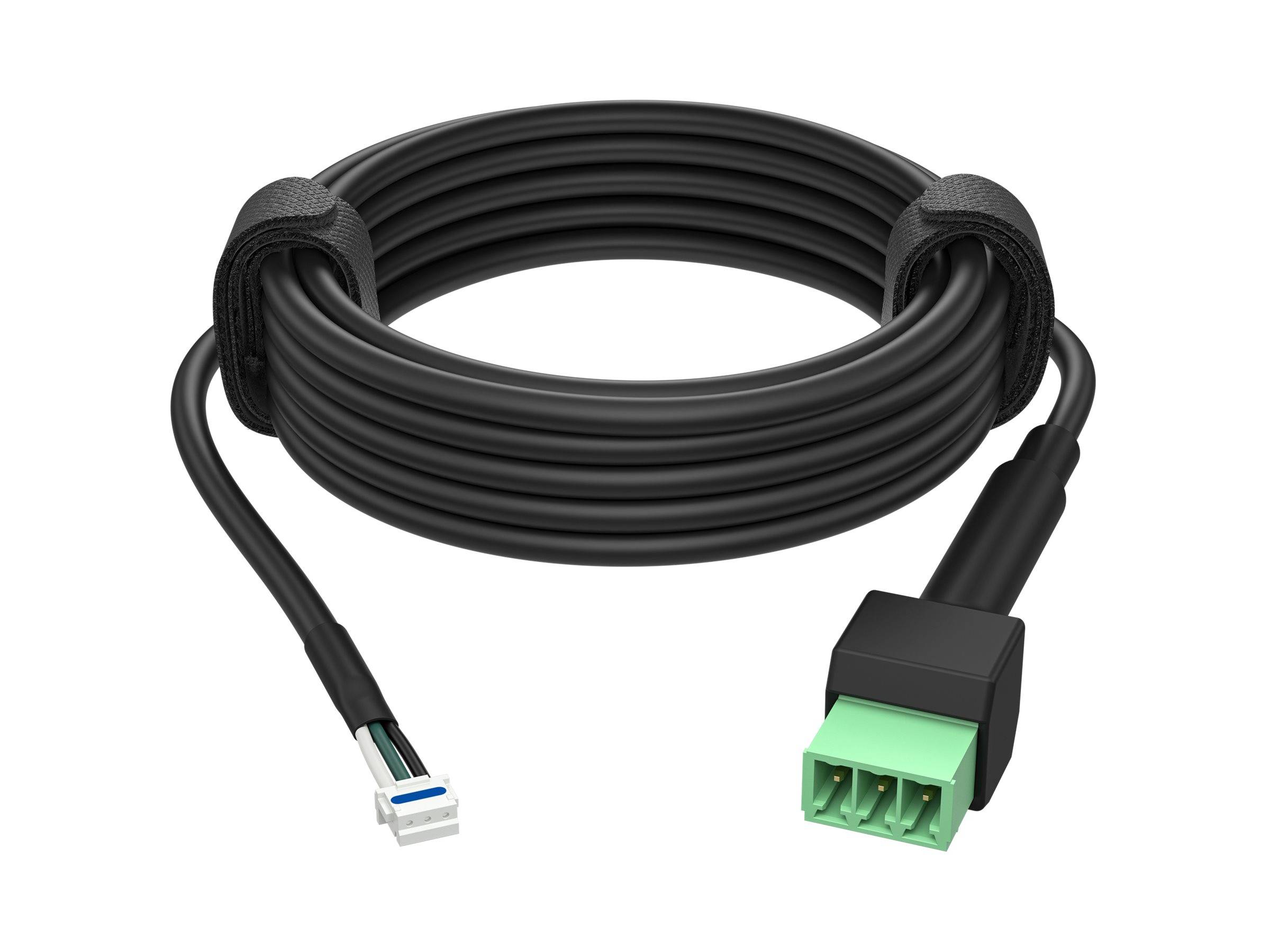
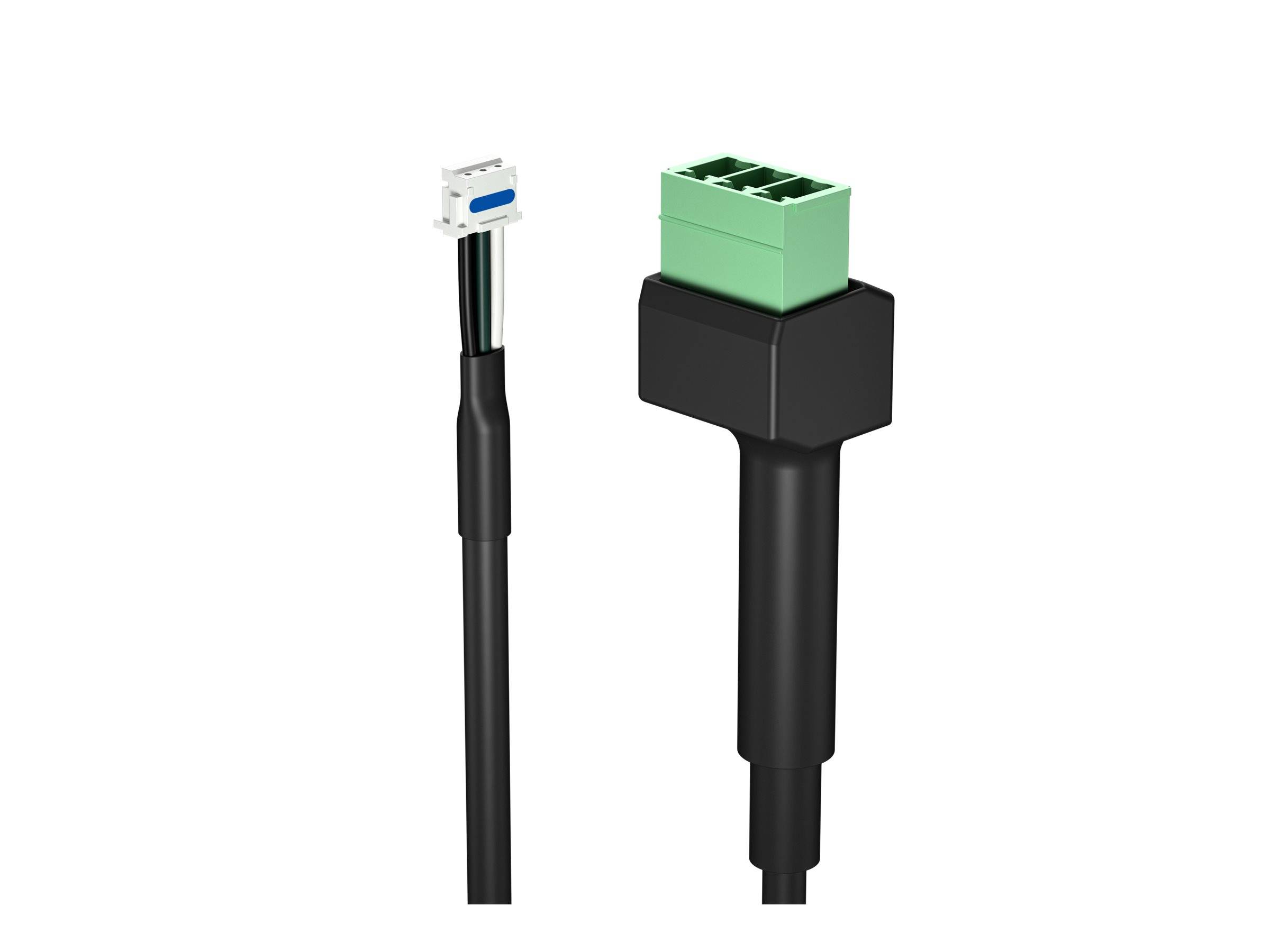
HP Poly Studio A2 Table Mic Output Cable – JST to Female Phoenix Connector – 2 m (6.5 ft) – Replacement Cable – Black
Μάρκα:
HP - POLY

HP Poly Studio A2 Table Mic Output Cable – JST to Female Phoenix Connector – 2 m (6.5 ft) – Replacement Cable – Black
€26.36 inc. VAT


B42BKAA
Delivery
Order Today...
Ships...
Delivery...
ℹ️ Large or fragile items (e.g. monitors) may require extra handling time. We'll keep you informed.
Payment options
Trusted Tech Choice
Buying Benefits
Verified
Competitive EU pricing
Delivered to Cyprus from EU stock
Local warranty support
Συνδεθείτε για να μπορέσουμε να σας ειδοποιήσουμε σχετικά με μια απάντηση
HP Poly Studio A2 Table Mic Output Cable – 2 m
Output cableJST to Phoenix (female)2 m / 6.5 ftStudio A2
The HP Poly Studio A2 Black Cable for Table Mic Output (B42BKAA) is the 2-metre JST-to-female-Phoenix cable that connects the output of a Studio A2 table microphone to the next microphone in a daisy chain.
The same cable is supplied with each A2 table mic; this part replaces a damaged one or adds a spare. HP Poly Studio A2 system: up to 8 table microphones daisy-chain to one PoE-powered A2 Audio Bridge, which connects to Poly Studio G62, V72, X72, V52, X52 or X32 video bars. HP states the A2 is not backward compatible with Studio X70/X50/X30, USB or G7500 devices.
What's in the Box
- Studio A2 table mic output cable, 2 m, JST to female Phoenix, black
What It Means in Practice
- Plugs into the 3-pin JST output of the table mic and continues the chain to the next mic.
- Used only when more than one table microphone is chained – the last mic in a chain does not need one.
- For longer gaps between microphones, add the 8 m A2 extension cable.
What Will Not Work
- HP states the Studio A2 system is not backward compatible with Poly Studio X70, X50, X30, USB video bars or G7500 – this cable is only useful in an A2 installation.
- It is not an analogue XLR or 3.5 mm microphone cable and does not connect to third-party mixers.
Technical Specifications
Frequently Asked Questions
Singular Expert Insight · Buyer's Guide
Output cables are the short links in an A2 chain; if tables are rearranged often, a spare saves a service call. See our video conferencing range for the complete A2 range.
✓ Buy it if you chain several Studio A2 table mics and need a replacement or spare output cable.
✕ Skip it if you have a single mic or a non-A2 system.
→ Also consider the 6 m A2 input cable and 8 m extension cable.
Not sure it fits your room system? Tell us the exact Poly model and we will check compatibility before you order.
Colour
black
Χαρακτηριστικά
Product Code
CQ21468
EAN Code
0198828758903
Manufacturer
HP - POLY