
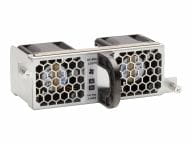
HPE Aruba Networking X751 Fan Tray, Front-to-Back Airflow, Field-Replaceable Spare for CX 6300M Switches
Brand:
Hewlett Packard

HPE Aruba Networking X751 Fan Tray, Front-to-Back Airflow, Field-Replaceable Spare for CX 6300M Switches
€693.83 inc. VAT


JL669B
Delivery
Order Today...
Ships...
Delivery...
ℹ️ Large or fragile items (e.g. monitors) may require extra handling time. We'll keep you informed.
Payment options
Trusted Tech Choice
Buying Benefits
Verified
Competitive EU pricing
Delivered to Cyprus from EU stock
Local warranty support
Please sign in so that we can notify you about a reply
Keep your CX 6300M cooled the right way with a genuine X751 front-to-back fan tray
Front-to-back airflowCX 6300M fan trayField-replaceableGenuine HPE part
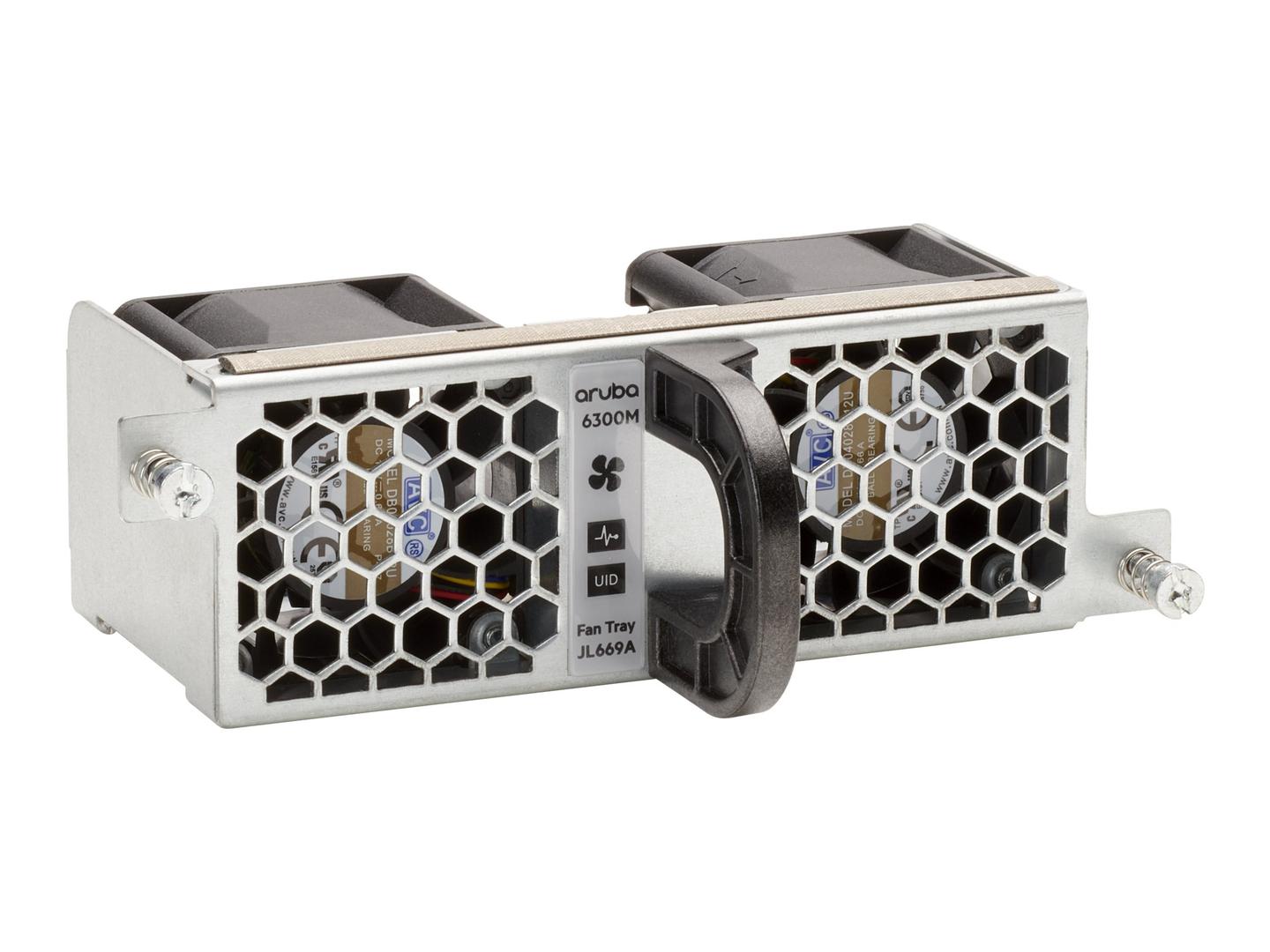
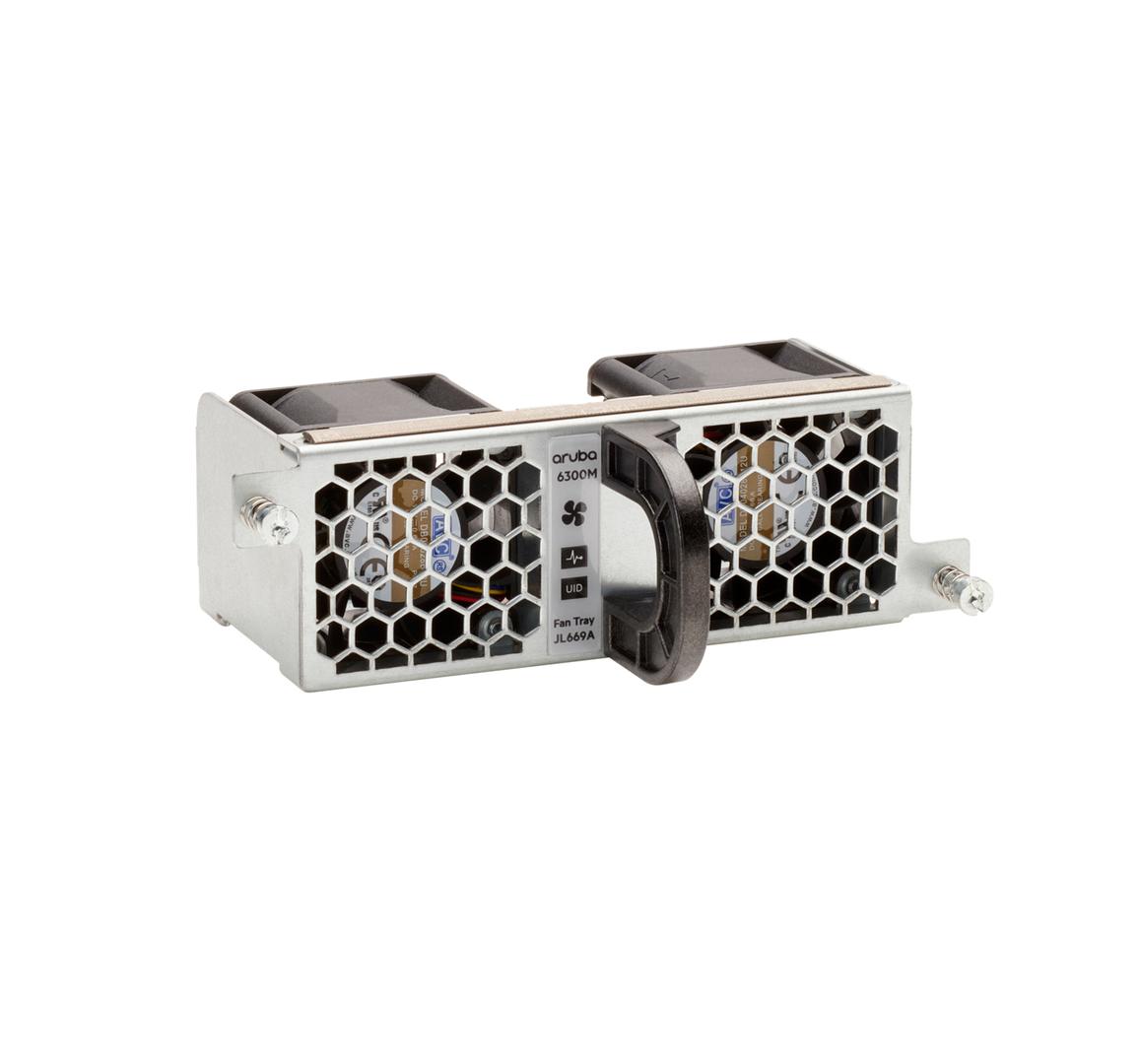
The HPE Aruba Networking X751 (JL669B) is a front-to-back airflow fan tray for CX 6300M modular switches, aimed at IT teams that need a spare or replacement tray to keep a switch stack running at full cooling capacity.
HPE lists the X751 both as a fan tray option and as a spare in the CX 6300 QuickSpecs. The CX 6300M models use field-replaceable fan trays in dedicated slots, so a failed tray can be swapped without sending the whole switch back. The airflow direction is the critical choice: the tray must move air the same way as the rest of the chassis and the way your rack is laid out for cold and hot aisles.
Before you order: Airflow direction matters more than anything else here. The X751 moves air front-to-back. HPE also sells a CX 6300M Power-to-Port fan tray (JL761A) for the power-to-port bundles and the X741 Port-to-Power fan (JL714A) that comes installed in some newer 6300M models. Order the tray that matches the trays already in your switch.
What's in the Box
- 1 x HPE Aruba Networking X751 front-to-back fan tray (JL669B)
- Documentation as supplied by HPE
What It Means in Practice
- A spare tray on the shelf turns a fan alarm into a short maintenance task instead of an outage window.
- The CX 6300M is a modular model: HPE describes its fans as field replaceable, and the 24-port and 48-port models have two or three fan tray slots depending on the model.
- Front-to-back airflow suits racks where the switch faces the cold aisle and exhausts towards the hot aisle. If your switch ports face the rear of the rack, the airflow plan changes and you should check with us first.
- Swapping like for like keeps the switch inventory consistent, which makes later audits and support cases simpler.
- Keep every fan tray in one chassis the same direction. Mixed directions fight each other and reduce cooling.
- If your switch shipped with a different HPE fan tray part number, tell us the switch model and the part number printed on the existing tray before ordering.
What Will Not Work
- It does not fit the CX 6300F fixed-format models; those are not built around field-replaceable fan tray slots.
- It is not the power-to-port tray (JL761A) used in the CX 6300M power-to-port bundles; fitting it there reverses the cooling direction.
- It is not a substitute for the X741 Port-to-Power fan (JL714A) that HPE lists as installed in models such as the S0E91A; check with us first.
- It does not fit Aruba 2930M, 3810M or other non-CX 6300M chassis.
- A single tray does not fix a chassis that is missing trays: HPE specifies the number of trays each 6300M model requires.
Key Features
Front-to-back airflow
Draws air from the front of the switch and exhausts it at the rear, matching a classic cold-aisle and hot-aisle rack layout.
Designed for the CX 6300M
Listed by HPE in the CX 6300 QuickSpecs as a fan tray option and as a spare for the modular M models.
Field-replaceable
Swap a failed tray on site instead of returning the switch, keeping the stack in service.
Genuine HPE part
An HPE-branded tray is the part the switch firmware expects to see, so fan status reports cleanly in the switch management.
Technical Specifications
Frequently Asked Questions
Singular Expert Insight · Buyer's Guide
Fan trays are the least glamorous part of a switch and the first thing that stops a stack when they fail. For CX 6300M stacks in a server room, keeping one spare front-to-back tray per site is cheap insurance. If you are also planning cabling or new access switches, see our network switches range.
✓ Buy it if Buy it if you run CX 6300M switches with front-to-back airflow and need a spare or replacement fan tray.
✕ Skip it if Skip it if your switch is a CX 6300F, a CX 6300M power-to-port bundle, or a model that comes with the JL714A Port-to-Power fan installed.
→ Also consider Consider a spare power supply for the same switch, so both field-replaceable parts are covered on site.
Not sure which tray your switch uses? Send us the switch model and the part number on the existing tray and we will check before you order.
Features - Hewlett Packard - JL669B
More Details
Product Code
CE84007
EAN Code
0190017583761
Manufacturer
Hewlett Packard