
i-tec TB4TRIPLEDOCKPDUK Thunderbolt 4 Triple Display Dock · 2× HDMI + TB4 · 96 W PD · 2.5 GbE
Μάρκα:
i-tec

i-tec TB4TRIPLEDOCKPDUK Thunderbolt 4 Triple Display Dock · 2× HDMI + TB4 · 96 W PD · 2.5 GbE
€283.77 inc. VAT


TB4TRIPLEDOCKPDUK
Delivery
Order Today...
Ships...
Delivery...
ℹ️ Large or fragile items (e.g. monitors) may require extra handling time. We'll keep you informed.
Payment options
Trusted Tech Choice
Buying Benefits
Verified
Competitive EU pricing
Delivered to Cyprus from EU stock
Local warranty support
Συνδεθείτε για να μπορέσουμε να σας ειδοποιήσουμε σχετικά με μια απάντηση
i-tec Thunderbolt 4 Triple Display Docking Station + Power Delivery 96 W (TB4TRIPLEDOCKPDUK)
3 displays96 W PD40 Gbps Thunderbolt 42.5 GbE
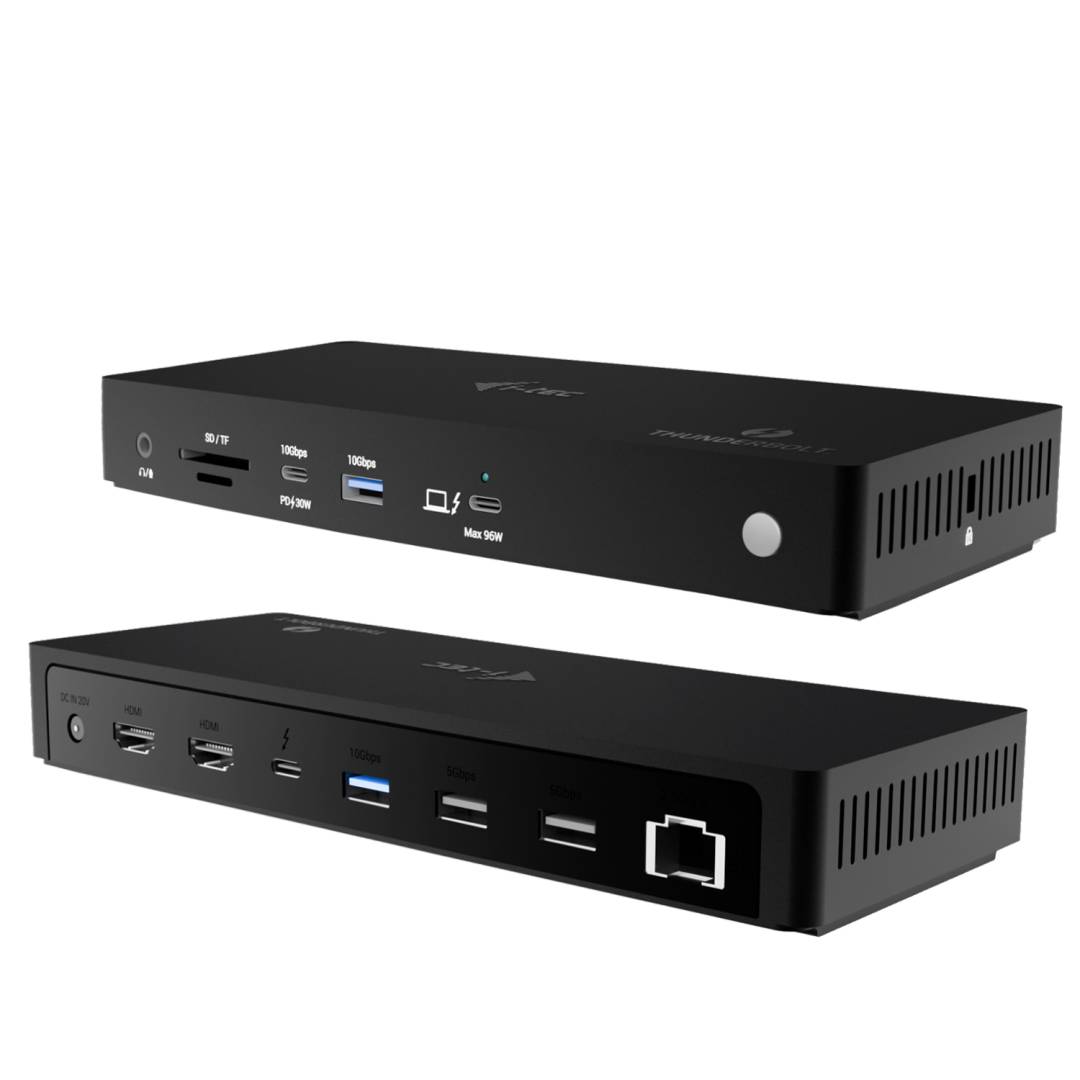
The i-tec TB4TRIPLEDOCKPDUK is a Thunderbolt 4 docking station that connects up to three external monitors — two via HDMI and one via the downstream Thunderbolt 4 port — and charges the laptop with up to 96 W of Power Delivery. It adds 2.5 Gigabit Ethernet, five USB ports (up to 10 Gbps), SD and microSD readers and a combo audio jack, all through a single certified 1 m Thunderbolt 4 cable supplied in the box.
On a Thunderbolt host with DisplayPort 1.4 the dock runs one 8K/60 Hz screen, two 4K/120 Hz screens, or 2× 4K/120 Hz + 4K/60 Hz across three screens. It also works with USB4 and USB-C laptops that support DisplayPort Alt Mode, at reduced resolutions. TB4TRIPLEDOCKPDUK is the UK version of i-tec’s TB4TRIPLEDOCKPD.
Compatibility note: macOS does not support MST: on a Mac the two HDMI outputs mirror each other, so a Mac gets at most two different images (HDMI + Thunderbolt). Plain USB-C hosts with DisplayPort 1.2 are limited to 1080p/60 Hz on two screens.
Best For
Windows triple-monitor desks
Trading and analytics setups
Engineering and CAD workstations
Hot-desking with Thunderbolt laptops
Creators using 4K/120 Hz screens
2.5 GbE office networks
Key Features
Three screens from one cable
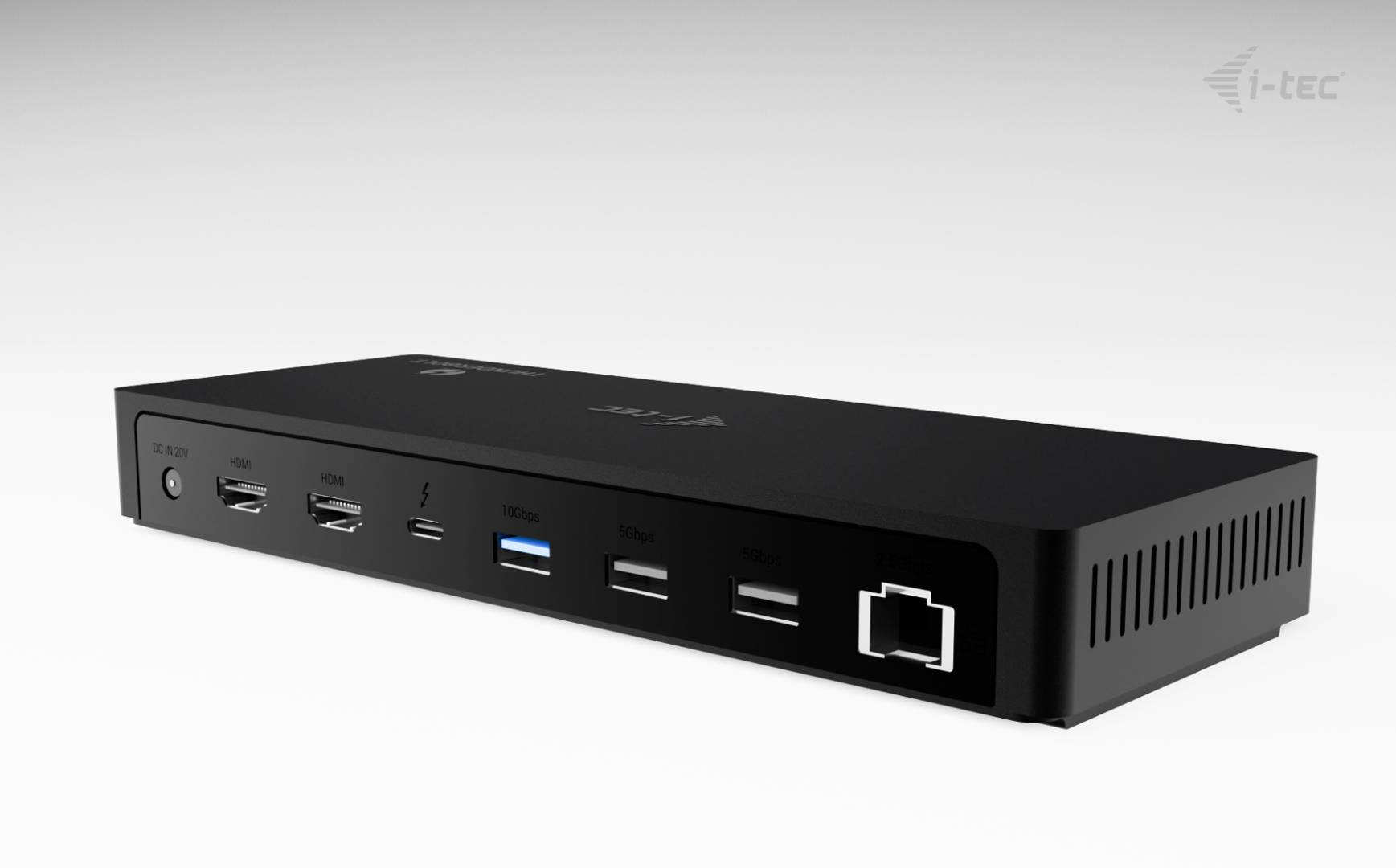
Two HDMI ports plus a Thunderbolt 4 video/data port deliver up to 2× 4K/120 Hz + 1× 4K/60 Hz on Thunderbolt hosts with DisplayPort 1.4.
96 W charging and fast I/O
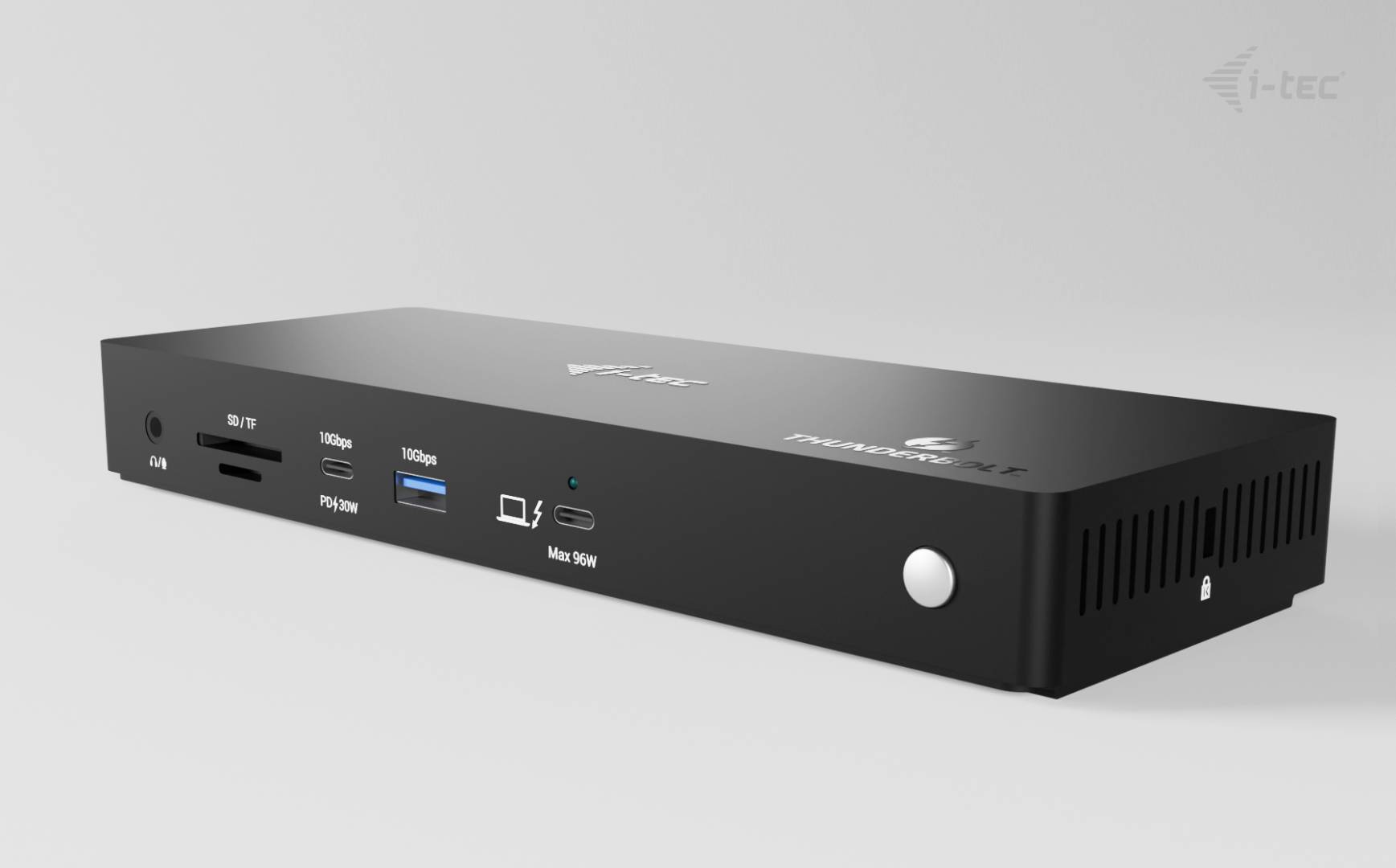
Up to 96 W Power Delivery, a 10 Gbps USB-C port with 30 W, two 10 Gbps and two 5 Gbps USB-A ports cover laptops, SSDs and phones.
2.5 GbE and card readers
A 2.5 Gigabit RJ-45 port speeds up NAS and network transfers, while SD 4.0 and microSD readers handle camera media.
Technical Specifications
Frequently Asked Questions
Singular Expert Insight
One of the few Thunderbolt 4 docks that can genuinely run three 4K screens on Windows, with 2.5 GbE as a bonus. It is ideal for multi-monitor Windows desks; Mac users gain less because of the MST limit. Browse more options in our docking stations.
✓ Buy it if you run Windows with a Thunderbolt laptop and want three high-refresh monitors plus 2.5 GbE.
✕ Skip it if you use a Mac and expect three independent displays.
→ Also consider i-tec TB4INTGDUAL4KDOCPD (dual DisplayPort, 90 W, manageable) or i-tec C31NANOTRIDOCKPD (budget USB-C, 3× 1080p).
Colour
black
Interface
- USB Type-C,
- Ethernet,
- Thunderbolt
Port Spped
- 2.5 Gbps
Technical specifications
Resolution Group
8K UHD
Χαρακτηριστικά
Product Code
CO88874
EAN Code
8595611707438
Manufacturer
i-tec