iiyama ProLite XB2797HSU — 27" Full HD IPS, 120Hz, Height-Adjustable Stand
27" IPS1920 x 1080 120Hz4x USB 5Gbps hubHeight-Adjustable Stand
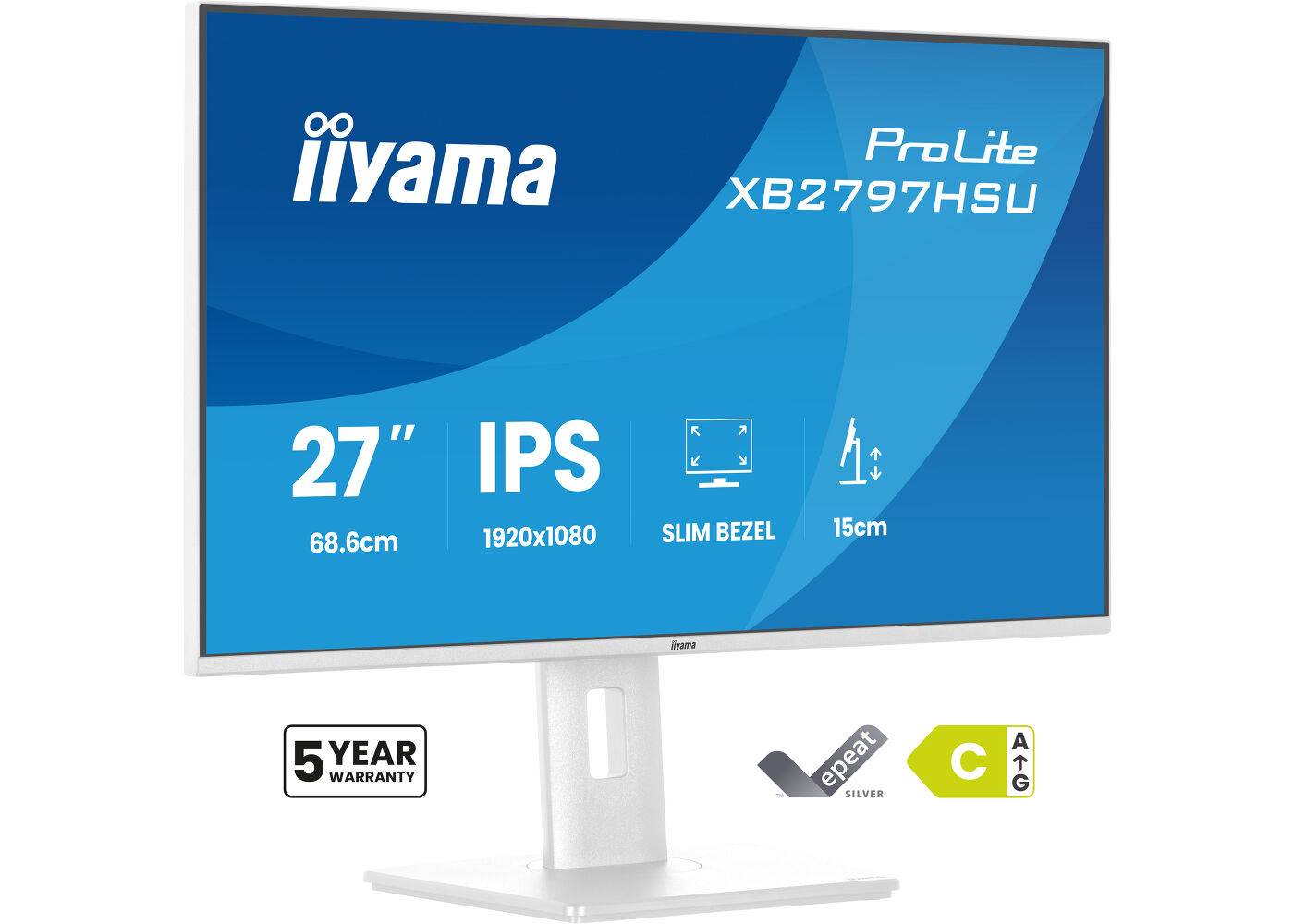
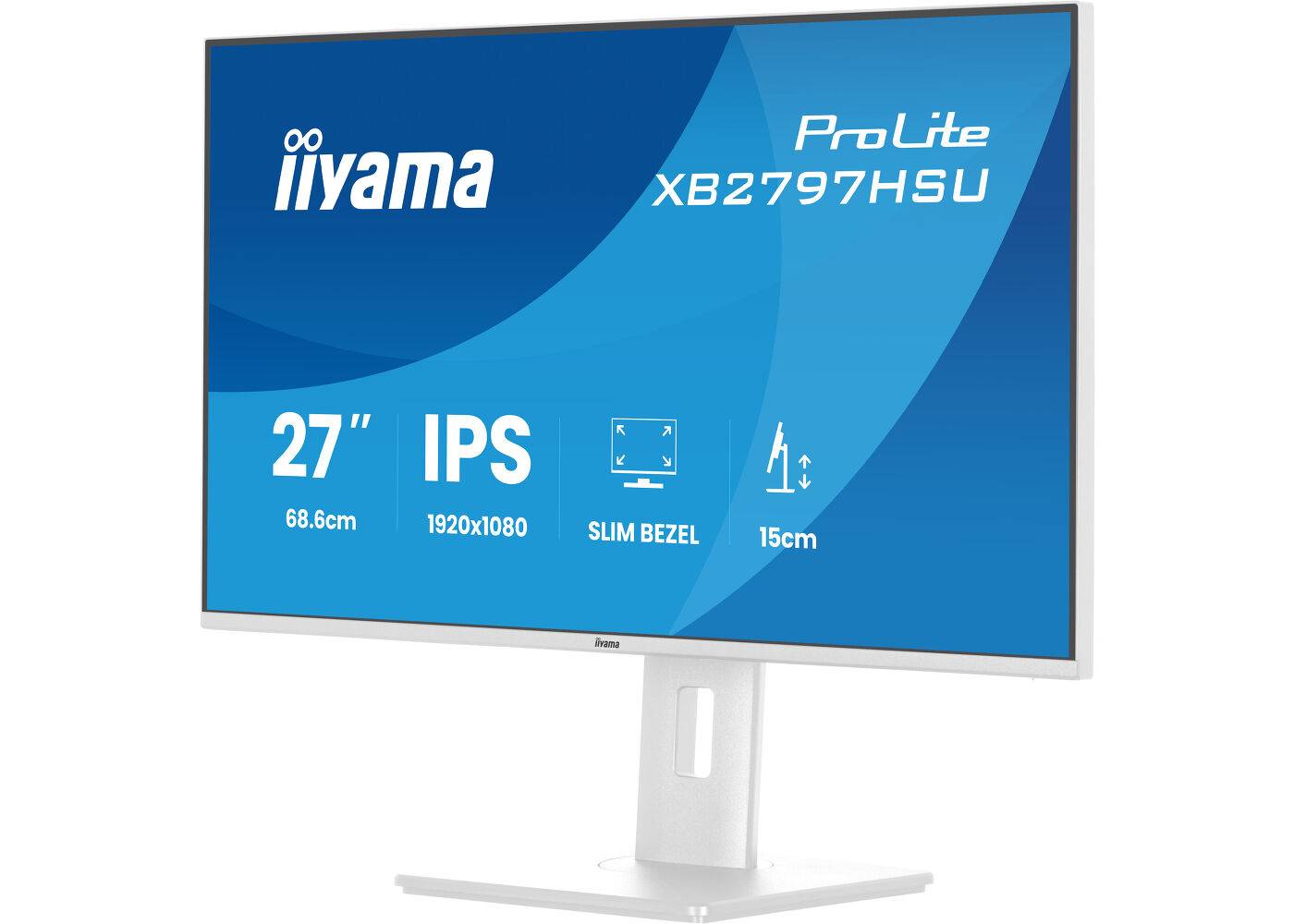
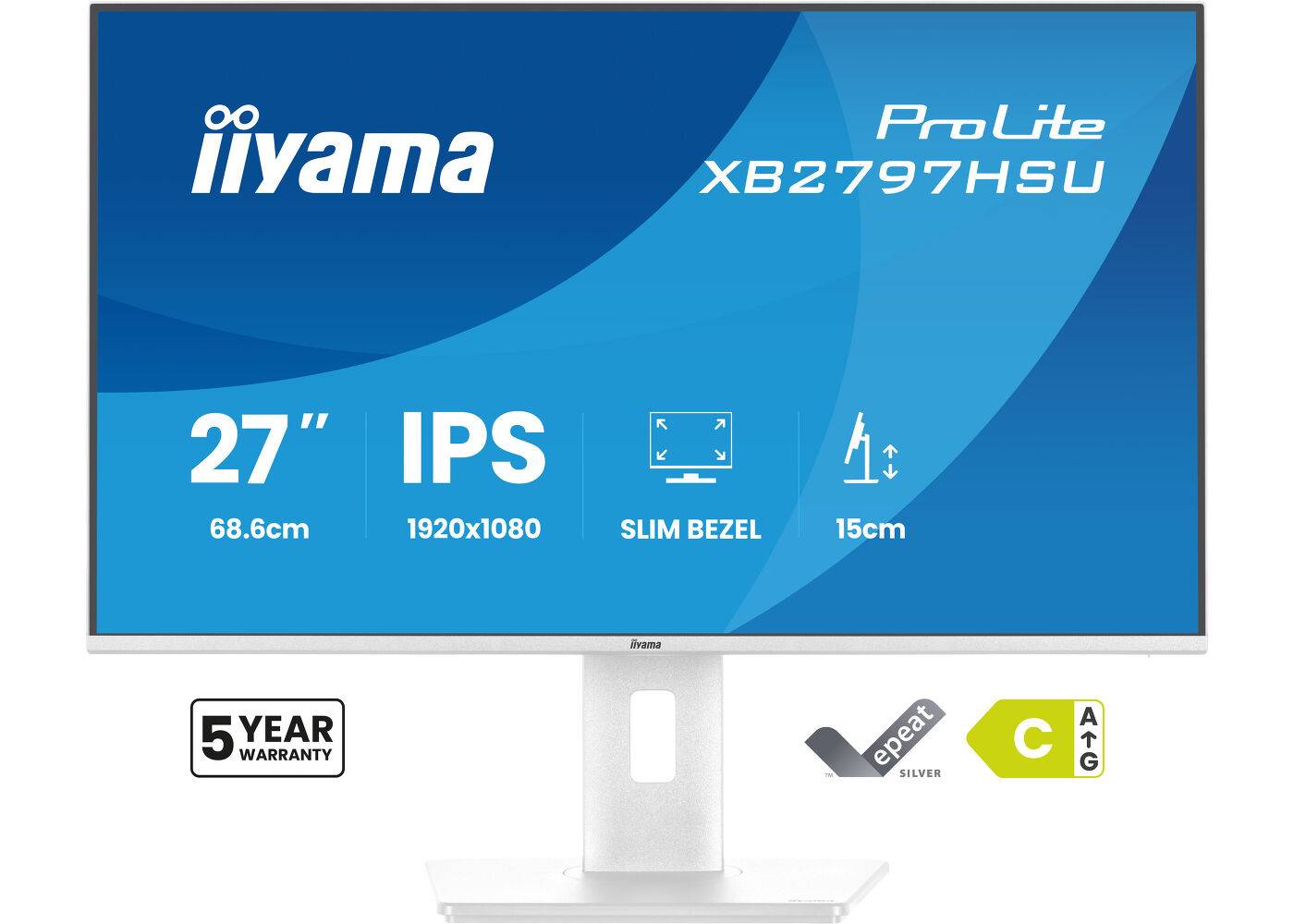
The iiyama ProLite XB2797HSU is a 27-inch (68.6 cm) IPS monitor with 1920 x 1080 Full HD resolution at 120Hz, built for ergonomic office and hybrid-work desks. The matte white panel sits in a 4-side slim bezel and delivers 178° viewing angles, 1500:1 static contrast and 350 cd/m² brightness, so text stays sharp and colours stay consistent when you look at it from the side or share the screen with a colleague.
Full HD at 27 inches is the comfortable office standard, and the 120Hz refresh rate makes scrolling, window dragging and casual gaming noticeably smoother than a classic 60Hz screen.
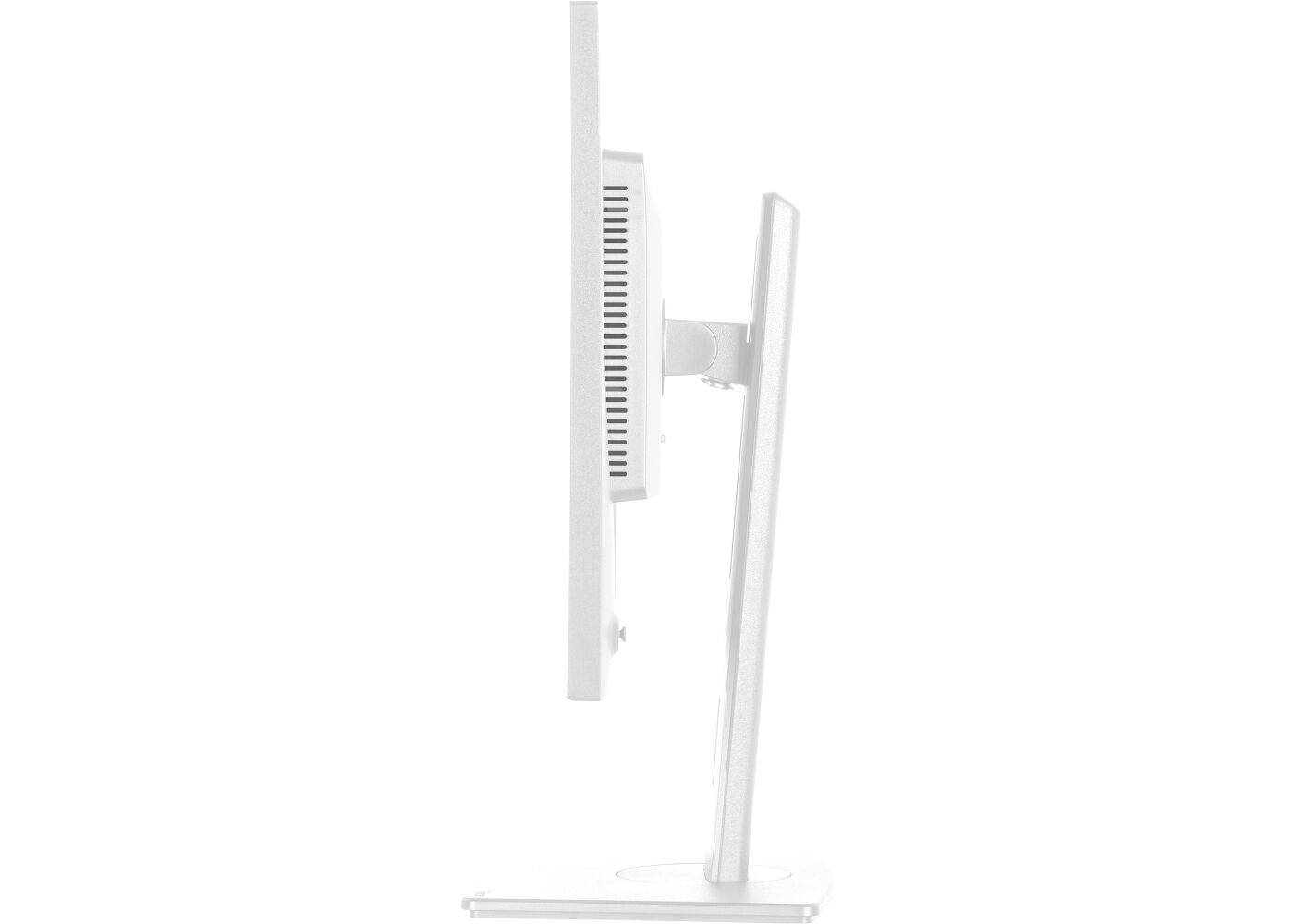
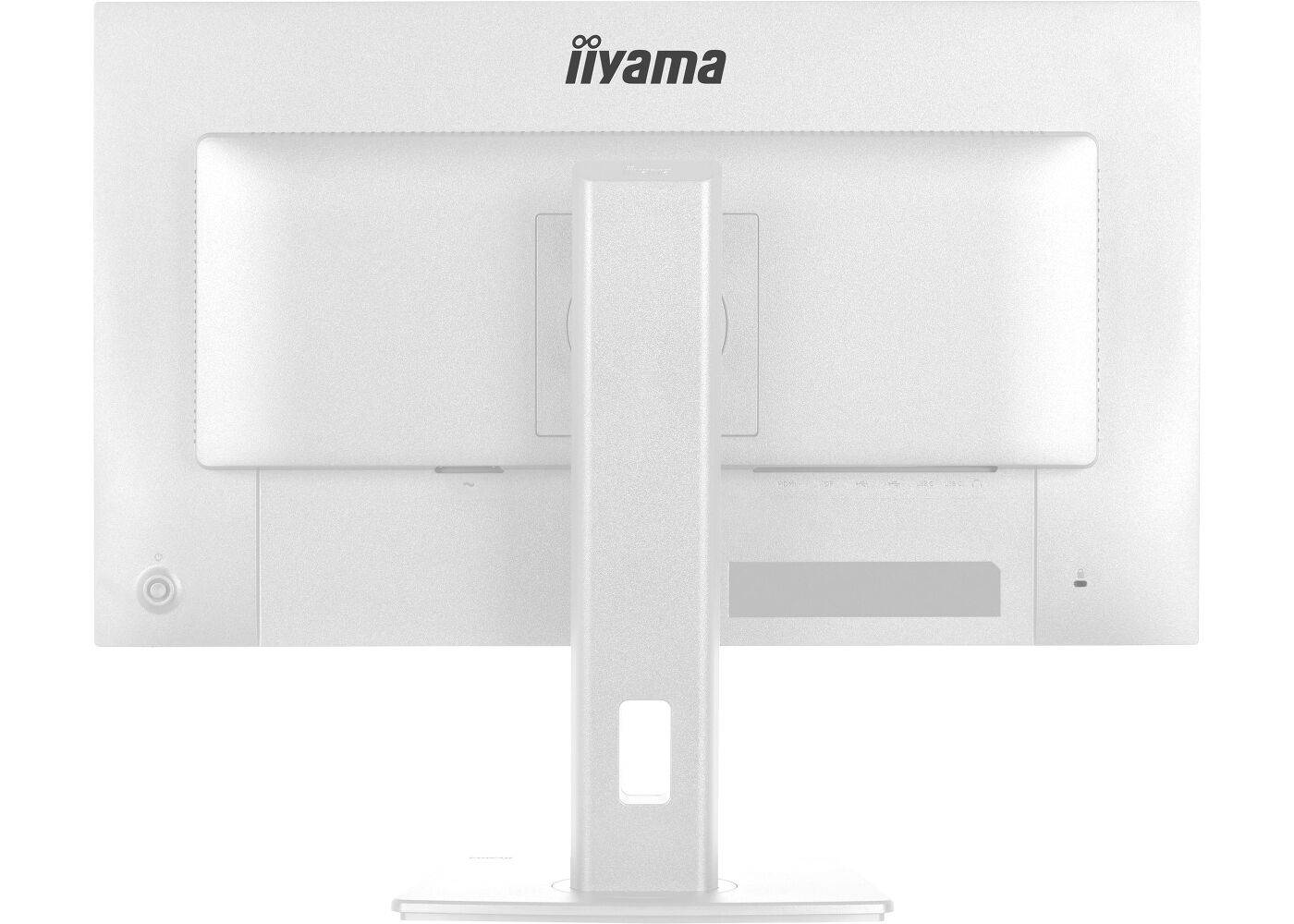
The stand is the main reason to pick the XB version: 150 mm of height travel, swivel and a 90° pivot mean the screen can be set correctly for each user without buying a separate arm. That matters in shared offices and hot-desking areas, where people of different heights use the same desk, and for anyone who reads long documents or code in portrait mode. The power supply is built in, so there is no external brick under the desk, and the 5.4 kg chassis has VESA 100 holes if you later move it to an arm or wall bracket.
What's in the Box
- Power cable (1.5 m)
- HDMI cable (1.5 m)
- DisplayPort cable (1.8 m)
- USB upstream cable (1.5 m) for the USB hub
- Quick start guide and safety guide
What It Means in Practice
- One HDMI and one DisplayPort input — connect a work laptop and a home PC and switch between them from the OSD.
- Height (150 mm), tilt, swivel and 90° pivot let you set the top edge at eye level or turn the screen portrait for documents and code.
- The USB hub (4x USB 5Gbps (2x USB-A 3.2 Gen 1, 2x USB-C data)) puts keyboard, mouse or webcam ports on the monitor, connected to the PC via the supplied upstream cable.
- Built-in 2 x 2W speakers and a headphone jack cover calls and system sounds; for music or meetings in an open office, use headphones or external speakers.
- Flicker-free backlight and a blue light reducer for long working days; TÜV Rheinland Eye Comfort certified.
- i-Style Colour presets in the OSD switch the picture quickly between office text, photo, video and game modes, and the Eco mode lowers brightness and power use when full brightness is not needed.
- Matte anti-glare finish: windows and ceiling lights behind you reflect far less than on a glossy screen, which helps in bright Cypriot offices.
What Will Not Work
- No USB-C video input — a USB-C-only laptop needs a USB-C to HDMI or DisplayPort cable/adapter, and the monitor cannot charge it.
- Not a high-refresh gaming monitor: 120Hz suit office work and casual games, not competitive esports at 144Hz+.
- No HDR support is published for this model — HDR content plays as standard dynamic range.
- The USB-C ports on the hub are for data and charging accessories only — they do not accept video from a laptop.
Key Features
IPS panel, 4-side slim bezel
1500:1 contrast, 178° viewing angles and sRGB 99% coverage — clean multi-monitor setups with minimal gaps between screens.
120Hz with Adaptive Sync
Smoother scrolling and tear-free motion with compatible AMD and NVIDIA graphics; 1ms MPRT response for clear moving content.
Ergonomic stand
150 mm height range (402–547 mm), tilt 23° up / 5° down, swivel 120° (60° each way) and 90° pivot for portrait use.
Internal power supply
No external power brick; 14W typical typical consumption, EU energy class C.
Technical Specifications
| Identification |
| Part Number |
XB2797HSU-W1 |
| EAN/GTIN |
4948570125869 |
| MPN |
XB2797HSU-W1 |
| Brand |
iiyama |
| Display |
| Screen size |
27" (68.6 cm) |
| Panel |
IPS, LED backlight, matte finish |
| Resolution |
1920 x 1080 (Full HD, 16:9) |
| Refresh rate |
120Hz |
| Response time |
1ms MPRT |
| Brightness |
350 cd/m² |
| Contrast |
1500:1 static, 80M:1 advanced |
| Viewing angles |
178° / 178° |
| Pixel pitch |
0.311mm |
| Colour gamut |
sRGB 99%, NTSC 72% |
| Adaptive Sync |
Yes |
| Flicker free / blue light reducer |
Yes / Yes |
| Connectivity |
| HDMI |
1x HDMI 1.4 |
| DisplayPort |
1x DisplayPort 1.2 |
| USB hub |
4x USB 5Gbps (2x USB-A 3.2 Gen 1, 2x USB-C data) |
| Audio |
Headphone jack, 2 x 2W speakers |
| HDCP |
Yes |
| Mechanical & Power |
| Stand |
Height 150 mm, tilt 23° up / 5° down, swivel 120° (60° each way), pivot 90° |
| VESA mount |
100 x 100 mm |
| Kensington lock |
Prepared |
| Power supply |
Internal, AC 100–240V 50/60Hz |
| Power consumption |
14W typical, 0.5W standby, 0.3W off |
| EU energy class (SDR) |
C |
| Dimensions (W x H x D, with stand) |
611.5 x 402 (547) x 209.5 mm |
| Weight (without box) |
5.4 kg |
| Colour |
Matte white |
| Warranty |
| Warranty |
1-Year Warranty (Singular) |
| Manufacturer Term |
5-year iiyama warranty (onsite exchange) for ProLite 97-series models in eligible European countries, per manufacturer — claims handled through Singular |
Frequently Asked Questions
Can I connect a USB-C laptop?
Only through a USB-C to HDMI or USB-C to DisplayPort cable or adapter. The monitor has no USB-C video input and does not charge laptops.
Does it work with a Mac?
Yes, via HDMI or DisplayPort (or a USB-C adapter on newer Macs). Apple M-series base chips support a limited number of external displays — ask us if you plan more than one.
Can I mount it on an arm?
Yes. Remove the stand and use any VESA 100 x 100 mm arm or wall bracket rated for at least 5.4 kg.
What warranty does it have?
iiyama publishes 5 years (onsite exchange) for ProLite 97-series models in eligible European countries. Singular adds its own 1-year warranty and handles claims for you.
Singular Expert Insight · Buyer's Guide
The XB2797HSU adds the full ergonomic stand that most office buyers end up wanting: height, swivel and pivot without an extra arm. If your users work from laptops, combine it with one of our
docking stations for a one-cable desk, because the monitor itself has no USB-C input.
✓ Buy it if you want a 27" Full HD IPS screen with a full ergonomic stand for everyday office work.
✕ Skip it if your laptop has only USB-C and you want single-cable charging — choose a USB-C model instead.
→ Also consider the iiyama XB2797HSN-B1 or XB2797QSN-B1 with USB-C 65W docking and RJ45.
Not sure it fits your setup? Send us your laptop or graphics card model and we will confirm the right cable and resolution before you order.