
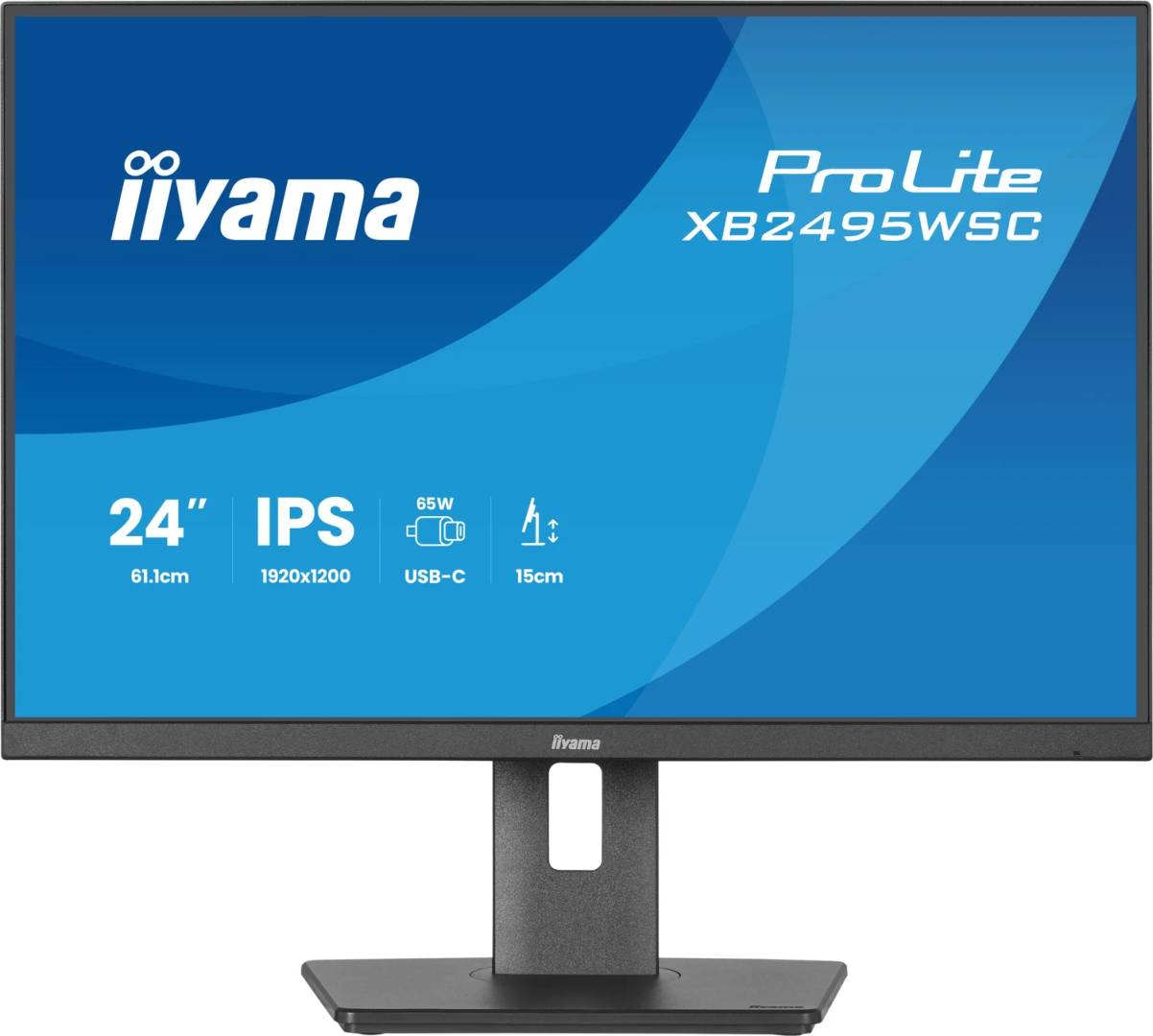
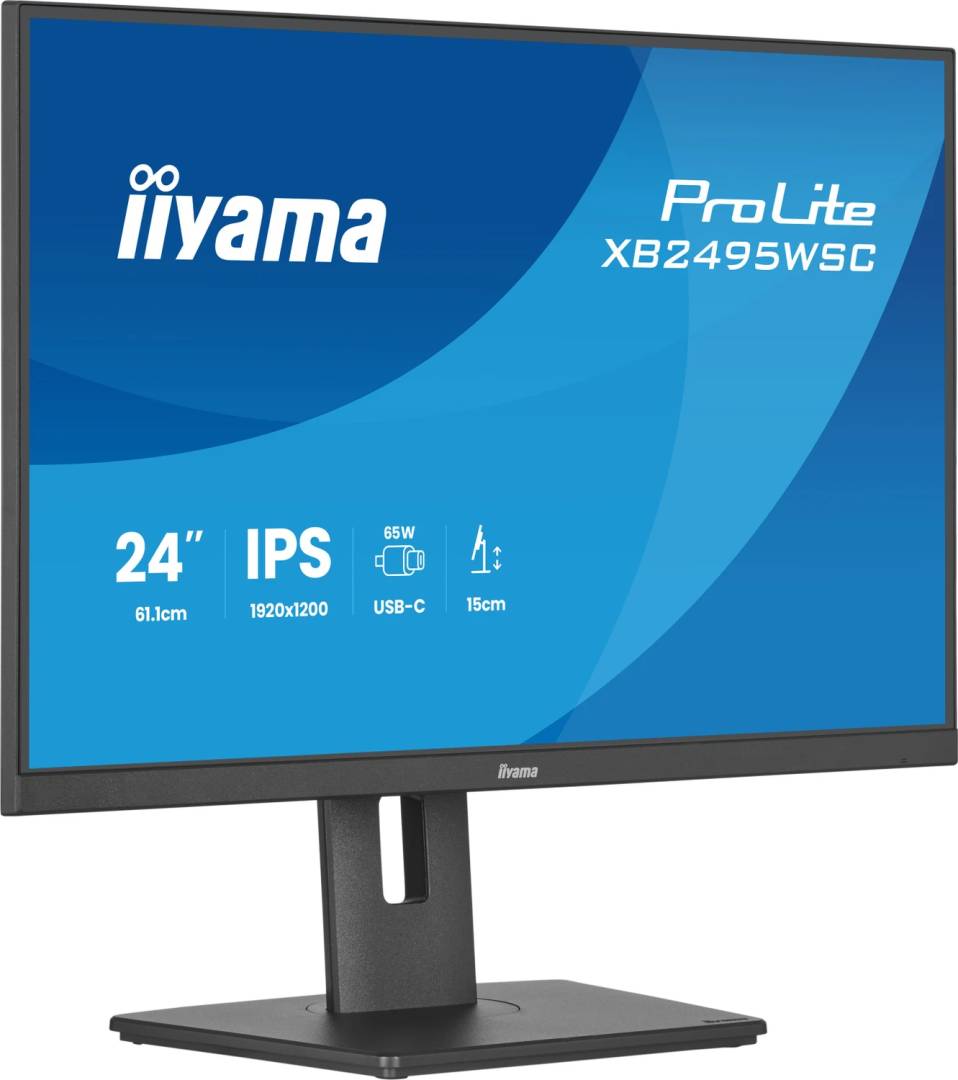
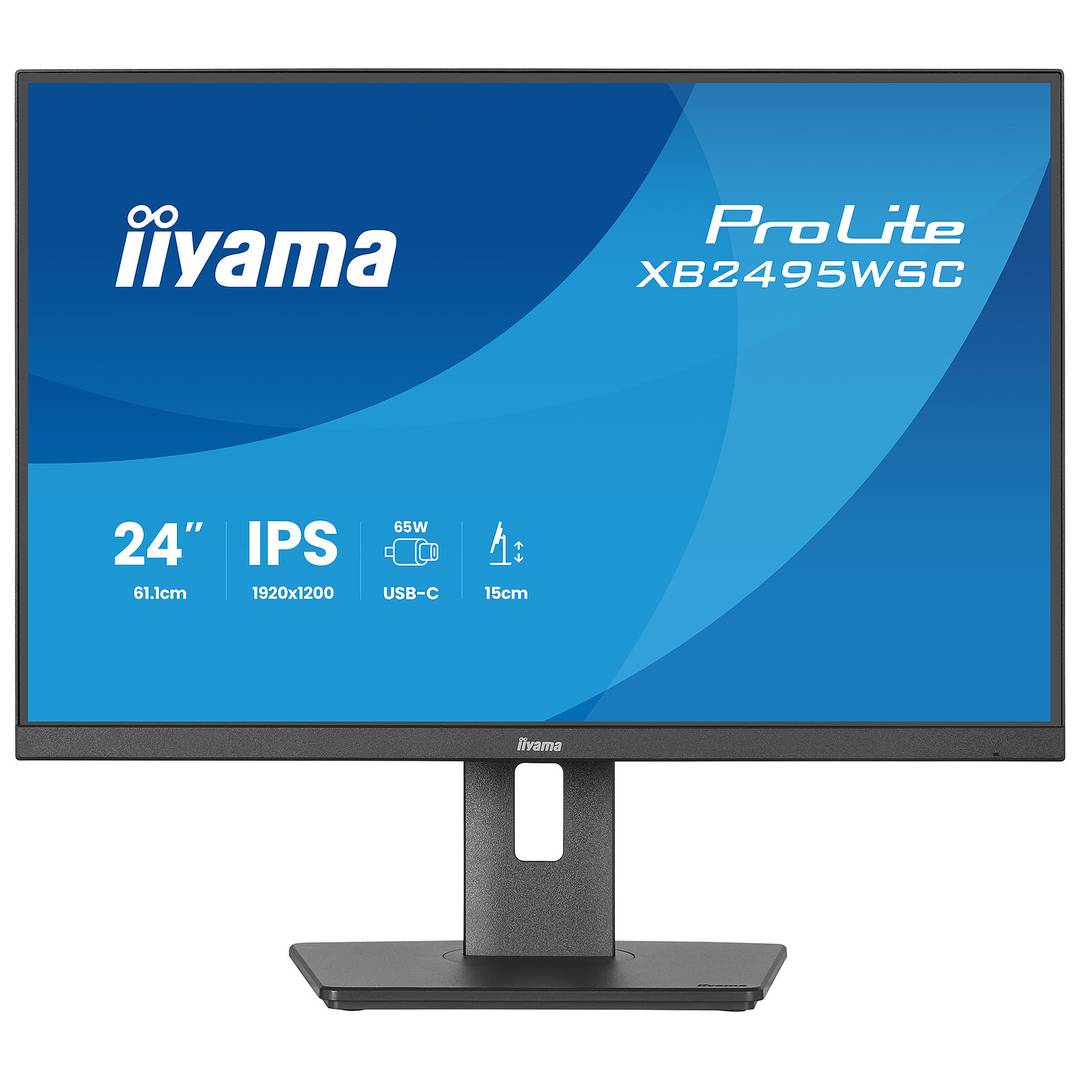
iiyama ProLite XB2495WSC-B1 24-inch WUXGA USB-C Monitor
Brand:
Iiyama



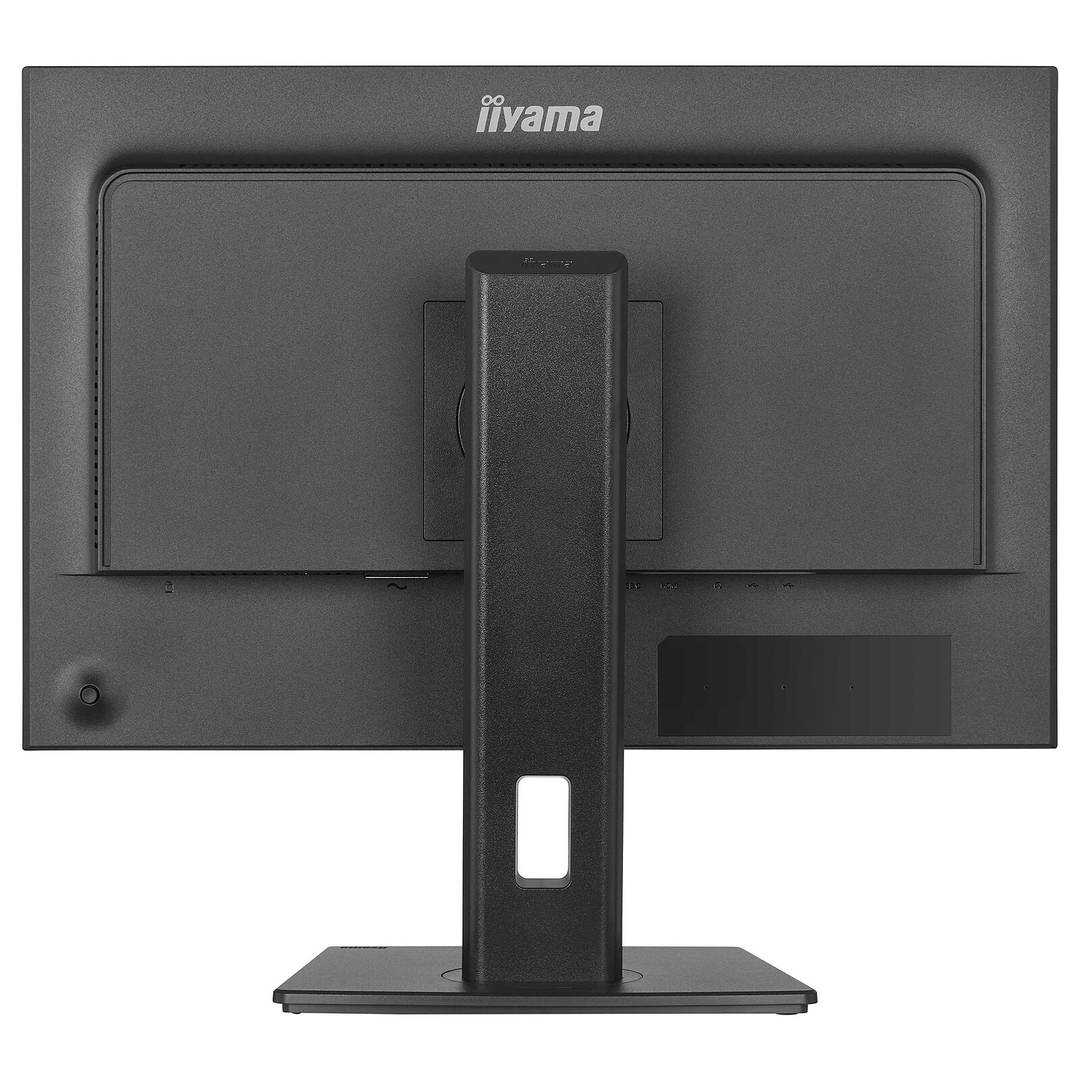
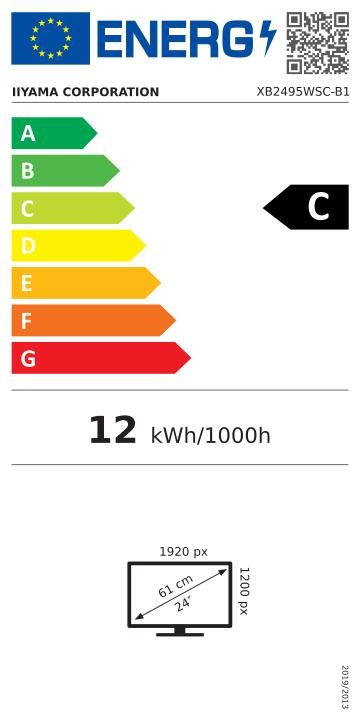


XB2495WSC-B1
Delivery
Order Today...
Ships...
Delivery...
ℹ️ Large or fragile items (e.g. monitors) may require extra handling time. We'll keep you informed.
Payment options
Trusted Tech Choice
Buying Benefits
Verified
Competitive EU pricing
Delivered to Cyprus from EU stock
Local warranty support
Please sign in so that we can notify you about a reply
More vertical workspace with 16:10 and USB-C
24.1-inch IPS / 1920×120016:10 WUXGA / 100 HzUSB-C video + up to 65 W150 mm height / pivot
The iiyama ProLite XB2495WSC-B1 combines a 24.1-inch 16:10 IPS panel with USB-C connectivity and an adjustable stand. Its native 1920×1200 resolution provides more vertical pixels than 1920×1080, giving documents, spreadsheets and desktop tools additional room. A compatible USB-C connection can carry video and data while providing up to 65 W Power Delivery.
Best For: Office, education and document-heavy work using a compatible USB-C laptop or HDMI source, with an adjustable 16:10 display.
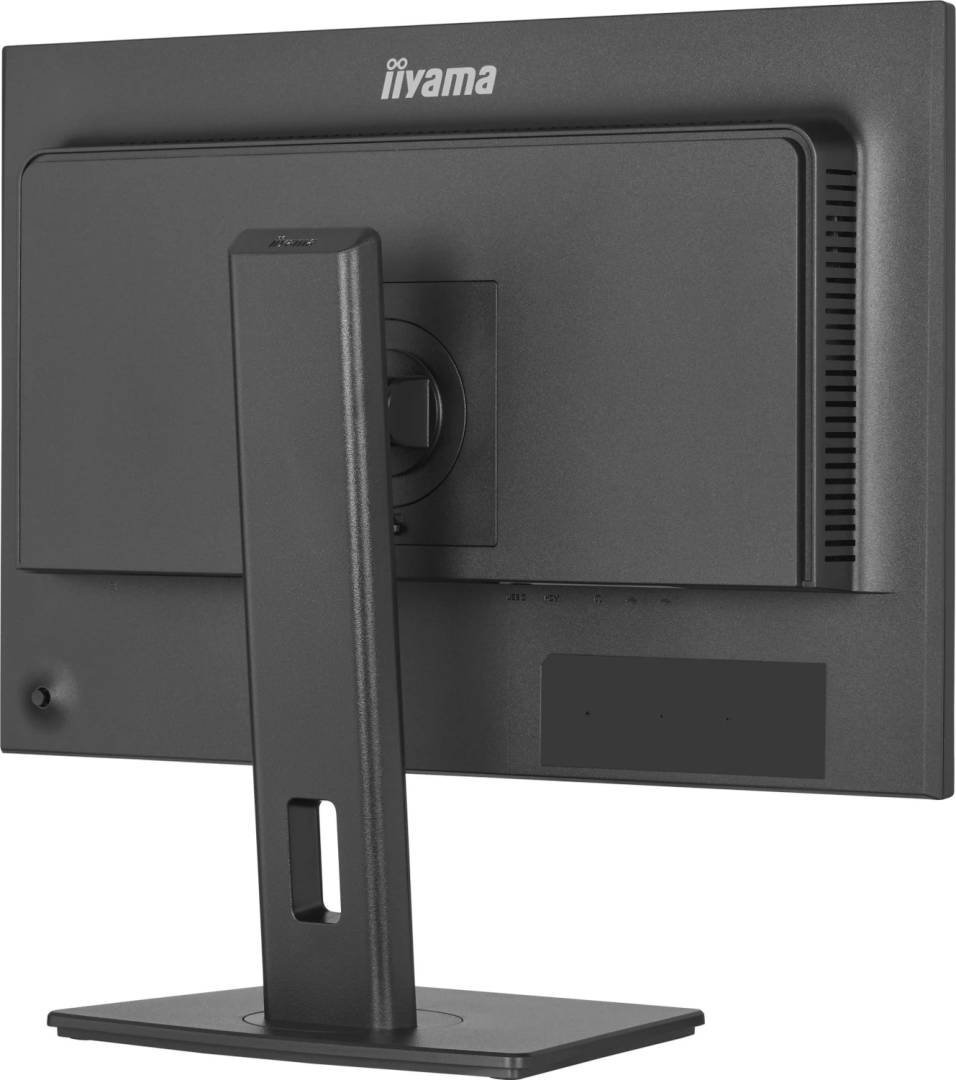
Before you order: Check that the host USB-C port supports DisplayPort Alt Mode, USB data and the required Power Delivery connection. Charge-only ports or cables will not carry video. Maximum upstream charging is 65 W; higher-power laptops may need their own charger. HDMI provides video, while the USB-C link is needed for USB hub functions. This monitor has no RJ45 network port, DisplayPort socket or MST output specified.
What's in the Box
- XB2495WSC-B1 monitor, stand neck and base.
- Power, HDMI and USB-C cables, quick start and safety guides.
- Laptop, peripherals, network adapter, separate mounting arm and other cables are not listed as included.
What It Means in Practice
- Use native 1920×1200 at up to 100 Hz with a host and connection that support the mode.
- Connect the full-featured USB-C cable for video, data and up to 65 W charging on a compatible laptop.
- Attach suitable USB peripherals to the downstream Type-A or Type-C port; these are not extra video inputs.
- Raise the screen through 150 mm, swivel ±60°, tilt +23°/−5° or pivot 90° either way while keeping cables free.
- For charging or hub use in standby, review the monitor USB Charge setting and host power requirements.
What Will Not Work
- The USB-C input provides up to 65 W, not 95 W; higher-power laptops may require their original power supply.
- No wired LAN dock, DisplayPort daisy chaining, webcam or touch input is specified.
- A downstream USB-C port is for supported peripheral/data/power functions, not a second host video connection.
- 4 ms GTG is specified with Overdrive 5; it is not a universal response time in every mode.
Key Features
A taller working canvas
1920×1200 WUXGA at 16:10 offers 120 extra vertical pixels compared with 1920×1080.
USB-C workstation connection
A supported host can combine DP Alt Mode video, USB data and up to 65 W charging over one cable.
IPS colour and viewing
The matte IPS panel has 350 cd/m² typical brightness, 1500:1 contrast and stated 99% sRGB coverage.
Position the screen for the task
Height, swivel, tilt and both-direction pivot support comfortable landscape or portrait layouts.
Technical Specifications
Frequently Asked Questions
Singular Expert Insight
A 16:10 display is useful when the task benefits from more vertical content rather than a wider desktop. Compare the laptop’s USB-C video support and charger rating with the 65 W limit, and plan any separate network adapter. The adjustable stand helps fit documents, code or spreadsheets to the preferred working position.
Buyer’s Guide
✓ Buy it if You want a compact 16:10 WUXGA business display with USB-C 65 W and a fully adjustable stand.
✕ Skip it if You need a built-in LAN dock, webcam, touchscreen, daisy-chain output or charging above 65 W.
→ Also consider Laptop USB-C capabilities, charger rating, exact 1920×1200 mode support, peripherals and separate network requirements.
Features - Iiyama - XB2495WSC-B1
Colour
black
More Details
Product Code
04:600810
EAN Code
4948570127856
Manufacturer
Iiyama