
iiyama GOB2701QSC-B1 27 OLED QHD 280Hz USB-C Monitor
Brand:
Iiyama



GOB2701QSC-B1
Delivery
Order Today...
Ships...
Delivery...
ℹ️ Large or fragile items (e.g. monitors) may require extra handling time. We'll keep you informed.
Payment options
Trusted Tech Choice
Buying Benefits
Verified
Competitive EU pricing
Delivered to Cyprus from EU stock
Local warranty support
Please sign in so that we can notify you about a reply
OLED contrast and QHD speed with flexible connections
Tandem OLED META 3QHD 280 HzUSB-C up to 65 WKVM / 150 mm height
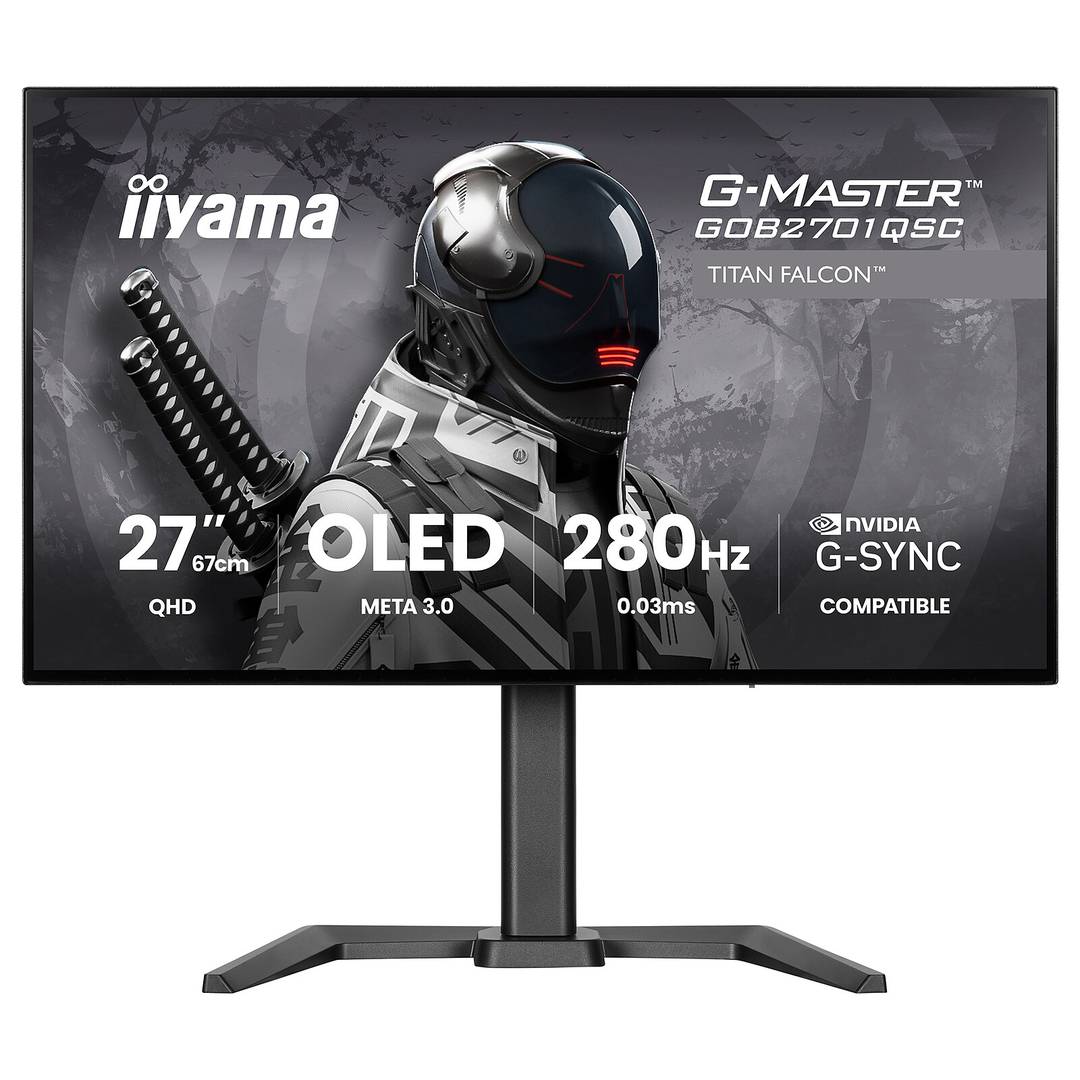
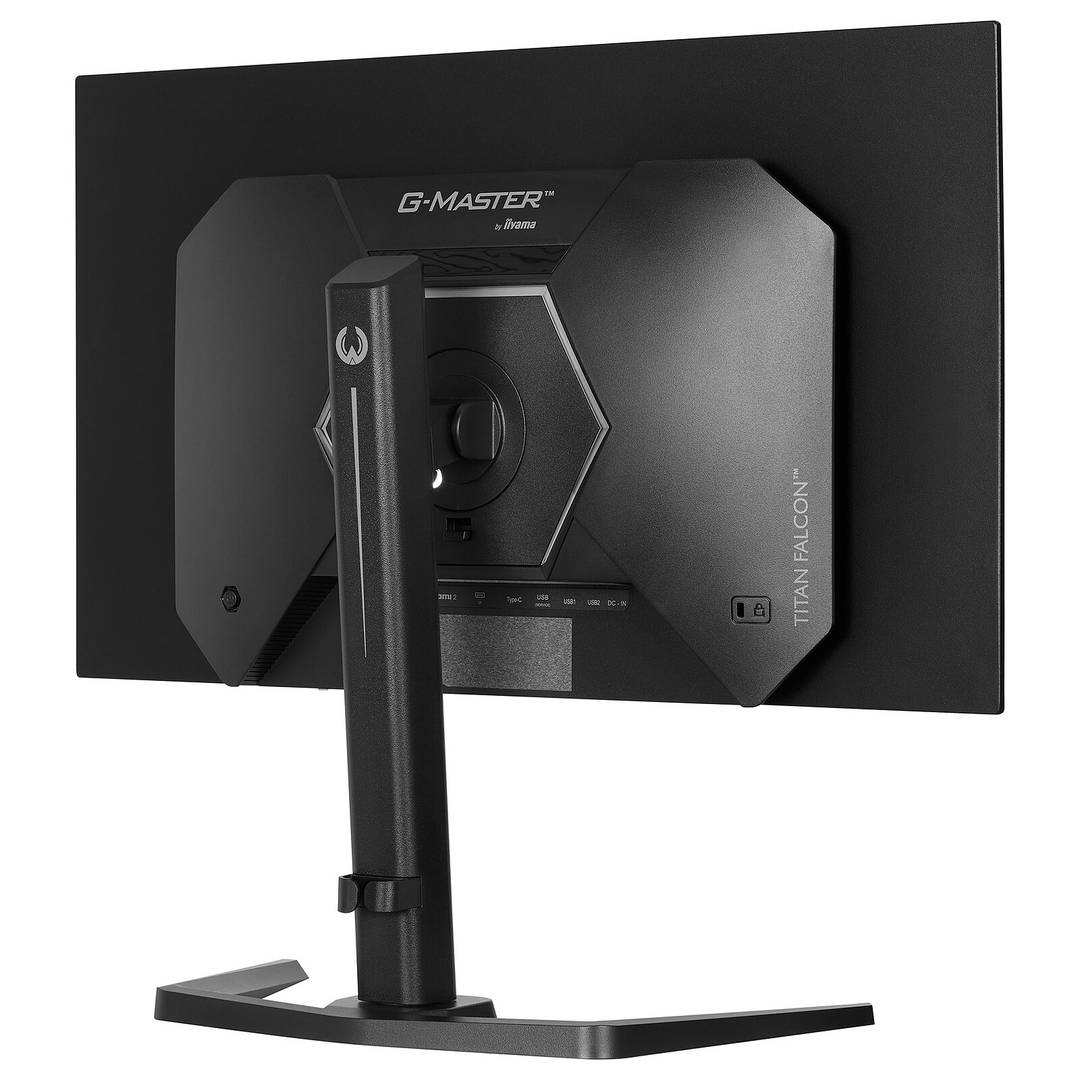
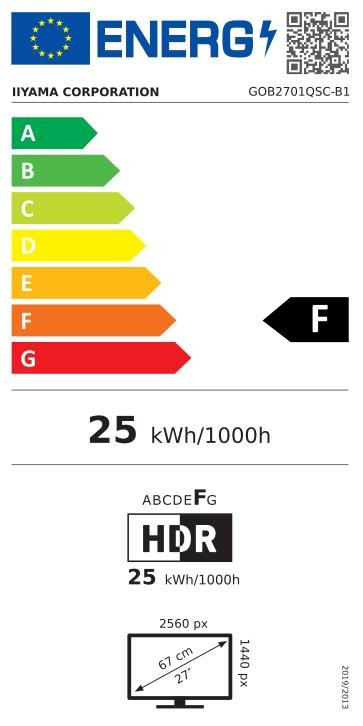
The G-Master Titan Falcon GOB2701QSC-B1 combines a flat Tandem OLED panel with 2560×1440 resolution and up to 280 Hz refresh. The 27-class display has an actual 26.5-inch diagonal. HDMI, DP 1.4 DSC, USB-C video with up to 65 W Power Delivery, KVM and an adjustable stand support gaming and a flexible two-computer desk.
Best For: PC gamers seeking OLED contrast and fast QHD motion, with useful laptop and peripheral connections.
Before you order: 280 Hz requires a compatible source, cable and settings; G-SYNC Compatible is specified over DisplayPort only. The 1,500 cd/m² HDR peak applies to a small 1.5% picture area, not sustained full-screen brightness. USB-C video requires DP Alt Mode and a suitable cable; 65 W may not meet every laptop power requirement. Follow the OLED protection and screen-care instructions.
What's in the Box
- GOB2701QSC-B1 monitor and adjustable stand, external AC adapter and power cable.
- HDMI, DisplayPort, USB-C C-C and USB A-B cables, quick start and safety guides.
- Computer, laptop, peripherals and optional VESA arm are separate.
What It Means in Practice
- Use supported HDMI or DP output for QHD up to 280 Hz; enable DSC where required by the selected mode.
- Use DisplayPort for the manufacturer-specified G-SYNC Compatible operation.
- Connect a DP Alt Mode laptop using suitable USB-C for video, data and charging up to 65 W.
- Connect the second computer video and USB upstream, then map KVM to the correct source.
- Set height, tilt, swivel or pivot and allow the monitor OLED care routines to complete.
What Will Not Work
- The panel is QHD, not 4K; advertised refresh does not guarantee rendered game frame rates.
- Peak HDR brightness varies with picture area and content. The manual gives 335 cd/m² typical normal brightness.
- Do not assume 10-bit colour at every 280 Hz mode; the manual DSC option explicitly describes an 8-bit 280 Hz mode.
- USB-C power and video depend on laptop/cable support; high-power laptops may need their own charger.
- Prolonged static images can affect OLED panels. Use the manufacturer screen saver, movement and care functions; protection does not imply zero retention risk.
Key Features
Tandem OLED picture
Fourth-generation META 3 WOLED, self-emissive contrast and 0.03 ms typical GTG response.
Fast QHD motion
2560×1440 up to 280 Hz, DP 1.4 DSC and DP G-SYNC Compatible support.
USB-C and KVM
USB-C video and up to 65 W PD, two USB-A downstream ports and shared-peripheral KVM.
Adjustable desktop
150 mm height, ±45° swivel, +23°/−5° tilt, ±90° pivot and VESA 100×100.
Technical Specifications
Frequently Asked Questions
Singular Expert Insight
Choose OLED for contrast and motion with a varied-content workload, and plan for its maintenance routines. QHD 280 Hz still needs strong host output and appropriate mode settings. For a mixed laptop/desktop desk, verify USB-C video and power needs and connect both USB upstream paths correctly for KVM.
Buyer’s Guide
✓ Buy it if You want fast QHD OLED gaming plus USB-C video/charging and a flexible KVM desk.
✕ Skip it if You need 4K resolution, guaranteed sustained 1,500-nit full-screen output or unrestricted static-image use.
→ Also consider GPU and DSC modes, laptop power, DP adaptive sync, lighting, static-content habits and OLED care.
Features - Iiyama - GOB2701QSC-B1
Colour
black
More Details
Product Code
04:595198
EAN Code
4948570127948
Manufacturer
Iiyama