
iiyama ProGraphic HB3201UHSNP-B1 31.5 4K USB-C Monitor
Brand:
Iiyama



HB3201UHSNP-B1
Delivery
Order Today...
Ships...
Delivery...
ℹ️ Large or fragile items (e.g. monitors) may require extra handling time. We'll keep you informed.
Payment options
Trusted Tech Choice
Buying Benefits
Verified
Competitive EU pricing
Delivered to Cyprus from EU stock
Local warranty support
Please sign in so that we can notify you about a reply
4K creative workspace with IPS Black contrast
31.5-inch IPS Black 2.04K UHD / 60 Hz99% DCI-P3 / PantoneUSB-C up to 96 W / KVM
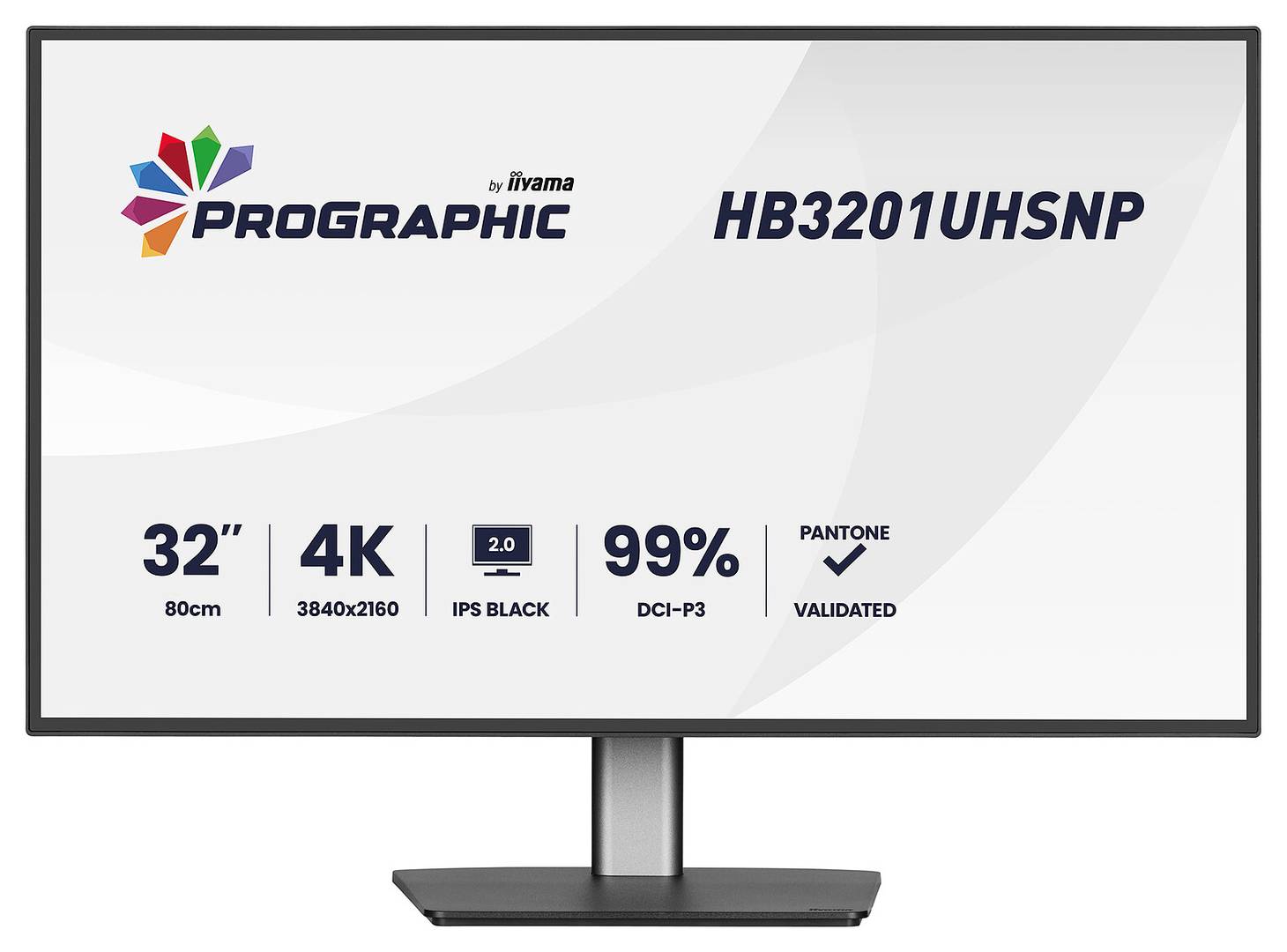
The ProGraphic HB3201UHSNP-B1 combines a 31.5-inch 4K 60 Hz IPS Black 2.0 panel with USB-C docking and KVM. A 3000:1 static contrast ratio, manufacturer-stated 99% DCI-P3 coverage and Pantone Validated colour support creative desktop work. RJ45, a USB hub and supported DisplayPort MST configurations add practical connectivity.
Best For: Design, photography, content creation and detailed office work needing UHD space, wide-gamut colour and a compatible docked laptop.
Before you order: USB-C video requires a compatible DisplayPort Alt Mode host and full-featured cable. PD is up to 96 W, reducing to 80 W or 65 W as downstream USB power load rises. The manual lists two-monitor MST limits of first 4K 60 plus second 4K 30, or both 4K 30; compatible host/OS and OSD settings are required. Extended MST is not supported on macOS.
What's in the Box
- Monitor with adjustable stand; power, USB, HDMI and DisplayPort cables 1.8 m each, USB-C cable 1.0 m.
- Quick start guide and safety guide.
- Laptop, keyboard, mouse, Ethernet service, second monitor and optional mounting arm are separate.
What It Means in Practice
- Connect a compatible laptop by USB-C for video, supported data and charging up to 96 W.
- Connect another computer by HDMI or DisplayPort and the appropriate USB upstream link, then configure KVM mapping.
- Use RJ45 for wired network access through a supported host connection.
- Enable MST only with a supported DP/USB-C source; use the documented refresh limits and disable PIP/PBP as required.
- Adjust height by 150 mm, tilt and swivel, or rotate into portrait orientation.
What Will Not Work
- Maximum USB-C PD depends on downstream power use; a laptop needing more power may require its own adapter.
- The manual limits MST to two displays total and does not promise dual 4K 60 or macOS extended MST.
- Colour-managed applications, suitable profiles and a controlled viewing environment remain necessary; no hardware calibration capability is promised.
- No webcam, touch input, high-refresh mode or advanced HDR local dimming is specified.
Key Features
IPS Black 2.0 detail
3840×2160 at 60 Hz, 3000:1 static contrast and 450 cd/m² typical brightness.
Wide-gamut colour
Manufacturer-stated 99% DCI-P3, 100% sRGB, DeltaE<2 and Pantone Validated; appropriate colour management still matters.
Dock and shared peripherals
USB-C up to 96 W under supported load, KVM, RJ45, USB hub and limited MST configurations.
Adjustable creative desk
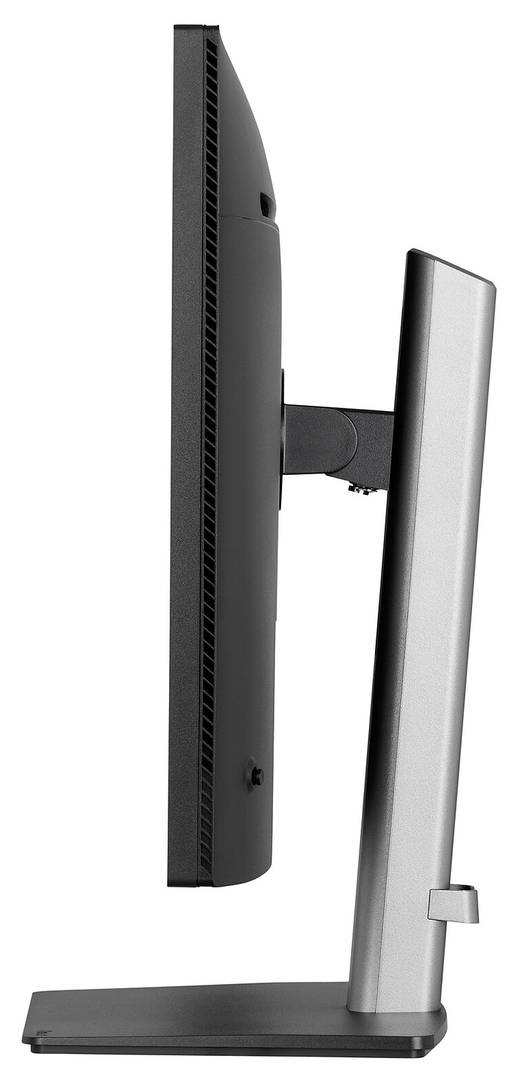
150 mm height, 360° swivel, +23°/−5° tilt, ±90° pivot, VESA 100×100 and AGLR surface.
Technical Specifications
Frequently Asked Questions
Singular Expert Insight
Match the display to the complete creative workflow: gamut, profiles, viewing light and source output. For docking, budget USB peripheral power as well as laptop power. Treat MST as a documented limited option, rather than assuming two 4K 60 outputs from one cable.
Buyer’s Guide
✓ Buy it if You need a 4K 60 IPS Black creative desktop with wide-gamut colour, KVM and supported USB-C docking.
✕ Skip it if You need high-refresh gaming, guaranteed 96 W under every load or dual 4K 60 MST output.
→ Also consider Colour profiles, host USB-C Alt Mode, laptop and peripheral power, MST limits and cable support.
Features - Iiyama - HB3201UHSNP-B1
Colour
black
More Details
Product Code
04:575919
EAN Code
4948570125395
Manufacturer
Iiyama