
iiyama TW3226AS-B3P 31.5 Android Touch Panel PC
Brand:
Iiyama

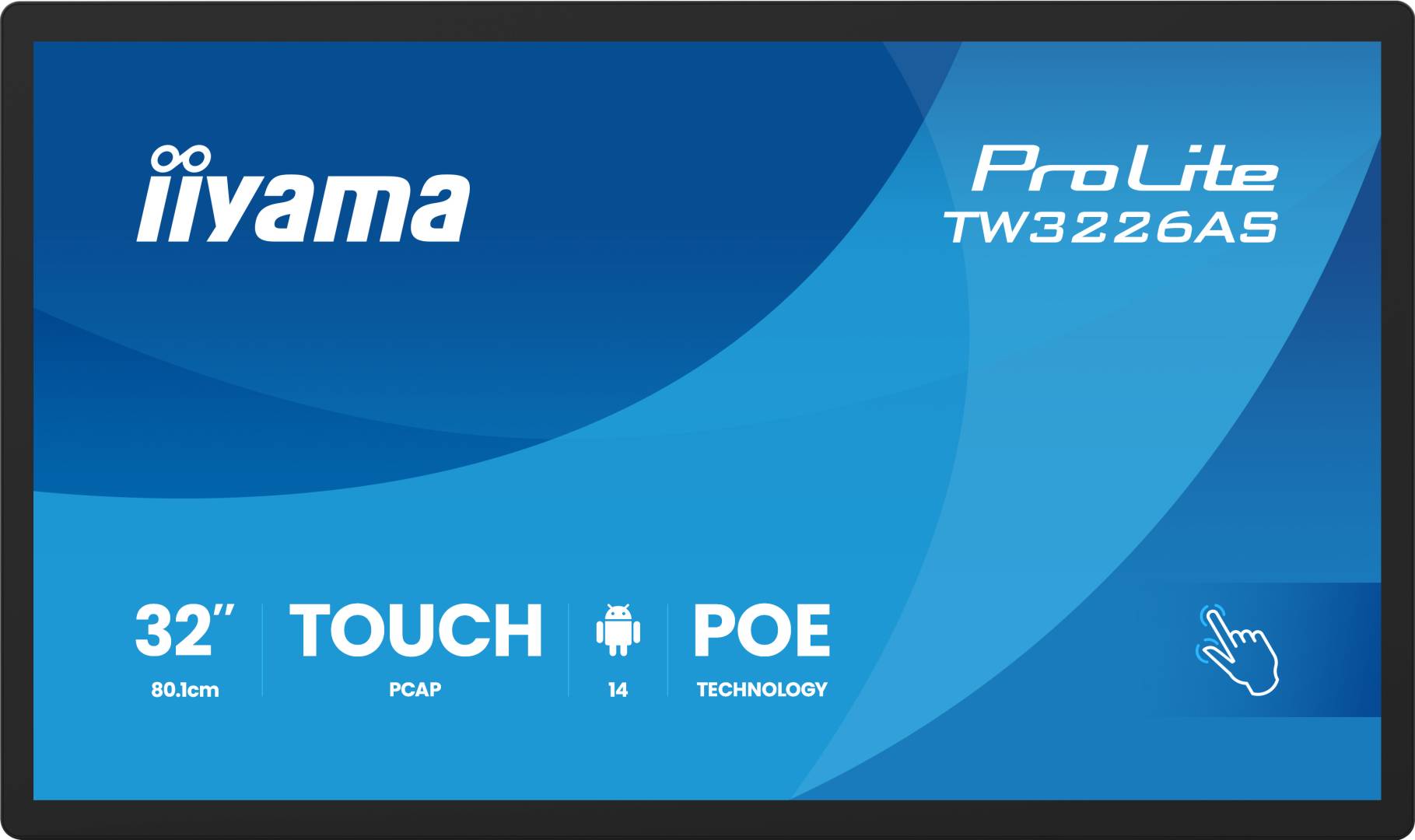
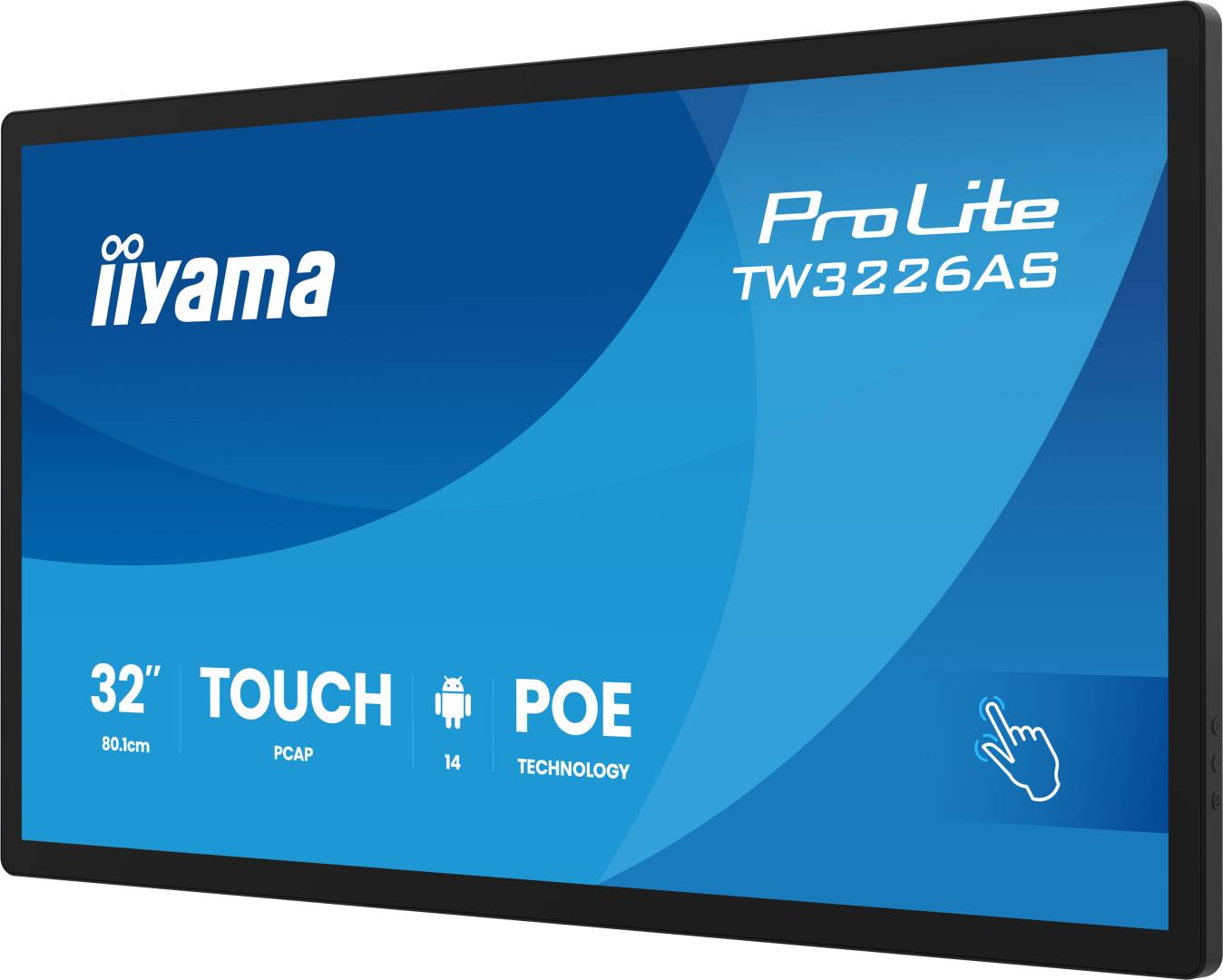
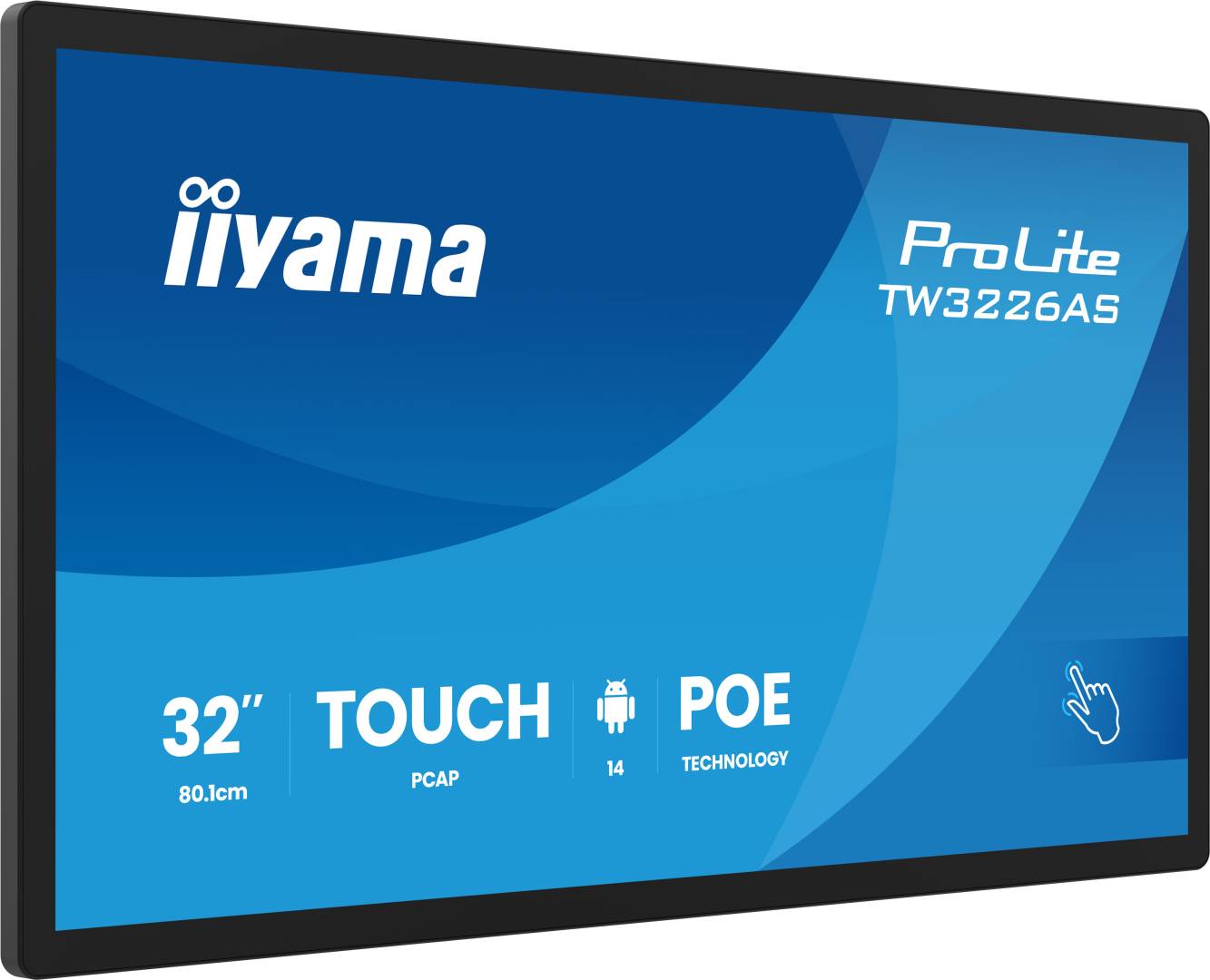
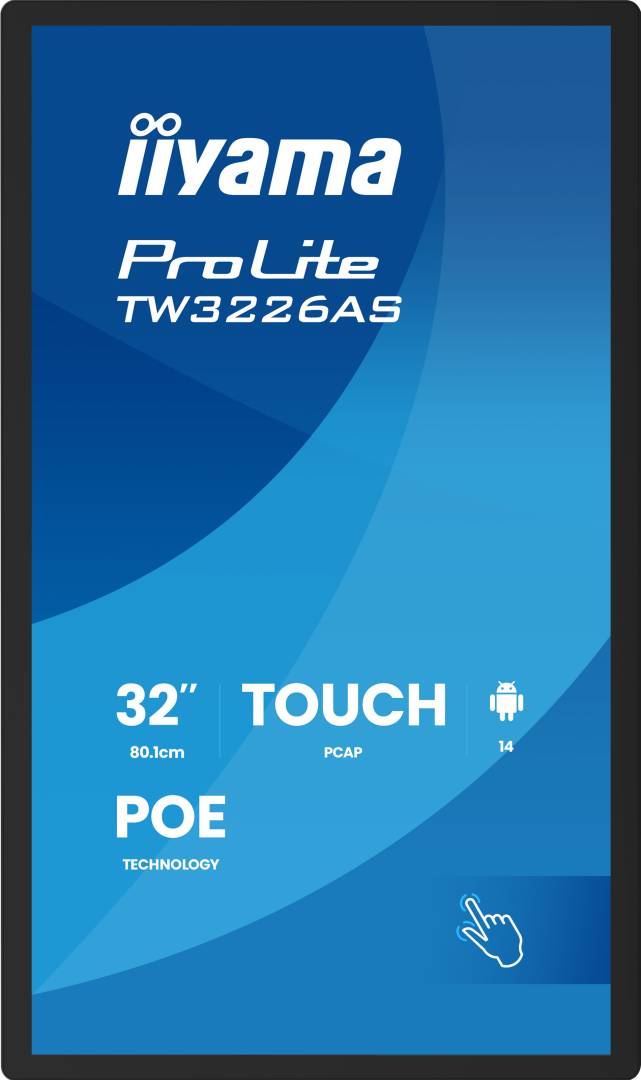
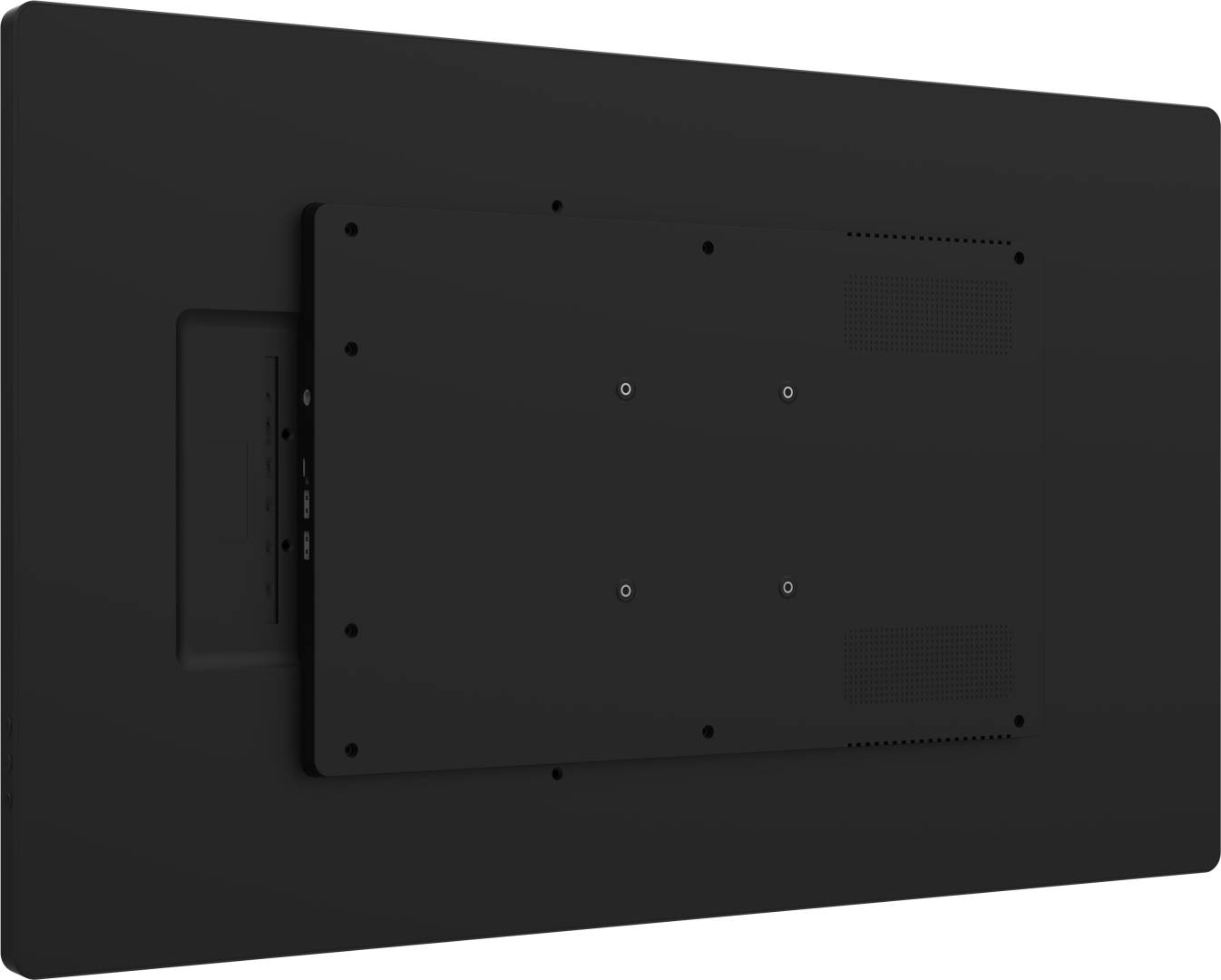
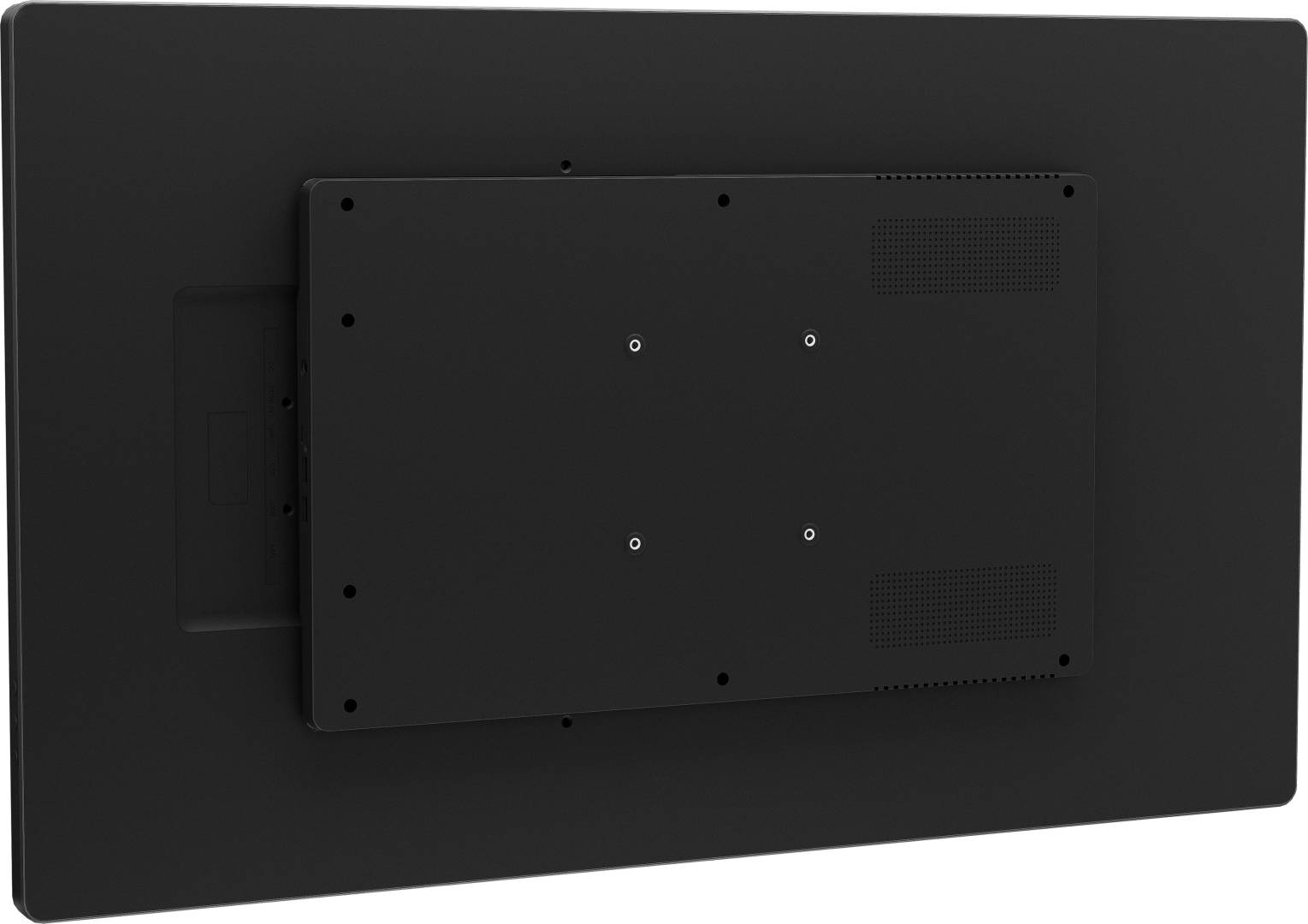
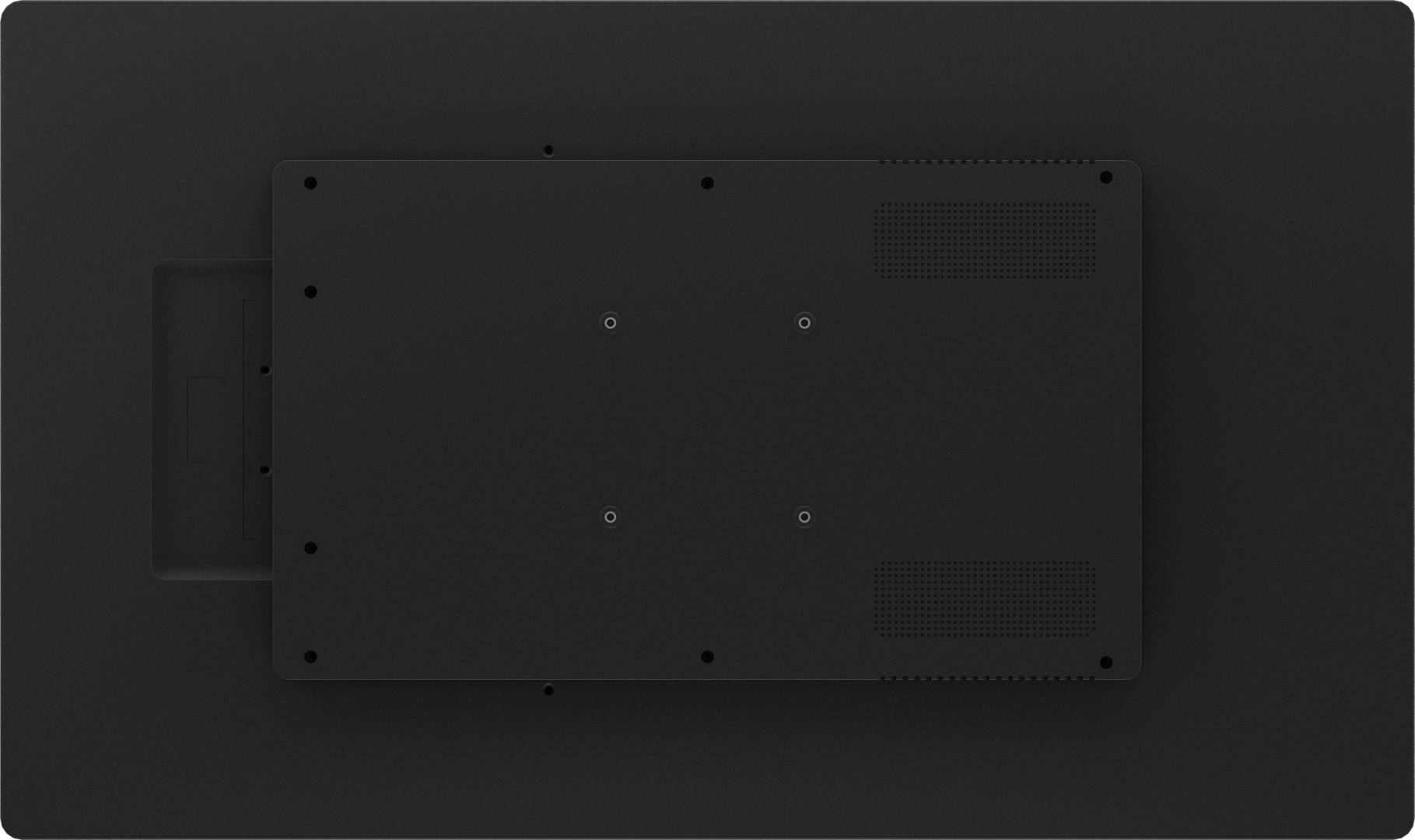
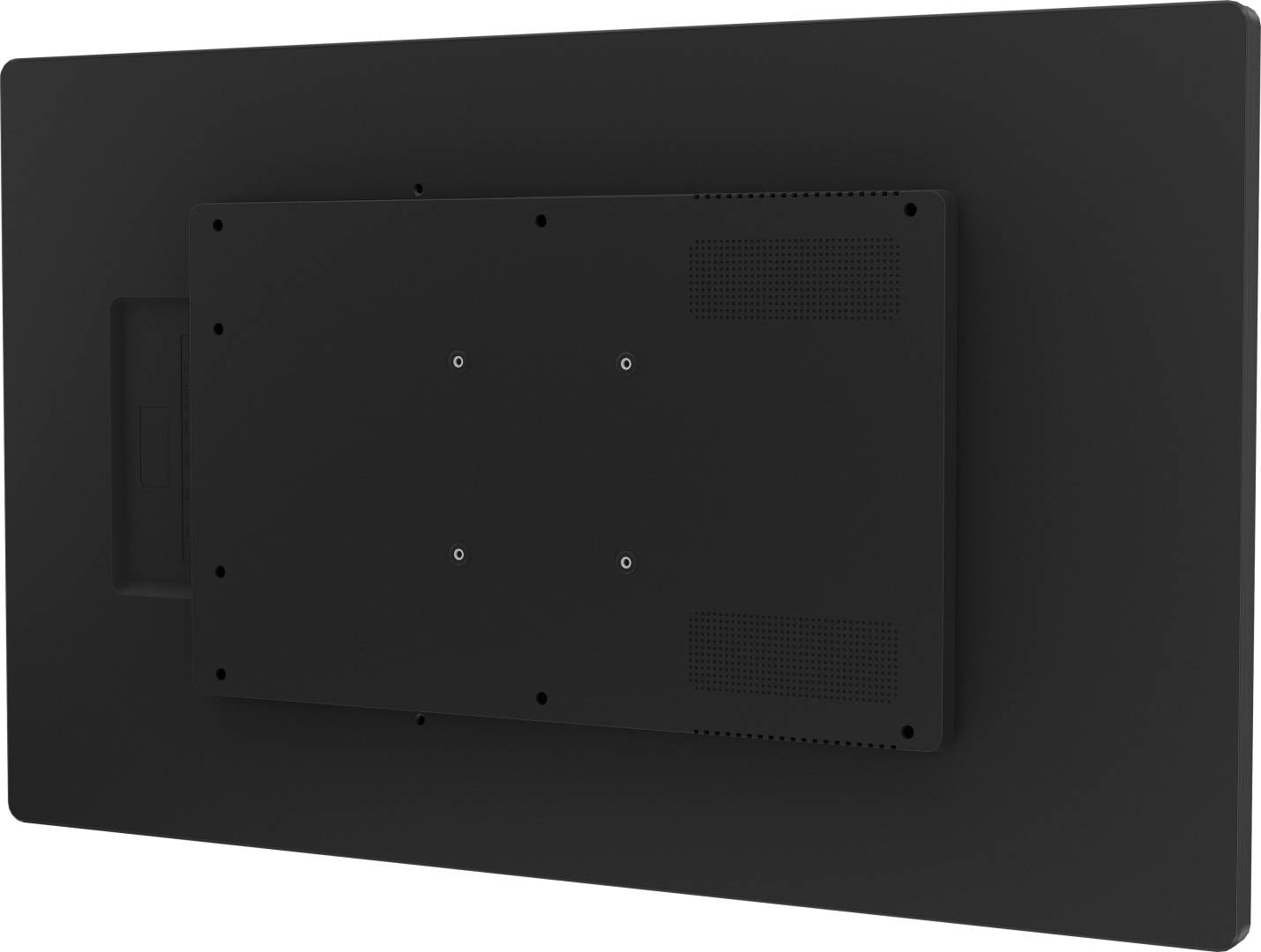



TW3226AS-B3P
Delivery
Order Today...
Ships...
Delivery...
ℹ️ Large or fragile items (e.g. monitors) may require extra handling time. We'll keep you informed.
Payment options
Trusted Tech Choice
Buying Benefits
Verified
Competitive EU pricing
Delivered to Cyprus from EU stock
Local warranty support
Please sign in so that we can notify you about a reply
An integrated Android touch computer for public spaces
31.5-inch Full HD VAAndroid 144 GB RAM + 32 GBPCAP touch
The black iiyama ProLite TW3226AS-B3P combines a 31.5-inch VA touchscreen with an integrated Android 14 computer. An octa-core RK3576 processor, 4 GB RAM and 32 GB eMMC storage support compatible kiosk, information-point and signage applications without a separate PC. iiSignage², wired networking and wireless connectivity help integrate it into a managed indoor installation.
Best For: Retail information points, hospitality kiosks and professional interactive Android installations.
Before you order: Confirm your Android application and peripheral compatibility before ordering. Ten-point touch applies to the integrated OS; external-computer touch is single-point and the manual specifies Windows 10/11 for the touch-board function. USB-C video is output/mirroring, not laptop video input. Check the included wall-mount kit against the installation surface and provide suitable cooling. PoE requires compatible IEEE802.3bt equipment meeting the manufacturer’s stated 85 W requirement, or use the supplied mains adapter.
What's in the Box
- Touch panel PC, 12 V 5 A AC adapter and power cable.
- Wall-mount kit with cover, plugs and screws, EVA pads, spirit level, quick-start and safety guides.
- Desktop stand, stylus and LAN/HDMI/USB cables are separate.
What It Means in Practice
- Run compatible Android applications locally or configure kiosk mode for a selected app or webpage.
- Use integrated ten-point touch; check the restricted external touch-board mode separately.
- Manage supported signage through iiSignage² using gigabit LAN or Wi-Fi.
- Mount in landscape, portrait or face-up orientation as instructed and rotate content during continuous use.
What Will Not Work
- Not a Windows PC; Android software and peripheral compatibility must be verified.
- External touch is single-point, not the integrated OS’s ten-point capability.
- USB-C is not a laptop display input or charging dock.
- HDMI lacks CEC, wake-on-active-source and no-signal standby; reboot opens Android/default app.
- A stand and ordinary low-power PoE+ compatibility are not included or promised.
Key Features
Touch and display together
31.5-inch VA Full HD, 430 cd/m² through touch, 4000:1 contrast and PCAP.
Complete Android platform
Android 14, RK3576 octa-core, 4 GB LPDDR4X and 32 GB eMMC.
Flexible networking
Gigabit LAN, Wi-Fi, Bluetooth 5.3 and manufacturer-specified high-power PoE.
Mounting and communication
VESA100×100 and supplied wall-mount kit, quad microphone array and2×5 W speakers.
Technical Specifications
Frequently Asked Questions
Singular Expert Insight
Treat this as an Android touch computer rather than a passive PC monitor. Test the actual application, peripheral and external-touch requirements, then plan power and mounting. That avoids expecting laptop docking or unrestricted desktop multitouch from the USB-C connection.
Buyer’s Guide
✓ Buy it if You need a compact integrated Android kiosk or information point with touch and managed signage.
✕ Skip it if You require Windows, external ten-point touch, USB-C laptop input or a supplied desktop stand.
→ Also consider Application compatibility, wall surface and mounting, network access, PoE budget or mains power, and content-management setup.
Features - Iiyama - TW3226AS-B3P
More Details
Product Code
04:569112
EAN Code
4948570125708
Manufacturer
Iiyama