
iiyama ProLite XB2796HSC-B1 27" Full HD IPS 144Hz Monitor with USB-C 65W, Speakers and Height-Adjustable Stand, Black
Brand:
Iiyama

iiyama ProLite XB2796HSC-B1 27" Full HD IPS 144Hz Monitor with USB-C 65W, Speakers and Height-Adjustable Stand, Black
€218.83 inc. VAT


XB2796HSC-B1
Delivery
Order Today...
Ships...
Delivery...
ℹ️ Large or fragile items (e.g. monitors) may require extra handling time. We'll keep you informed.
Payment options
Trusted Tech Choice
Buying Benefits
Verified
Competitive EU pricing
Delivered to Cyprus from EU stock
Local warranty support
Please sign in so that we can notify you about a reply
iiyama ProLite XB2796HSC-B1 — 27" Full HD 144Hz Monitor with USB-C 65W
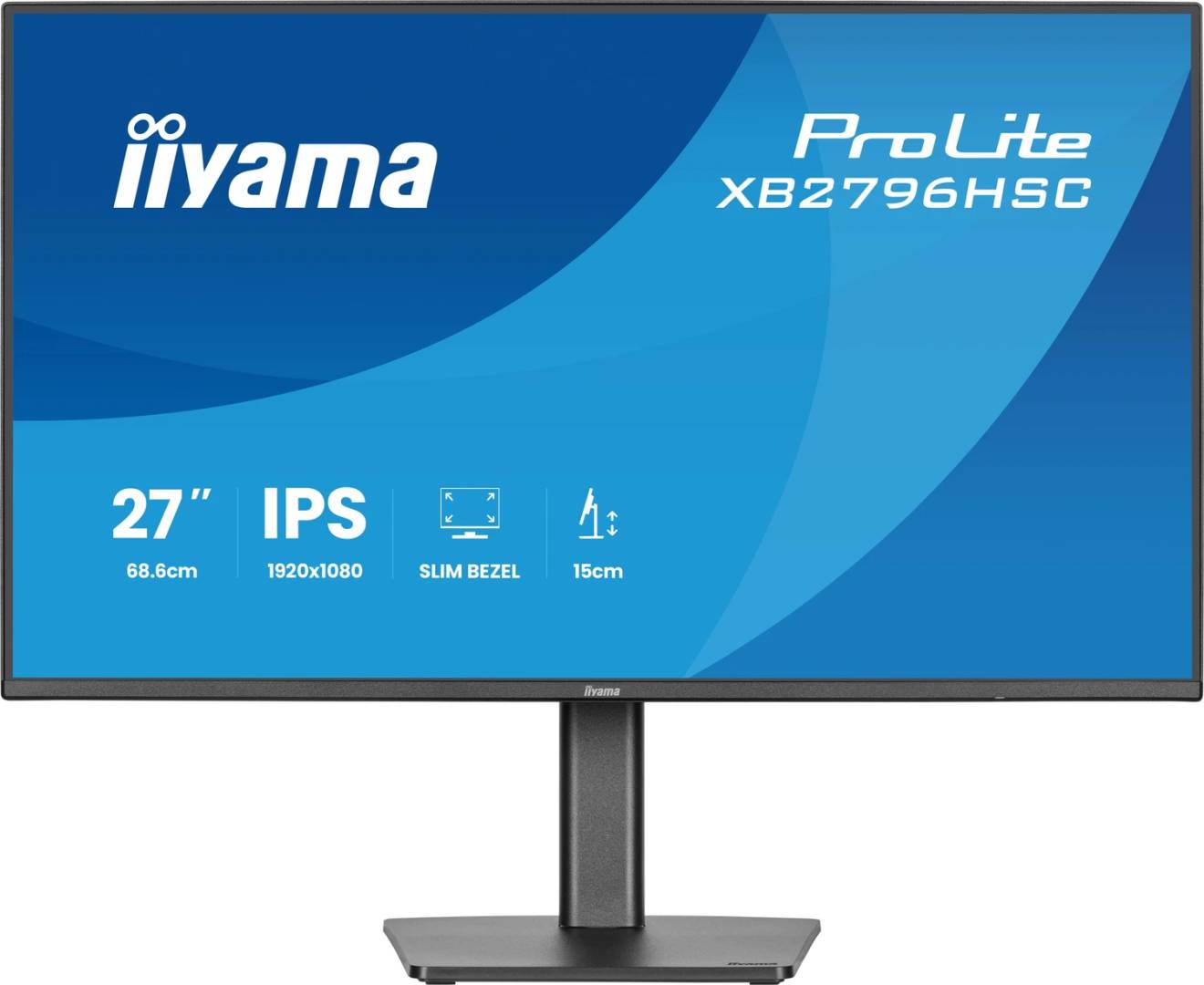
27" IPS Full HD144 HzUSB-C 65W PD150 mm height stand
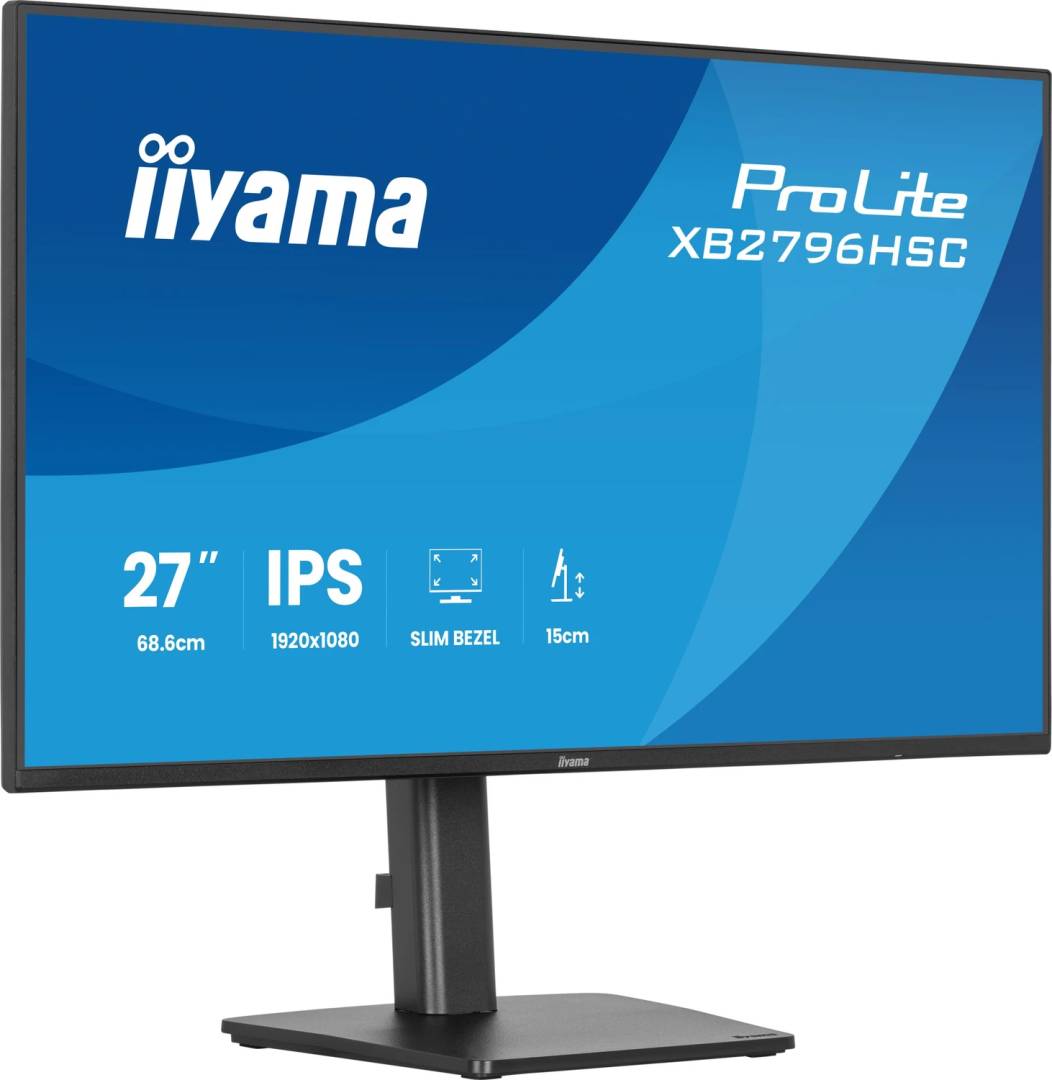
The iiyama ProLite XB2796HSC-B1 is a 27-inch Full HD (1920x1080) IPS monitor with a 144Hz refresh rate, USB-C with 65W charging and a fully adjustable stand — a practical single-cable screen for laptop users who also like smooth scrolling and the occasional game.
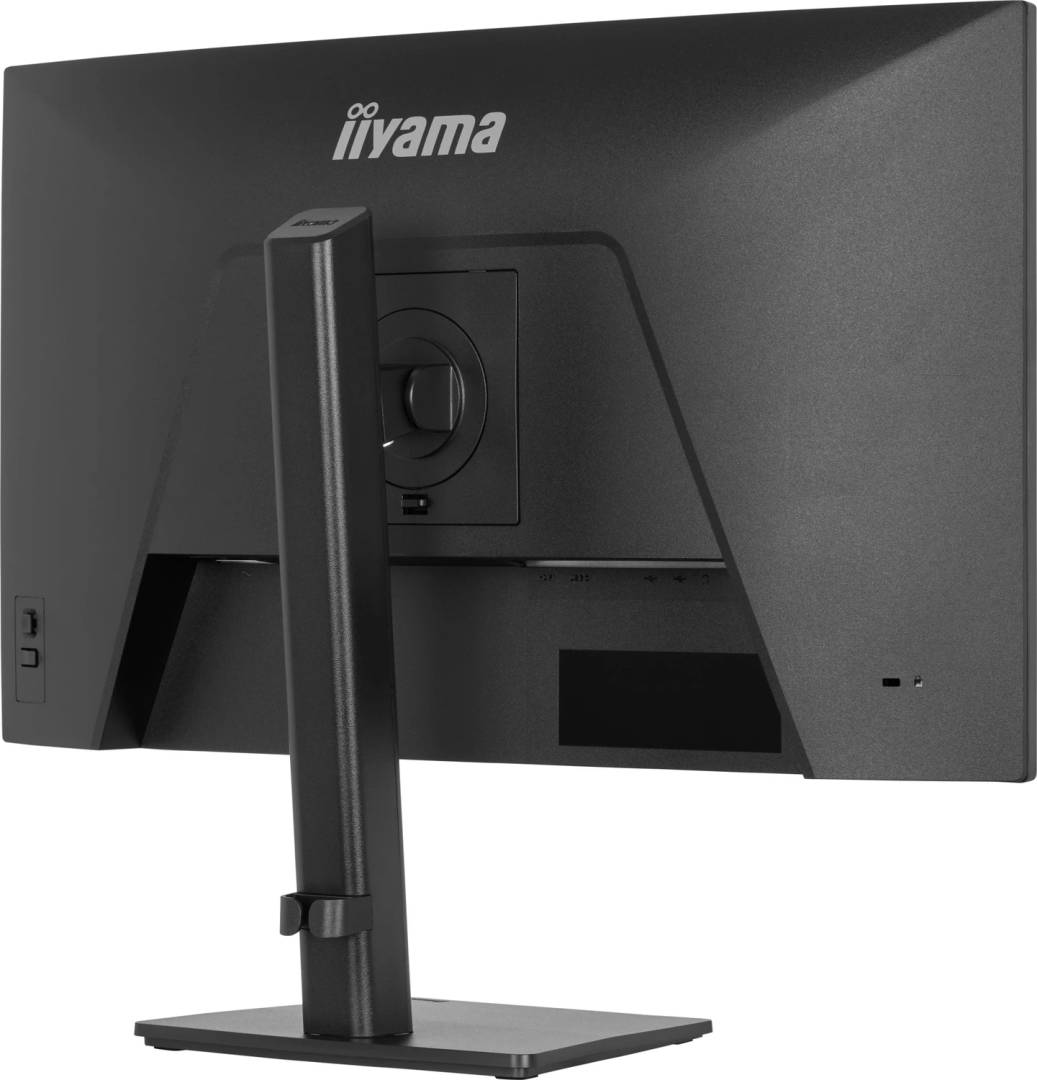
The IPS panel covers 96% of sRGB with 178° viewing angles and a matte finish. A small USB hub, 2x 2W speakers and a headphone output are built in, the power supply is internal, and the stand adjusts height, swivel and portrait rotation.
Before you order: 27" at Full HD is about 81 ppi — fine for office work and video at normal distance, but text is visibly less crisp than on a 27" QHD or 4K screen. There is no DisplayPort input: connect via USB-C or HDMI.
What's in the Box
- iiyama ProLite XB2796HSC-B1 monitor with stand (black)
- USB-C cable, 1.0 m
- Power cable, 1.8 m
- Quick start guide and safety guide
What It Means in Practice
- A USB-C laptop connects with the included cable and charges at up to 65W while it shows the picture.
- The USB-A and USB-C ports on the monitor let a mouse or keyboard follow the laptop through the same cable.
- 144Hz makes scrolling and cursor movement smoother; a PC or console on HDMI 1.4 is the second input.
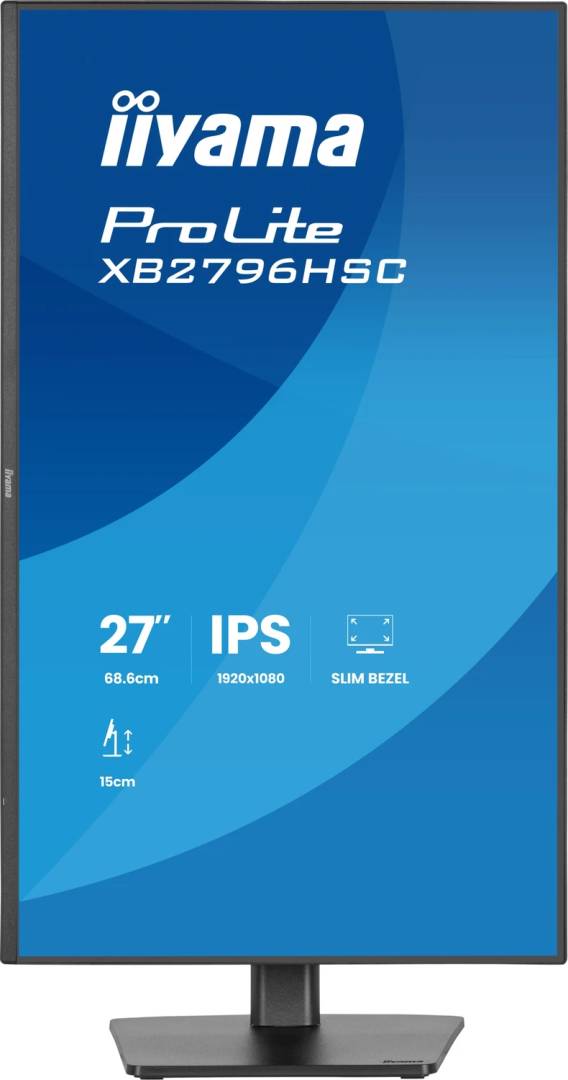
- The stand gives 150 mm of height, 360° swivel and 90° pivot, so it suits shared desks and portrait document work.
What Will Not Work
- No DisplayPort input — a desktop graphics card with only DisplayPort needs a DP-to-HDMI adapter or a USB-C output.
- No HDMI cable is supplied (only USB-C and power).
- Laptops that need more than 65W will charge slower from the monitor.
- No RJ45 network port or KVM on this model.
Key Features
USB-C 65W
One cable for video, USB data and up to 65W charging.
144Hz IPS
Smooth motion with 3 ms GtG, 96% sRGB and 178° viewing angles.
Full ergonomics
150 mm height, 23° tilt, 360° swivel, 90° pivot, cable management, VESA 100x100.
Eye comfort
Flicker-free backlight and Blue Light Reducer, slim 4-side bezel.
Technical Specifications
Frequently Asked Questions
Singular Expert Insight · Buyer's Guide
The XB2796HSC-B1 is a good value 27" for laptop desks: USB-C docking, real height and pivot adjustment and a 144Hz panel at a Full HD price. If you sit close or work with dense spreadsheets, a 27" QHD or 4K model gives noticeably sharper text. Compare in our computer monitors range.
✓ Buy it if you want a 27" USB-C screen with 65W charging, smooth 144Hz and a stand that adjusts in every direction.
✕ Skip it if you need DisplayPort, sharper text than Full HD at 27", or more than 65W of laptop charging.
→ Also consider a 27" QHD monitor if text sharpness matters more than price.
Send us your laptop model and we will confirm USB-C video and charging before you order.
Features - Iiyama - XB2796HSC-B1
Colour
black
More Details
Product Code
CQ47522
EAN Code
4948570126989
Manufacturer
Iiyama