
j5create JCD542 USB-C Dual HDMI Docking Station 10-in-1 4K Dual Display Gigabit Ethernet SD Reader 3x USB 100W PD
Brand:
J5CREATE

j5create JCD542 USB-C Dual HDMI Docking Station 10-in-1 4K Dual Display Gigabit Ethernet SD Reader 3x USB 100W PD
€136.9 inc. VAT


JCD542-N
Delivery
Order Today...
Ships...
Delivery...
ℹ️ Large or fragile items (e.g. monitors) may require extra handling time. We'll keep you informed.
Payment options
Trusted Tech Choice
Buying Benefits
Verified
Competitive EU pricing
Delivered to Cyprus from EU stock
Local warranty support
Please sign in so that we can notify you about a reply
j5create USB-C Dual HDMI Docking Station
Dual HDMI 4KSD + microSD ReaderGigabit EthernetUp to 100W PD
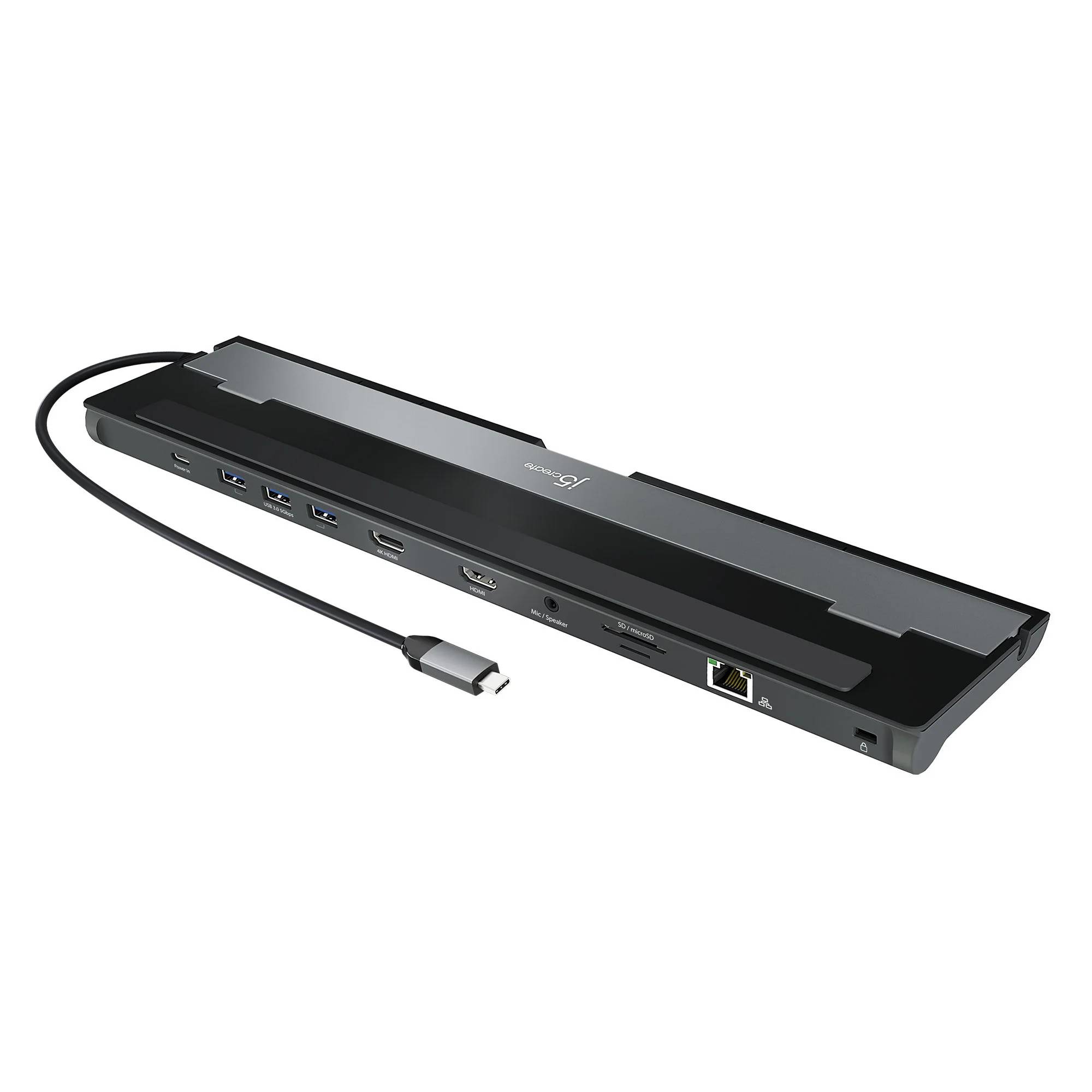
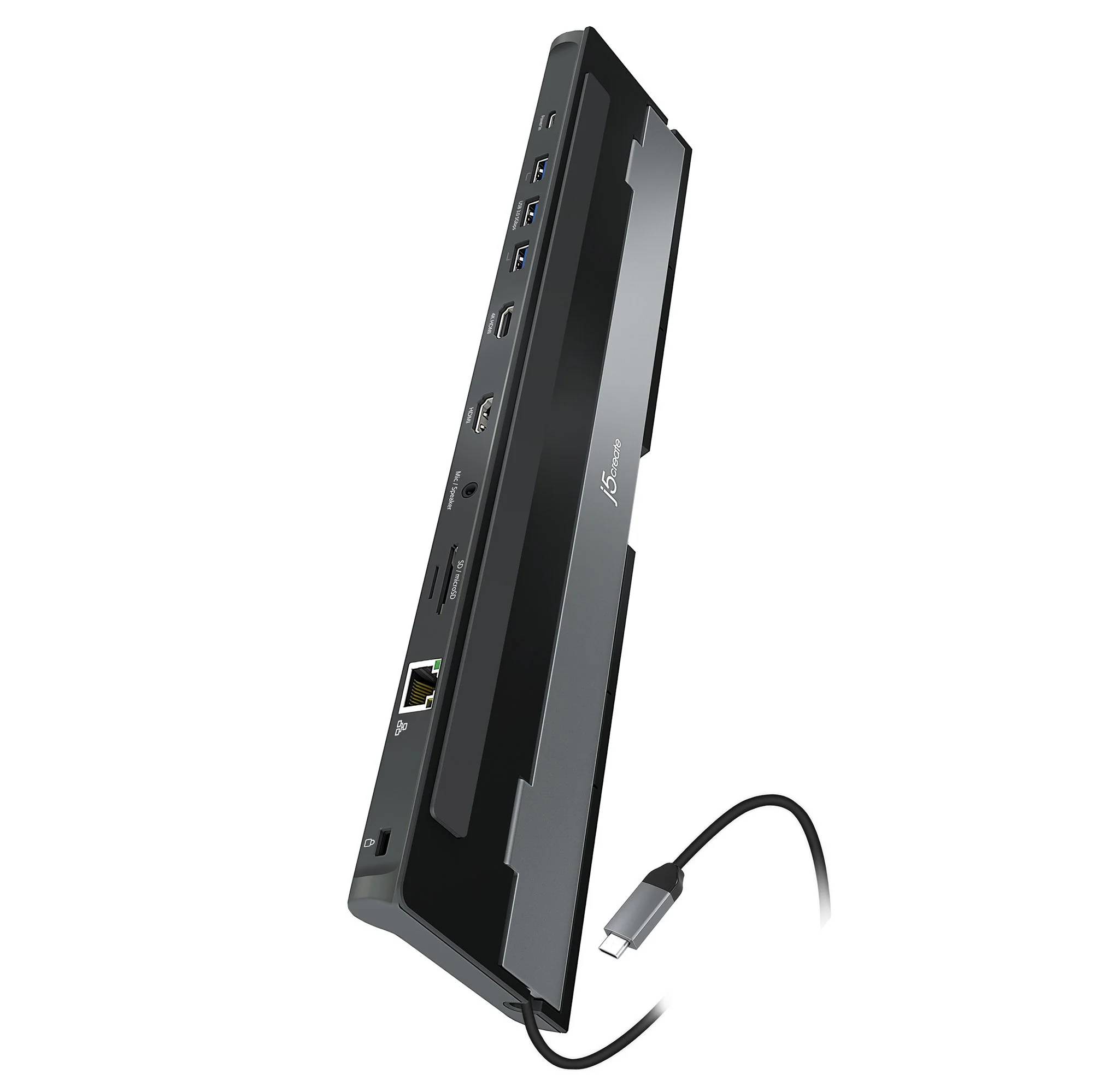
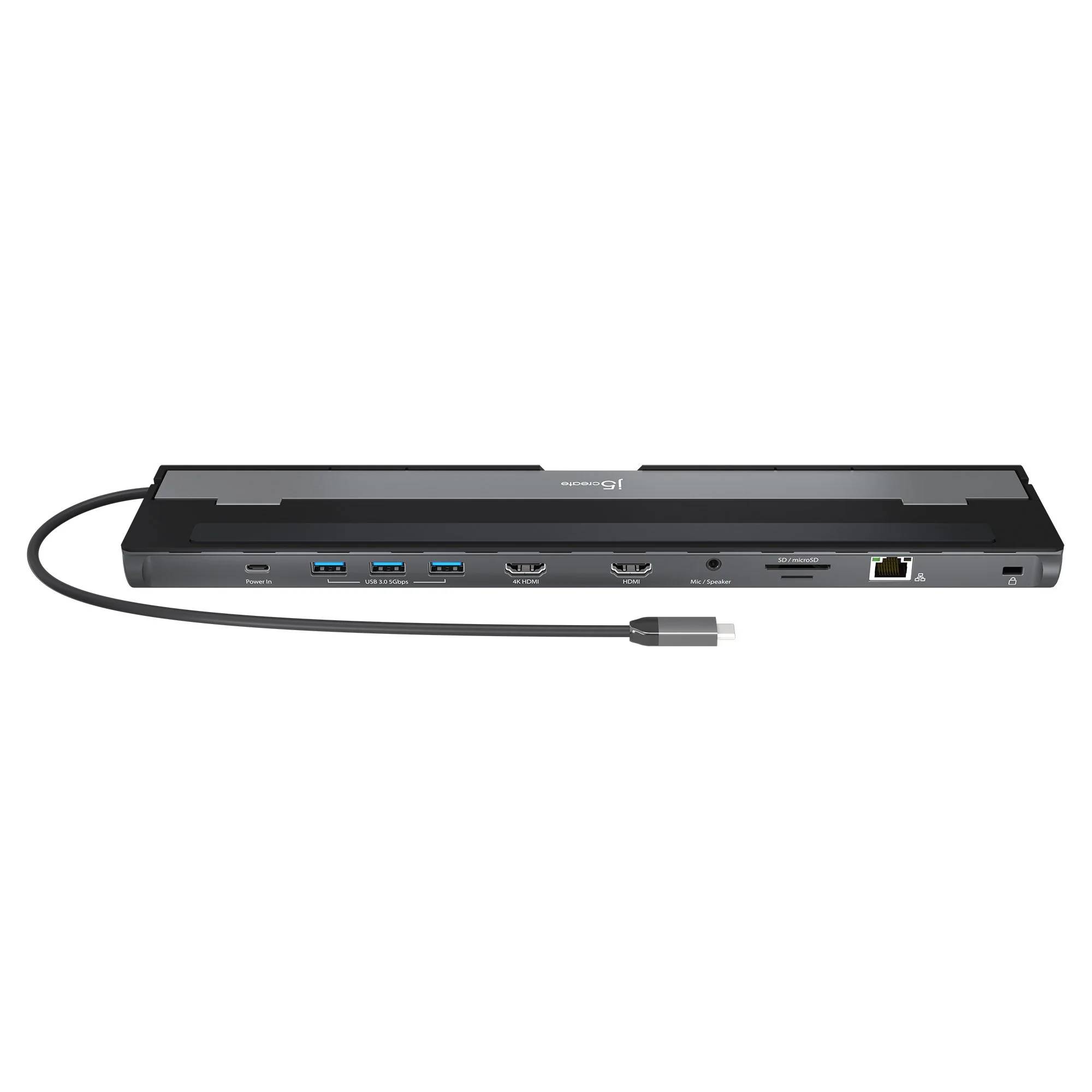
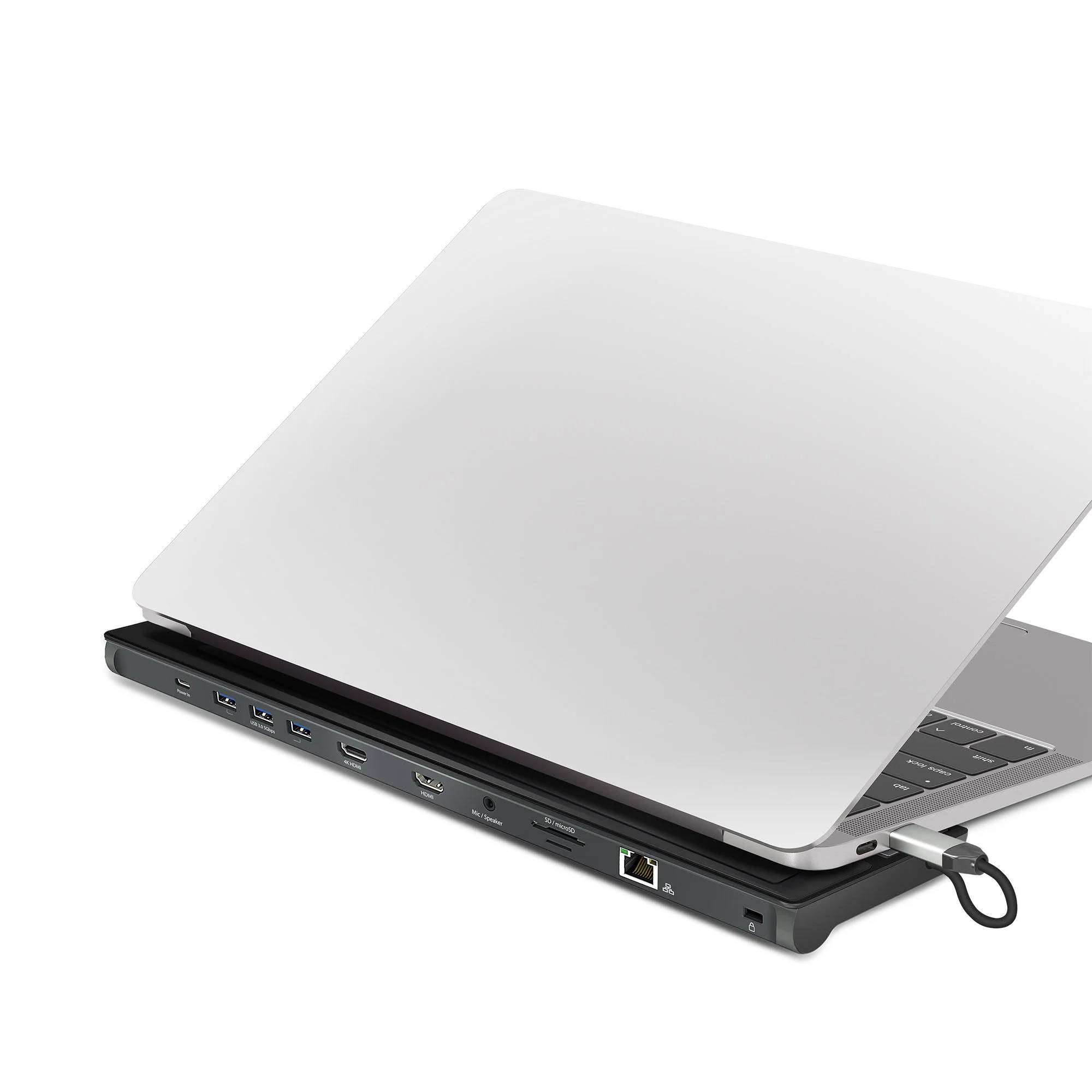
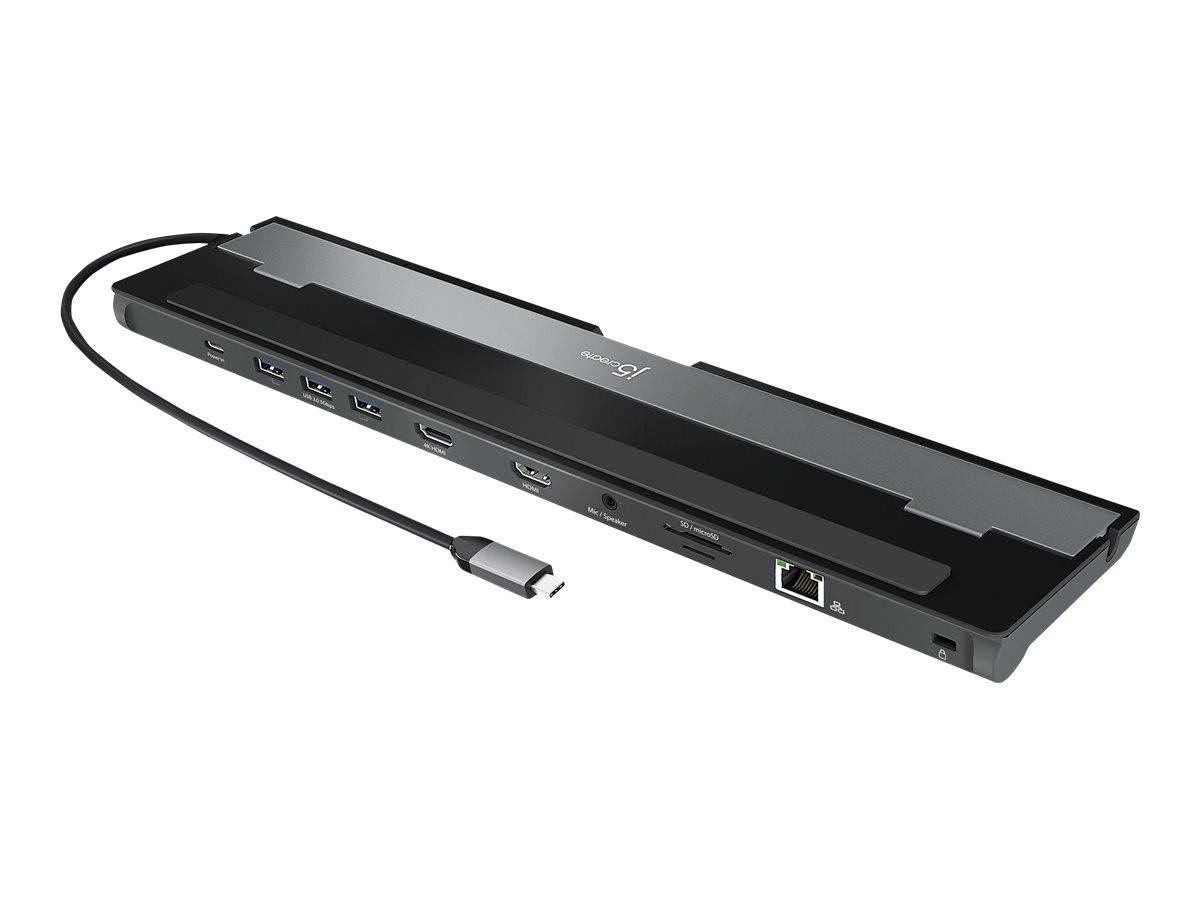
The j5create JCD542 is a 10-in-1 USB-C docking station with dual HDMI outputs that turns a single USB-C port into a full desktop: two displays, Gigabit Ethernet, three USB 3.0 ports, an SD and microSD card reader, combo audio and up to 100W USB-C Power Delivery. Identified by part number JCD542, it connects over a 45cm cable and uses DisplayPort Alt Mode to drive a single 4K screen or dual displays — a versatile dock for hybrid workers and creators on Windows and Mac. Typically in stock with fast delivery across Cyprus.
Compatibility & Setup Notes
Your laptop's USB-C port must support DisplayPort Alt Mode for the HDMI outputs to work. A single display runs up to 4K 30Hz; in dual mode one output is 4K 30Hz and the other up to 2048x1152, or both at 2K 60Hz, depending on your laptop's GPU. The dock is bus-powered, but to charge the laptop you connect your own USB-C PD charger (up to 100W) — a power adapter is not included. Requires Windows 10 or later, or macOS 10.14 or later.
Best For
✓Dual-monitor desks over HDMI
✓Photographers with SD and microSD cards
✓Adding wired Gigabit Ethernet and audio
✓Three USB 3.0 ports for peripherals
✓Single-cable charging up to 100W with your own PSU
✓USB-C laptop users on Windows and Mac
Key Features
Dual HDMI Display
Two HDMI outputs drive a single 4K display at 30Hz, or dual displays (4K plus 2048x1152, or both at 2K 60Hz), for a flexible multi-screen workspace.
SD & microSD Card Reader
A built-in SD and microSD reader/writer lets photographers and creators offload footage directly, without carrying a separate card reader.
Gigabit Ethernet, Audio & 3x USB
Wired Gigabit networking, a 3.5mm combo audio jack and three USB 3.0 Type-A ports (5Gbps) keep peripherals, headset and network all connected.
Up to 100W Power Delivery
A USB-C PD 3.0 port passes up to 100W through to charge your laptop over the same cable, using your own USB-C charger (sold separately).
Technical Specifications
Frequently Asked Questions
Singular Expert Insight
The JCD542 is a well-rounded HDMI dock with a card reader — a strong pick for creators who want dual HDMI screens, SD/microSD offload and 100W charging in one unit. Because it uses Alt Mode rather than DisplayLink, video is capped at 4K 30Hz per display; if you need 4K 60Hz you will want a Thunderbolt or DSC-capable dock. It ships without a PSU, so add a USB-C charger from our laptop power supplies, or compare more options in our docking stations range.
Buyer's Guide
Buy it if
You want a dual-HDMI dock with an SD/microSD reader, Gigabit Ethernet, three USB ports, audio and 100W charging for a USB-C laptop.
Skip it if
You need 4K 60Hz per display, DisplayPort outputs, or a dock that works on laptops without Alt Mode — this is HDMI Alt Mode at 4K 30Hz.
Also consider
A Thunderbolt or DisplayPort dock for 4K 60Hz, or a DisplayLink dock for laptops that lack DisplayPort Alt Mode.
Features - J5CREATE - JCD542-N
Colour
grey
Interface
- USB Type-C,
- USB3.0,
- Ethernet
More Details
Product Code
CE58395
EAN Code
4712795086041
Manufacturer
J5CREATE